

Income & Expense Tracker Standard — Budget Planner, Small Business Finance (Works Offline)
Numbers are clearer when they're visible. Stop guessing about your money.
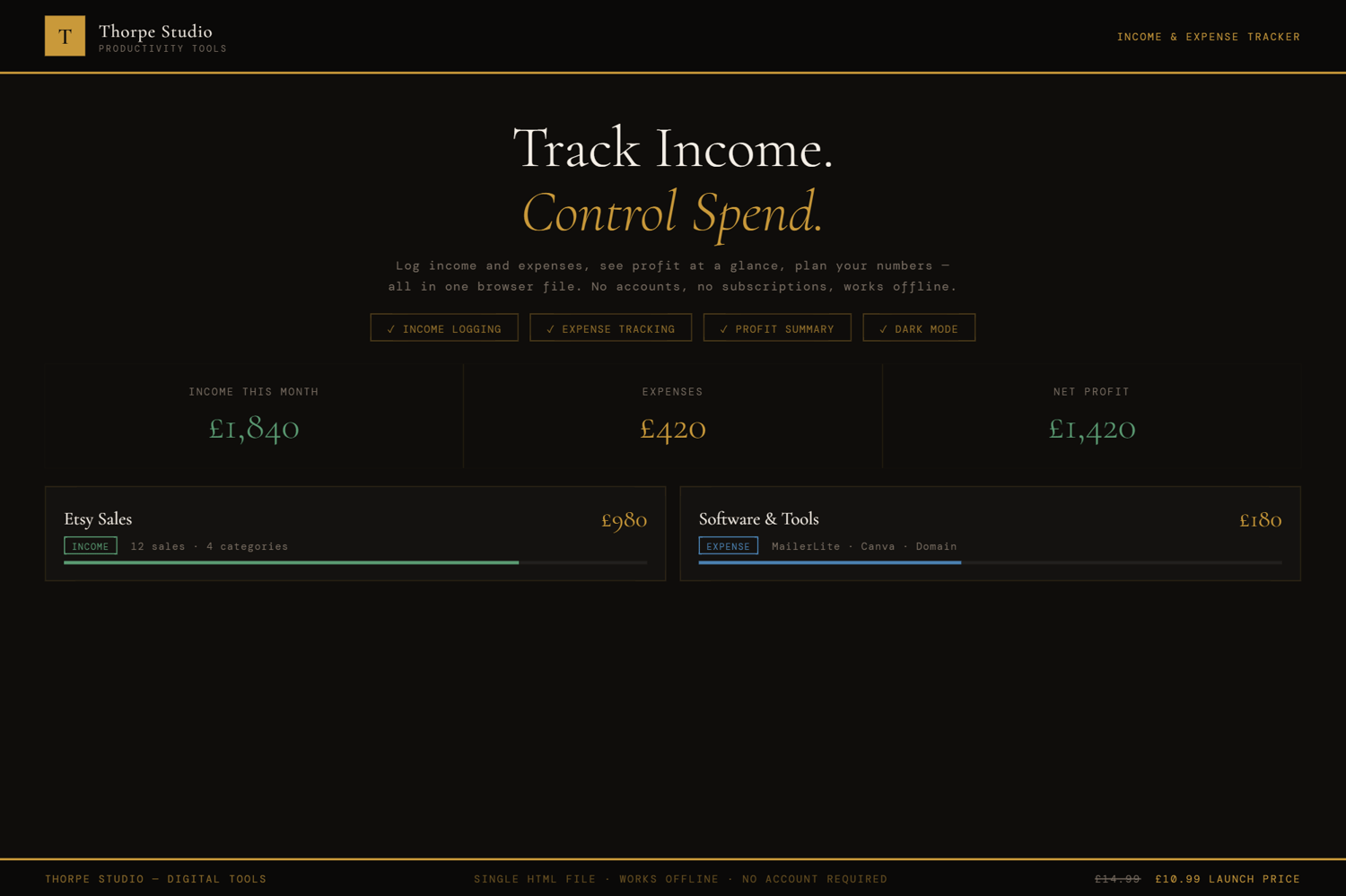
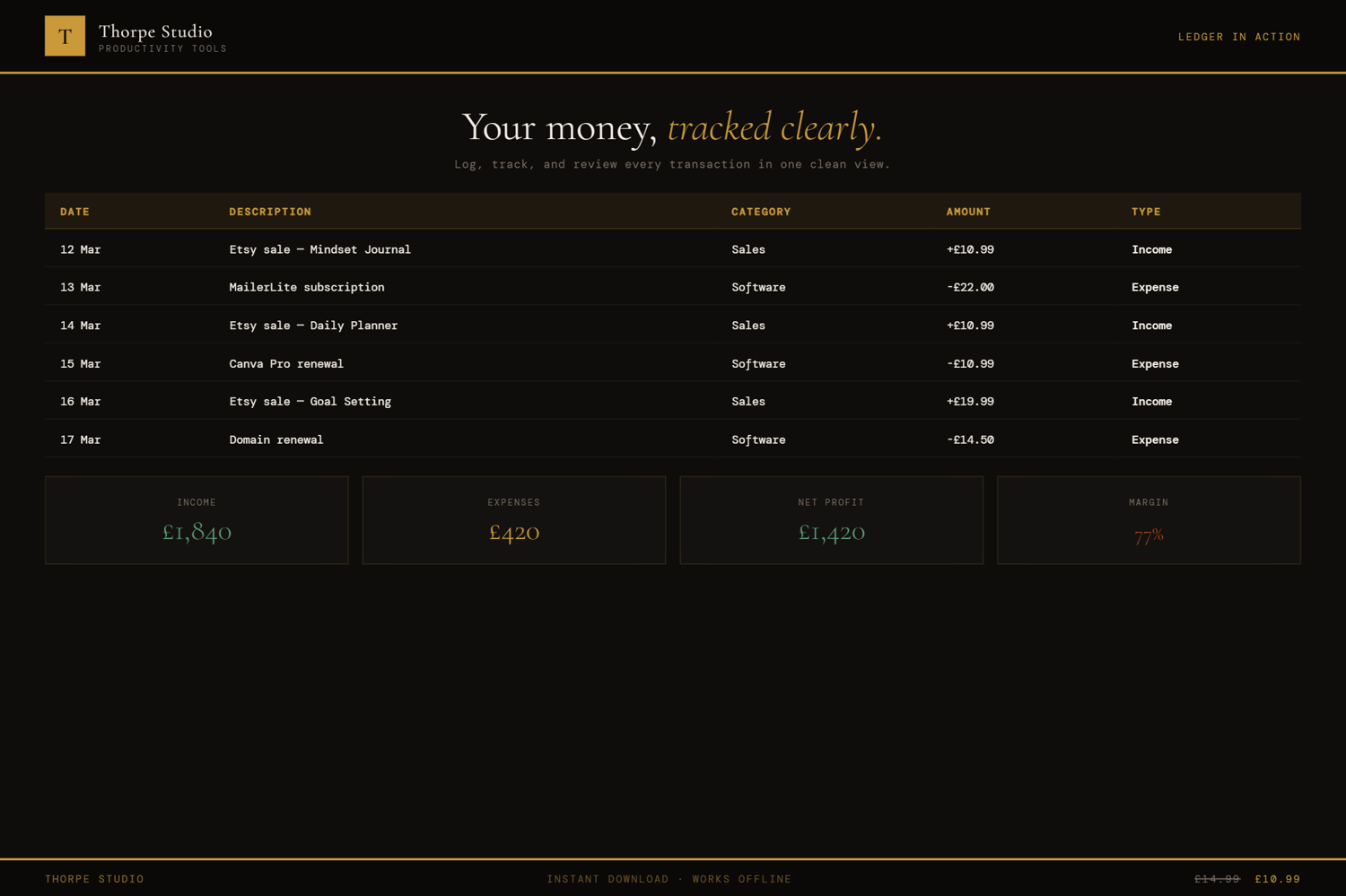
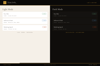
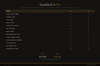
The Income & Expense Tracker gives you a complete monthly ledger at a glance. Add income and expenses by category. The tool calculates instantly: total income, total expenses, net profit or loss. A spending percentage tracker shows you what's eating your budget (if anything is). Bar charts break down expenses by category, so you see where your money actually goes. Set a monthly budget per category and watch your tracker warn you if you're approaching the limit. Tag transactions as recurring (subscription, rent, hourly income) so you spot patterns. Navigate month to month and see trends. Your data never leaves your device. No Google account. No Notion subscription. No app. Download once, double-click to open, everything saves automatically.
◈ KEY FEATURES
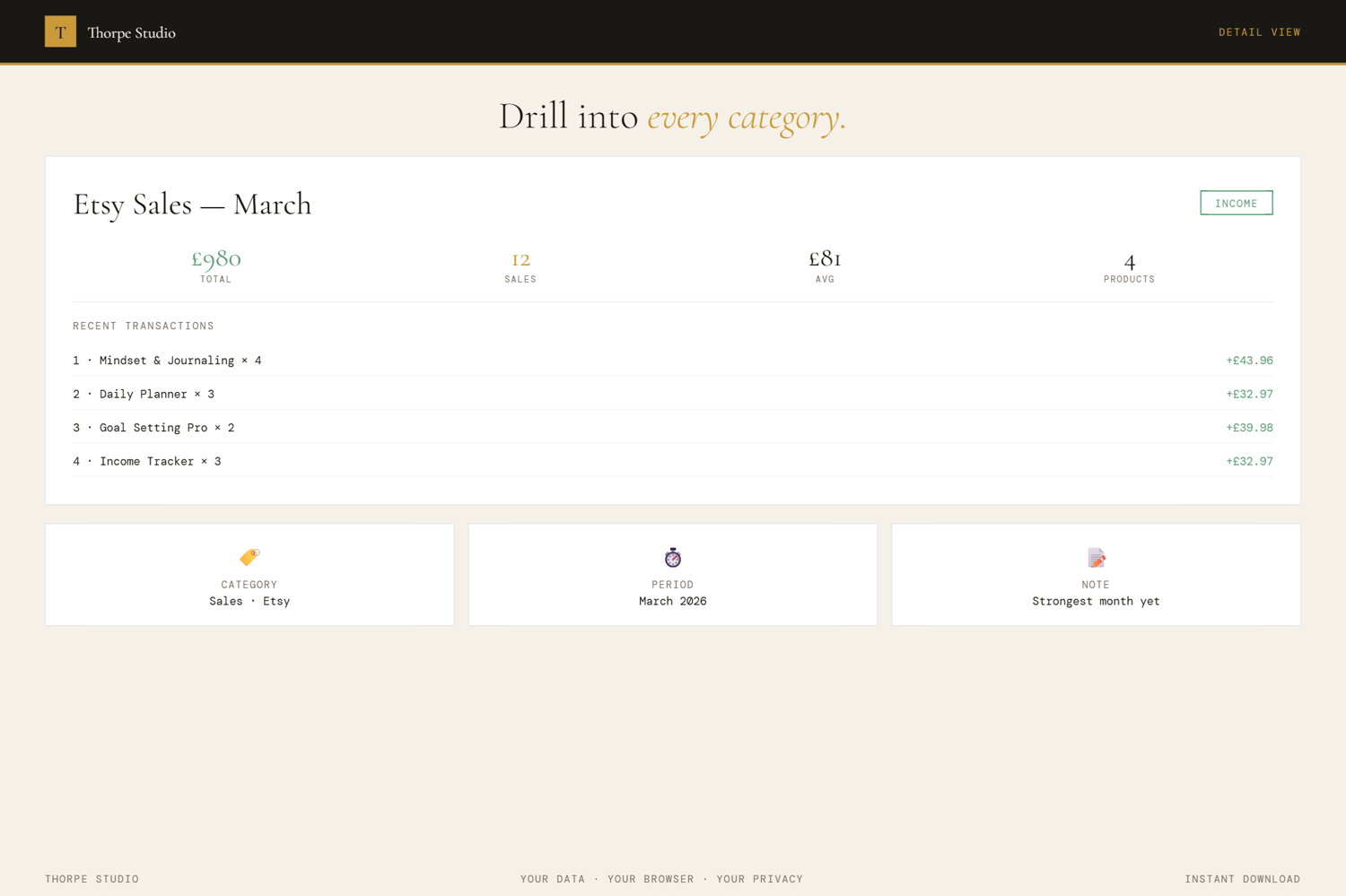
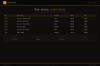
★ Monthly Transaction Ledger Income on one side. Expenses on the other. All visible in one clean table. Add transactions with description, amount, category, and date.
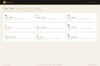
★ Balance Hero Summary Shows your income total, expenses total, and net profit/loss in one big, clear view. No calculation. No guessing.
★ Spending Percentage Tracker Visual bar showing your expenses as a percentage of income. Are you spending 40%? 70%? The bar tells the story instantly.
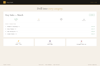
★ Category Breakdowns with Bar Charts Expenses visualised by category. See which categories are your biggest drains. Rent high? Marketing eating you alive? The chart shows it.
★ Budget Setting Per Category Set a monthly budget for each expense category. The tool warns you when you're approaching or exceeding it. Prevents overspend surprises.
★ Transaction Filtering Filter by type (income/expense), by category, by status. Find what you're looking for fast.
★ Recurring Transaction Flagging Mark transactions as recurring (monthly subscription, annual fee, monthly retainer). Spot your fixed costs immediately.
★ Monthly Navigation Click previous/next to move between months. See January vs. July at a glance. Spot seasonal patterns.
★ Insights Dashboard The tool watches your patterns and tells you what's changing month-to-month. Spending spike detected. Income growth noted. Patterns surfaced.
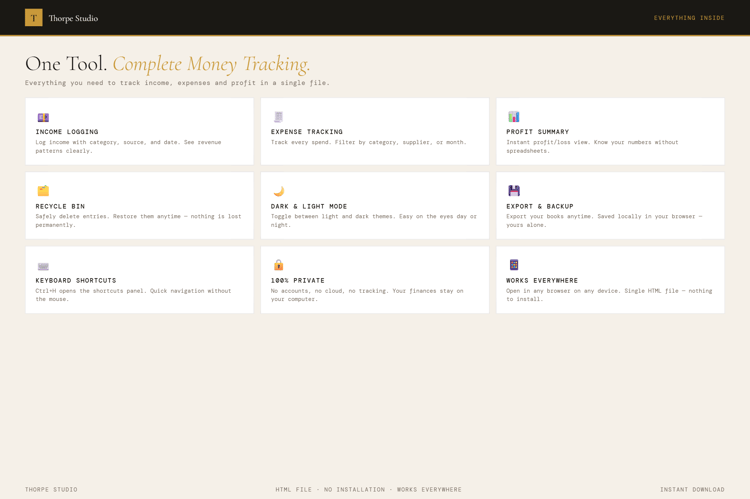
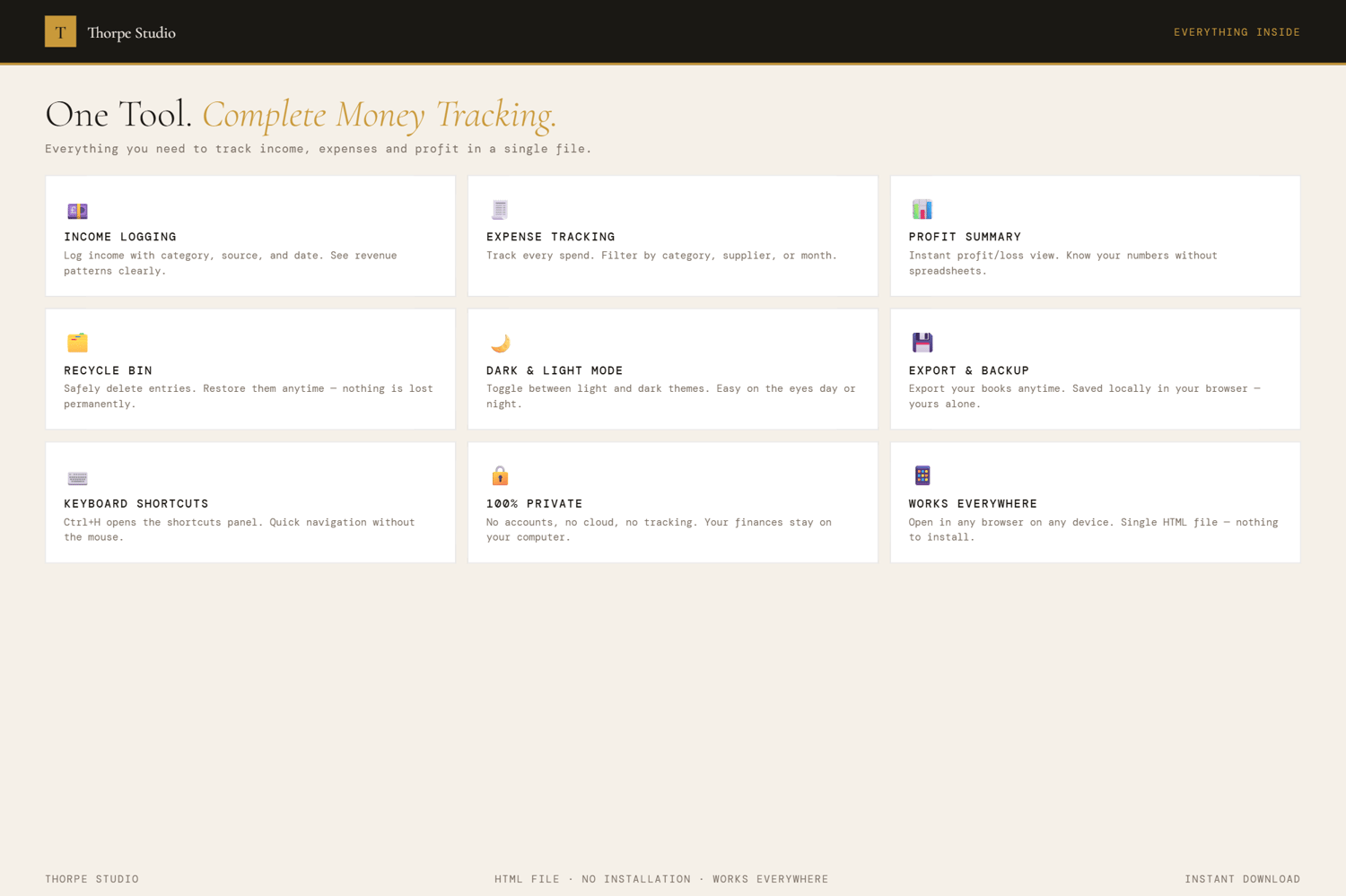
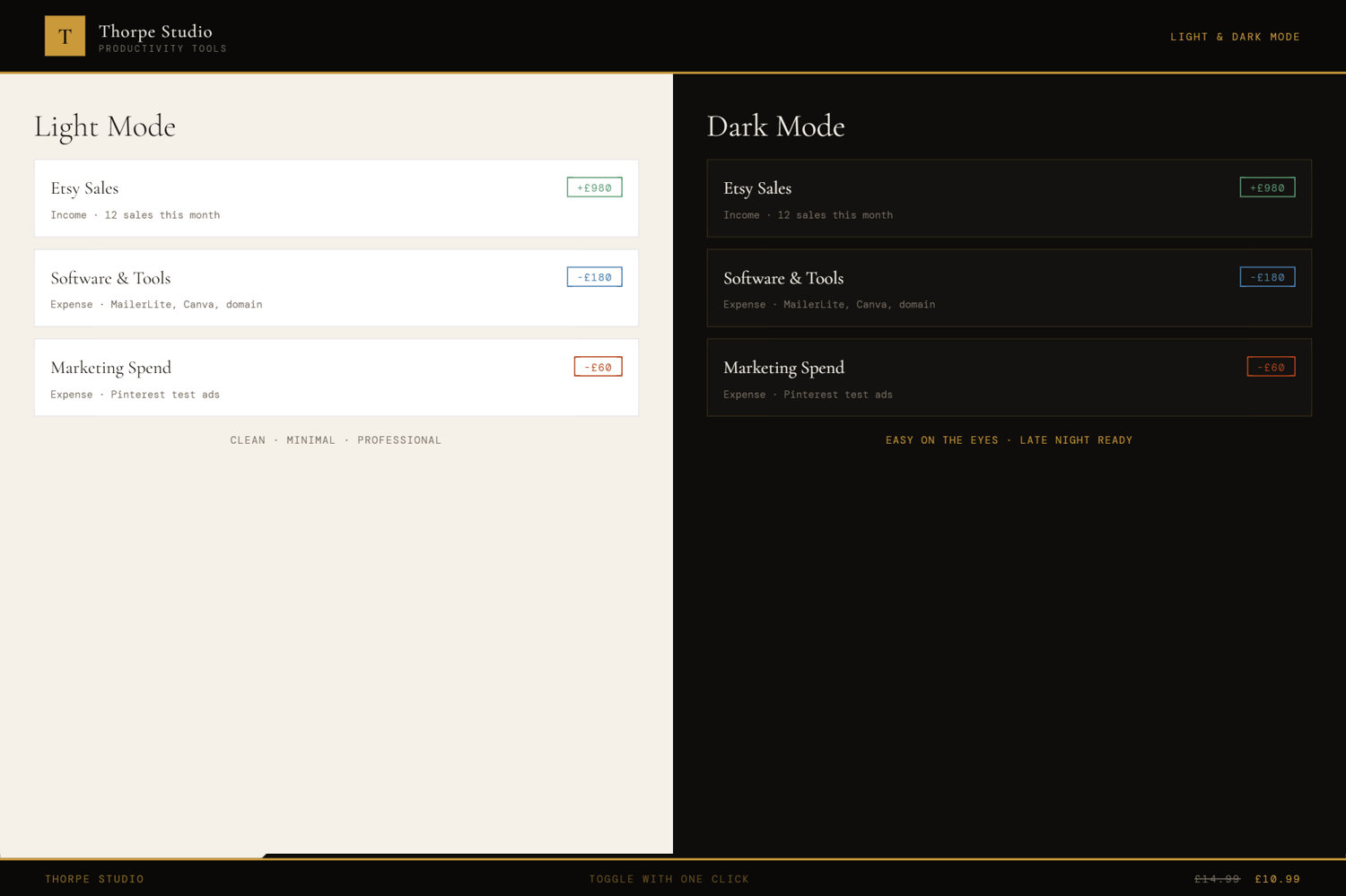
★ Dark & Light Mode Switch reading modes instantly.
★ Complete Export & Import Back up your entire financial ledger as JSON. Keep it safe. Move it to a new device. It's always yours.
◈ YOUR DATA — HOW IT WORKS
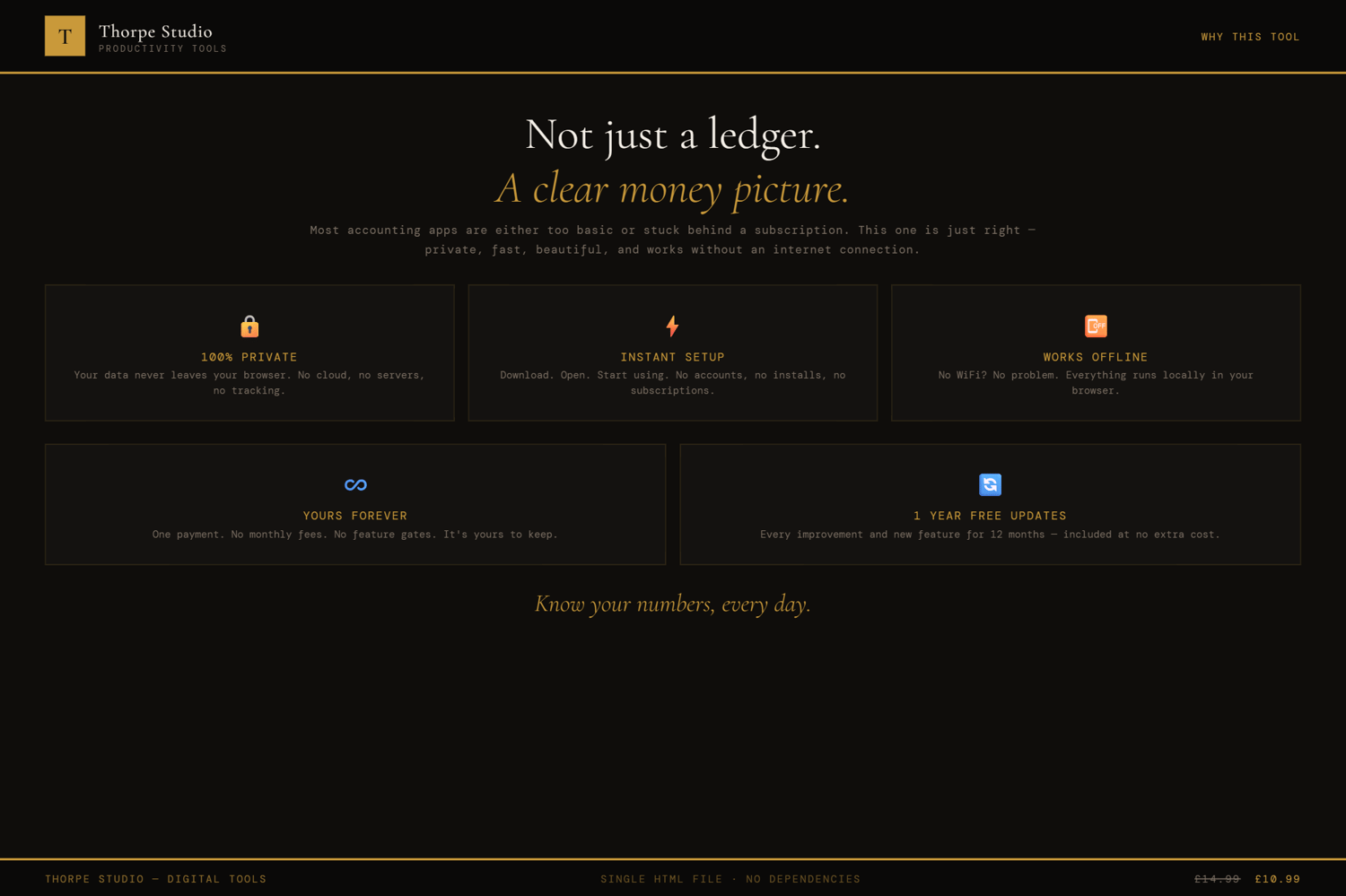
Your income and expenses live locally on your device using browser storage (localStorage). Nothing is sent to servers. Nothing is shared with accountants or banks (unless you export and share it yourself). When you close the tool, your financial data stays on your device. When you open it next month, it's all there. Want a backup? Export your complete ledger as a JSON file. Keep it on an external drive. Sleep soundly.
◈ WHO IS THIS FOR
→ Freelancers and solopreneurs tracking their income → Small business owners managing monthly cash flow → Side-hustlers who need to know if they're actually profitable → Entrepreneurs preparing for tax season (exported data helps accountants) → Anyone who's tired of spreadsheets and wants instant visibility
◈ WHAT YOU RECEIVE
- 1 × HTML file — Income & Expense Tracker
- Works in any modern browser: Chrome, Edge, Firefox, Safari
- No installation. No account. No internet connection required after download
- Built-in welcome guide on first open
- Lifetime use. No subscription. No expiry
- Designed for desktop use — best experienced on a laptop or computer
◈ HOW TO USE IT
- Download the file and save it on your Desktop
- Double-click to open in your browser
- The welcome guide walks you through setup
- Add expense categories that match your business (rent, marketing, software, etc.)
- Set monthly budgets for each category
- Add your income transactions: client payments, product sales, whatever you earn
- Add expense transactions: invoices paid, software subscriptions, everything
- Mark recurring expenses (your monthly retainer clients, standing subscription costs)
- Watch the Balance Hero calculate your net profit instantly
- Check category breakdowns to see where your money goes
- Navigate months to spot trends and seasonal patterns
◈ IMPORTANT — PLEASE READ BEFORE PURCHASING
This is a digital HTML file—not accounting software, not a QuickBooks replacement, not a Google Sheet. You download it once and it lives on your device. Your financial data is stored locally using browser storage (localStorage)—completely private, on your computer only. This tool is for tracking and visibility; consult an accountant for tax advice. If you clear your browser storage, your data is lost—use the export function to back up regularly and safely. There are no refunds on digital products. For technical questions, contact us and we'll help. Always keep exported backups of your financial records.
◈ ABOUT THORPE STUDIO
Thorpe Studio builds premium browser-based productivity tools for freelancers and solopreneurs. Every tool opens instantly in your browser, works offline, requires no account, and keeps your data private on your device. No subscriptions. No cloud. No friction. Just you, your ideas, and the tools you need to move forward.
£0.99