
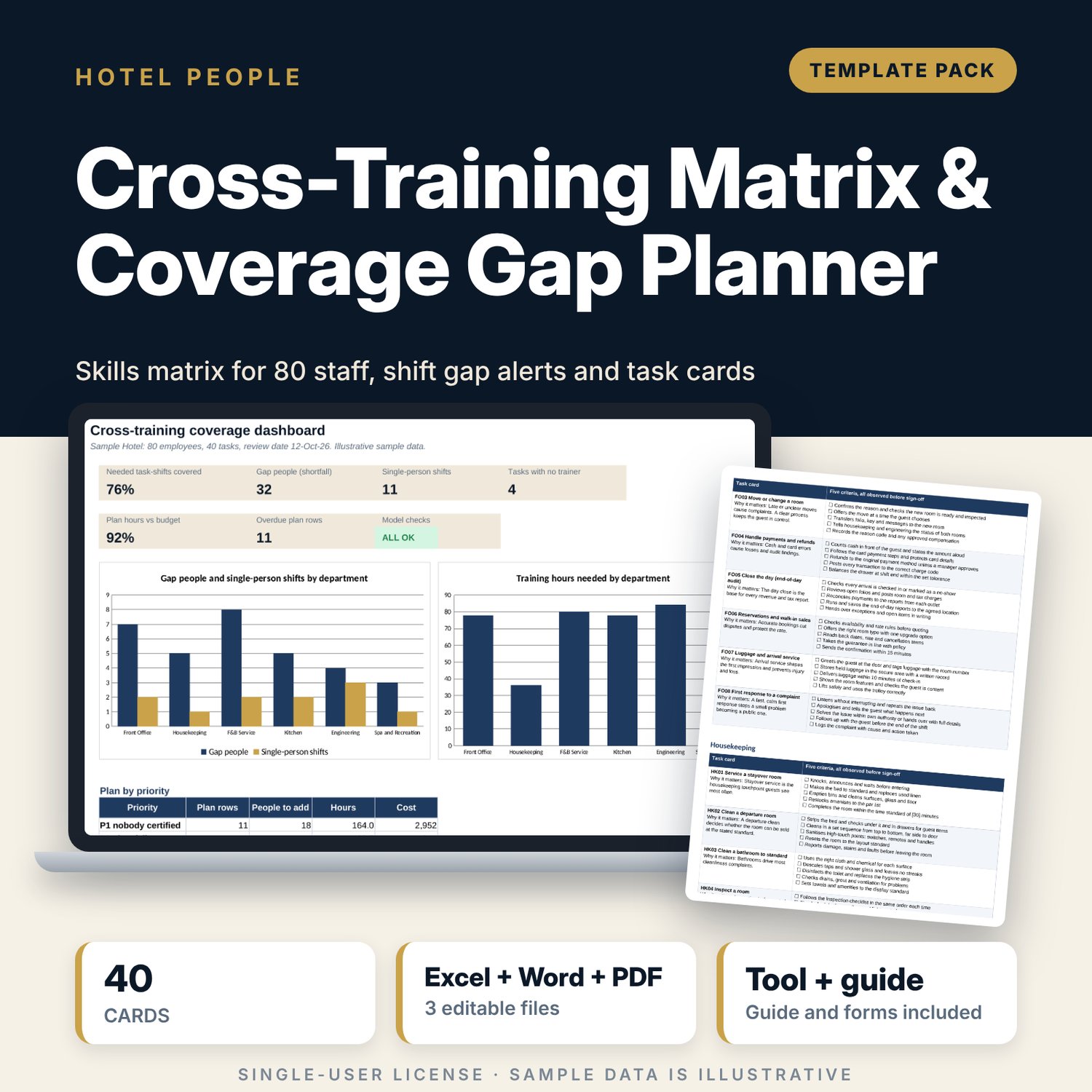
Cross-Training Matrix & Coverage Gap Planner: Cross-Training Matrix Template for Hotels
Full description
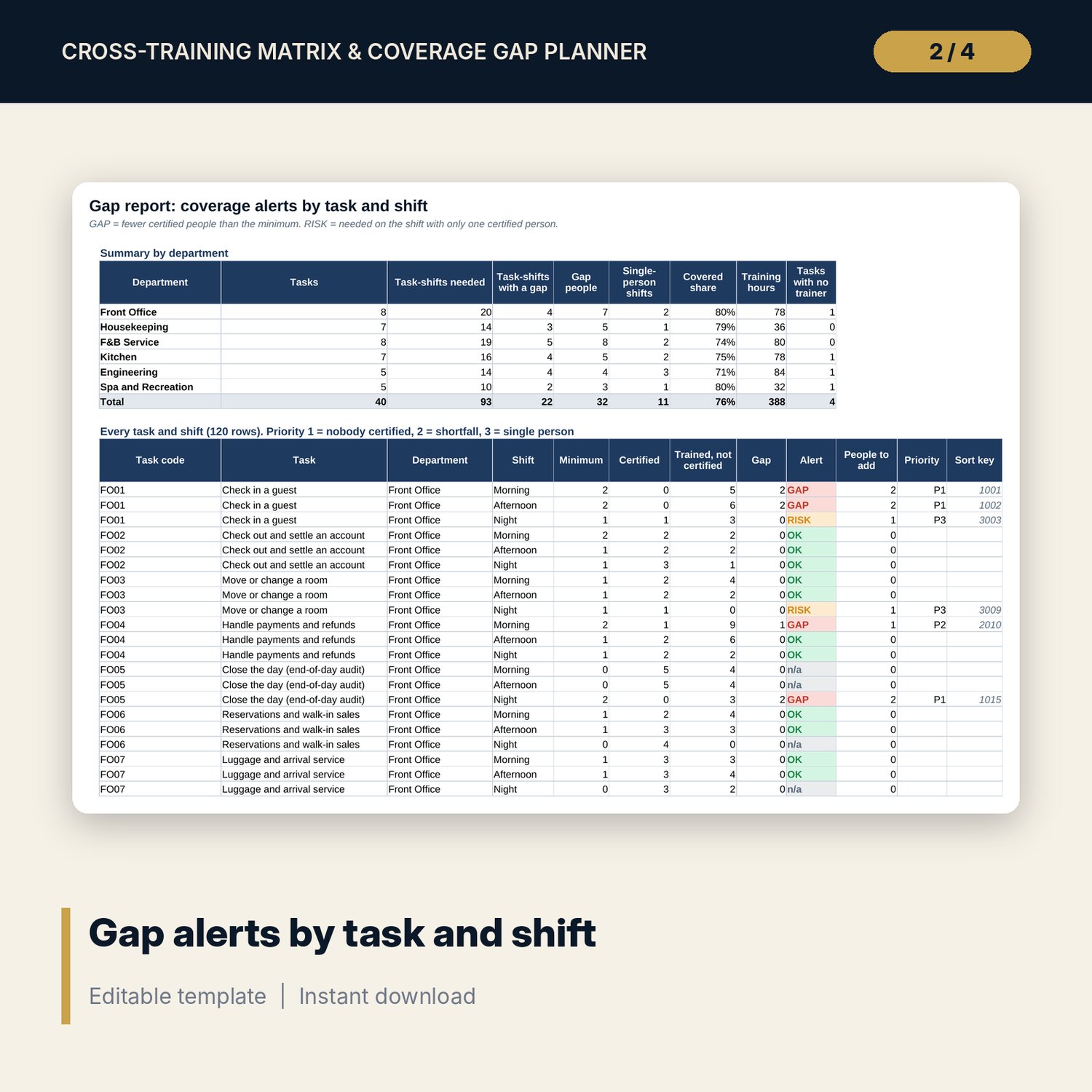
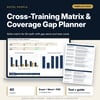
For department heads, training managers and general managers who need to know which tasks have too few certified people on each shift. The workbook holds a skill level from 0 to 3 (none, trained, certified, trainer) for 80 employees and 40 tasks in 6 departments. You set the minimum certified people per task and shift. COUNTIFS find the certified people on each shift, the gap is the minimum less certified, and a risk flag marks tasks with only one certified person. The Gap Report ranks every task and shift. The Training Plan is built from those gaps in priority order, with hours from your department figures, target dates, cost and a budget comparison. The Word guide adds the procedure, 40 task cards with 5 criteria each, a sign-off record and a trainer checklist.
What is inside
- Cross_Training_Matrix_Gap_Planner.xlsx: 8 tabs, 3,039 formulas, 2 native charts, 9 drop-down and input rules
- Matrix: 80 sample employees x 40 tasks (3,200 skill levels), colour-coded, with 10 spare employee rows
- Shift Coverage: headcount per shift and department, minimum on duty, certified count and gap per shift for 40 tasks
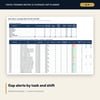
- Gap Report: 120 task-shift rows with GAP, RISK or OK alerts, people to add and priority, plus a summary for 6 departments
- Training Plan: 60 plan slots filled from the gaps, with hours, target date, cost, owner, status and overdue flag
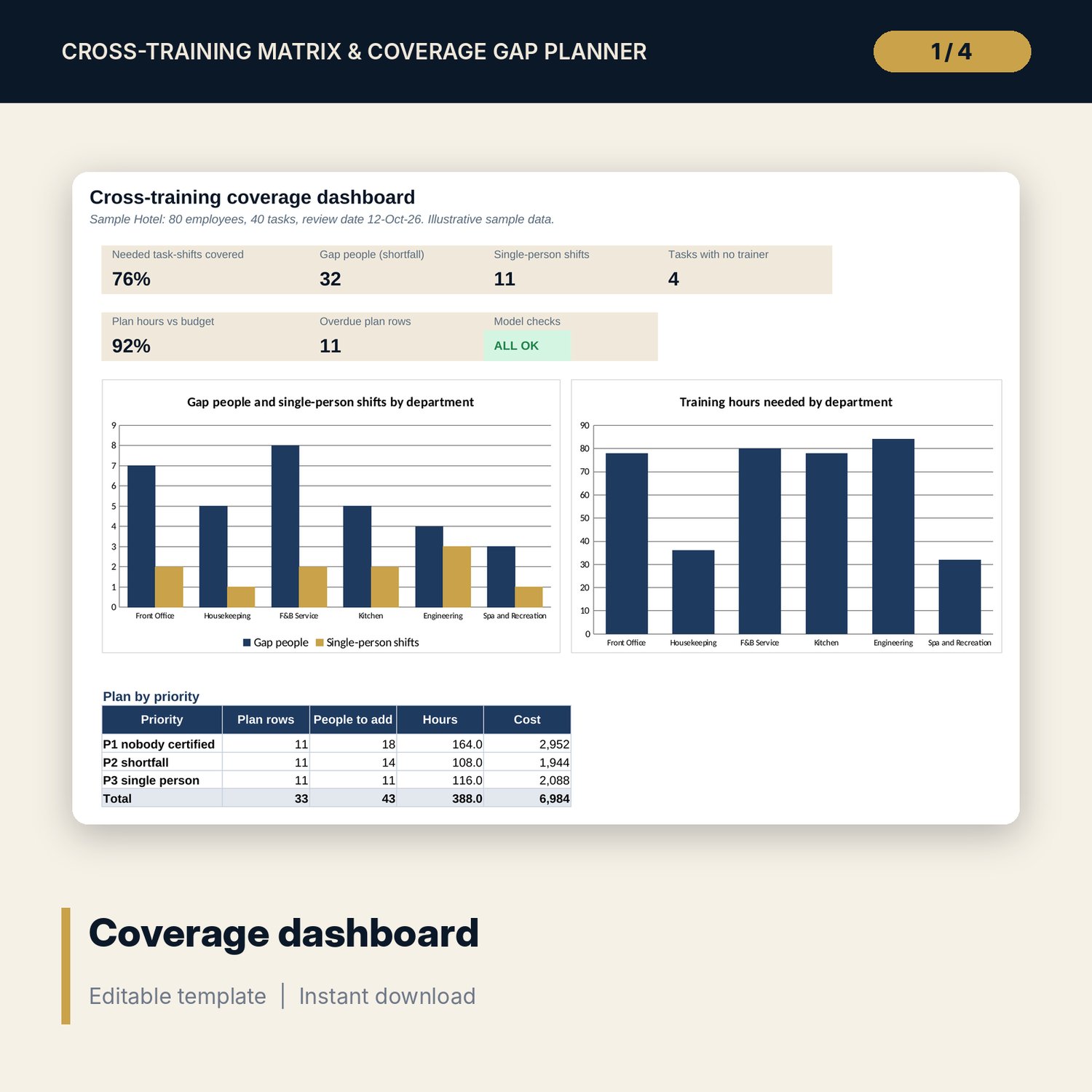
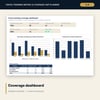
- Dashboard with 6 KPI tiles, a check tile, 2 charts and a plan-by-priority table; 6 checks
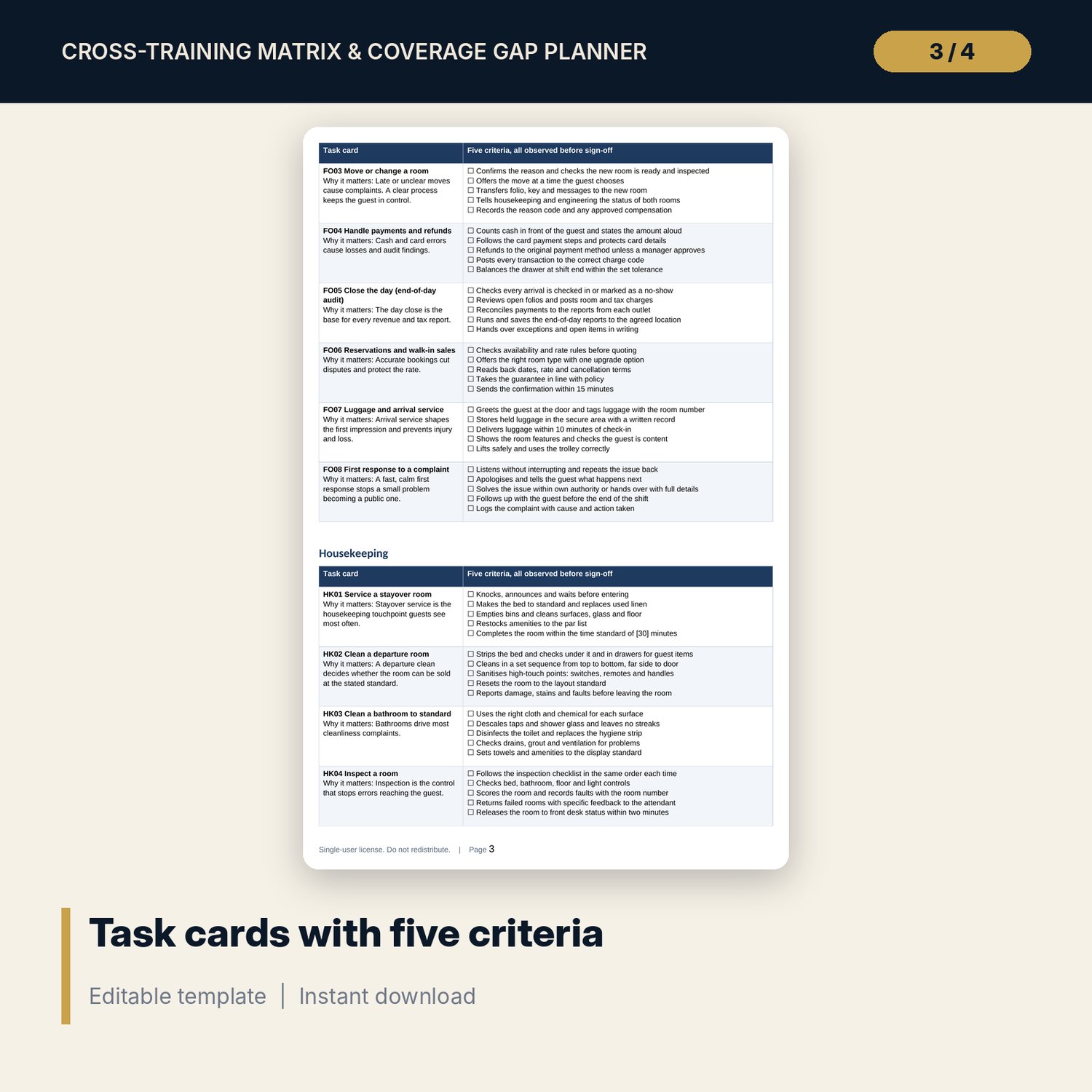
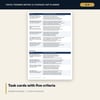
- Cross_Training_Matrix_Gap_Planner_Guide.docx: 8 pages, 8-step procedure, level definitions, 40 task cards (200 criteria), sign-off record and trainer checklist
- Cross_Training_Matrix_Gap_Planner_Guide.pdf: print copy of the Word file
- README.txt and LICENSE-and-Terms.txt
How it works
- Set the certified level, plan dates, target days and hours budget on Settings.
- List your tasks and the minimum certified people per shift on Shift Coverage.
- Enter each employee, department, shift and skill levels on the Matrix.
- Read the Gap Report and work through the Training Plan, urgent rows first.
- Train, assess and sign off with the task cards, then update the Matrix. The gaps refresh.
Details
- Format: one .xlsx workbook, one .docx and one .pdf, English
- Software: Excel 2016 or later, or LibreOffice Calc 7 or later; any word processor for the .docx
- No macros, no external links, no array formulas
- 3 files, instant digital download
Good to know
- Sample data is illustrative. Replace it with your own figures.
- The task criteria are general examples. They are not safety, licence or food-safety advice. Verify local requirements before certifying anyone on a safety-critical task.
- Minimum coverage, certified level, hours and target days are your inputs.
- Single-user license. Do not redistribute.
FAQ
Can I change the tasks and departments?
Yes. Task codes, names and departments are blue cells on Shift Coverage. Departments and training hours are set on Settings.
How many employees and tasks does it hold?
90 employee rows (80 filled with sample data) and 40 tasks. The Training Plan holds 60 rows.
What counts as certified?
Level 2 and level 3 by default. Change the certified level on Settings.
What does a RISK alert mean?
The task is needed on that shift and only one person is certified. The plan adds a backup at priority 3.
Are the task cards editable?
Yes. The Word file is editable. Replace the five criteria on each card with your own standards.