
Cleaning Chemical Inventory & Safety Data Register: Chemical Register, Stock Cover, Training Log and Handling Procedure
Full description
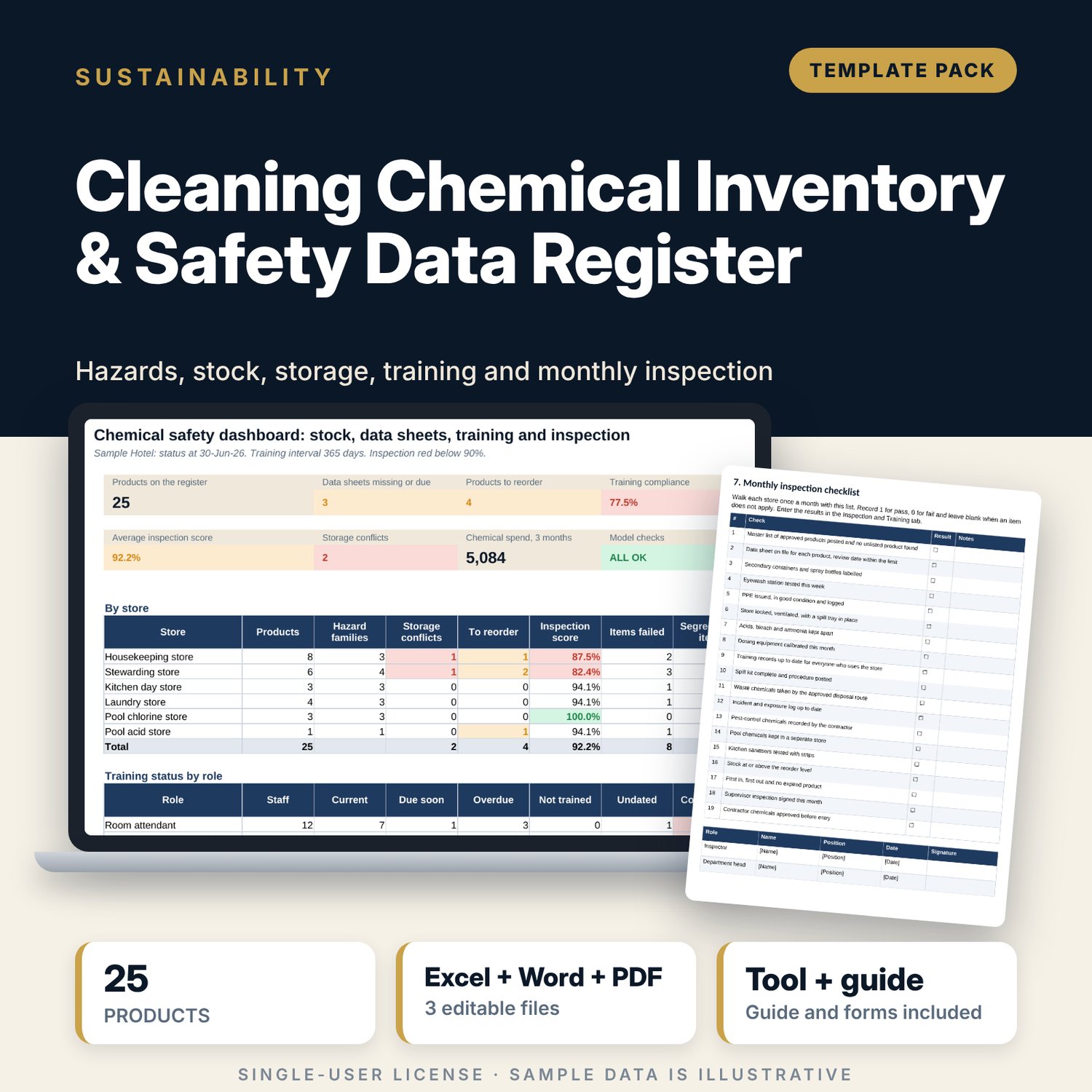
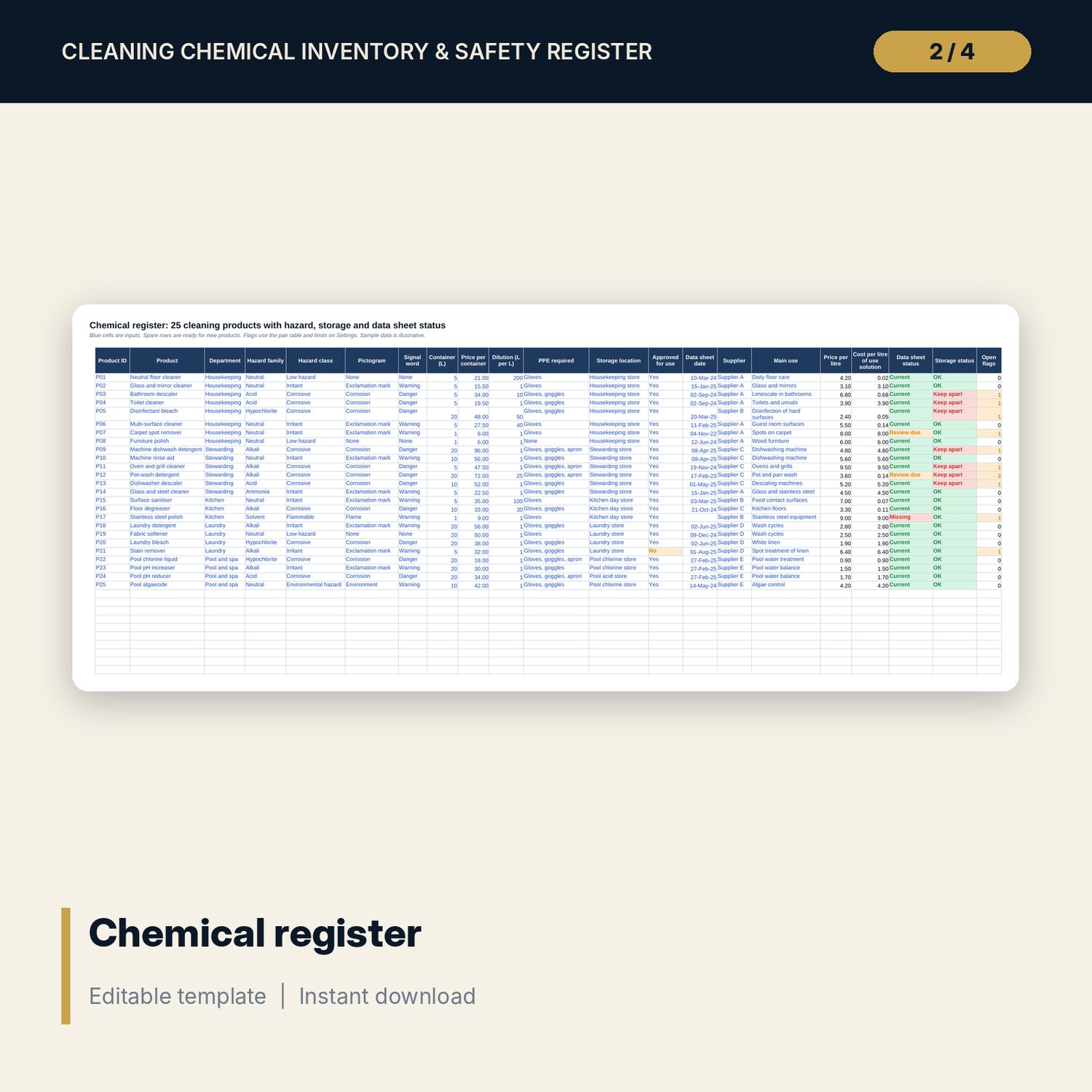
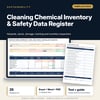
For housekeeping, stewarding and safety managers who need one list of every cleaning product and proof that people are trained. The register holds 25 products with hazard family, pictogram, dilution, PPE, storage location and data sheet date. It flags a missing or out-of-date data sheet, an unapproved product and a product stored with an incompatible hazard family. Stock and Usage gives stock cover in days, a reorder level from your lead time and safety days, a suggested order and the spend. A 19 item inspection matrix scores 6 stores, and 40 training records show who is Current, Due soon, Overdue or Not trained. The Word procedure covers labels, storage, dilution, spills, training and the monthly checklist, with a worked example. Verify local requirements before you adopt any limit.
What is inside
- Chemical_Register.xlsx: 7 tabs, 852 formulas, 2 native charts, 21 drop-down and input rules
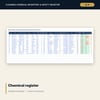
- Register: 25 sample products with hazard, storage, data sheet status and open flags, plus 10 spare rows
- Stock and Usage: 25 sample rows with cover, reorder level, suggested containers, expiry status and three-month spend
- Inspection and Training: 19 inspection items by 6 stores with a score per store, and 40 training records plus 10 spare rows
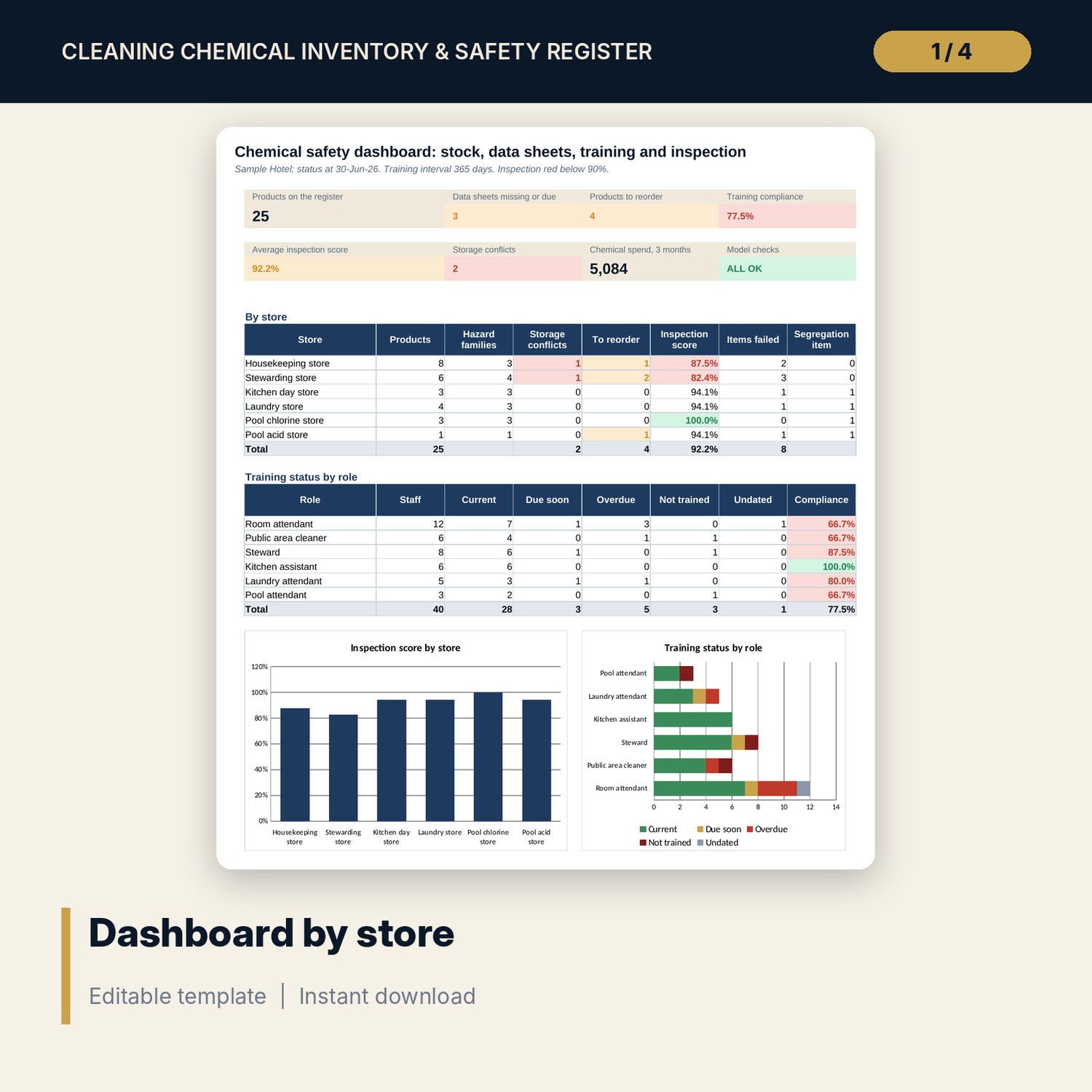
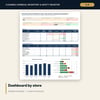
- Dashboard: 7 tiles, a check tile, results by store and by role, and 2 charts; 8 integrity checks
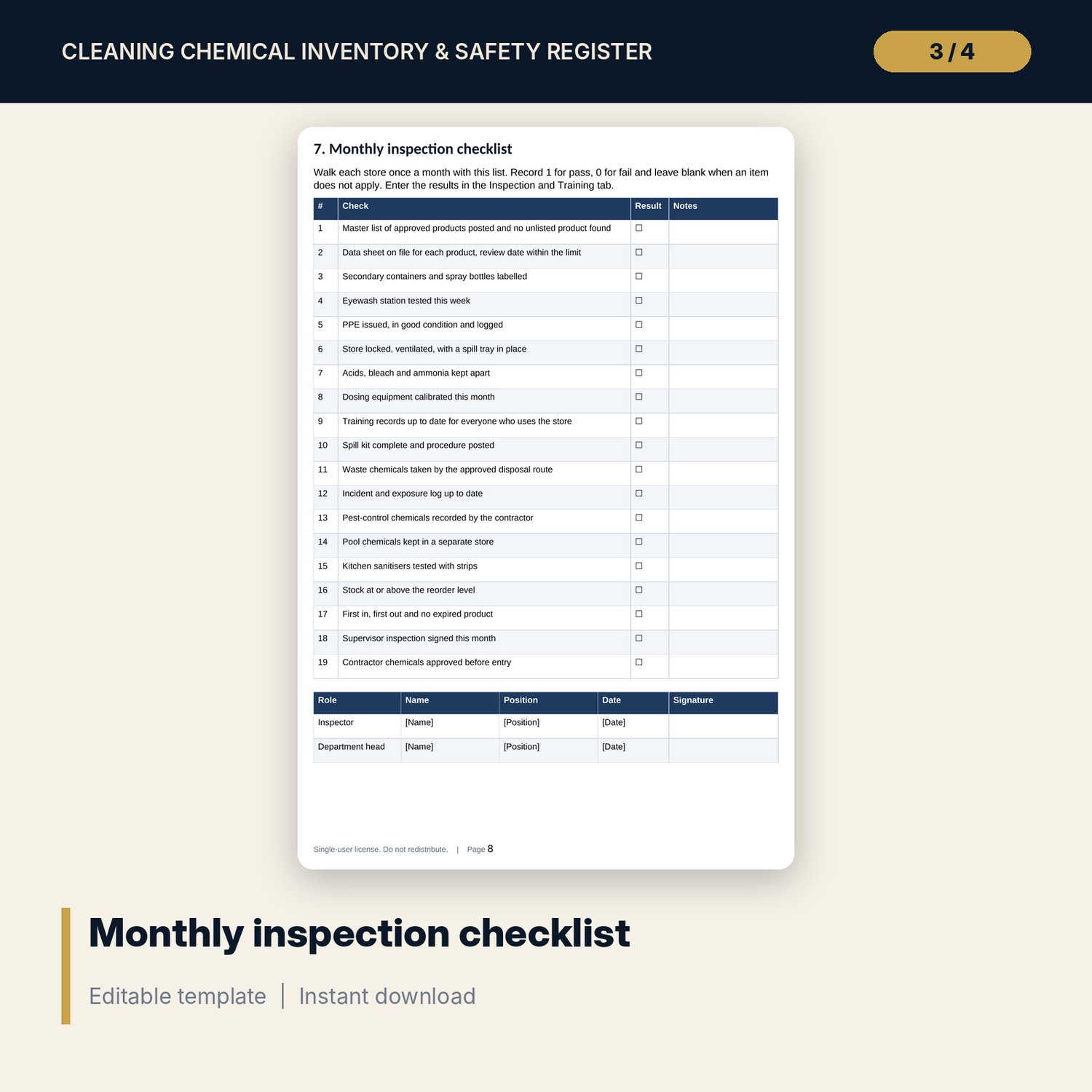
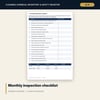
- Chemical_Handling_Procedure.docx and PDF: 9 pages with responsibilities, hazard communication, storage, dilution and PPE, spill steps, training topics, a 19 item monthly checklist and a worked example
- README.txt and LICENSE-and-Terms.txt
How it works
- Set the as-of date, lead and safety days, limits and incompatible hazard pairs on Settings.
- Replace the sample products, stock, inspection results and staff records.
- Read the Dashboard and fix each flag: data sheet, storage, reorder, training.
- Run the monthly checklist in each store and enter the results.
Details
- Formats: 1 Excel workbook (.xlsx), 1 procedure in Word (.docx) and PDF, English
- Software: Excel 2016 or later, or LibreOffice Calc 7 or later
- No macros, no external links, no data tables, no array formulas
- 3 files plus README and license; instant digital download
Good to know
- Sample data is illustrative. Replace it with your own figures.
- Limits, dilutions and hazard pairs are inputs. Verify local requirements and each supplier data sheet.
- This is a record-keeping tool. It does not replace the data sheet or advice from a qualified safety professional.
- Single-user license. Do not redistribute.
FAQ
How does it decide that two products must be kept apart?
Settings holds a table of hazard family pairs, such as acid and bleach. A product is flagged when its store also holds the other family of a pair. You edit the pairs.
How is the reorder level calculated?
Average daily use is the litres used in three months divided by the days covered. The reorder level is that figure times lead time plus safety days, both editable.
How is training status set?
From the last training date and the refresher interval. Not trained means no date, Undated means signed without a date, Overdue is past due, Due soon is inside the window.
Can I use my own stores, roles and hazard families?
Yes. Stores, roles, departments, families and PPE come from lists on Settings.
Do I need macros?
No. Every result is a standard worksheet formula.