

VIP & Repeat Guest Preference Profile System: Guest Profile Register and Arrival Prep Template
Full description
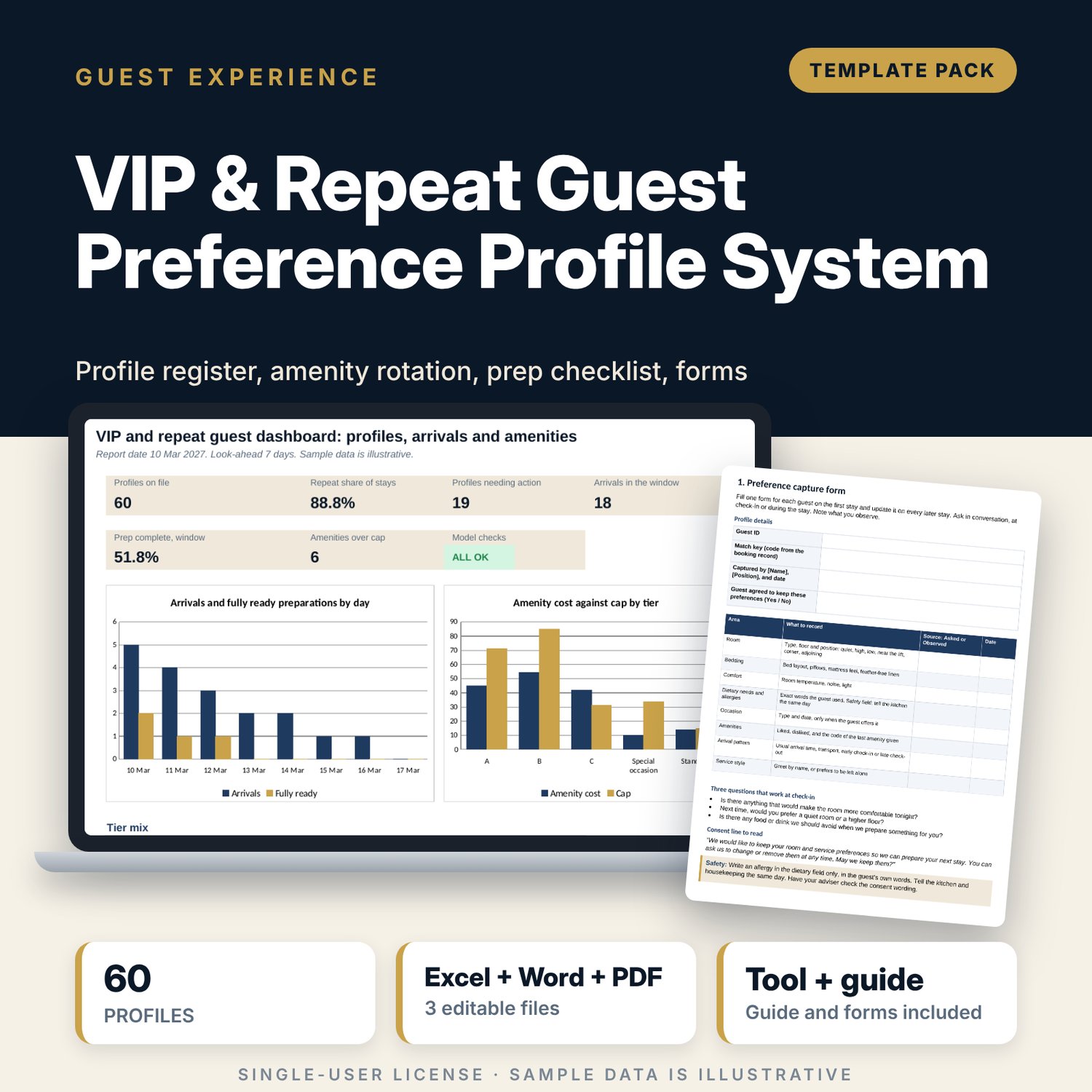
For front office managers, guest relations teams and hotel general managers who run a VIP and repeat guest programme and need profiles that stay current. The workbook keeps a register of 60 guest profiles with tier, stays, spend, room and bedding preferences, allergies, occasion, consent and last confirmed date. It suggests a tier from your own rules and flags profiles with no consent, duplicates, expired or expiring preferences and tier mismatches. An arrivals list picks an amenity from a rule table by occasion or tier, rotates it when the guest had it last time and checks its cost against a cap set as a percentage of the stay's room revenue. A prep checklist tracks 8 steps for each arrival. The Word pack holds the capture form, daily routine, arrival prep form, amenity record, departure update and a worked example.
What is inside
- VIP_Guest_Preference_Profile_Register.xlsx: 7 tabs, 1,131 formulas, 2 native charts, 24 drop-down and input rules
- Profiles: 60 sample guests plus 20 spare rows, 20 columns with suggested tier, months since confirmed and a data flag
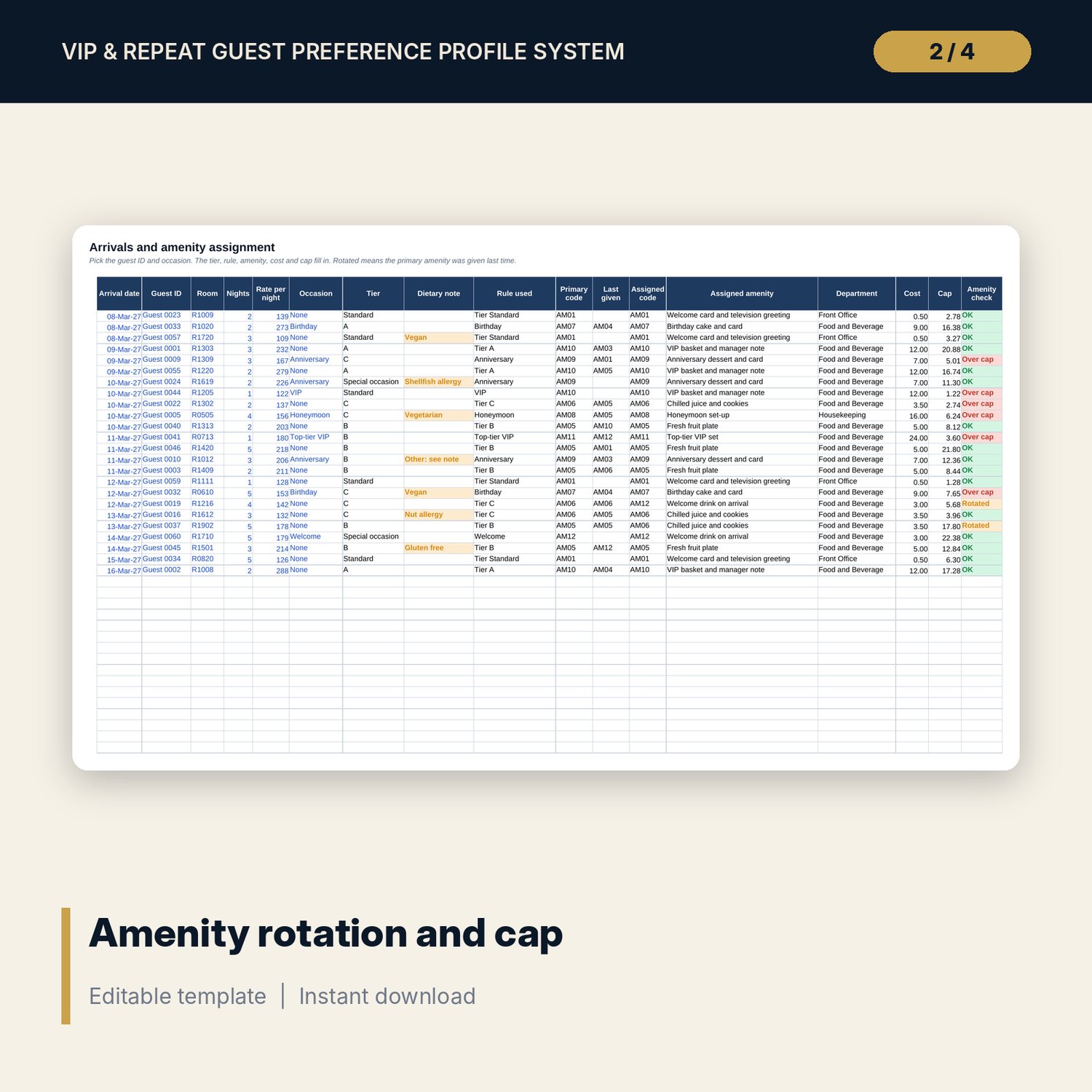
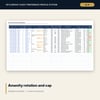
- Arrivals: 24 sample arrivals plus 16 spare rows, with the rule, rotated amenity, cost, cap and amenity check
- Prep Checklist: 8 preparation steps per arrival, a ready percentage and a status
- Settings: 14 amenity codes with 6 spare rows, 11 amenity rules, a cap by tier, tier rules and expiry period
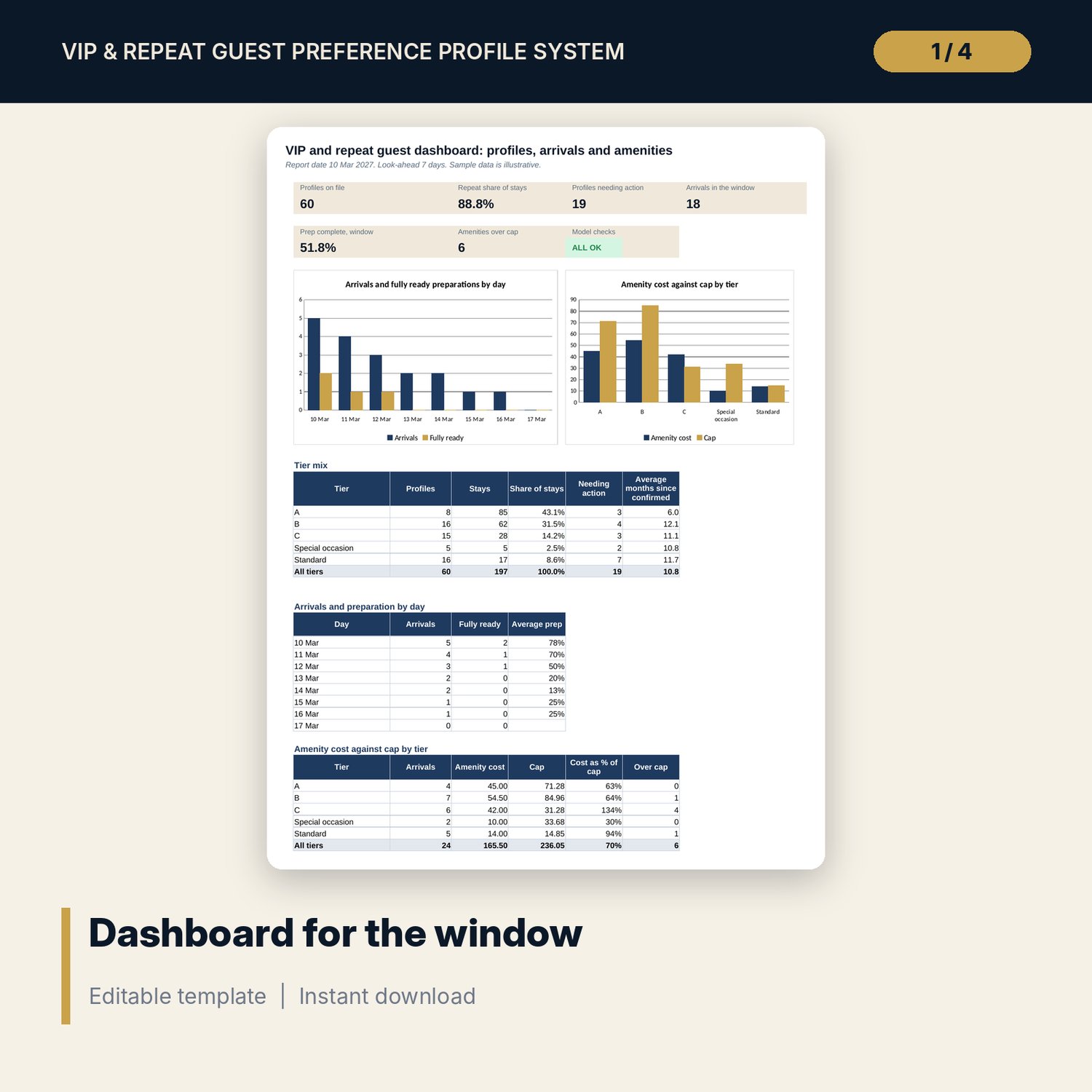
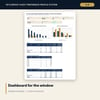
- Dashboard: 6 KPI tiles, a check tile, 2 charts and 3 summary tables; 8 integrity checks on the Checks tab
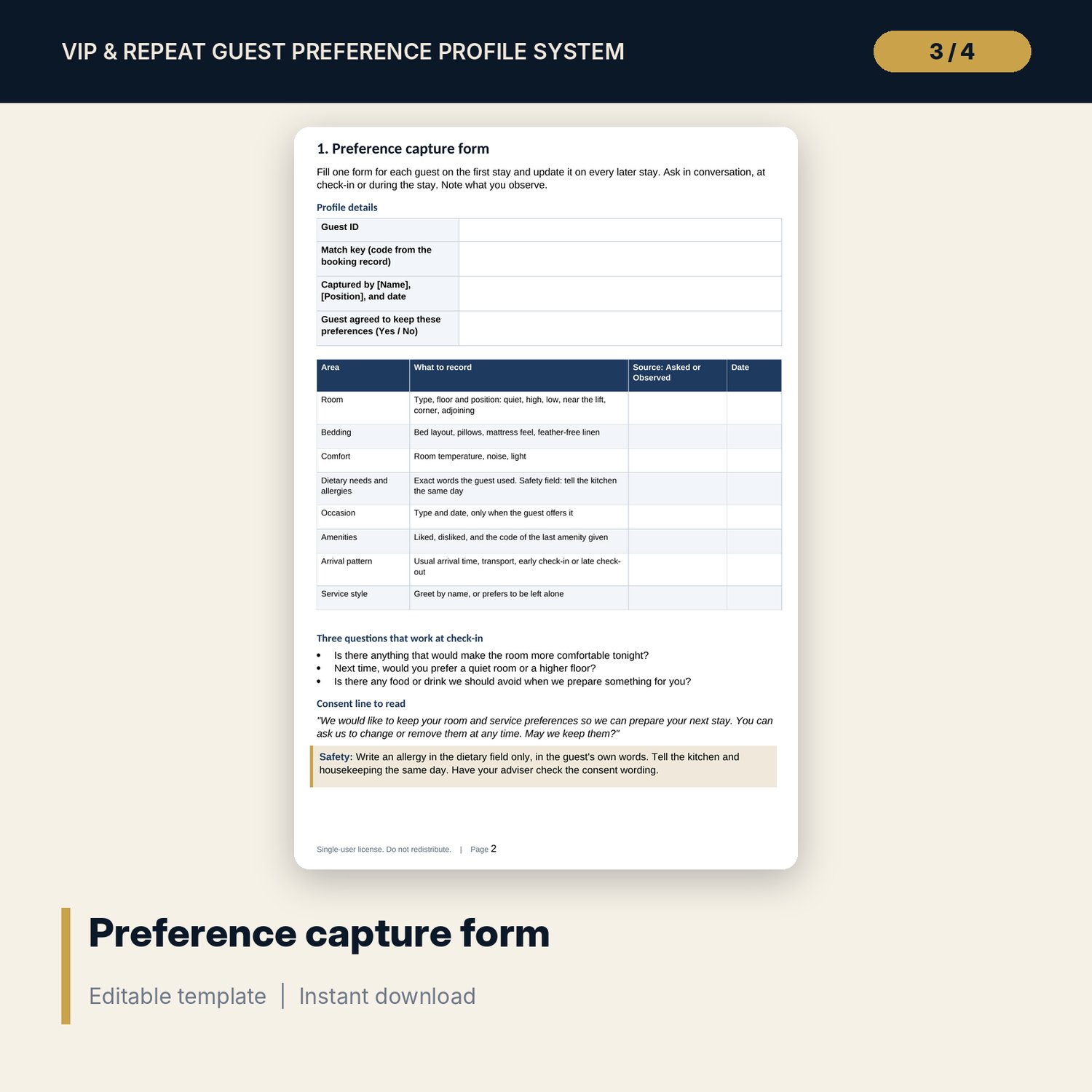
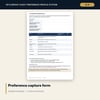
- VIP_Guest_Preference_Capture_Forms.docx and PDF: 8 pages with a capture form, a daily routine, an arrival prep form, an amenity record, a departure update, a keep and leave out table and a worked example
- README.txt and LICENSE-and-Terms.txt
How it works
- Enter the report date and review the tier rules, expiry period, amenity cap and amenity rules on Settings.
- Replace the sample guests with your own guest IDs and preferences on Profiles. Work the data flags.
- List the coming arrivals. Pick the guest and occasion. The amenity, cost, cap and check fill in.
- Mark each prep step Done or NA and read the status each morning. Use the Word forms for capture, preparation and the departure update.
Details
- Formats: 1 Excel workbook (.xlsx), 1 forms pack in Word (.docx) and PDF, English
- Software: Excel 2016 or later, or LibreOffice Calc 7 or later
- No macros, no external links, no data tables, no array formulas
- 3 files plus README and license; instant digital download
Good to know
- Sample data is illustrative. Guest codes, dates and amounts are generated.
- The register uses guest IDs and match keys, not names. Link them to your booking record.
- These files are management tools, not legal advice. Verify your local data-protection rules, consent wording and retention period.
- Single-user license. Do not redistribute.
FAQ
Do I enter guest names?
No. The register uses a guest ID and a match key. You link them to your booking record, so the workbook holds no names.
How is the suggested tier set?
Tier A is a top-tier member. Tier B is three or more stays or total spend above your limit. Tier C is a second stay or a contracted account. You change the limits on Settings.
What does the amenity check do?
It picks the amenity from the occasion or tier rule, swaps in the alternate if the guest had the primary last time, and shows Over cap when the cost is above the tier cap.
How are expired preferences found?
The sheet counts the months since the preferences were last confirmed. At the expiry period you set (24 months in the sample) the profile shows Expired.
Do I need macros?
No. Every result is a standard worksheet formula.