
Day Tour & Activity Capacity Planner: Tour Departure and Capacity Spreadsheet
Full description
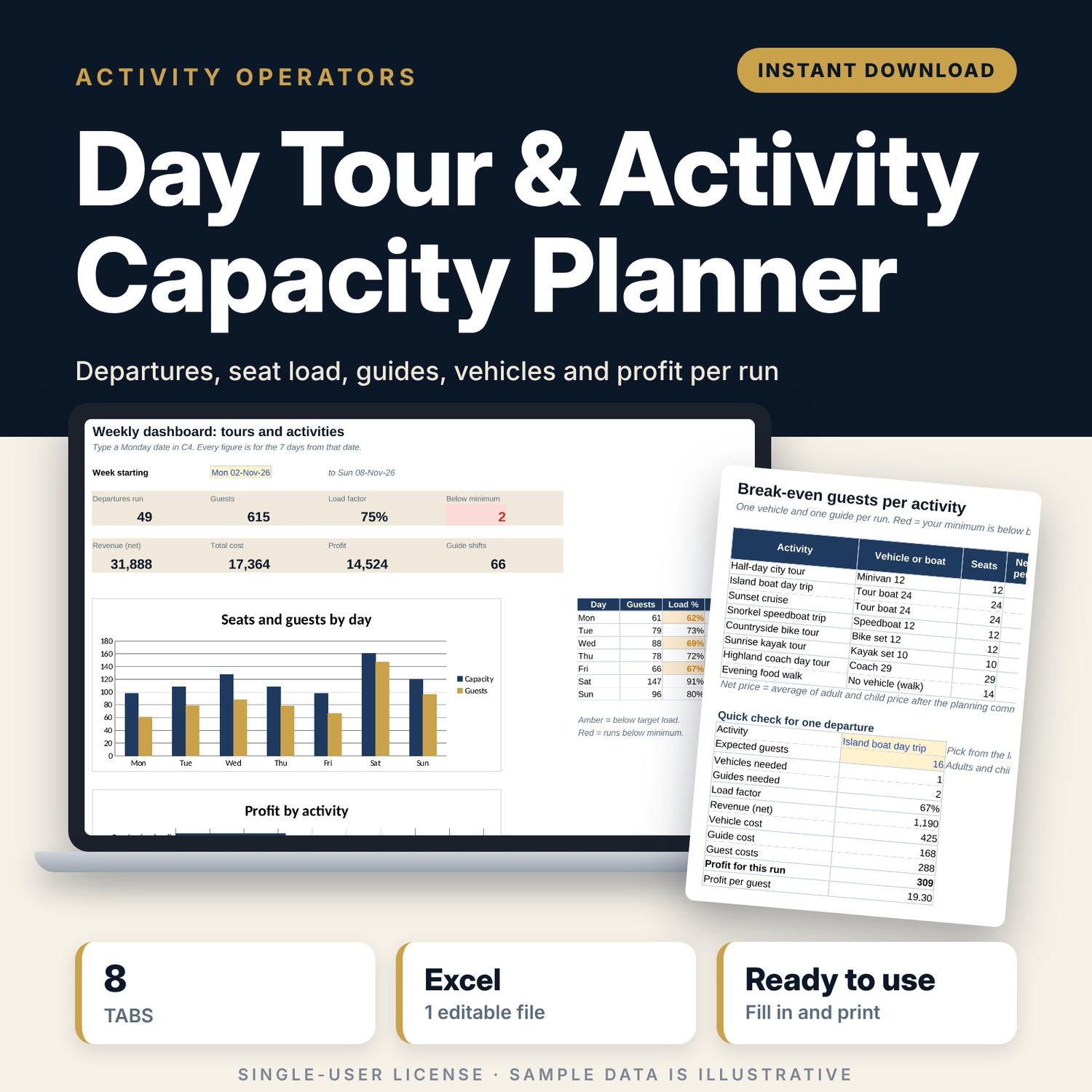
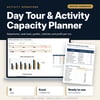
For small tour and activity operators who run scheduled departures by minivan, coach, boat, bike, kayak or on foot. You enter your timetable and log each booking against its departure. The workbook shows seats left and load factor for every run, flags runs below your minimum guests before the decision date, works out the vehicles and guides each run needs, and shows revenue, cost and profit per departure, per activity and per week.
Save with a bundle: this template is also in the Tour & Travel Business Bundle, 12 templates for $29 instead of $76. All 141 templates are in the All-Access Hospitality Template Library for $79.
What is inside
- Day_Tour_Activity_Capacity_Planner.xlsx: 8 tabs, 17,817 formulas, 2 native charts, 12 drop-down or number rules.
- Settings: 7 general inputs (currency label, target load factor, guide pay, minimum paid hours, decision cut-off, planning commission, child share), 10 vehicle or boat slots (7 filled) with seats and costs, 8 activities with duration, adult and child price, cost per guest, minimum guests and guests per guide, 6 booking channels with commission %.
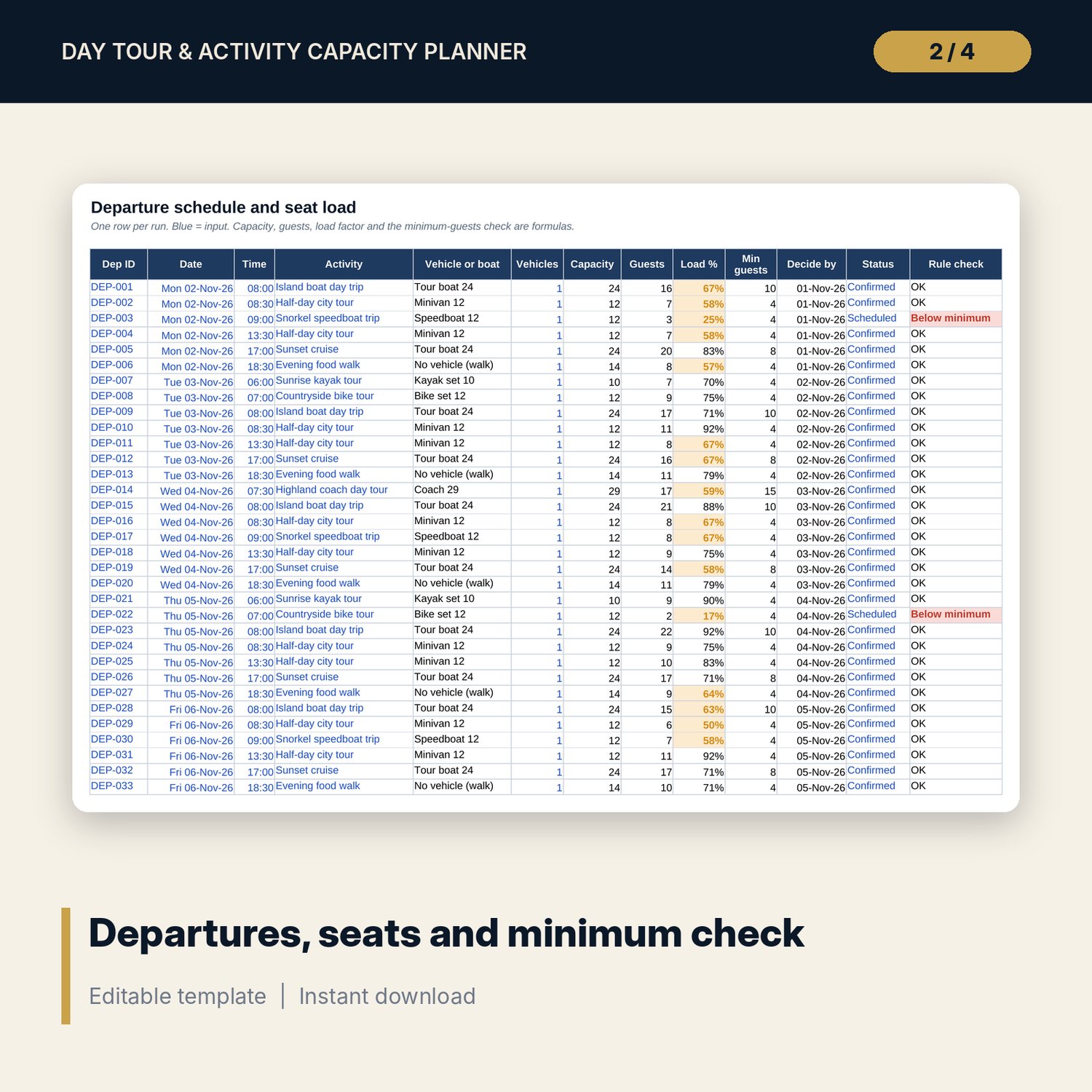
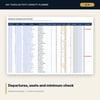
- Departures: room for 400 runs (98 sample rows). Capacity, guests booked, load factor, decide-by date and a minimum-guests check calculate.
- Bookings: room for 1,500 bookings (447 sample rows). Departure date, activity, guests, gross value, commission and net revenue calculate.
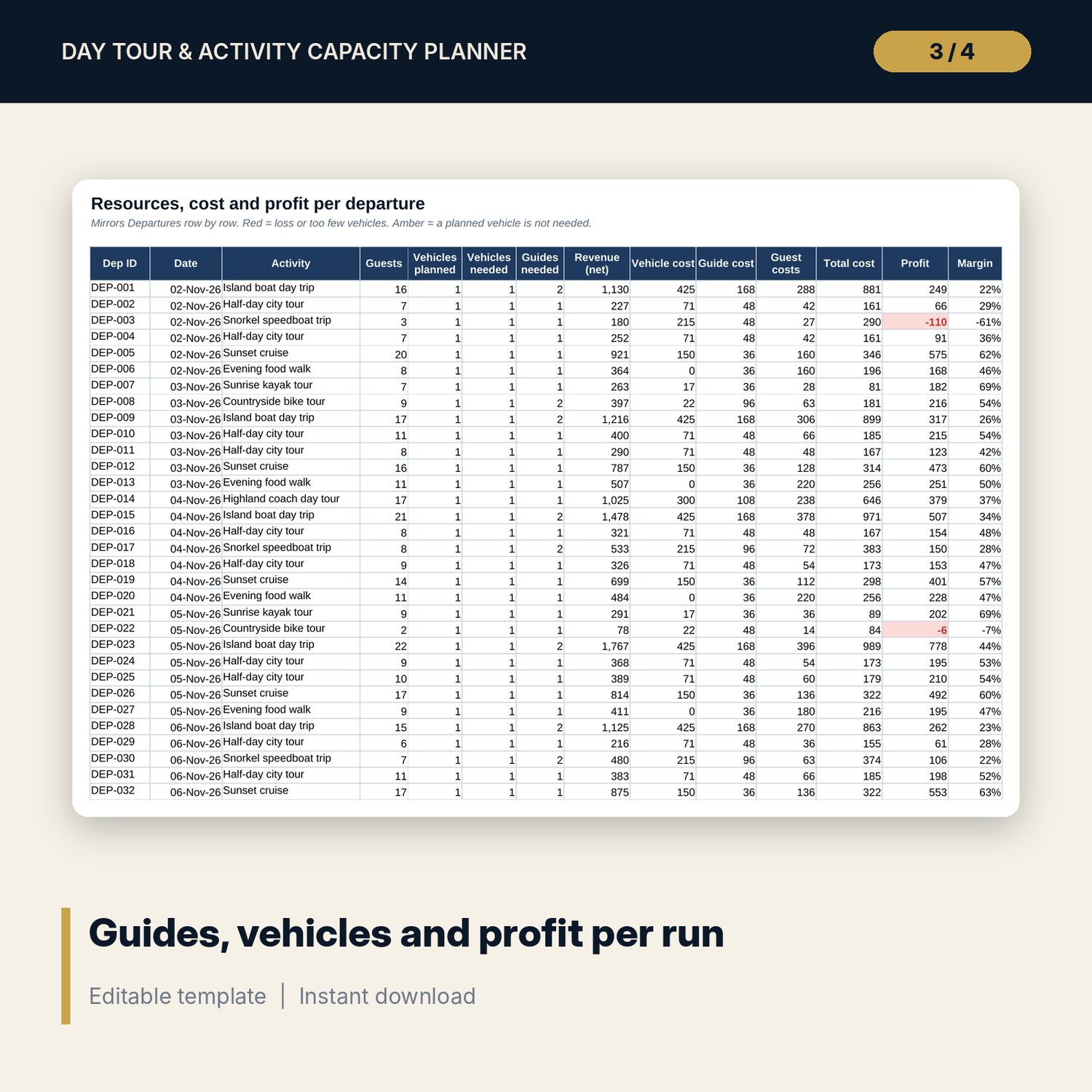
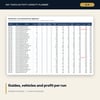
- Departure_PnL: vehicles planned and needed, guides needed, revenue, vehicle cost, guide cost, guest costs, profit and margin for every run.
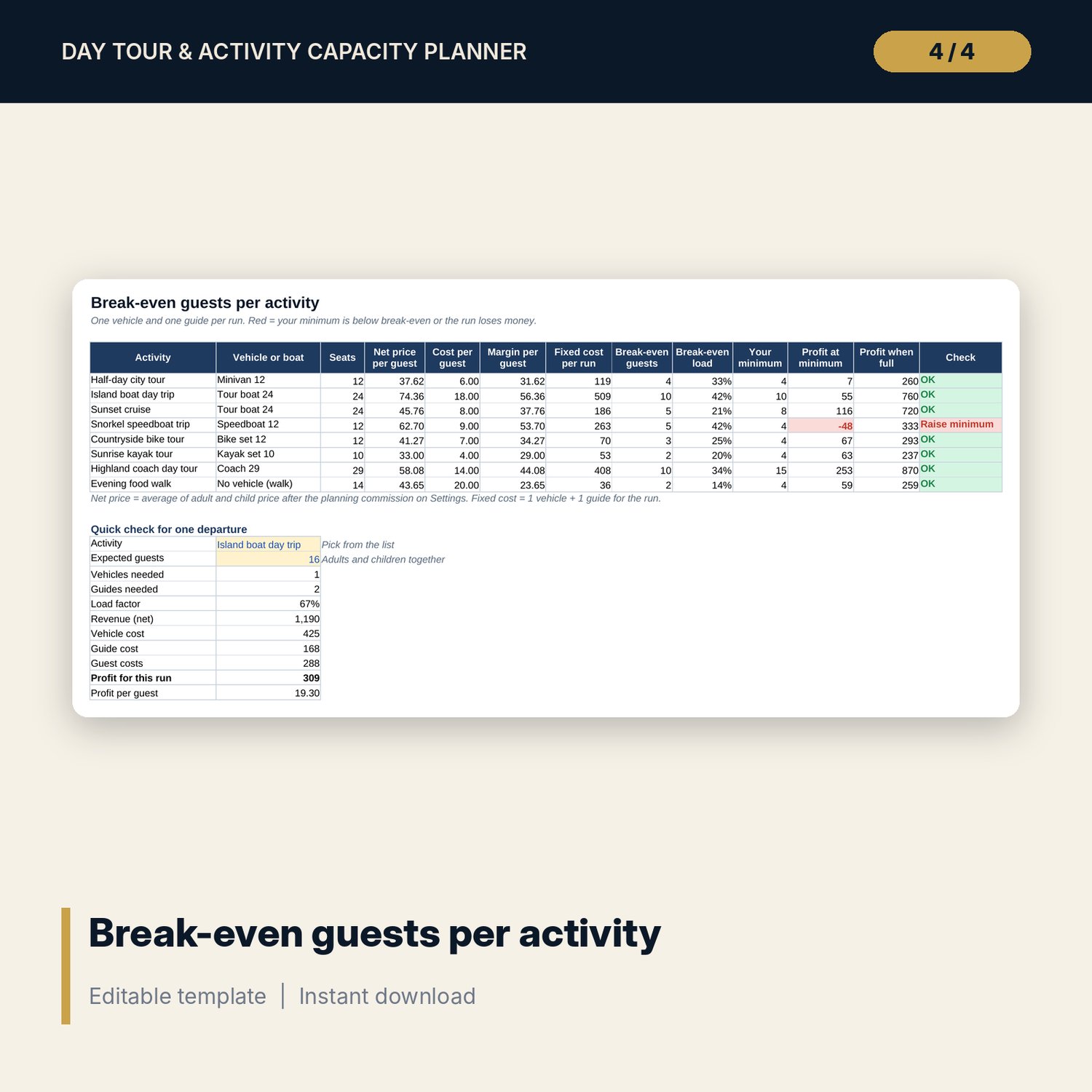
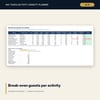
- Activity_Economics: break-even guests and break-even load for 8 activities, profit at your minimum and when full, and a quick check for one departure with 9 results.
- Week_View: any 7-day week by day, a guests-by-activity-and-day grid, and money by activity.
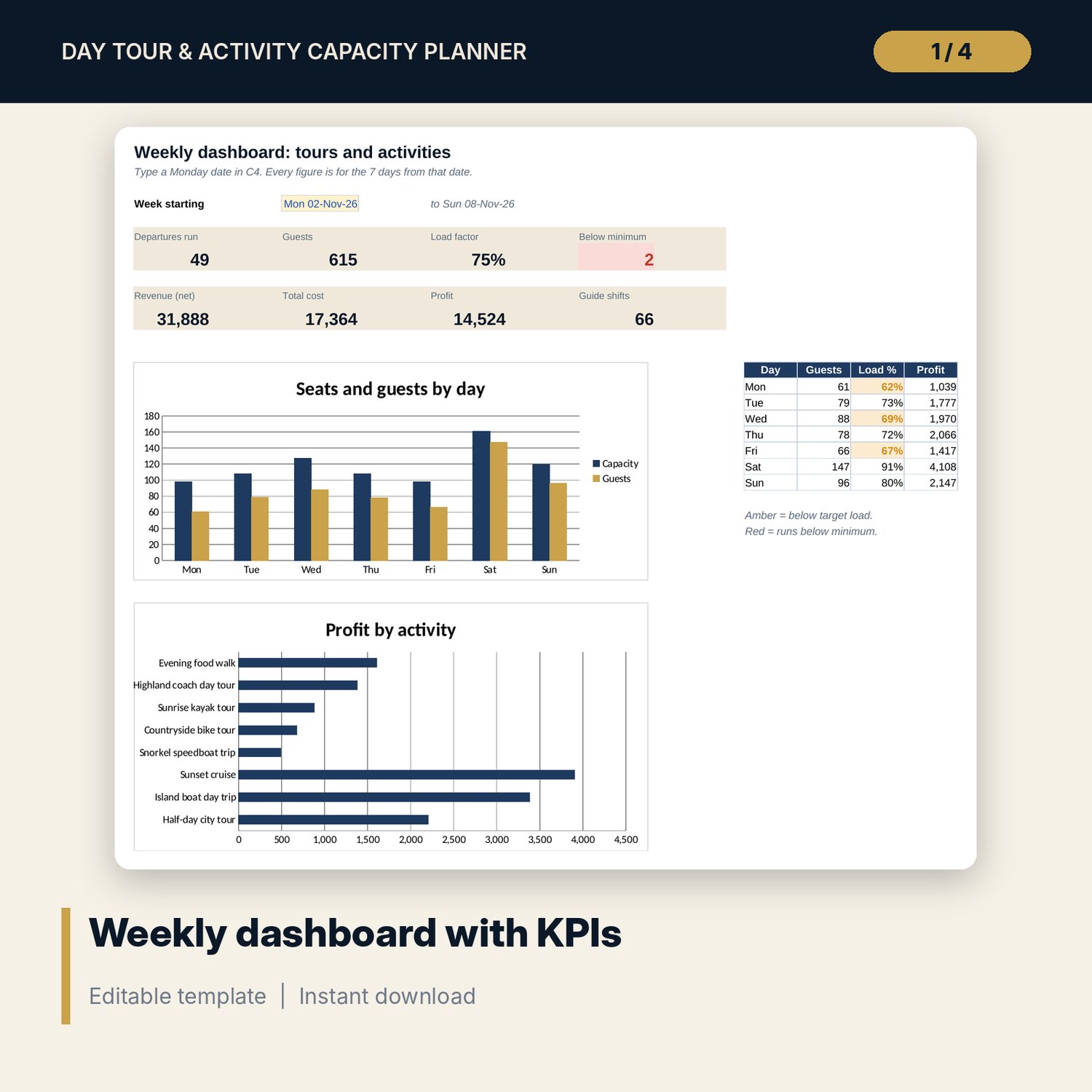
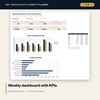
- Dashboard: week selector, 8 KPI tiles, 2 charts and a day table.
- README.txt and LICENSE-and-Terms.txt.
How it works
- Enter your vehicles, boats, activities, prices and guide pay on Settings.
- Check Activity_Economics and raise any minimum that sits below break-even.
- Enter your timetable on Departures and log each booking against its Dep ID.
- Watch the Rule check and Decide by columns for runs below minimum or over capacity.
- Pick a week on Dashboard and read Week_View and Departure_PnL to adjust vehicles, guides and timetable.
Details
- Format: Excel workbook (.xlsx). No macros.
- Language: English. Currency is a label you choose.
- Software: Excel 2016 or later, or a spreadsheet program that opens .xlsx files.
- Delivery: instant digital download. Nothing is shipped.
Good to know
- All sample departures, bookings, prices and costs are illustrative. Replace them with your own data.
- Profit is departure profit before office, marketing, permit and insurance overheads.
- The workbook is a planning tool, not safety, legal or tax advice. Permit, insurance and boat rules differ by place; verify local requirements.
- Single-user license. Do not share or resell the files.
FAQ
Can I use it for boats and walking tours?
Yes. Each vehicle or boat type has its own seats and costs. Walking tours use a group size with zero vehicle cost.
How does the minimum participants rule work?
Each activity has a minimum. A run with fewer confirmed guests shows "Below minimum" in red, with a decide-by date set by your cut-off.
Can I add more activities?
There are 8 activity slots. Replace a sample activity with your own and every tab updates.
Does it work in Google Sheets?
It opens in Google Sheets and the formulas calculate. Check the drop-downs after import.
Is this a physical product?
No. It is a digital download. Refund terms follow the store policy at the time of purchase.