

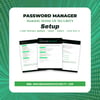


Password Manager Setup Workbook — Printable PDF to Stop Reusing Passwords Forever
Password Manager Setup Workbook: Choose One, Move In, Stick With It
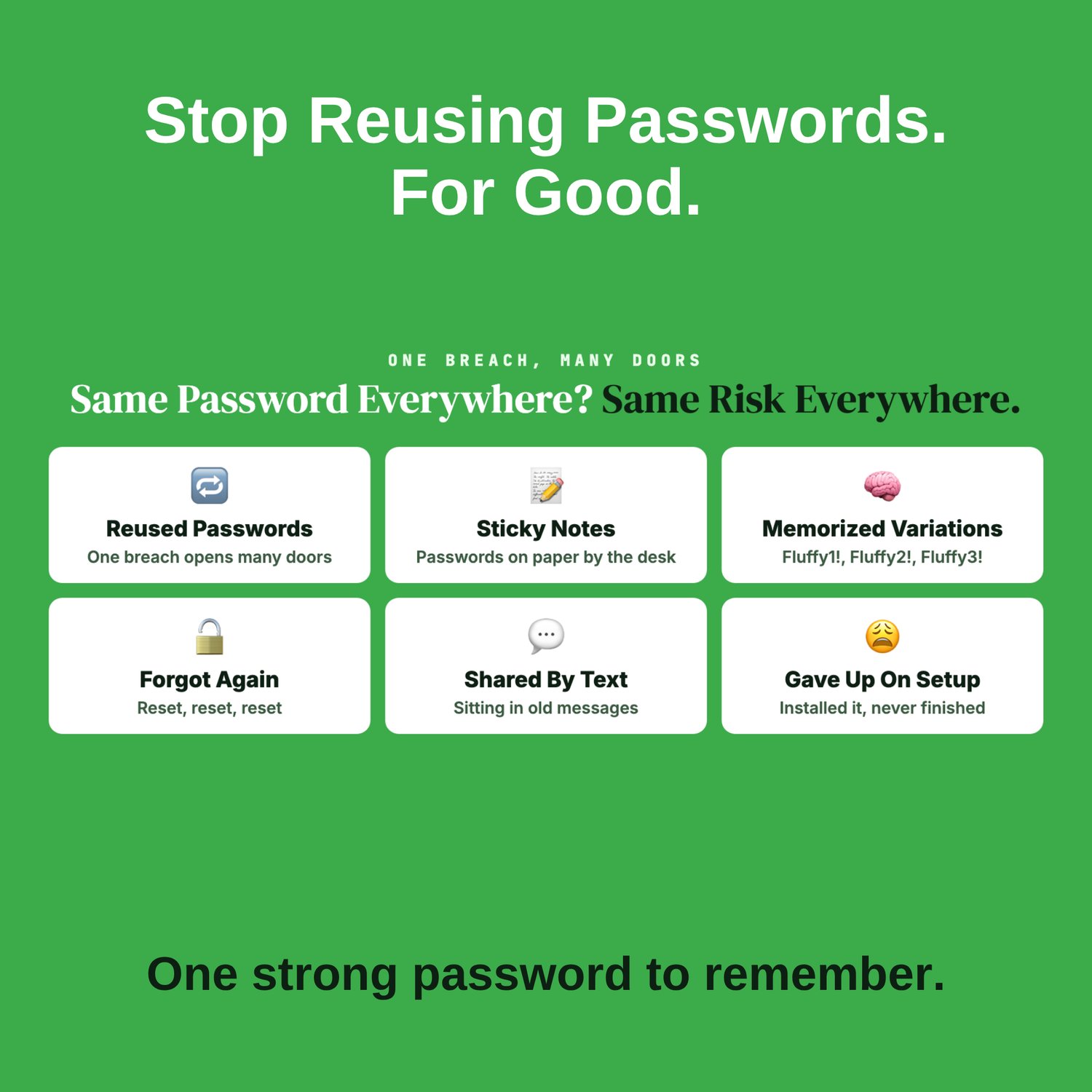
You know you should use a password manager. Maybe you even downloaded one. But your passwords still live in your head, a notes app, or on a sticky note by the desk. You're still using the same few passwords with small changes. And every "Forgot password?" reminds you this isn't working.
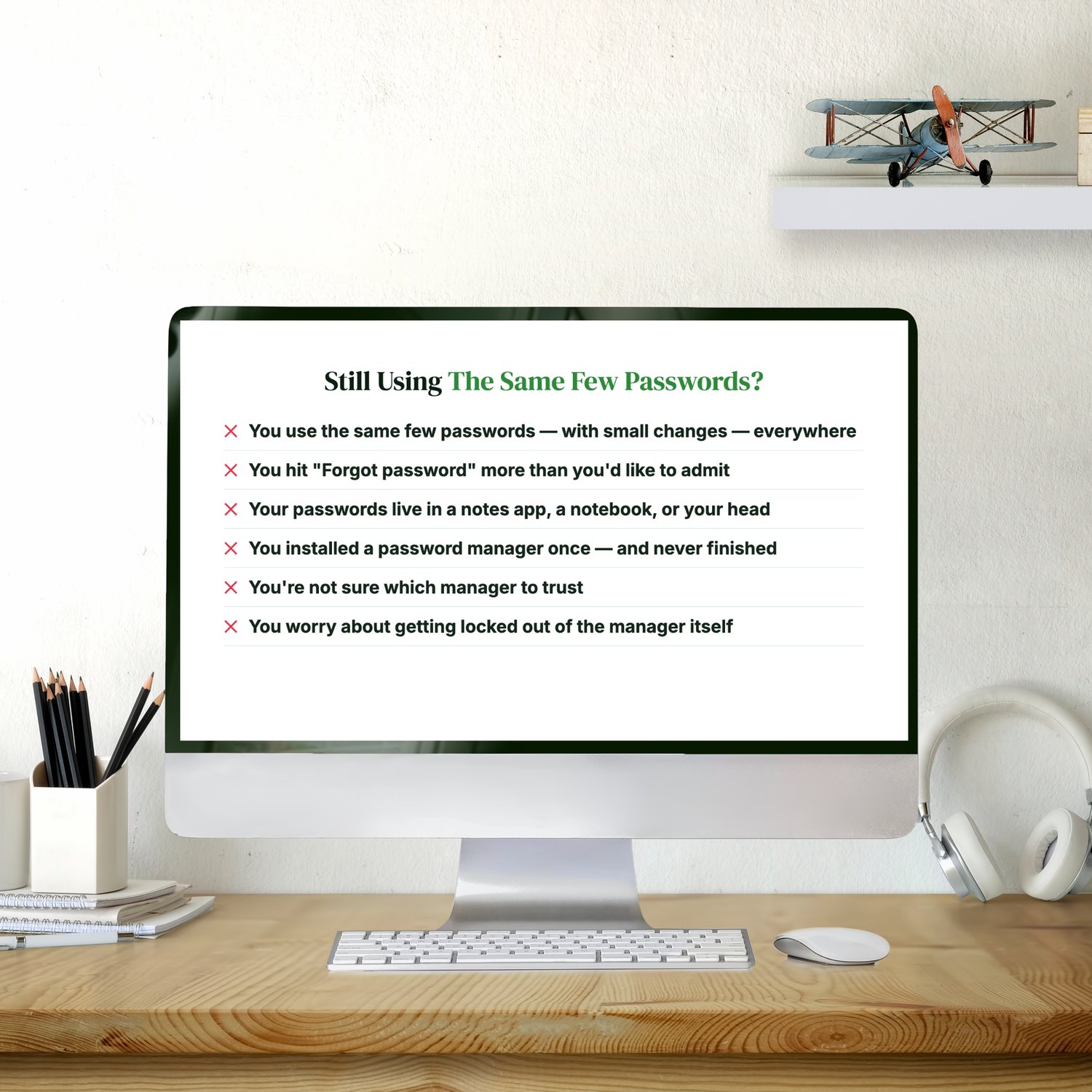
Does this sound like you?
- You reuse the same handful of passwords, with a number or ! tacked on
- You reset passwords more often than you'd like to admit
- You installed a password manager once and never finished setting it up
- You can't decide which manager to trust
- You worry about getting locked out of the manager itself
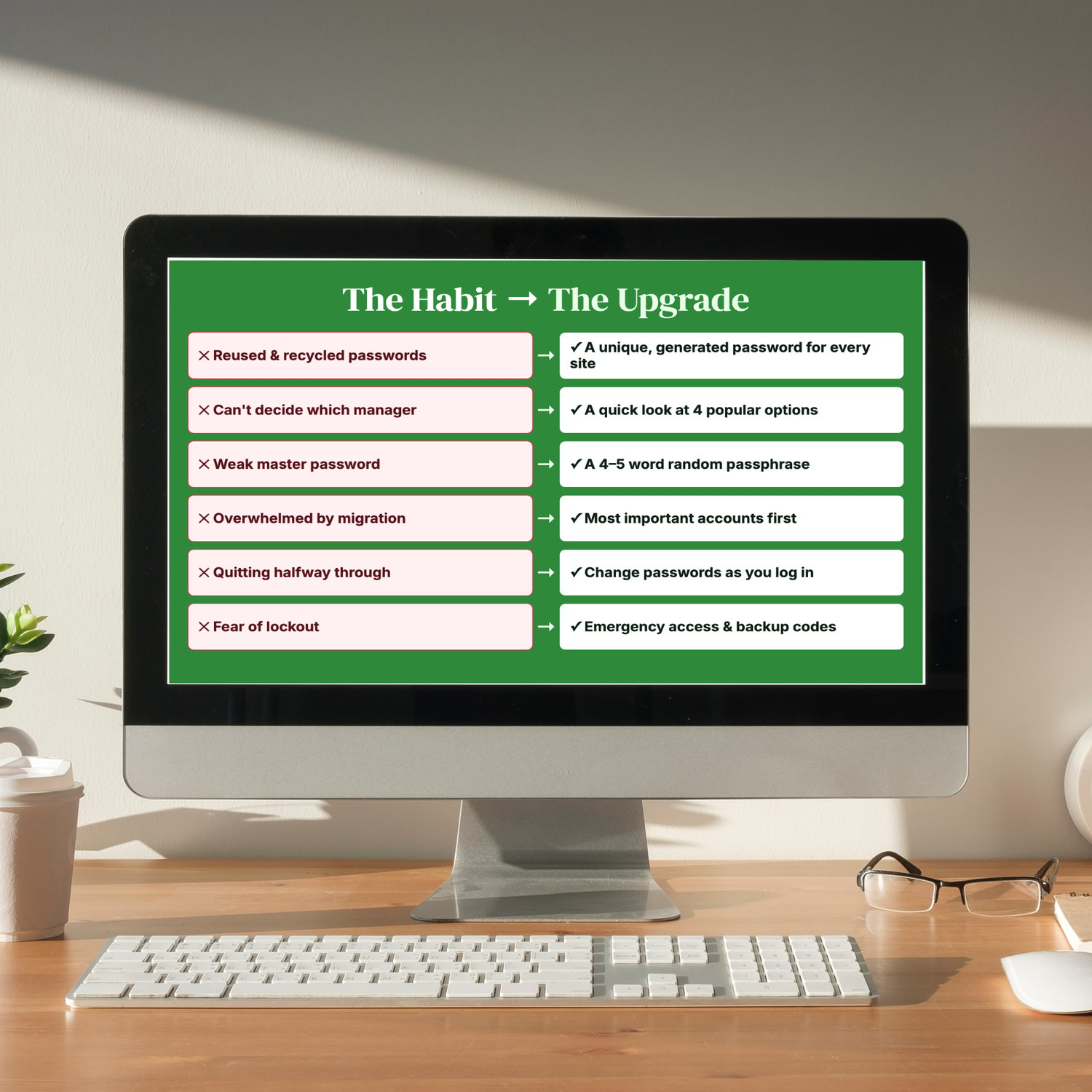
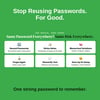
Why it matters: when one site leaks a reused password, criminals try it on your other accounts: email, bank, shopping. One leak can open many doors. A password manager gives every account its own strong password, and you only have to remember one.
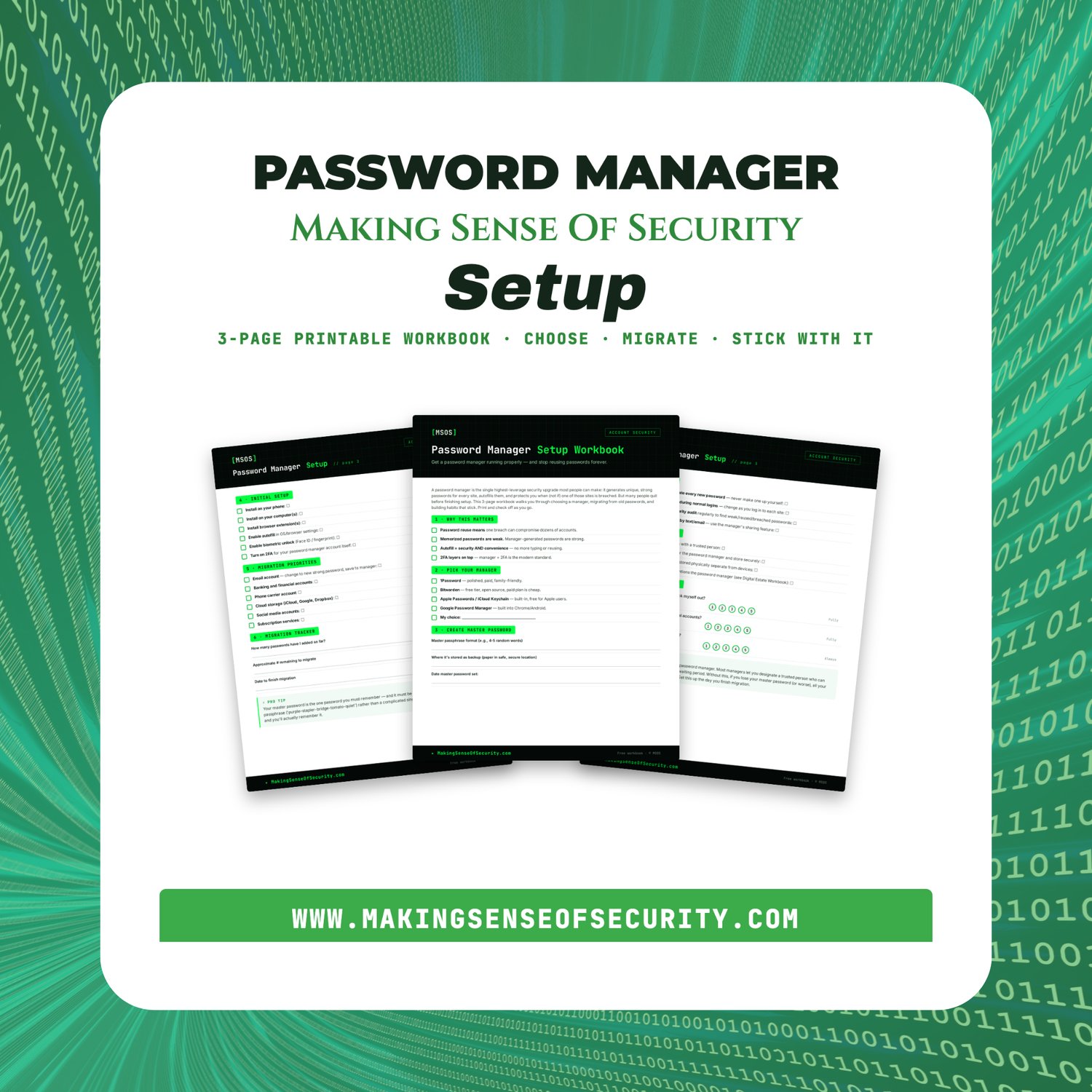
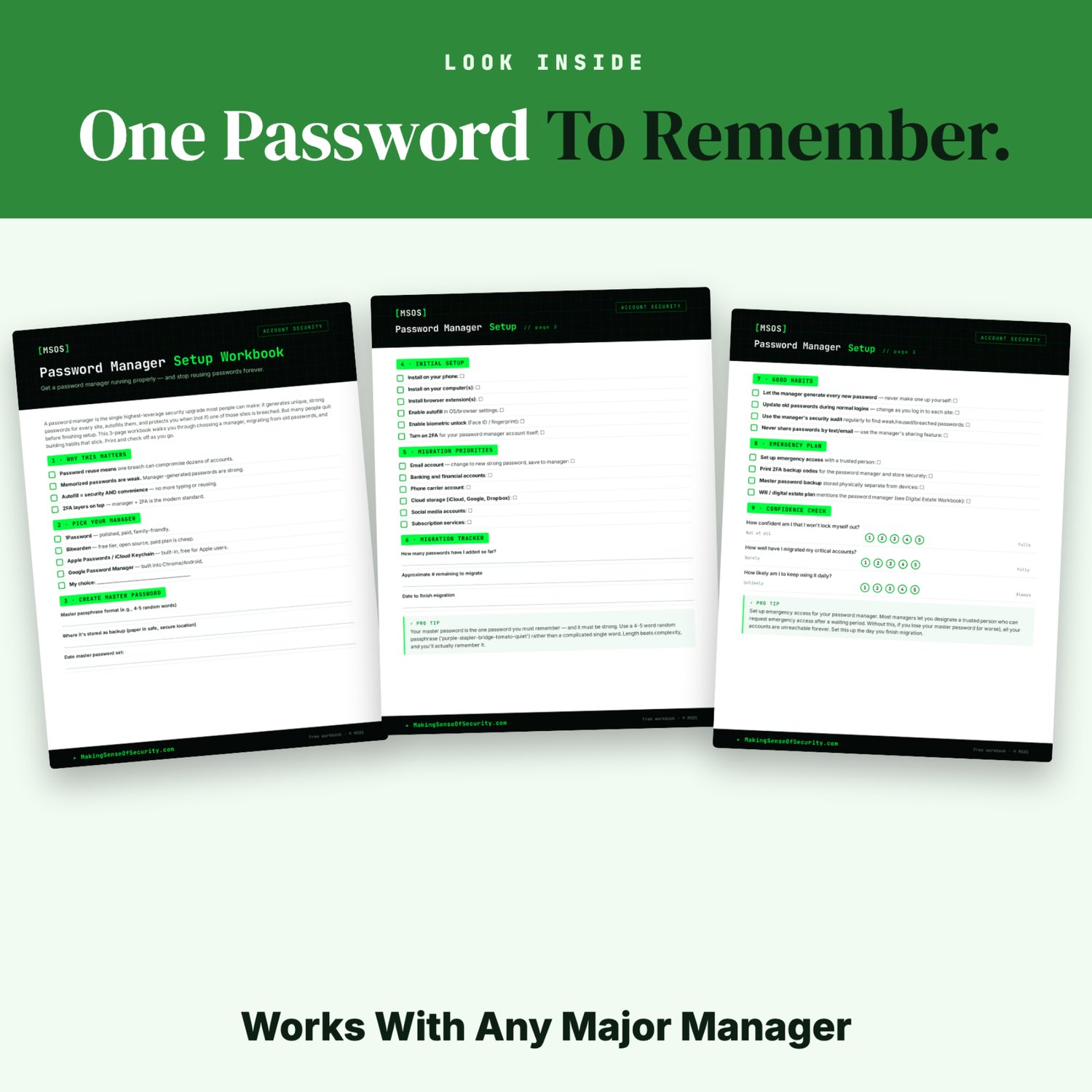
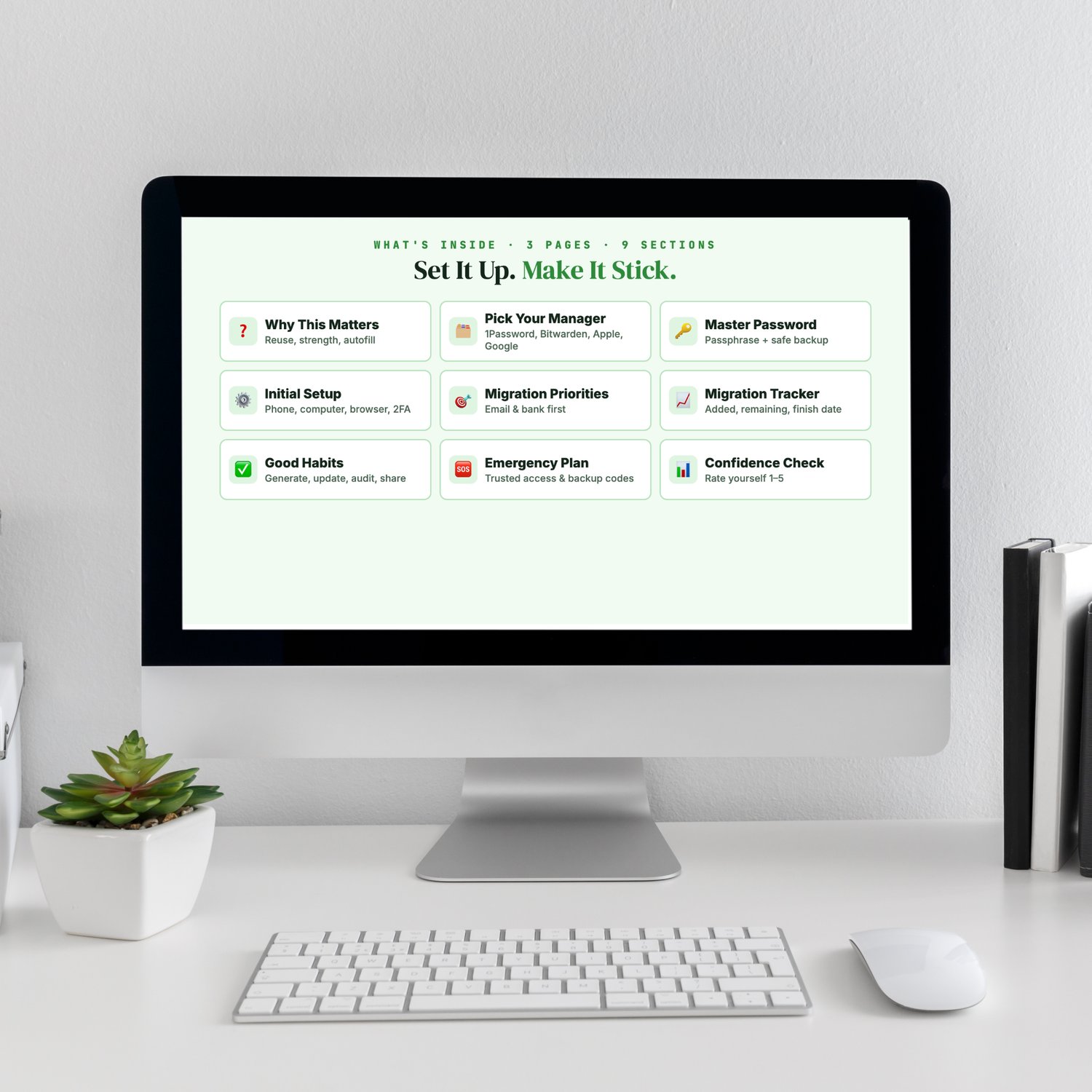
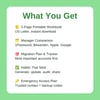
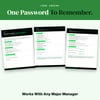
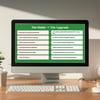
This 3-page printable workbook walks you through it step by step:
- Why this matters: reuse, strength and autofill, explained simply
- Pick your manager: a quick look at 1Password, Bitwarden, Apple Passwords and Google Password Manager
- Your master password: build a 4–5 word passphrase you'll actually remember, and back it up safely
- Initial setup: phone, computer, browser and two-factor authentication
- Migration priorities: move email and banking first, then everything else
- Migration tracker: accounts added, accounts remaining, target finish date
- Good habits: generate, update, audit and share passwords the right way
- Emergency plan: set up a trusted contact and save your backup codes so you don't get locked out
- Confidence check: rate yourself before and after
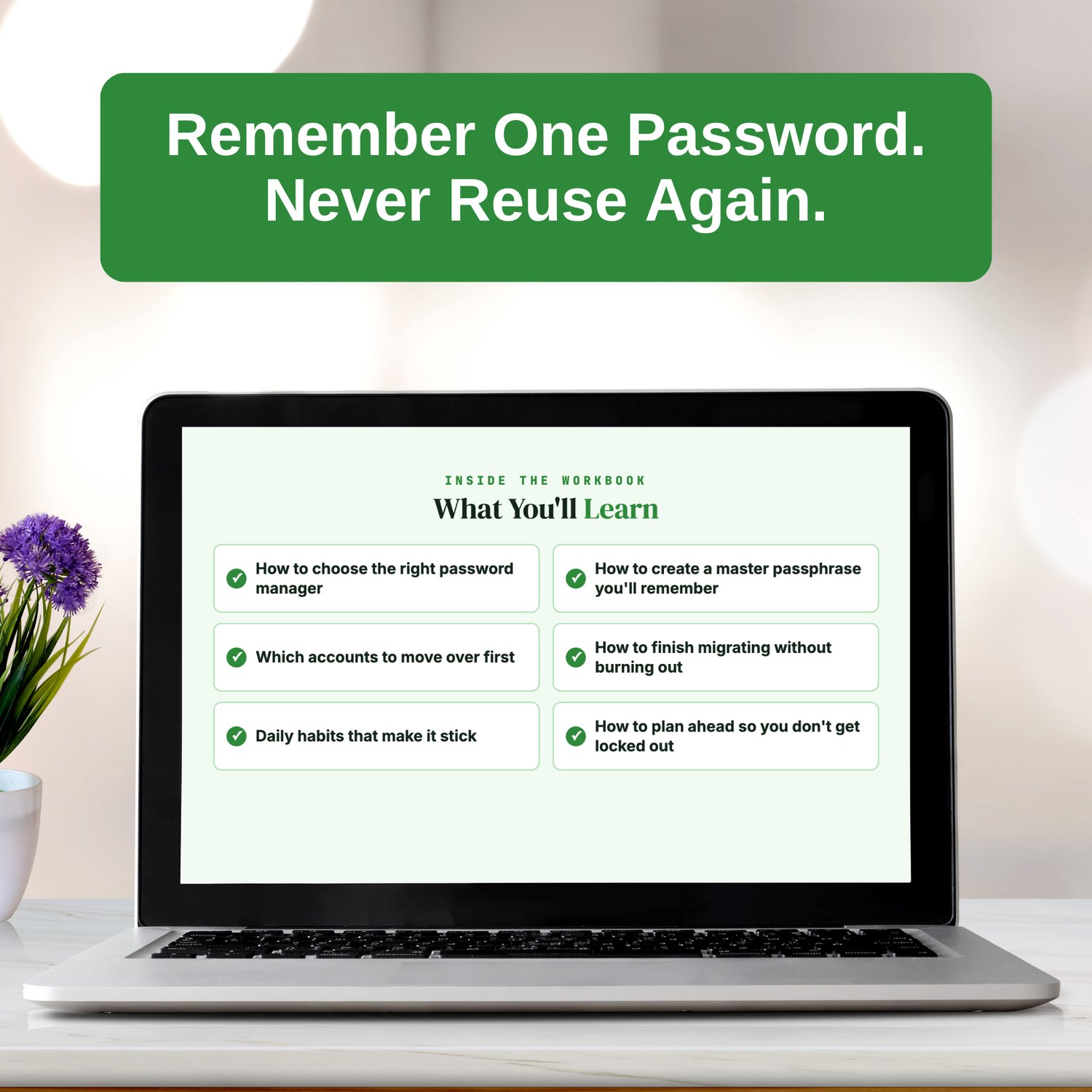
What you'll learn:
✔ How to choose the right password manager for you
✔ How to create a master passphrase you'll remember
✔ Which accounts to move over first
✔ How to finish migrating without burning out
✔ Daily habits that make it stick
✔ How to plan ahead so you don't get locked out
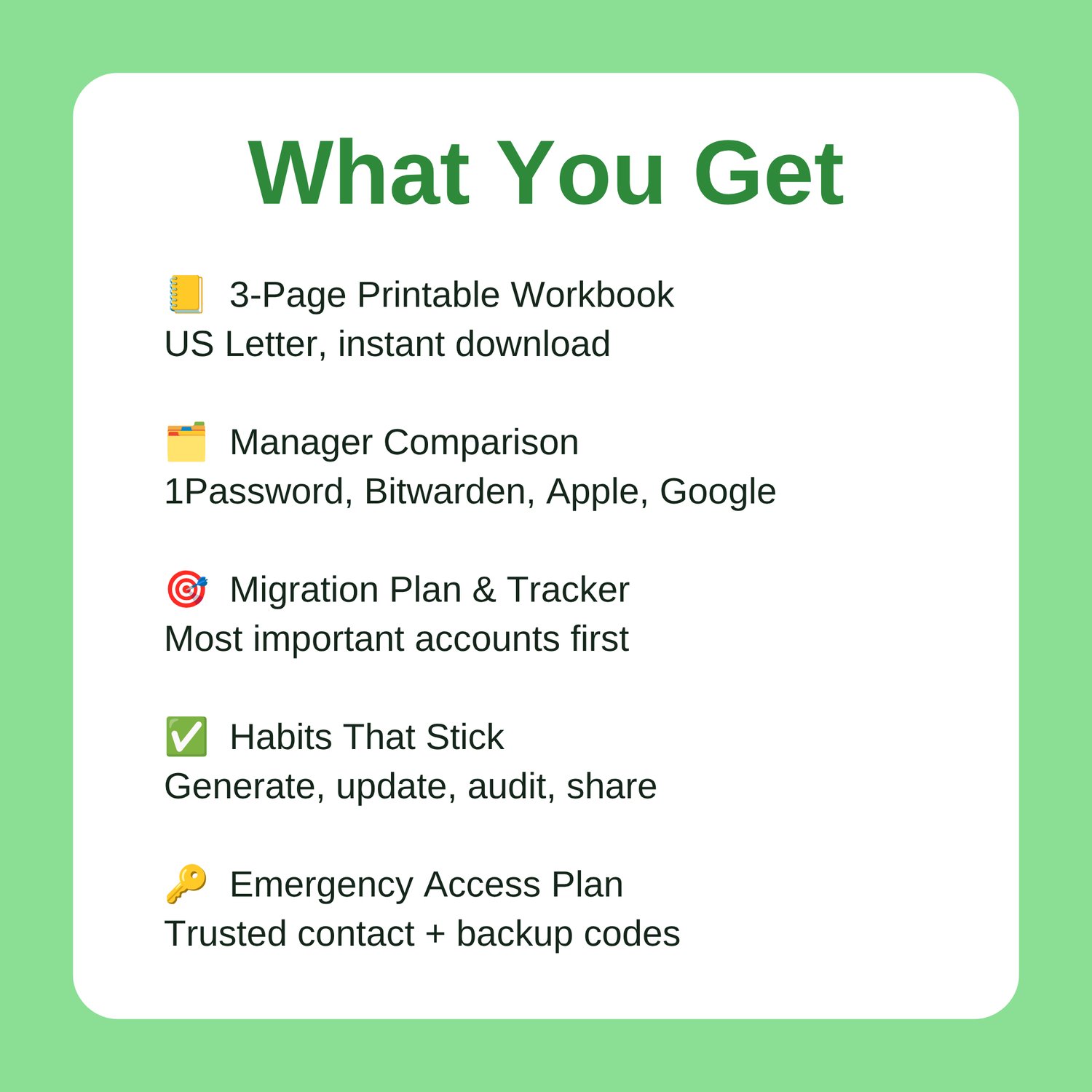
What you get: a 3-page printable PDF workbook (US Letter) available as an instant download. Print it, grab a pen, and work through it at your own pace.
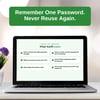
Remember one password. Never reuse again.
Making Sense Of Security, plain-English security for real people.
Great Companion Guides
- Phishing Email Detection Cheat Sheet
- Online Banking Safety Checklist
- Identity Theft Warning Signs Checklist
- Spotting Malicious Apps Cheat Sheet
- Mobile Banking App Safety Card
- Credit Freeze Quick-Start Card
All Sales Final. Please reference this page for details.