








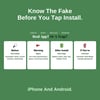
Spotting Malicious Apps Cheat Sheet | Fake & Malware App Detection Guide | iPhone & Android App Safety | Printable PDF | Digital Download
Spotting Malicious Apps Cheat Sheet: Know the Fake Before You Tap Install
Would You Know a Fake App If You Saw One?
- A flashlight or wallpaper app asks for your contacts and text messages.
- The "official" bank app is listed under a developer name that's slightly off.
- The reviews are all five stars and all sound the same.
- A text message tells you to install an app from a link outside the app store.
- Your battery drains, your phone runs hot, and pop-up ads appear on your home screen.
- An app you installed has disappeared, but the ads haven't.
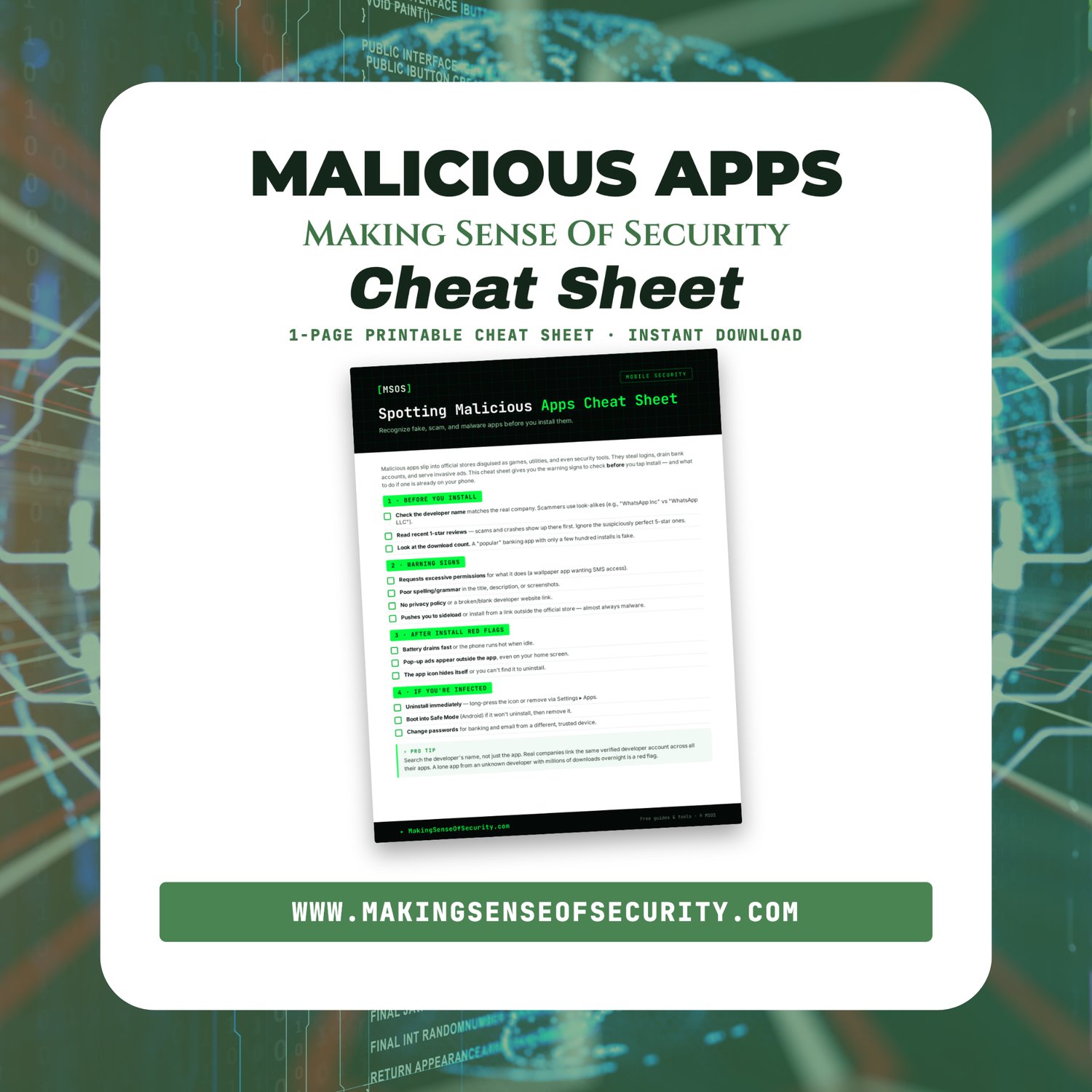
Malicious apps get into the official stores disguised as games, utilities, and even security tools. They steal logins, empty bank accounts, and flood your phone with ads. And they often look almost identical to the real thing.
The Spotting Malicious Apps Cheat Sheet gives you a quick check to run before you install anything. It also covers the symptoms of a bad app that's already on your phone and how to get rid of it.
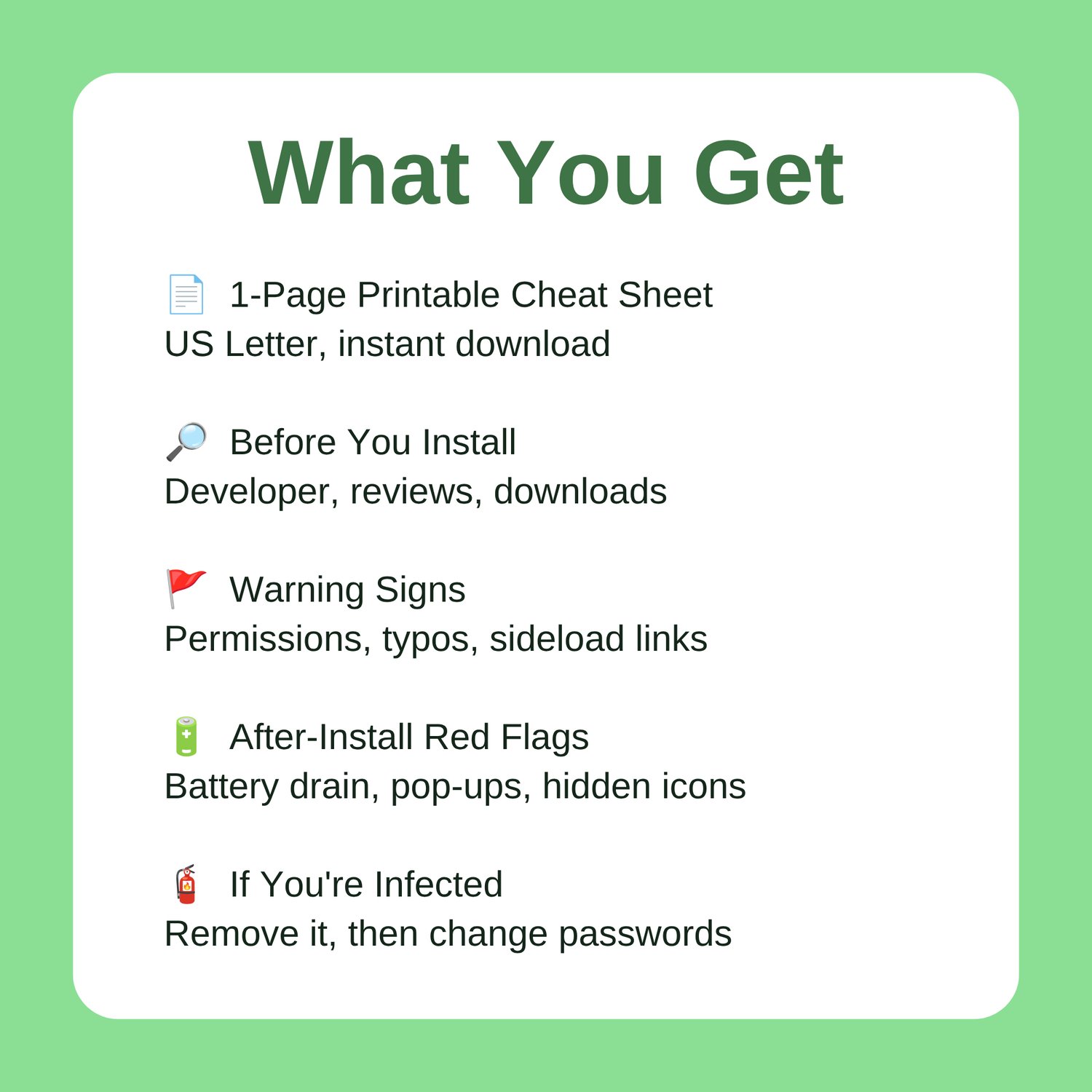
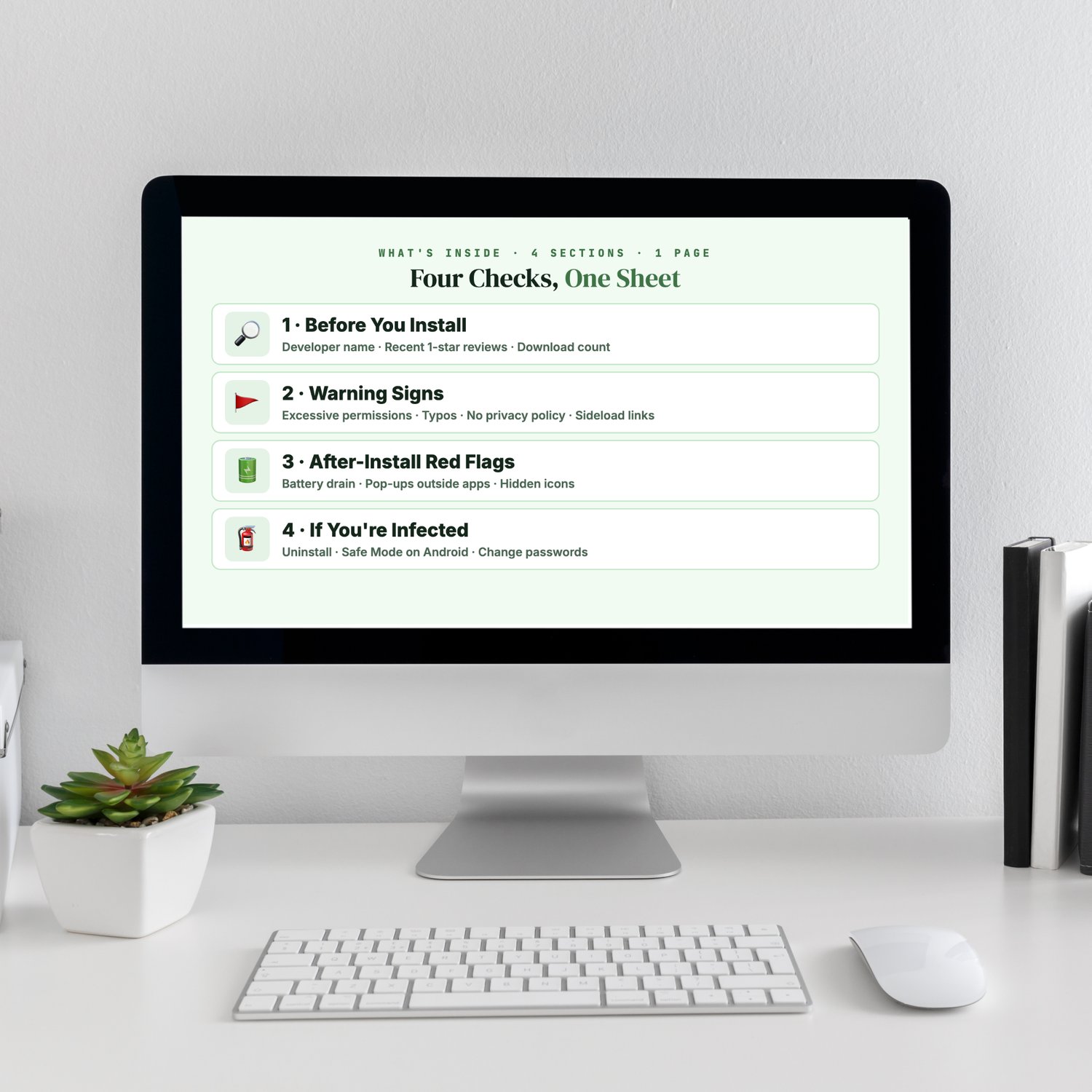
What's inside:
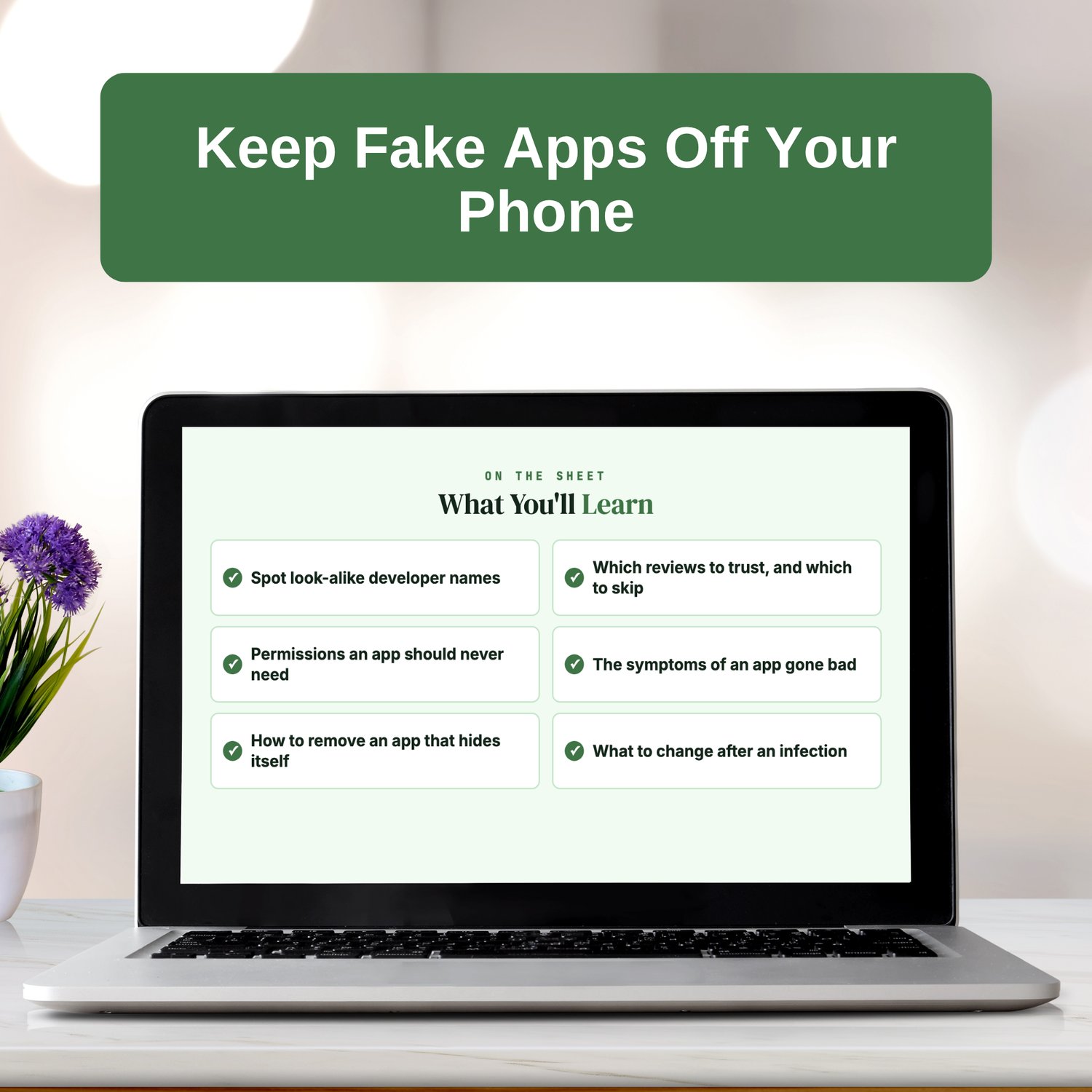
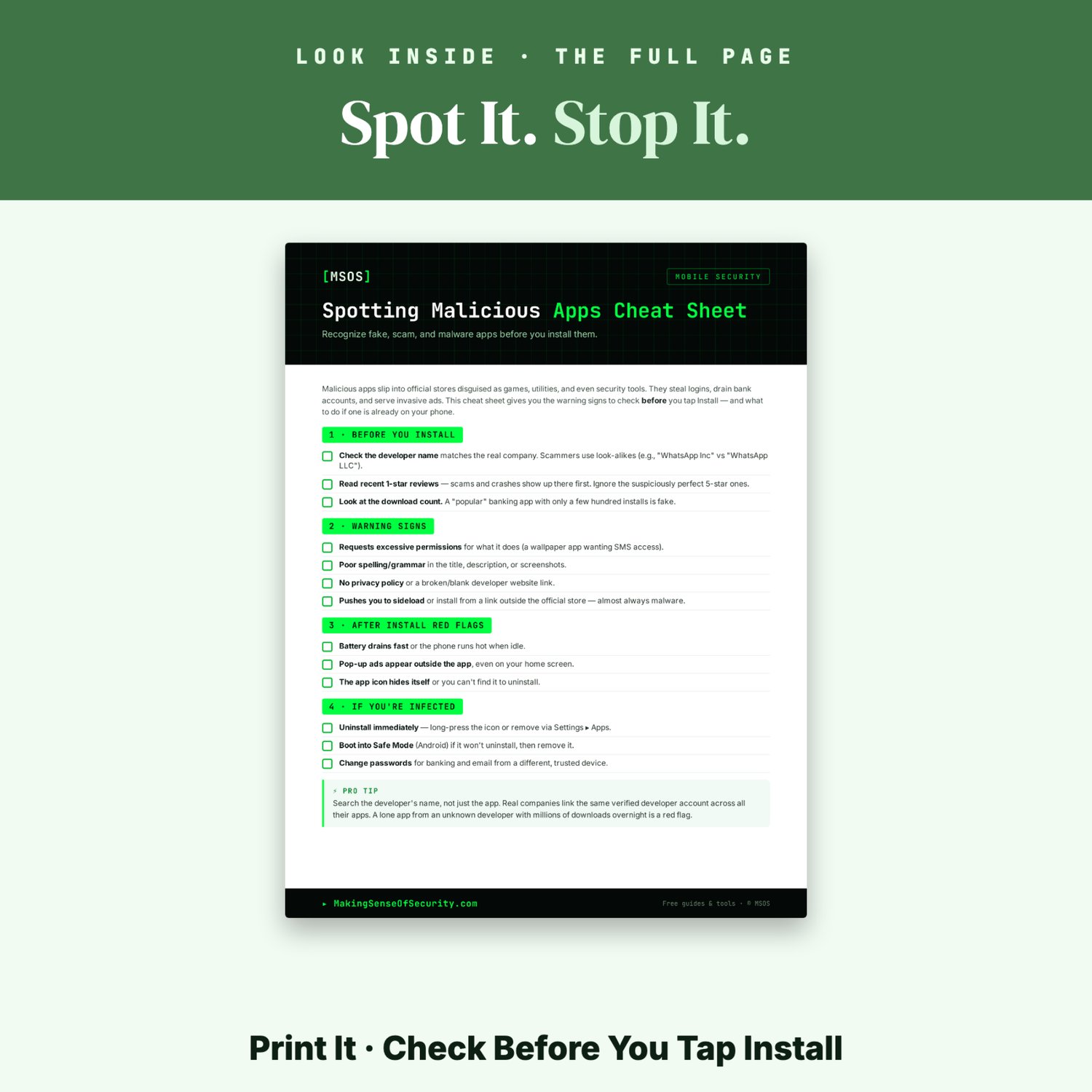
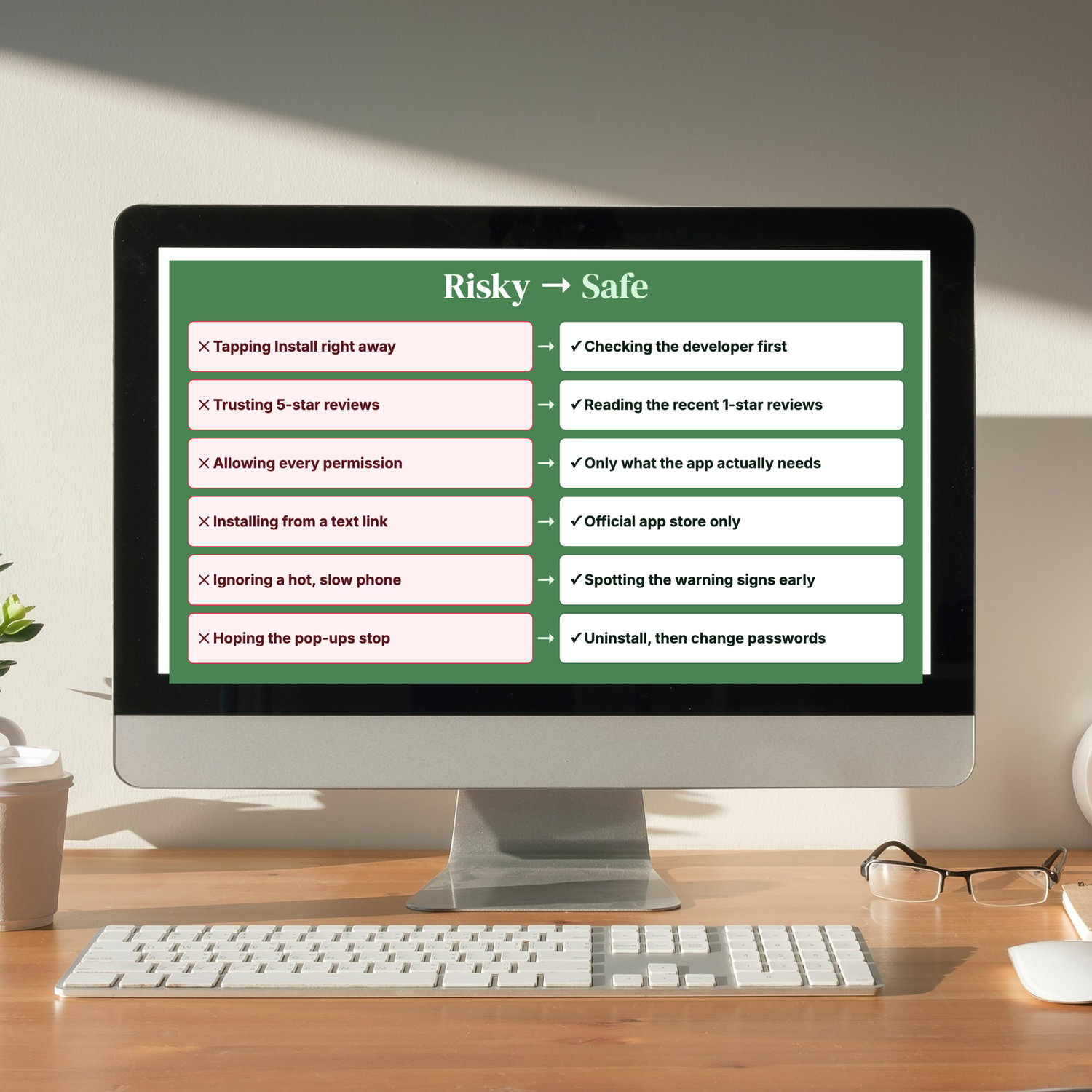
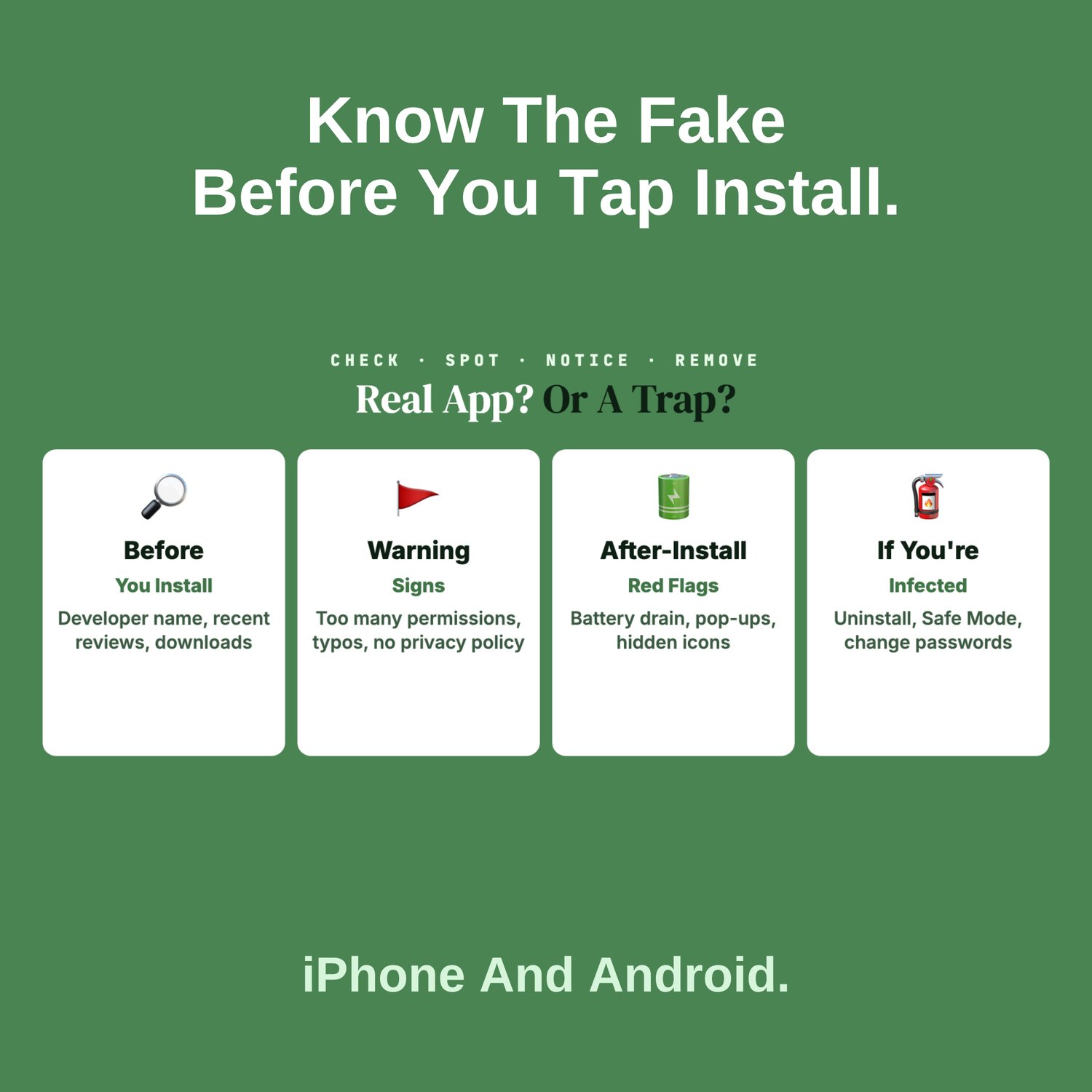
✅ Before You Install: check that the developer name matches the real company, read the recent 1-star reviews, and on Android, look at the download count.
✅ Warning Signs: too many permissions for what the app does, typos in the listing, no privacy policy, and links telling you to install from outside the store.
✅ After-Install Red Flags: fast battery drain, a phone that runs hot while idle, pop-ups outside the app, and an icon that hides itself.
✅ If You're Infected: uninstall right away, use Safe Mode on Android if the app won't uninstall, and change your banking and email passwords from a different device.
✅ Pro Tip: search the developer's name, not just the app name, so you can spot a lone app from an unknown developer.
Who it's for:
- iPhone and Android users
- Parents managing kids' downloads
- Teens and college students
- Seniors new to smartphones
- Mobile banking users
- Anyone whose phone suddenly runs hot or slow
Why it works: It's one page and quick to use. Keep it beside you the next time you browse the app store.
📄 1-page printable PDF (US Letter) · Instant download · Unlimited personal printing
A Making Sense Of Security guide: free guides and tools at MakingSenseOfSecurity.com
Great Companion Guides
Pair this cheat sheet with:
- Phone Location Privacy Settings Card
- Phishing Email Detection Cheat Sheet
- Online Banking Safety Checklist
- Payment App Safety Checklist
- Public WiFi Safety Card
- Turning Off Location Sharing Card
All Sales Final. Please reference this page for details.