


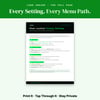


Phone Location Privacy Settings Card | iPhone & Android Location Tracking Guide | Stop Location Sharing | Printable PDF | Digital Download
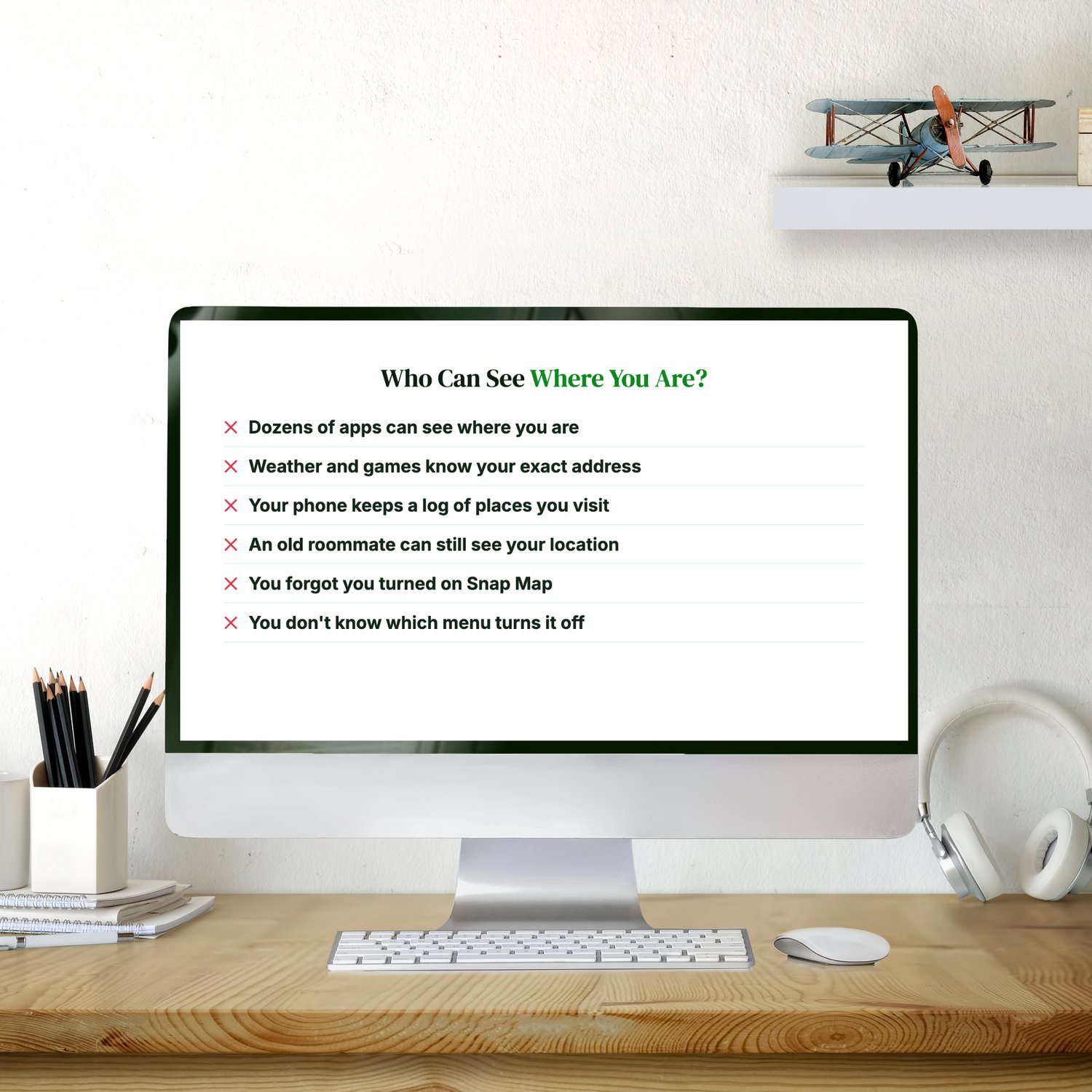
Who Can See Where You Are Right Now?
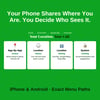
Your phone shares your location all day. Apps, ad networks and people you once shared it with can all see it, and most of it happens without you noticing:
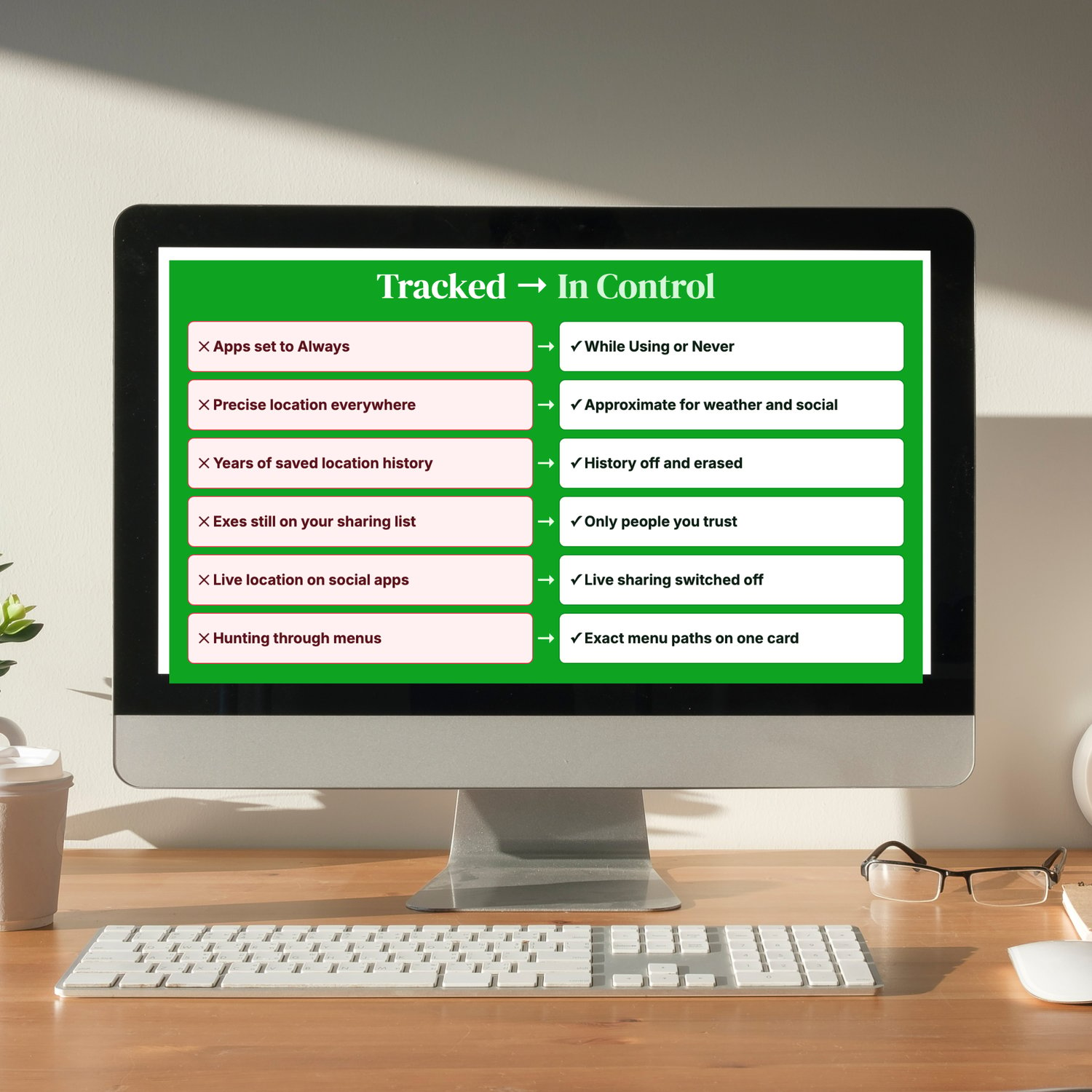
✕ Dozens of apps have location access you forgot you granted
✕ Weather, games and social apps know your exact address when a rough area would do
✕ Your phone quietly keeps a log of the places you visit most
✕ An old roommate or ex may still be on your location-sharing list
✕ A social app's live map might be showing where you are right now
✕ The settings are buried, and you don't know which menu turns them off
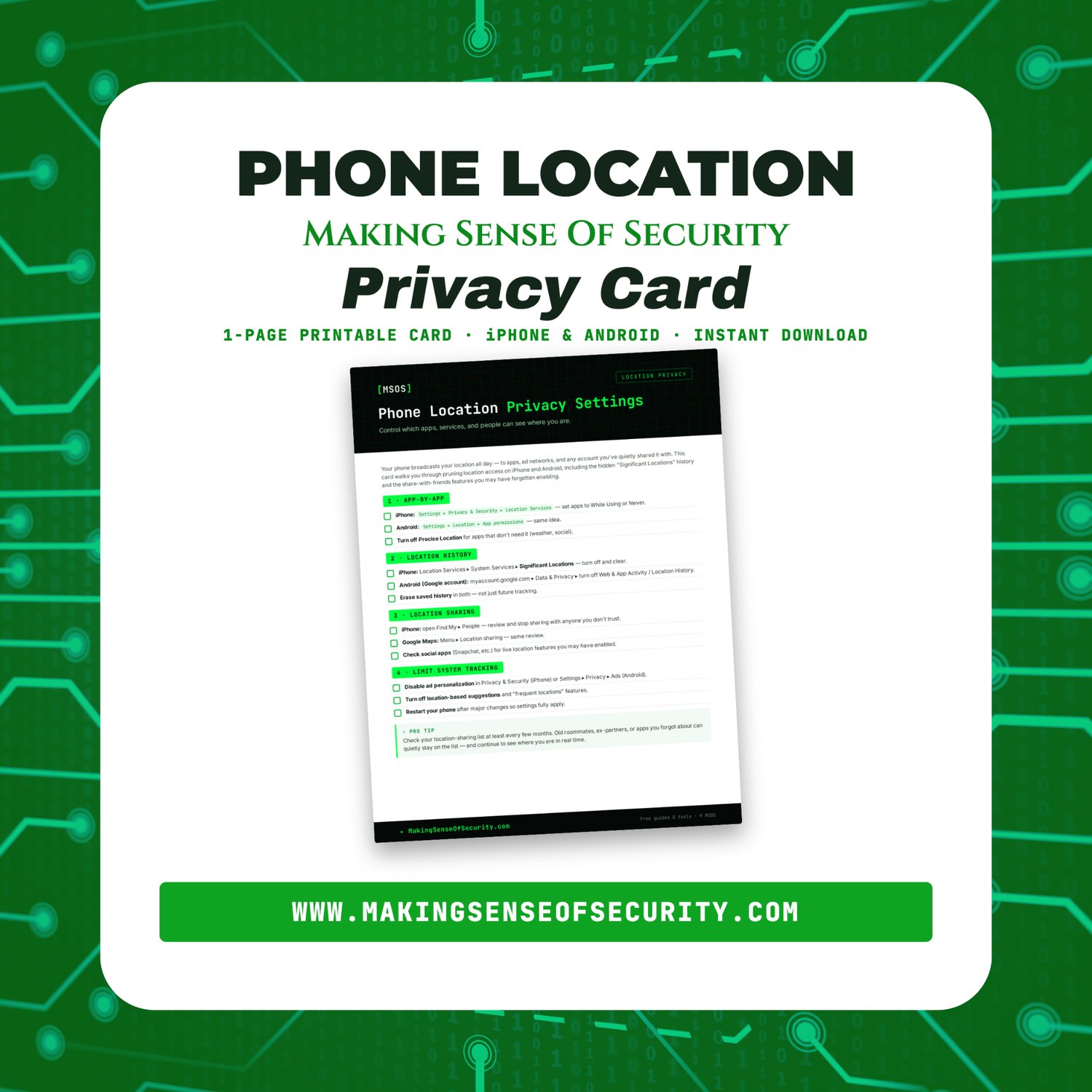
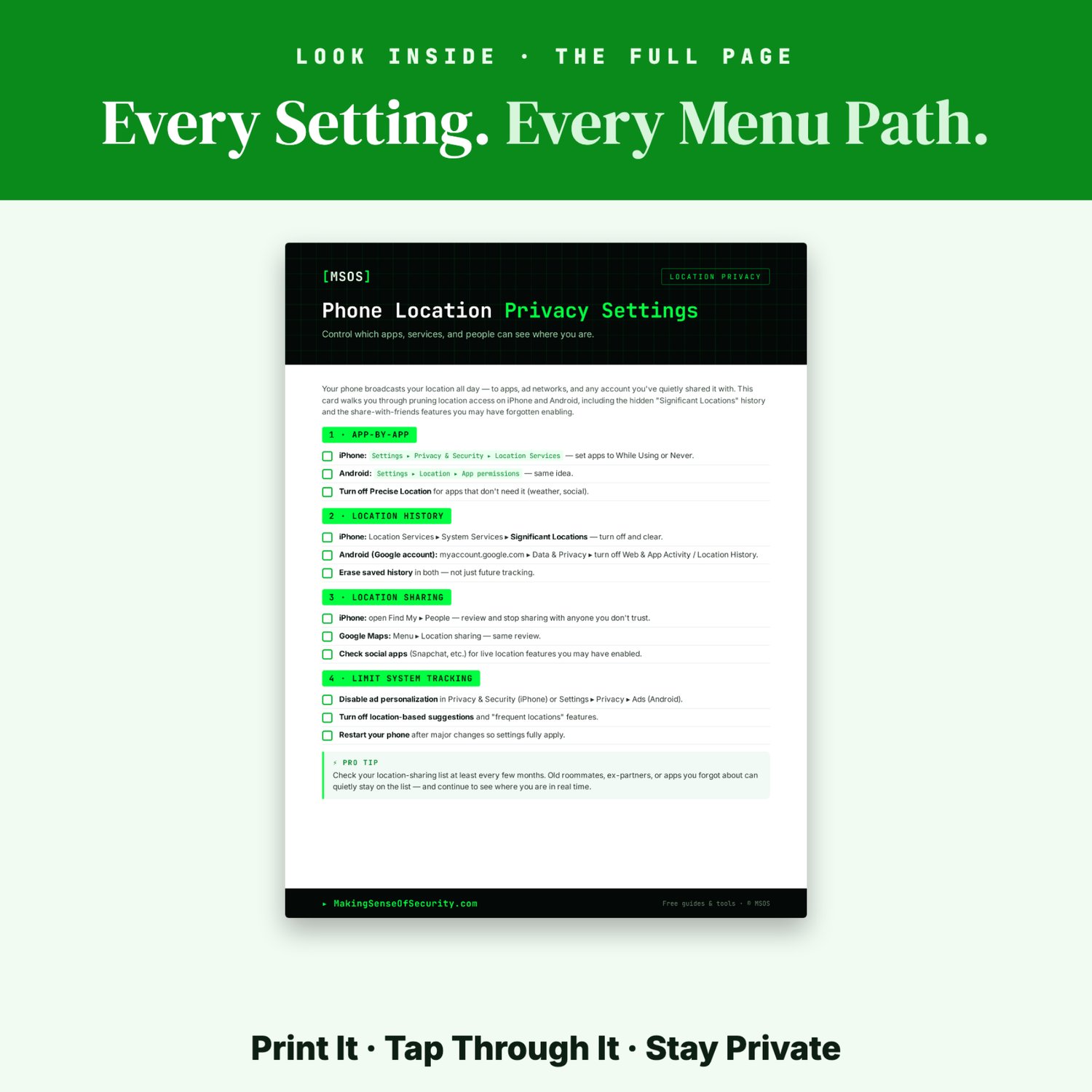
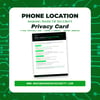
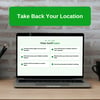
The Phone Location Privacy Settings Card fixes that in one sitting. It's one printable page covering iPhone and Android. Each step gives the exact menu path to tap, in plain English.
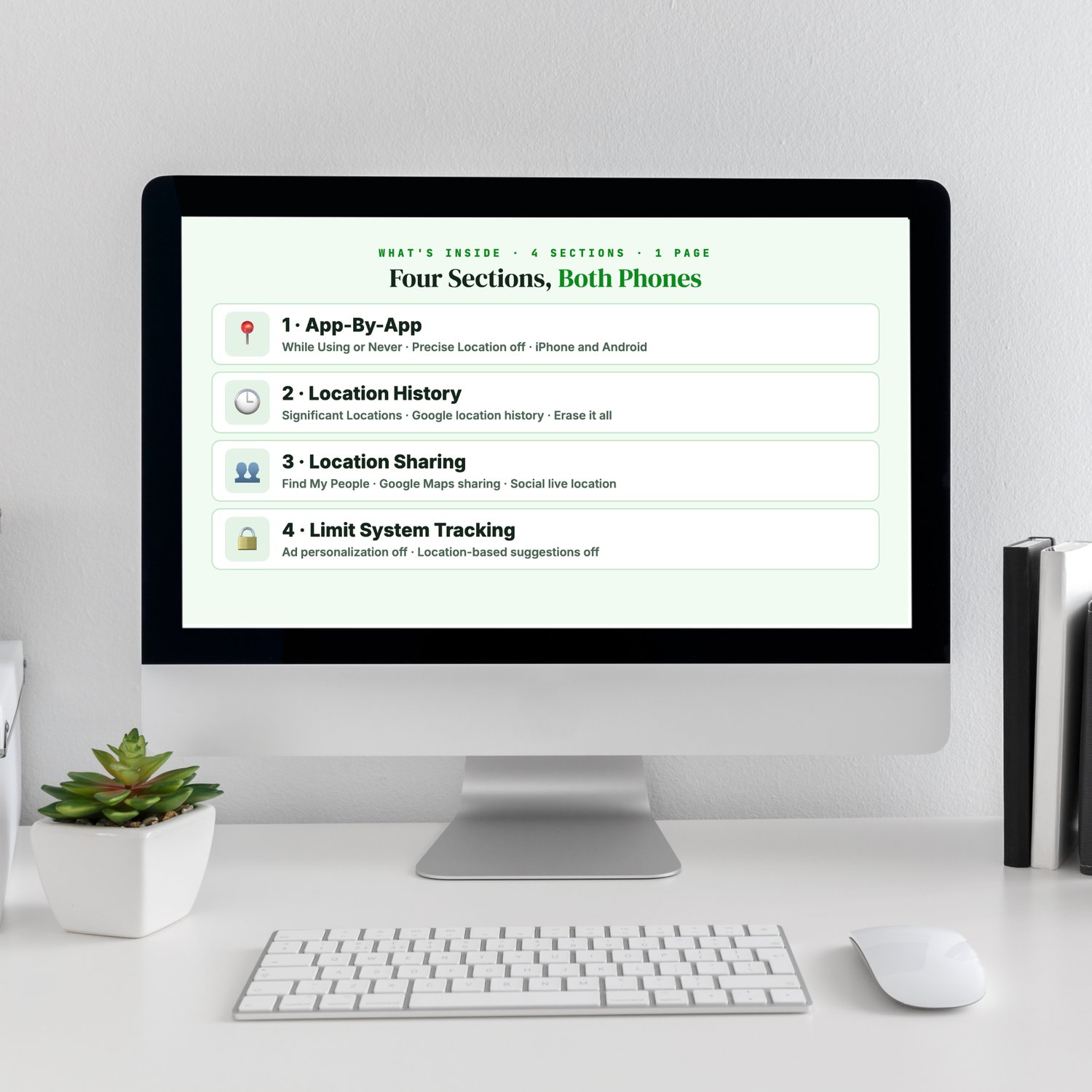
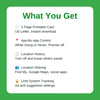
What's Inside
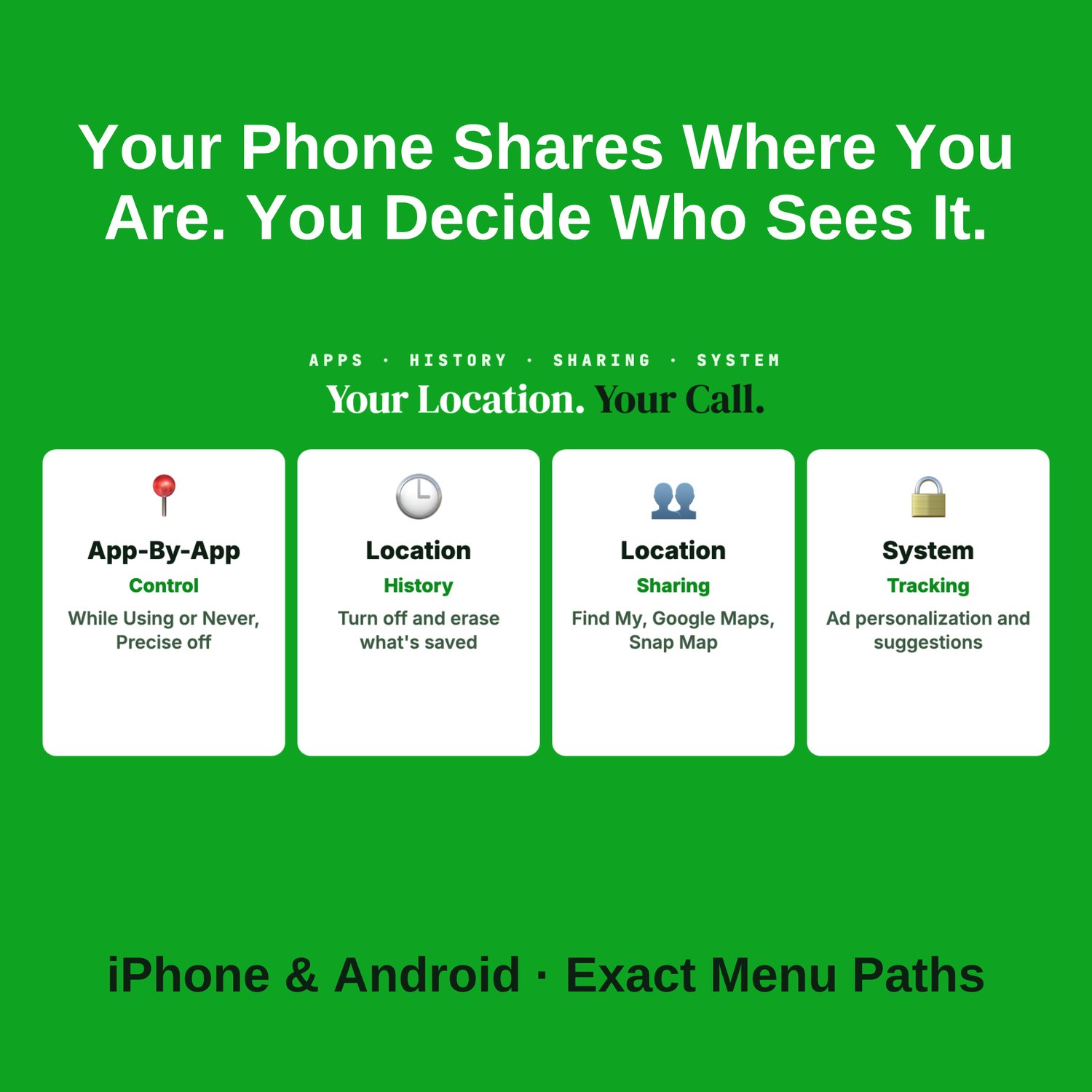
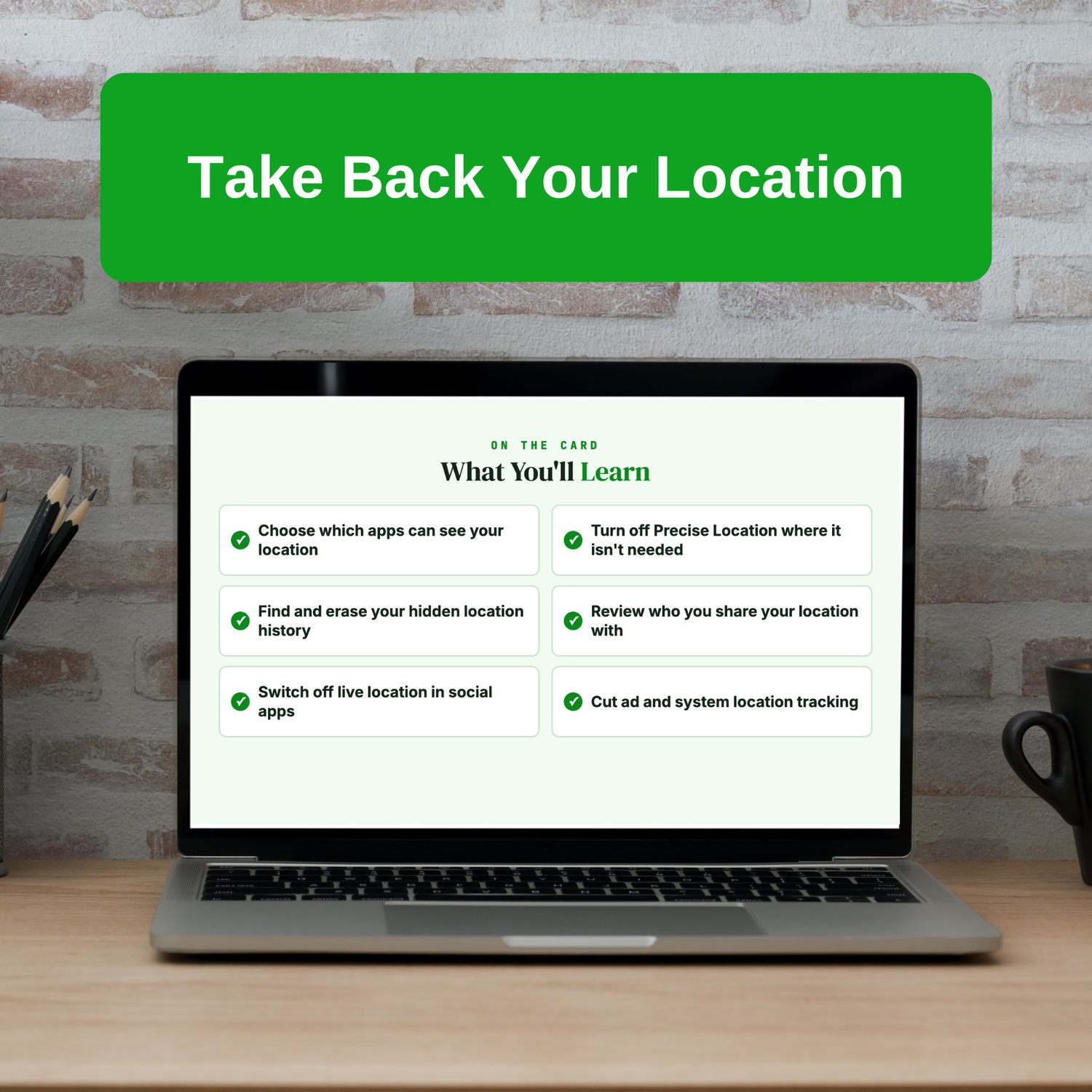
✔ App-By-App Control
- iPhone: Settings ▸ Privacy & Security ▸ Location Services. Set each app to While Using or Never.
- Android: Settings ▸ Location ▸ App permissions.
- Turn off Precise Location for apps that don't need it.
✔ Location History
- iPhone: the hidden Significant Locations log. Turn it off and clear it.
- Android: your Google account's location history settings.
- Erase what's already saved, not just future tracking.
✔ Location Sharing
- iPhone: Find My ▸ People
- Google Maps location sharing
- Live-location features in social apps like Snapchat
✔ Limit System Tracking
- Turn off ad personalization.
- Turn off location-based suggestions.
✔ Pro Tip
Why you should review your sharing list every few months. Former roommates, ex-partners and forgotten apps can stay on it and keep seeing where you are in real time.
Perfect For
iPhone and Android users · Anyone worried about being tracked · Parents managing family phones · Teens and college students · Anyone leaving a shared living situation · Privacy-minded phone owners
Why You'll Love It
✓ Instant digital download
✓ One printable page
✓ Covers iPhone and Android
✓ Exact menu paths, no hunting
✓ Finds the hidden location history most people never see
✓ Takes only minutes
Product Details
- PDF digital download · 1 printable page · Unlimited personal printing · Designed by Making Sense Of Security · No physical product shipped
Great Companion Guides
Pair this card with:
- Turning Off Location Sharing Card
- Spotting Malicious Apps Cheat Sheet
- TikTok Privacy Settings Card
- X Twitter Privacy Settings Card
- Vacation Social Media Don'ts Card
- Smart Speaker Privacy Settings Card
All Sales Final. Please reference this page for details.