

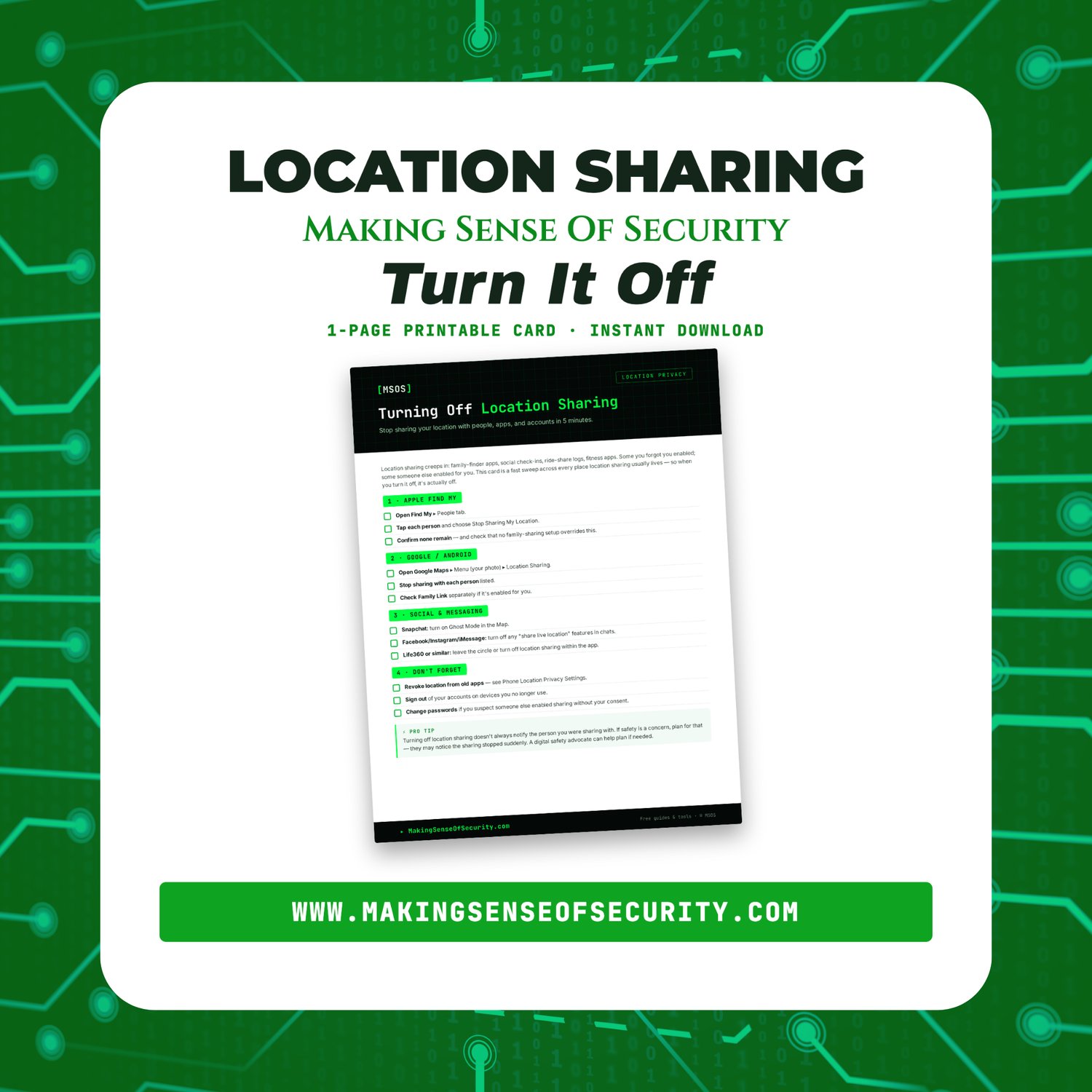

Turning Off Location Sharing Card | Stop Location Tracking On iPhone & Android | Find My Snapchat & Life360 Guide | Printable PDF | Digital Download
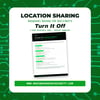
Turning Off Location Sharing Card: Stop Location Tracking on iPhone, Android, Snapchat & Life360 | Printable 1-Page Guide
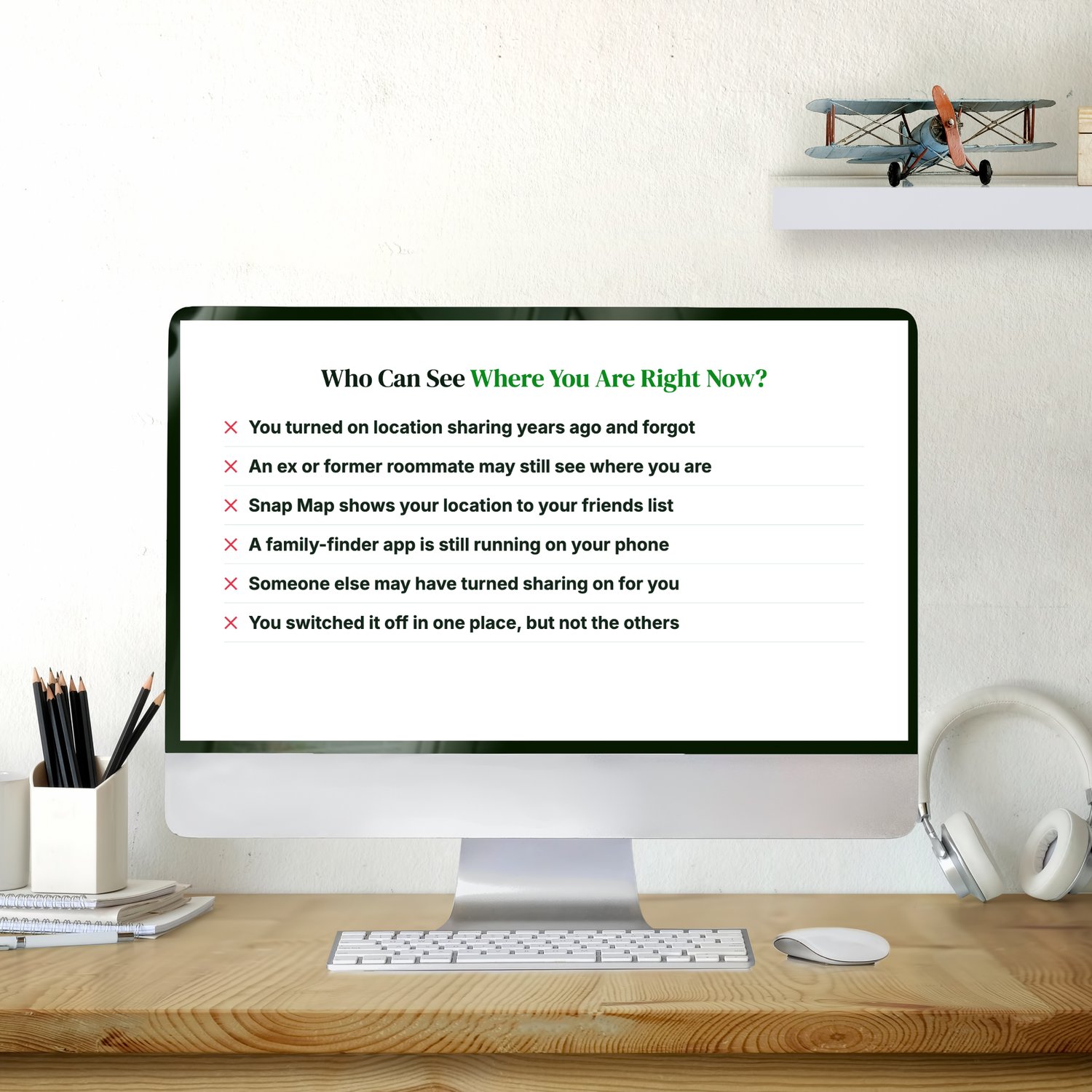
Who can see where you are right now?
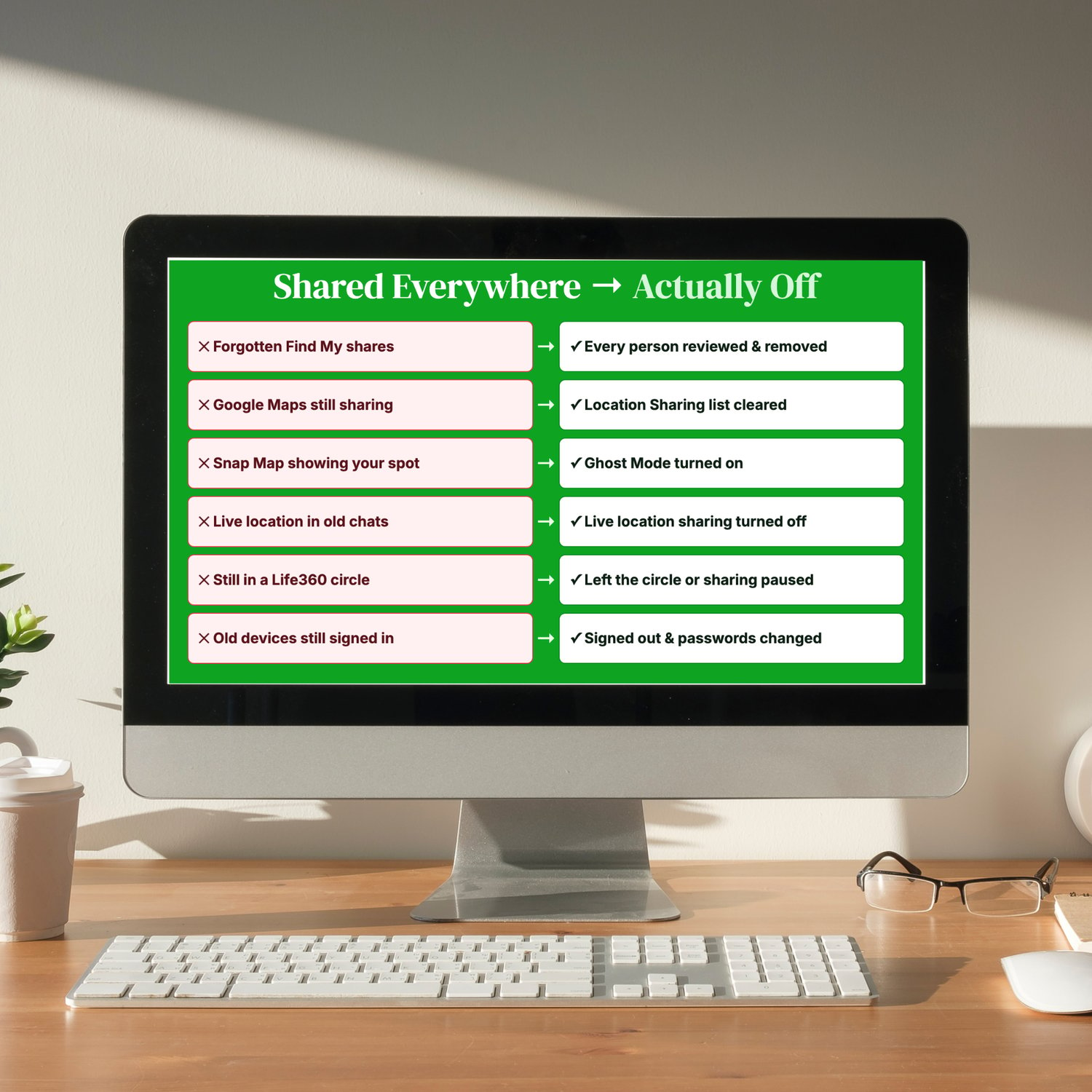
You may have turned on location sharing years ago and forgotten about it. An ex or a former roommate may still be able to see where you are. Snap Map may be showing your location to your whole friends list. A family-finder app may still be running on your phone. Someone else may even have turned sharing on for you. And when you switch it off in one place, it's often still on somewhere else.
Location sharing builds up quietly across family-finder apps, social apps, messaging, and old devices.
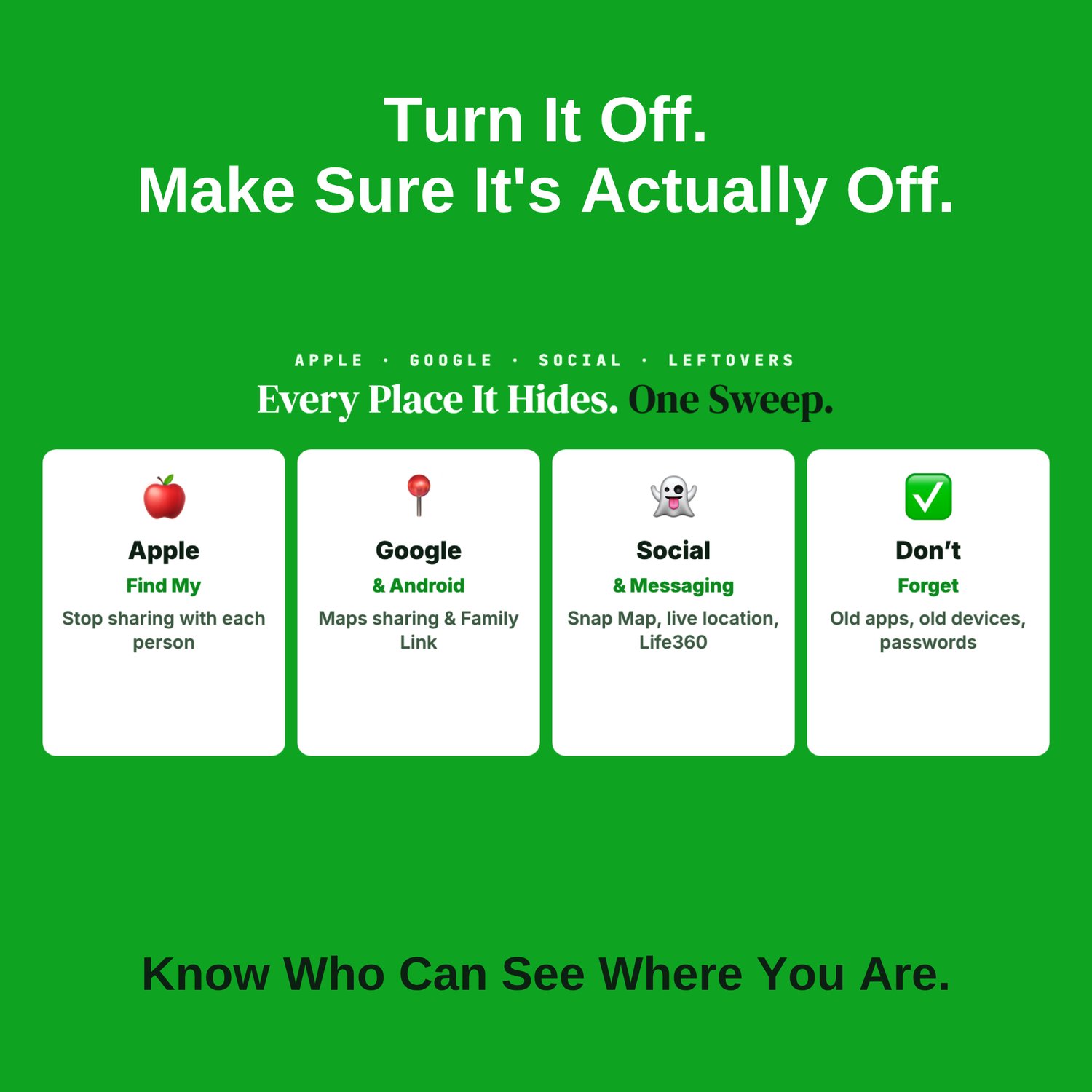
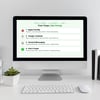
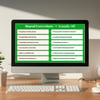
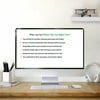
This one-page card walks you through every place location sharing usually lives, so when you turn it off, it's actually off.
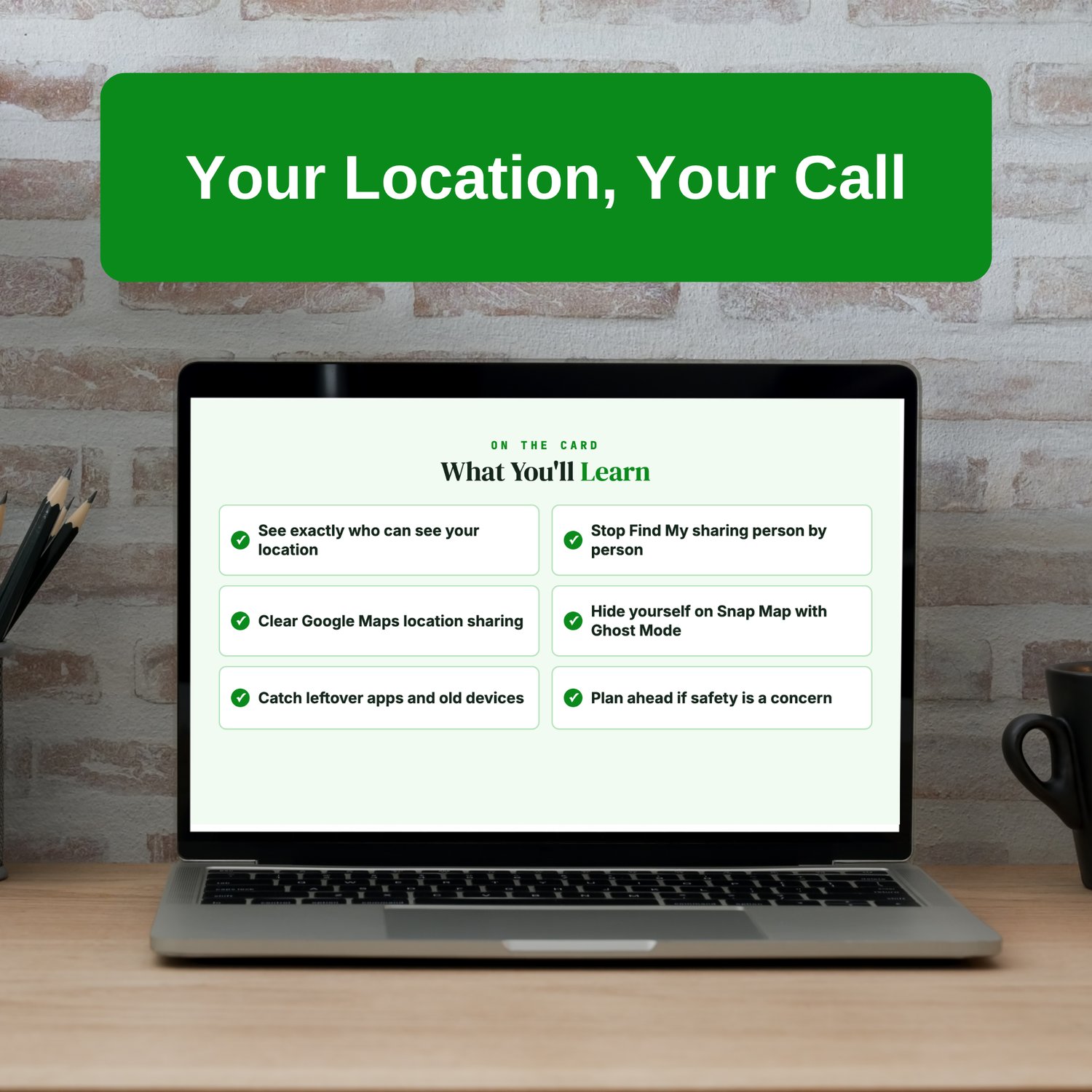
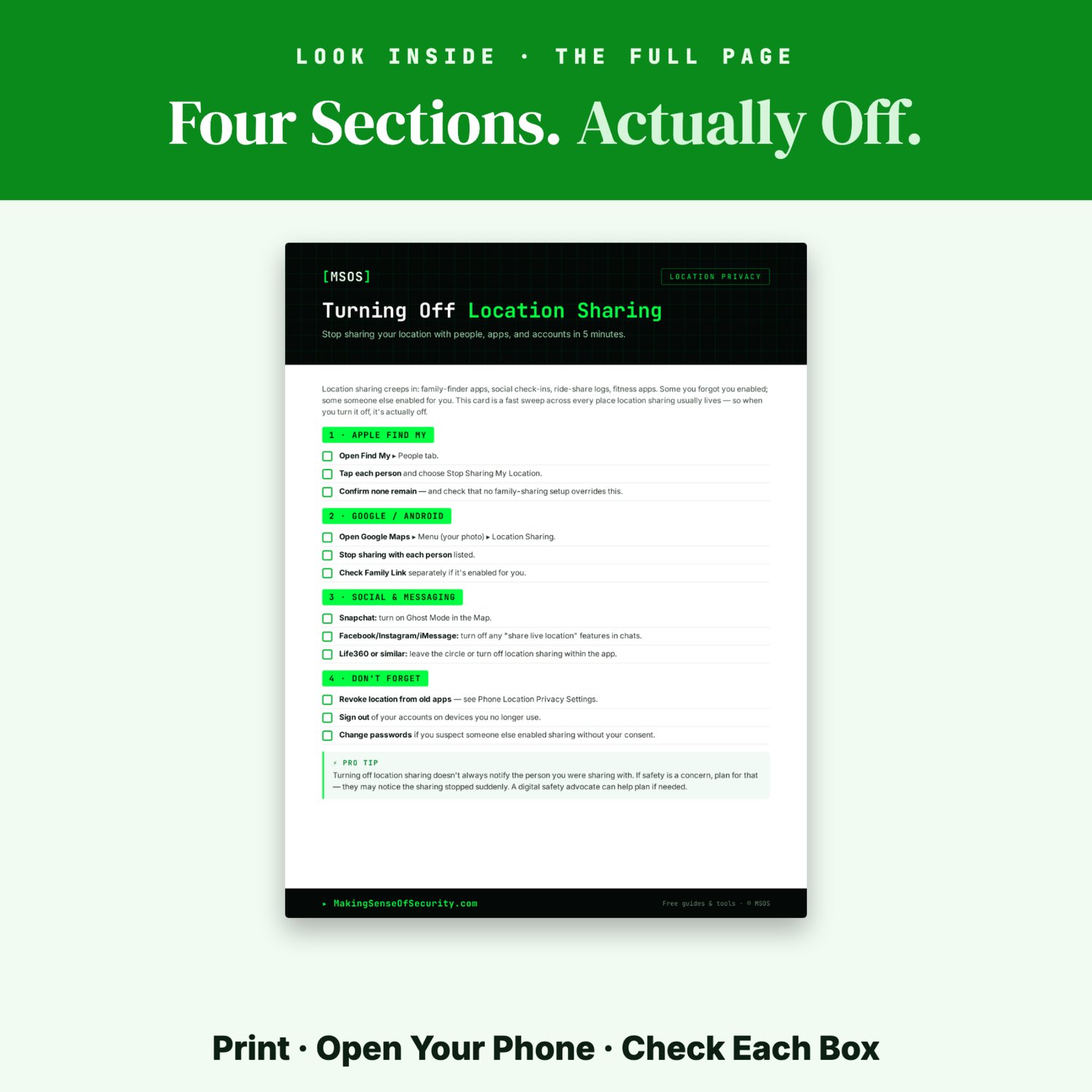
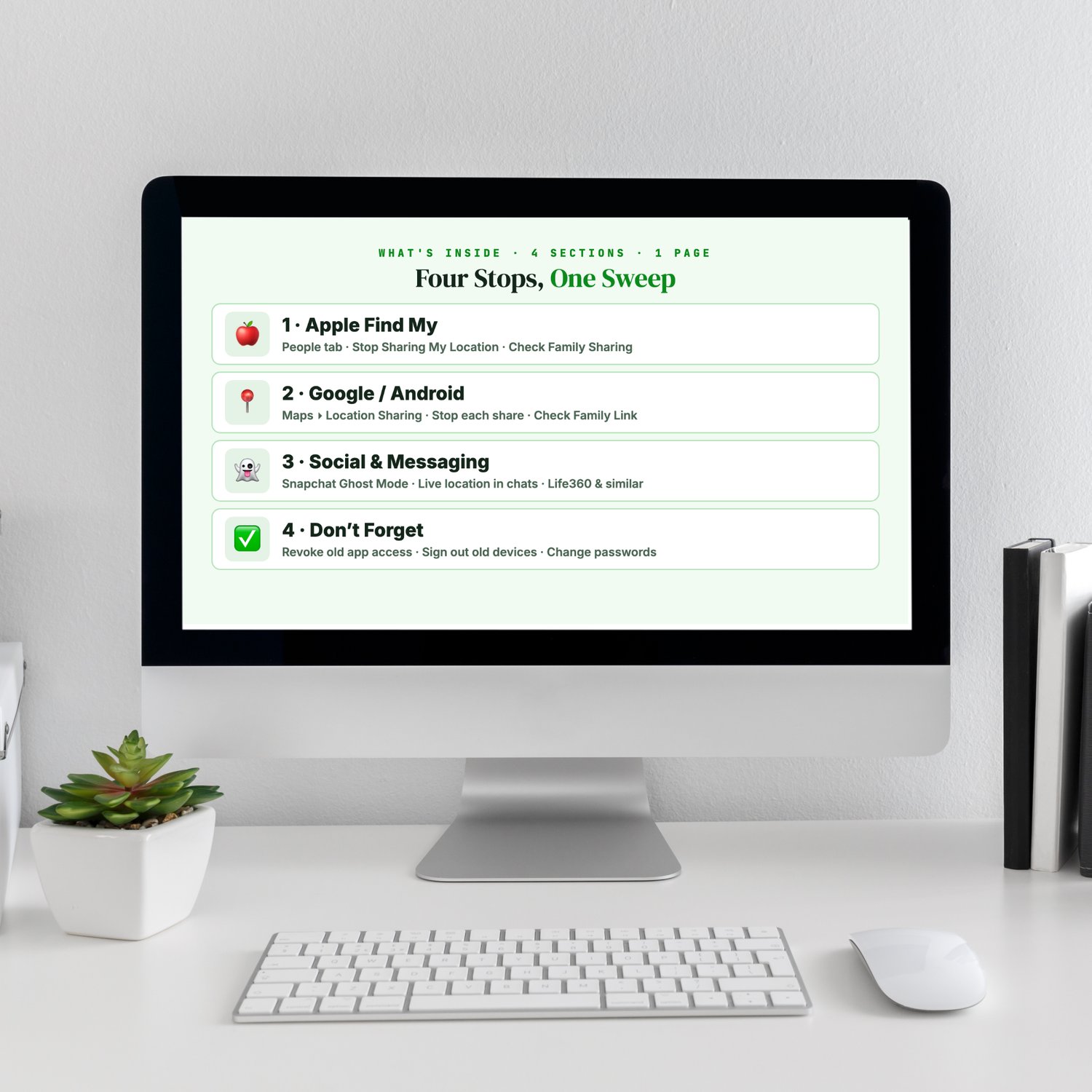
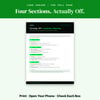
What's on the card
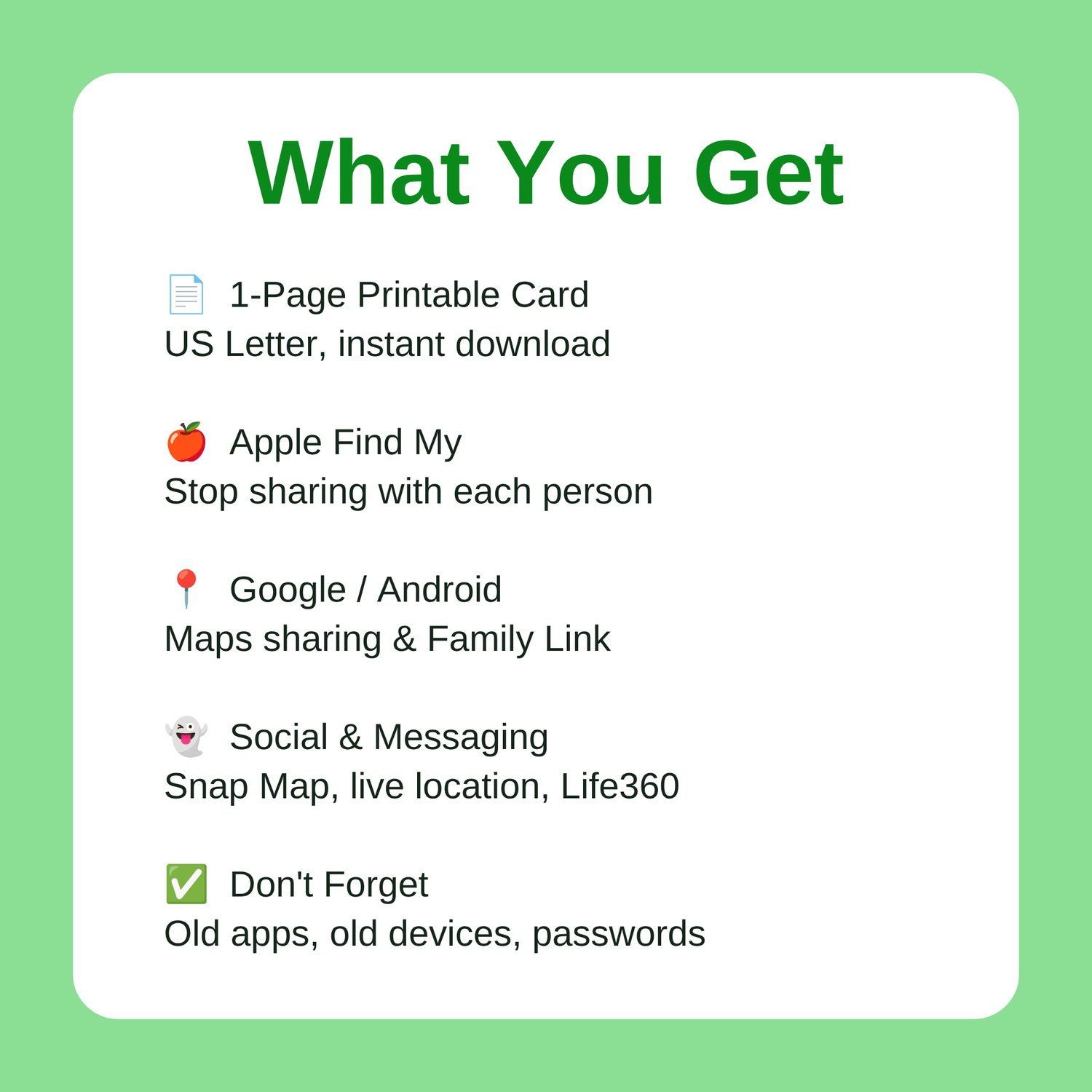
🍎 Apple Find My
- Open Find My, then the People tab
- Tap each person and choose Stop Sharing My Location
- Confirm no one is left, and check that a Family Sharing setup isn't overriding it
📍 Google / Android
- Open Google Maps, tap your photo, then Location sharing
- Stop sharing with each person listed
- Check Family Link separately if it's turned on for you
👻 Social & Messaging
- Snapchat: turn on Ghost Mode in the Map
- Facebook, Instagram, and iMessage: turn off any "share live location" in your chats
- Life360 or similar apps: leave the circle or turn off sharing in the app
✅ Don't Forget
- Remove location access from old apps
- Sign out of your accounts on devices you no longer use
- Change your passwords if you think someone turned sharing on without your consent
⚡ Pro tip: Turning off location sharing doesn't always notify the other person, but they may notice it has stopped. If your safety is a concern, plan that step first. A digital safety advocate can help.
Perfect for
- iPhone and Android users
- Anyone leaving a shared living situation or a relationship
- Snapchat, Life360, and Find My users
- Parents and teens resetting location rules
- Anyone doing a privacy cleanup
Format
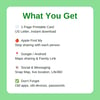
- 1 printable page, US Letter
- Instant digital download
- Unlimited personal printing
- Open your phone and work through it one checkbox at a time
Pairs well with the Phone Location Privacy Settings Card, the Spotting Malicious Apps Cheat Sheet, and the Phone & Device Privacy Bundle.
If you're in an abusive situation, the National Domestic Violence Hotline (1-800-799-7233, or text START to 88788) can help you plan safely.
Making Sense Of Security: practical security, explained plainly.
www.MakingSenseOfSecurity.com
Great Companion Guides
Pair this card with:
- Phone Location Privacy Settings Card
- Spotting Malicious Apps Cheat Sheet
- TikTok Privacy Settings Card
- X Twitter Privacy Settings Card
- Vacation Social Media Don'ts Card
- Smart Home Security Quick-Start Checklist
All Sales Final. Please reference this page for details.