





Payment App Safety Checklist | Venmo Cash App Zelle PayPal Scam Protection | Avoid P2P Payment Fraud | Printable PDF | Digital Download
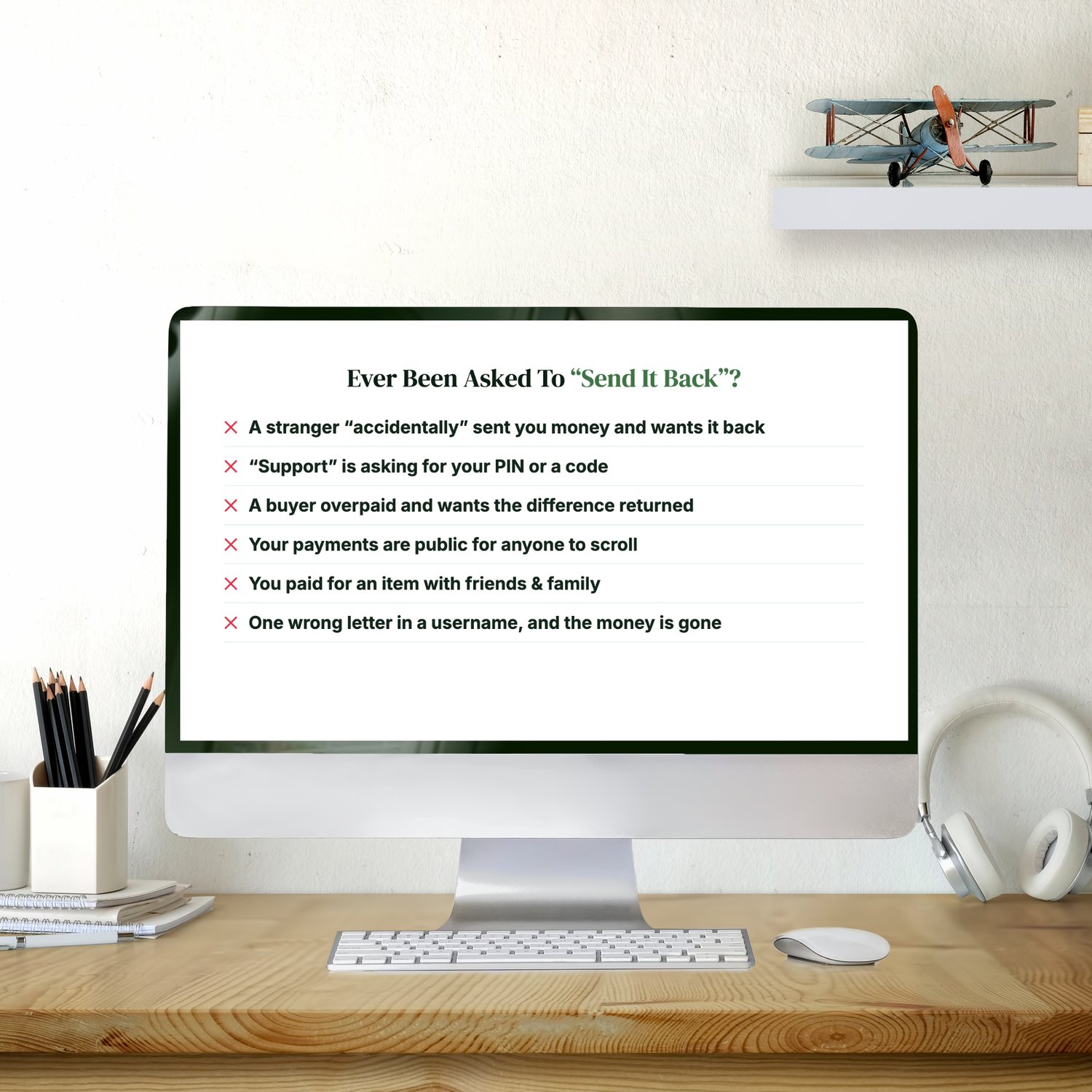
Ever Been Asked To "Send It Back"?
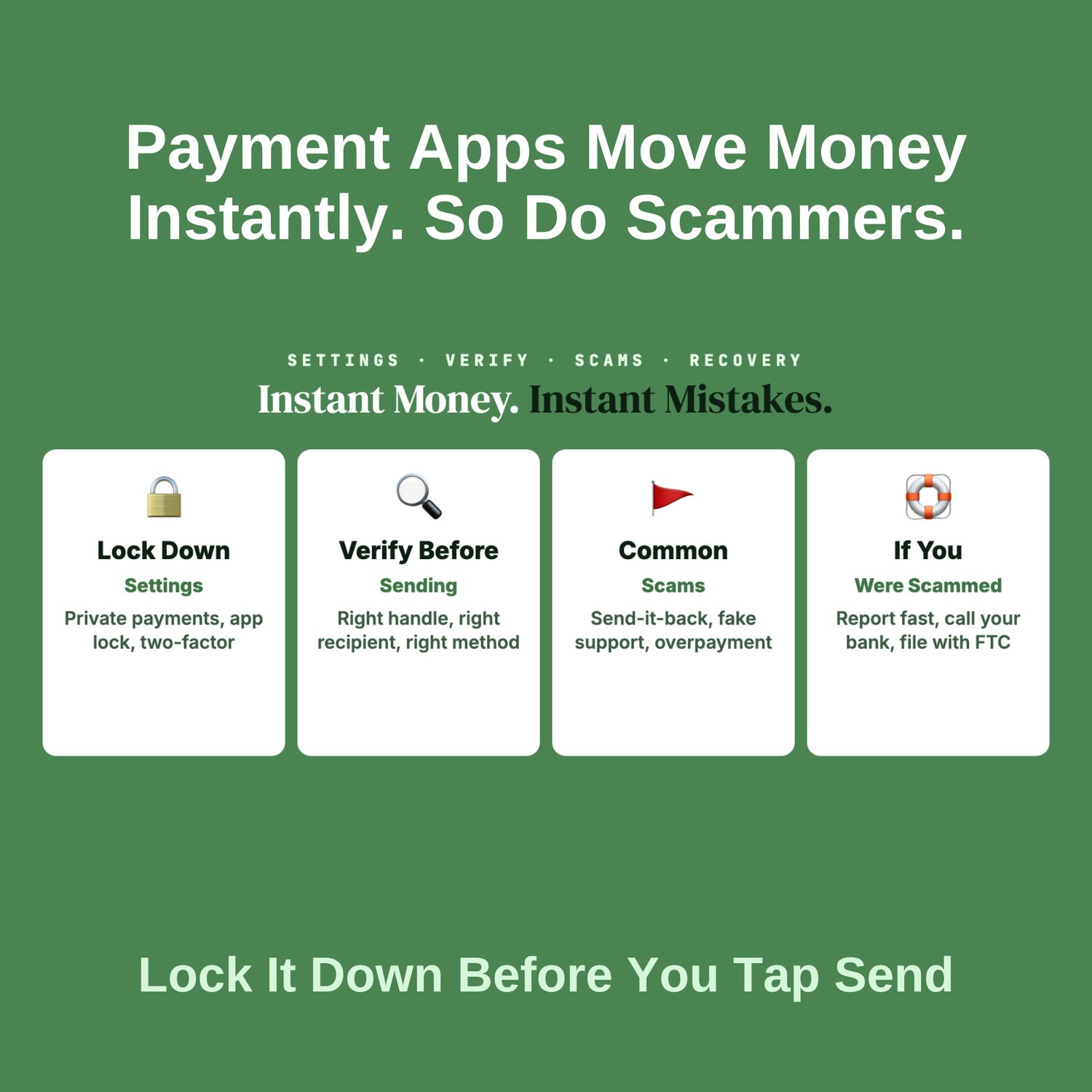
Payment apps move money in seconds, which is exactly why scammers love them. Once you hit send, the money is usually gone, without the protection a credit card gives you:
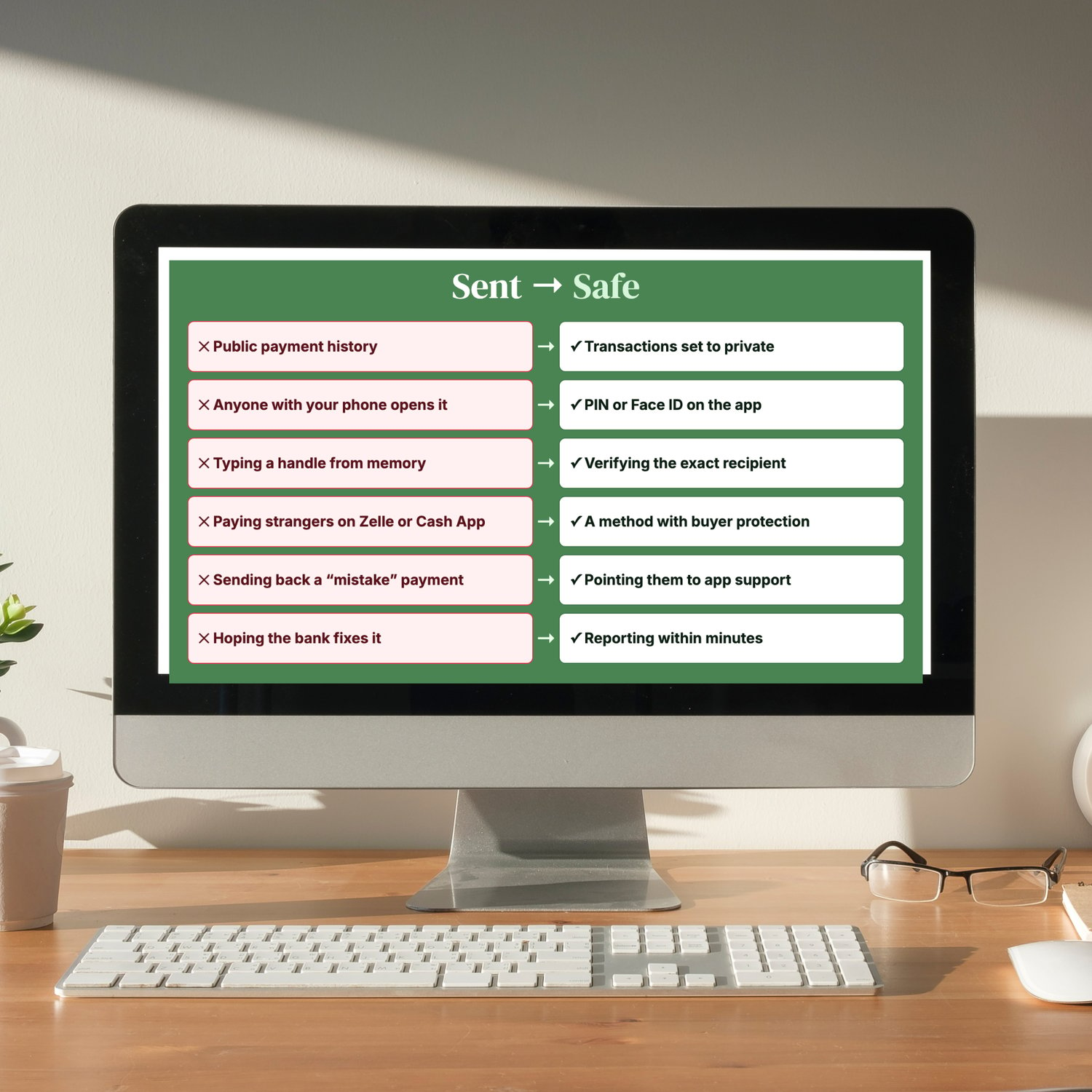
✕ A stranger "accidentally" sends you money and asks you to send it back
✕ "Customer support" messages you asking for your PIN or a code
✕ A buyer "overpays" and wants the difference returned
✕ Your payments are visible to anyone who scrolls your profile
✕ You paid for an item using friends & family and lost your protection
✕ One wrong letter in a username, and your money goes to a stranger
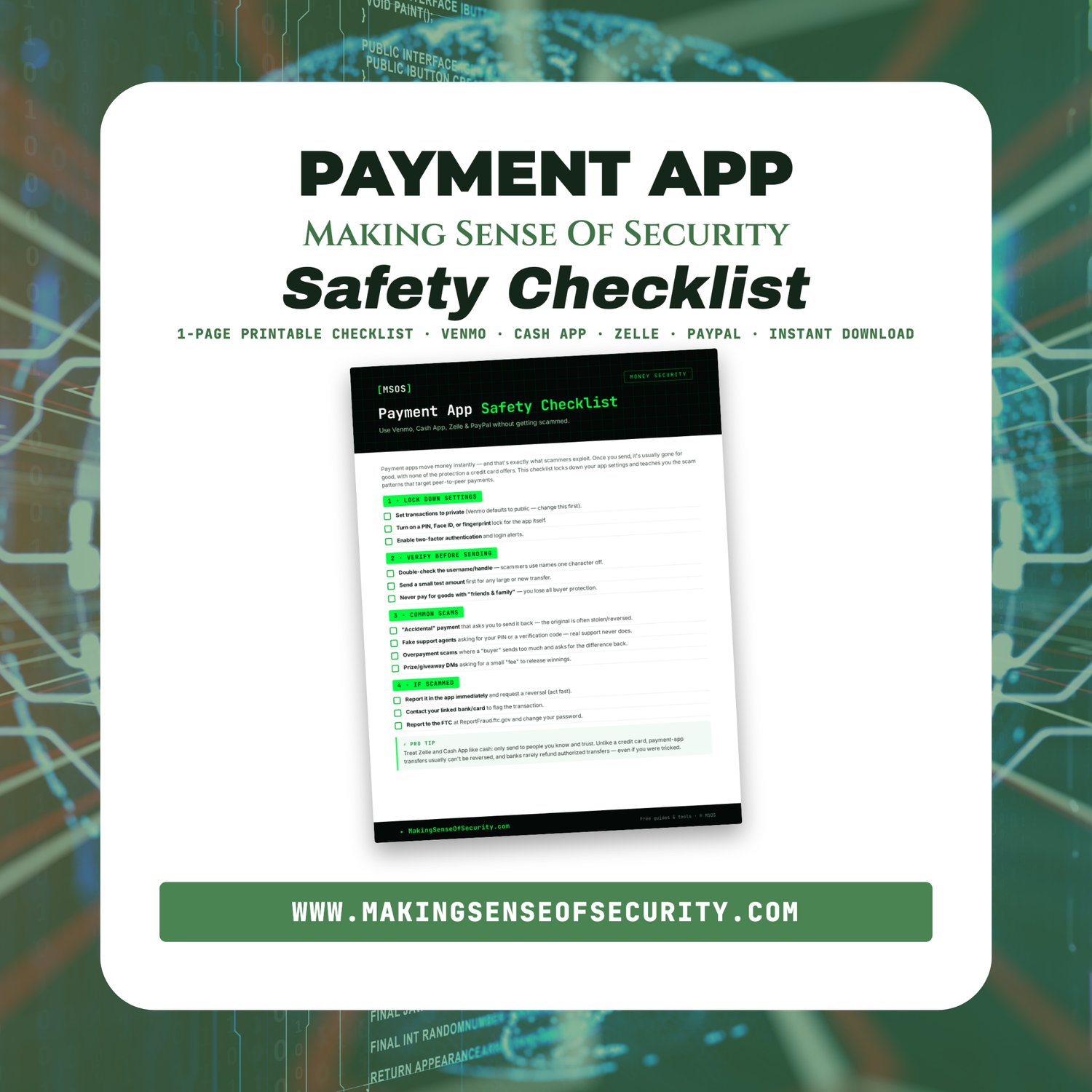
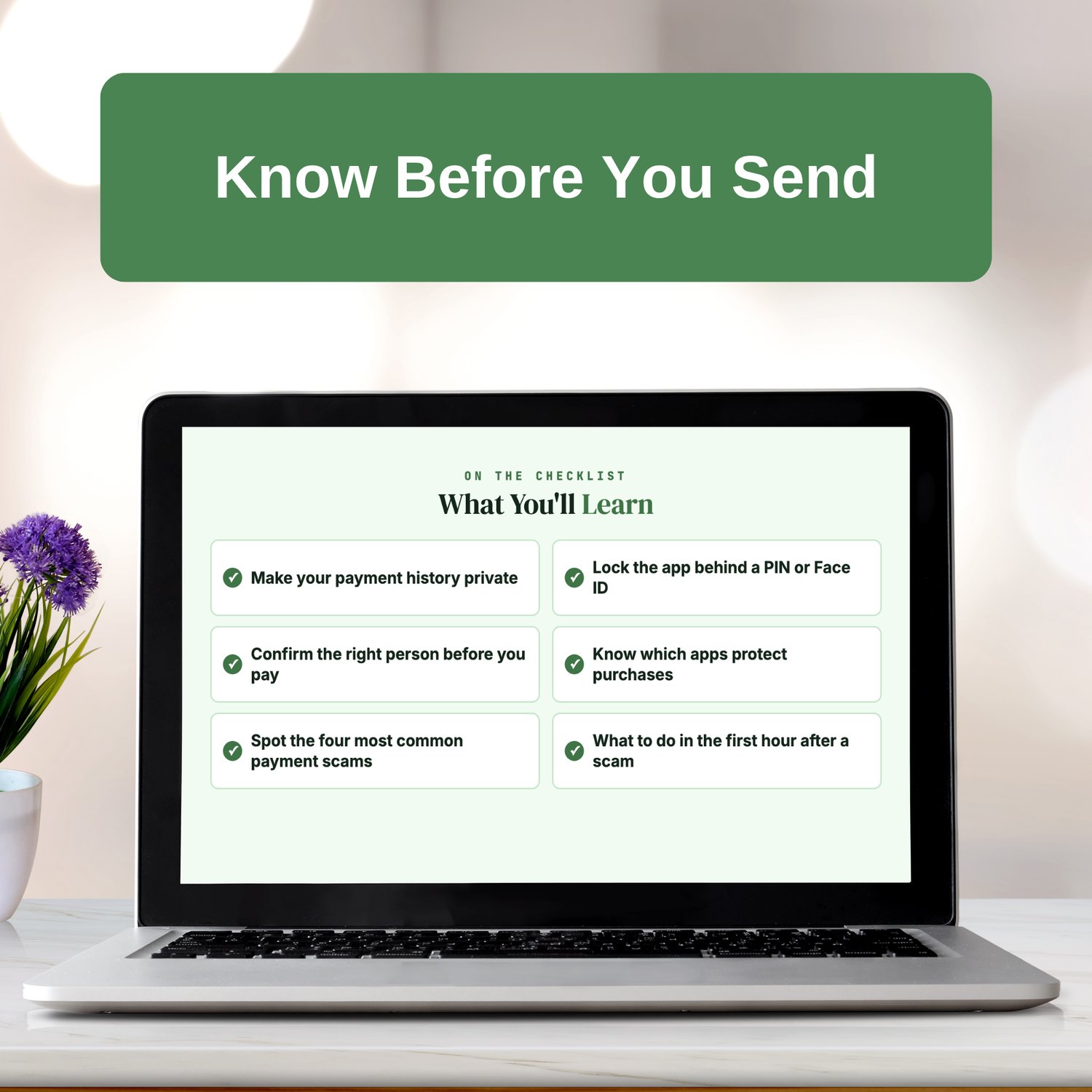
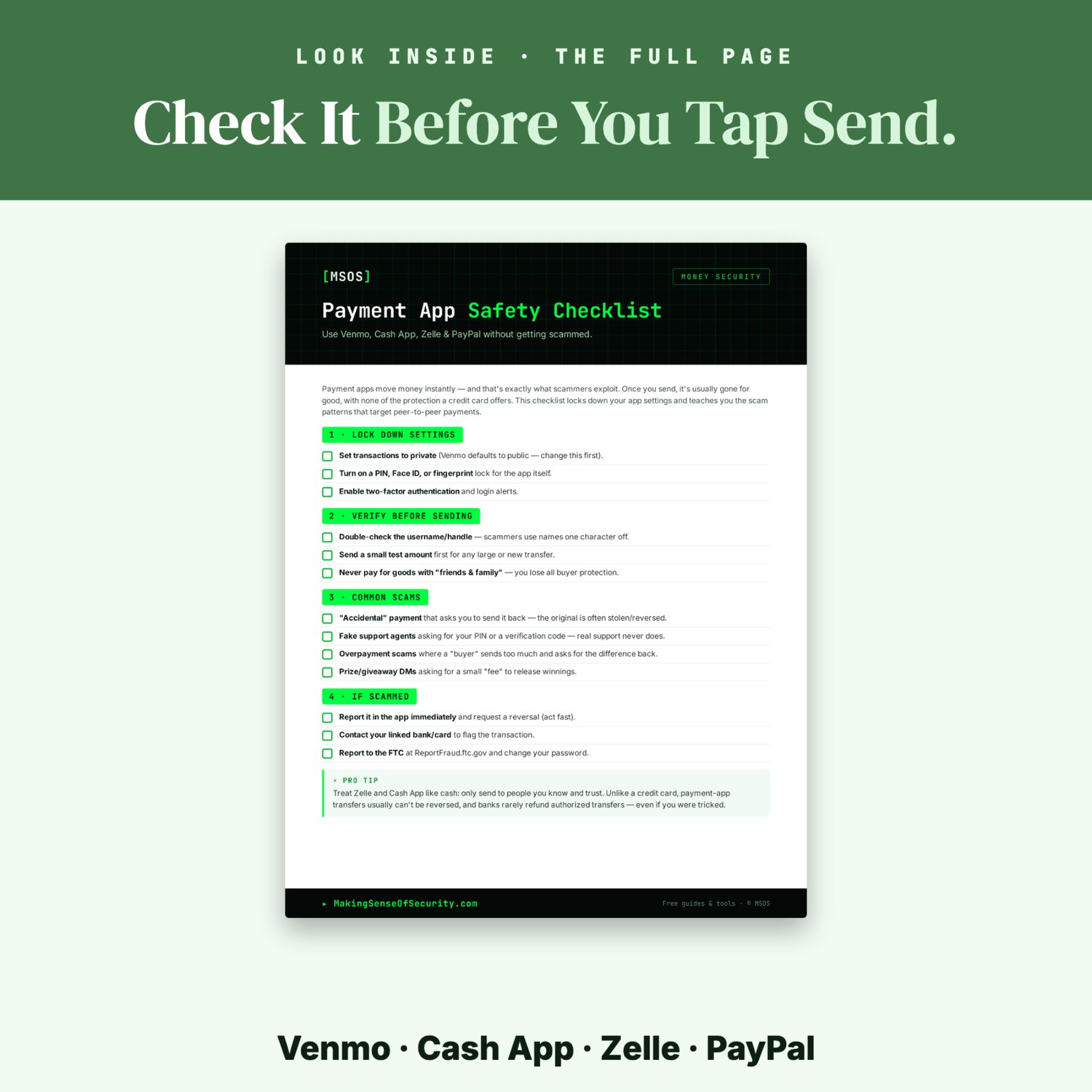
The Payment App Safety Checklist locks down your settings and shows you the scams to watch for. Whether you use Venmo, Cash App, Zelle, PayPal or all four, it covers the settings to change today and the red flags to spot before you tap send.
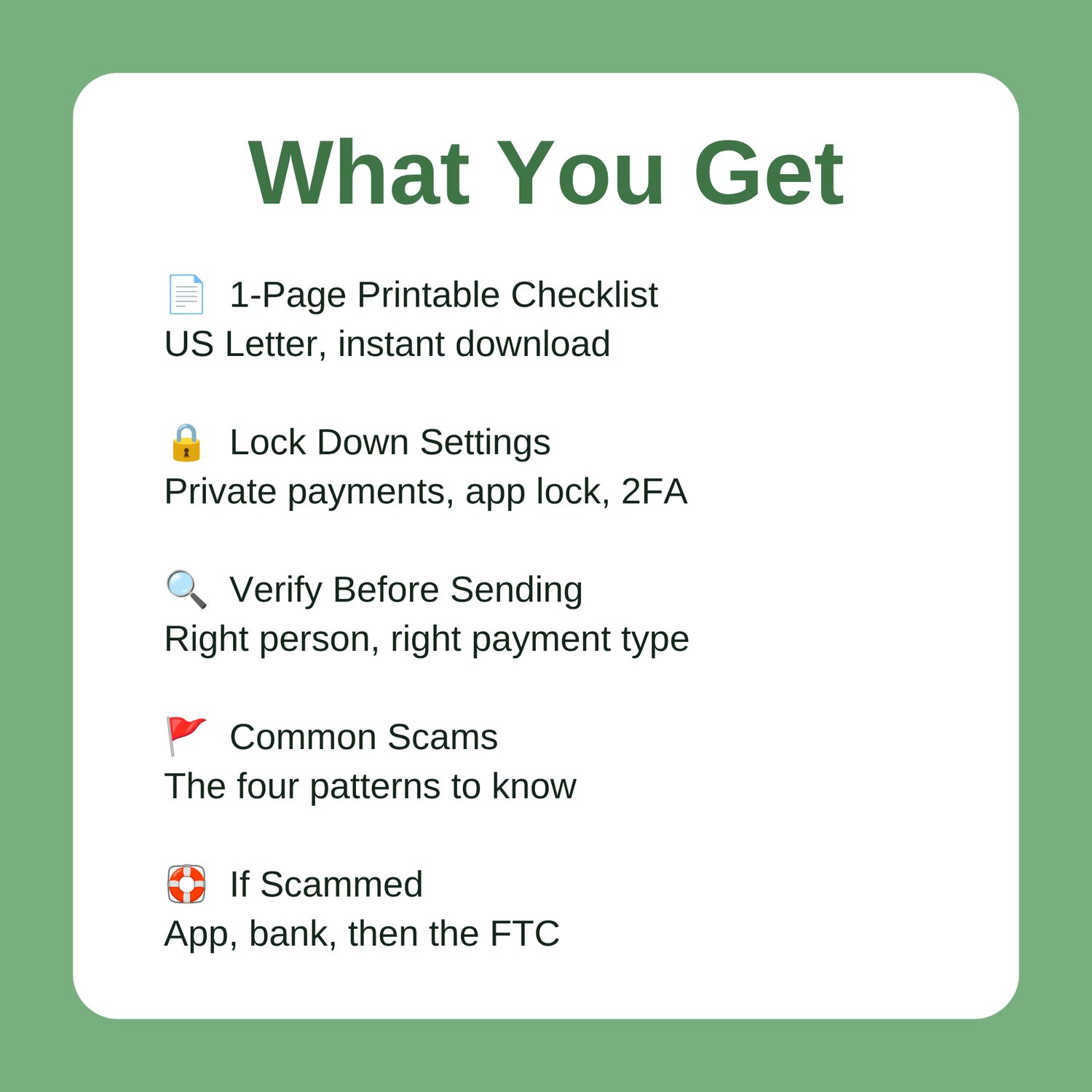
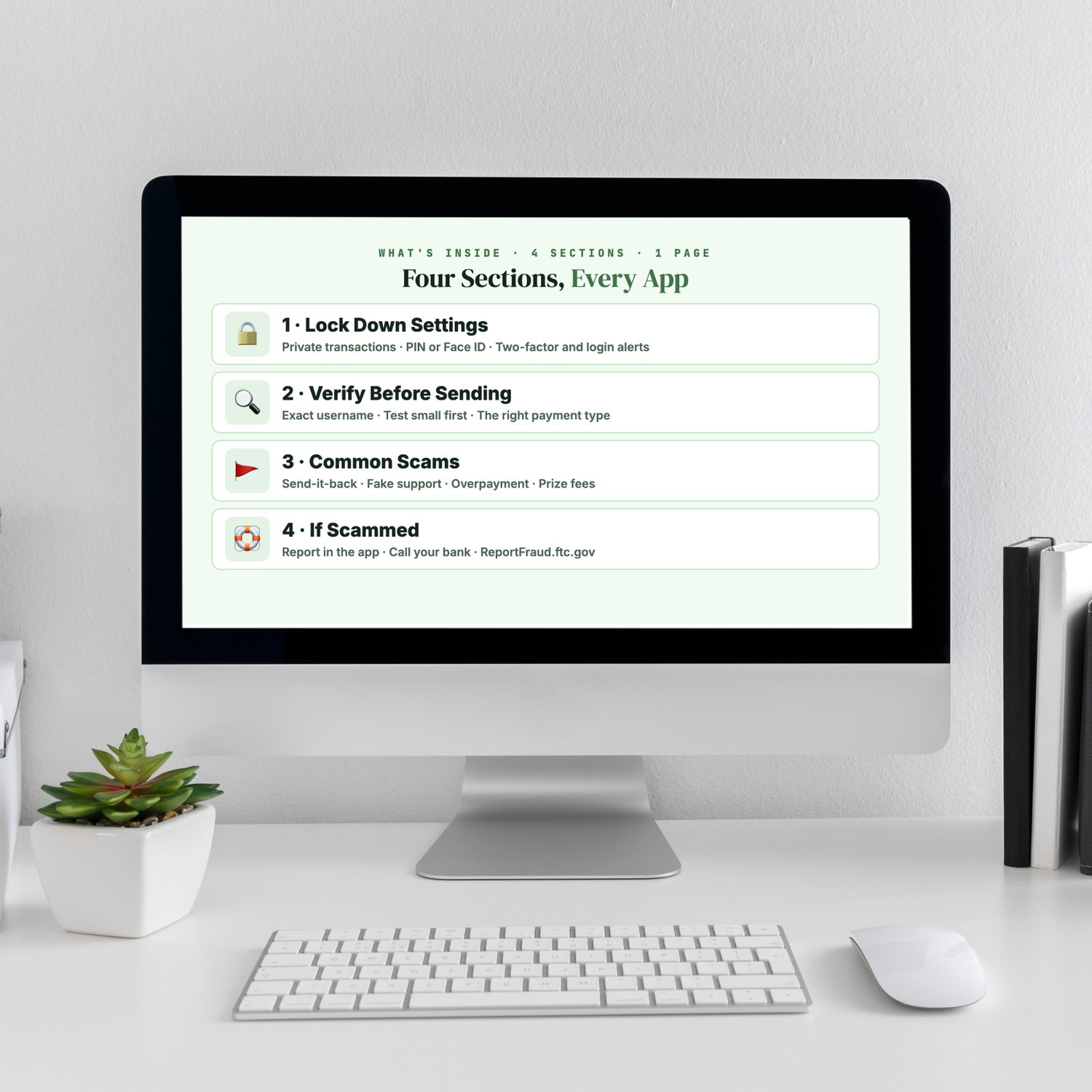
What's Inside
✔ Lock Down Settings
- Set your transactions to private. On Venmo, check this first.
- Turn on a PIN, Face ID or fingerprint lock for the app.
- Turn on two-factor authentication and login alerts.
✔ Verify Before Sending
- Double-check the exact username or phone number. Scammers use names one character off.
- Send a small test amount first for any large payment or new recipient.
- Use the right payment type:
- On PayPal and Venmo, pay for goods with Goods & Services, not Friends & Family.
- Zelle and Cash App have no buyer protection, so use them only with people you know.
✔ Common Scams
- The "accidental" payment that asks you to send it back
- Fake support agents asking for your PIN or a code. Real support never asks for these.
- Overpayment scams
- Prize and giveaway messages asking for a "fee"
✔ If You're Scammed
- Report it in the app right away.
- Call your bank or card issuer to flag the transaction.
- Report it to the FTC at ReportFraud.ftc.gov.
- Change your password.
✔ Pro Tip
Why you should treat Zelle and Cash App like cash, and why banks usually don't refund payments you authorized, even when you were tricked.
Perfect For
Venmo, Cash App, Zelle and PayPal users · Anyone splitting bills · Marketplace sellers · College students · Seniors new to payment apps · Parents teaching teens about money
Why You'll Love It
✓ Instant digital download
✓ One printable page
✓ Takes minutes to work through
✓ Works with the major payment apps
✓ Covers settings, scam patterns and recovery steps
✓ Helps you avoid payments you can't get back
Great Companion Guides
Online Banking Safety Checklist · Monthly Statement Review Tracker · Wire Transfer Safety Card · Safe Online Shopping Checklist · Phishing Email Detection Cheat Sheet · Online Dating Red Flags Checklist
All sales final.
Why it works: It's one page that takes about ten minutes, with your phone in hand. It works with Venmo, Cash App, Zelle and PayPal.
📄 1-page printable PDF (US Letter) · Instant download · Unlimited personal printing
A Making Sense Of Security guide: free guides and tools at MakingSenseOfSecurity.com
Great Companion Guides
Pair this checklist with:
- Online Banking Safety Checklist
- Monthly Statement Review Tracker
- Wire Transfer Safety Card
- Safe Online Shopping Checklist
- Phishing Email Detection Cheat Sheet
- Online Dating Red Flags Checklist
All Sales Final. Please reference this page for details.