
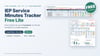
FREE IEP Service Minutes Tracker Lite for Google Sheets: Every Feature for 5 Students (SPED, SLP, OT, PT)
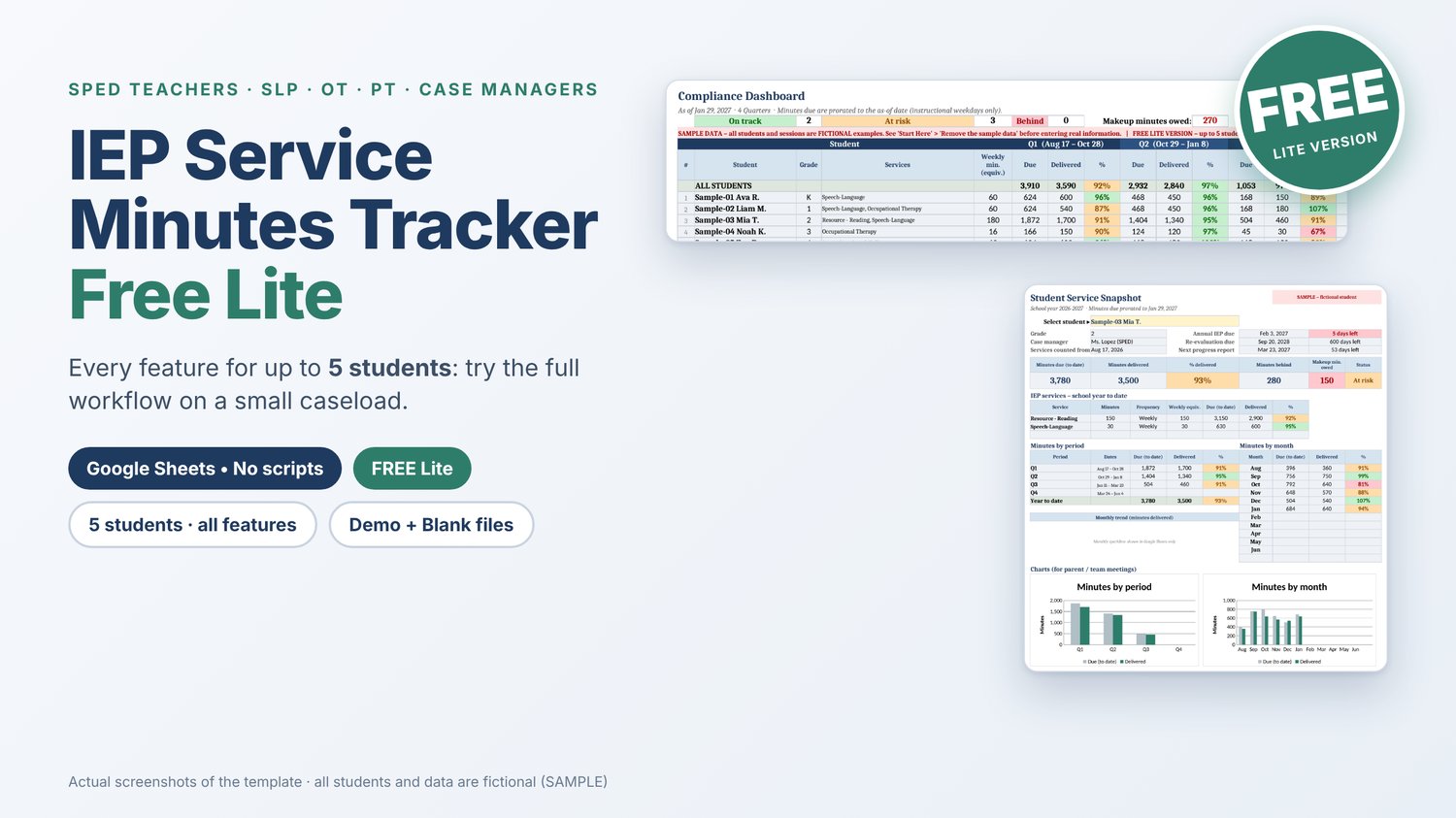
Free: the complete IEP Service Minutes Tracker for up to 5 students. Every tab, every report, no scripts.
Try the full workflow on a small caseload
Not sure a spreadsheet can keep up with your IEP service minutes? This free Lite version has every feature of the Full version and room for 5 students. Use it to try the whole workflow with a few students, or keep using it if your caseload is small.
It's a Google Sheets template for special education teachers, case managers, related-service providers (SLPs, OTs, PTs, counselors) and SPED coordinators. It runs on formulas only: no scripts, no add-ons, no permission pop-ups.
What you can do with it
- Setup (enter once): up to 5 students, up to 3 services each (minutes per week, month or day); 4 quarters, 3 trimesters or 2 semesters with dates you can edit; breaks and holidays left out of service days
- Session Log (2,000 rows): minutes calculated from start and end times; Delivered, Missed – student absent, Missed – provider absent and Makeup statuses; a Check column that flags rows that can't be counted, and why
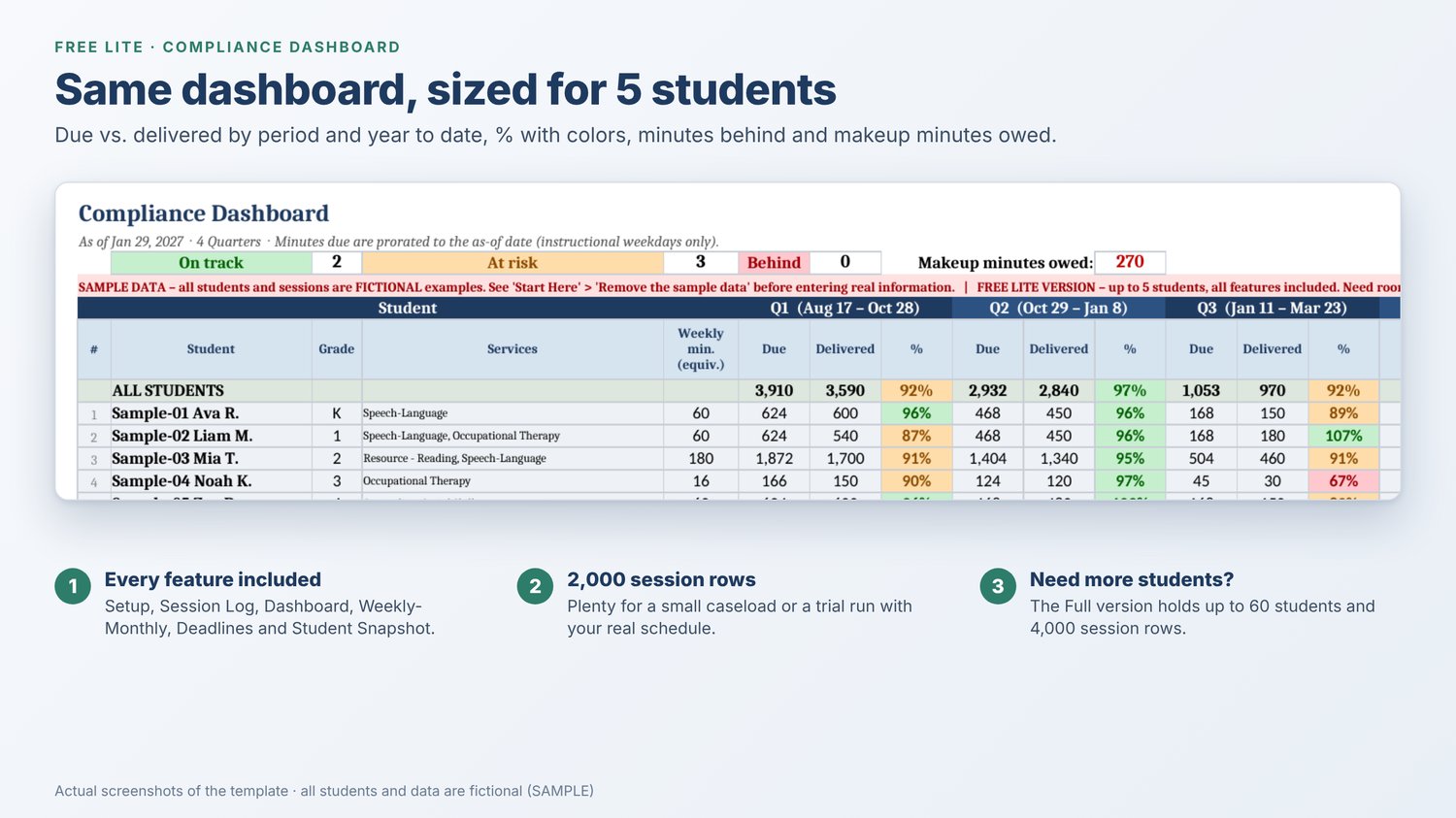
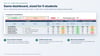
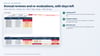
- Compliance Dashboard: minutes due vs. delivered by period and year to date, % with green / orange / red colors, minutes behind and makeup minutes owed
- Weekly-Monthly view: any week's due vs. delivered, plus a month-by-month grid
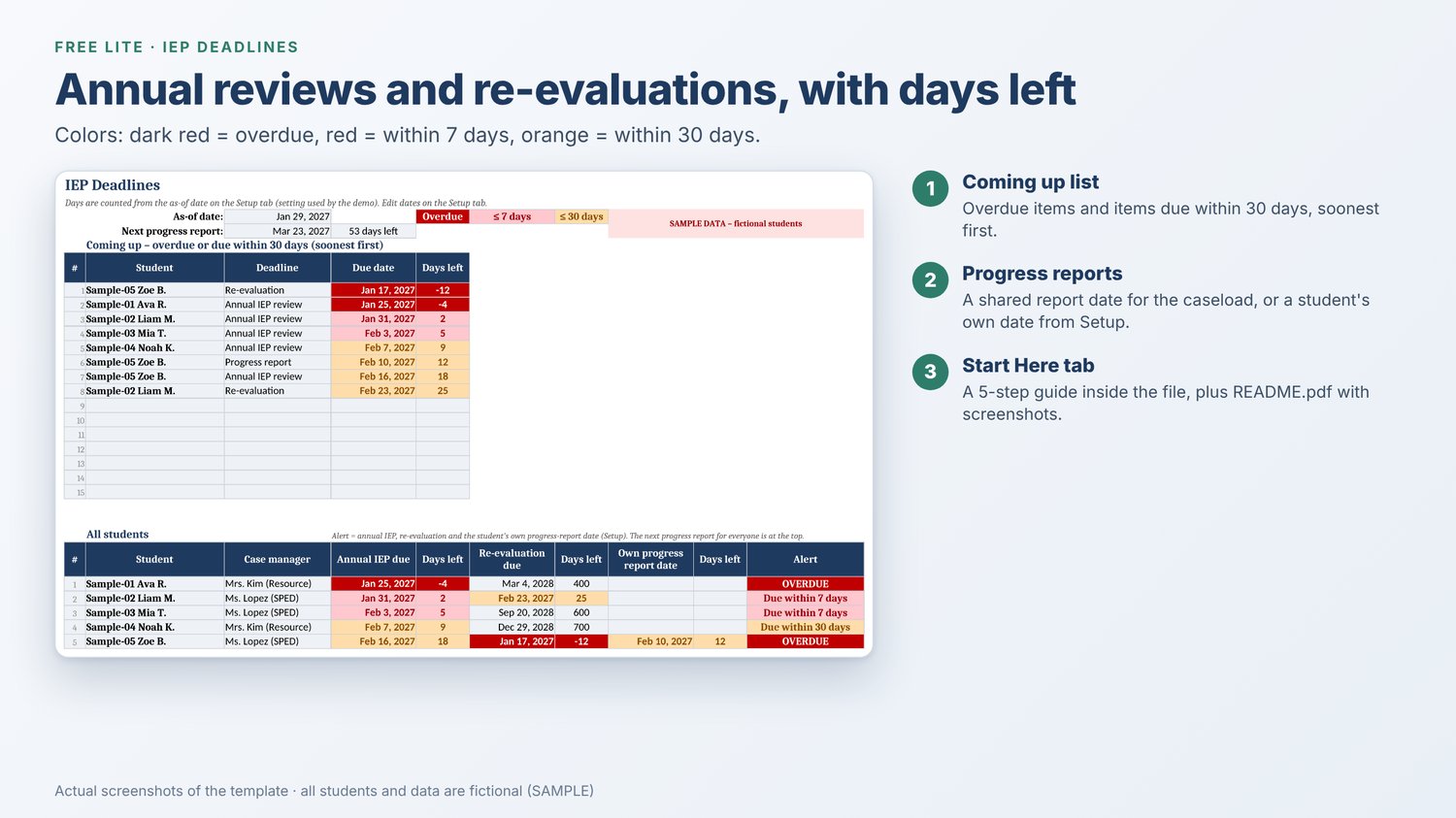
- IEP Deadlines: annual reviews, re-evaluations and progress reports with days left and 7-day / 30-day alerts
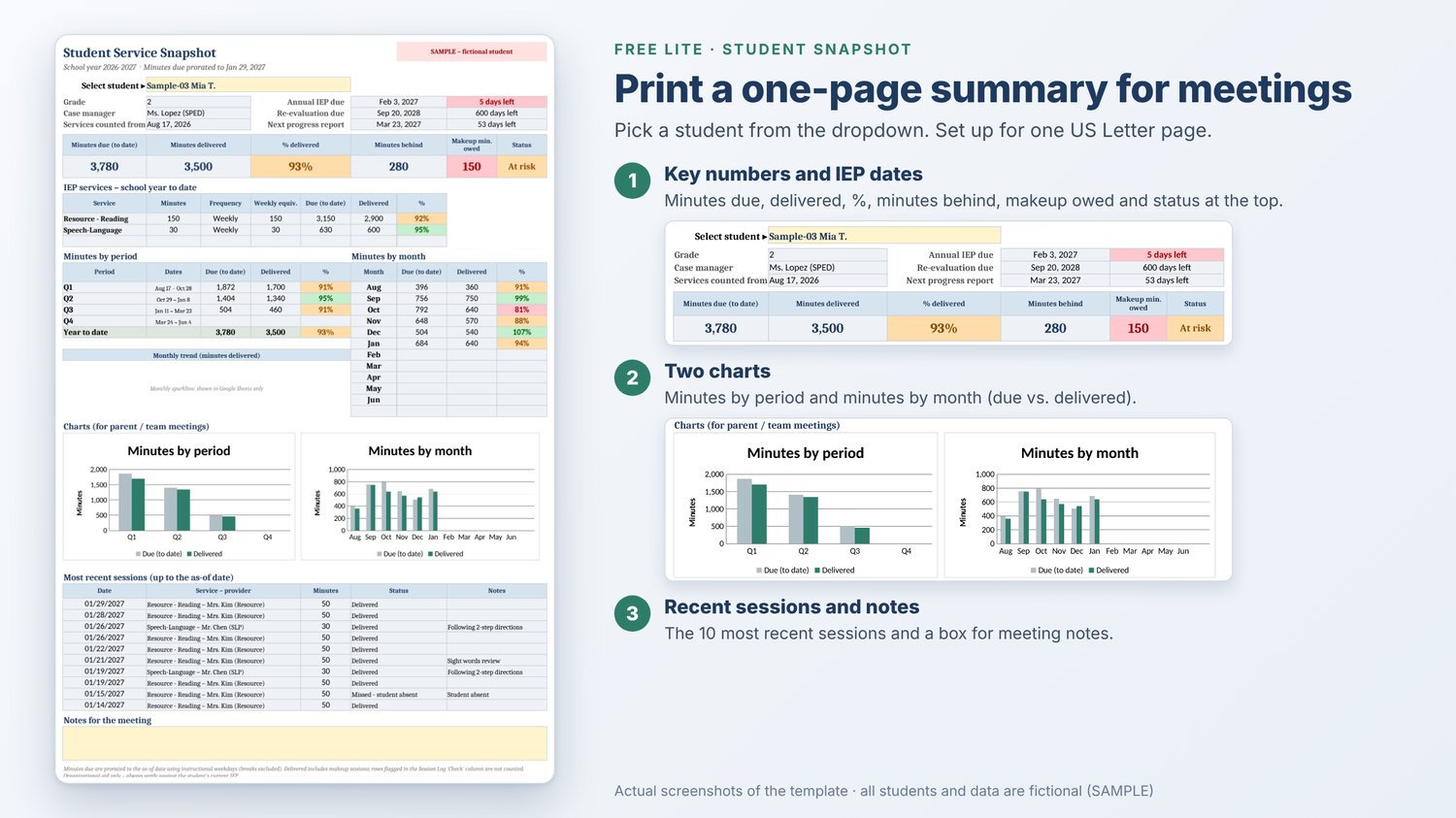
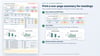
- Student Snapshot: a one-page summary with two charts, set up to print on US Letter for IEP meetings
What's included
- IEP_Service_Minutes_Tracker_FREE_LITE.xlsx: a DEMO copy with 5 fictional sample students (clearly marked SAMPLE)
- IEP_Service_Minutes_Tracker_FREE_LITE_BLANK.xlsx: a BLANK copy ready for your students
- README.pdf: a 10-page user guide with screenshots
Free Lite vs. Full
- Students: Free Lite 5, Full 60
- Session rows: Free Lite 2,000, Full 4,000
- All tabs, charts, deadlines and calendars: included in both
- Price: Free Lite free, Full $9.99
Need room for your whole caseload? The Full version holds up to 60 students and 4,000 session rows: https://payhip.com/b/VuSUQ
Works with Google Sheets (and opens in Excel)
- Made for Google Sheets with a free Google account: upload the .xlsx to Google Drive, then choose File › Save as Google Sheets
- Set the spreadsheet locale to United States (File › Settings › Locale) so dates show as MM/DD/YYYY
- Also opens in Microsoft Excel and LibreOffice. The small monthly sparkline only appears in Google Sheets
- Good to know: Google Sheets doesn't reliably keep the .xlsx formula protection when it imports the file. The guide shows you how to protect the formulas again
- Printing: the Student Snapshot fits on one page. For the Session Log, print only the rows you need (File › Print › Selected cells)
Getting started
- Upload the BLANK file to Google Drive and save it as a Google Sheet
- Check that the locale is set to United States
- Fill in the yellow cells on the Setup tab, then start logging sessions
Please note
- This is an organizational tool, not an official compliance system. Always check against the student's current IEP
- The file stays in your own Google Drive or on your computer. Follow your district's student data privacy rules
- Not affiliated with or endorsed by any school district, state agency or professional organization
- Built with the help of AI tools and tested by a human
Support
Questions or a bug? Email mccorporation00@gmail.com and include the tab name and cell. Please never send real student information.