
Spa Therapist Productivity & Commission Calculator: Spa Commission Calculator and Policy
Full description
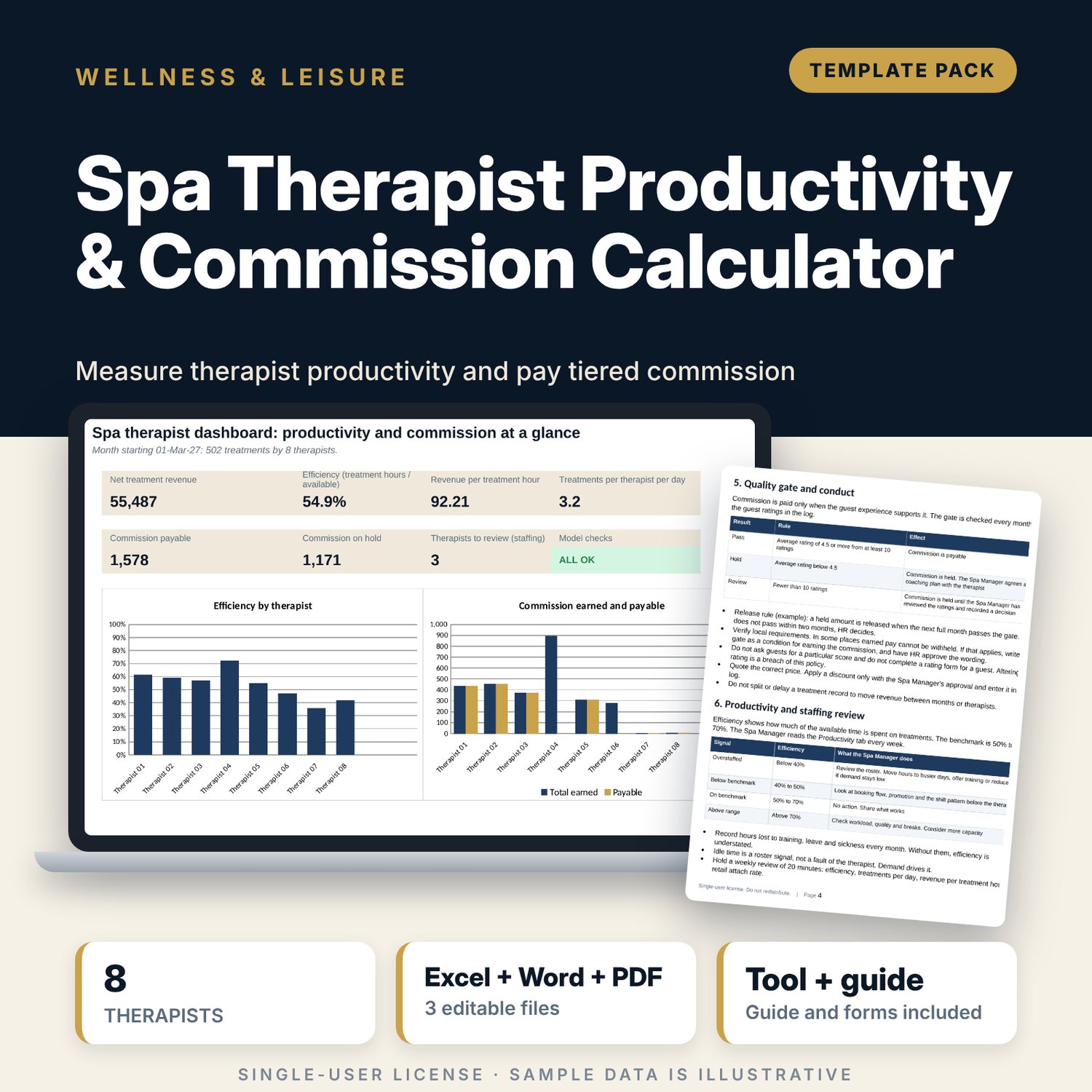
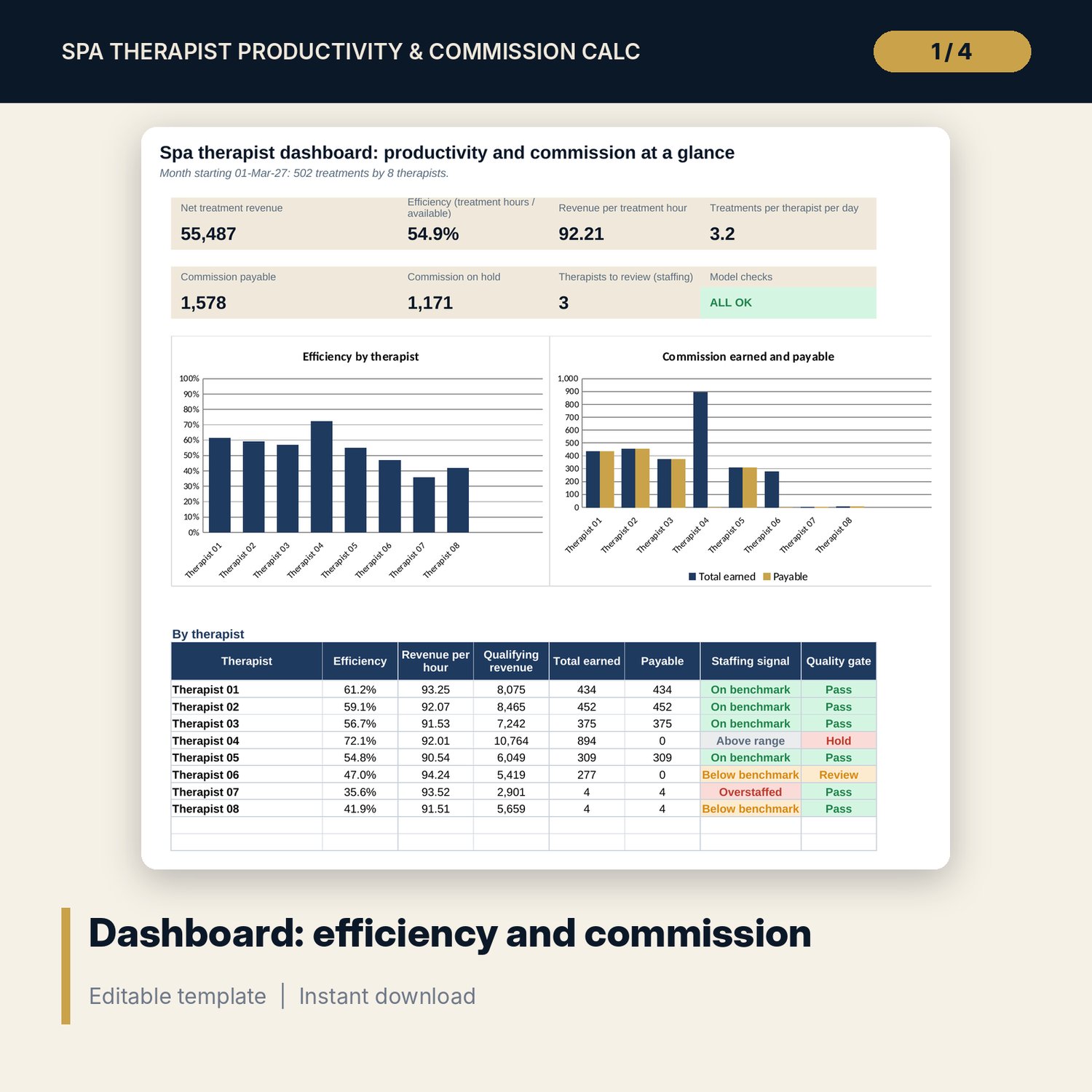
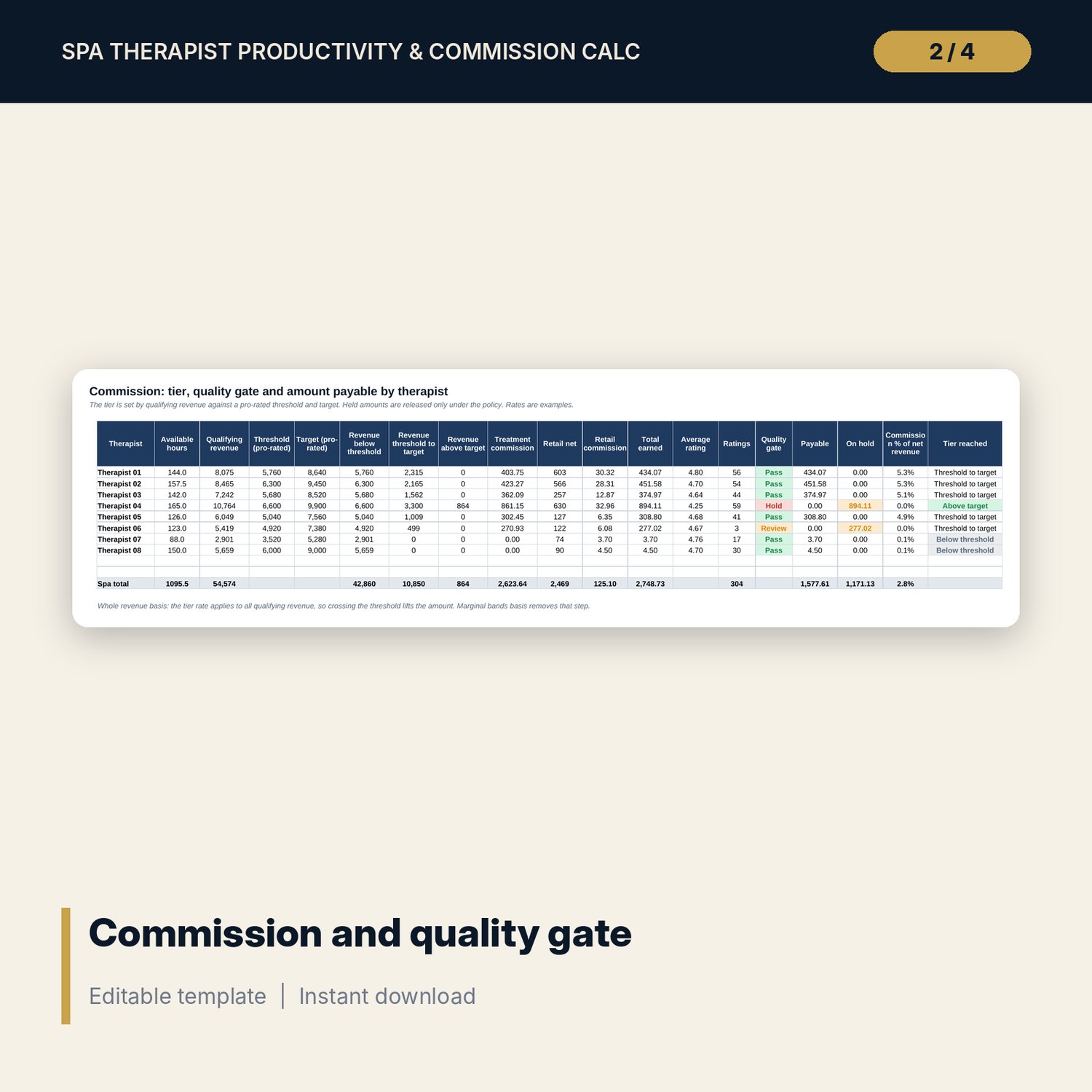
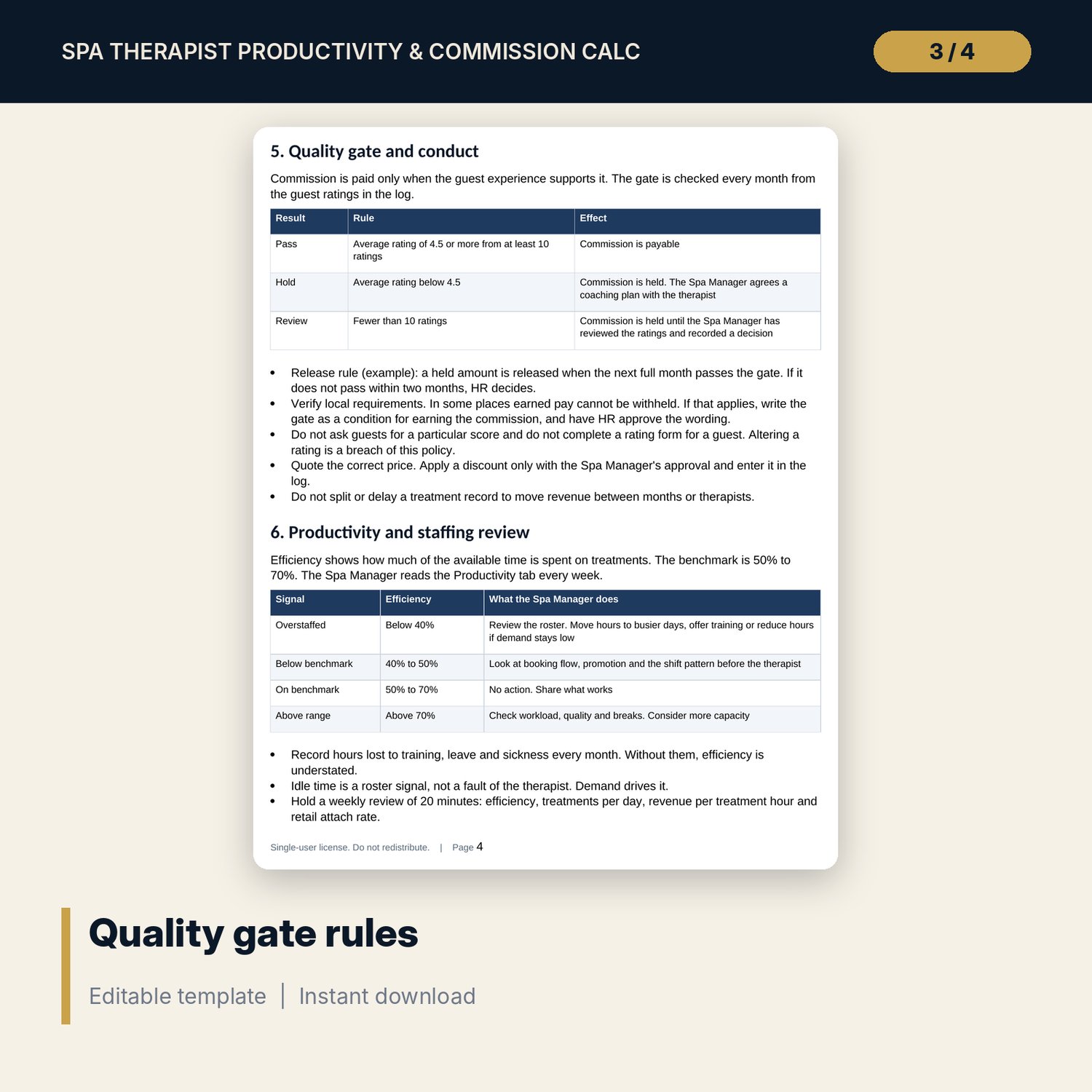
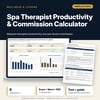
For spa managers, spa directors and HR teams who pay therapist commission and need numbers they can defend. The workbook holds a treatment menu, a treatment log with one line per treatment, and a roster. It works out available hours, treatment hours, efficiency, idle hours, treatments per day and revenue per treatment hour for every therapist, with a staffing signal: Overstaffed, Below benchmark, On benchmark or Above range. Commission follows from qualifying revenue against a pro-rated threshold and target, with a reduced weight for deep-discount treatments, a tiered retail rate and a quality gate on guest ratings that decides what is payable and what is on hold. A switch lets you apply the tier rate to all revenue or only inside each band. The Word policy gives definitions, revenue rules, tiers, the gate, a payout calendar, a dispute procedure, statement and dispute forms, an acknowledgement and a worked example.
What is inside
- Spa_Therapist_Productivity_Commission.xlsx: 7 tabs, 4,933 formulas, 2 native charts, 18 drop-down and input rules
- Settings: month, service charge and tax, break and turnaround time, efficiency benchmarks, 13 commission inputs and a menu of 8 treatments plus 2 spare rows
- Treatment Log: 502 sample treatments with minutes, net revenue, qualifying revenue and retail net, plus 60 spare rows
- Productivity: 8 therapists plus 2 spare rows with hours, efficiency, idle time, revenue per hour, retail attach rate, rating and signal
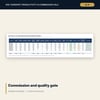
- Commission: tier, treatment and retail commission, quality gate, payable and on hold
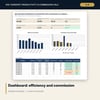
- Dashboard: 7 KPI tiles, a check tile, 2 charts and a therapist table
- 8 integrity checks on the Checks tab
- Spa_Commission_Policy.docx and PDF: 7 pages with the policy, forms and a worked example
- README.txt and LICENSE-and-Terms.txt
How it works
- Set the month, prices, benchmarks, commission policy and treatment menu on Settings.
- Enter the roster on Productivity and log every treatment on Treatment Log.
- Read efficiency and the staffing signal, then the tier, gate result and payable commission.
- Issue statements and follow the payout calendar and dispute steps in the Word policy.
Details
- Formats: 1 Excel workbook (.xlsx), 1 policy in Word (.docx) and PDF, English
- Software: Excel 2016 or later, or LibreOffice Calc 7 or later
- No macros, no external links, no data tables, no array formulas
- 3 files plus README and license; instant digital download
Good to know
- Sample data is illustrative. Replace it with your own figures.
- Rates, thresholds and the quality gate are examples. Verify local requirements for pay and withholding, and have HR approve the policy.
- The files are management tools, not employment, payroll or legal advice.
- Single-user license. Do not redistribute.
FAQ
How is efficiency calculated?
Efficiency = treatment hours / available treatment hours. Available hours = days scheduled x hours per day, less breaks, less hours lost. A month with no available hours shows a blank, not an error.
What is qualifying revenue?
Net revenue after discount, with a treatment that is discounted above your limit counted at a reduced weight. Retail is paid on its own rate.
Can commission apply only to revenue above the threshold?
Yes. Set the rate basis on Settings to Marginal bands. The default applies the tier rate to all qualifying revenue.
What does the quality gate do?
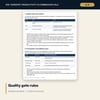
It holds the commission when the average guest rating is below your minimum, or when there are too few ratings. The held amount is shown on Commission and on the Dashboard.
Do I need macros?
No. Every result is a standard worksheet formula.