
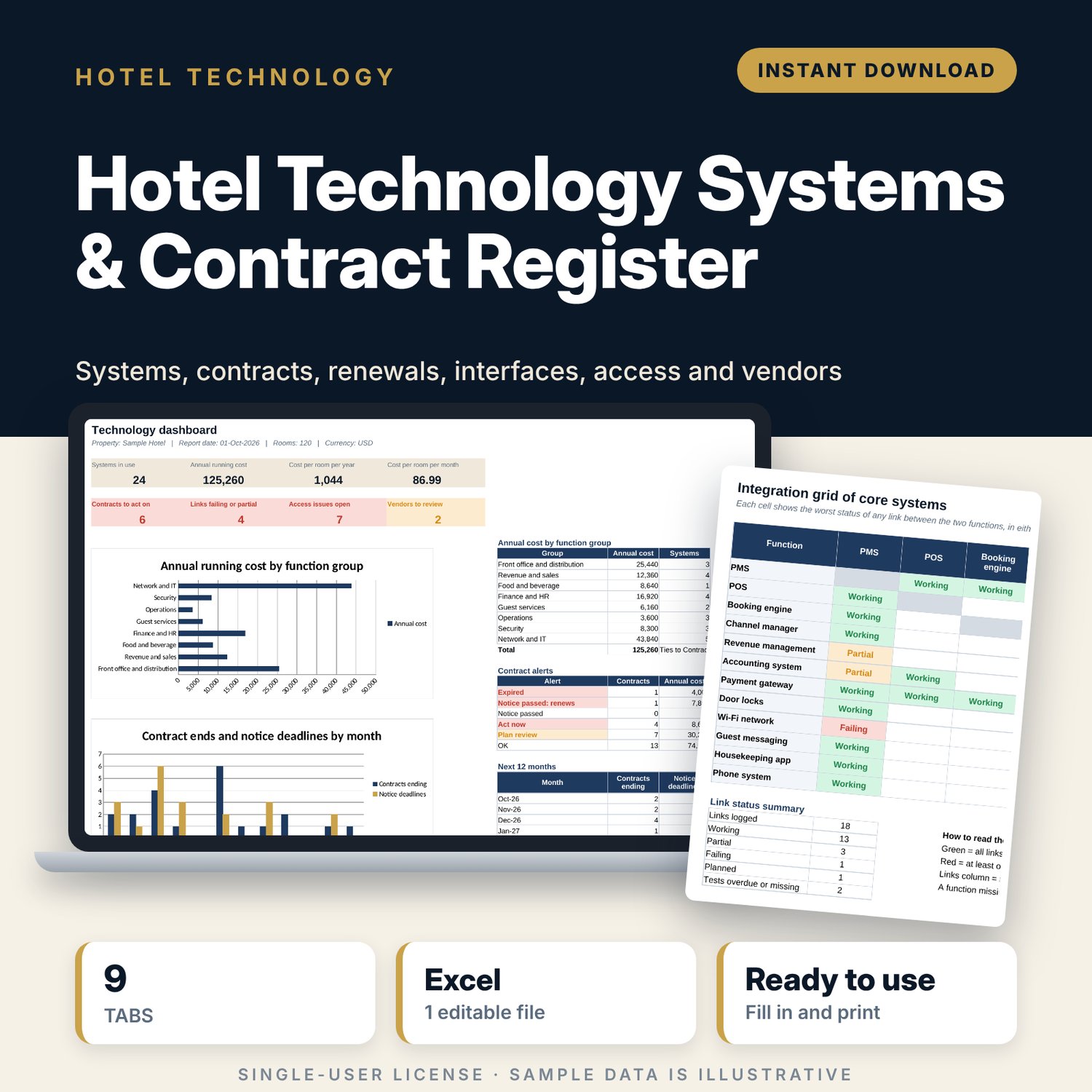
Hotel Technology Systems & Contract Register: Hotel IT Contract and Renewal Tracker
Full description
For general managers, IT managers and finance teams in independent hotels who need one place to see what technology the property runs, what it costs and when each contract must be renewed or cancelled. You list each system by function (PMS, POS, booking engine, channel manager, accounting, door locks, Wi-Fi and more) with a vendor code instead of a company name, then log each contract once. The workbook works out the notice deadline, raises an alert before it passes, totals the running cost per room, maps the interfaces between core systems, keeps a user access review log and scores each vendor on six weighted criteria.
Save with a bundle: this template is also in the Hotel Engineering, Safety & Compliance Bundle, 11 templates for $35 instead of $83. All 141 templates are in the All-Access Hospitality Template Library for $79.
What is inside
- Hotel_Technology_Systems_Contract_Register.xlsx: 9 tabs, 1,908 formulas, 2 native charts, 26 drop-down or number rules.
- Settings: 10 general inputs (rooms, report date, alert windows, review cycles, score limits), 4 billing cycles, 6 weighted vendor criteria, 26 functions in 8 groups, 18 vendor codes, 12 core functions for the grid and 13 drop-down lists.
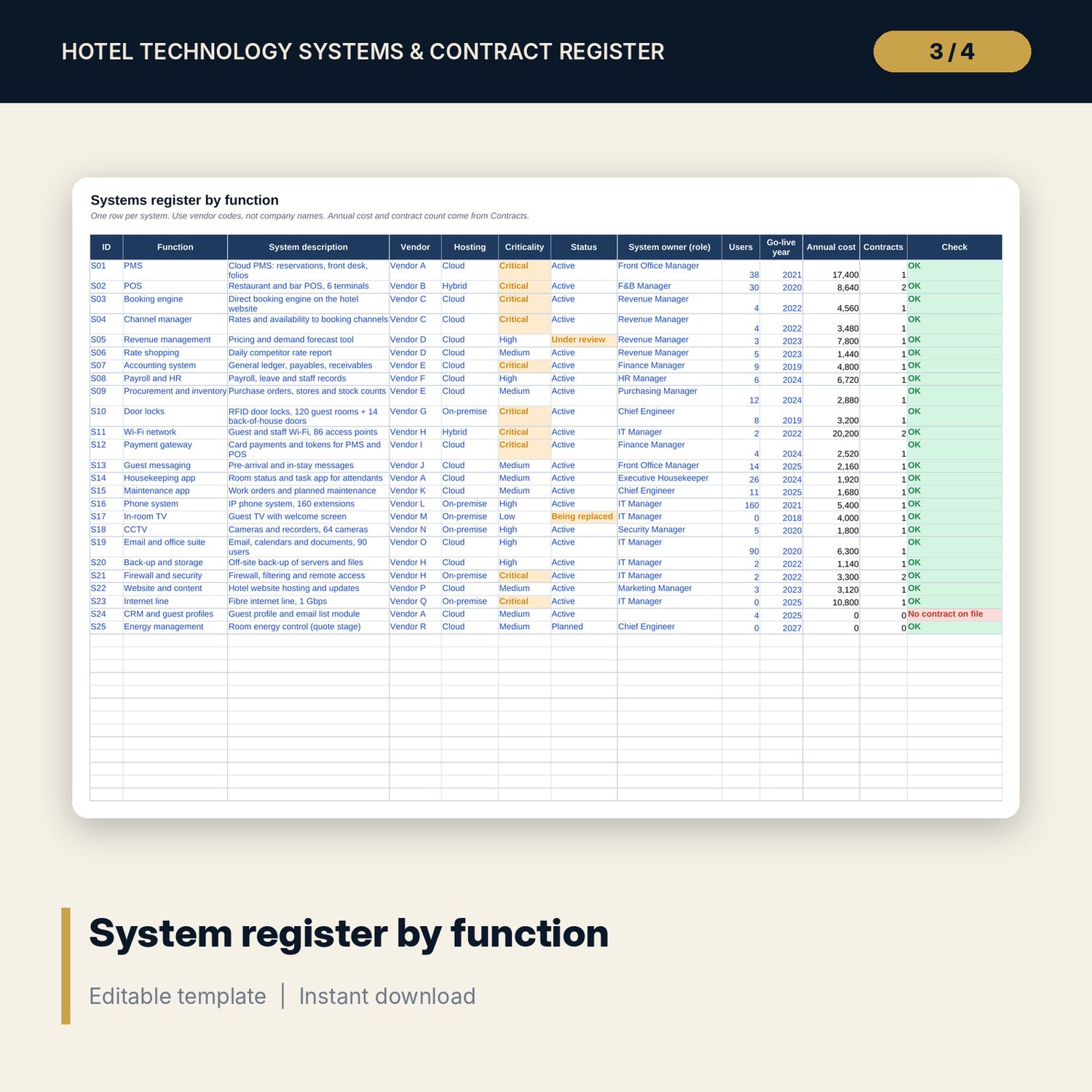
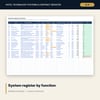
- Systems: room for 60 systems (25 sample rows) with function, vendor code, hosting, criticality, status, owner, users, annual cost and a check column.
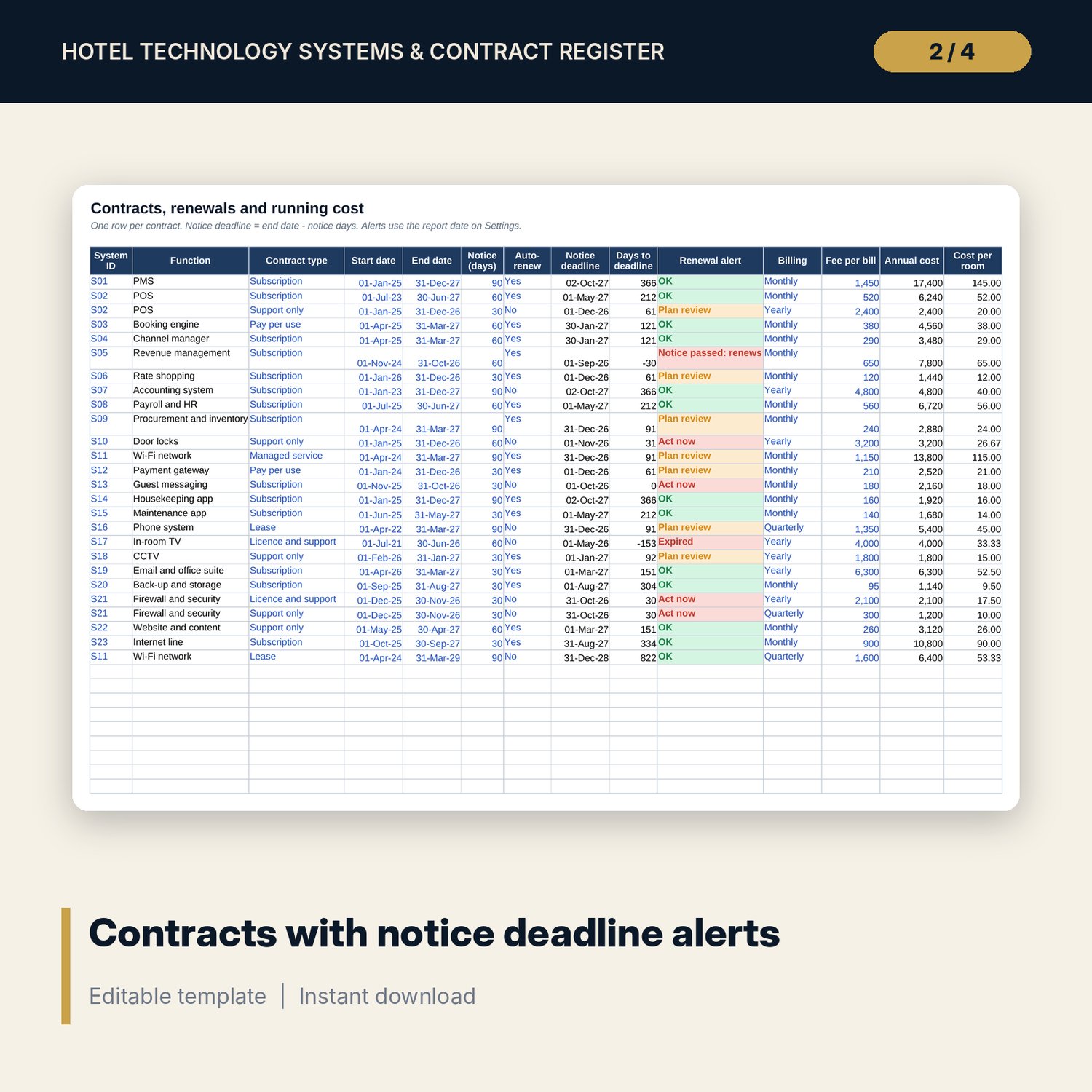
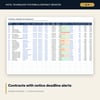
- Contracts: room for 100 contracts (26 sample rows). Notice deadline, days left, renewal alert, annual cost and cost per room calculate.
- Integrations: room for 60 interfaces (18 sample rows) with data exchanged, method, frequency, status and a test date check.
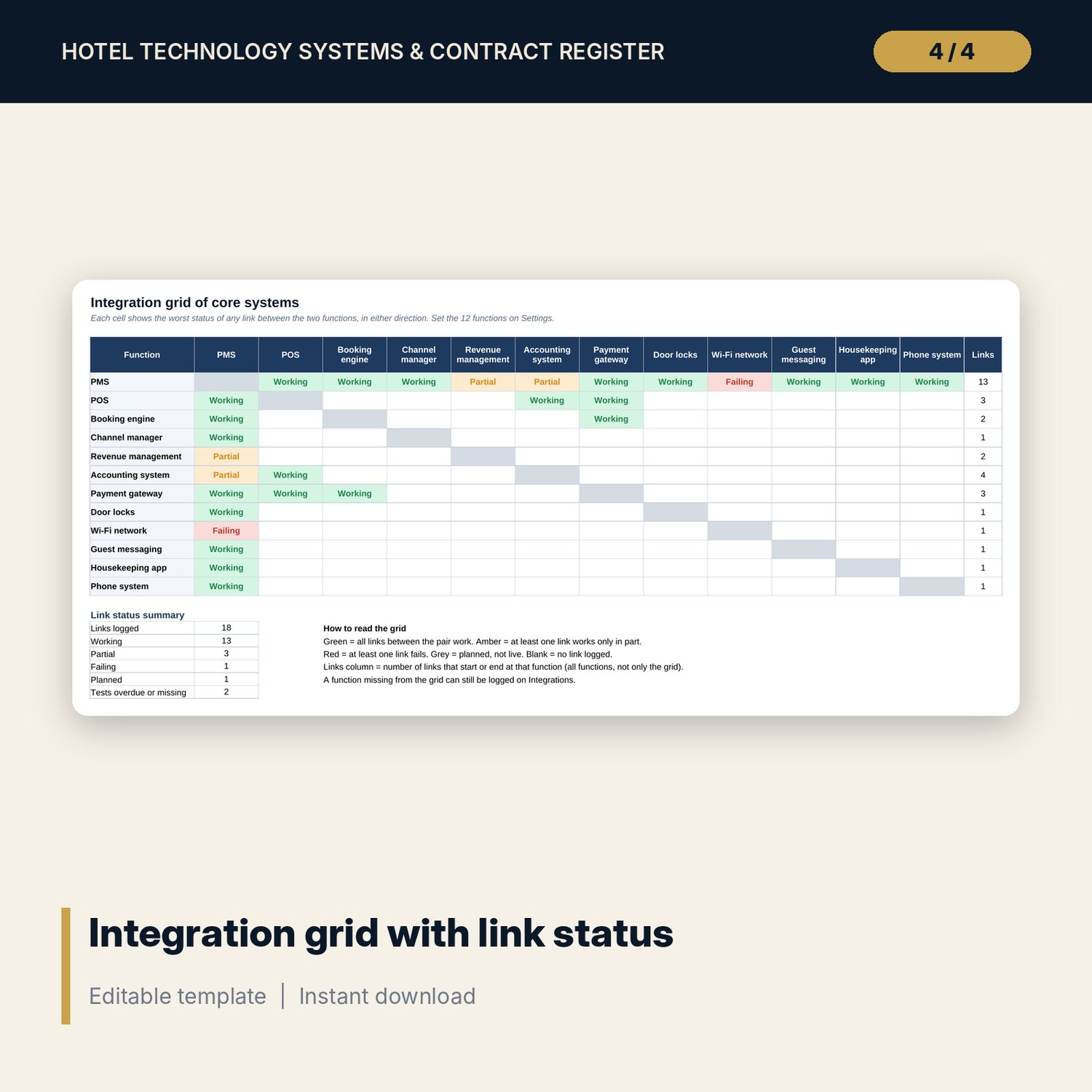
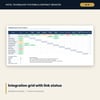
- Integration_Map: a 12 x 12 grid of core functions showing the status of each link, plus a link status summary.
- Access_Review: room for 300 account reviews (29 sample rows) with leaver, shared admin and overdue review flags.
- Vendor_Scores: 24 vendor rows (17 scored in the sample) on 6 weighted criteria, with annual spend and a Keep, Monitor or Review rating.
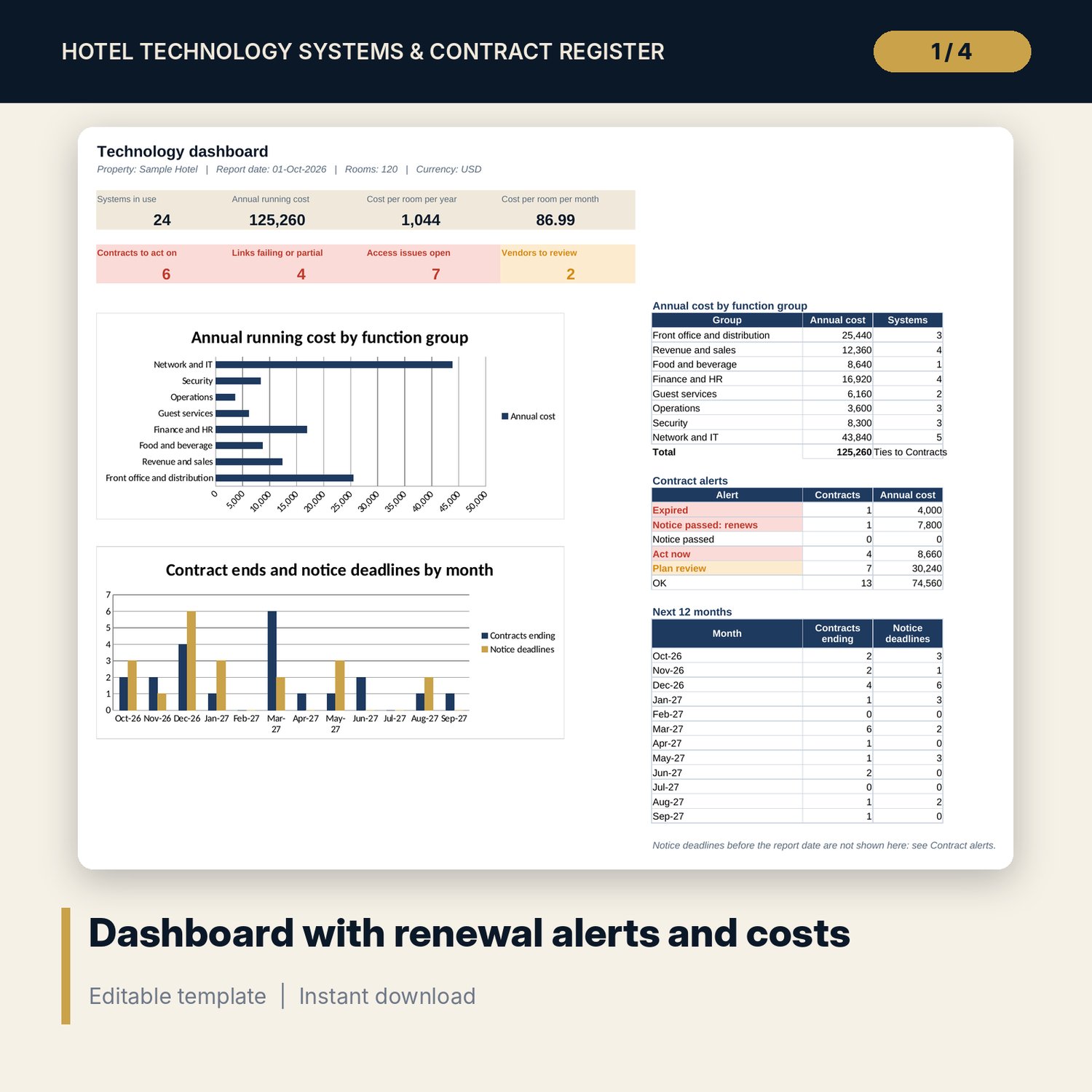
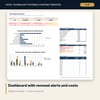
- Dashboard: 8 KPI tiles, annual cost by 8 function groups, 6 contract alert types, a 12-month table of contract ends and notice deadlines, and 2 charts.
- README.txt and LICENSE-and-Terms.txt.
How it works
- Enter the number of rooms, the report date and your alert windows on Settings.
- List your systems by function and give each vendor a code.
- Log each contract against its System ID with end date, notice period and fee.
- Add interfaces, user access reviews and vendor scores as you complete them.
- Update the report date each month and act on every contract the Dashboard marks Act now or Notice passed.
Details
- Format: Excel workbook (.xlsx). No macros.
- Language: English. Currency is a label you choose.
- Software: Excel 2016 or later, or a spreadsheet program that opens .xlsx files.
- Delivery: instant digital download. Nothing is shipped.
Good to know
- All sample systems, vendors, contracts and costs are illustrative. Replace them with your own data.
- Alerts follow the dates you enter. Always check notice terms in the signed contract.
- The register is a management tool, not legal or procurement advice.
- Single-user license. Do not share or resell the files.
FAQ
Why does it use vendor codes instead of company names?
Codes keep the file safe to share with owners, auditors or a new manager. You can type real names in your own copy if you prefer.
How does the renewal alert work?
Notice deadline = end date minus notice days. A deadline inside the Act now window turns red, inside the Plan review window turns amber, and a missed deadline shows Notice passed.
Can I add my own functions or vendors?
Yes. Settings has spare rows for 6 more functions and 6 more vendor codes.
Does it work in Google Sheets?
It opens in Google Sheets and the formulas calculate. Check the drop-downs and charts after import.
Is this a physical product?
No. It is a digital download. Refund terms follow the store policy at the time of purchase.