


Your Cart
Loading
8 reviews

Transitions Plugin

On Sale
€100.00 (25% off)
€75.00
Added to cart
8 reviews

over 100 downloads


Transitions Plugin V1

This is a plugin for DaVinci Resolve (both Free and Studio versions) that simplifies adding, customizing, and using transitions.


  • Compatibility & Features
  • Works with both DaVinci Resolve Free and Studio versions
  • 11 pre-animated transitions with 1-5 preset styles each (which gives you over 30 styles available in just 2 clicks)
  • Every transition has customizable controls for unique one-of-a-kind results
  • Can be used as Generator or Effect on any clip


  • Ease of Use
  • Quick drag & drop application
  • Zero learning curve with intuitive interface (see below)
  • Automated length adaptation
  • No clip overlap needed


  • Advantages Over Standard Transitions
  • No clip overlap required - transitions work with clips placed end-to-end
  • Flexible duration - extend transitions to any length without quality loss
  • Simple timing adjustments - just drag clip edges to change duration
  • Works with any clip length - no restrictions on minimum or maximum duration


  • Long-term Value
  • Lifetime free updates with new transitions
  • Community-driven improvements
  • Special launch bonuses available (see below)


You will get the following files:
  • DRFX (41KB)
  • DRFX (41KB)
  • ZIP (25MB)

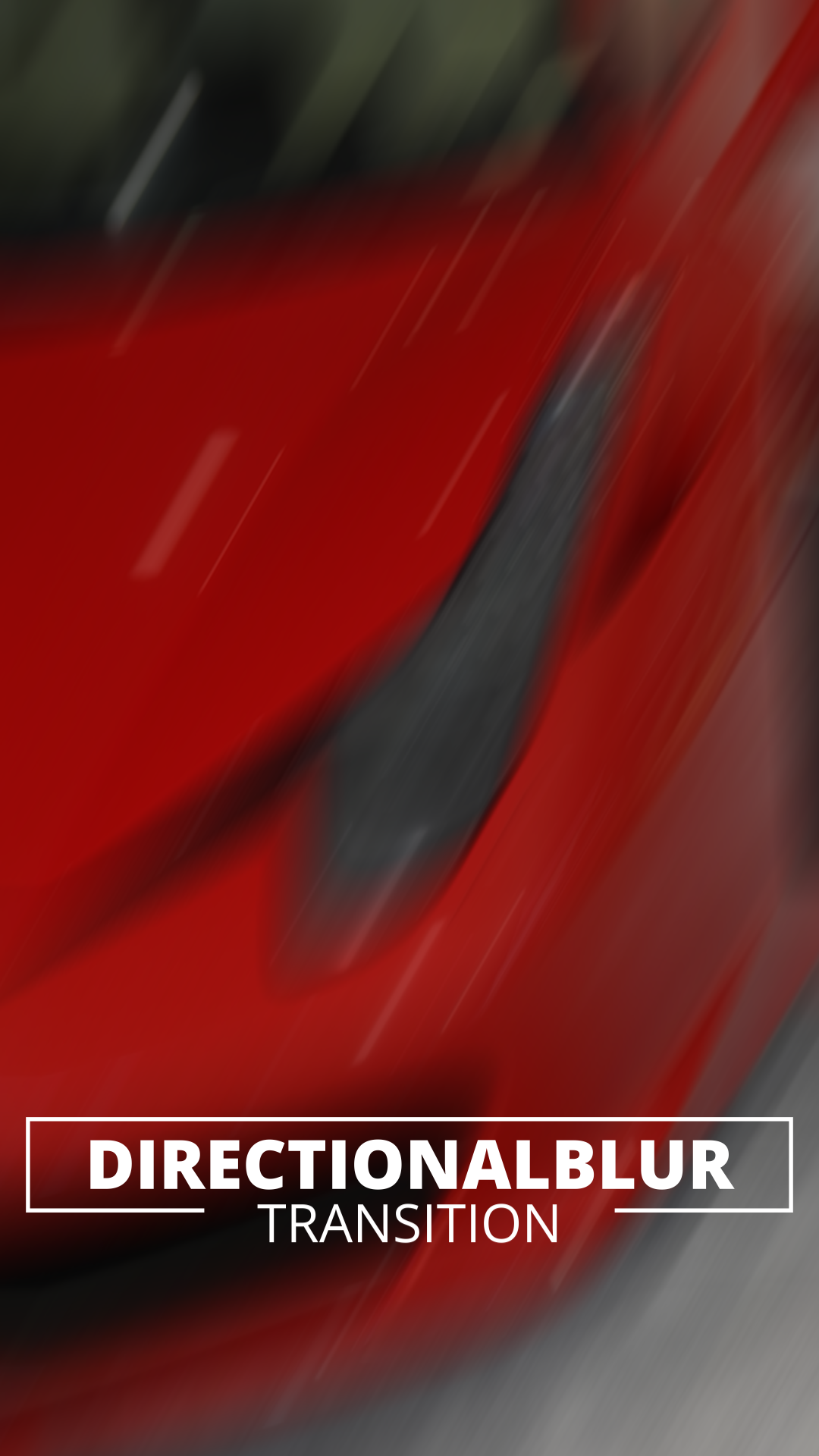
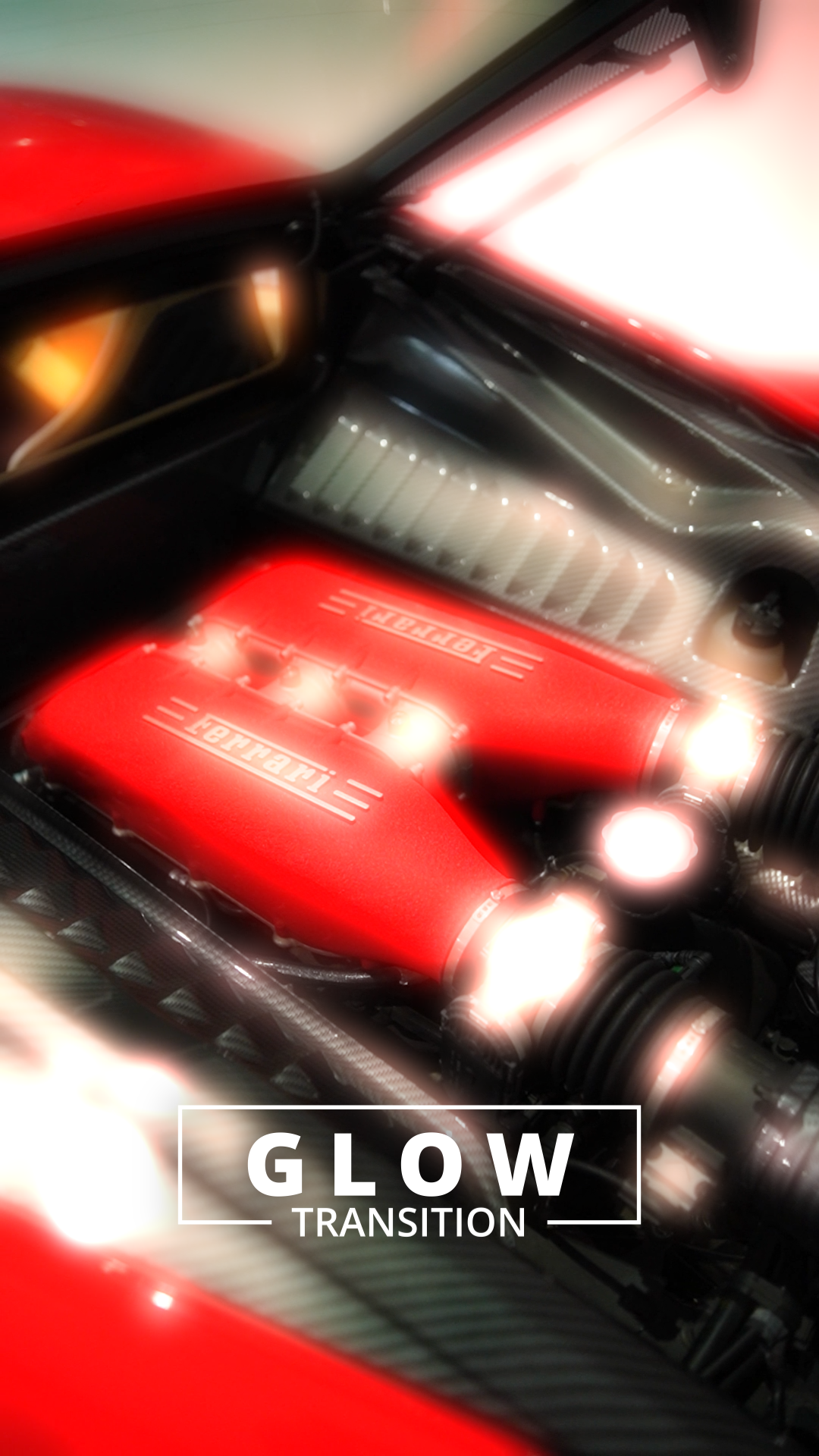
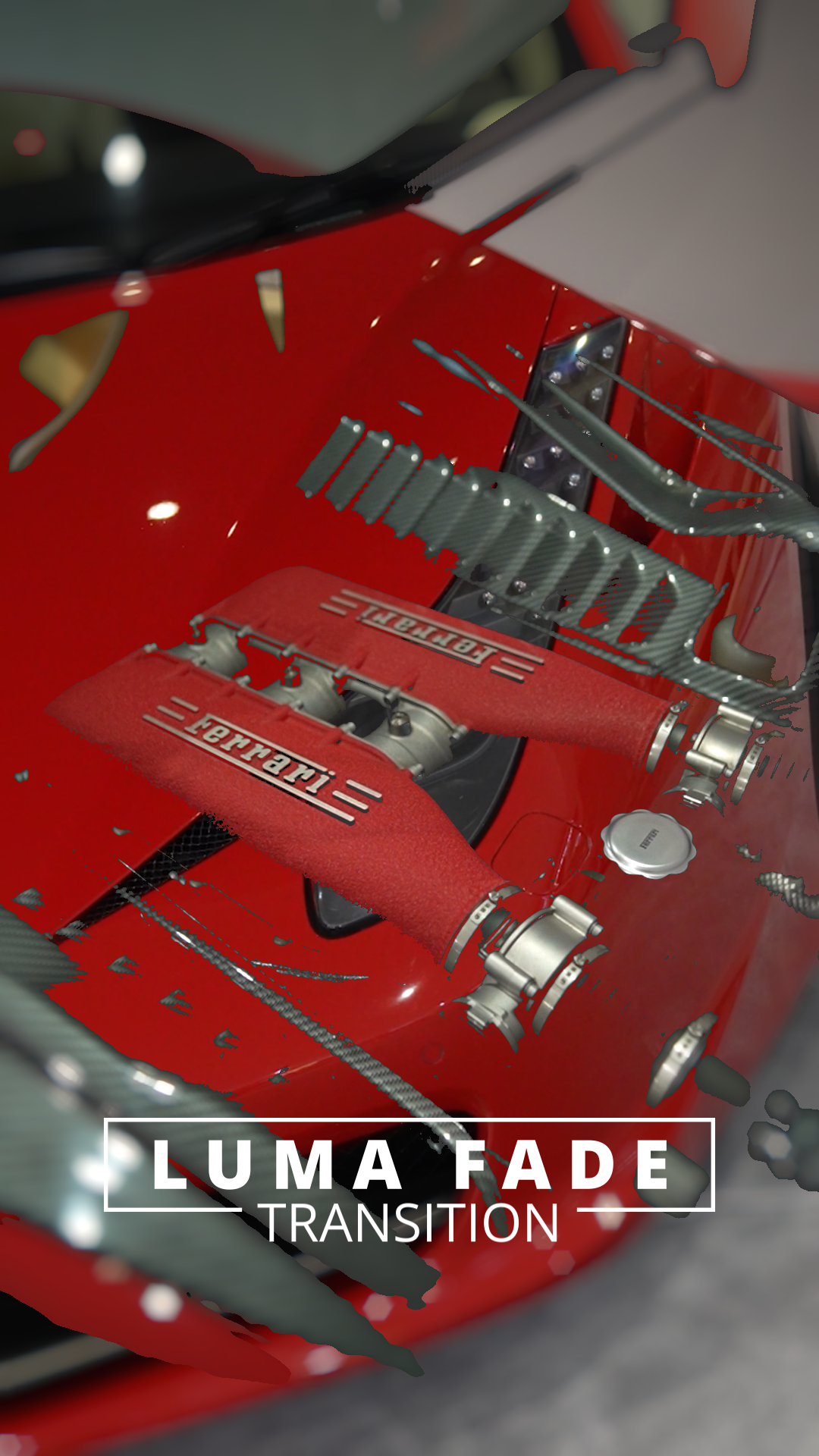
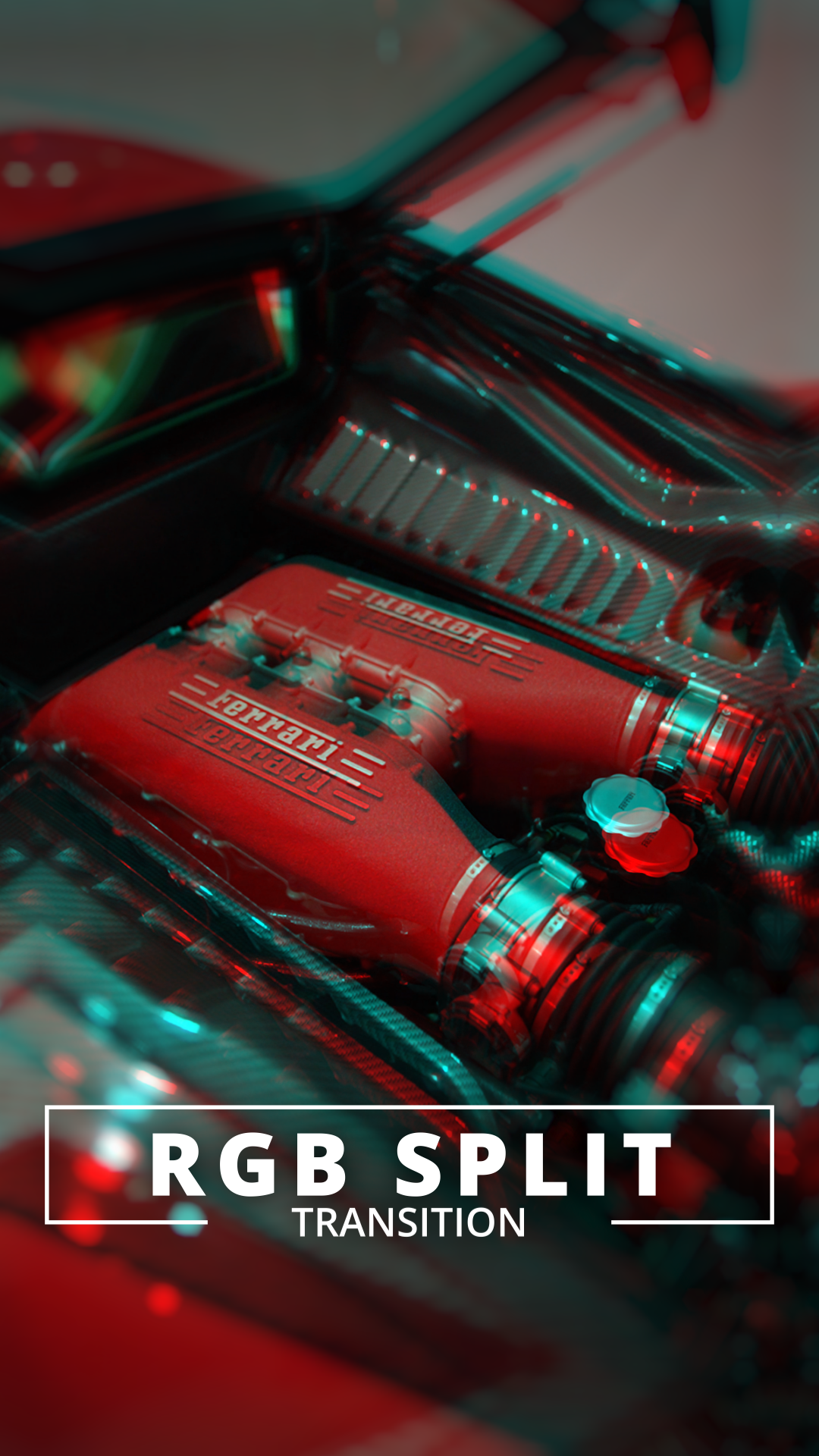
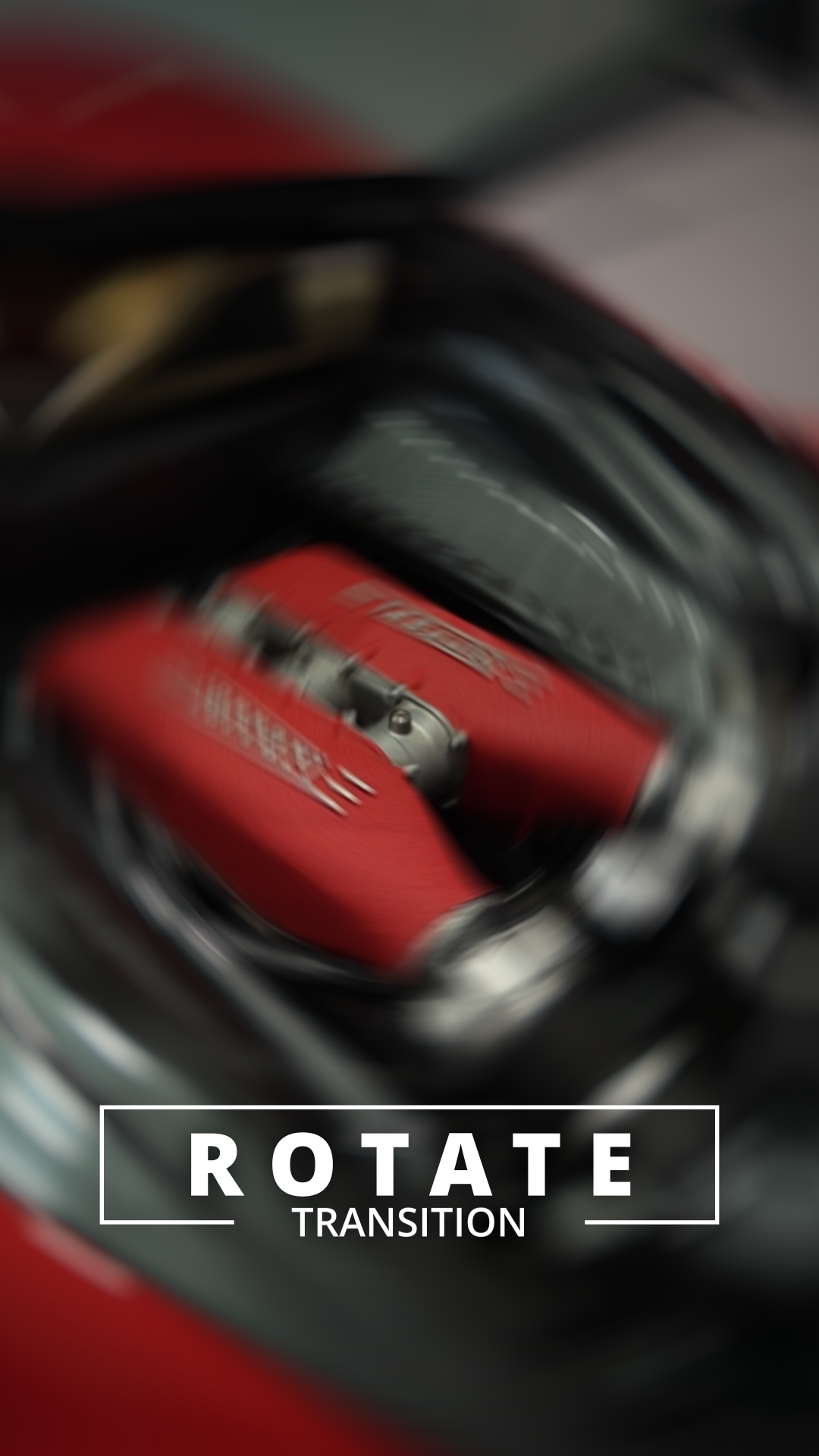
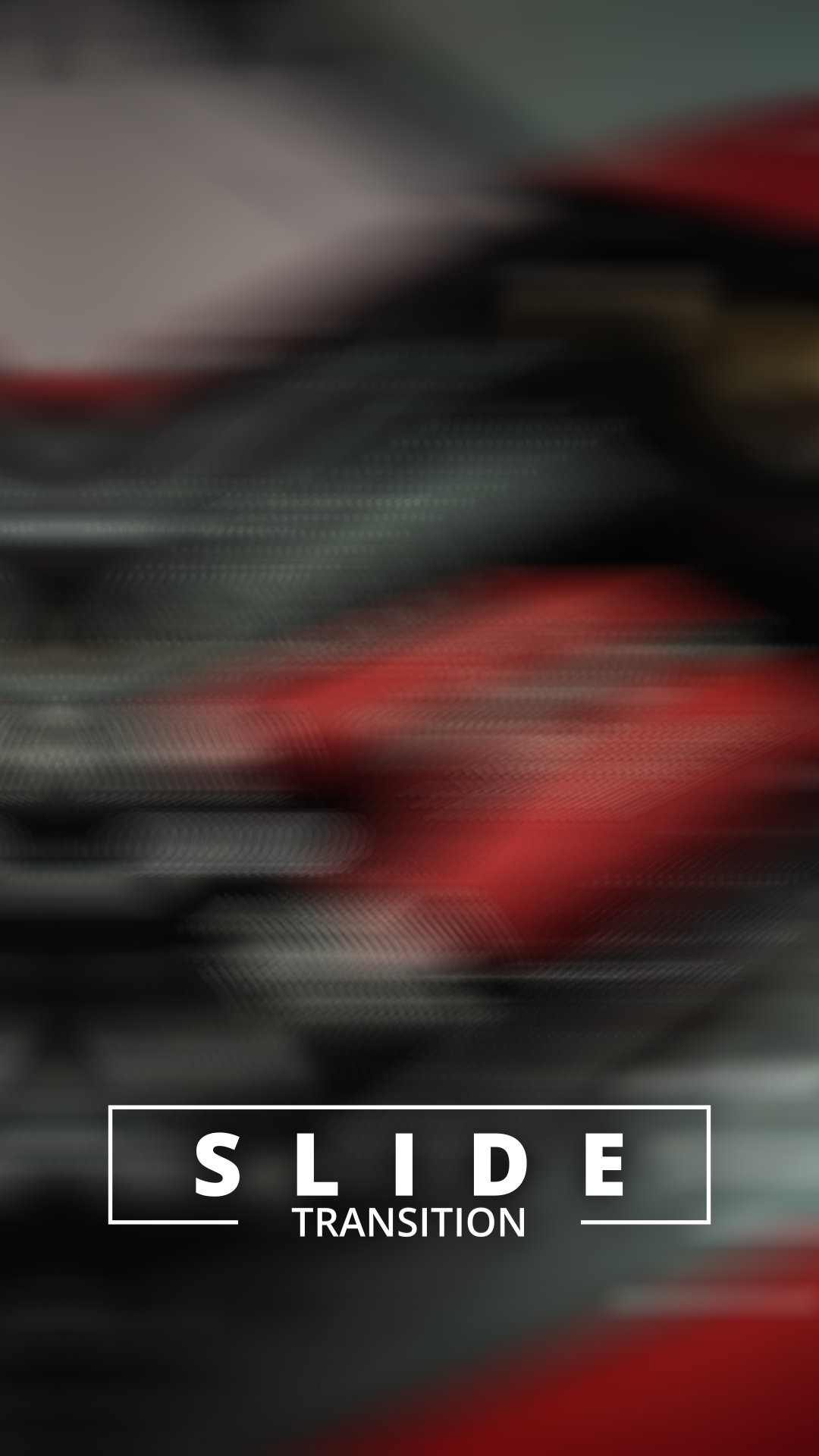
Transitions Plugin V1 Preview Gallery

These screenshots highlight key frames from each transition in the Transitions Plugin V1.


While they show just one visual style per transition, each effect can be fully customized using simple controls to create your own unique looks.

More Transitions coming soon

-

More Transitions coming soon -

But act quickly

The price will increase as more transitions are added

What people are saying

Artboard 1

Love how easy it is to switch between different transitions in this plugin. The effects look really clean and professional. Only minor hiccup is some stuttering when trimming the adjustment clips, but that's easily solved by cutting instead of trimming. Overall, great tool


Alex Tuner

Artboard 1

Pretty solid transitions plugin. I really like how simple it is to use. The included sound effects are also very impressive.


Mark

Artboard 1

Just purchased the transitions plugin for Davinci Resolve and must share my experience! Plugin is absolutely fantastic for my short films. Love how you just pick transition style and preset, everything works instantly. No complex settings needed at all. Makes my workflow much faster than before.

Amit Kumar

Buy now and get exclusive bonuses

(limited time only)


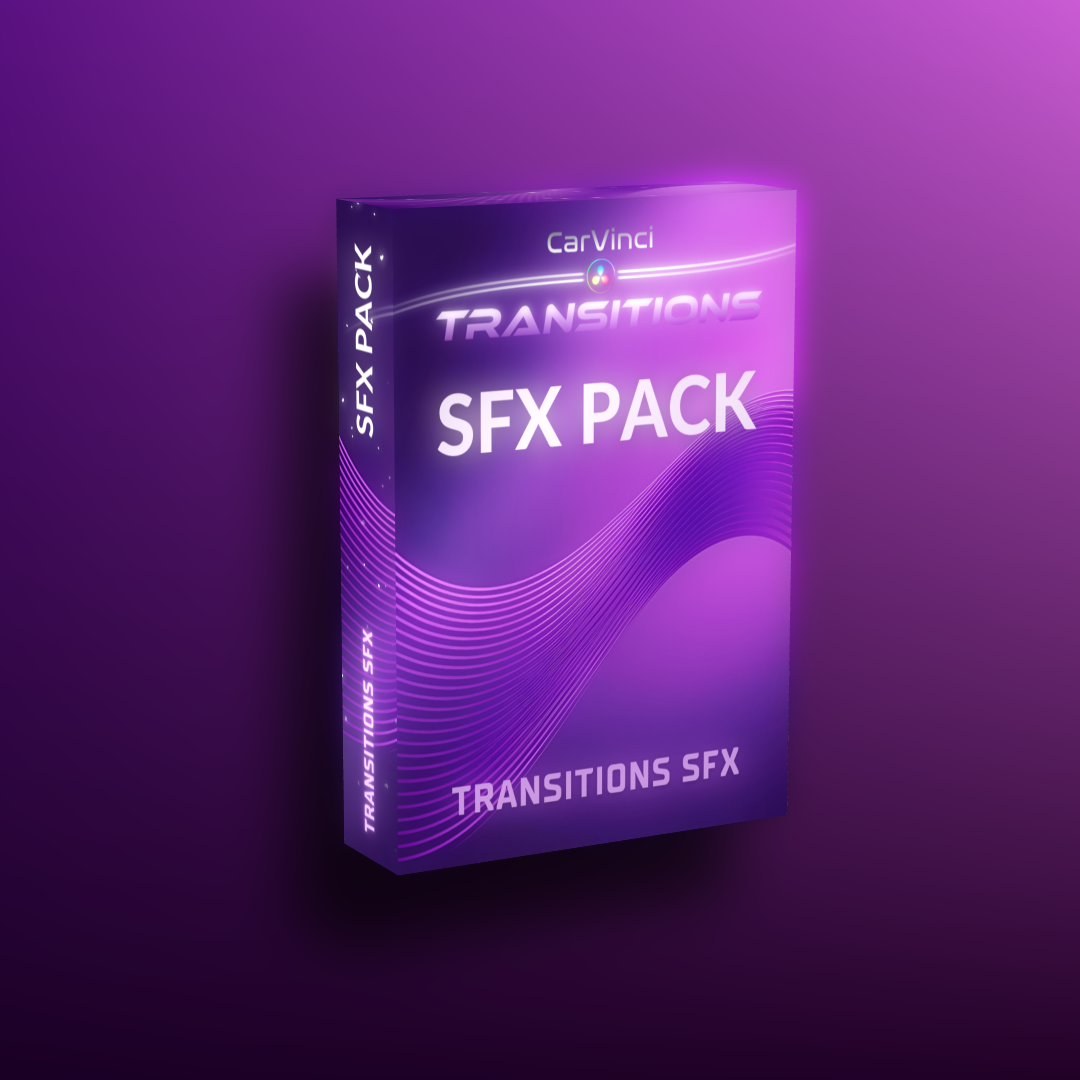
🎁 Bonus #1 (Worth $30)

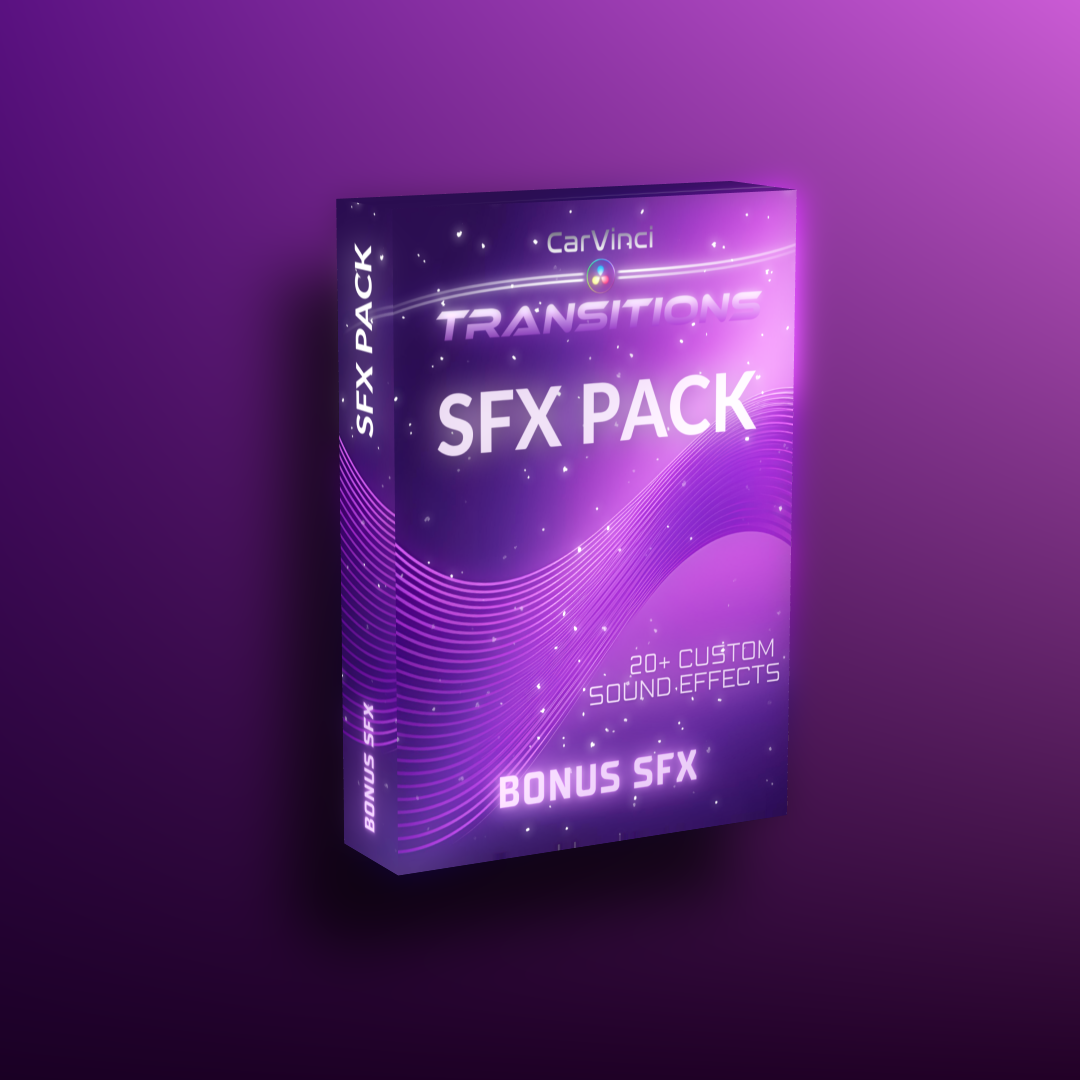
Transitions SFX Pack

✅ 30+ high-quality WAV files

✅ Ready-to-use, perfectly timed transitions

✅ Specifically designed to match the Transitions Plugin

✅ No unnecessary silence – clean & efficient for your timeline

✅ Professional & cinematic sound design


🔊 Want a preview?

Click the button below to hear some!

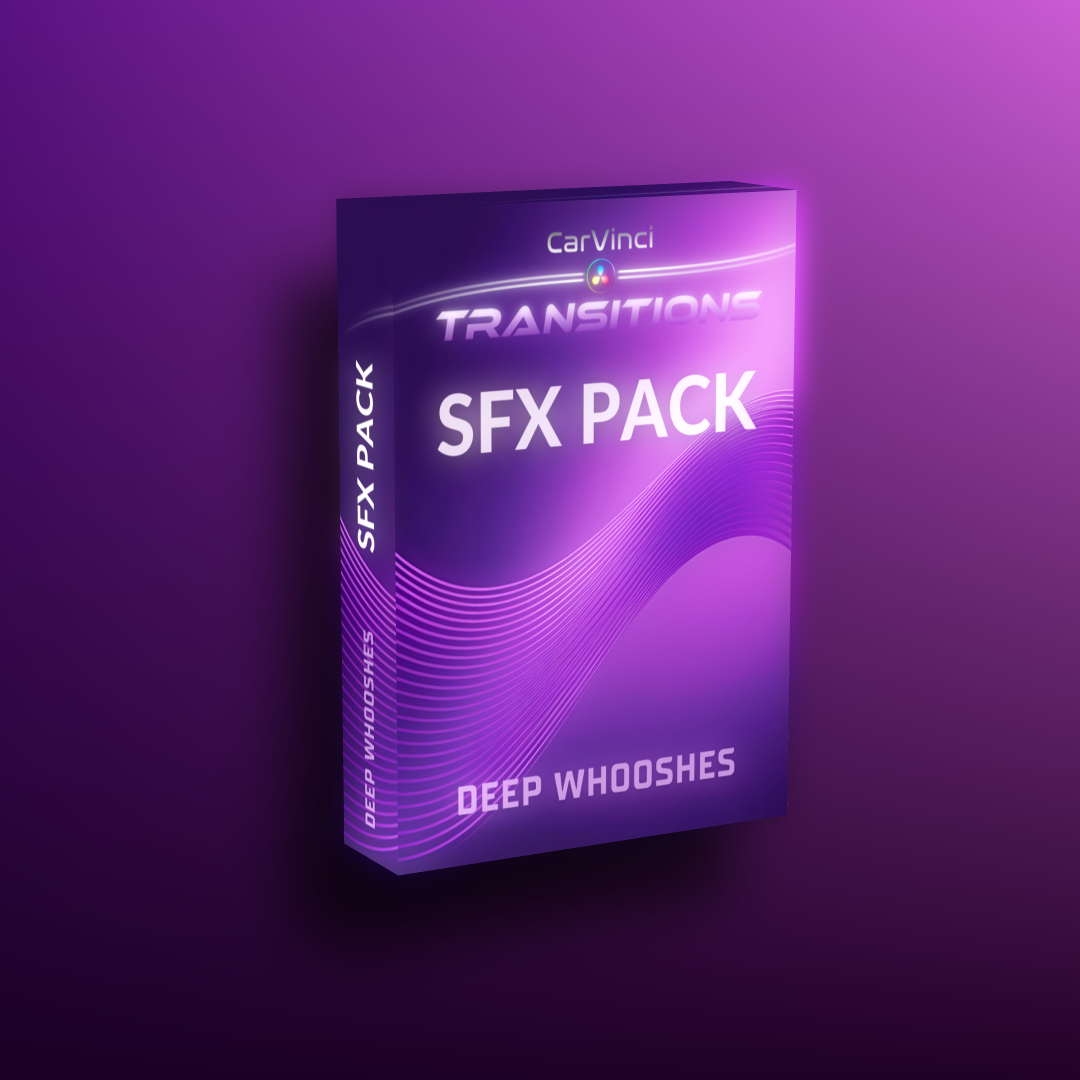
🎁 Bonus #2 (Worth $20)

Deep Whooshes SFX Pack

✅ 10+ premium WAV files

✅ Deep, whoosh transition sounds

✅ Perfect for underlining fast moments

✅ Fits perfectly with every transition

✅ Optimized for perfect timeline integration

🎁 Bonus #3

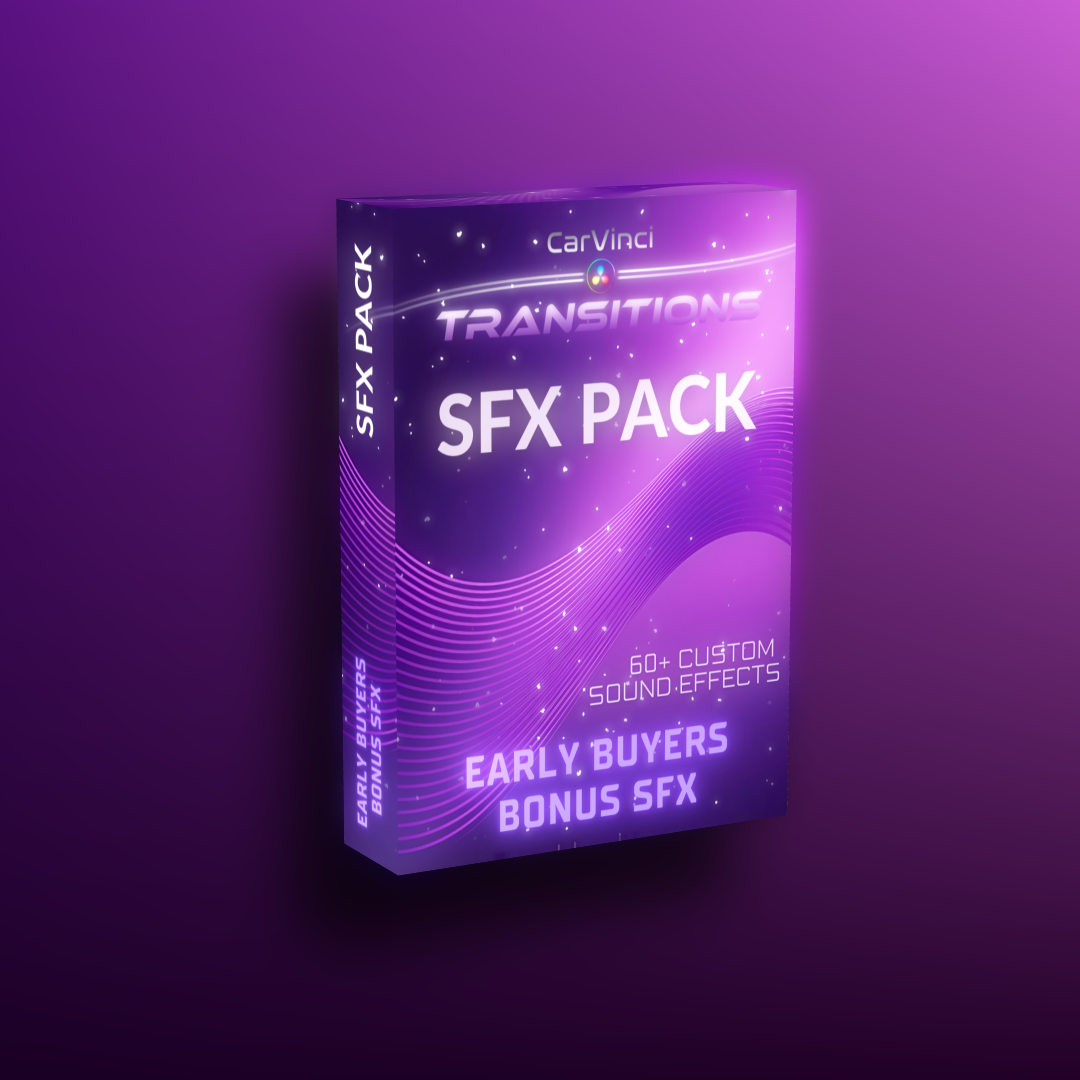
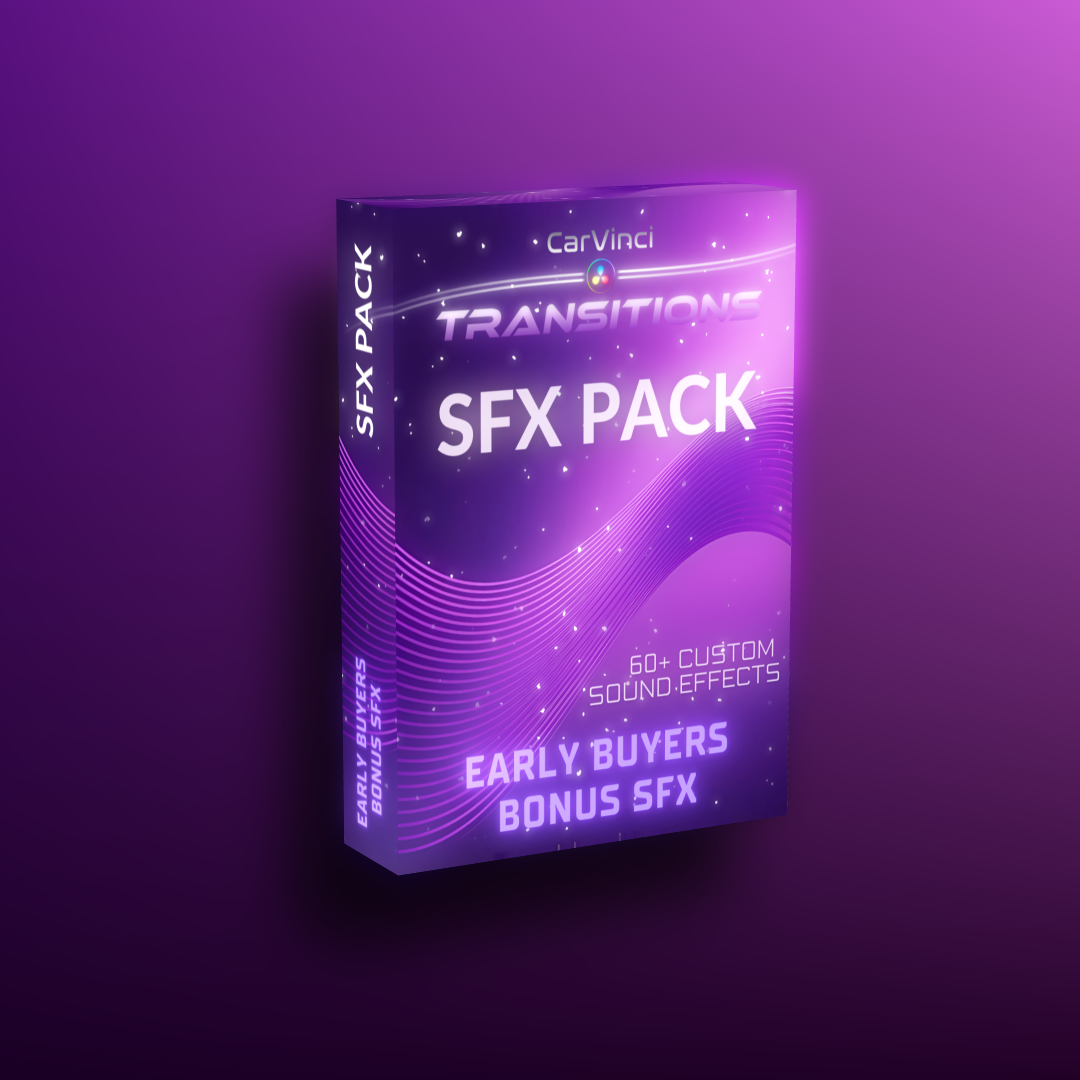
Early Buyer SFX Pack

👑 60+ exclusive WAV files

👑 Limited edition transition sounds

👑 Exclusively available for early buyers

👑 Premium cinematic transition effects

👑 Perfect for dynamic and Impactful edits

🎁 Bonus #4 (Worth $30+)

Special Discounts

✅ 15% discount on all paid products

✅ Including Speedramp Plugin

✅ Including MotionBlur Plugin

✅ Claim during checkout

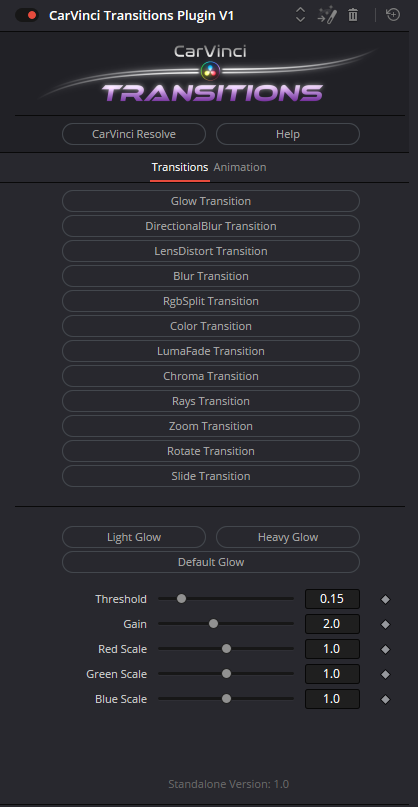
Interface


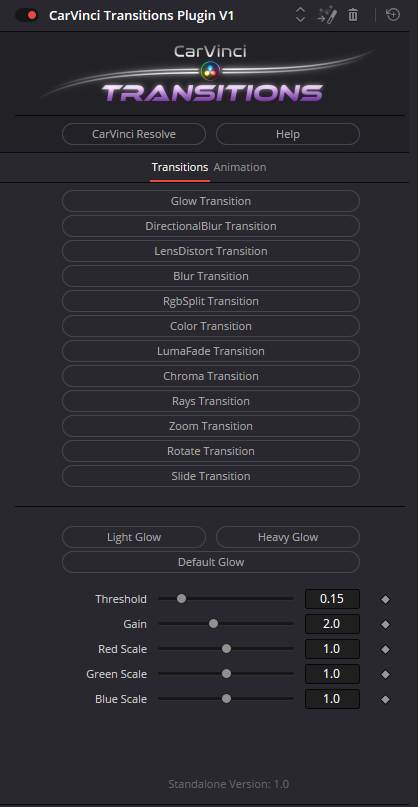
Transtions Tap (All controls to create unique Transtions)

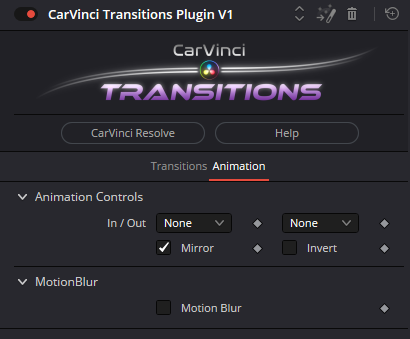
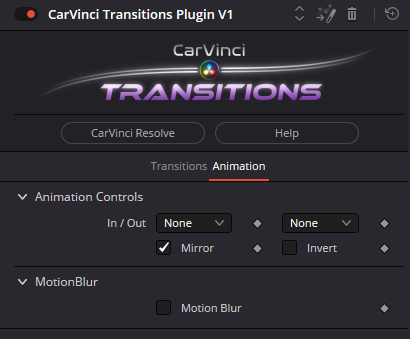
Animation Tap (All controls to customize the animation)


Transitions Buttons

  • SwiftSwap (Switch between transitions with a single click)
  • Persistent Preset Memory (When you return to a transition you previously customized, all your settings will be exactly as you left them. No need to adjust them again.)


Preset Buttons (Every Transition has custom Presets to quickly give it the style and intensity you want)


Still not satisfied? (Customize every Transition with Sliders, Screw's or other controls to get you unique Transition)


Current Version of the Plugin

Interface

Transtions Tap (All controls to create unique Transtions)

Animation Tap (All controls to customize the animation)


Animation Controls:

  • choose out of 11 IN and OUT Animation presets
  • Mirror or Invert the animation

MotionBlur

  • Turn on Motion Blur (processing intense)
  • Adjust the MotionBlur intensity

FAQs

Customer Reviews

Sort

Rony

Verified Buyer

1 year ago

Awesome

It helps me 100% with my transitions,highligt recommend as Speed Ramps and Motion Blur plugins,I bought all of them and my editing process turned better and faster,thanks Carvinci.
Reply from creator

BProFly

Verified Buyer

1 year ago

Like the multiple options

Like the ability to stretch adjustment clip across multiple clips.
Reply from creator

Dan Cloud - Water Vista Realty - Gulfstream Videography

Verified Buyer

1 year ago

Excellent Transitions Plugin for Davinci Resolve!

I am the Broker-Owner of Water Vista Realty in Miami, FL. I have an FAA License and fly the DJI Mavic 3 drone, and fuse that video footage with the DJI Osmo Pocket 3 home interior videos for my clients. With CarVinci's Transitions Plugin, I save tons of time when creating these client videos in Davinci Resolve. No more laborious time spent cutting videos to create transitions the old way. Thanks CarVinci Resolve, I appreciate the time you spent to create this great tool for my video transitions at a very reasonable cost.
Reply from creator

Dan Cloud - Gulfstream Videography

Verified Buyer

1 year ago

Speedramping and Transitions Plugins - Excellent presentations - products!

These Plugins will save me tons of time when editing my videos in Davinci. Absolutely well worth the price. Lifetime updates is a definite bonus. Thank you for developing these excellent time saving products at a very reasonable price.
Reply from creator

Anonymous

Verified Buyer

1 year ago

Reply from creator