
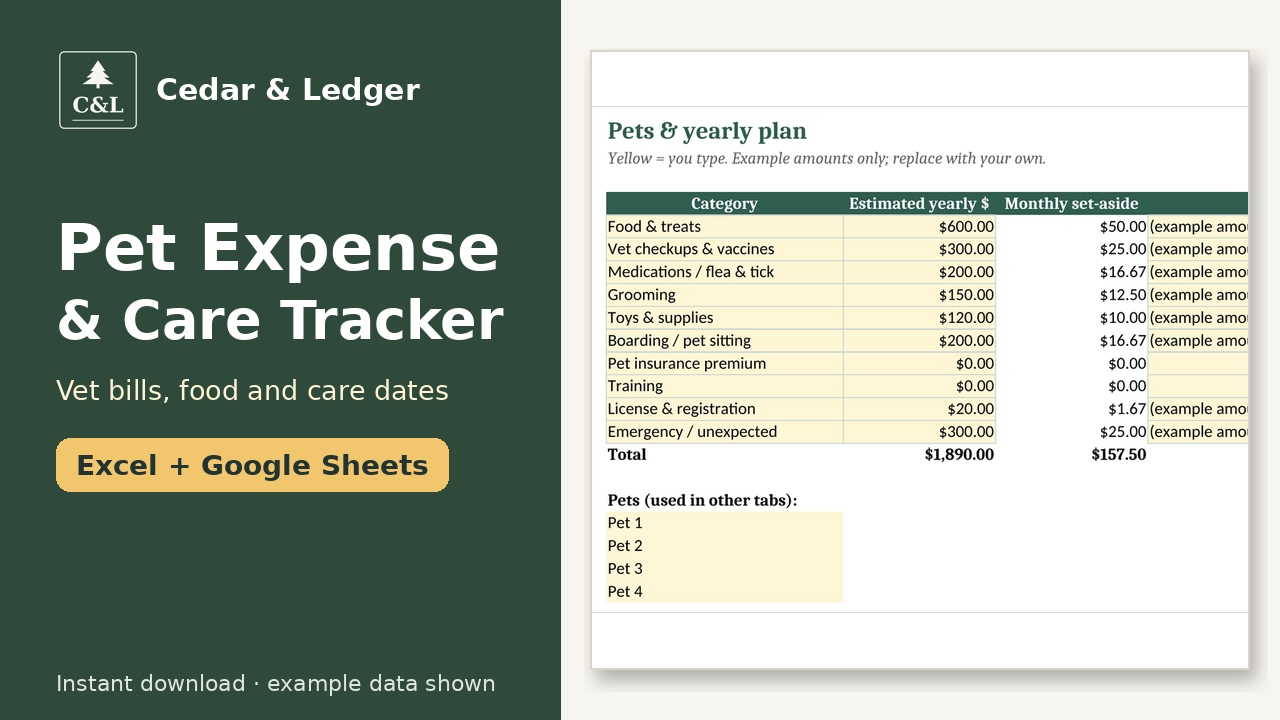



Pet Expense & Care Tracker, Dog & Cat Budget, Vet Bills & Vaccine Due Dates (Excel & Google Sheets)
For pet owners who want to plan and track what their dog, cat or other pets really cost, and never miss a vaccine or flea dose.
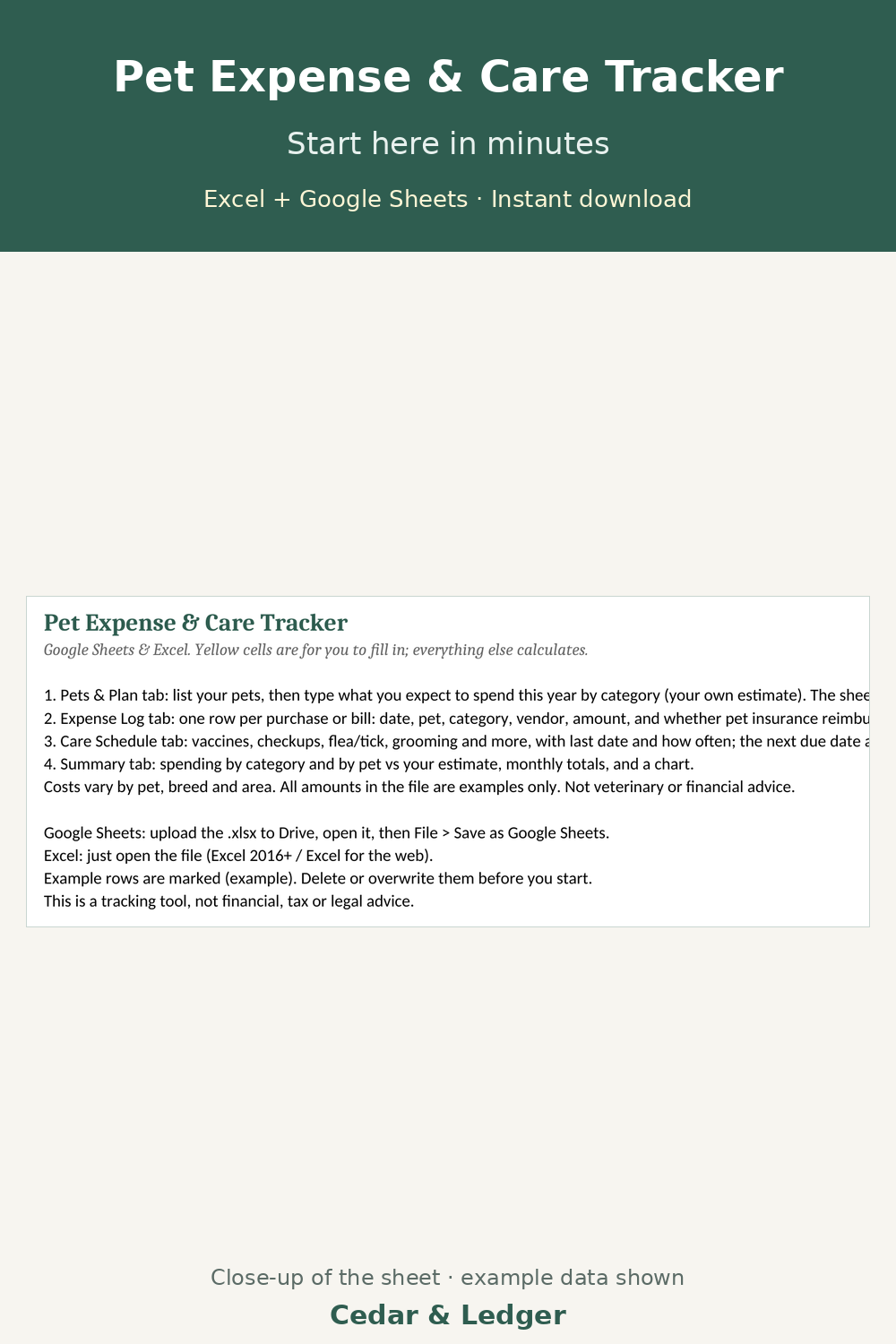
How it works: 1) Download the zip after checkout. 2) Open the .xlsx in Excel, or upload it to Google Drive and open it with Google Sheets. 3) Delete the example rows and type in your own numbers.
What it does:
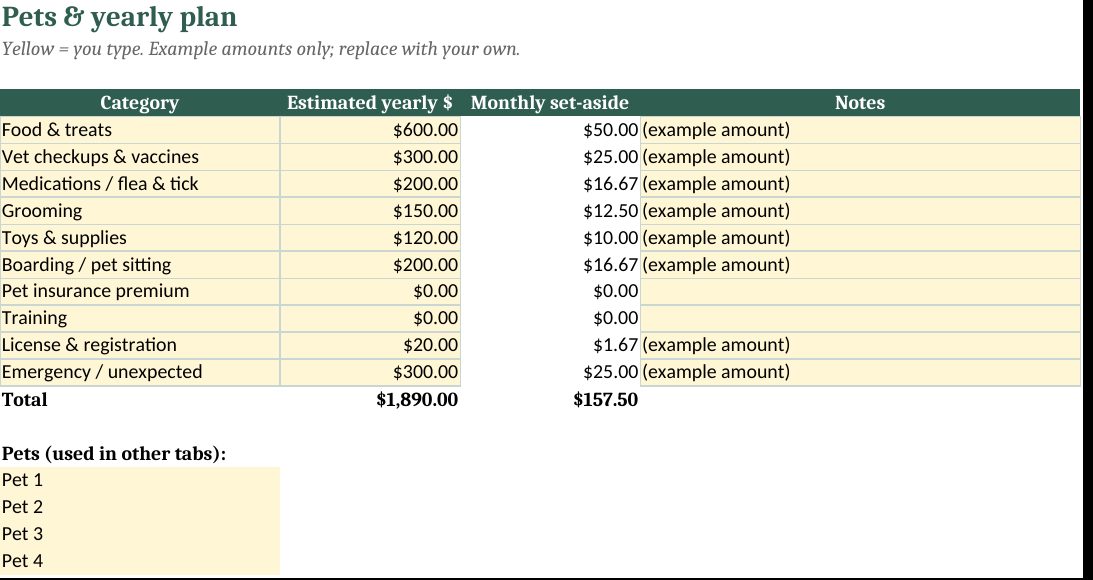
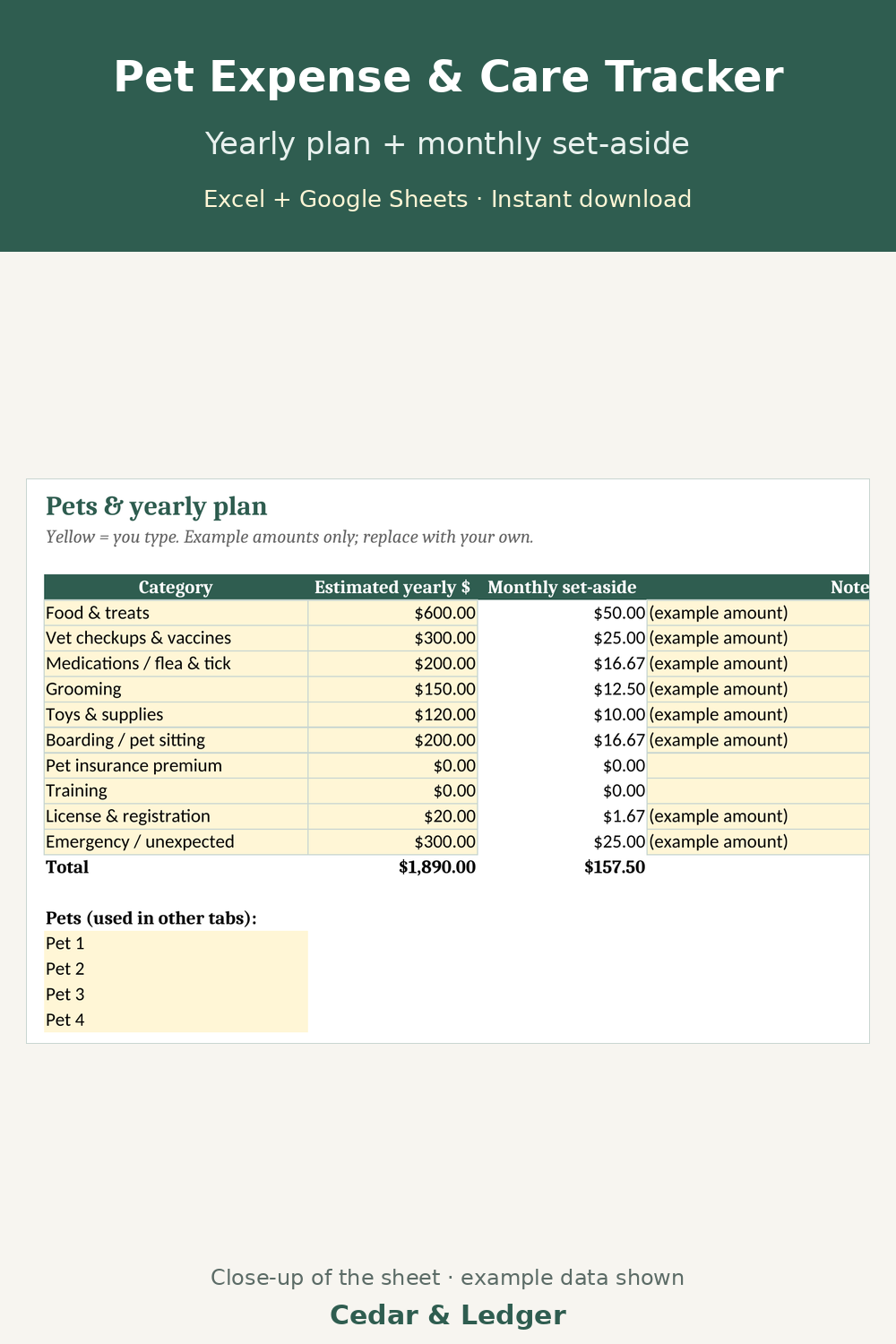
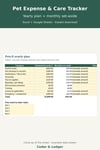
- Pets & Plan tab: up to 4 pets; your expected yearly costs by category (food, vet, meds, grooming, boarding and more) turn into a monthly set-aside.
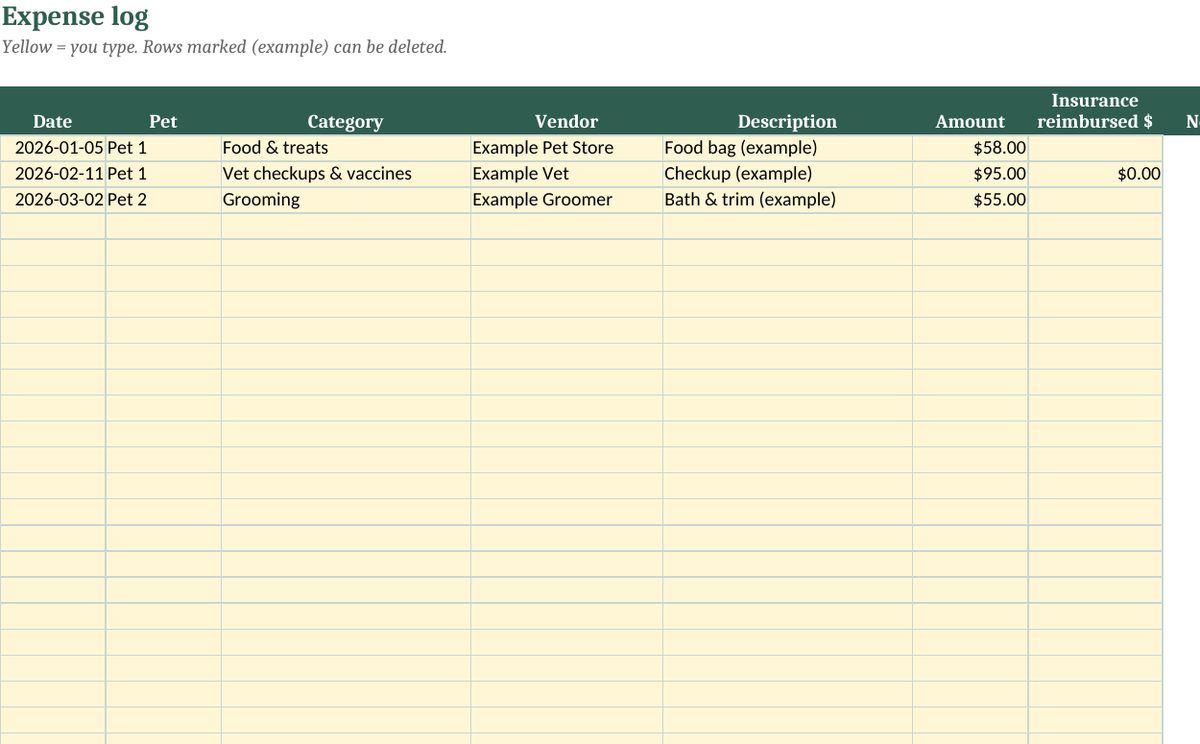
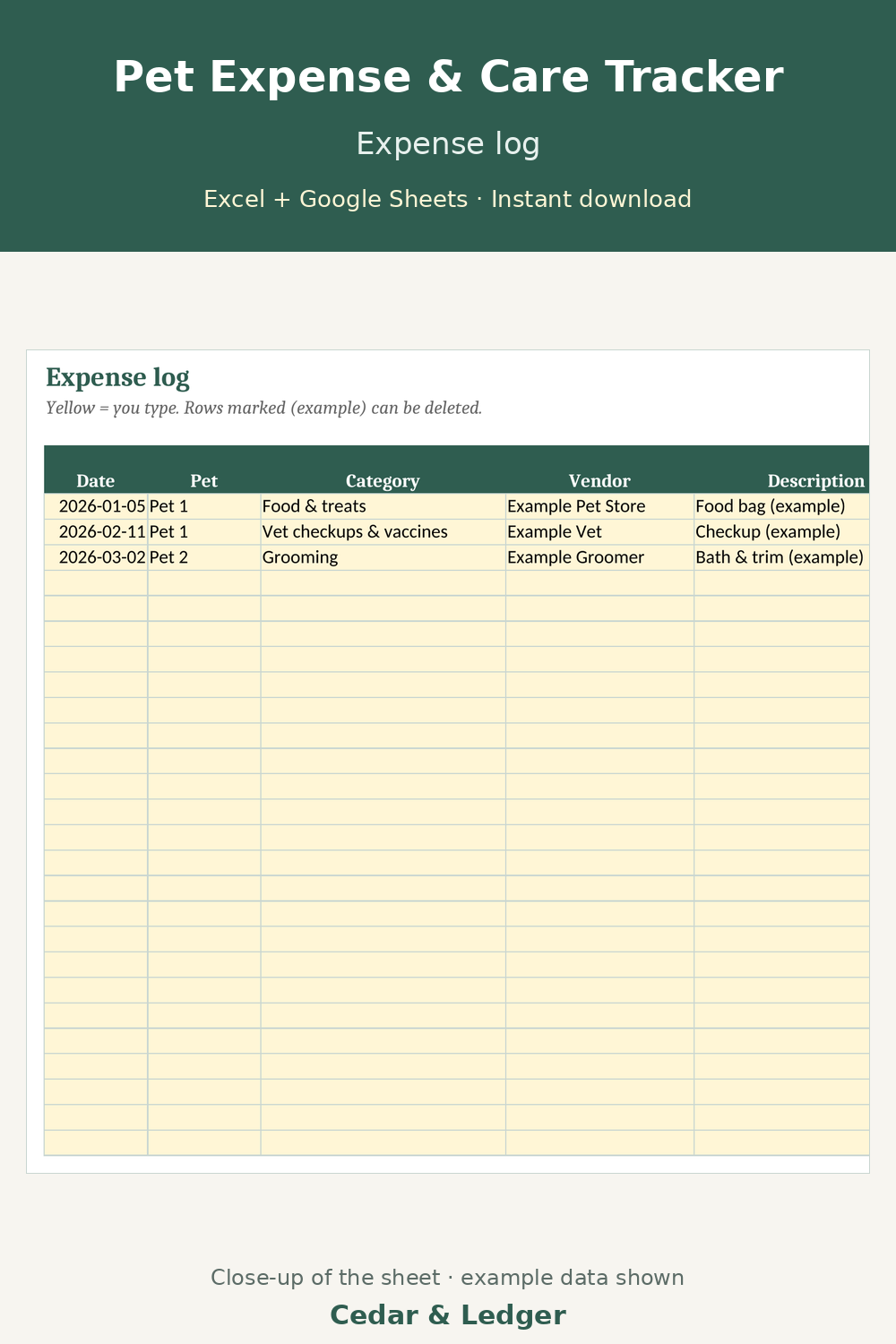
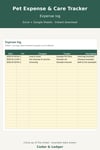
- Expense Log for up to 300 purchases and bills: pet, category, vendor, amount, any pet insurance reimbursement, net cost.
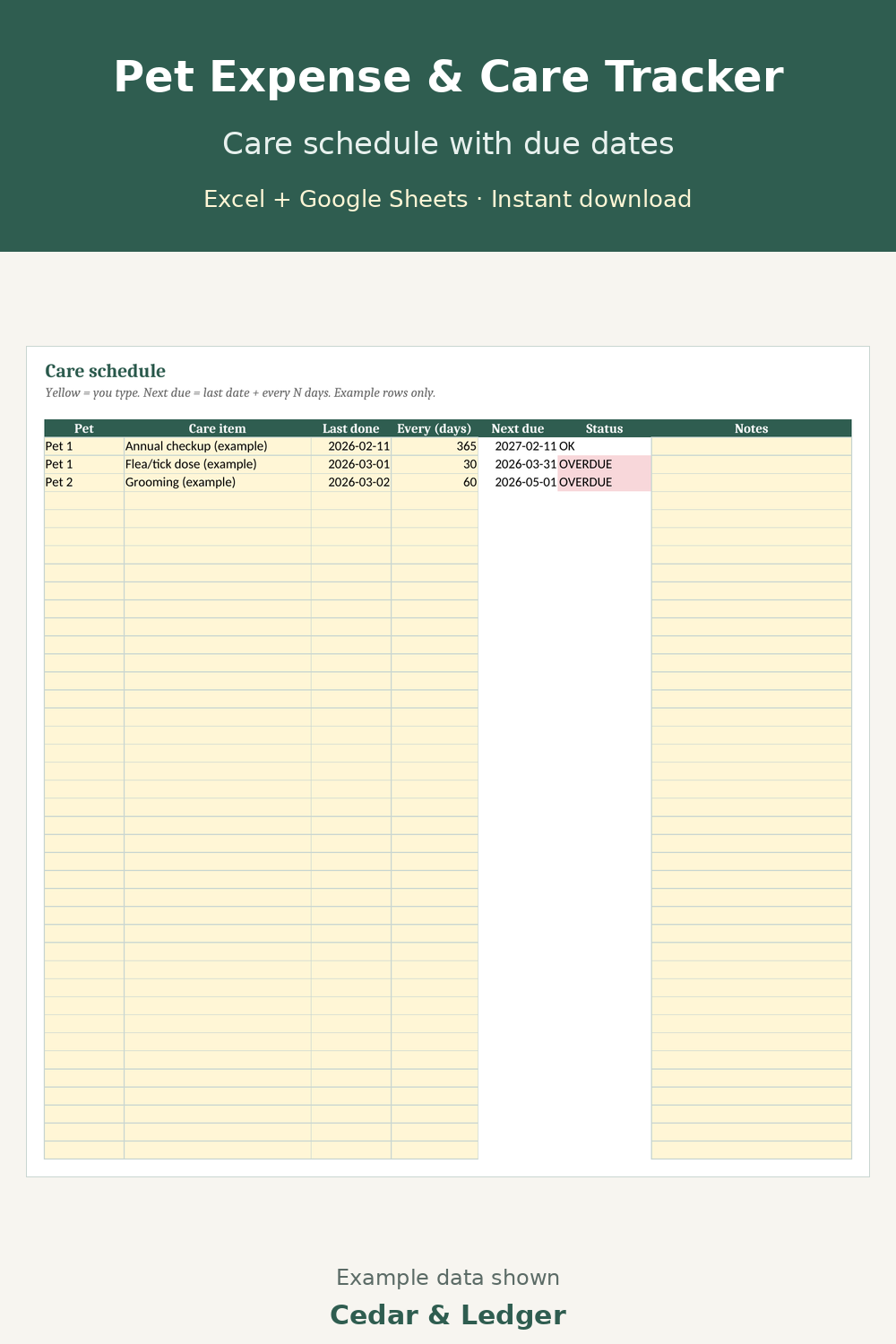
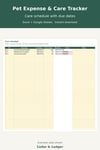
- Care Schedule: last date + how often; next due date and Due soon / OVERDUE flags calculate.
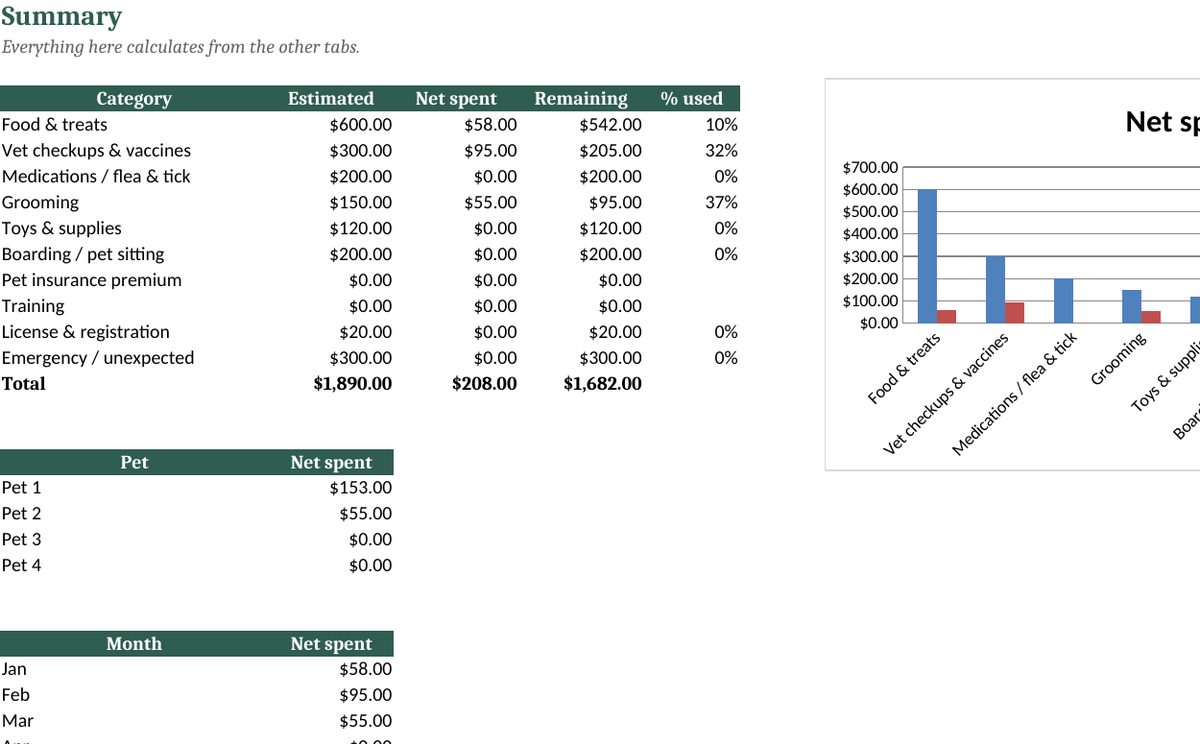
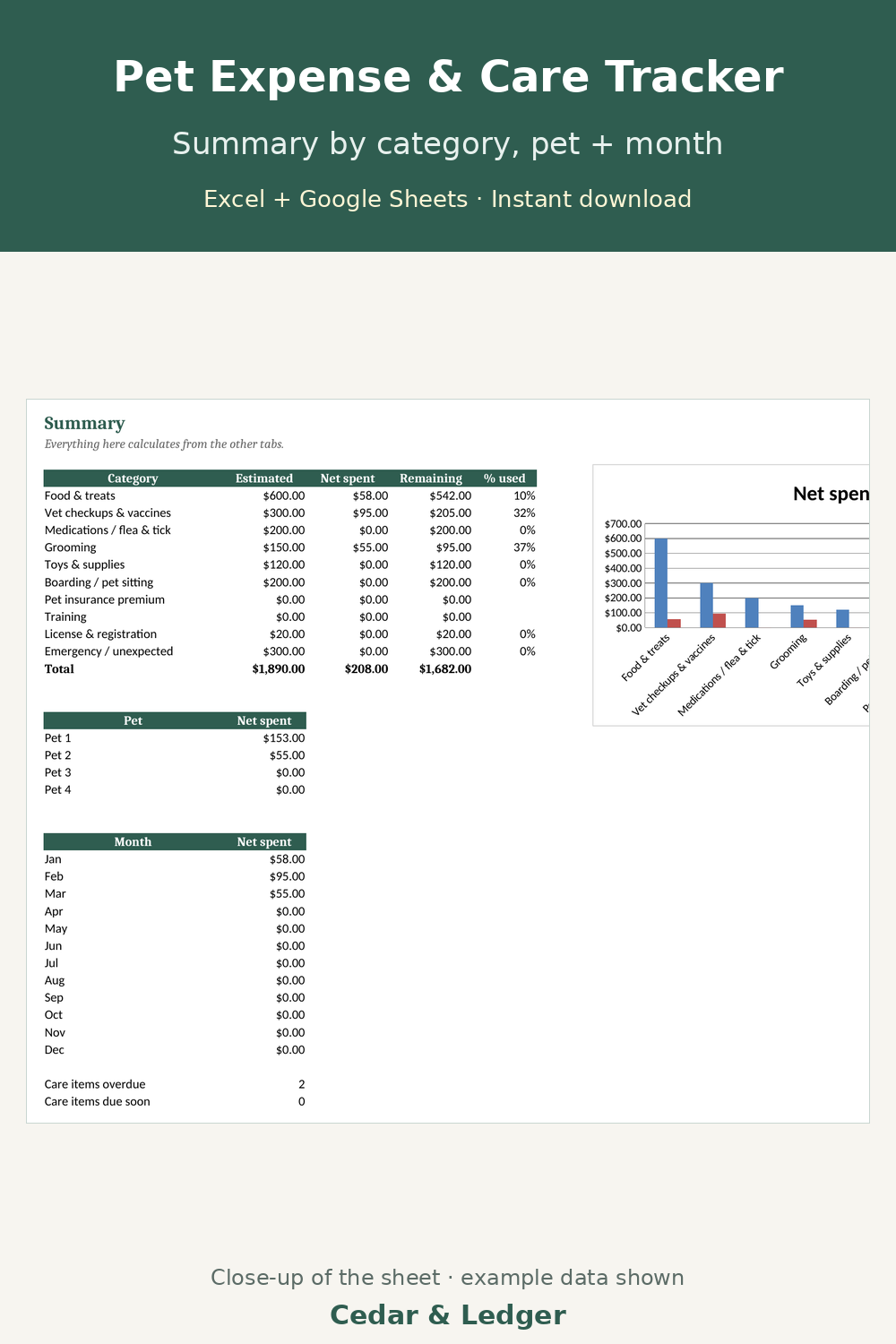
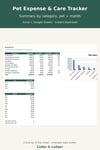
- Summary tab: net spending by category, by pet and by month vs your estimate, with a chart.
What you get: one .xlsx file (Excel 2016+/Microsoft 365/Excel for the web, imports into Google Sheets) and a short how-to. Instant digital download.
Honest notes:
- All amounts in the file are examples; costs vary by pet, breed and area.
- A spreadsheet, not an app; no reminders are sent. Delete the example rows before you start.
- An organizing tool, not veterinary or financial advice.
Honest note: images show example data, not real results.
Works in Google Sheets and Excel · Instant download · Nothing shipped
Buyer questions
Which apps does it open in?
Excel 2016 or newer (including Microsoft 365 and Excel for the web) and Google Sheets: upload the .xlsx to Google Drive, then open it with Google Sheets. You get one .xlsx file (Excel 2016+/Microsoft 365/Excel for the web, imports into Google Sheets) and a short how-to. Instant digital download.
What happens after checkout?
Payhip shows your download link right after checkout and emails it to you too. You download a .zip with the .xlsx file(s) and a short how-to. It's an instant digital download; nothing physical ships.
Can I edit it?
Yes. Nothing is locked: rename categories, add rows, change colors and type over the example data.
Does it connect to my bank or send reminders?
No. It's a spreadsheet, not an app: you type in your own numbers and nothing is synced or sent.
Are the numbers in the previews real?
No. Previews and the file use example data only. Delete the example rows and add your own.
Can I get a refund?
It's a digital download, so if something doesn't open or work, message the shop through Payhip (or reply to the Payhip email) and I'll help fix it. Refund requests are handled case by case under Payhip's terms.
Is this financial advice?
No. It's an organizing and planning tool with example numbers, not financial, tax, legal or medical advice.
You might also like
- Sinking Funds & Savings Goals Tracker ($5): save ahead for vet visits and other yearly pet costs. https://payhip.com/b/uMEUn
- Monthly Bill Tracker ($5): keep pet insurance and other bills in one due-date list. https://payhip.com/b/GBTDW
- Complete Household Money Bundle ($29): this one plus 12 more home money spreadsheets in one download (bought separately: $69). https://payhip.com/b/VLr3c
Free how-to guide that uses this template (no sign-up): https://cedarandledger.vercel.app/guides/new-pet-first-year-budget/
More free guides: https://cedarandledger.vercel.app/guides/