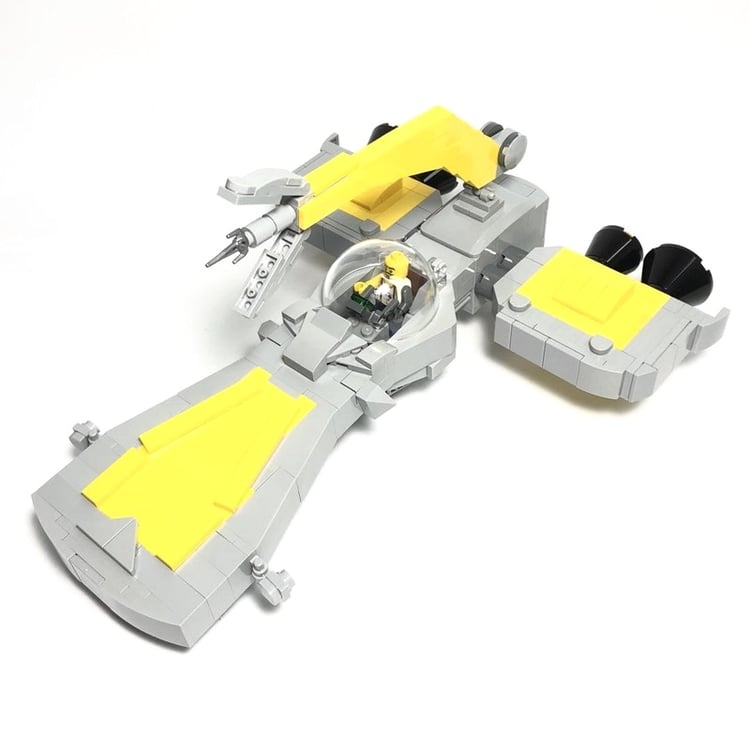


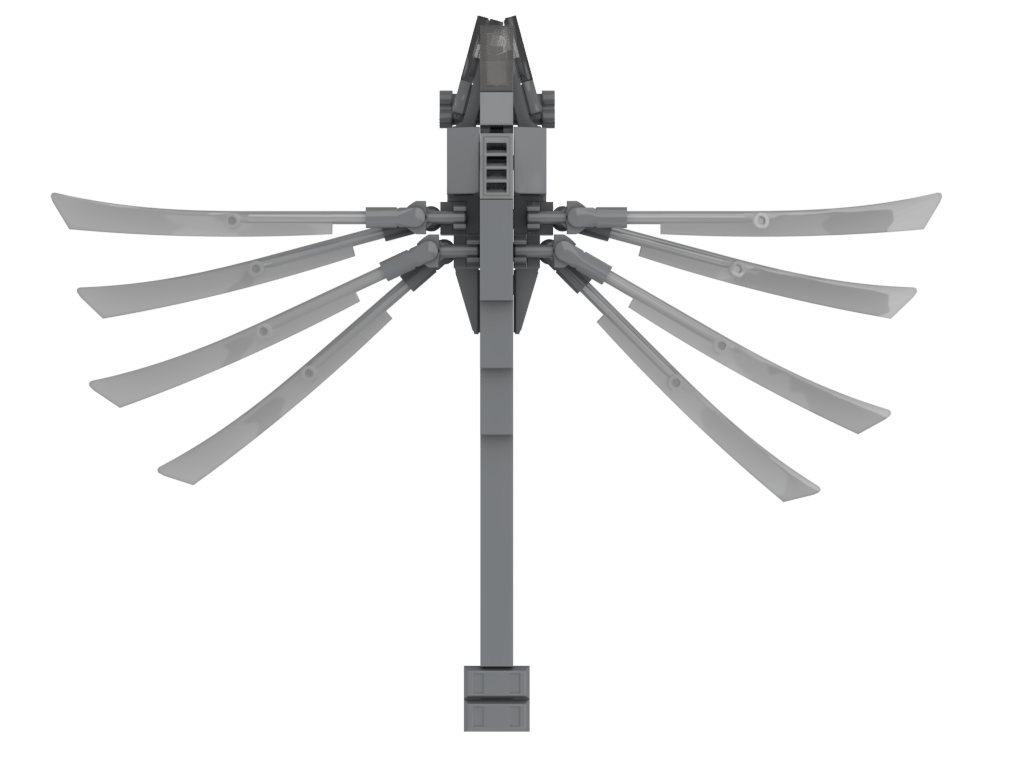
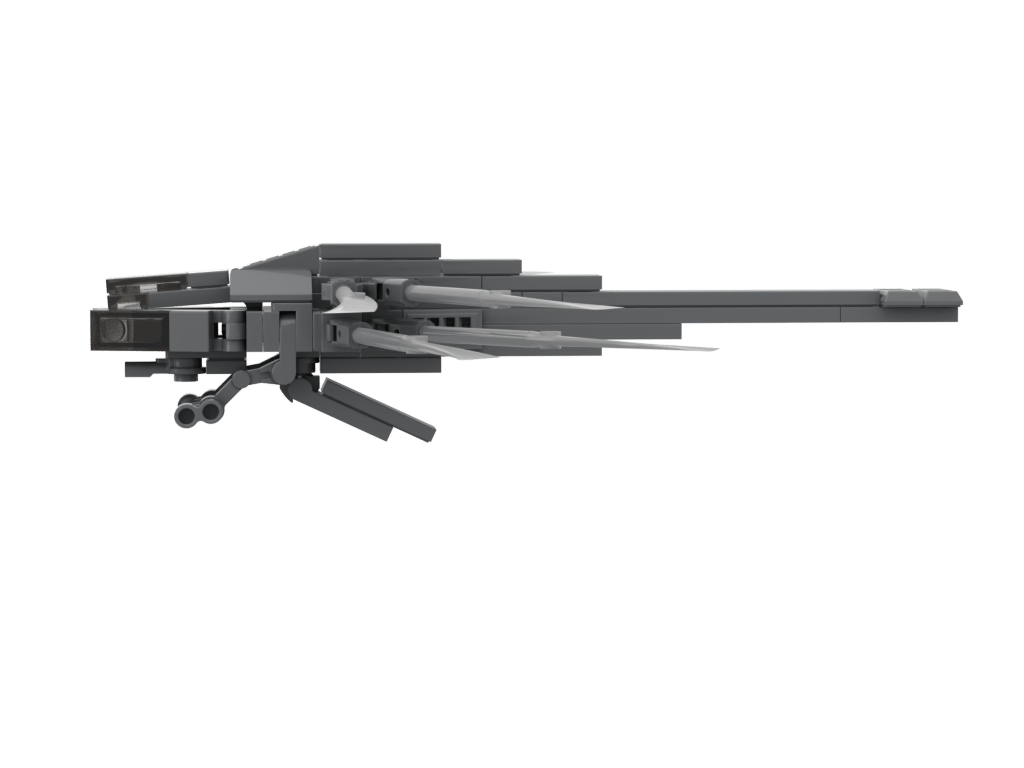
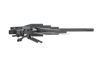
Ornithopter(1:120)(PDF Instructions & XML File)
If you're a fan of Dune, then you'll know this vehicle immediately.
The Ornithopter was the basic method of airborne travel in the Imperium. They are vehicles that fly like birds rather than powered gliders or helicopters.
After watching the remake of Dune, I immediately loved the look of this utility craft and after learning that Lego would be creating a set for it, I was stoked, so I decided to create one in a smaller scale(1:120) and this is the result.
As a smaller model, it does have some working features like retractable landing gear, a ramp that folds up and of course the wings that fold out to create that Dragonfly-like wing spread.
How to Buy Parts from Bricklink:
1. Go to bricklink.com and log into your account. If you don't have one, create a free account first.
2. In the top menu, go to My BrickLink → Wanted List. This is where you'll upload your parts list(XML file).
3. Inside your Wanted List, click Upload at the top. Select Upload BrickLink XML, then choose your exported .xml file. Bricklink will parse every part automatically and populate your wanted list.
4. Once your wanted list is populated, click Buy All at the top. Bricklink will scan all current store inventories and suggest the most cost-efficient combination of sellers to source every part in your list.
5. Review the suggested stores, adjust if needed, and proceed to checkout with each seller individually.