
Menu Engineering & Food Costing Toolkit: Recipe Costing Spreadsheet
Full description
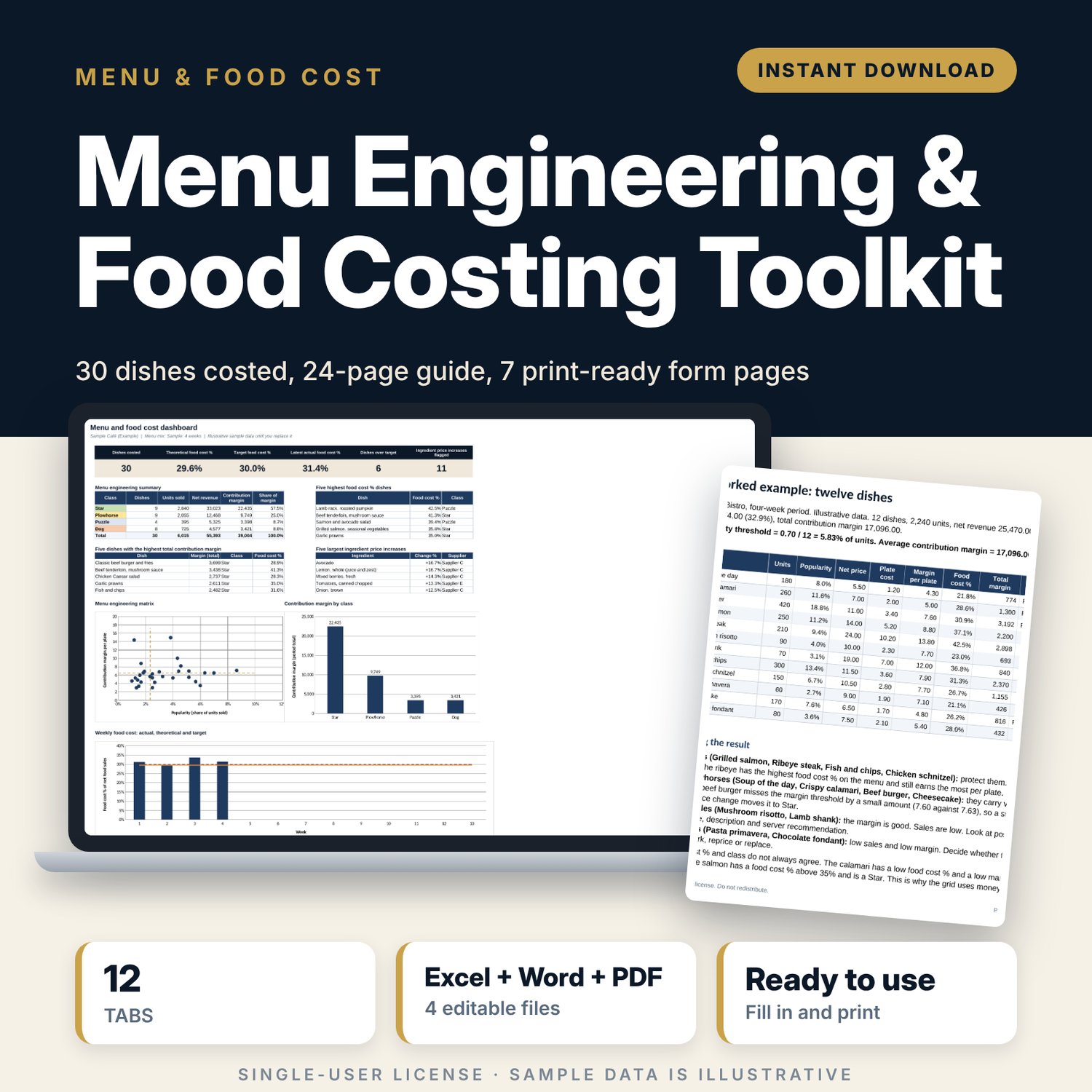
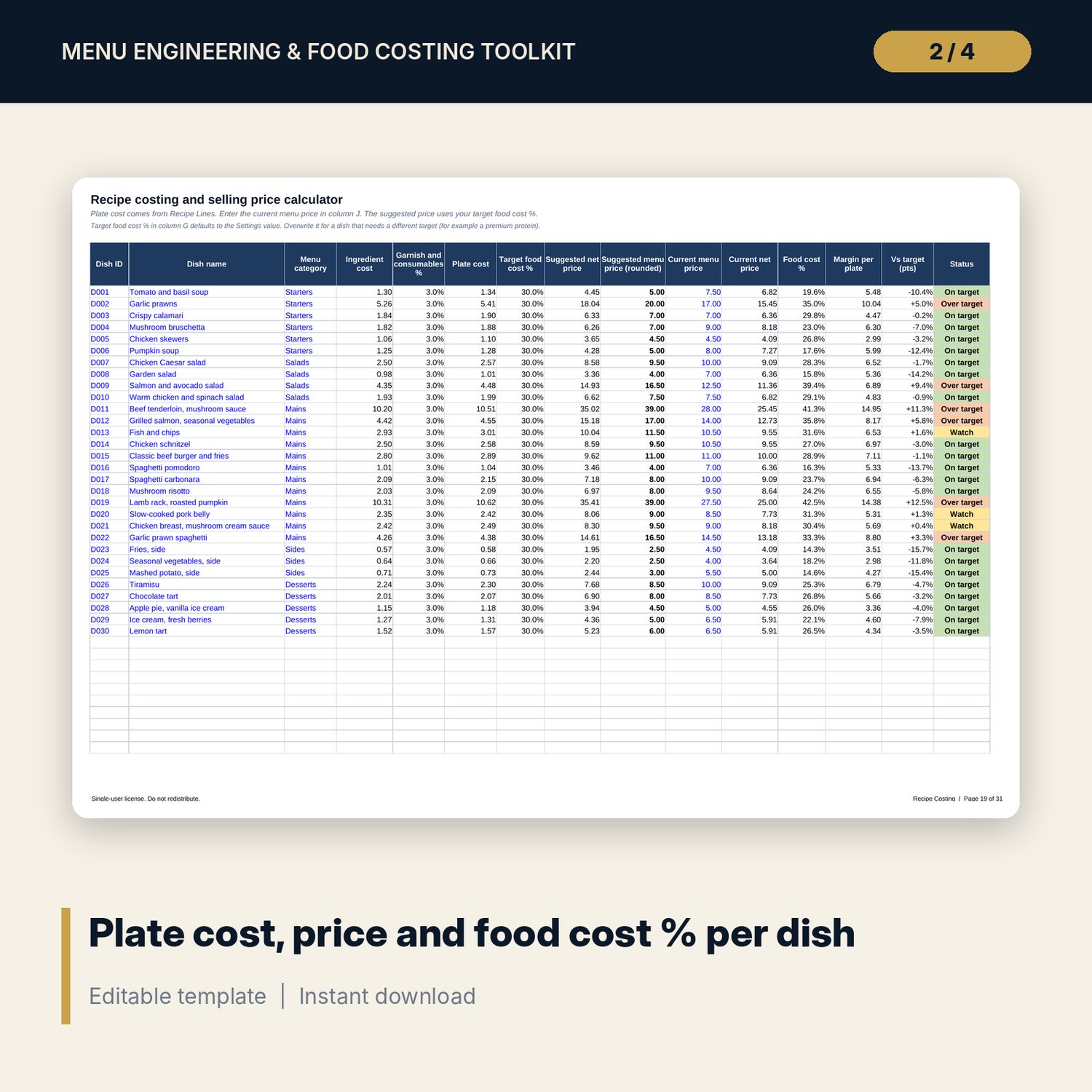
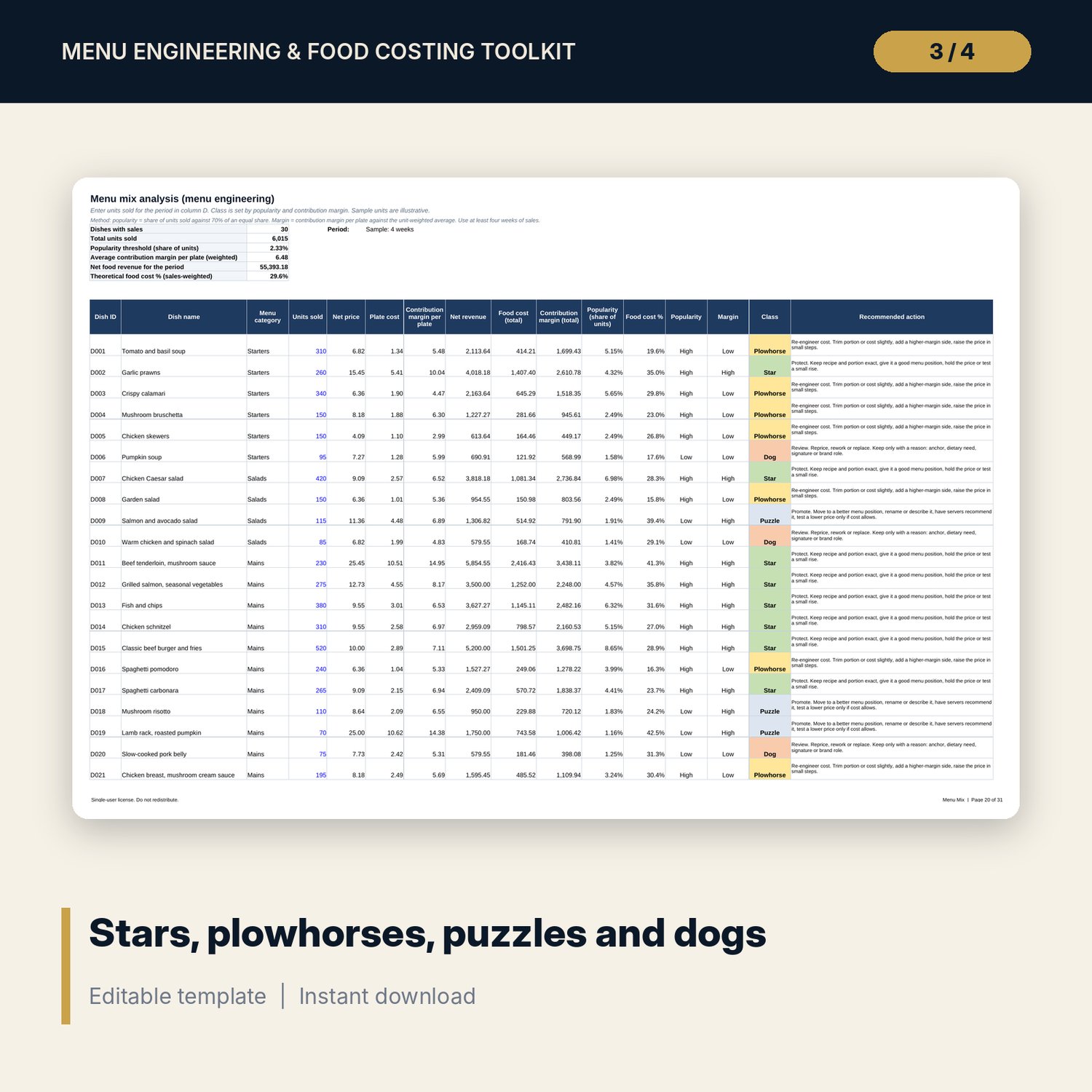
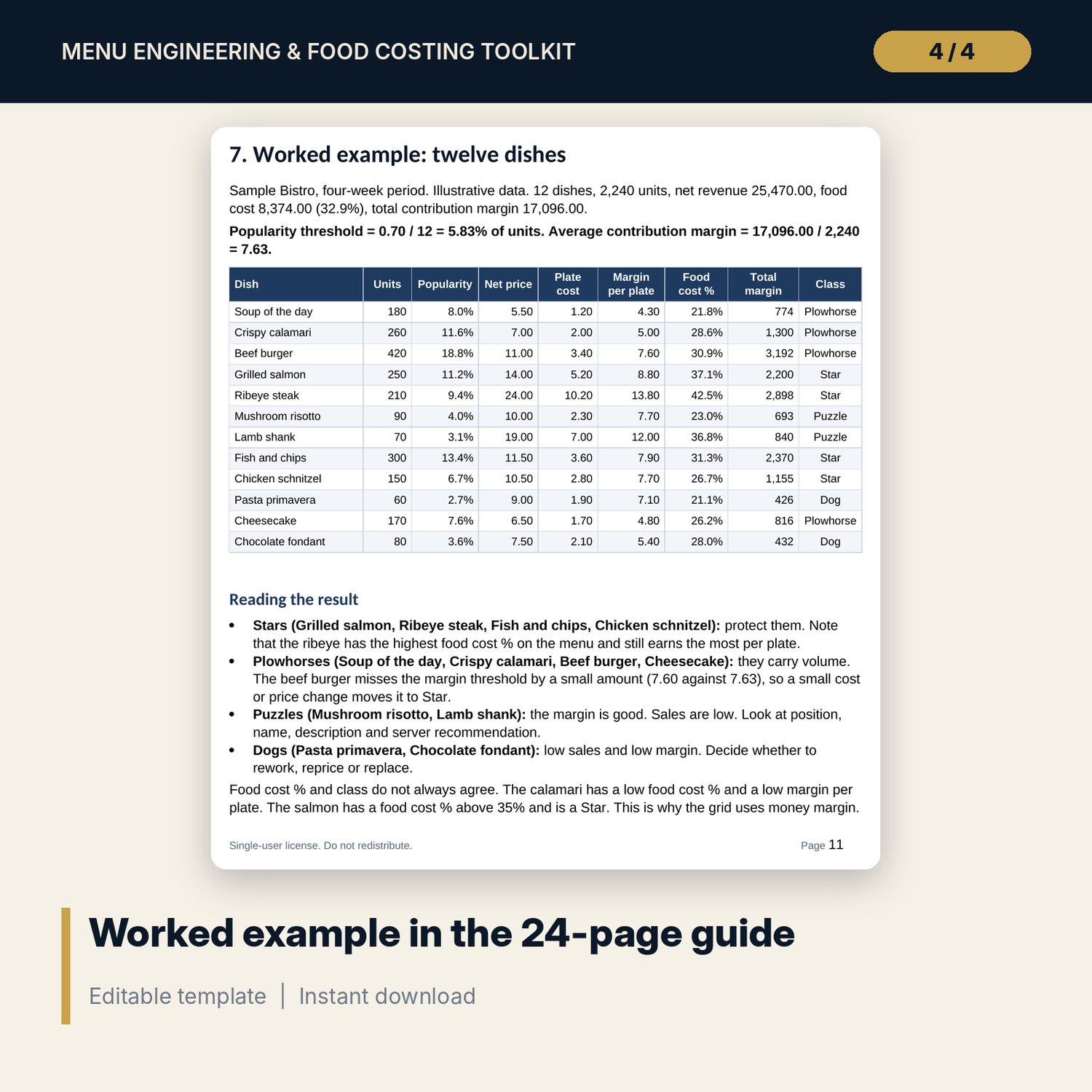
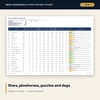
This toolkit is for chefs, restaurant owners and F&B managers who want to know what each plate costs, what to charge and which dishes to keep. You enter your pack prices, yields and recipes. The workbook calculates plate cost, suggested price and food cost % for each dish. You then add units sold and it sorts the menu into stars, plowhorses, puzzles and dogs, with a suggested action for each. A guide explains the method, and printable forms cover recipe cards, portion specs, yield tests and stocktakes.
Save with a bundle: this template is also in the Restaurant & Café Operations Bundle, 17 templates for $39 instead of $116. All 141 templates are in the All-Access Hospitality Template Library for $79.
What is inside
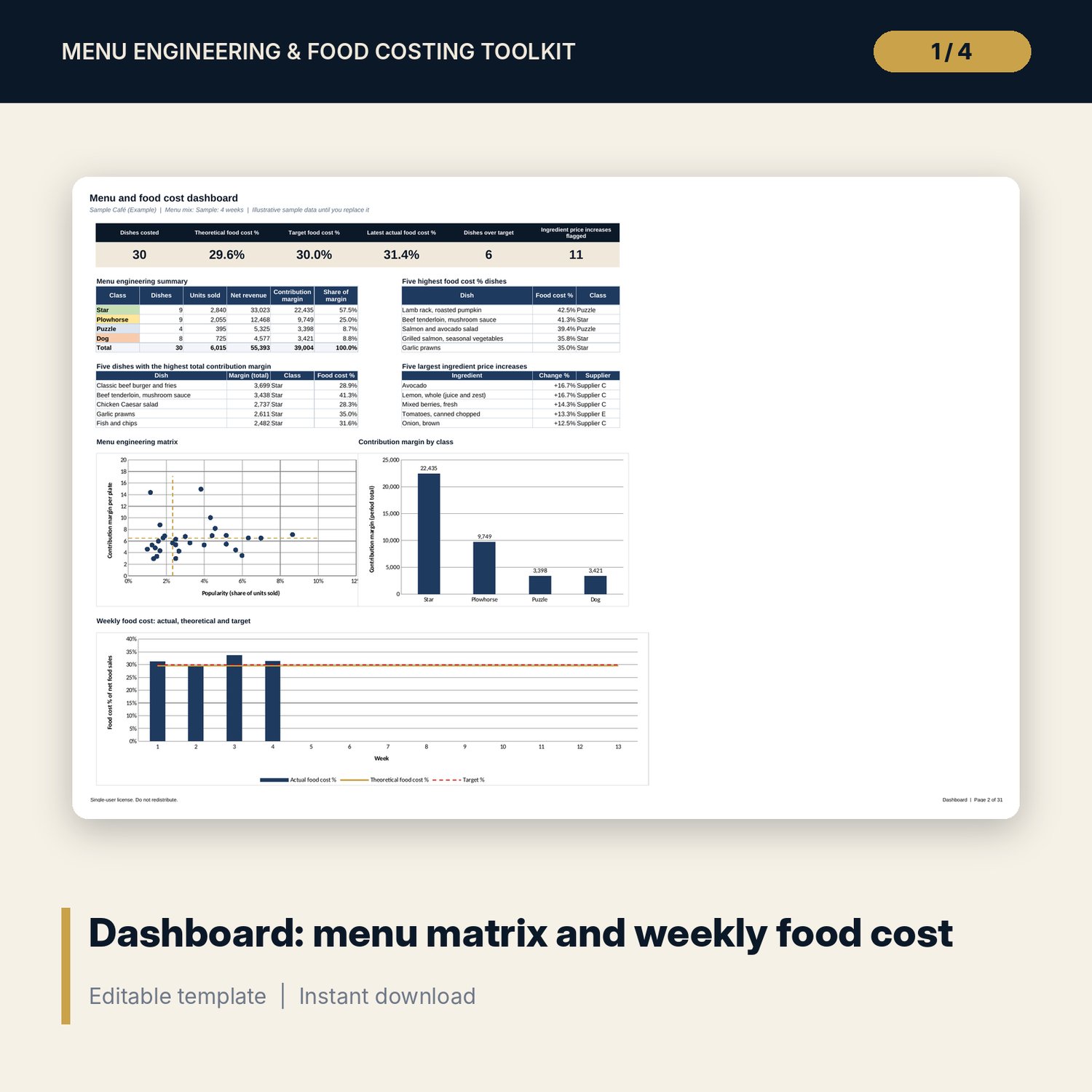
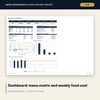
- Food_Costing_Workbook.xlsx: 12 tabs, 8,121 formulas, 3 native charts and 20 drop-down or entry rules. Tabs: Start Here, Dashboard, Settings, Ingredients, Sub-Recipes, Recipe Lines, Recipe Costing, Menu Mix, Price Simulator, Price Alerts, Daily Tracker, Weekly Tracker.
- Sample data for a fictional menu: 65 ingredients (room for 90), 8 sub-recipes with 37 lines, 30 dishes (room for 40) with 170 recipe lines, 4 weeks of daily and weekly tracking.
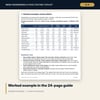
- Menu_Engineering_Guide.docx: 24 pages. Food cost basics, price list and yield tests, recipe costing, pricing methods, menu engineering method, a twelve-dish worked example, action rules, price psychology, menu design, cost control, supplier price changes, a 90-day plan, formula sheet, glossary, checklist and three fill-in templates.
- Costing_Forms.pdf and Costing_Forms.docx: 7 pages. Recipe card (blank and completed example), portion spec (blank and completed example), yield test sheet, stocktake sheet, daily waste log.
- README.txt and LICENSE-and-Terms.txt.
How it works
- Set your target food cost %, tax treatment and rounding step in Settings.
- Replace the sample ingredients with your own pack prices, pack sizes and yields.
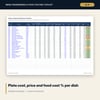
- Enter sub-recipes and dish lines, then dish names and current menu prices. Recipe Costing shows plate cost, suggested price and status.
- Enter units sold for at least four weeks on Menu Mix. Read each dish class and action. Test price changes on the Price Simulator.
- Log daily figures, count stock weekly and review Price Alerts and the Dashboard.
Details
- Formats: XLSX, DOCX, PDF. English. A4 print layout.
- Software: any spreadsheet app that opens .xlsx, any word processor for .docx, any PDF reader. Built and tested with formulas recalculated and zero errors.
- Delivery: instant digital download. No physical item ships.
- Currency is a label you set. Tax rate, target and rounding are editable inputs.
Good to know
- All dishes, prices, yields, sales and tax rates are illustrative samples. They are not benchmarks or official rates. Replace them with your own data.
- Verify local requirements for tax, food safety and labelling.
- The workbook covers food cost. It does not cost beverages or labour.
- Single-user license: use for your own business, no resale or sharing.
FAQ
What software do I need? A spreadsheet app that opens .xlsx files, a word processor for the guide and a PDF reader for the forms.
Does it work in Google Sheets? The workbook opens in Google Sheets. Formulas, drop-downs and charts are standard, but check the dashboard charts and conditional formatting after import. Desktop spreadsheet software gives the intended layout.
Can I edit it? Yes. Blue cells are inputs. Lists, targets, tax and thresholds are in Settings. The .docx forms are editable too.
Can I refund a digital product? This is a digital download, not a physical item. Check the refund terms shown at checkout.
Who is it for? Chefs, restaurant and café owners and F&B managers who cost dishes and review menus. It suits one venue or one menu at a time.
How many dishes can it hold? 40 dishes, 90 ingredients, 15 sub-recipes and 300 recipe lines. Insert rows inside a table to extend it.