
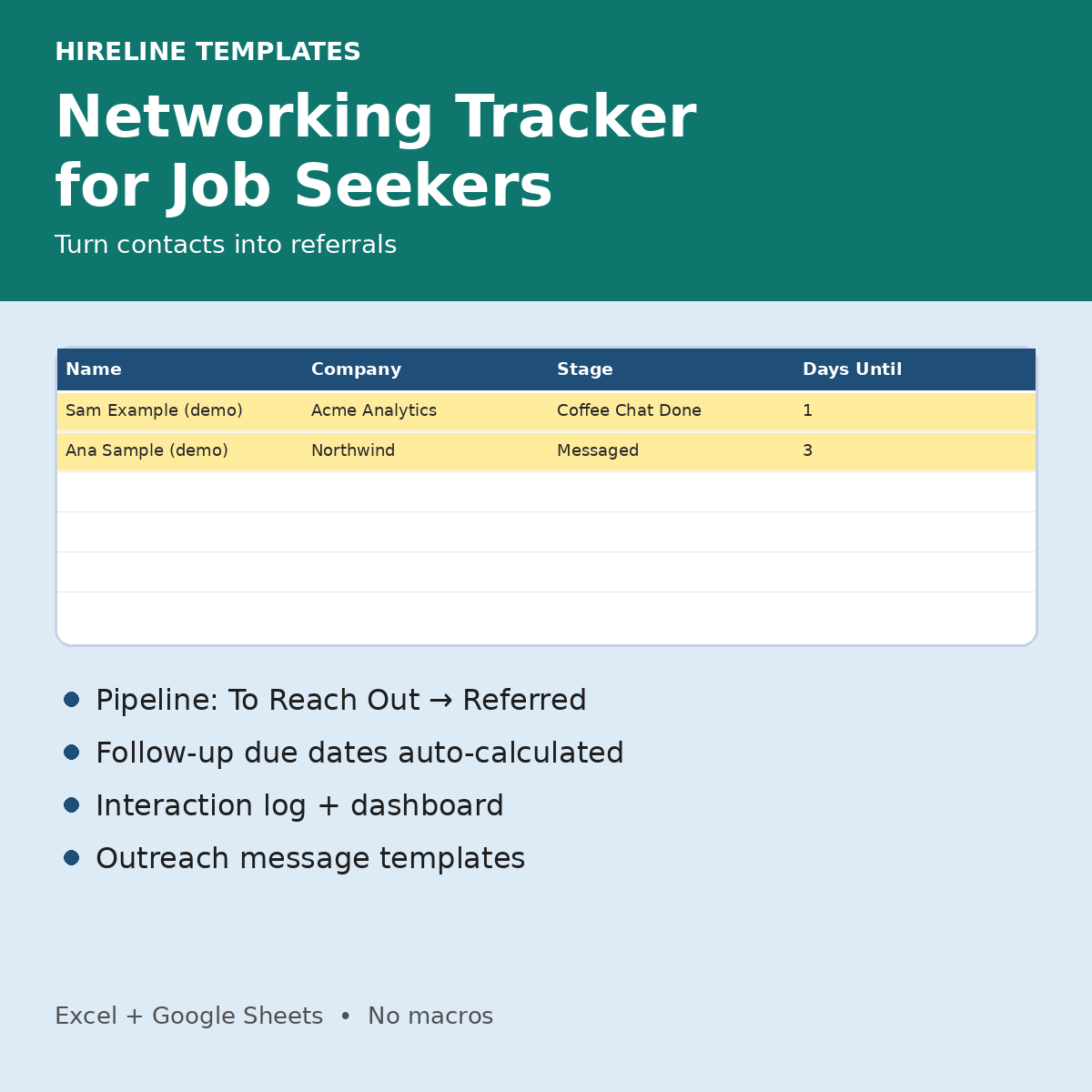
Networking Tracker for Job Seekers - Referral CRM Spreadsheet, Excel & Google Sheets
See who to follow up with today: the next date is calculated from Last Contact and your interval, rows turn red the day a follow-up is due, and yellow when it is within 3 days. Message starters are included so you are not staring at a blank LinkedIn note. $5 one-time.
Why you will like it
- Follow-up dates are calculated for you from Last Contact and your chosen interval.
- Color coding: red when due, yellow within 3 days, green once someone refers you.
- Ready-made message starters so you never stare at a blank LinkedIn note.
What's included (1 .xlsx, 5 tabs)
- Contacts (up to 499): Name, Company, Role, How We Met, Relationship (Cold/Warm/Strong), Stage, Last Contact, Follow Up Every (days), Target Job / Ask, LinkedIn / Email, Notes, plus calculated Next Follow-Up and Days Until
- 7 stages: To Reach Out, Messaged, Replied, Coffee Chat Done, Referral Asked, Referred, Keep Warm
- Interaction Log (up to 799 rows) with a contact dropdown from your list
- Message Templates: cold LinkedIn note, alumni outreach, after a chat, referral ask, keeping in touch
- Dashboard: contacts by stage, follow-ups due, referrals received, and a chart
- Instructions tab and fictional DEMO rows
How it works
- Add each contact with a stage and a follow-up interval.
- Log each touchpoint; Next Follow-Up updates from Last Contact.
- Work the red rows first each day, using the message starters.
- Watch the Dashboard as conversations move toward referrals.
Compatibility
- Standard .xlsx for Excel; open in Google Sheets by uploading to Drive (File > Save as Google Sheets).
- No macros, scripts or add-ons. One-time download, no subscription.
FAQ
- Does it sync with LinkedIn? No. It is a standalone spreadsheet; paste in profile links.
- Is it a subscription? No. You pay once and keep the file.
- Questions? hirelinetemplates@mail.grokbot.com
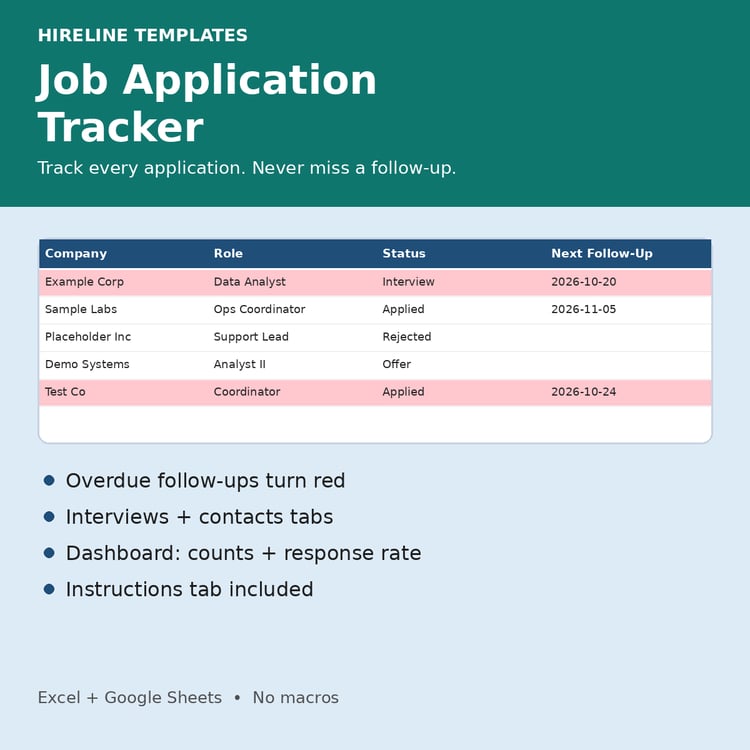
Track the applications your referrals lead to: Job Application Tracker ($4.99): https://payhip.com/b/zVejq