

Keep Ledger — Notion Sales Tracker & Bookkeeping Template for Digital Product Sellers
Your whole tiny shop, on one small board.
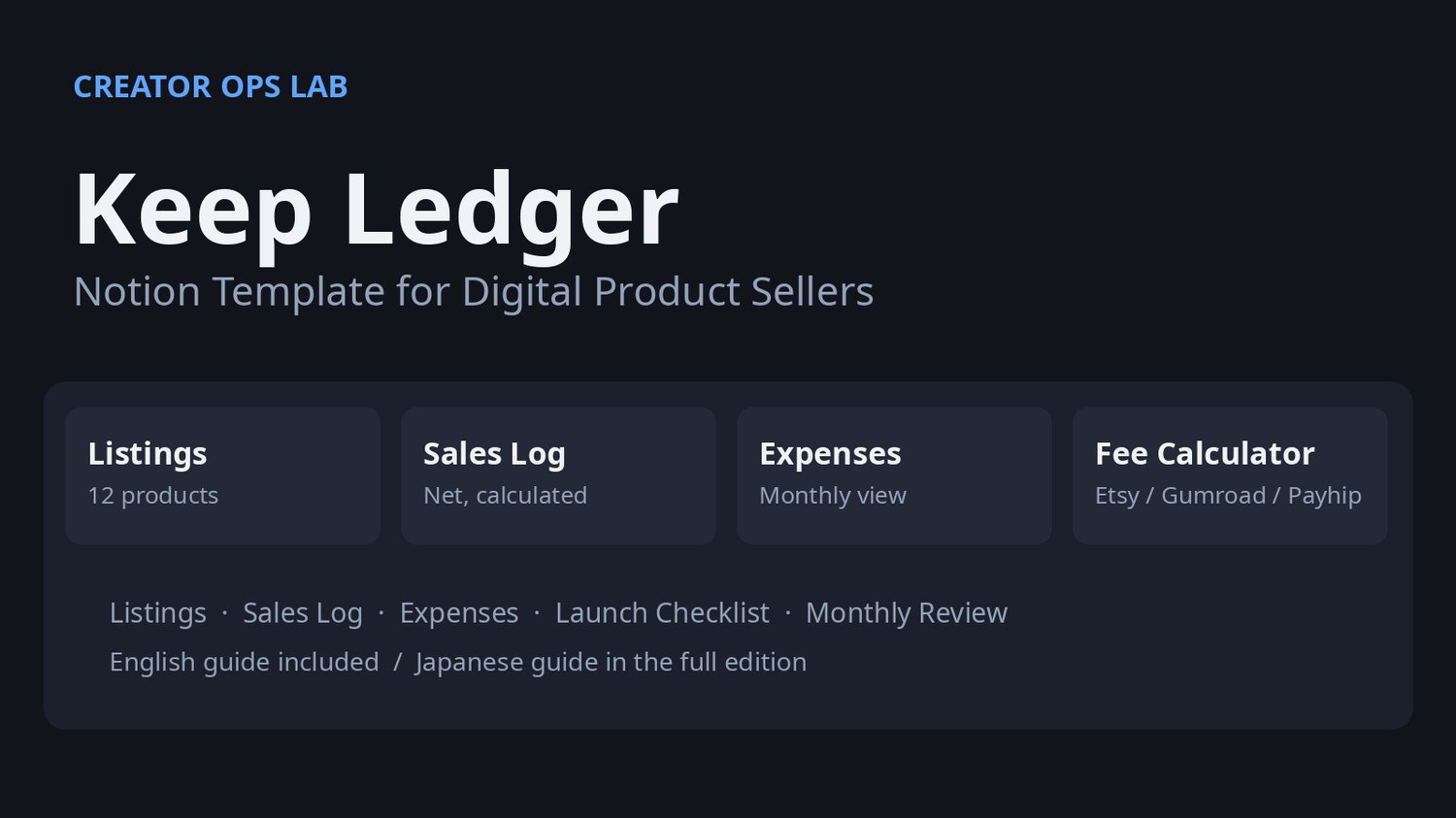
Keep Ledger is a Notion template for solo sellers of digital products (Etsy, Gumroad, Payhip, BOOTH and similar). It keeps four things in one place: what you sell, what you earned, what you spent, and what the platforms took in fees. In short: a Notion sales tracker and bookkeeping template for a small digital product shop — no spreadsheet needed.
Inside
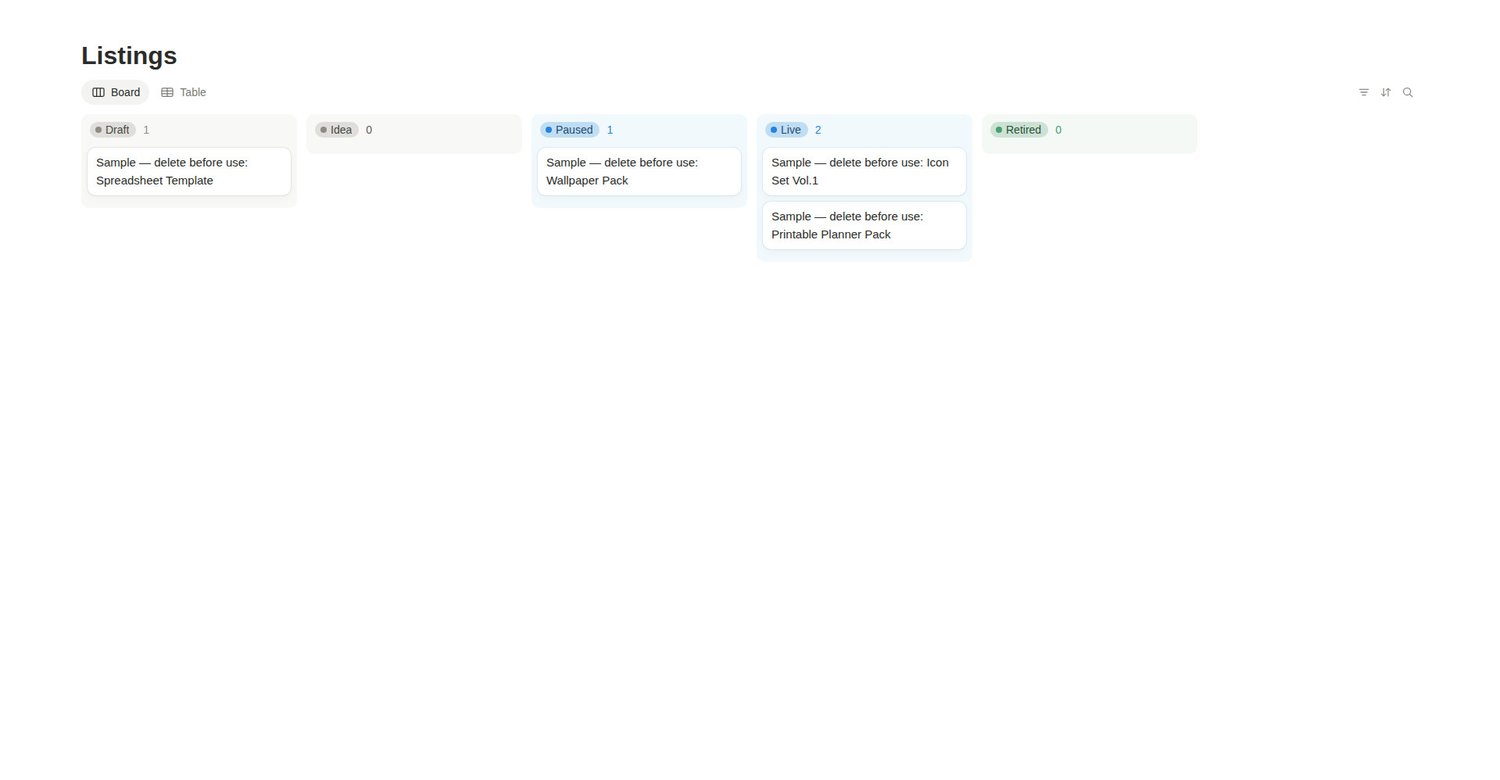
- Listings — every product with platform, status (Idea → Draft → Live → Paused → Retired), price, currency (USD/JPY) and listing link, in Board and Table views
- Sales Log — each sale with the actual fee you were charged; your net is calculated for you. Monthly and per-platform views included
- Expenses — what the shop costs you, with a monthly view
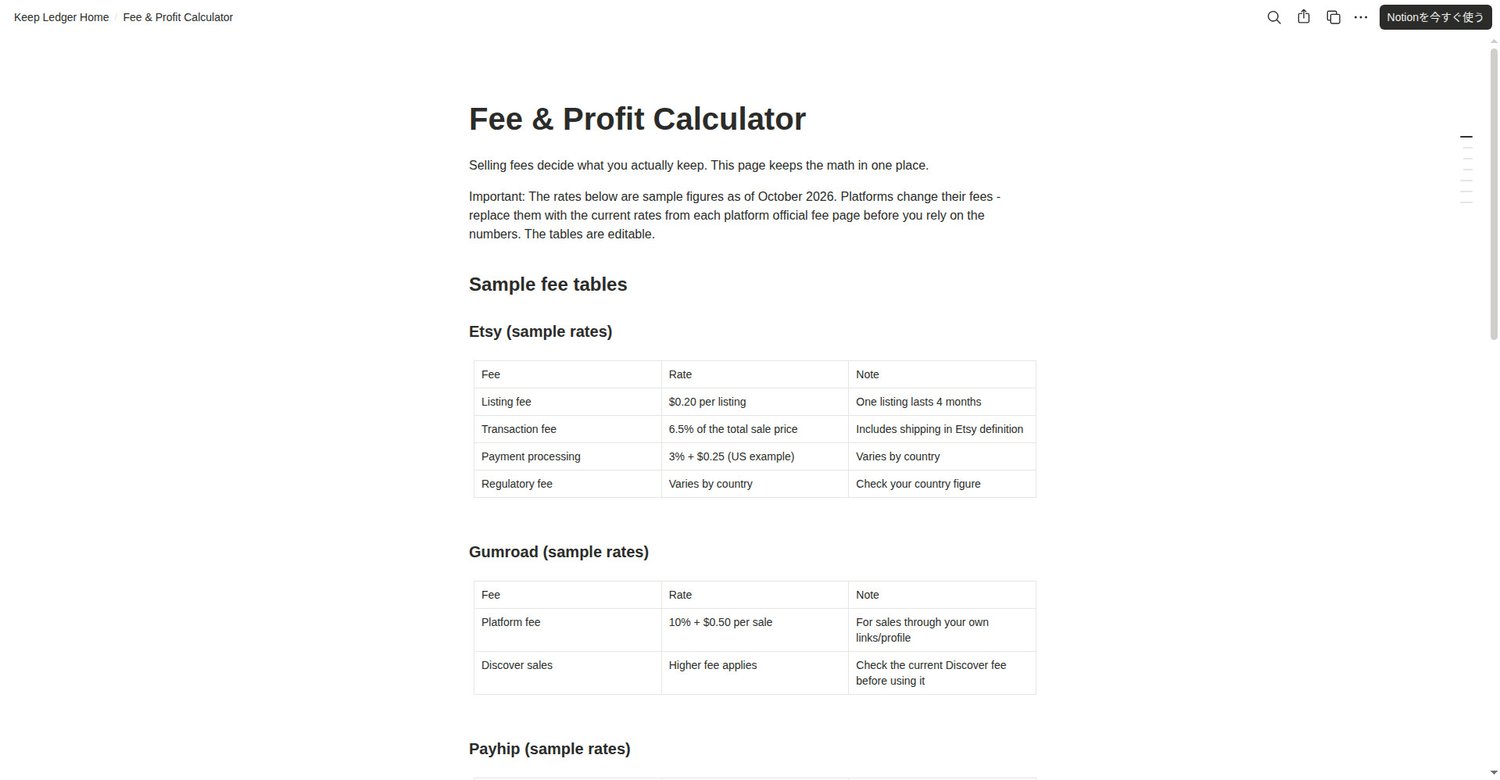
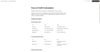
- Fee & Profit Calculator — editable sample fee tables for Etsy, Gumroad and Payhip, with a worked example of what you keep on one sale
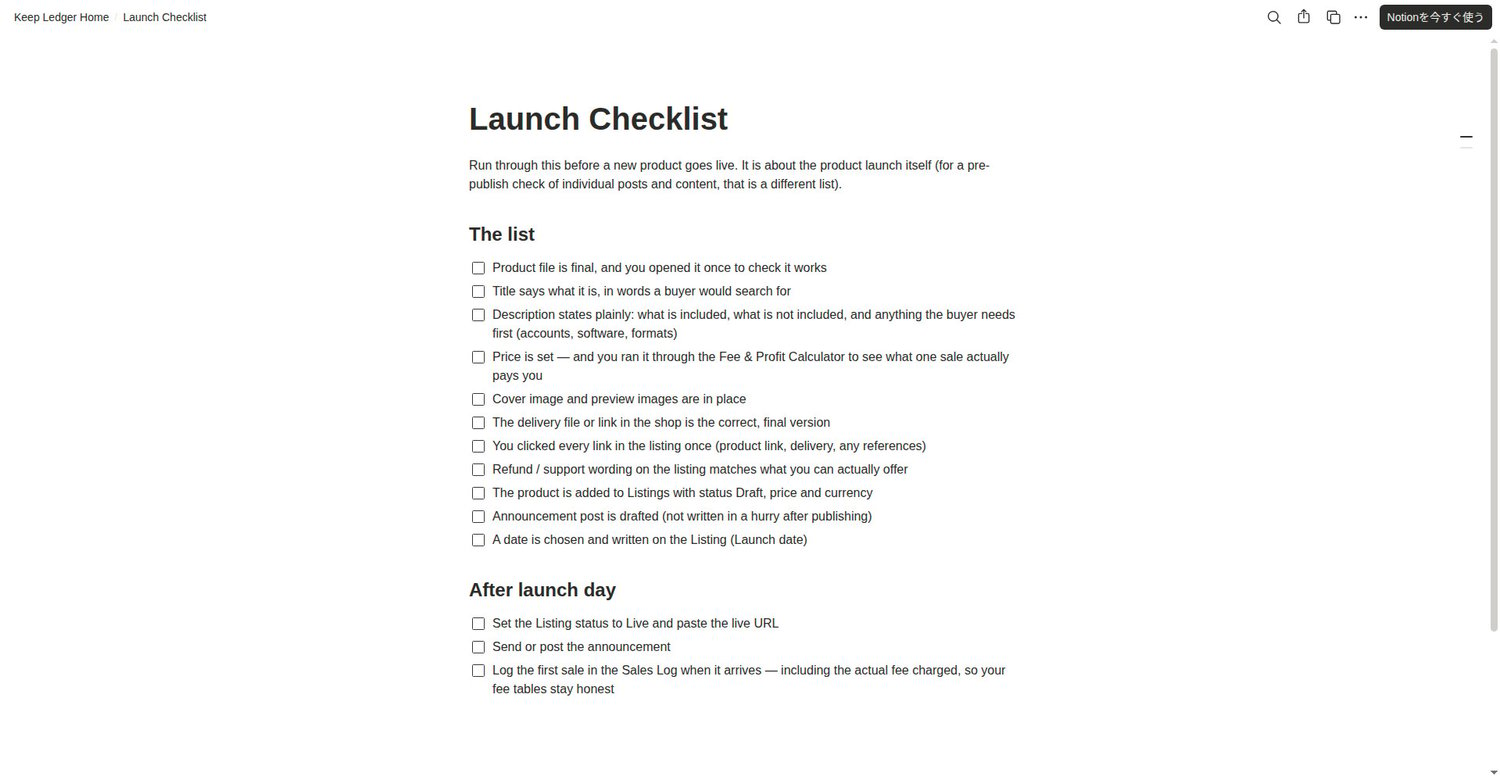
- Launch Checklist — 11 points to run before a new product goes live, plus 3 for launch day itself
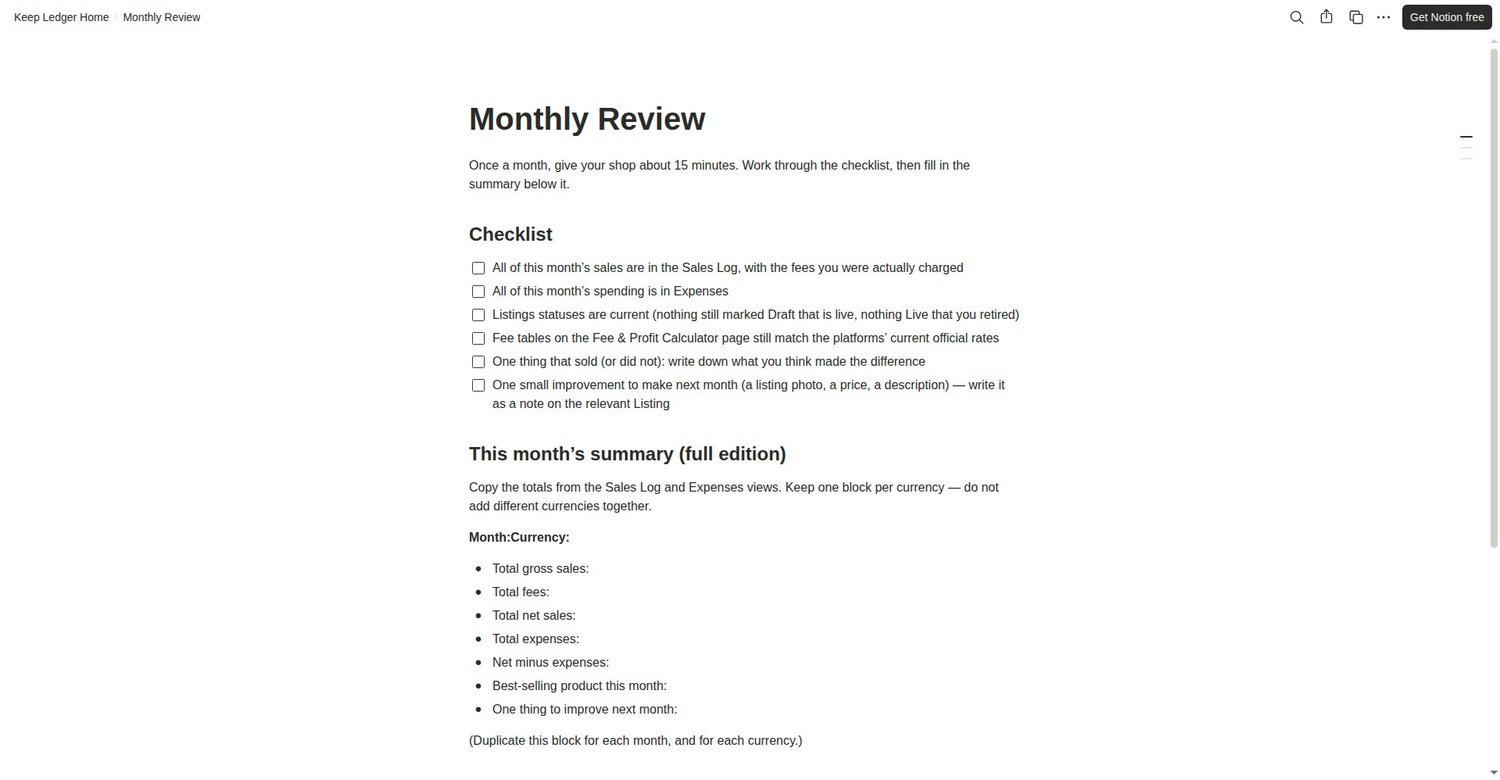
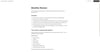
- Monthly Review — a short monthly checklist plus a summary page for the month's totals
- Start Here guide in English and Japanese, including notes on selling through overseas stores
Good to know
- Everything is updated by hand, in a few minutes a week. No automation, no integrations, no add-ons.
- Fee figures in the calculator are samples (October 2026) — the page shows you how to replace them with the current official rates. The worked example uses a $24 sale: $21.27 kept on Etsy, $21.10 on Gumroad, $21.80 on Payhip, from the official pages checked on 2026-10-26.
- This is not accounting or tax software.
- You need a Notion account (the free plan is fine). The template is duplicated into your own workspace.
- Sample rows are included so you can see how it works: 4 listings, 4 sales and 3 expenses, each marked "Sample —
delete before use". Delete them when you start.
Setting it up
- After purchase, open the template link in the delivery text while signed in to Notion.
- Click "Duplicate" (top right) to copy the template into your own workspace.
- Open the "Start Here" in your copy — it walks you through deleting the sample rows and adding your first products.
That is the whole setup: about 5 minutes, inside Notion.
Refund policy
Digital product: no refunds in principle. If the file or link is defective, contact us within 14 days of purchase and we will fix or replace it.
By Creator Ops Lab.
More from Creator Ops Lab
- Creator Ledger — the making side of your work: a content calendar, a pre-publish checklist, and a small weekly review. https://payhip.com/b/QtjIL
- Creator Ledger & Keep Ledger Bundle — both templates in one pack, for less than the two separately. https://payhip.com/b/aIJ2l