
Creator Ledger for Notion — Content Calendar & Planner Template for Creators
Creator Ledger for Notion — From Idea to Published, in One Small Workspace
A light operations template for solo creators who sell small things. No automation, nothing you cannot run by hand.
Intro
You are making products and posts, but "what is where" lives only in your head and in scattered notes. This template ends that scatter.
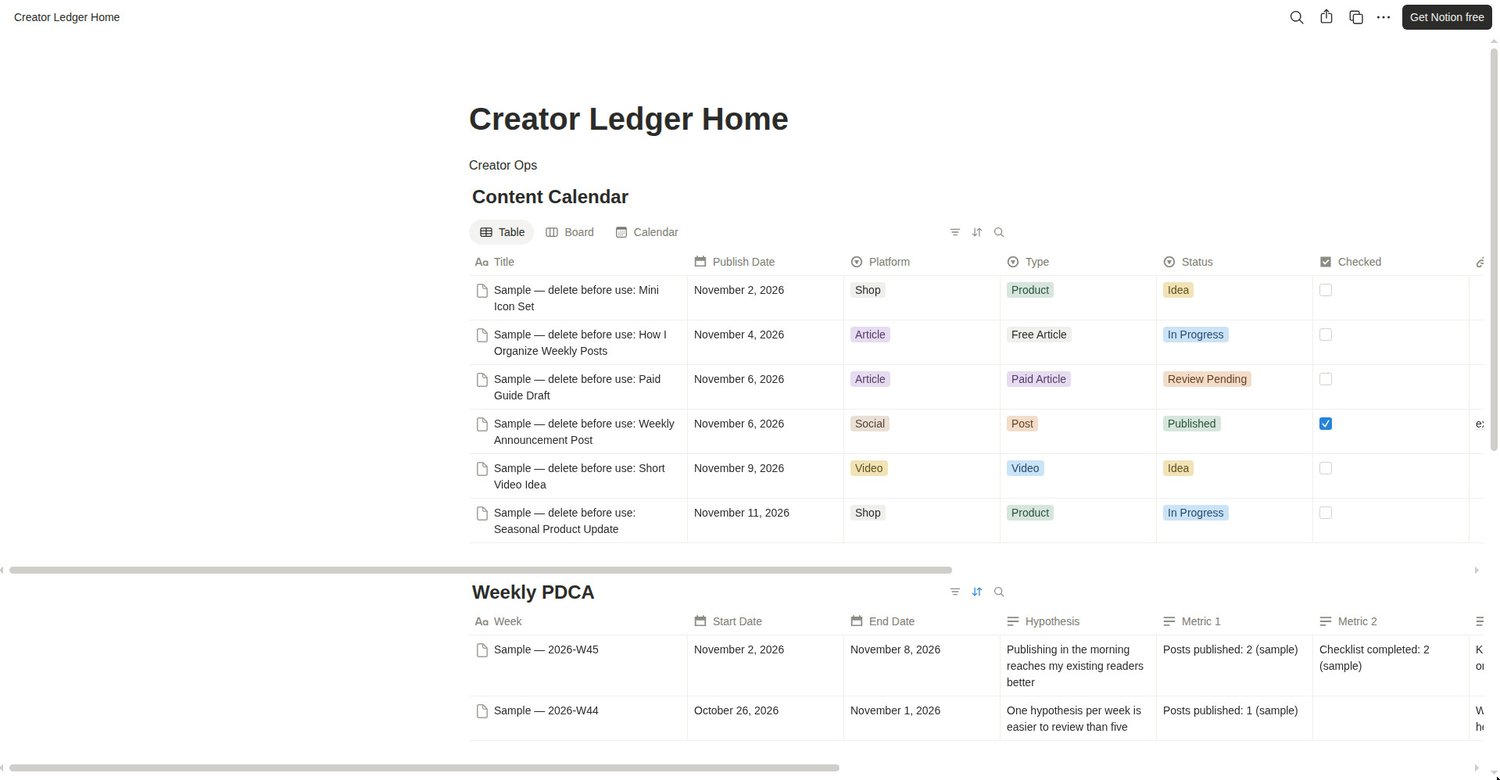
A content calendar, a pre-publish checklist, one small weekly review, and a monthly revenue memo — only these four, in one Notion workspace.
This is not a course on how to earn. It is a tool for keeping your own making and publishing going, quietly.
A Notion content calendar template for solo creators — plan content, track what is published, and review it weekly, all in one place.
What's inside
- Creator Ops Home (top page)
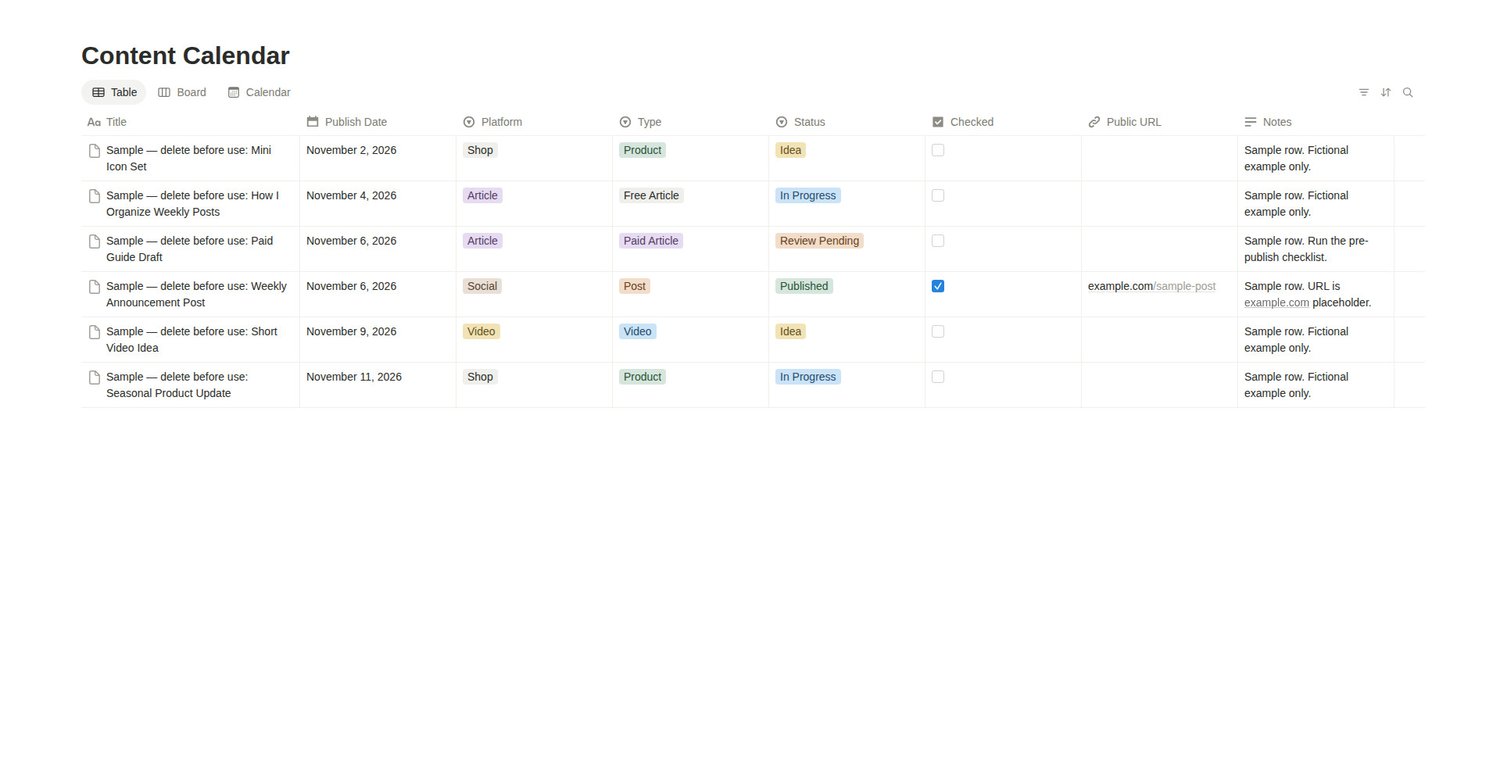
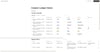
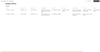
- Content Calendar (statuses: Idea / In Progress / Review Pending / Published; Calendar, Board, and Table views; a content page template)
- Pre-publish Checklist (9 checks: personal information, sources, images, PR disclosure, AI-generated material labeling — the same pass used before anything in this store goes live)
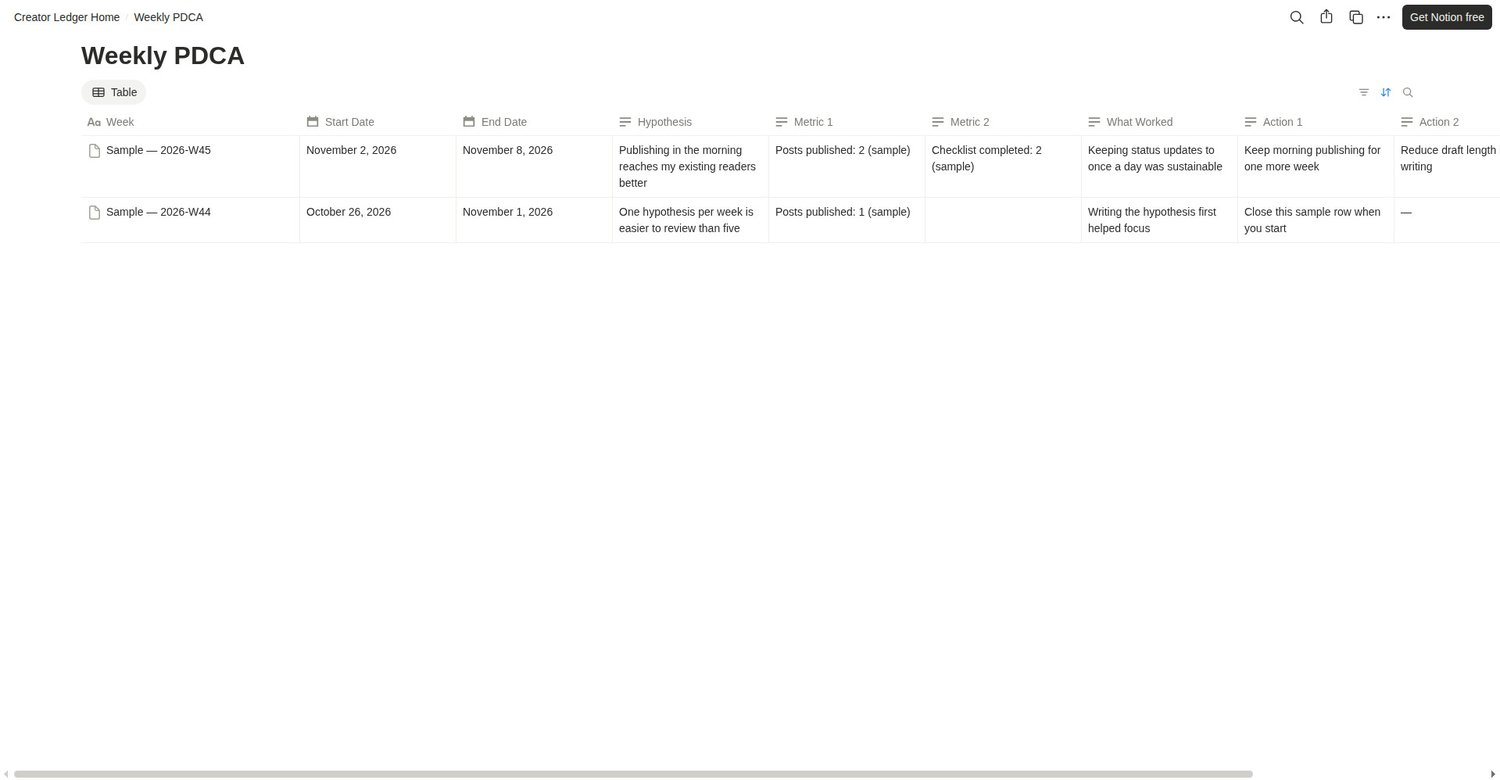
- Weekly PDCA (one hypothesis, at most two actions, only the metrics you can actually get)
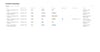
- Revenue Memo (a monthly table by axis. Figures are entered by hand. There is no automatic sync)
- Start Here guide (how to duplicate, how to delete the sample rows, how to begin)
- Sample data (11 rows in total: 6 calendar rows, 2 weekly PDCA rows, 3 revenue memo rows. All examples are fictional — delete them before use)
Time needed
- Setup: in our hands-on test, duplicating, deleting the sample rows, and adding one row for this week took about 2 minutes (measured in a test workspace, October 2026). If you read the guide as you go, allowing about 15 minutes gives you plenty of room.
- Daily use: designed to be just moving a status forward
- Weekly: one Weekly PDCA row (around 10 minutes as a guide)
Setting it up
- After purchase, open the template link in the delivery file while signed in to Notion.
- Click "Duplicate" (top right) to copy the template into your own workspace.
- Open the "Start Here" page in your copy — it walks you through deleting the sample rows and adding your first row.
No software to install and nothing to connect: the whole setup is those three steps, inside Notion.
Free Lite vs. Full
The Lite edition includes the Content Calendar (Calendar and Board views), the Pre-publish Checklist, a Lite Start Here guide, and 3 sample rows. The full edition adds Weekly PDCA, the Revenue Memo, the Table view, the content page template, and the full Start Here guide.
Who it is for / not for
For: solo creators running making and selling alone, who want one place for progress.
Not for: anyone who wants automatic syncing or posting, team approval flows, or a course that promises sales results.
Refund policy
As a digital product, refunds are not offered as a rule after purchase. If a product-side problem (a broken file, a template that cannot be duplicated) prevents you from using it, contact us through the selling platform within 14 days of purchase. After checking, we will re-provide the files or refund you.
Final wording will be matched to each platform's rules and display format at listing time.
Notes
- Please prepare your own Notion account (designed to work within the free plan, though Notion may change its plans).
- This product does not guarantee sales or results.
- All text and structure in this product are original. This is not a resale or copy of anyone else's template.
- About AI generation: the text and structure of this product are built from an operations pattern. If any part uses AI-generated material, that will be stated on the product page and in the product itself.
More from Creator Ops Lab
- Keep Ledger — the shop side of your work: listings, sales, fees, and what you actually keep, in one small board. https://payhip.com/b/IWZ8z
- Creator Ledger & Keep Ledger Bundle — both templates in one pack, for less than the two separately. https://payhip.com/b/aIJ2l