
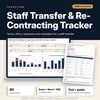
Staff Transfer & Re-Contracting Tracker: Staff Transfer Tracker and Offer Letter Templates
Full description
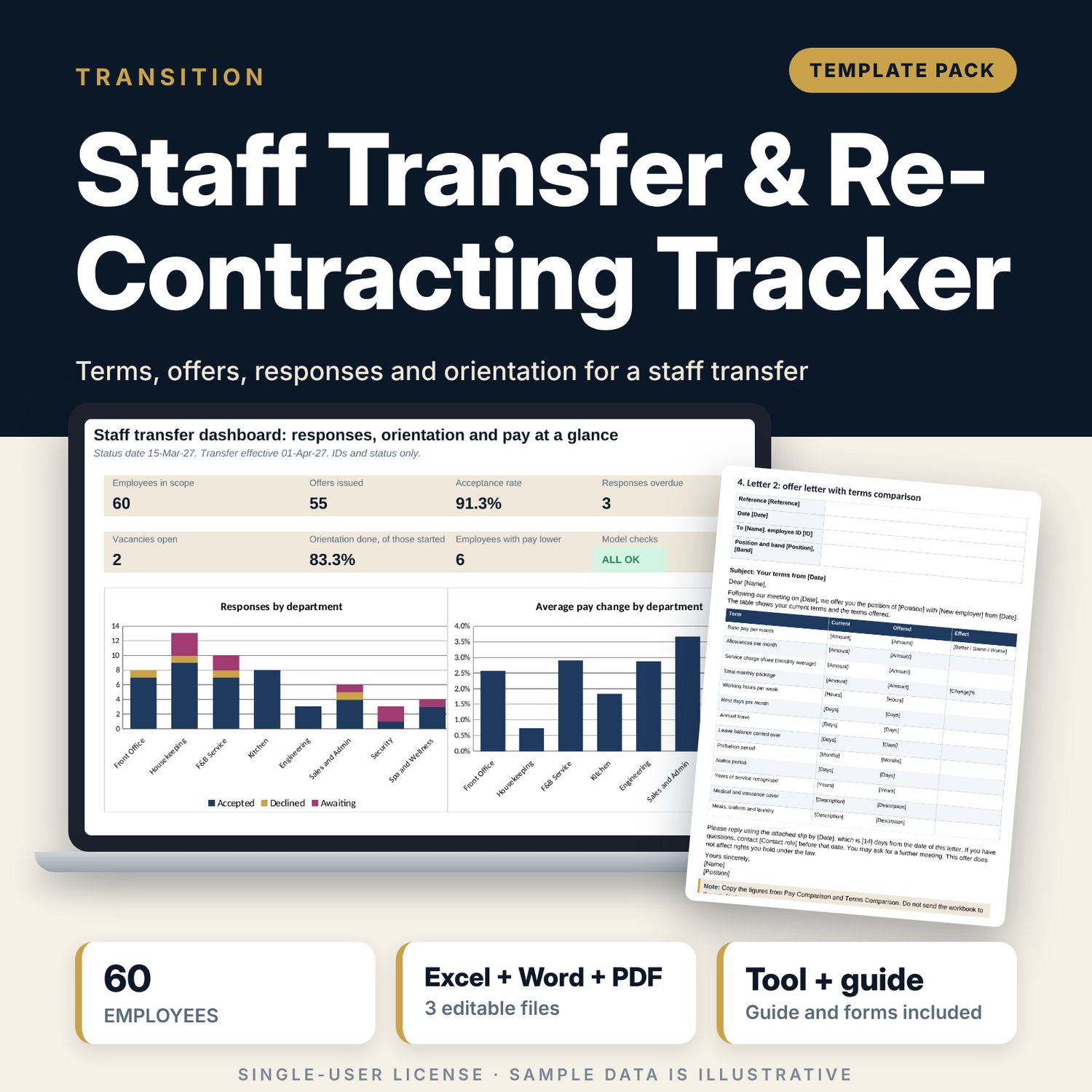
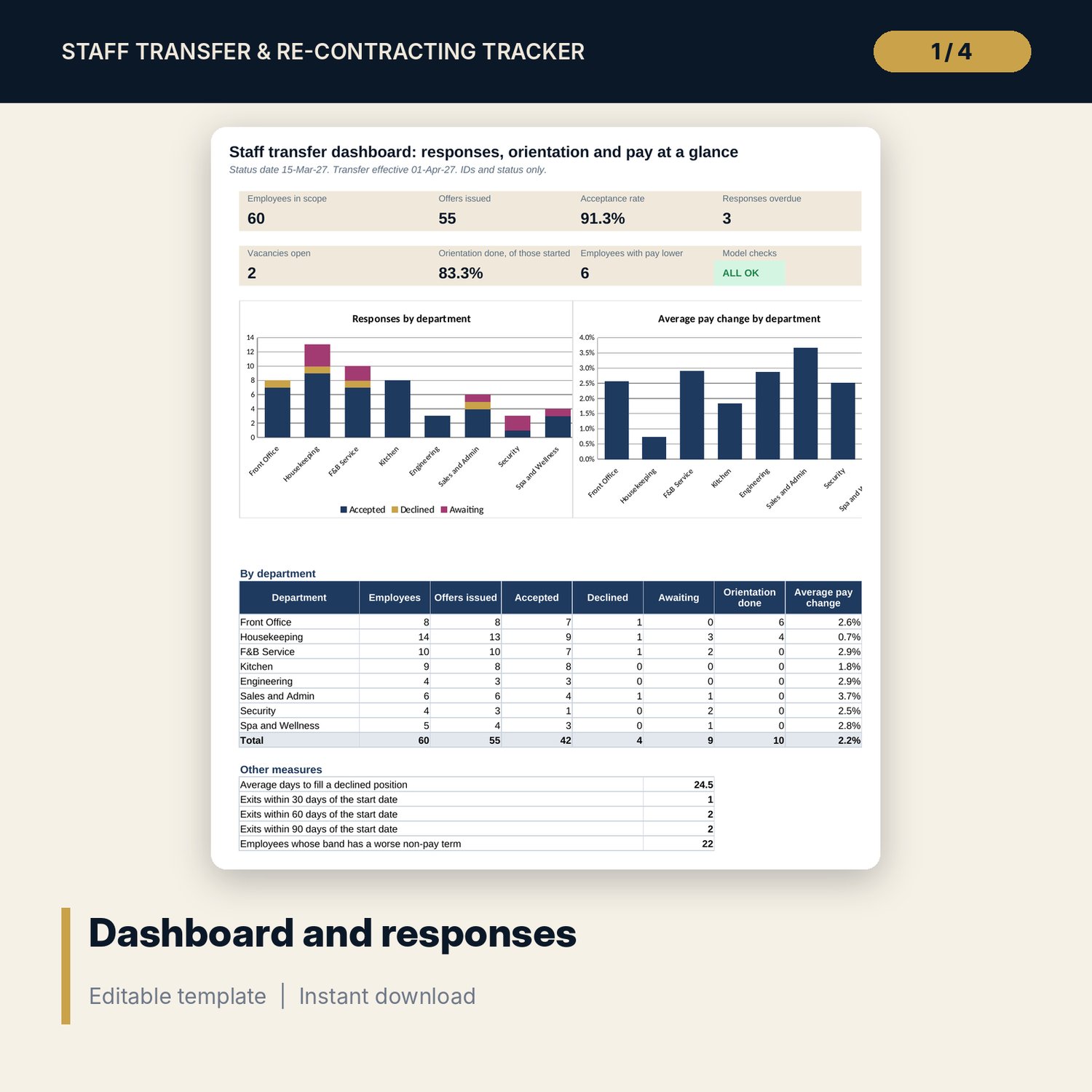
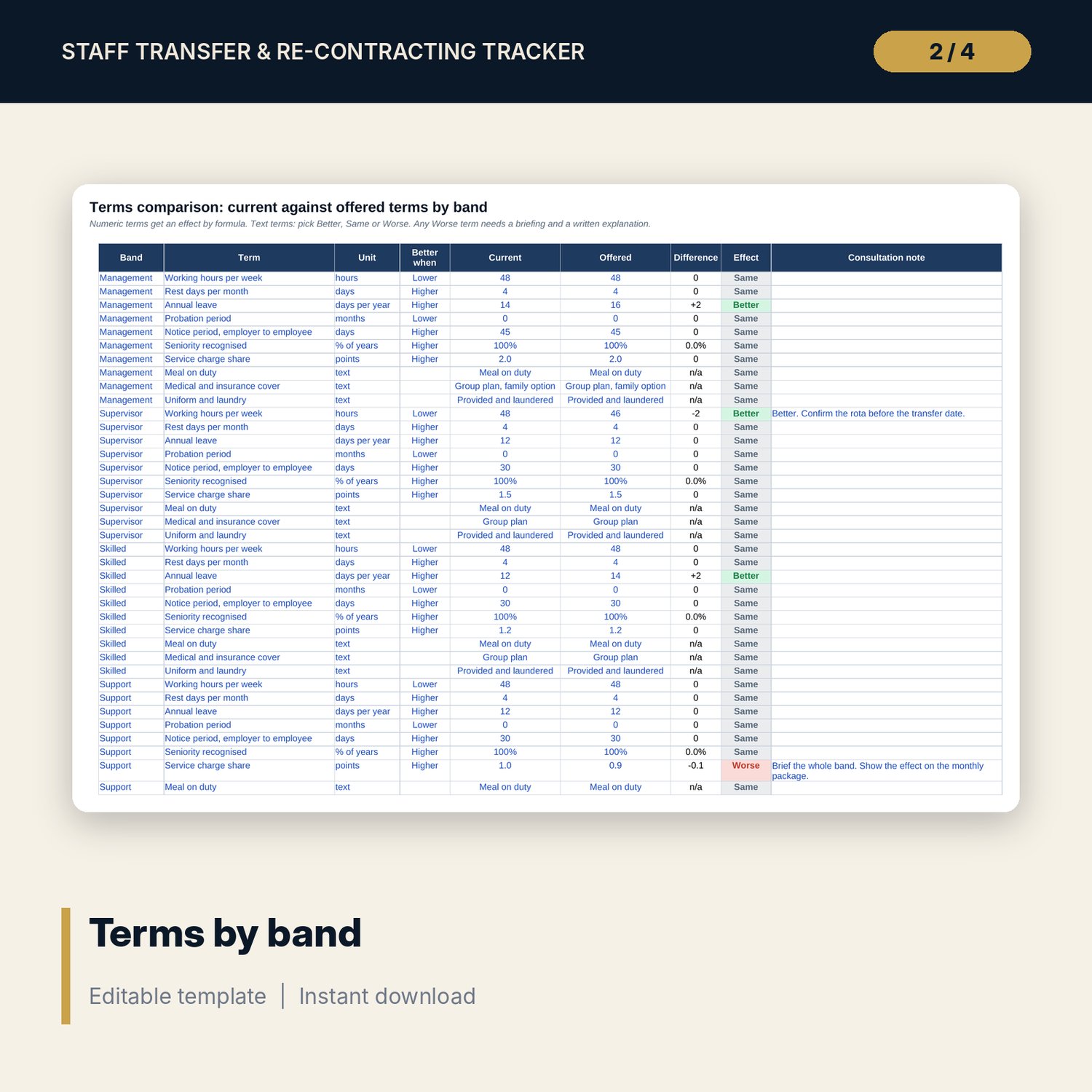
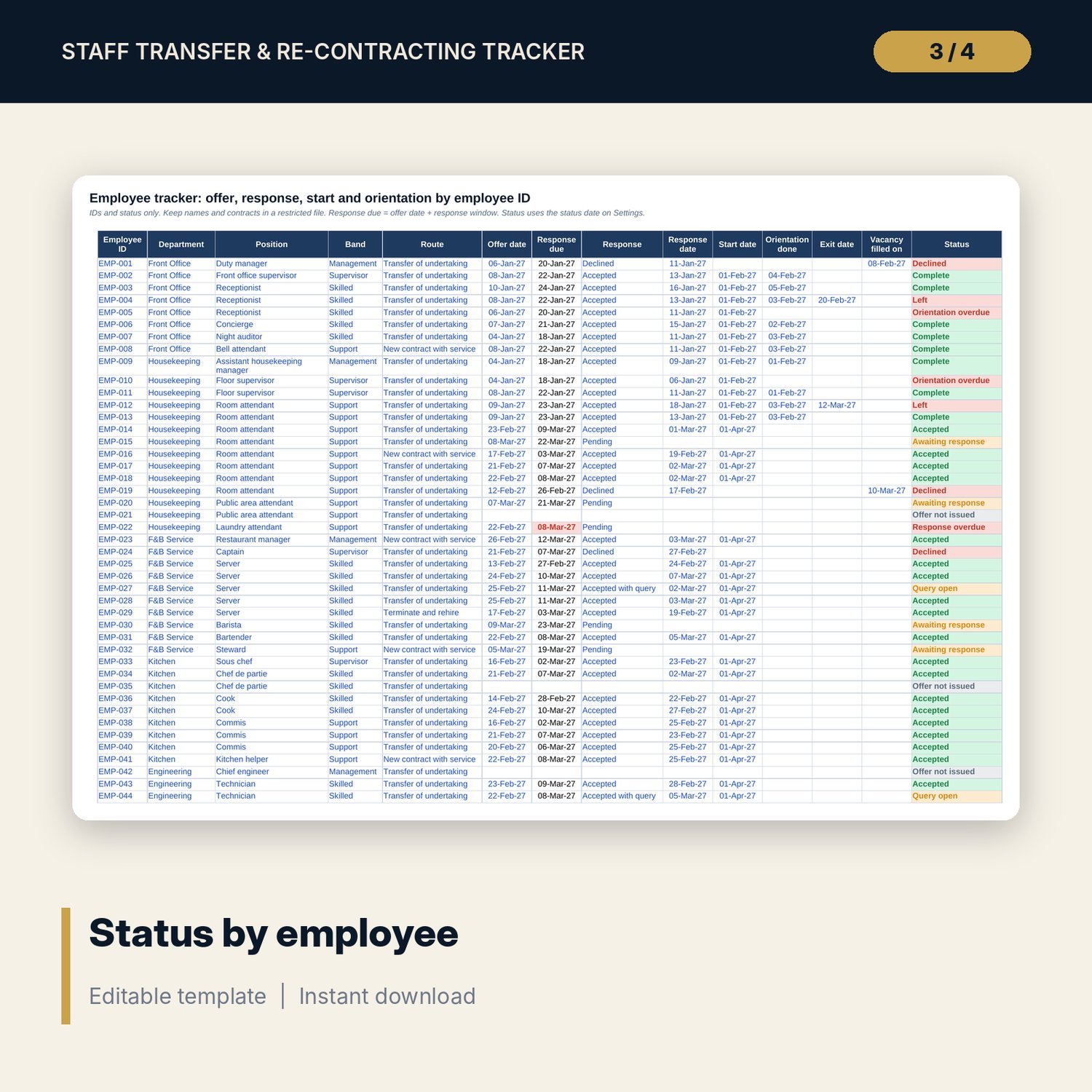
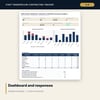
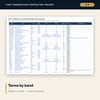
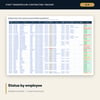
For general managers, HR managers and owners who move staff to a new operator or a new contract. The workbook tracks each employee by ID: route, offer date, response due date, response, start, orientation, exit and vacancy filled. A status is derived from the dates against a status date you control. Terms Comparison sets current against offered terms for 4 bands across 10 terms, and Pay Comparison compares the monthly package by component and flags pay that falls. The Dashboard shows acceptance rate, overdue responses, open vacancies, orientation completion and early exits at 30, 60 and 90 days. The Word pack holds the transfer notice, offer letter, reply slip, decline and termination letters, a briefing agenda, a question log, an orientation plan and a worked example. Verify local requirements before any letter is sent.
What is inside
- Staff_Transfer_Tracker.xlsx: 7 tabs, 928 formulas, 2 native charts, 12 drop-down and input rules
- Employee Tracker: 60 sample employees across 8 departments, 15 spare rows, 10 derived statuses
- Terms Comparison: 40 term rows (4 bands x 10 terms) with an effect for each
- Pay Comparison: current and offered pay by component, package change %, leave carried over and a flag per employee
- Dashboard with 7 tiles, a check tile, 2 charts and a department table; 8 integrity checks
- Staff_Transfer_Letters.docx and PDF: 9 pages with 5 letters, a reply slip, a briefing agenda, a question log, an orientation plan and a worked example
- README.txt and LICENSE-and-Terms.txt
How it works
- Set the transfer date, status date, response window and pay threshold on Settings.
- Enter terms for each band and list employees by ID with their current and offered pay.
- Send the letters, then record each offer date, response and start date in the tracker.
- Read the status column and the Dashboard each week and chase overdue responses.
Details
- Formats: 1 Excel workbook (.xlsx), 1 letters and forms pack in Word (.docx) and PDF, English
- Software: Excel 2016 or later, or LibreOffice Calc 7 or later
- No macros, no external links, no data tables, no array formulas
- 3 files plus README and license; instant digital download
Good to know
- Sample data is illustrative. Replace it with your own figures.
- Employment law on transfers, notice and new contracts differs by country. The letters are drafts, not legal advice. Verify local requirements and take legal advice before use.
- The tracker holds IDs and status only. Keep personal data in a restricted file.
- Single-user license. Do not redistribute.
FAQ
Does the tracker hold names?
No. It uses employee IDs, and the notes tell you to keep personal data in a restricted file.
How is the status worked out?
From the offer date, response, start date, orientation date and exit date, compared with the status date on Settings. Type =TODAY() there to follow the calendar.
Can I change the bands and terms?
Yes. Edit the band list on Settings and the terms on Terms Comparison. Numeric terms get an effect by formula; text terms use a drop-down.
Do the letters give legal advice?
No. They are drafts with bracketed fields. Your adviser must approve the route and the wording for your country.
Do I need macros?
No. Every result is a standard worksheet formula.