
Hotel Minibar Control & Consumption Tracker: Minibar Inventory and Revenue Spreadsheet
Full description
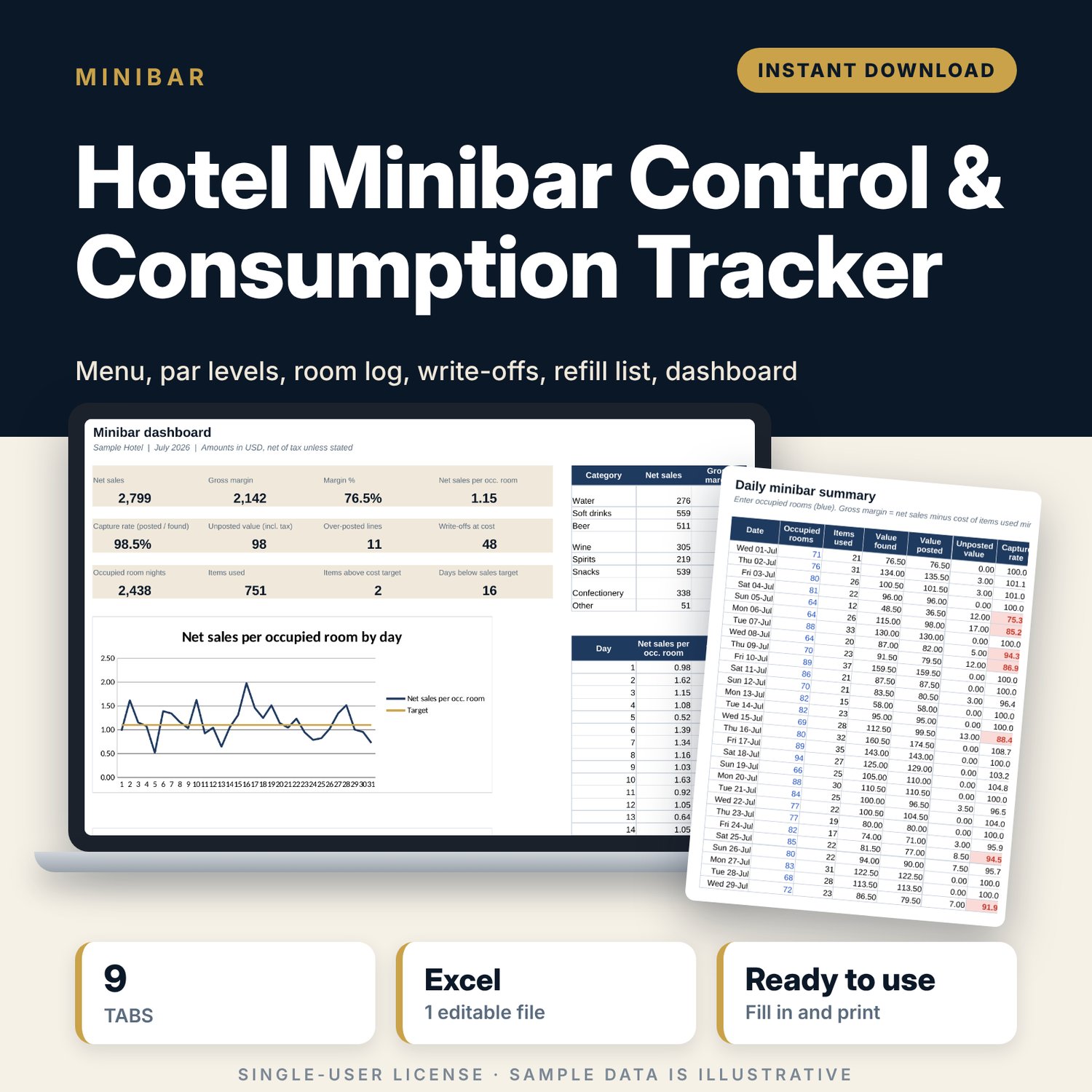
For hotel managers, housekeeping managers and cost controllers who run in-room minibars and want to know where the money goes. The attendant logs what was used in each room, the front desk logs what was posted to the folio, and the workbook compares the two. You see unposted charges, over-posted charges, write-offs at cost, margin by item and category, and net sales per occupied room for each day of the month. A refill list for the trolley prints from the same data.
Save with a bundle: this template is also in the Hotel Rooms, Guest Experience & Spa Bundle, 16 templates for $39 instead of $112. All 141 templates are in the All-Access Hospitality Template Library for $79.
What is inside
- Hotel_Minibar_Control_Tracker.xlsx: 9 tabs, 13,305 formulas, 2 native charts, 15 drop-down or number rules.
- Settings: 10 inputs (month, currency label, tax share in price, cost, sales, capture and store cover targets, expiry pull rule), 4 room types with room counts, 4 drop-down lists (8 categories, 7 loss reasons, 3 locations, 10 staff codes).
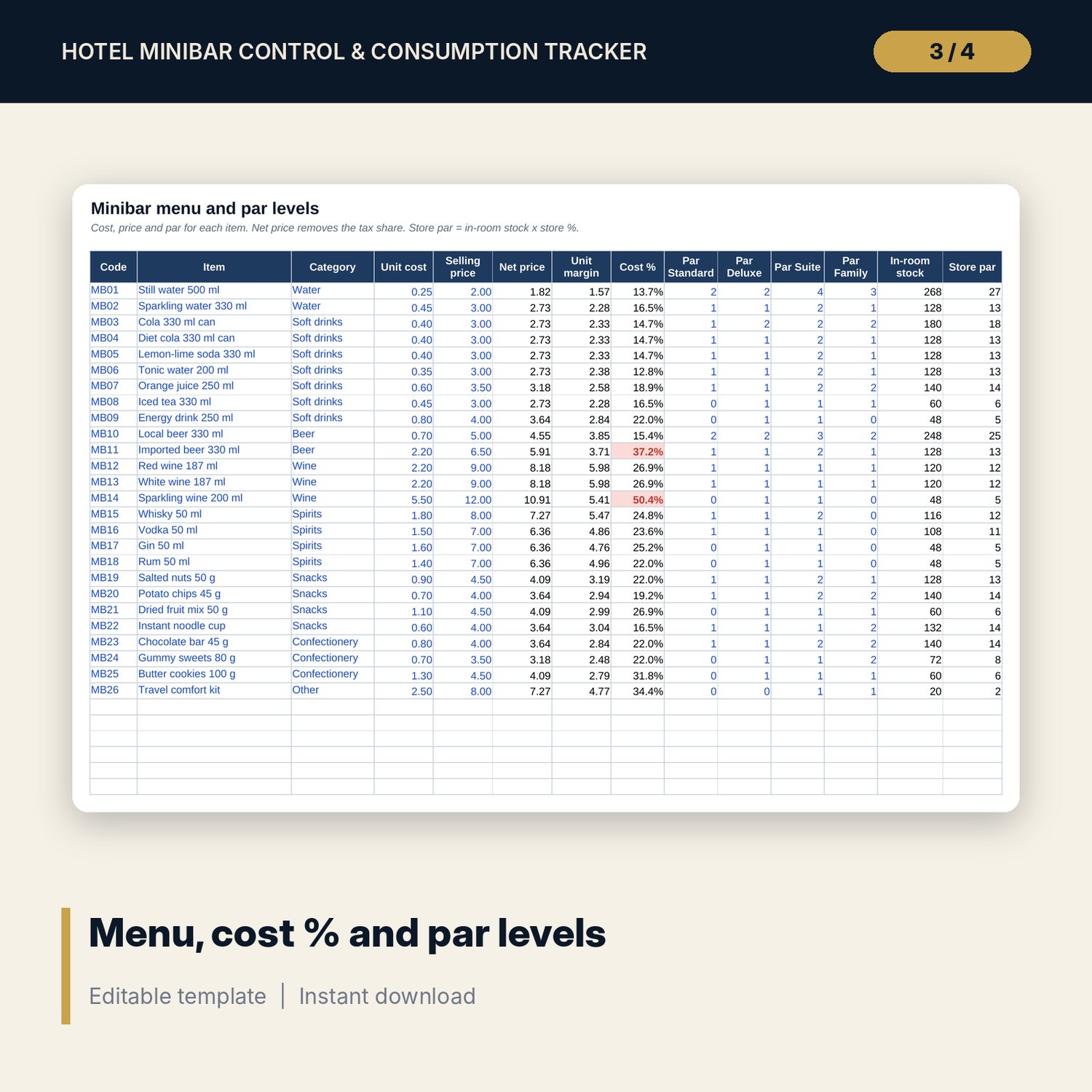
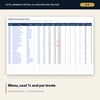
- Menu_Par: room for 40 items (26 sample items) with unit cost, selling price, net price, unit margin, cost % flag, par for each of the 4 room types, in-room stock and store par.
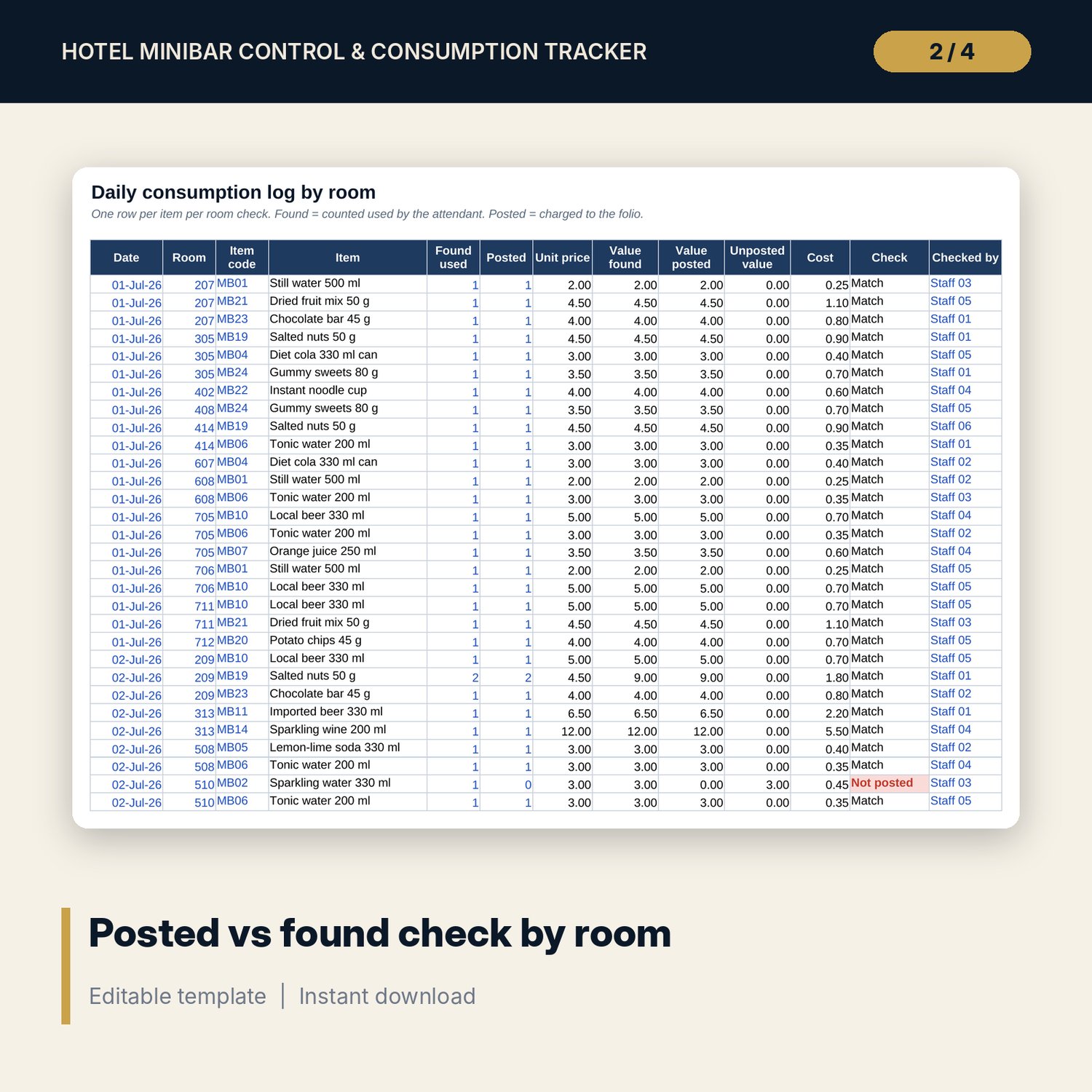
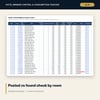
- Consumption_Log: room for 1,500 lines (631 sample lines). Quantity found and quantity posted per room and item. Value, unposted value, cost and a Match / Not posted / Over-posted check calculate.
- Loss_Expiry: room for 300 write-offs (23 sample rows) with reason, cost value, expiry date and days-left flags.
- Refill_List: pick a date and print what to load on the trolley for each item, with a sign-off line.
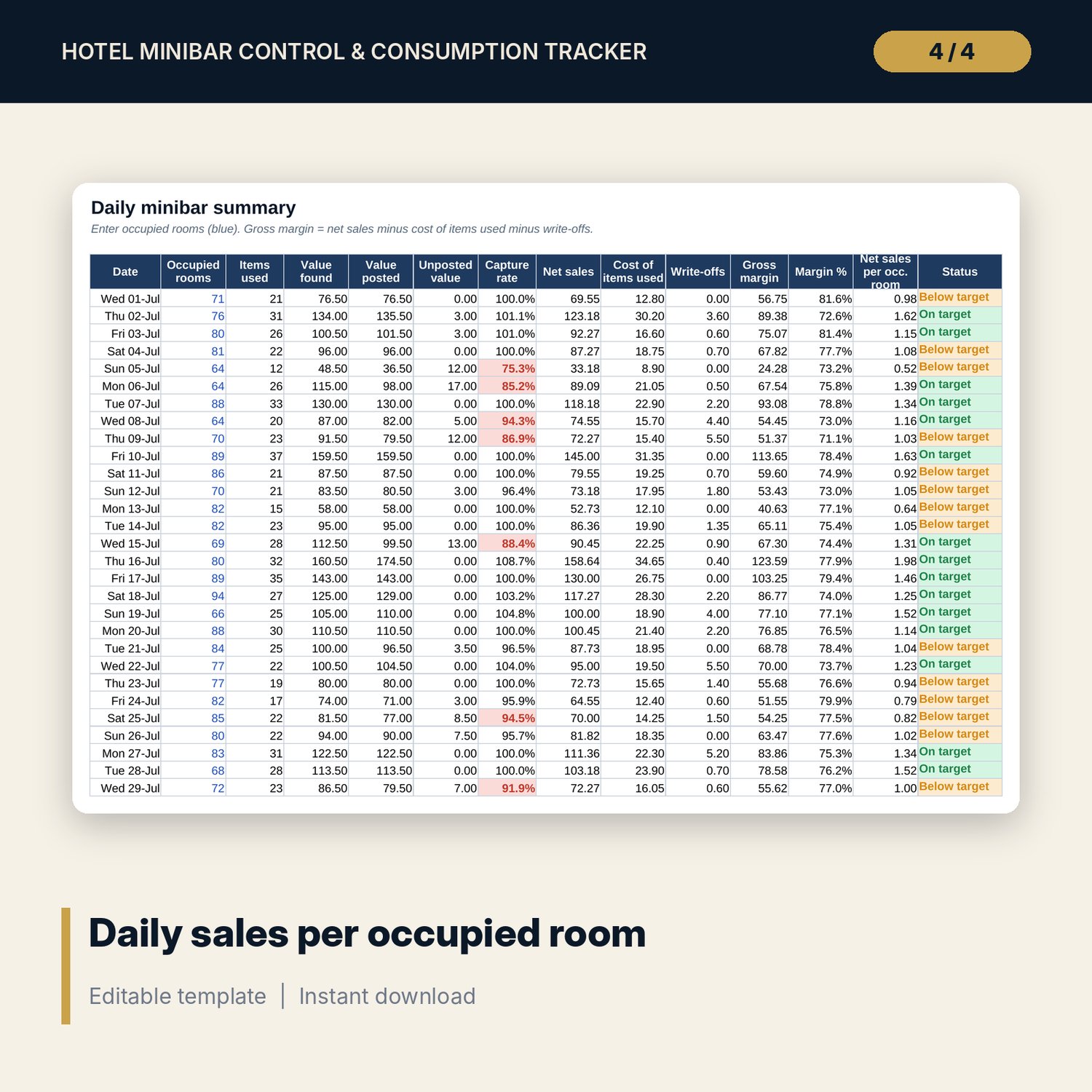
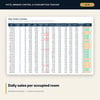
- Daily_Summary: 31 days of occupied rooms, value found and posted, capture rate, net sales, cost, write-offs, gross margin and net sales per occupied room with a target flag.
- Item_Report: month results for each item: used, sold, unposted value, net sales, cost, write-offs, gross margin, margin %, store cover days and rank.
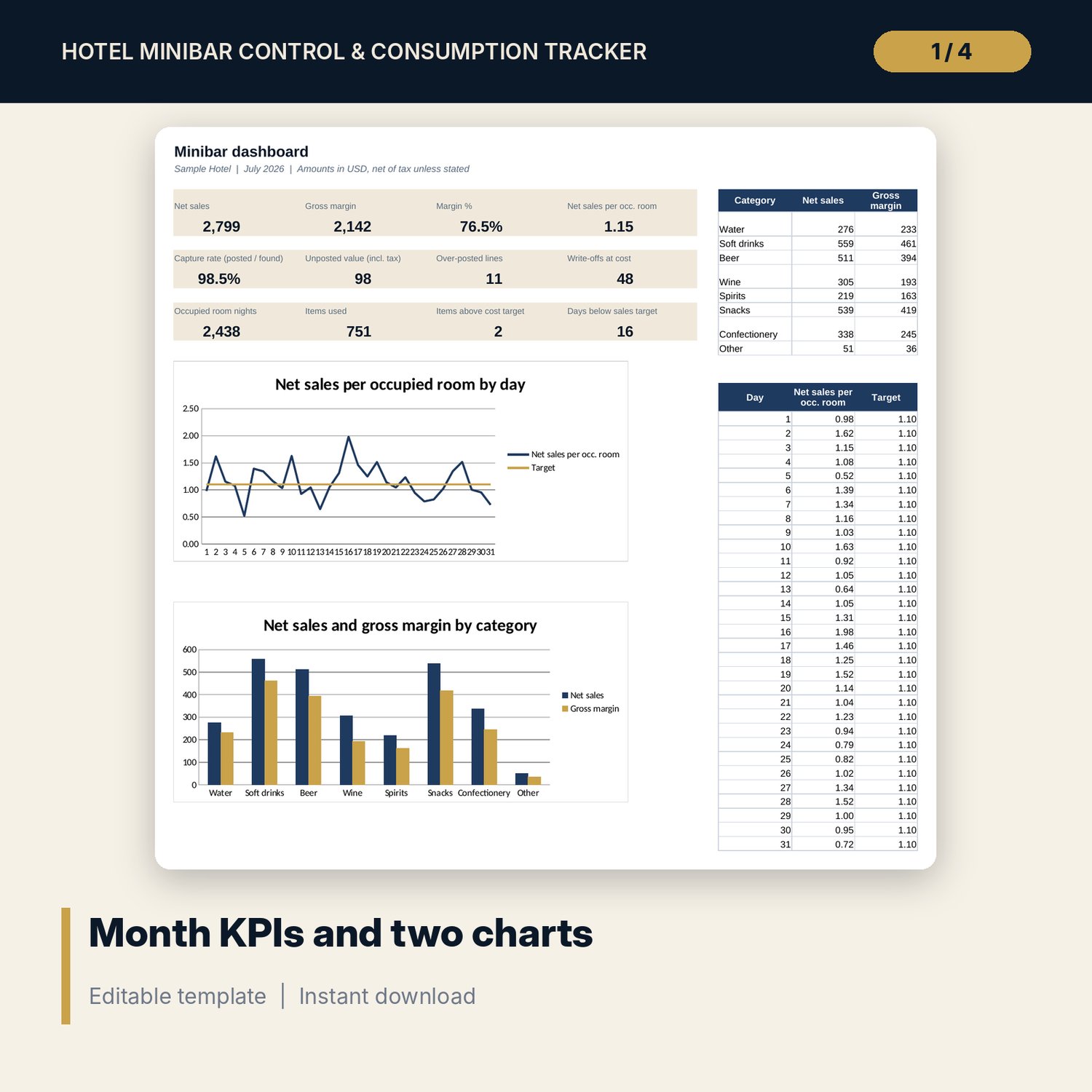
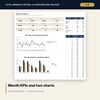
- Dashboard: 12 KPI tiles and 2 charts (daily net sales per occupied room against target, net sales and margin by category).
- README.txt and LICENSE-and-Terms.txt.
How it works
- Enter the month, tax share in price, targets and room types on Settings.
- Set up your items, costs, prices and par levels on Menu_Par.
- Log each room check: quantity found used and quantity posted. Log every write-off.
- Print Refill_List for the trolley run and enter occupied rooms on Daily_Summary.
- At month end, review Item_Report and Dashboard, then save a copy for the next month.
Details
- Format: Excel workbook (.xlsx). No macros.
- Language: English. Currency is a label you choose.
- Software: Excel 2016 or later, or a spreadsheet program that opens .xlsx files.
- Delivery: instant digital download. Nothing is shipped.
Good to know
- All sample items, prices, rooms and quantities are illustrative. Replace them with your own data.
- The tax and service share in price is an editable example. Verify local requirements.
- This is a control and reporting tool, not accounting or tax advice.
- Single-user license. Do not share or resell the files.
FAQ
Does it connect to my PMS or POS?
No. You type or paste the quantities posted from your own system. The workbook does the comparison.
What does "Not posted" mean?
The attendant found an item used, but the folio shows fewer units charged. The difference is lost revenue.
Can I change the room types and items?
Yes. Edit the 4 room types on Settings and up to 40 items on Menu_Par. Headers and lists update.
Does it work in Google Sheets?
It opens in Google Sheets and the formulas calculate. Check the drop-downs after import.
Is this a physical product?
No. It is a digital download. Refund terms follow the store policy at the time of purchase.