
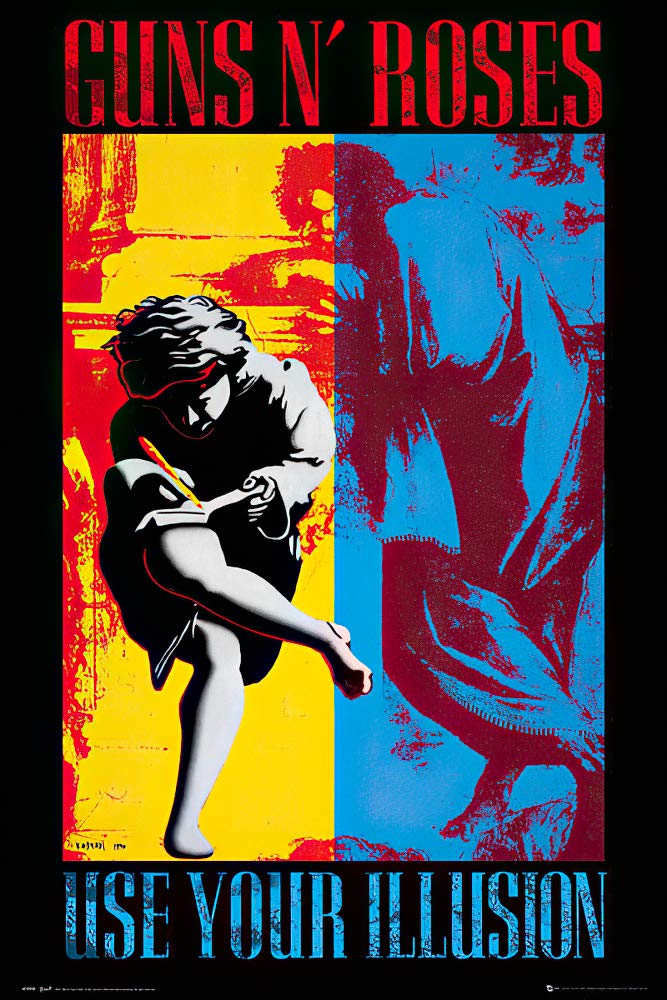
#34 Use Your Illusion 1 & 2 Album Lead Tone
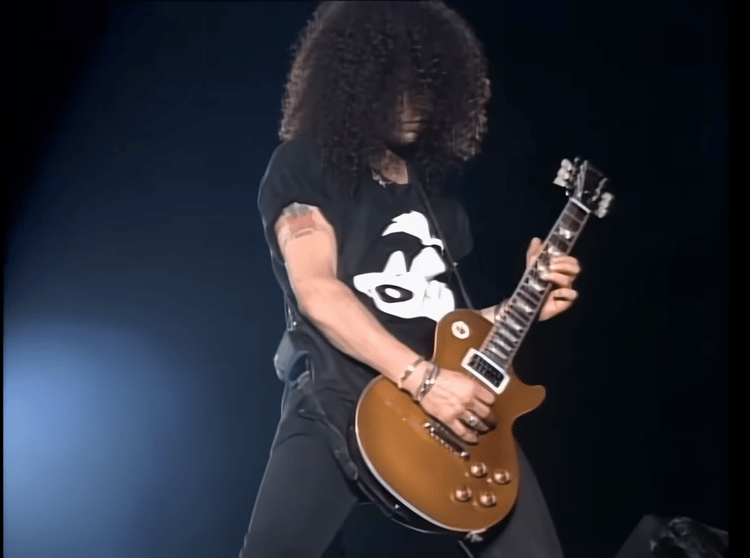
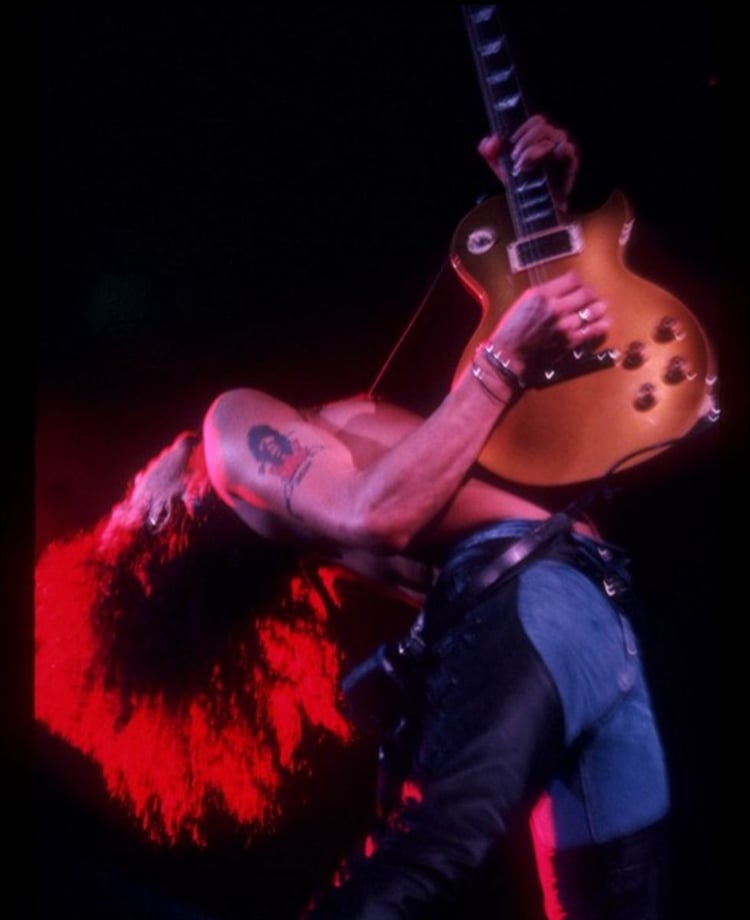
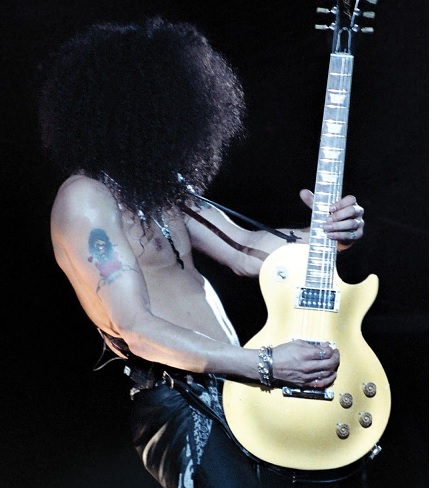
Slash’s work in Use Your Illusion I & II is the sound of a band at its peak. Bigger, wider, and more emotional than anything that came before it. It’s powerful and endlessly expressive, shaping some of the most iconic rock moments of the ’90s. From his guitar crying to the haunting melodies of November Rain to the crushing drive of Coma and Don’t Cry, this tone defined an era where guitar leads still ruled the world. Every note carries weight, every bend sings, and every riff feels larger than life. This preset brings that unmistakable Use Your Illusion sound straight to your setup, letting you plug in and feel the same epic energy that helped define one of rock’s greatest chapters.
Before you get it, I suggest you read the information as given.
→
Compatible with ToneX Free
No paid version needed — this preset works perfectly in the ToneX Free Software.
Just download, import, and you’re ready to play.
And, you’ll receive all future tone updates for free. As the tone evolves with refinements and tweaks, you’ll get every new version instantly.
Easy to Load
Open ToneX → go to “Presets” → click “Import” and select the file.
Once loaded, you’ll see the preset appear instantly.
Recommended Trim Settings
Feel free to adjust the Input Trim in ToneX to shape the perfect response for this specific tone. I usually set my Output Trim around +2 dB.
This tone is built to sound massive on both studio monitors and live rigs.
So that being said, it cuts perfectly through any band mix.
(Note: I only use this method for my live presets NOT the album presets.) Plug into an FRFR speaker or straight to the DI or even your amp front/return — it’s ready for the stage.
Personally, I plug it into my amp front signal. Yes, the front. Not the FX Loop. (Its my little trick that makes it sound so "alive"). Then I mic up with an SM-57.
R&Fn'R iiii]; )'