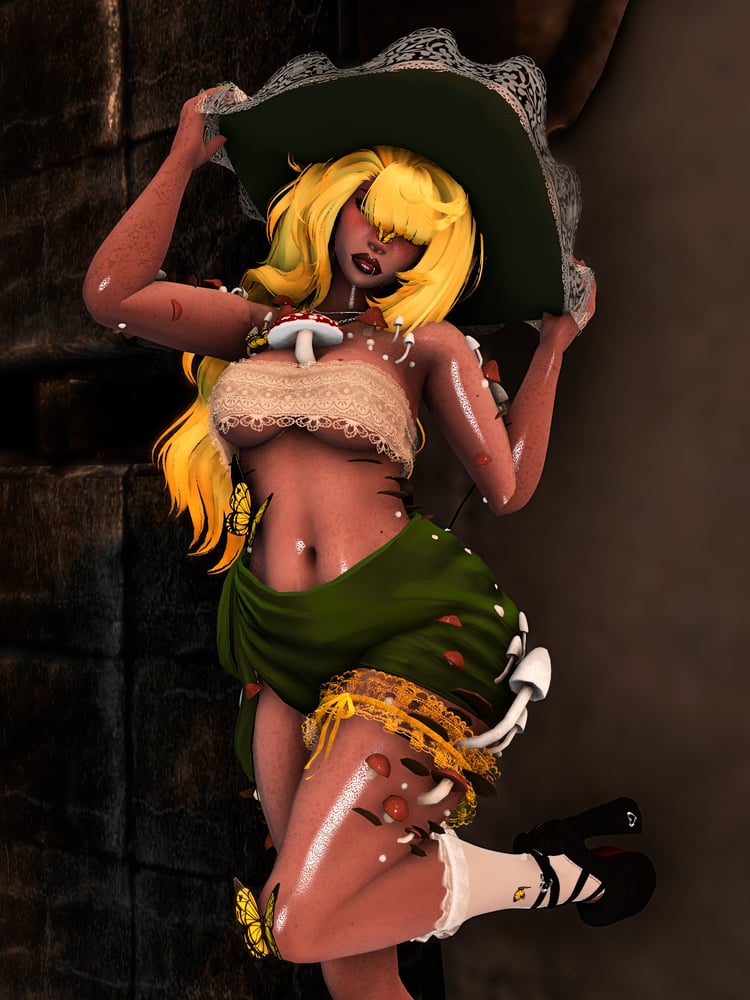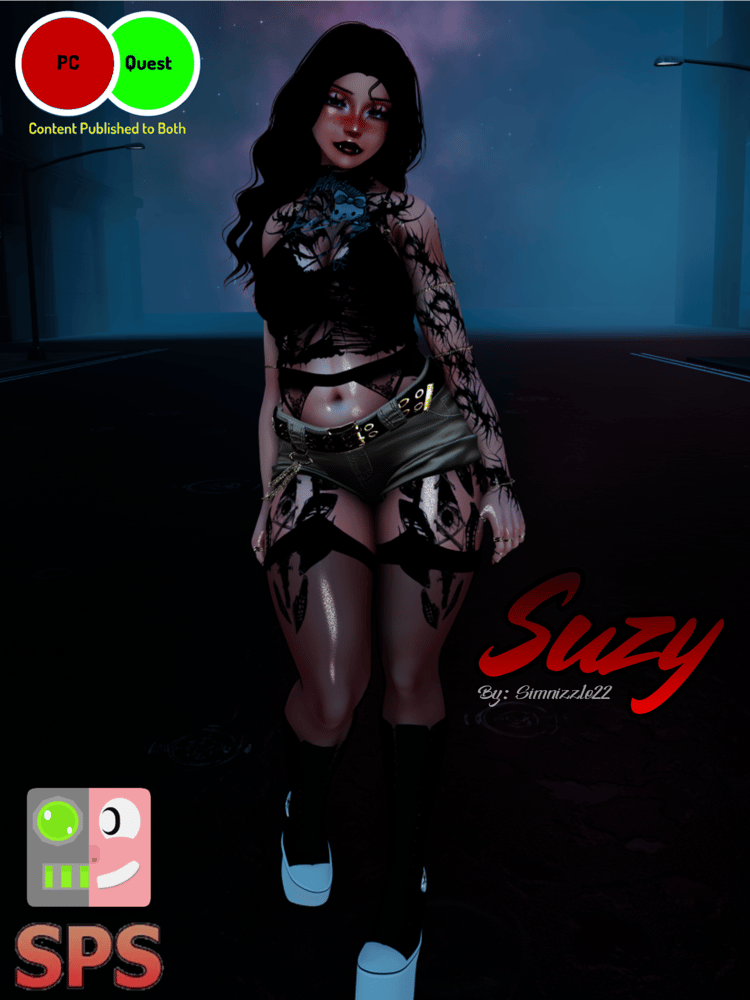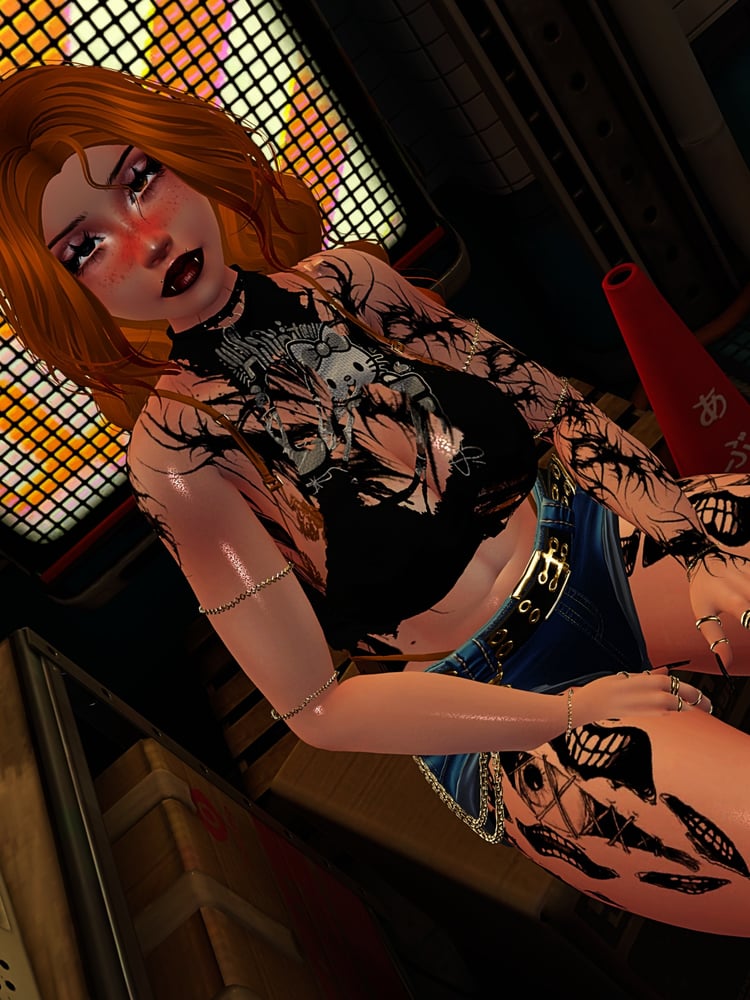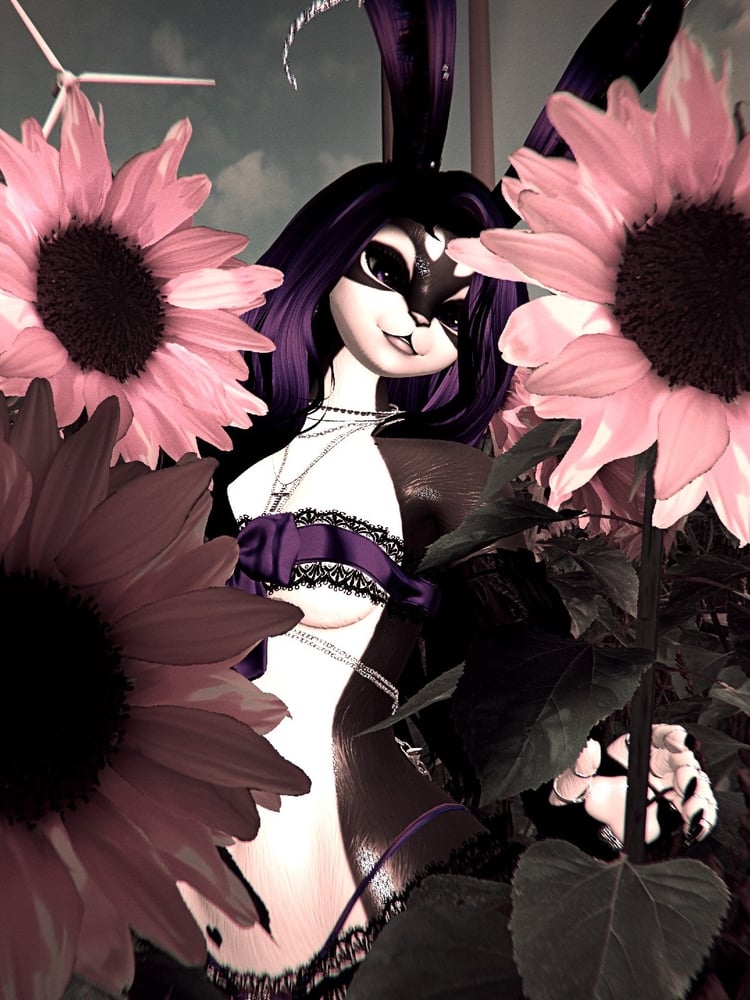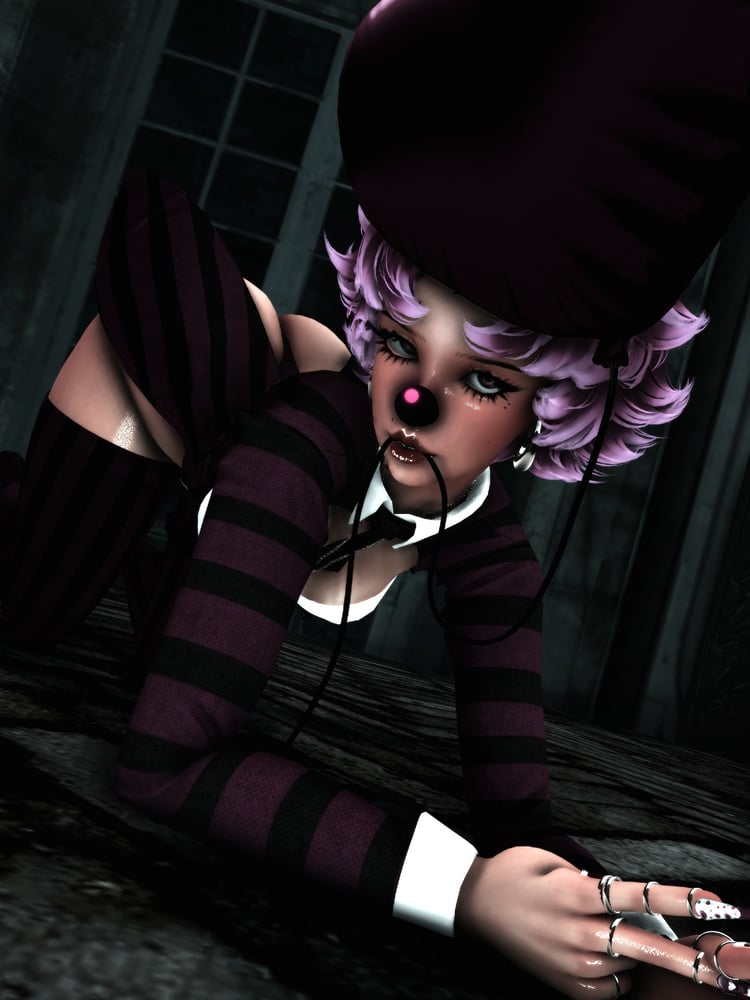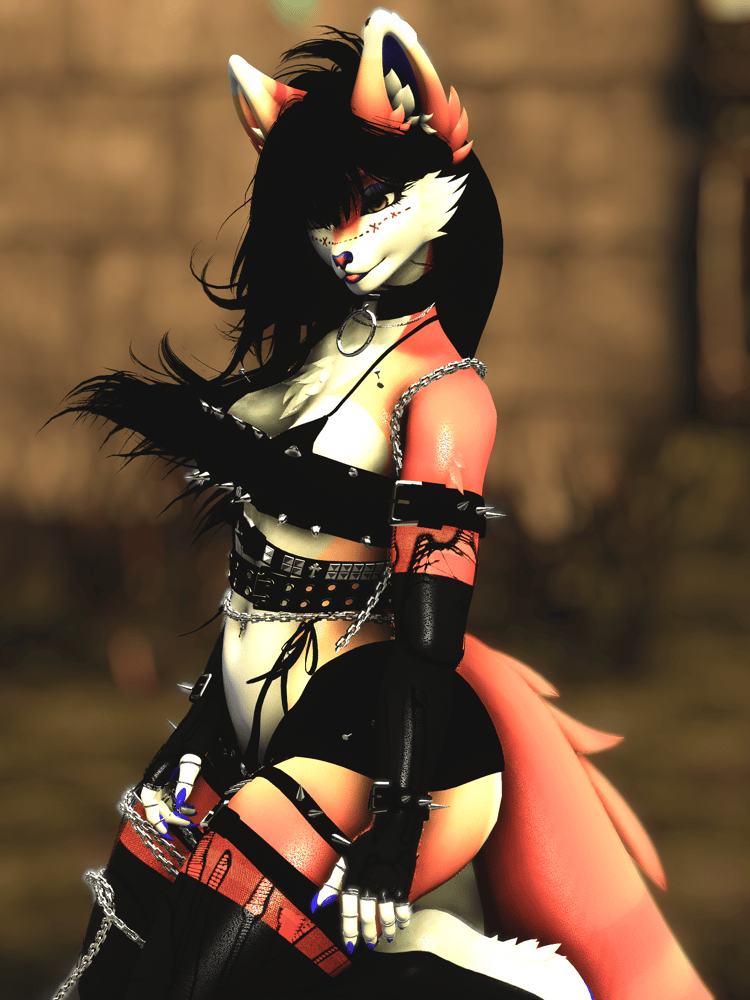

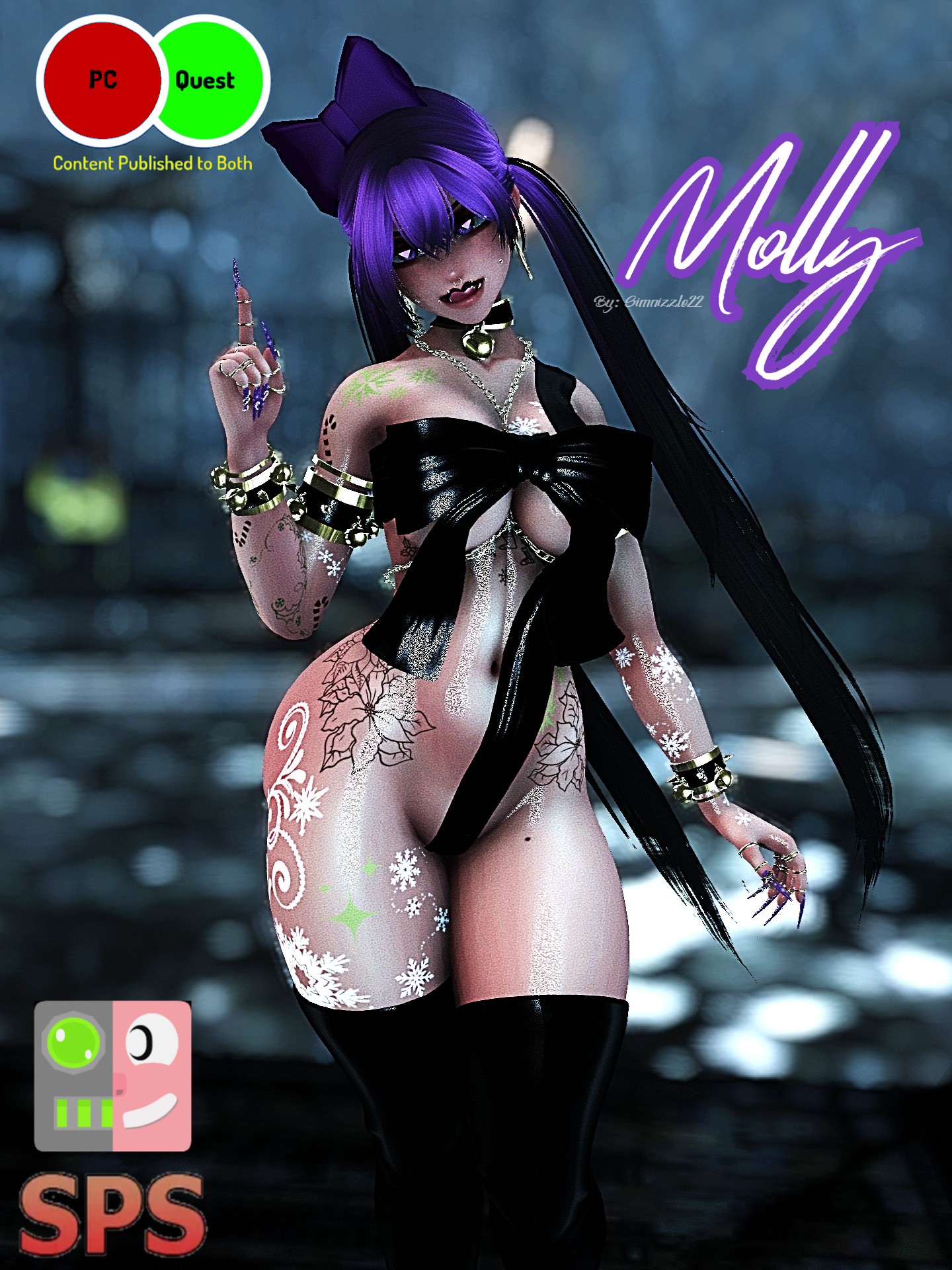
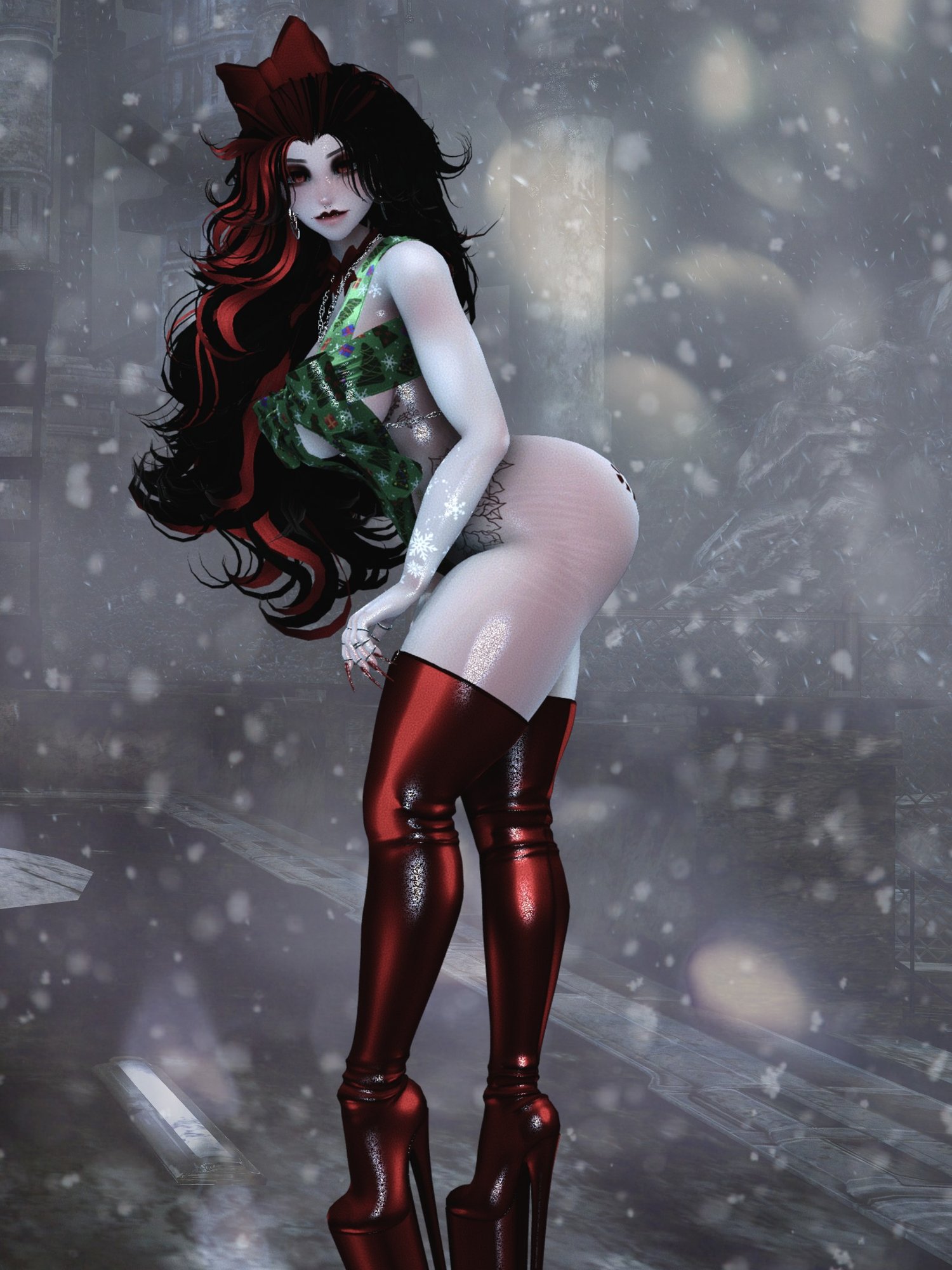
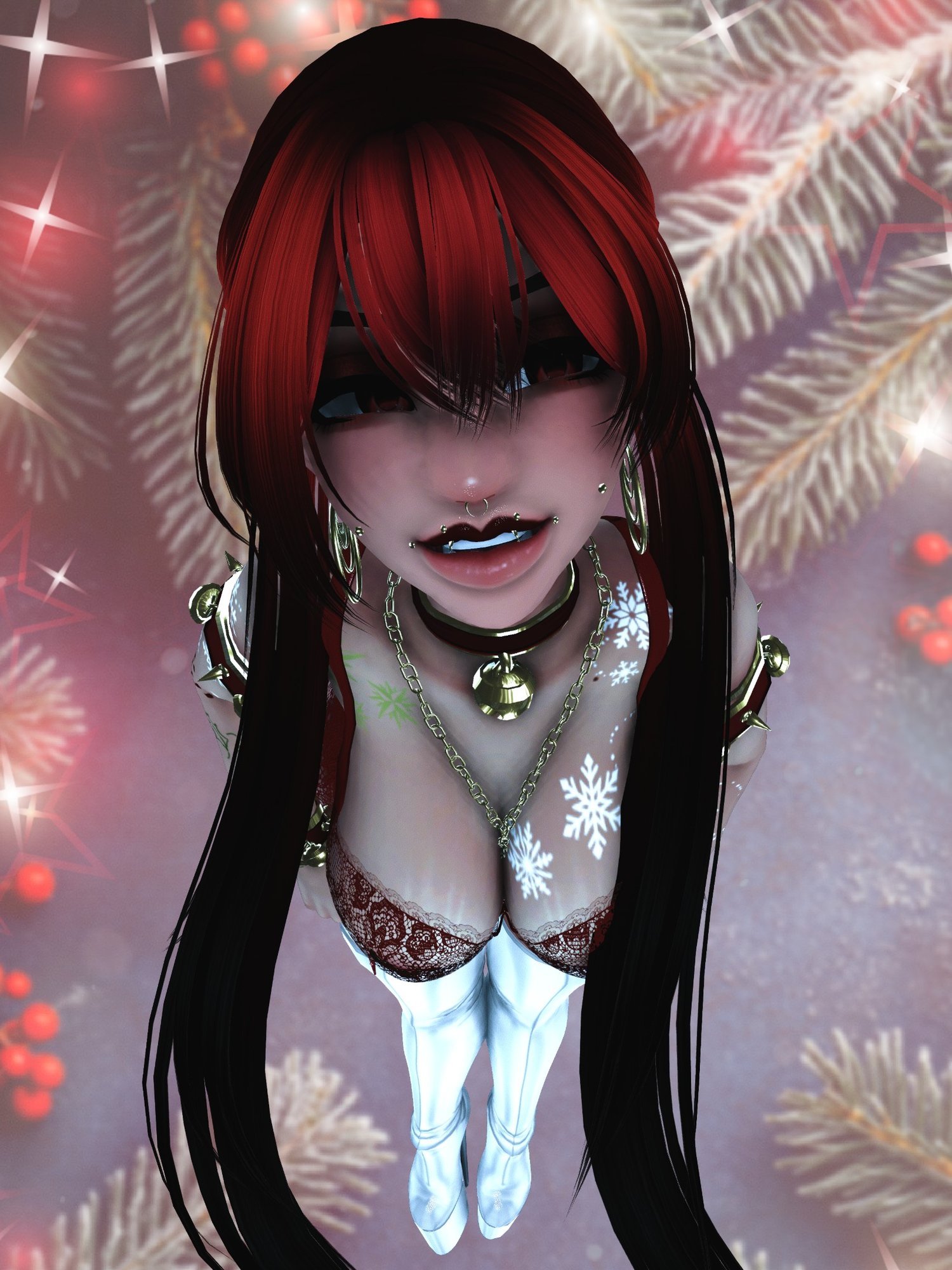
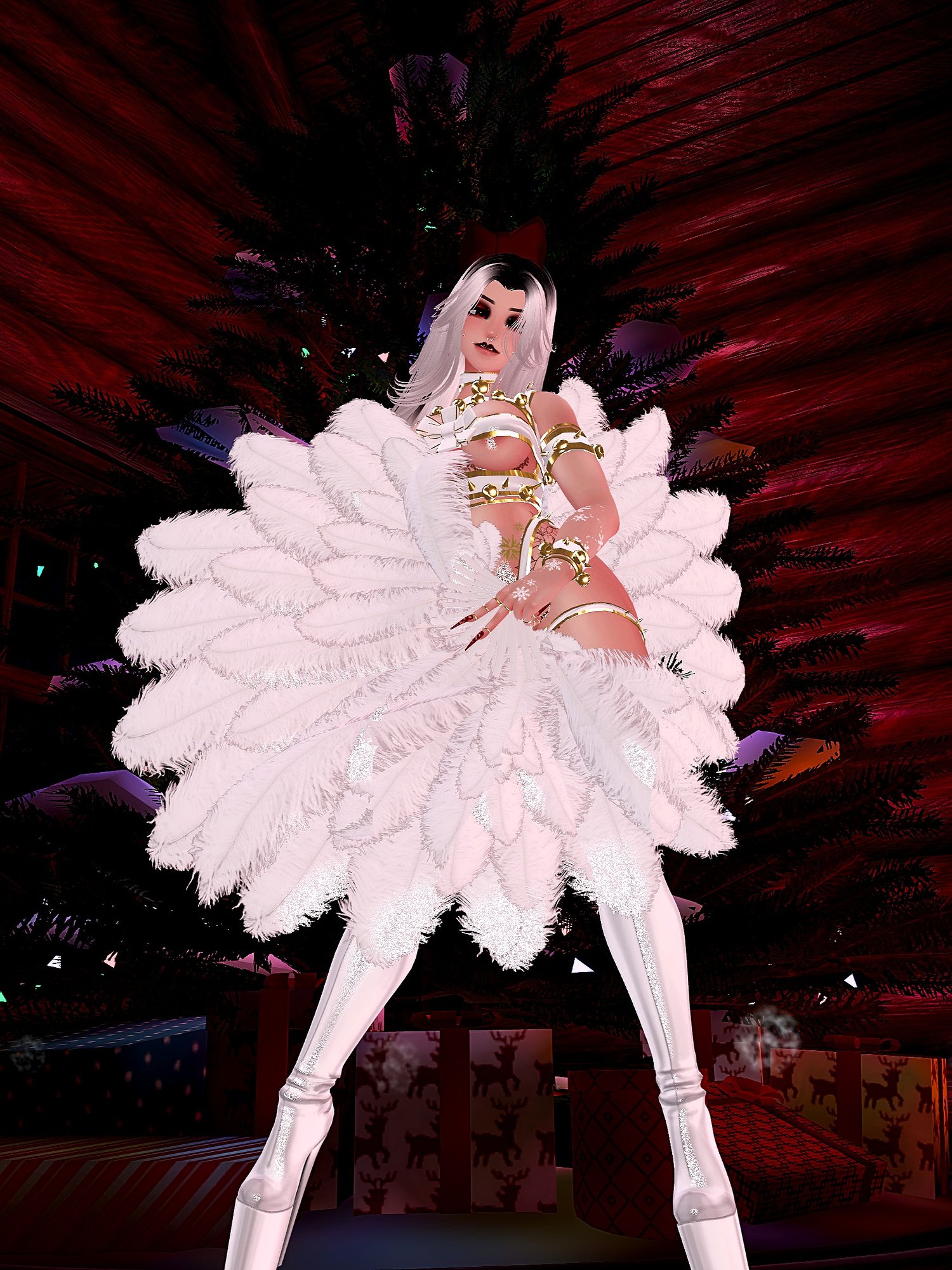
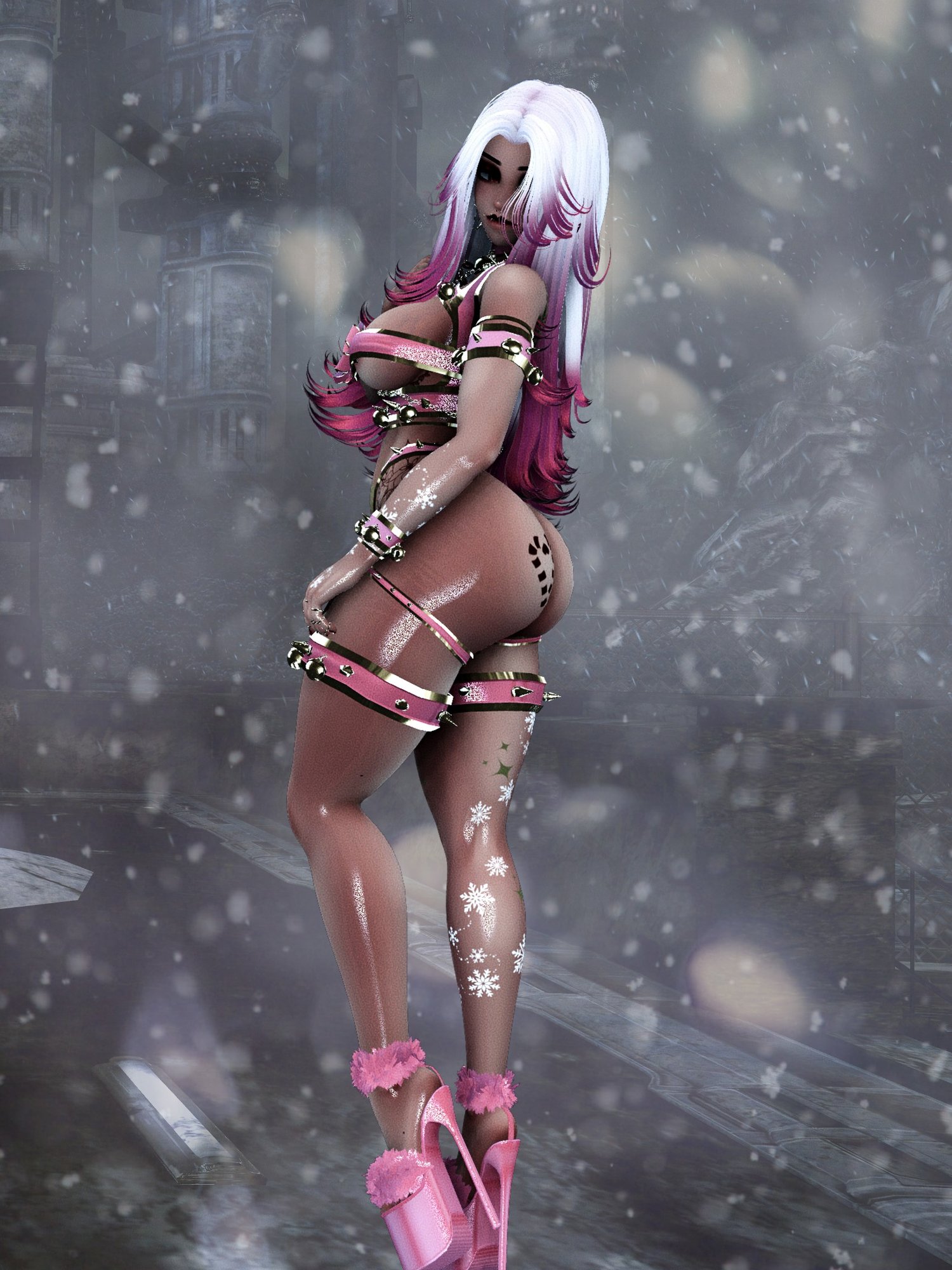
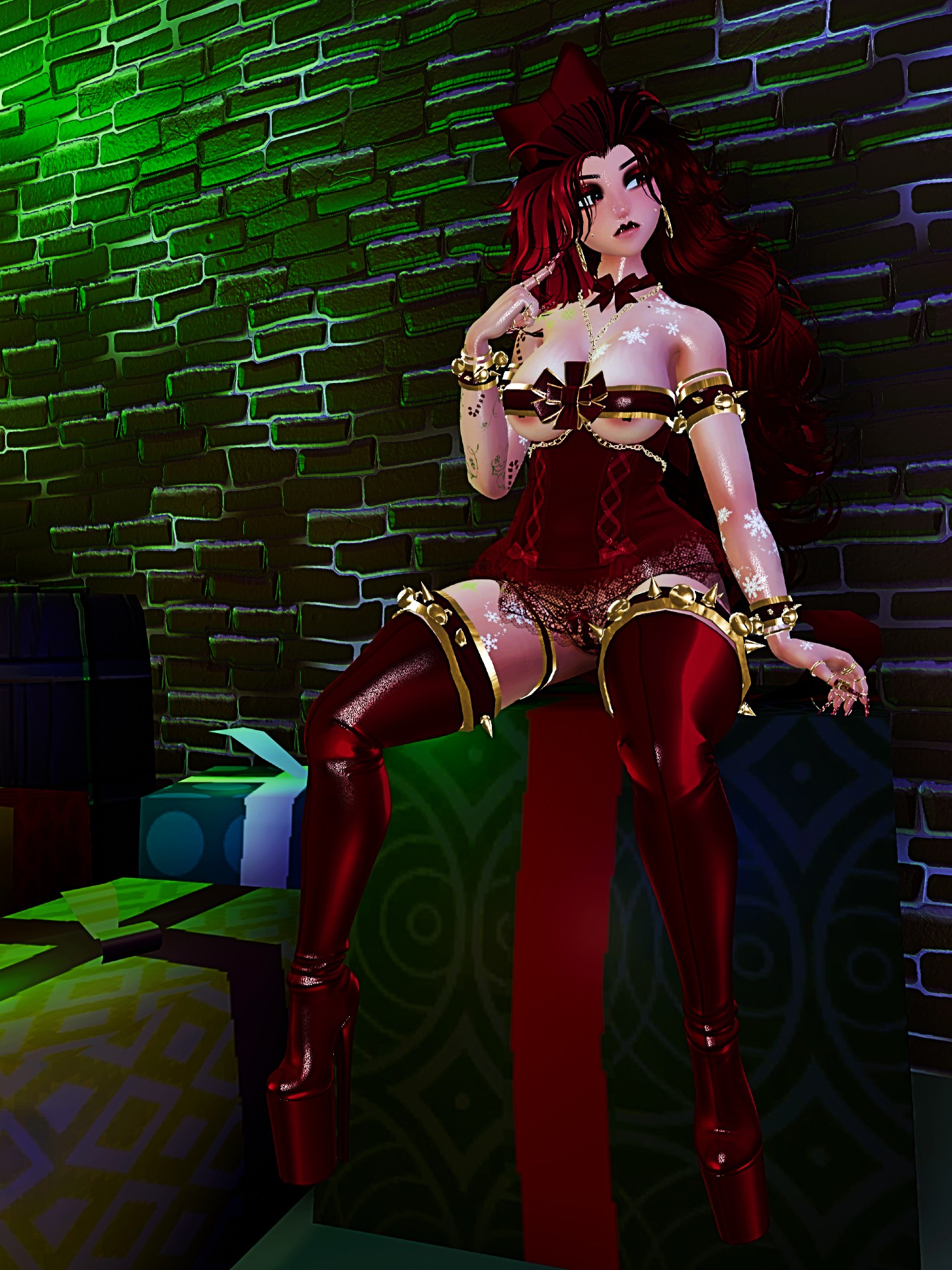
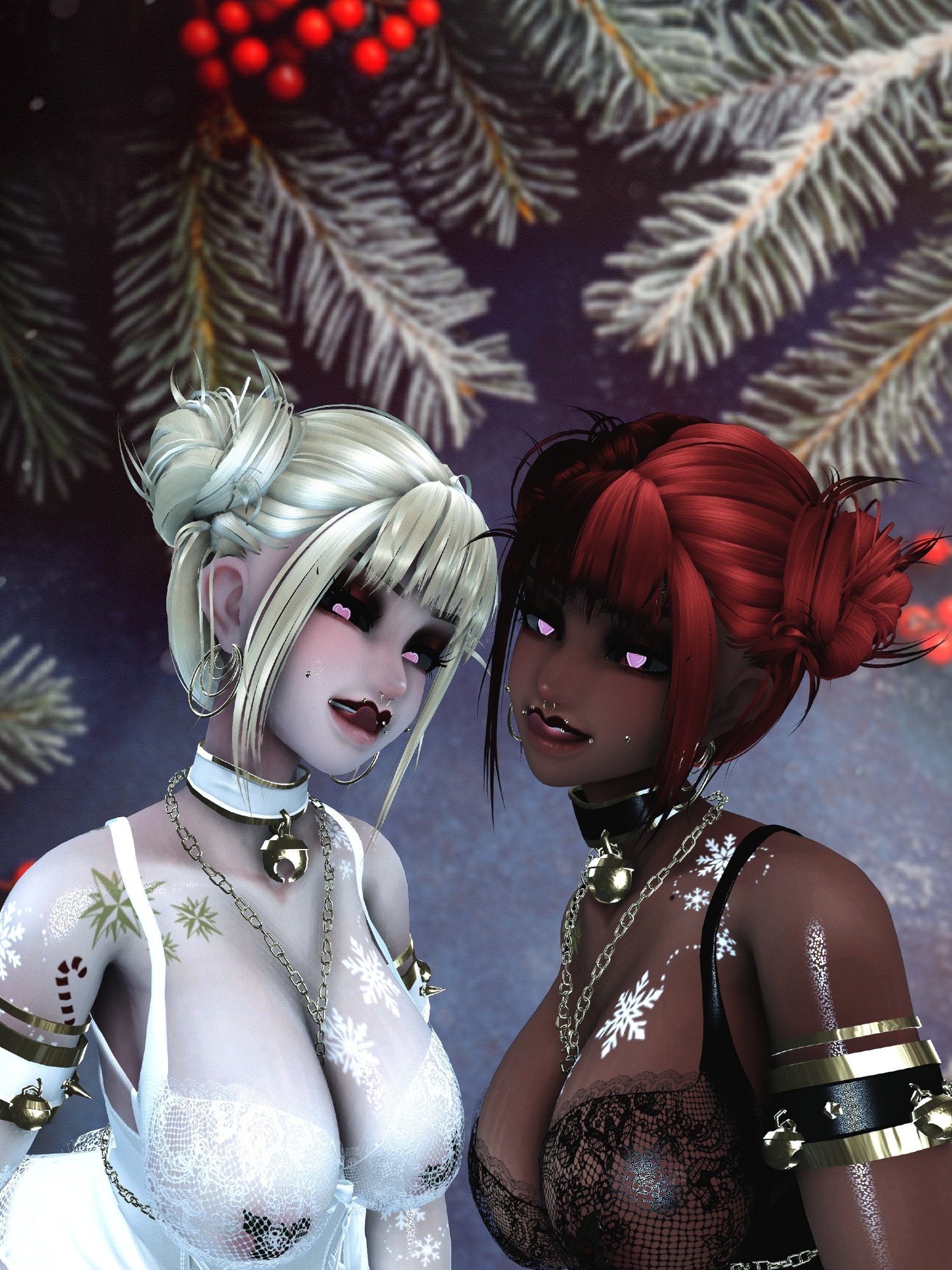
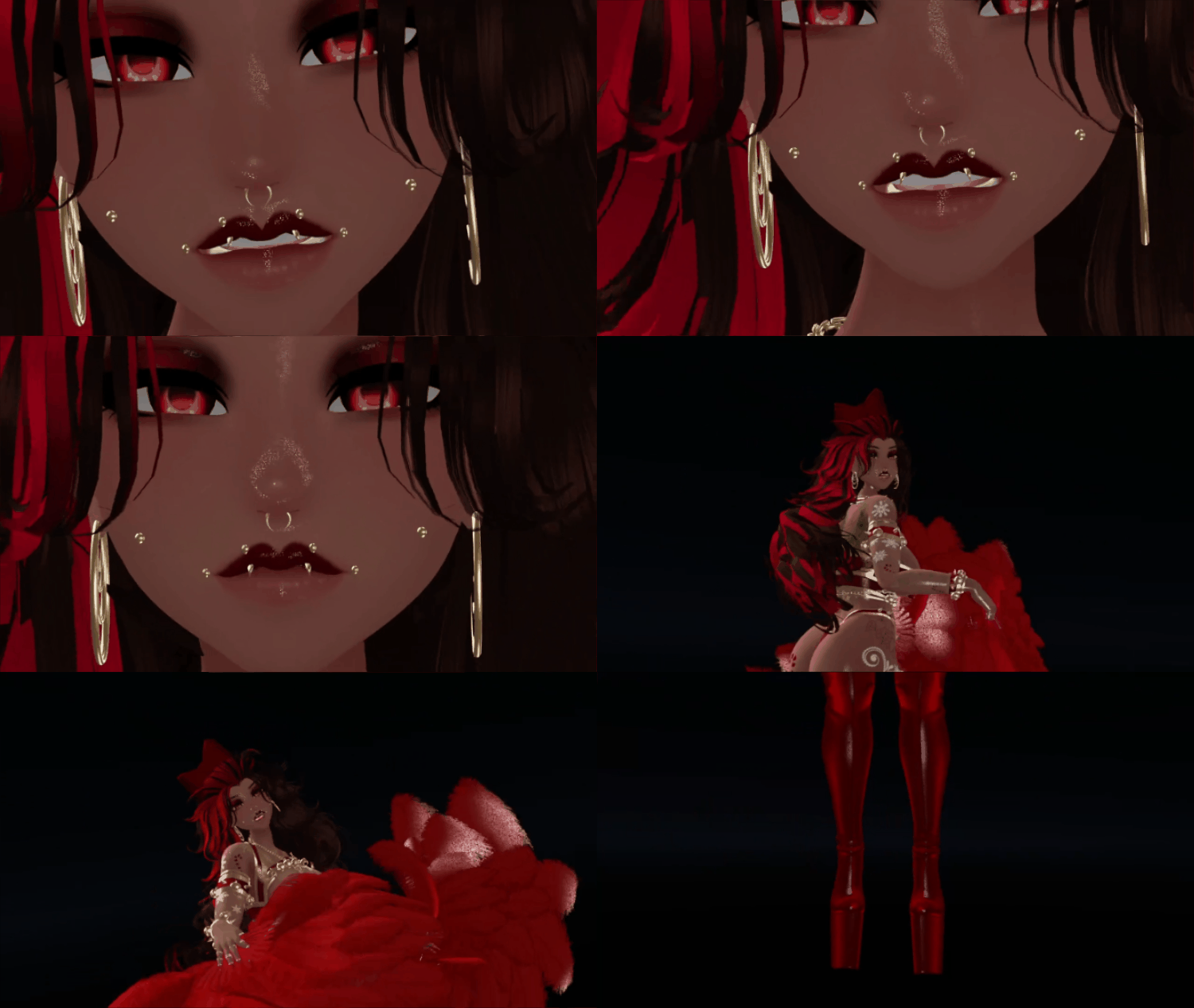




Molly The Little Present | FT | PC\Quest
MOLLY - BY SIMNIZZLE22
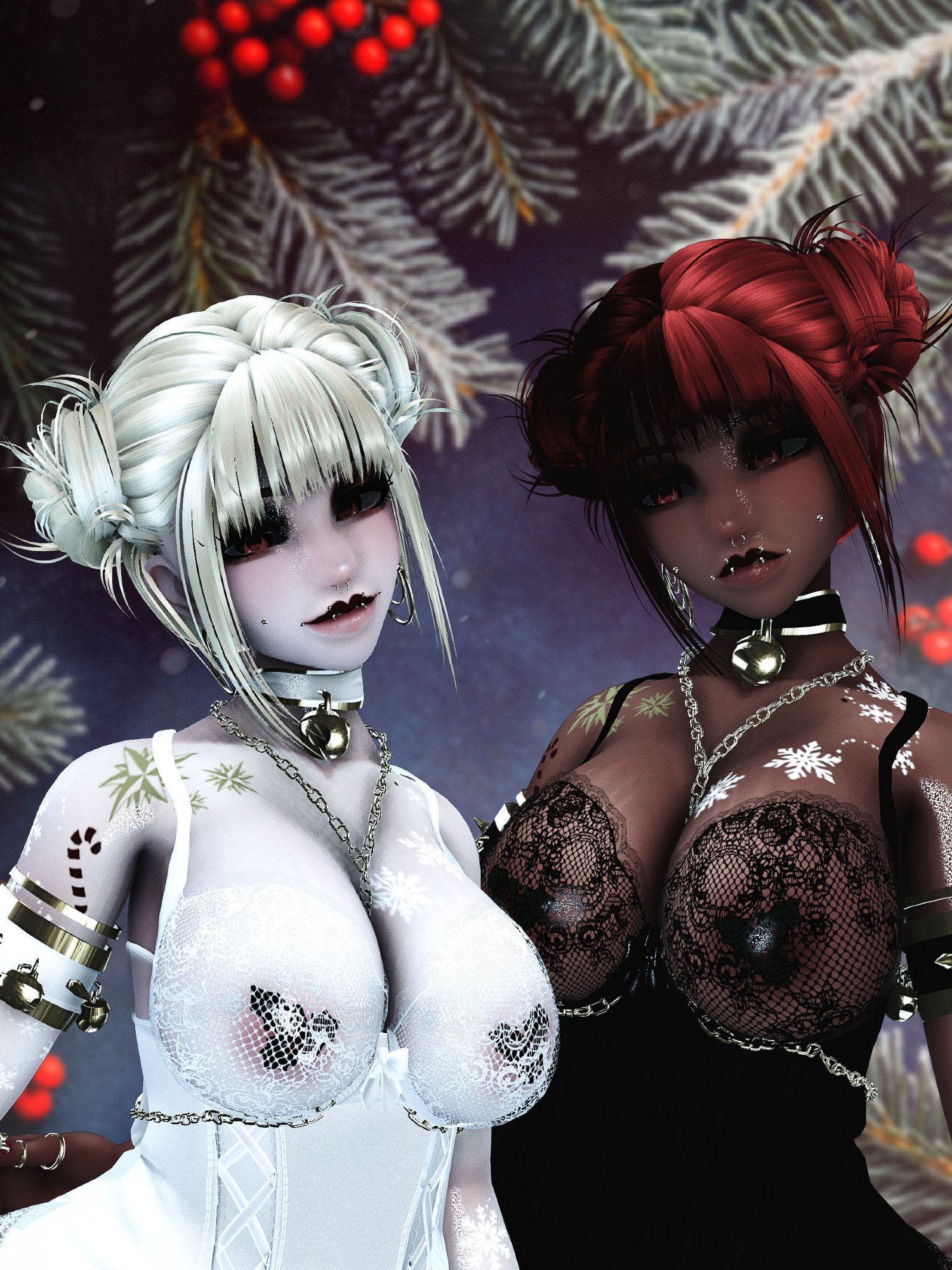
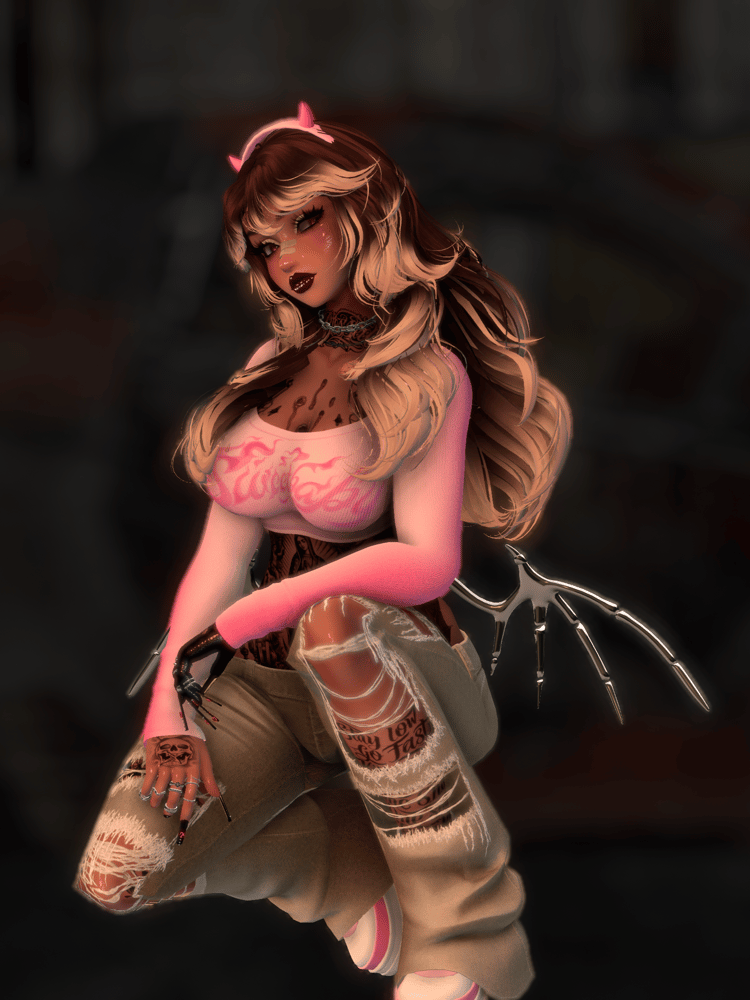
Welcome Molly The Little Present to The Sim-ulation
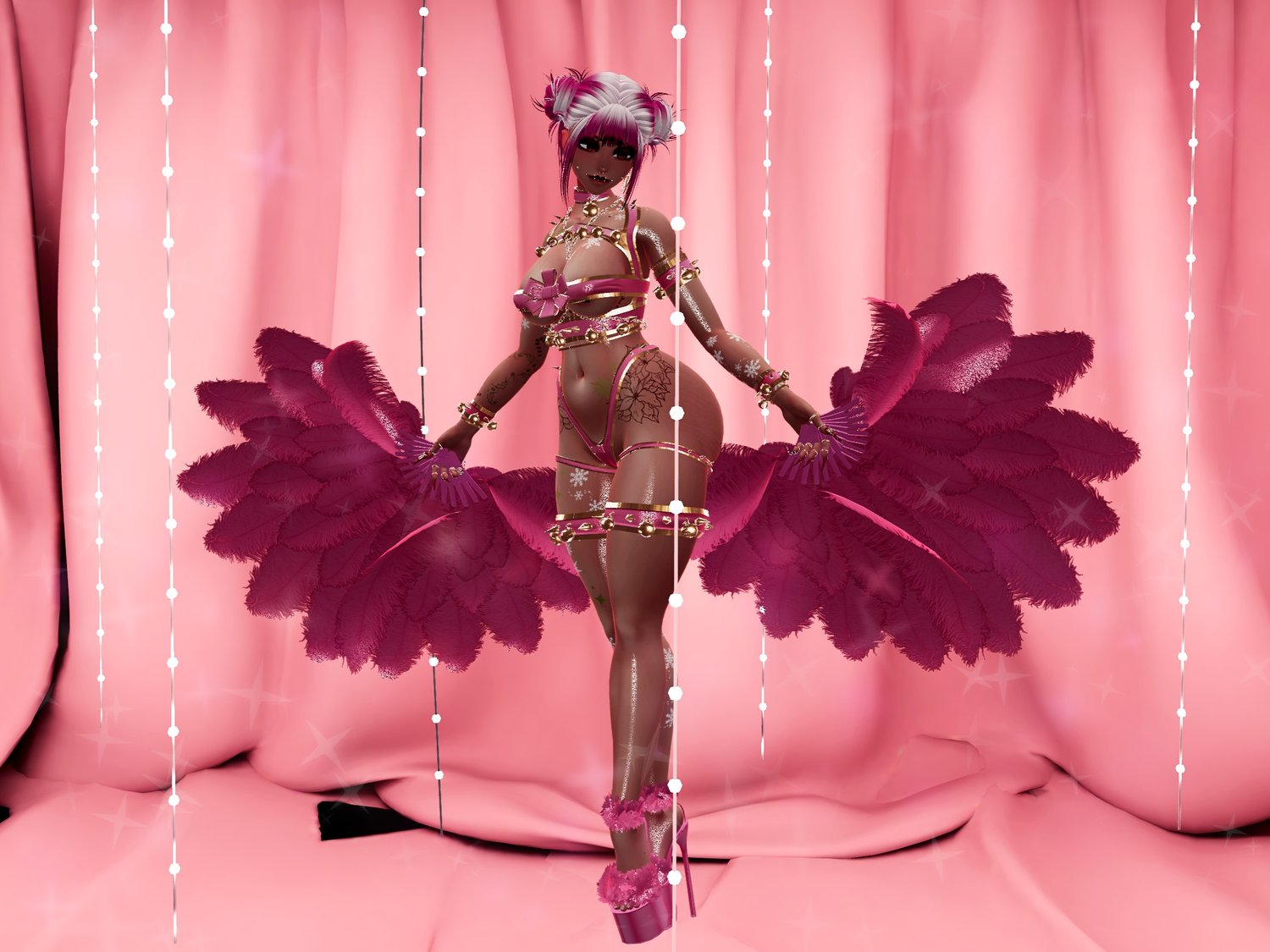
PLEASE BE SURE TO CLICK THE RIGHT AVATAR FILE YOUR LOOKING FOR !
PC&QUEST VERSION OR FT ONLY VERSION!
ALL MY AVATARS COME READY TO DOWNLOAD.
UNITY 2022.322F1
POLY 7.3 || OLDER VERSION
VCC 24.4
PLEASE HAVE BASIC UNITY KNOWLEDGE BEFORE PURCHASING!!!
(NEED HELP ? JOIN THE DISCORD)
SIMPLE STEP BY STEP INTRUCTIONS AT THE BOTTOM <3
PLEASE READ THEM
UPLOADING INTRUCTIONS AT THE BOTTOM
PLEASE READ THEM!
ALL DIGITAL SALES ARE FINAL!
NO REFUNDS ON DIGITAL ITEMS !
SHE IS
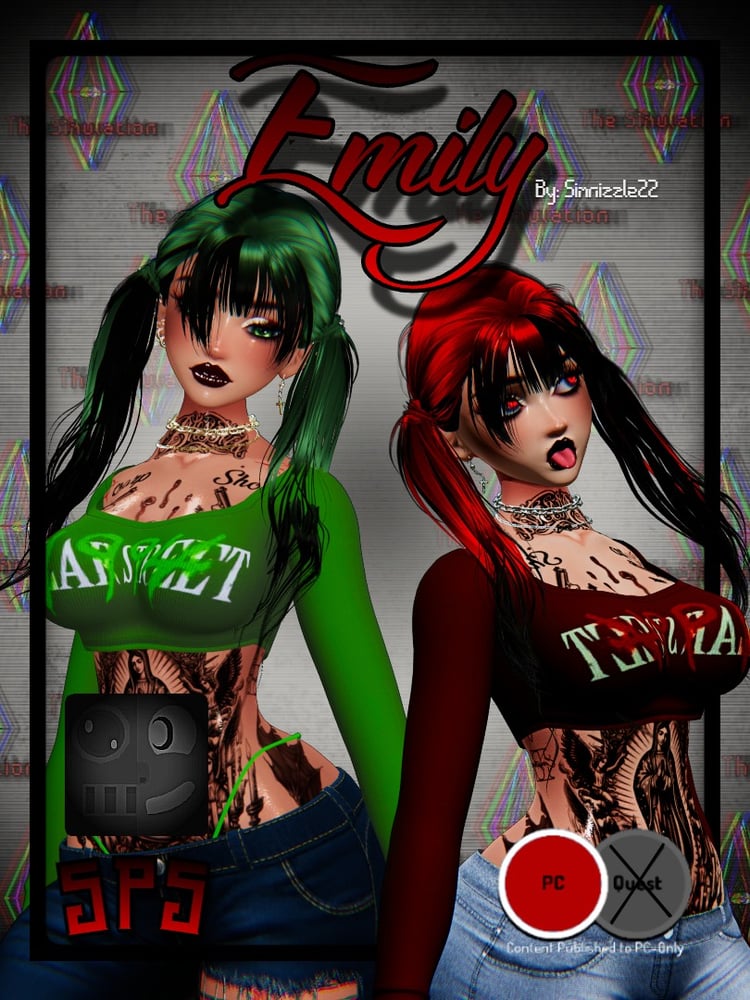
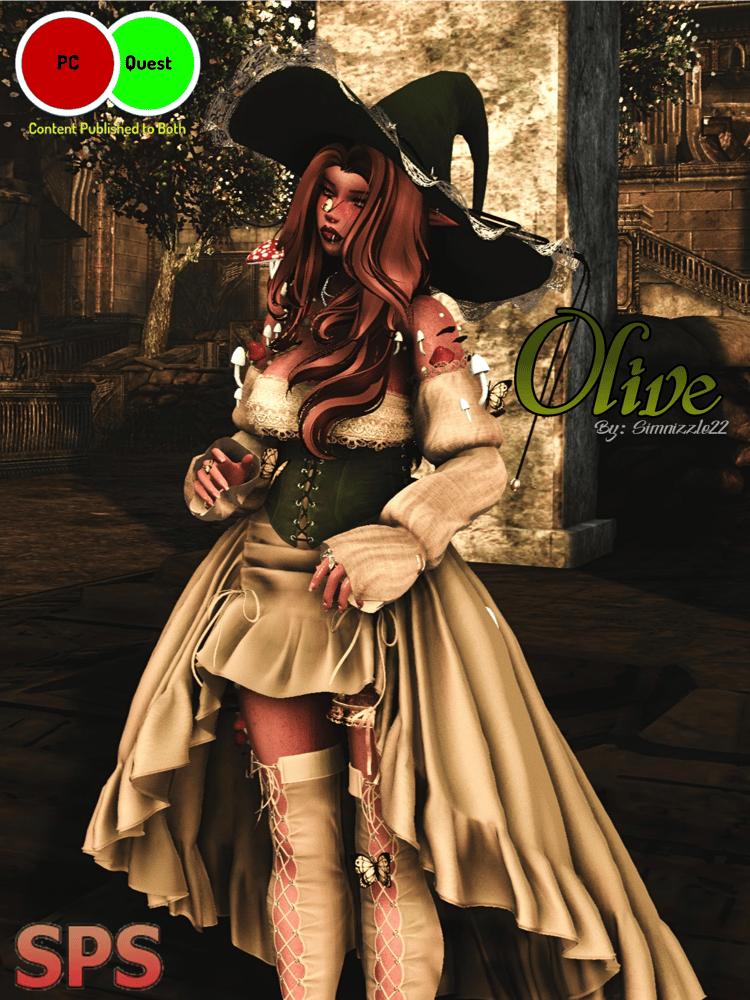
- PC & QUEST
- FBT READY
- NSFW WITH SPS
SHE HAS
- GOLOCO
- FACIAL EXPRESSIONS VERSION
- FT VERSION
- PHYSBONES
- SKIN SWAPS
- MATSWAPS
- HUESHIFT
AND MANY MORE
RULES
THIS AVATAR IS FOR PERSONAL USE ONLY !
THIS AVATAR IS FOR 18+ ONLY
SOME STUFF IS NOT MENT TO BE WORN TOGETHER !
- You CAN edit my avatars
- You CAN add tat or take off tat textures
- You CAN NOT take off any items on my avatar!
- You CAN NOT use any assets from my avatar unless purchased from the original creator!
- You CAN NOT claim my avatar as your own!
- You CAN NOT make my avatar public!
- You CAN NOT resell my avatar even if edited!
- You CAN NOT split or share price my avatar!
CREDITS
BODY - zinpia
TAT TEXTURE - france
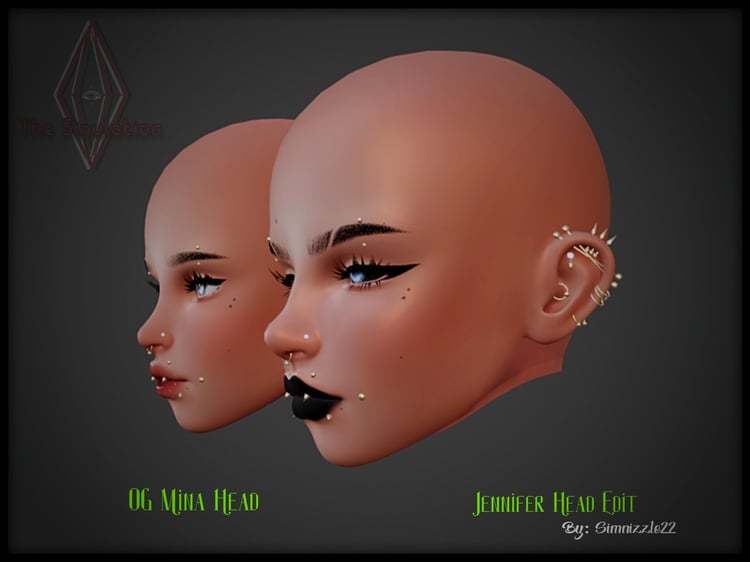
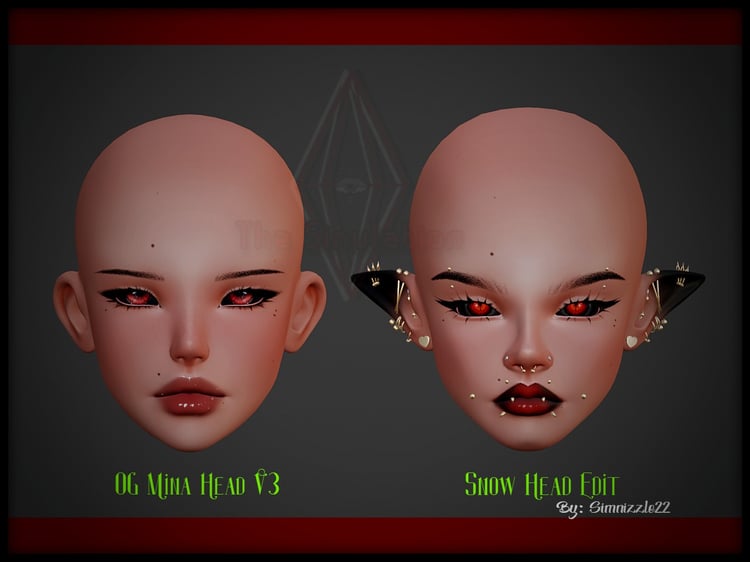
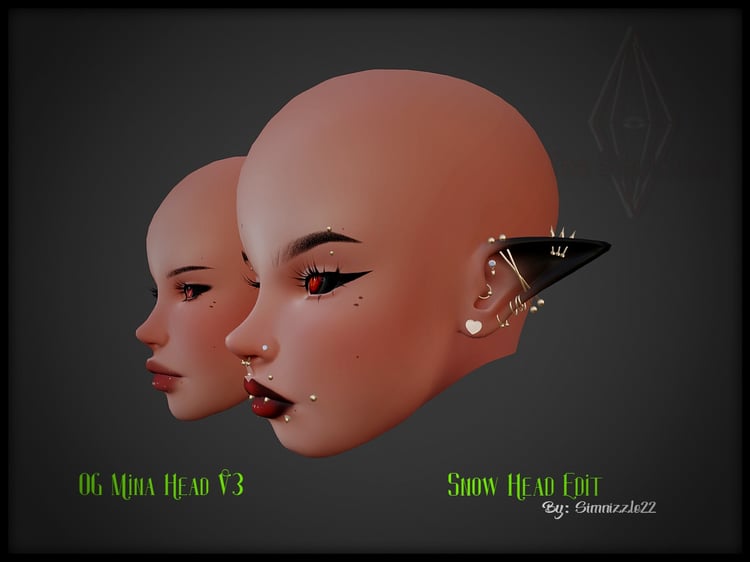
HEAD - lpb
BOW FIT - nessy
CUTSEY FIT -nessy
BOW BODYSUIT - Ssukiii
PASTIES - EMPRESSMOON
BOOTS - nessy
RINGS - issuezvrc
FANS - nessy
NAILS -yaoomi
EARRINGS - HELP ME FIND!
HAIR LONG - saikura
HAIR WILD - nessy
HAIR PIGGIES - saikura
HAIR BUNS - nessy
wholesomeSPS - wholesomevr
plumbob -peachesncream
If im missing any items please message me on discord or instagram so i can properly credit.
((QUEST DOES NOT INCLUDE "TATTOO TEXTURE" DUE TO LIMIT\BAD QUALITY
QUEST SIDE HAS PHYS BONES ON BOOBS, BUTT AND FANS ONLY SORRY BLAME THE 10 LIMIT ))
((QUEST SIDE TOGGLES ALWAYS MATCH ON MY AVATARS ONLY THING QUEST SIDE DOESNT COME WITH IS HUESHIFTS THE TOGGLES STILL AVAILABLE AND CAN BE SEEN BY PC USERS))
QUEST QUALITY CAN BE LOW BECAUSE I CATER MORE TO PC SIDE PLEASE KEEP THAT IN MIND IF YOU ARE QUEST STAND ALONE.
How To Download Video HERE!
UPLOADING INSTRUCTIONS
PLEASE READ !
- After purchase download avatar file
- Save avatar file in a familiar folder
- open CREATOR COMPANION
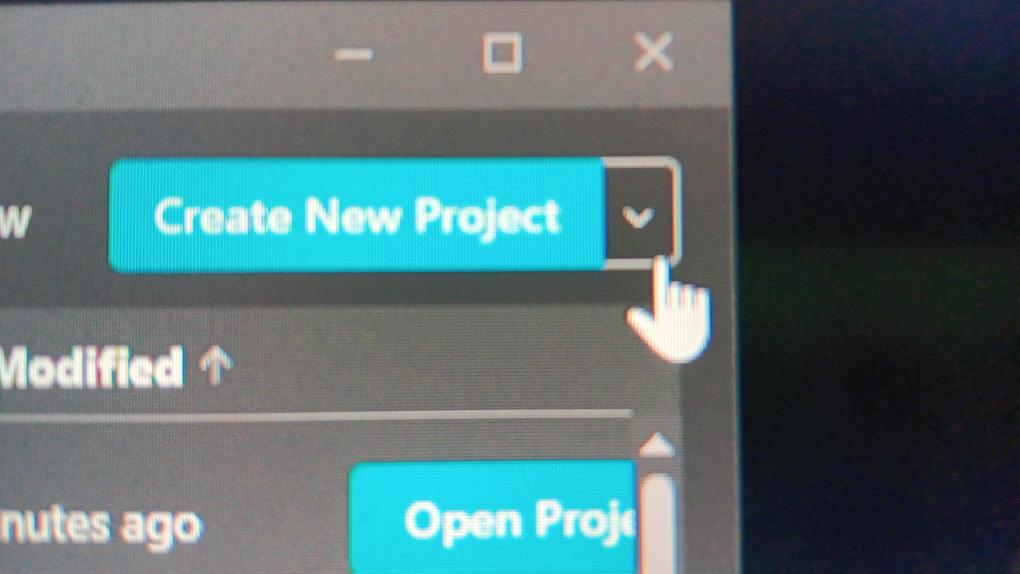
- click on the arrow to the right NEXT to create project (DONOT CLICK CREATE PROJECT)
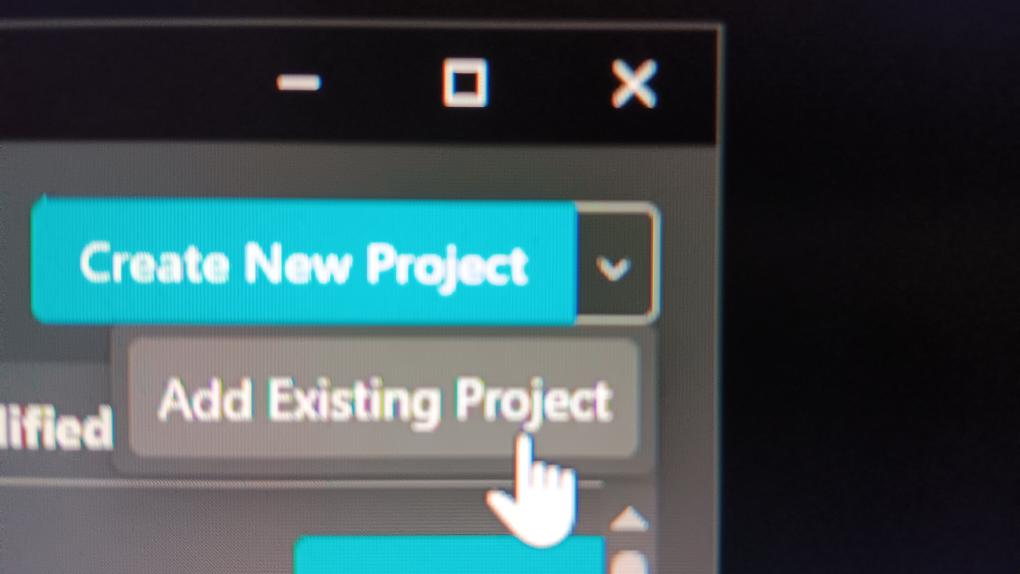
- CLICK ON ADD EXISTING PROJECT, find then select the avatar file
- check for updates in manage projects (update if needed)
- open project
- REMOVE BLUEPRINT !!!
- LOGIN to your vrc account
- NAME, DOWNLOAD AND ENJOY