
Vacation Rental Owner Monthly Statement Template: Owner Statement and Payout Spreadsheet for Property Managers
Full description
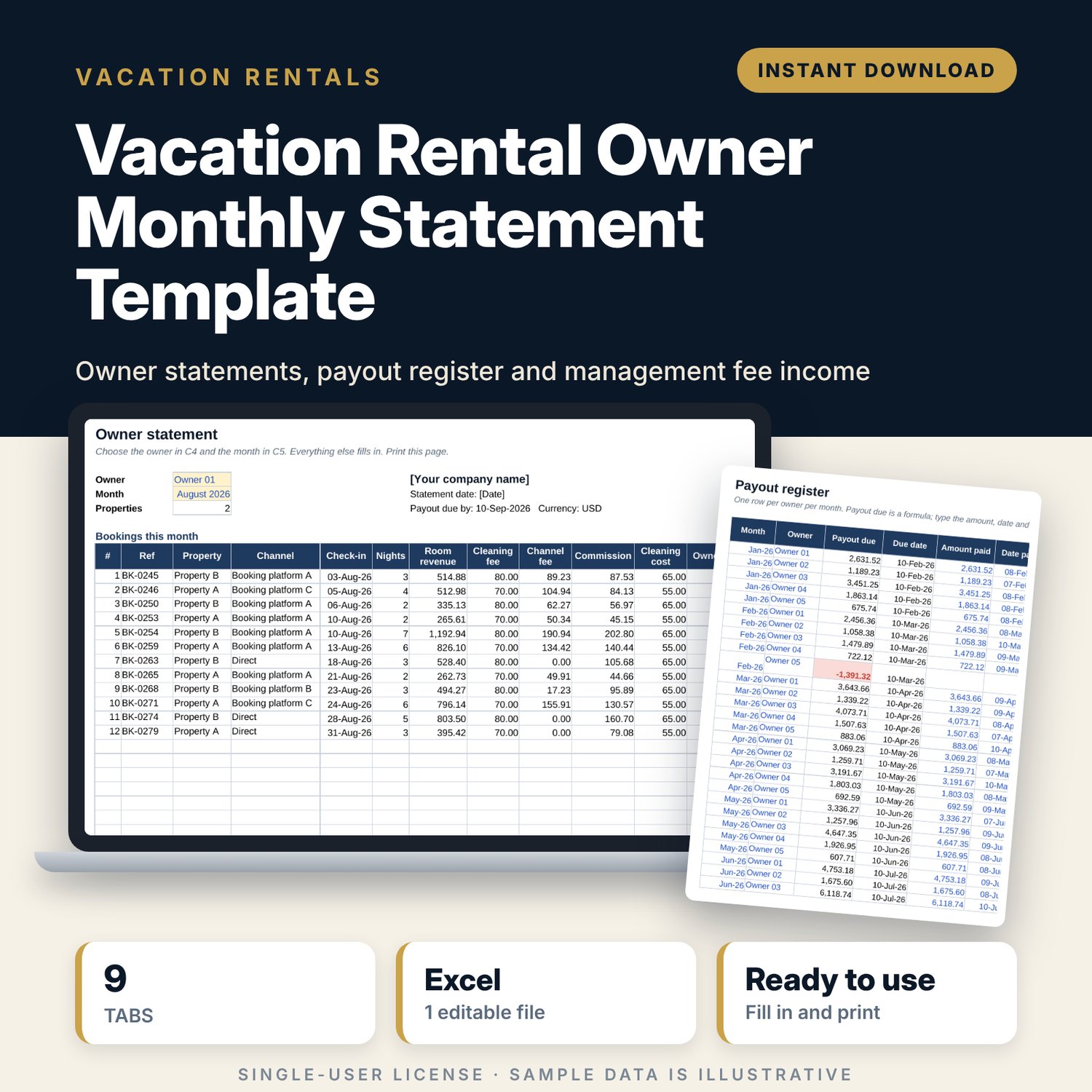
For vacation rental property managers who pay owners every month and need a statement that owners can follow line by line. You log bookings and the expenses you paid for each property. The workbook applies each property's commission %, credits guest cleaning fees, charges back cleaning and recharged expenses with your markup, and works out the owner payout. Pick an owner and a month to print the statement, then record the payment in the register. Year-to-date totals per owner and your own fee income update from the same data.
Save with a bundle: this template is also in the Vacation Rental Business Bundle, 10 templates for $29 instead of $69. All 141 templates are in the All-Access Hospitality Template Library for $79.
What is inside
- Vacation_Rental_Owner_Statement.xlsx: 9 tabs, 9,059 formulas, 4 native charts, 19 drop-down or number rules.
- Settings: year, report month, company name, markup on recharged expenses, payout day, 10 property rows (owner code, commission %, commission base, cleaning cost per stay, fixed monthly fee), 8 owner rows, 5 booking channels with fee %, 10 expense categories.
- Bookings: room for 800 stays (317 sample rows). Channel fee, commission, cleaning cost, owner net and month calculate.
- Expenses: room for 400 costs (159 sample rows). Mark each one Yes or No for recharge; markup and recharged amount calculate.
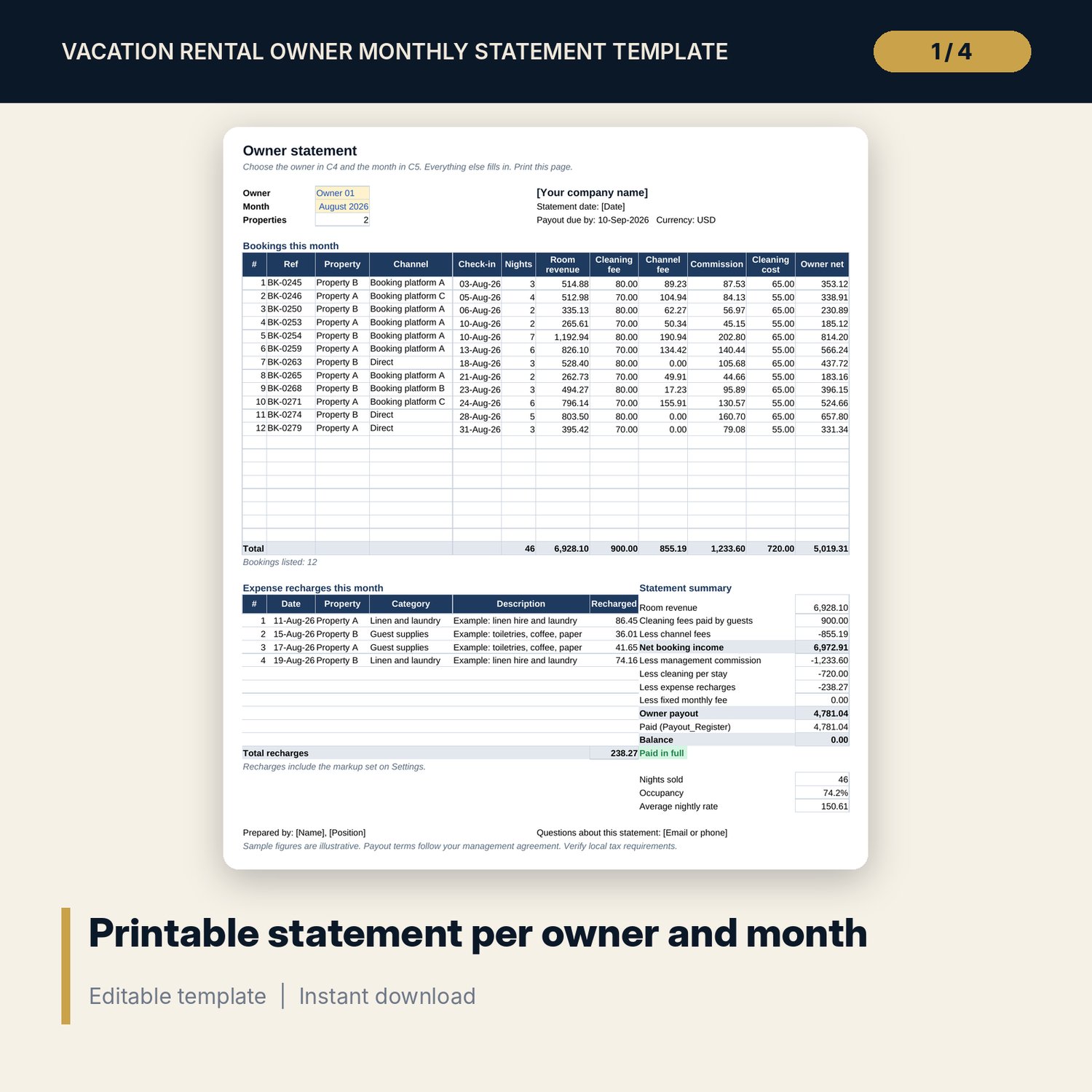
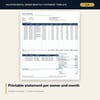
- Owner_Statement: choose owner and month from drop-downs. Up to 20 booking lines, 10 recharge lines, an 11-line payout summary, payment status, nights sold, occupancy and average rate on one printable page.
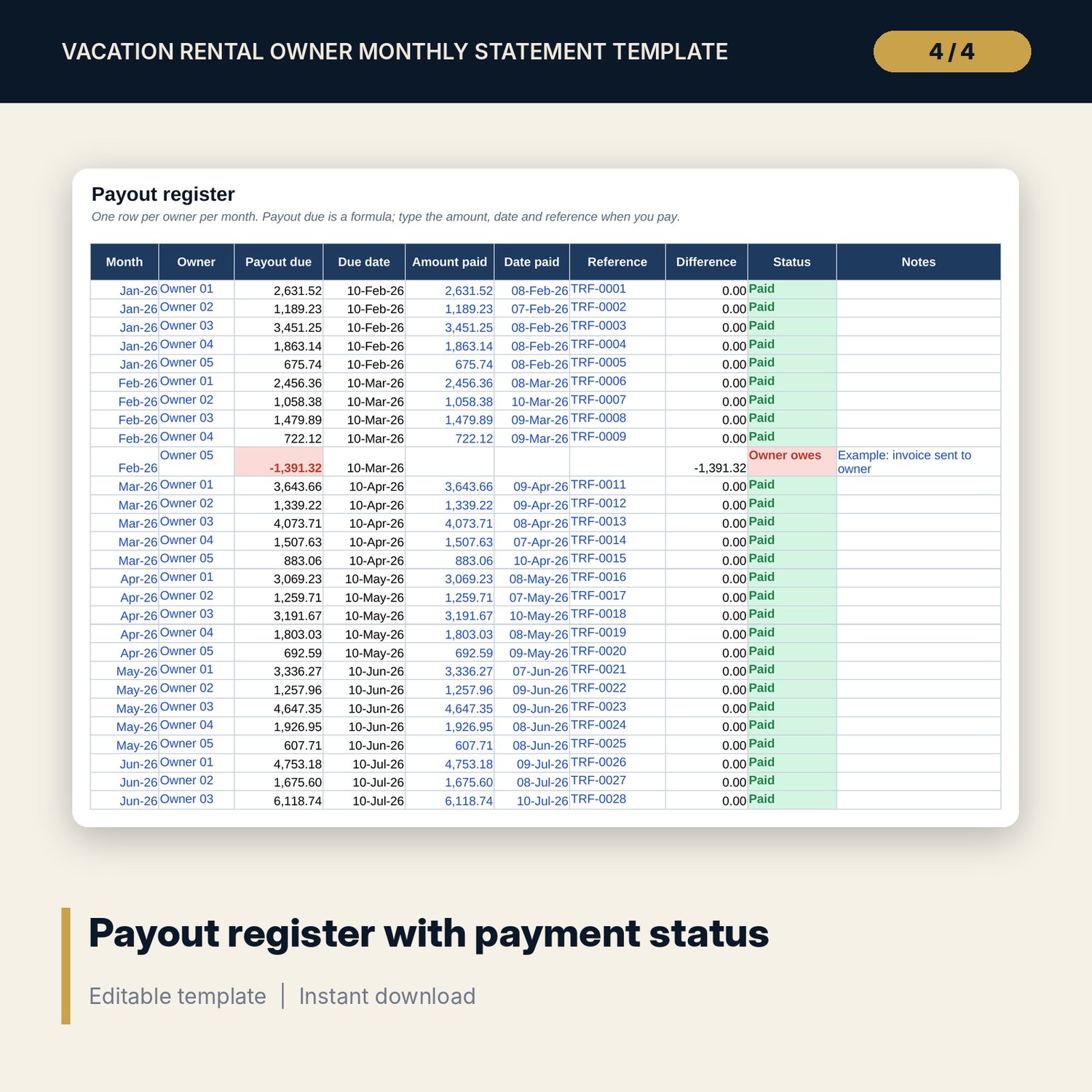
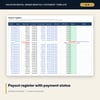
- Payout_Register: room for 200 owner-month rows (45 sample rows) with payout due, amount paid, date, reference, difference and status.
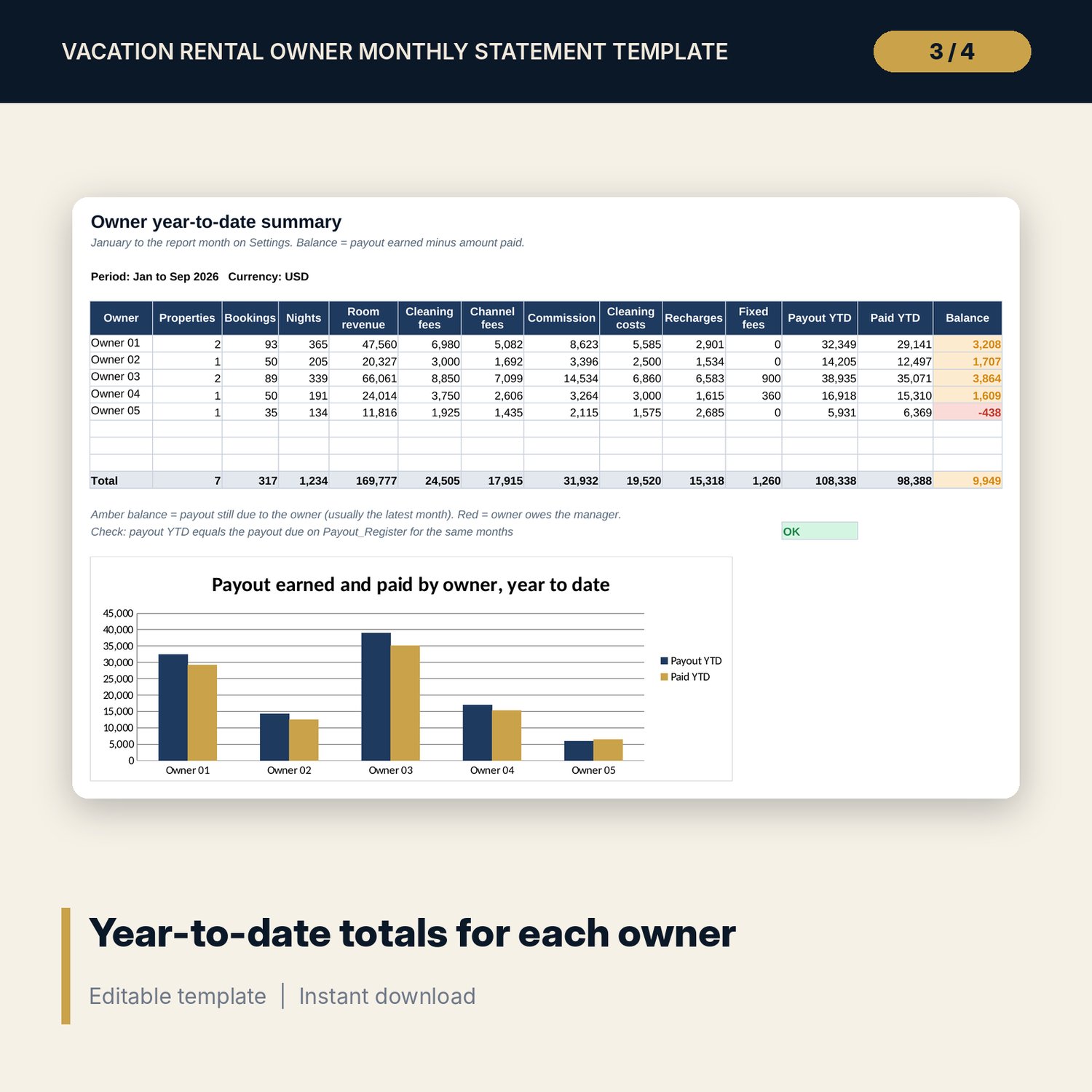
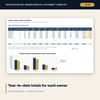
- Owner_YTD: year to date for each owner, from room revenue to payout, amount paid and balance, with a check against the register and a chart.
- Fee_Income: commission, fixed fees and markup by month and by property, fee % of room revenue and a chart.
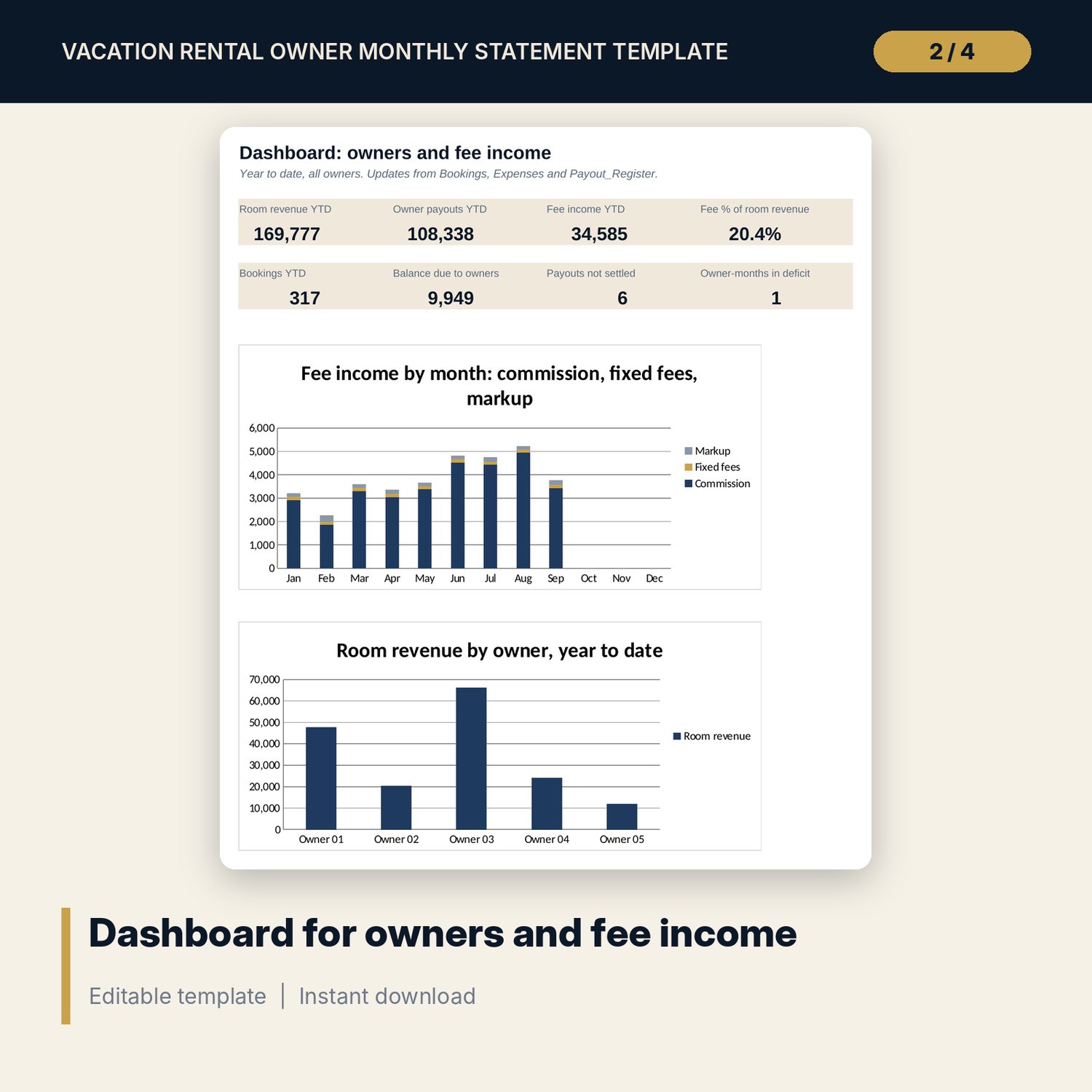
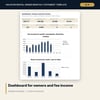
- Dashboard: 8 KPI tiles and 2 charts on one printable page.
- README.txt and LICENSE-and-Terms.txt.
How it works
- Enter your properties, owner codes, commission terms and booking channels on Settings.
- Clear the sample rows and log bookings and expenses through the month.
- At month end, choose each owner and the month on Owner_Statement and print the page or save it as a PDF.
- Pay the owner and record the amount, date and reference on Payout_Register.
- Check Owner_YTD for unpaid balances and Fee_Income for your own revenue.
Details
- Format: Excel workbook (.xlsx). No macros.
- Language: English. Currency is a label you choose.
- Software: Excel 2016 or later, or a spreadsheet program that opens .xlsx files.
- Delivery: instant digital download. Nothing is shipped.
Good to know
- All sample properties, bookings, fees and payments are illustrative. Replace them with your own data.
- Commission, cleaning and recharge rules follow common practice. Match them to your own management agreement.
- The workbook is a statement tool, not accounting or tax advice. Verify local requirements for tax on rental income and trust accounts.
- Single-user license. Do not share or resell the files.
FAQ
Do I need special software?
Excel 2016 or later works best. Other spreadsheet programs that open .xlsx files also work.
Does it work in Google Sheets?
It opens in Google Sheets and the formulas calculate. Check the drop-downs and the printed statement layout after import.
Can one owner have several properties?
Yes. Give each property the same owner code. The statement lists bookings and recharges for all of that owner's properties.
What if an owner has more than 20 bookings in a month?
The totals still include every booking. A note on the statement tells you the list is cut, and you can print the Bookings tab filtered by owner.
Is this a physical product?
No. It is a digital download. Refund terms follow the store policy at the time of purchase.