
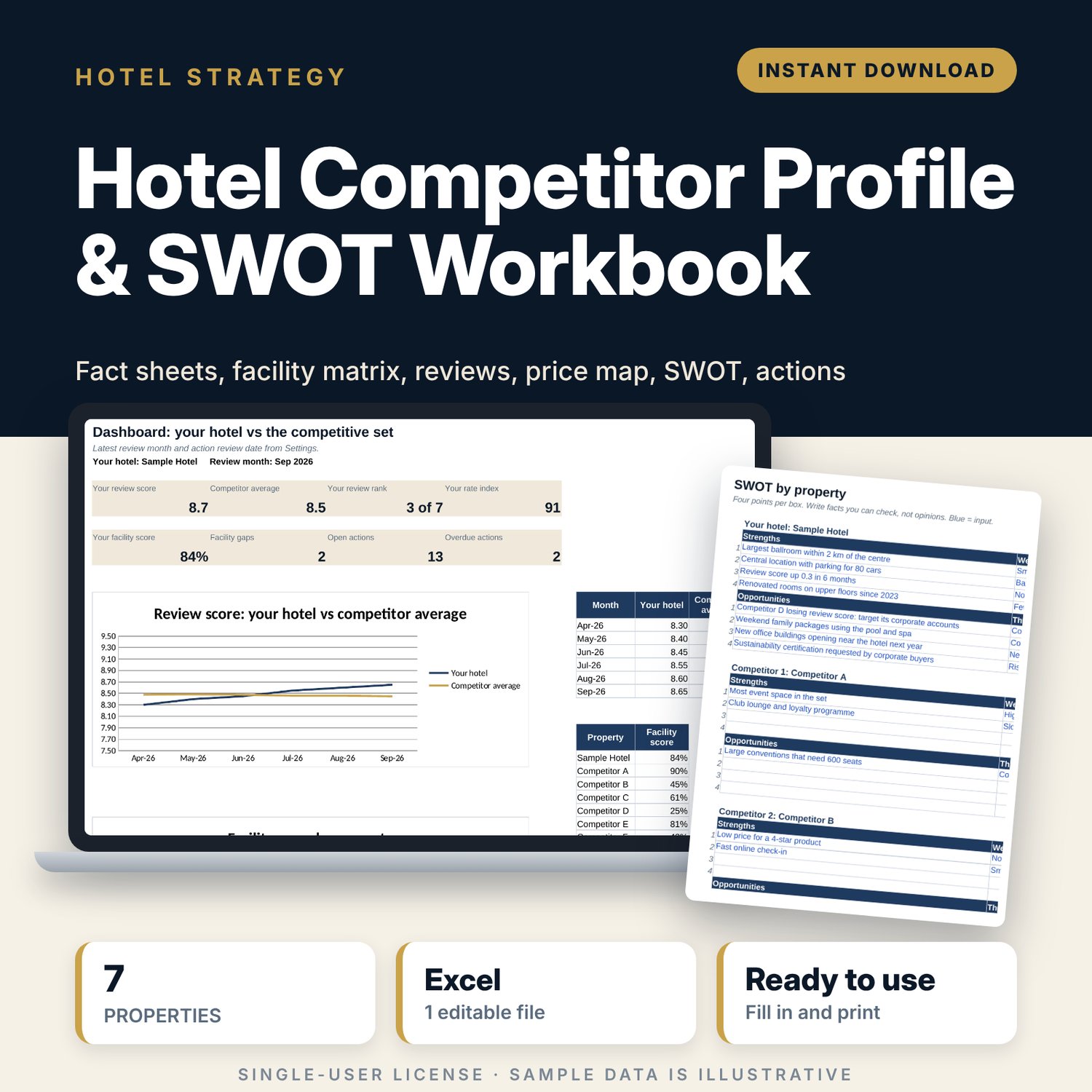
Hotel Competitor Profile & SWOT Workbook: Competitive Set Analysis Spreadsheet
Full description
For hotel general managers, sales and marketing teams and revenue managers who need a clear picture of their competitive set for a budget, a strategy meeting or an owner report. You record facts about your hotel and up to 6 competitors, score 30 facilities, and log review scores each month. The workbook calculates price gaps, room share, facility scores, gaps and edges, and places every property on a price against review score map. You then write a SWOT for each property and track the actions that come out of it, with owners and due dates.
Save with a bundle: this template is also in the Hotel Sales, Marketing & Revenue Bundle, 14 templates for $39 instead of $100. All 141 templates are in the All-Access Hospitality Template Library for $79.
What is inside
- Hotel_Competitor_Profile_SWOT_Workbook.xlsx: 9 tabs, 1,581 formulas, 3 native charts, 14 drop-down or number rules. No macros.
- Settings: names for your hotel and 6 competitors, latest review month, action review date, gap rule, and 8 drop-down lists (hotel type, tier, review source, facility answer, SWOT type, priority, status, owner).
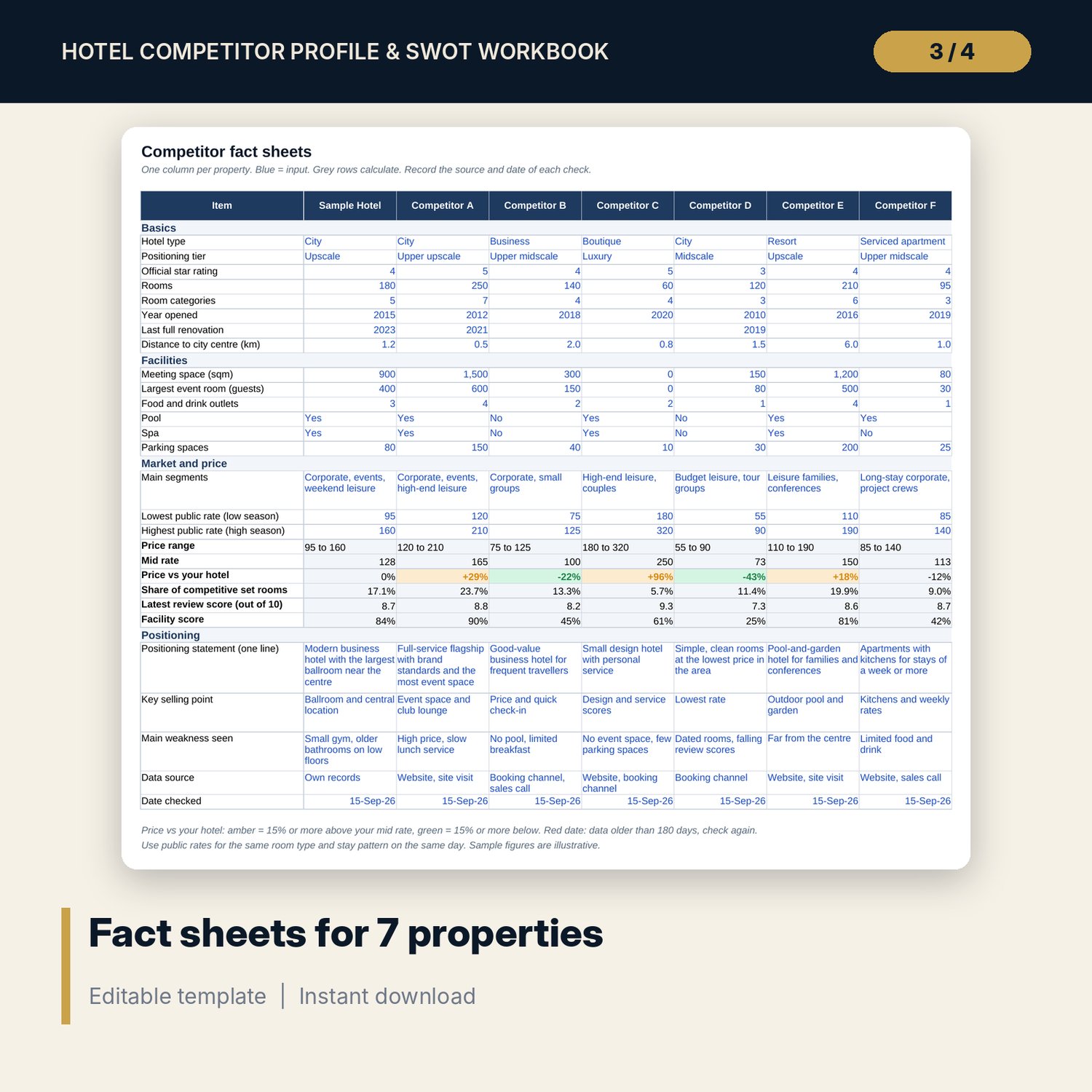
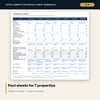
- Fact_Sheets: 28 items for each of 7 properties, including rooms, events space, outlets, rates, positioning statement and data source. Price range, mid rate, price vs your hotel, room share, review score and facility score calculate.
- Facility_Matrix: 30 facilities in 6 areas, scored Yes, Partial or No with a weight. Weighted score, facility score %, rank, and Gap or Edge signals.
- Review_Tracker: room for 600 rows (84 sample rows: 6 months, 7 properties, 2 sources) with score, new reviews, total reviews, rank and month-on-month change.
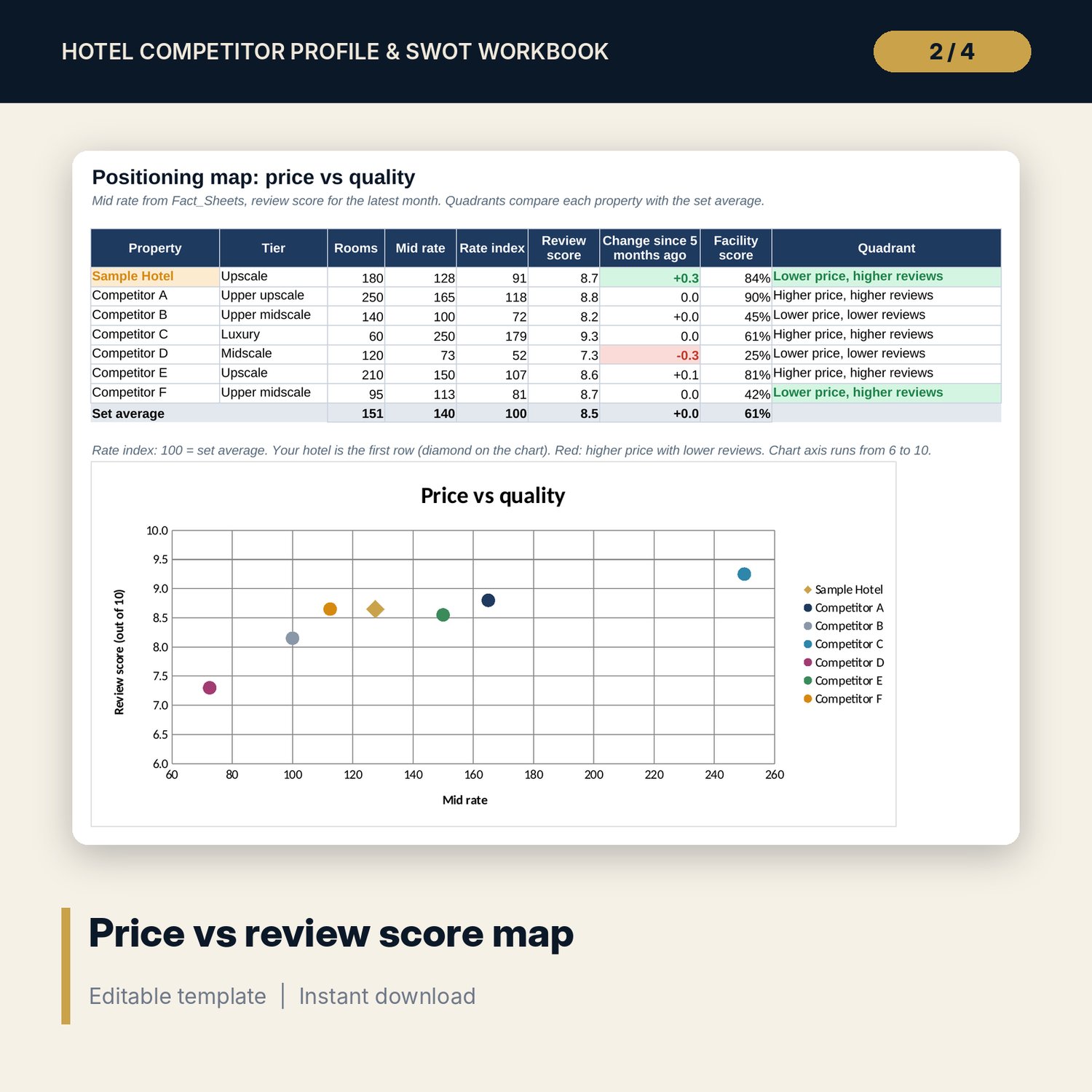
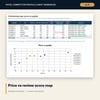
- Positioning_Map: mid rate, rate index, review score, 5-month change, facility score and quadrant for each property, plus a price vs review score scatter chart.
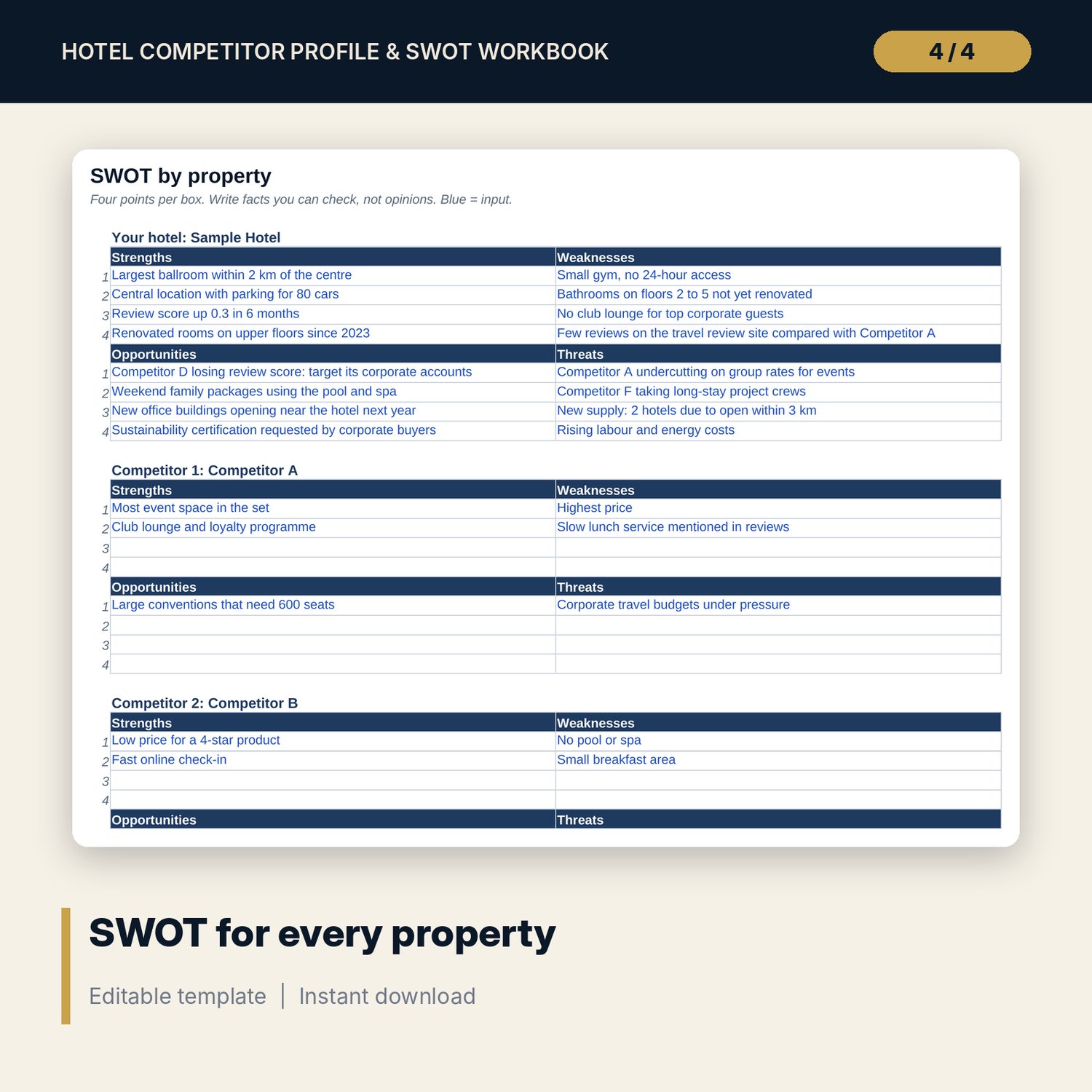
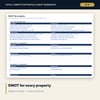
- SWOT: 112 input boxes (4 points per quadrant for 7 properties), 52 filled with sample points.
- Action_List: room for 60 actions (14 sample actions) with owner, priority, due date, status, days left and an overdue flag.
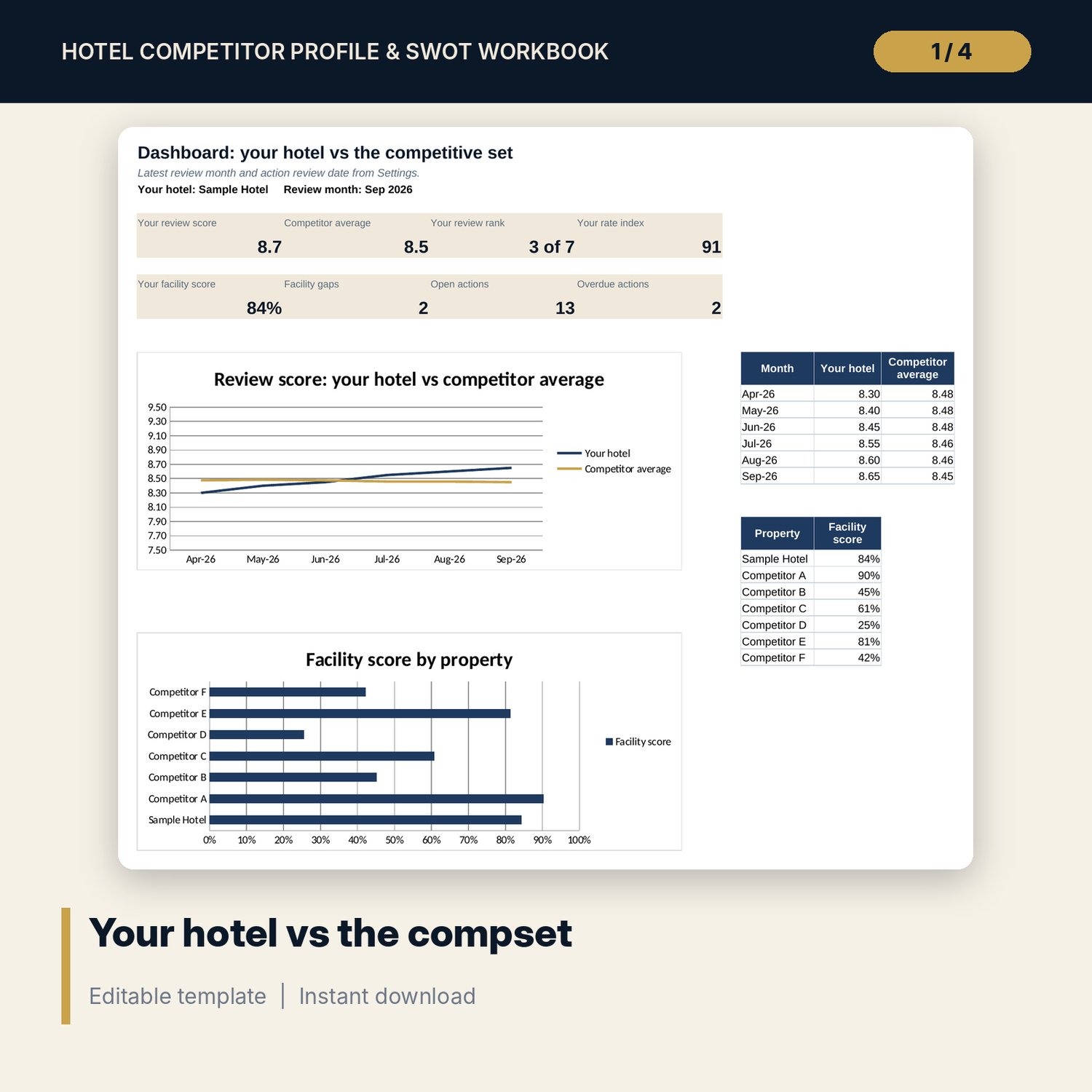
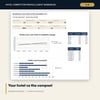
- Dashboard: 8 KPI tiles, review trend against the competitor average and facility score by property.
- README.txt and LICENSE-and-Terms.txt.
How it works
- Type your hotel name and up to 6 competitor names on Settings.
- Fill in Fact_Sheets and Facility_Matrix from public sources, site visits and sales calls.
- Add review scores for each property and source every month.
- Read Positioning_Map and the Dashboard, then write the SWOT for each property.
- Agree actions with owners and due dates on Action_List and review them each month.
Details
- Format: Excel workbook (.xlsx). No macros.
- Language: English. Currency is a label you choose.
- Software: Excel 2016 or later, or a spreadsheet program that opens .xlsx files, such as Google Sheets.
- Delivery: instant digital download. Nothing is shipped.
Good to know
- All sample properties, facilities, prices, review scores, SWOT points and actions are illustrative. Replace them with your own research.
- Collect competitor information from public sources and your own visits only. Do not use confidential data from other hotels.
- Single-user license. Do not share or resell the files.
FAQ
How many competitors can I profile?
Your hotel and up to 6 competitors. Change the names on Settings and every tab follows.
How is the facility score calculated?
Each facility gets a weight from 0 to 3. Yes scores the full weight, Partial half, No zero. The score is shown as a % of the maximum.
What if a review source uses a 5-point scale?
Multiply the score by 2 before you enter it, so all sources sit on the same 10-point scale.
Does it work in Google Sheets?
It opens in Google Sheets and the formulas calculate. Check the drop-downs and the scatter chart after import.
Is this a physical product?
No. It is a digital download. Refund terms follow the store policy at the time of purchase.