

MOTION TILE - Premiere Pro Preset
Easily add Motion Tile to your videos in Premiere Pro!
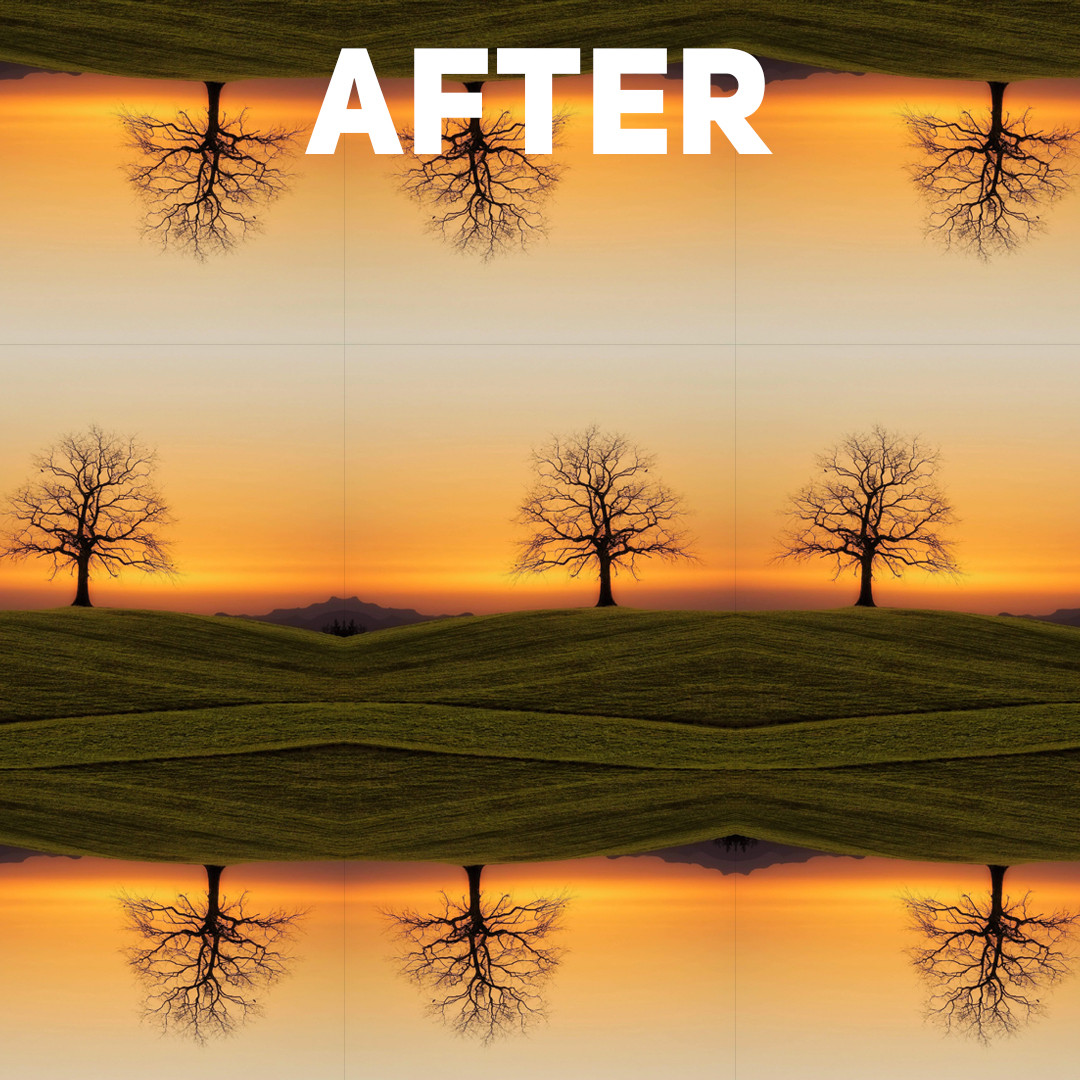
Motion Tile is an effect used in After Effects to create seamless video expansions. Unfortunately, this effect is not included in Premiere Pro, so I did my best to replicate it for Premiere Pro!
How to install this preset:
1. Open the Effects Panel
Go to Window > Effects to make the Effects Panel visible.
2. Import the Preset
In the Effects Panel, click the hamburger menu (three horizontal lines in the top-right corner).
Select Import Presets... from the dropdown.
3. Locate the Preset File
Browse your computer for the .prfpset file.
Select it and click Open.
4. Find and Use the Preset
The preset will appear in the Presets folder in the Effects Panel.
Drag and drop it onto a clip in your timeline to apply it.
5. Save Your Project
Save your project to ensure the preset is loaded.