

Hotel Data Quality Audit & PMS Clean-Up Checklist: PMS Data Quality Audit and Guest Profile Clean-Up Spreadsheet
Full description
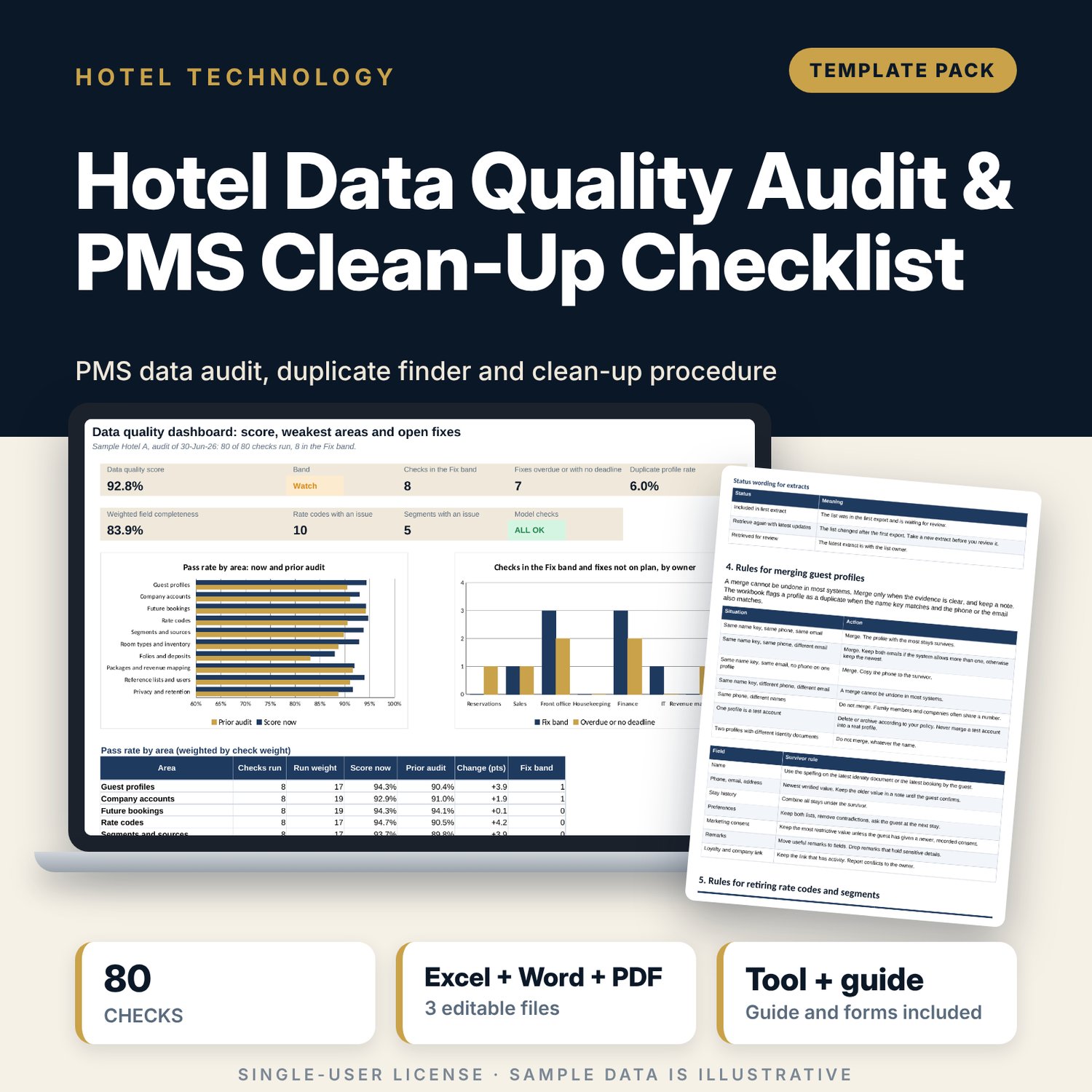
For general managers, front office managers, revenue managers and IT leads who need to clean the data in a property management system before a migration, a new interface or a reporting project. The workbook scores 80 checks in 10 areas by pass rate and weight, and shows a band, a change since the last audit and an action flag for every check. A profile test finds duplicate guests with a name key plus phone or email, bad contact data, test accounts and profiles past retention. A code review lists rate codes and market segments with their issues. A 8-page Word guide gives the clean-up procedure, merge rules, retirement rules, a time table and a sign-off form.
What is inside
- Data_Quality_Audit_Workbook.xlsx: 7 tabs, 4,011 formulas, 2 native charts, 20 drop-down and input rules
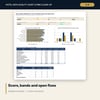
- Audit Checks: 80 checks in 10 areas with weight, owner, test rule, pass rate, band, prior pass rate, change, fix due, fix status and action flag; 19 rows fed by formulas
- Profile Check: 400 profile rows (150 sample), duplicate finder, contact check, retention test and weighted field completeness
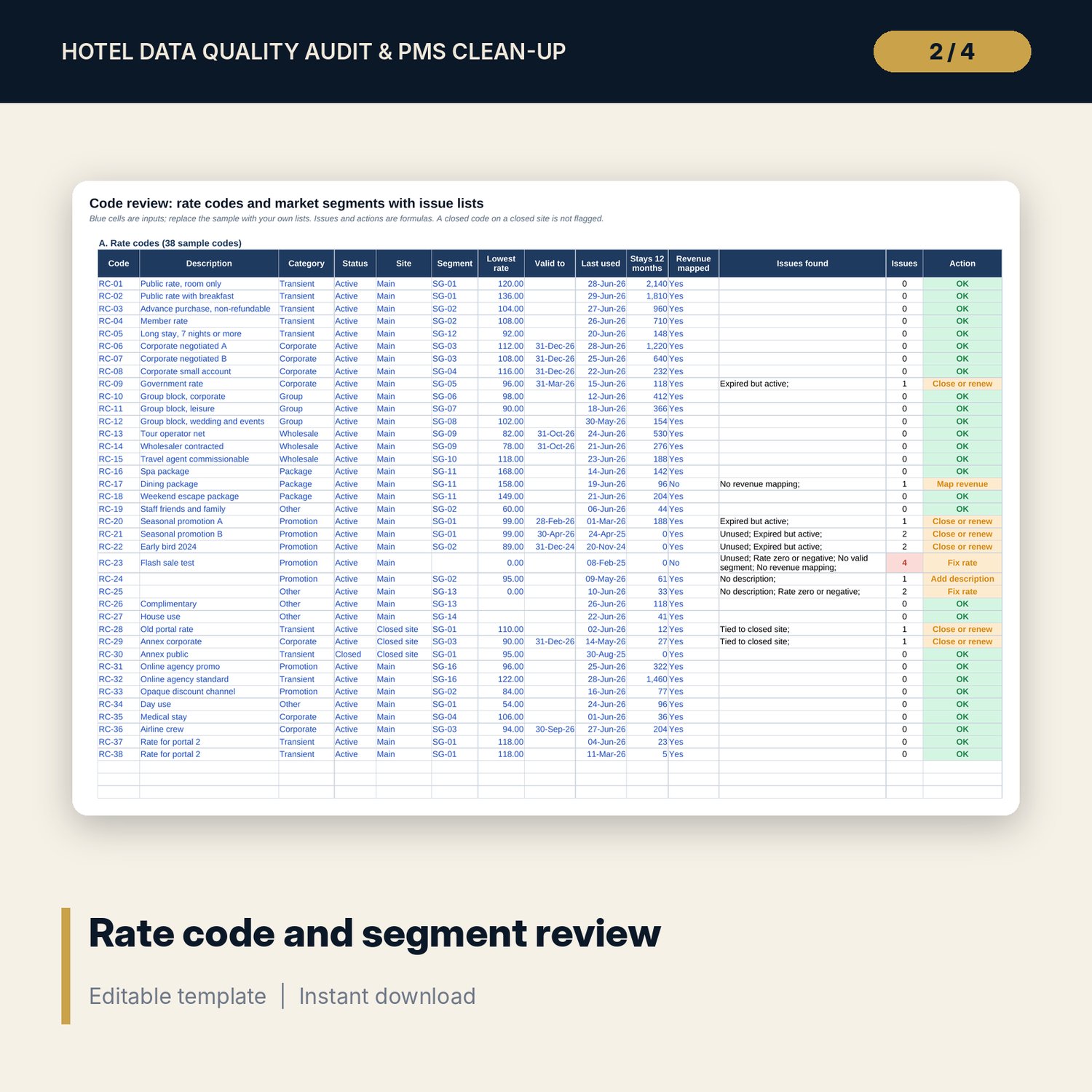
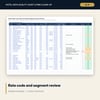
- Code Review: 38 sample rate codes and 16 market segments with issue lists and an action for each
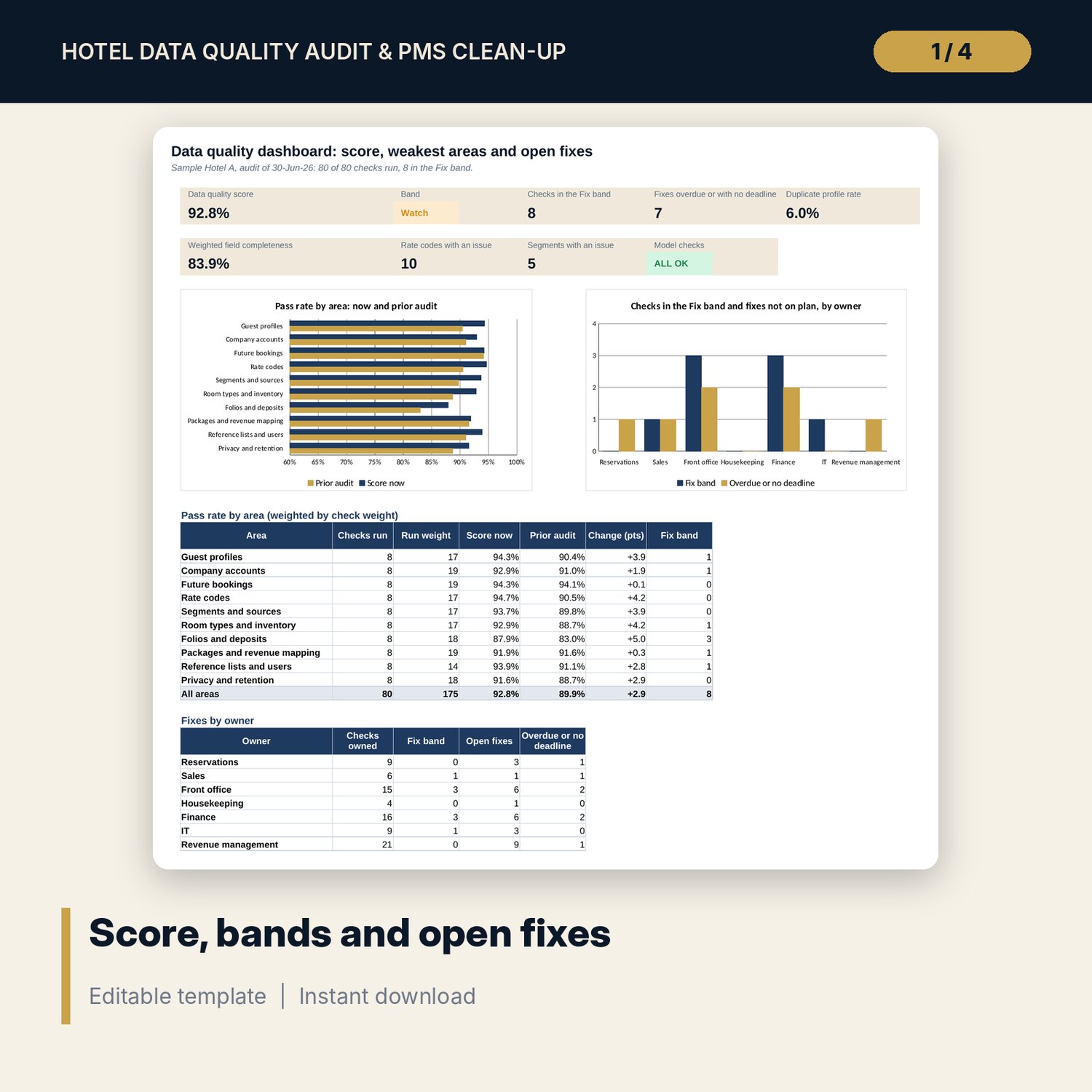
- Dashboard: 8 tiles, a check tile, 2 charts, pass rate by area and fixes by owner; 8 integrity checks
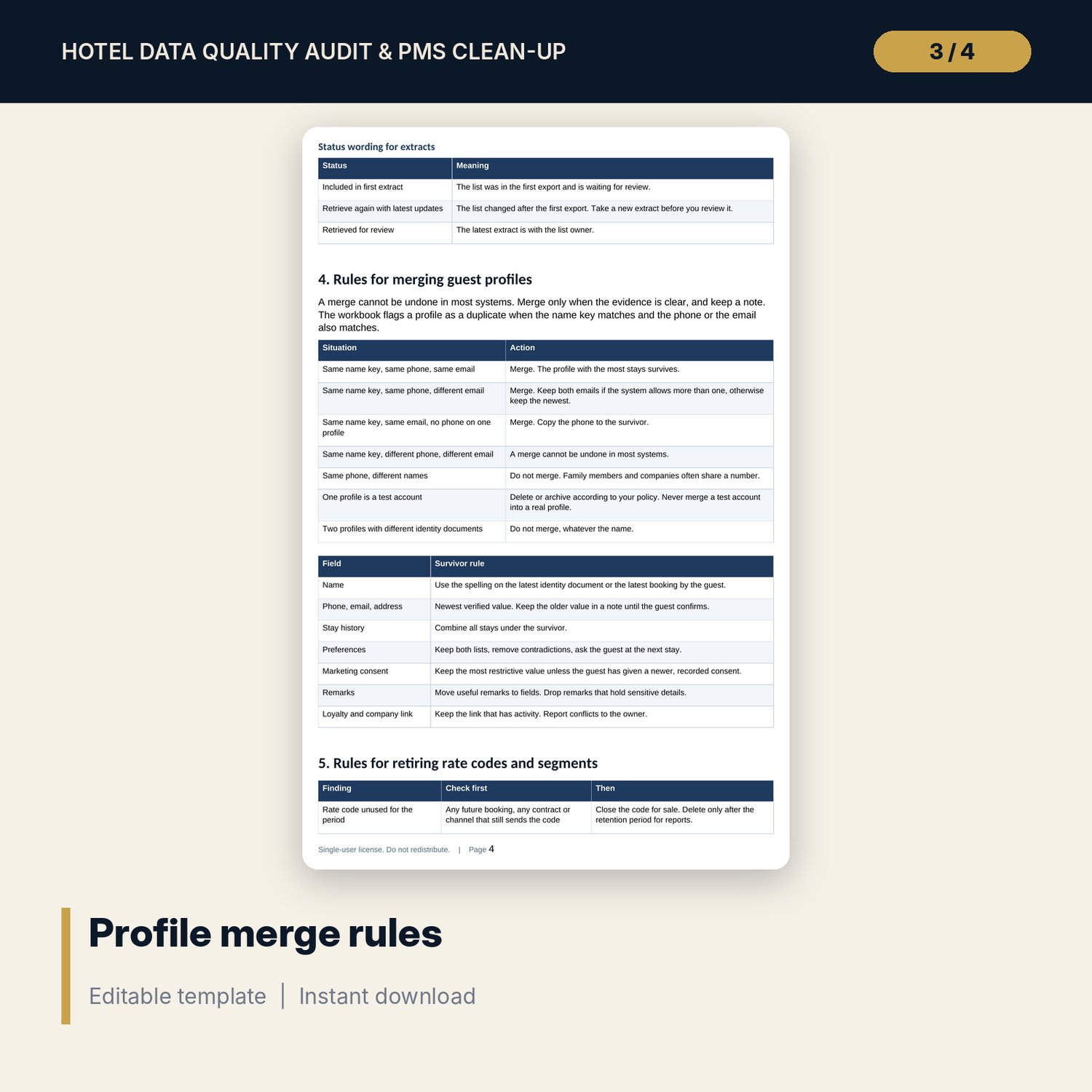
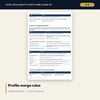
- PMS_Clean_Up_Procedure.docx and PDF: 8 pages with the audit cycle, scoring rules, a ten-step clean-up procedure, profile merge rules, code retirement rules, a clean-up time table, a sign-off form and a checklist
- README.txt and LICENSE-and-Terms.txt
How it works
- Set the audit date, scoring bands, retention years and field weights on Settings.
- Run the checks against your extracts and enter records tested and failing.
- Paste a sample of guest profiles and list rate codes and segments; formulas find the duplicates and the code issues.
- Set an owner, a due date and a status for every check in the Watch or Fix band.
- Read the Dashboard, run the clean-up with the Word procedure and re-audit next month.
Details
- Formats: 1 Excel workbook (.xlsx), 1 guide in Word (.docx) and PDF, English
- Software: Excel 2016 or later, or LibreOffice Calc 7 or later
- No macros, no external links, no data tables, no array formulas
- 3 files plus README and license; instant digital download
Good to know
- Sample data is illustrative. Names, codes and counts are invented. Replace them with your own.
- Retention periods, consent rules and tax identifiers are local: verify local requirements before you merge, delete or export records.
- The files are management tools, not legal advice and not a system migration service.
- Single-user license. Do not redistribute.
FAQ
Does it connect to my system?
No. You paste an export into the profile tab and type the audit counts. Every result is a standard worksheet formula.
How does it find duplicate guest profiles?
It builds a name key and matches it with the last 8 digits of the phone or with the email. The second and later profiles in a group are flagged as duplicates.
Can I add or change checks?
Yes. Ten spare rows take new checks. Weights, owners, test rules and bands are inputs.
How many profiles can I test?
Up to 400 rows in the profile tab. Use a random sample of a larger file.
Do I need macros?
No. The workbook uses no macros and no external links.