




Yearly Budget & Net Worth Spreadsheet for Excel & Google Sheets
Your whole year of money, in one calm workbook.
See what's left this month, where the year is going, and whether your savings, debt and net worth are moving the right way, without juggling a dozen tabs or connecting your bank.
Cove Ledger is a yearly budget and net worth spreadsheet for Excel and Google Sheets. You plan the year once, log what actually happens, and the dashboard does the arithmetic. It comes filled with a full worked example, so you can see every total working before you type a single number.
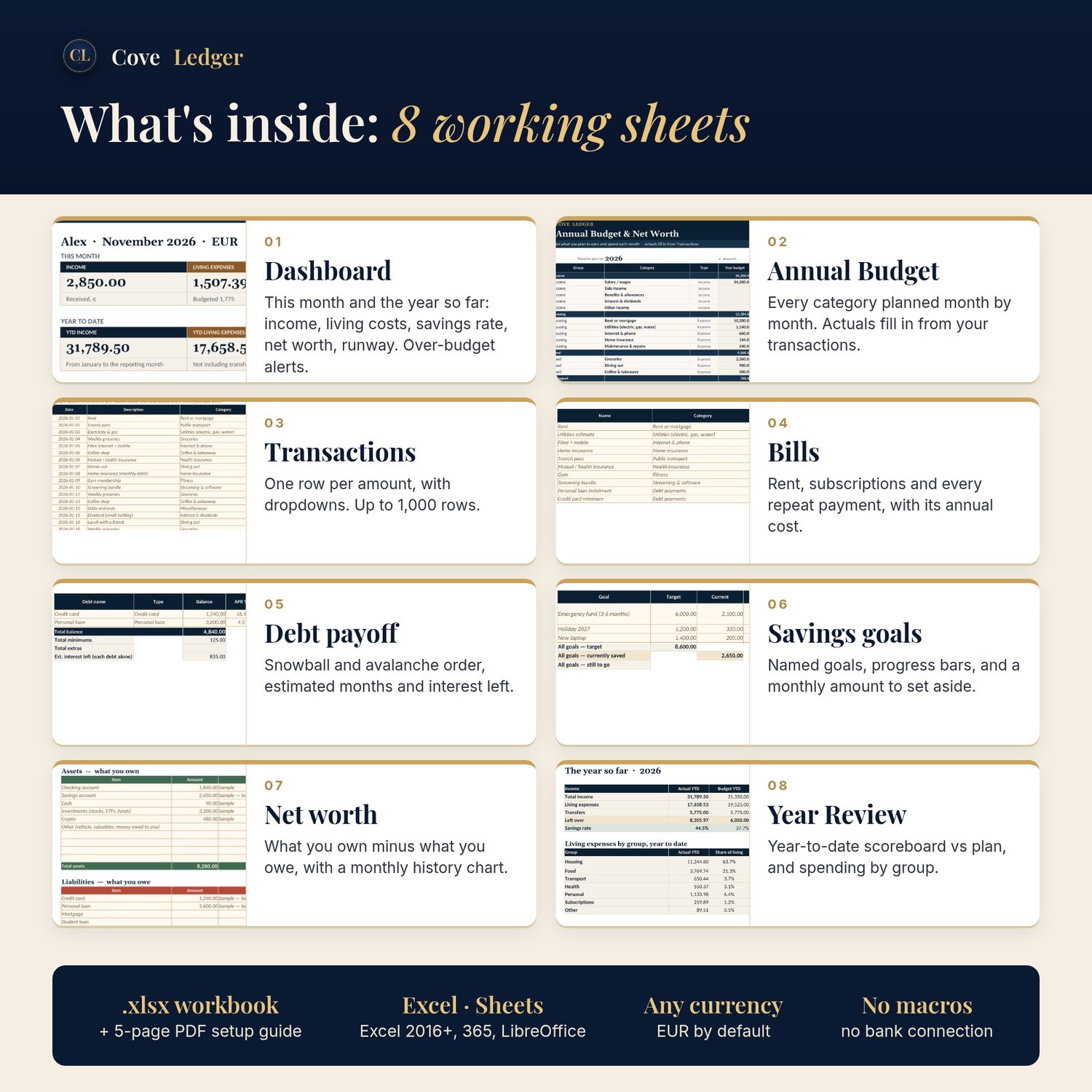
What's inside: 8 working sheets
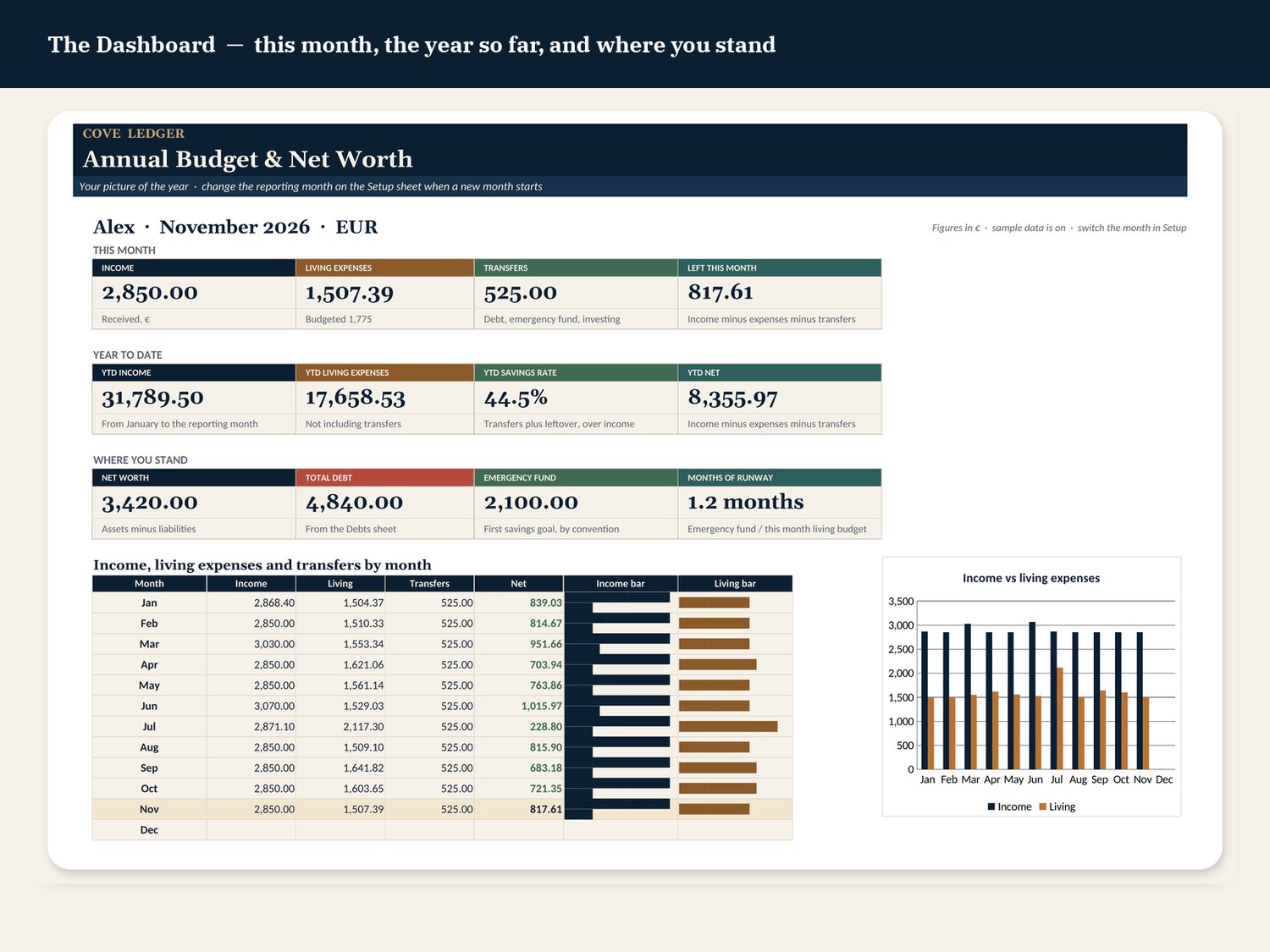
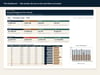
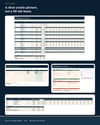
- Dashboard: this month and the year so far, including income, living costs, transfers, what's left, savings rate, net worth, total debt and emergency-fund runway. Includes a monthly chart and over-budget alerts.
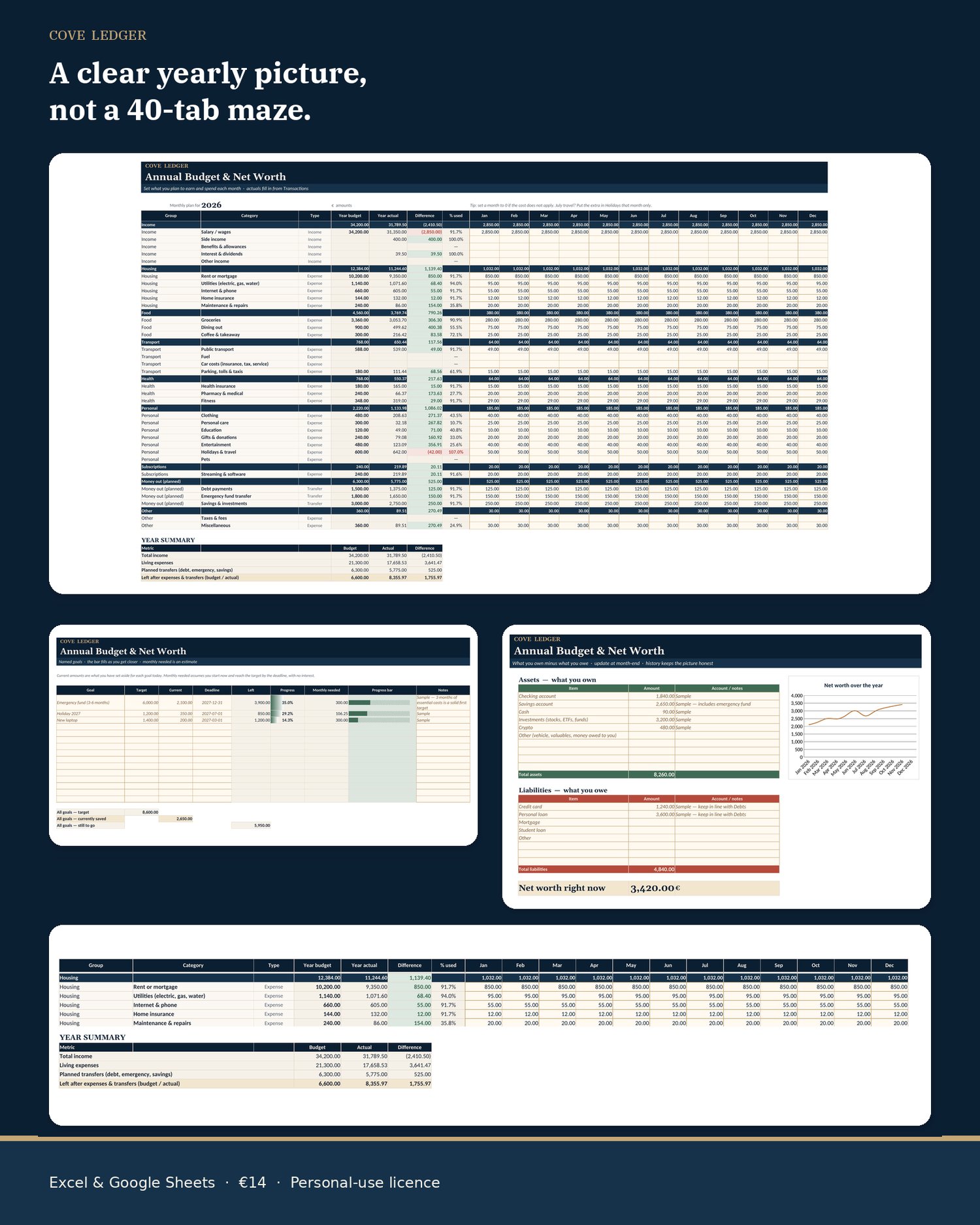
- Annual Budget: every category planned month by month. Actuals fill in automatically from your transactions.
- Transactions: one row per amount, with category dropdowns (up to 1,000 rows).
- Bills & subscriptions: every repeat payment, with its annual cost worked out, so nothing recurring surprises you.
- Debt payoff: snowball and avalanche order, with estimated months and interest left for each debt.
- Savings goals: named goals, progress bars, and how much to set aside each month to hit the deadline.
- Net worth: what you own minus what you owe (including investments and crypto if you have them), with a monthly history chart.
- Year Review: a year-to-date scoreboard against your plan, your best and tightest months, and spending by group.
Plus a Start Here page, a Setup sheet (year, month, currency, name), and a 5-page PDF setup guide.
Why it's easier to stick with
- You only type in cream cells. Cream cells with a gold edge are the inputs. Everything else is formulas.
- Transfers aren't spending. Money moved to savings, investments or debt is kept separate from living costs, so your "spent" figure stays honest.
- A worked example is included. January to November is filled in for a sample person paid in euros. Sample rows are in italic copper, so you can delete them in one go when you take over.
- No macros, no add-ins, no bank connection. It uses ordinary spreadsheet functions only, so it opens cleanly and your data stays in your file.
Who it's for
- People paid monthly who want one clear picture of the whole year, not just this month.
- Anyone paying down a credit card or loan who wants to see the payoff order and the months left.
- Savers who want to watch net worth and an emergency fund grow.
- People who tried budgeting apps and want something private they fully control.
- Euro by default, but it works in any currency (USD, GBP, CHF, CAD, AUD or any code you set).
It's probably not for you if you want automatic bank syncing, business bookkeeping, or tax filing.
How it works, in 3 steps (about 20 minutes)
- Set your year. On the Setup sheet, choose the year, the reporting month and your currency.
- Log what happens. Overwrite the sample budget with your own numbers, then add one row per amount in Transactions.
- Watch it add up. The Dashboard, Annual Budget actuals, Year Review and Net Worth update by themselves. Move the reporting month forward at month-end.
What you get
- Cove-Ledger-Annual-Budget-Spreadsheet.xlsx
- A 5-page setup guide (PDF) for Excel, LibreOffice and Google Sheets
- An instant download (a ZIP, about 175 KB). Nothing is shipped.
FAQ
Does it work in Google Sheets?
Yes. In Google Sheets, choose File → Import → Upload and pick the .xlsx. All totals, dropdowns and in-cell bars work. The two Excel charts (income vs living costs, and net worth history) sometimes don't carry over into Sheets. The numbers behind them still do, and you can insert a Sheets chart in a few clicks.
Which Excel version do I need?
Excel 2016 or later, or Microsoft 365. It also opens in LibreOffice Calc. It only uses classic functions (SUMIFS, INDEX/MATCH, IF and so on), so it doesn't need newer functions like XLOOKUP.
Does it work on a Mac?
Yes, in Excel for Mac (2016 or later, or Microsoft 365) or in Google Sheets in any browser. Apple Numbers isn't supported.
Can I use it on my phone?
You can view it and add transactions in the Excel or Google Sheets app, but setting it up is much easier on a computer.
Can I use a currency other than euros?
Yes. Set the currency code and symbol on the Setup sheet. Amounts are plain numbers, so any currency works.
Can I use it next year?
Yes. Keep a clean copy of the original, then change the budget year on the Setup sheet each January.
Can I add my own categories?
Yes. Add the category on the Lists sheet and on the Annual Budget sheet, and it shows up in the Transactions dropdowns.
Is my data private?
Yes. There's no bank connection and nothing is uploaded anywhere. Your numbers live only in your own file.
Do I get updates?
Free 1.x updates: download again from your receipt link.
What if it doesn't work for me? / Withdrawal and refunds
EU/EEA consumers normally have 14 calendar days to withdraw without giving a reason; email theoneandonlychief@mail.grokbot.com with your order details. Because Cove Ledger is an instant digital download, if you tick the box at checkout requesting immediate supply and acknowledging the loss of that right, the right ends once the download is made available. Your rights are not affected if the file won't open, is defective or differs from the description: email us within 14 days and we'll fix it or refund you.
Is this financial advice?
No. See below.
Licence
Personal use for one household, with backup copies. Please don't resell, share publicly, or bundle the file.
What it is not
Cove Ledger is a tracking tool, not financial, tax or investment advice, and not a forecast of your results. Debt-payoff and savings figures are estimates from the numbers you enter. It doesn't move money, pay bills, connect to your bank or file a return. The figures in the images are sample data.
Also from Cove Ledger: the Debt Payoff Planner (€7). Compare debt snowball vs avalanche side by side and see your debt-free month: https://payhip.com/b/MSrzJ
Not sure yet? Try the free 1-Page Monthly Budget first: https://payhip.com/b/FA3GY