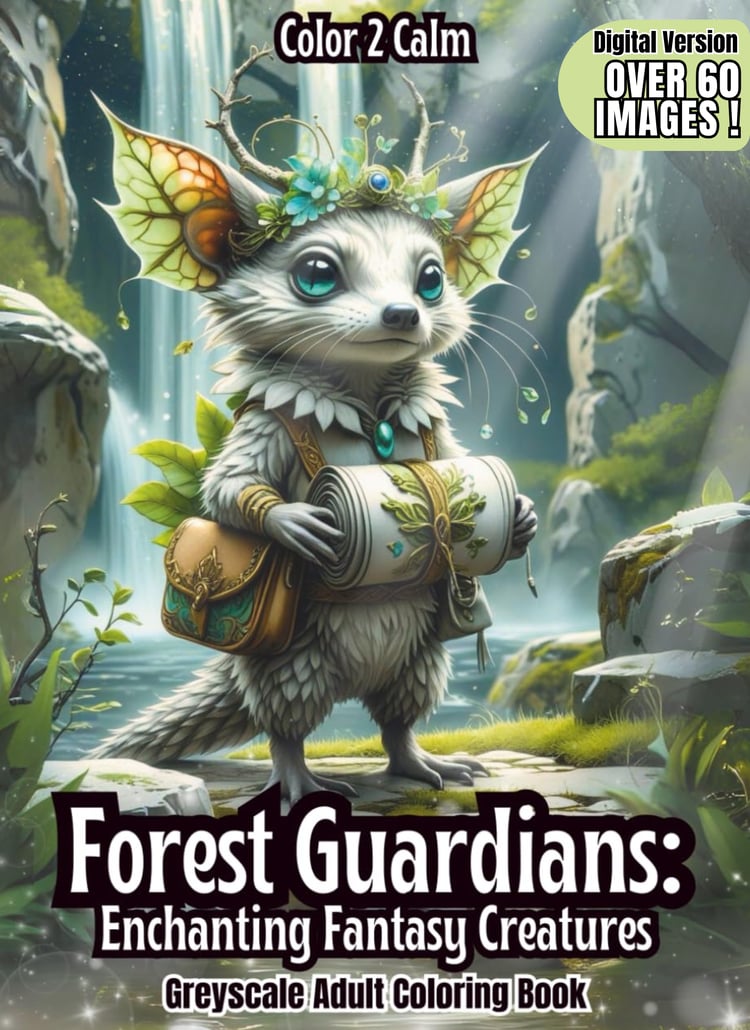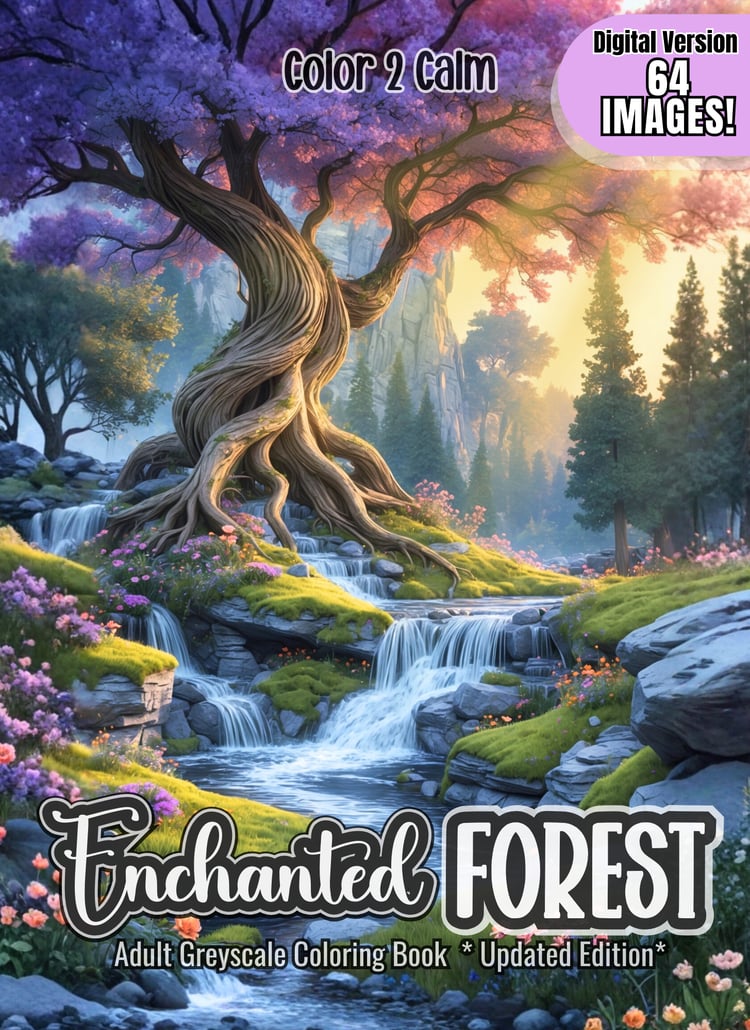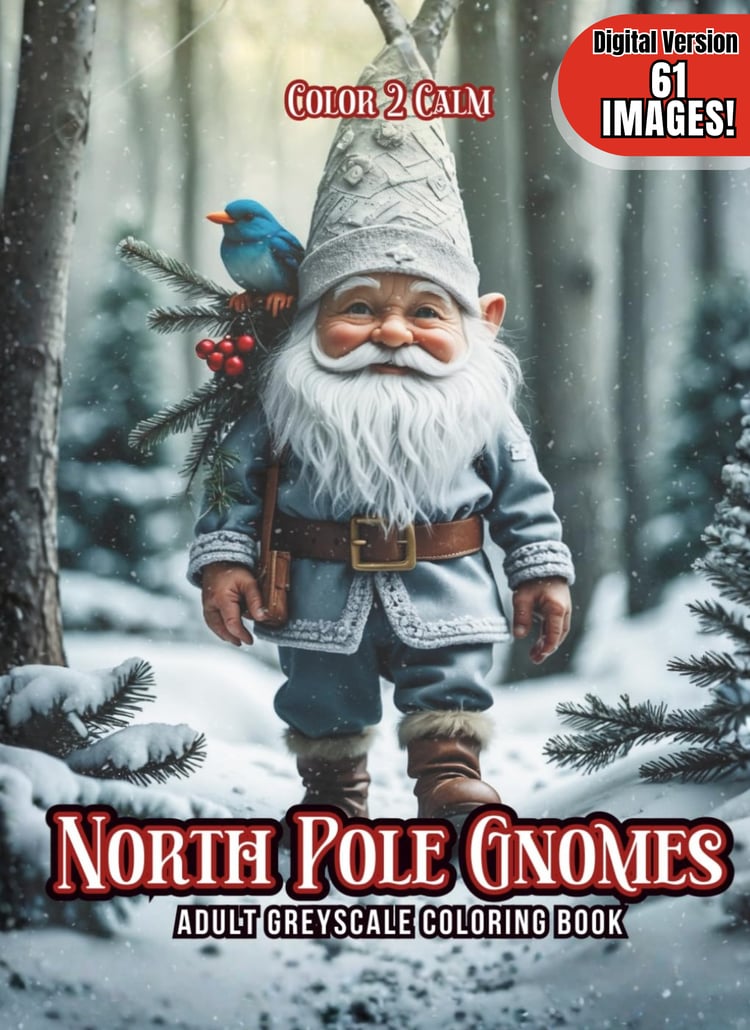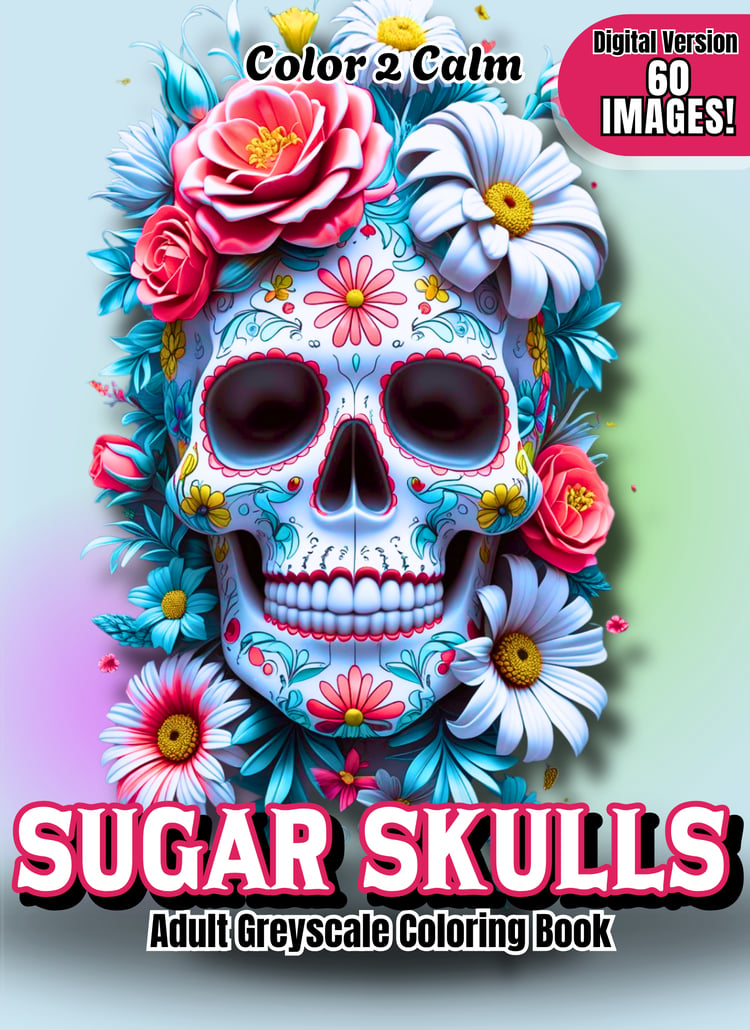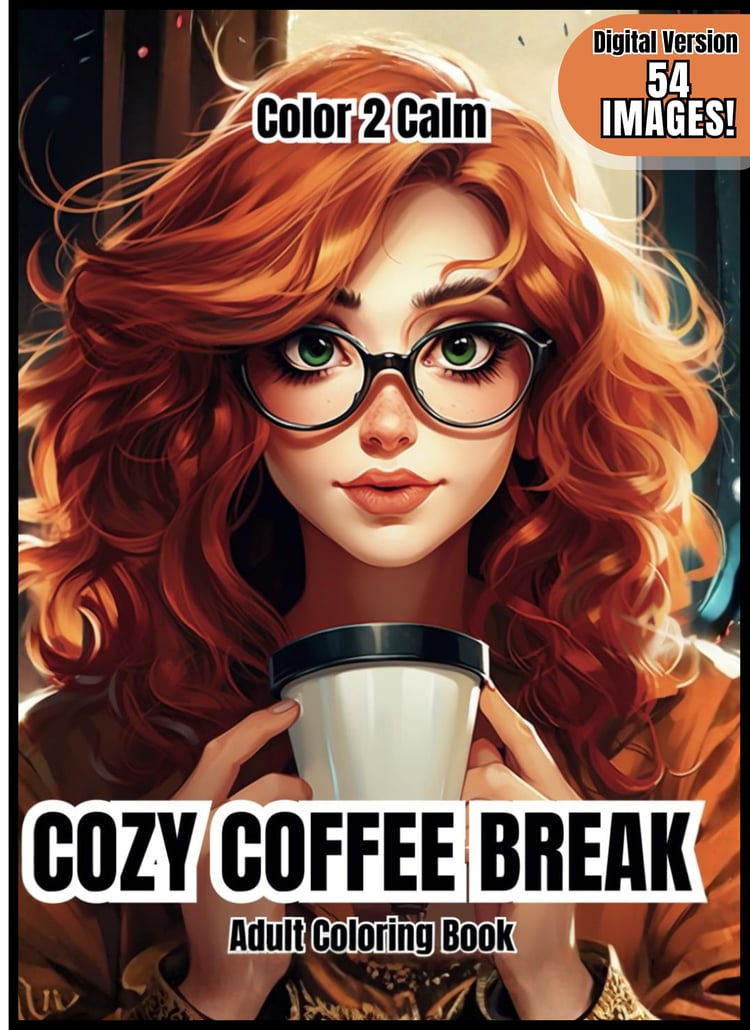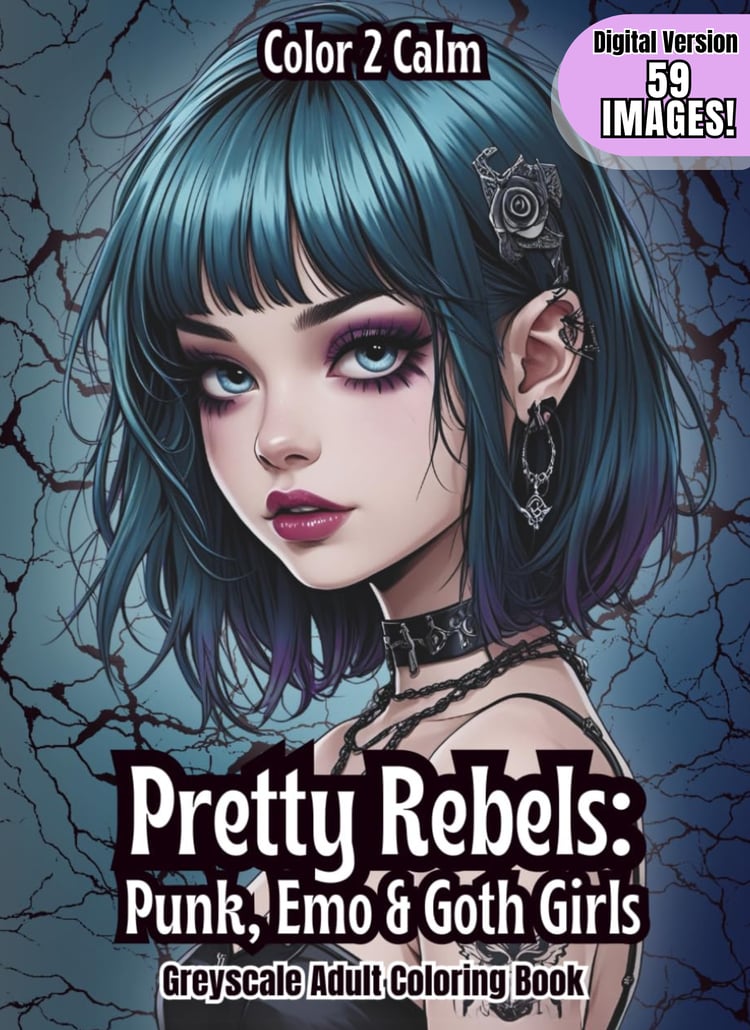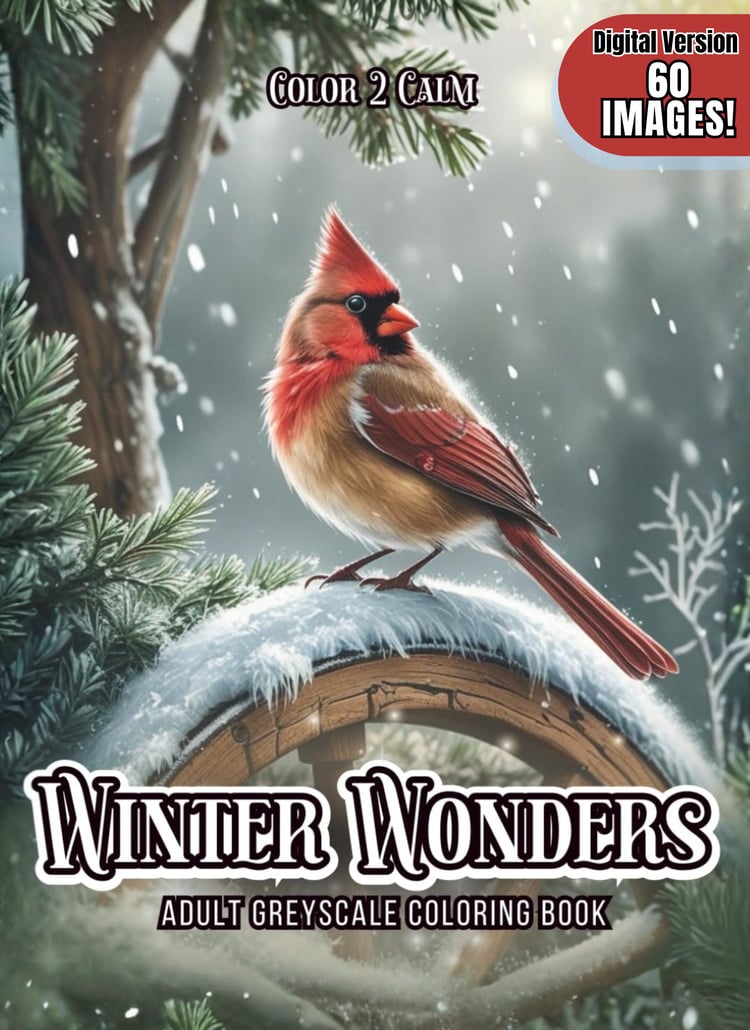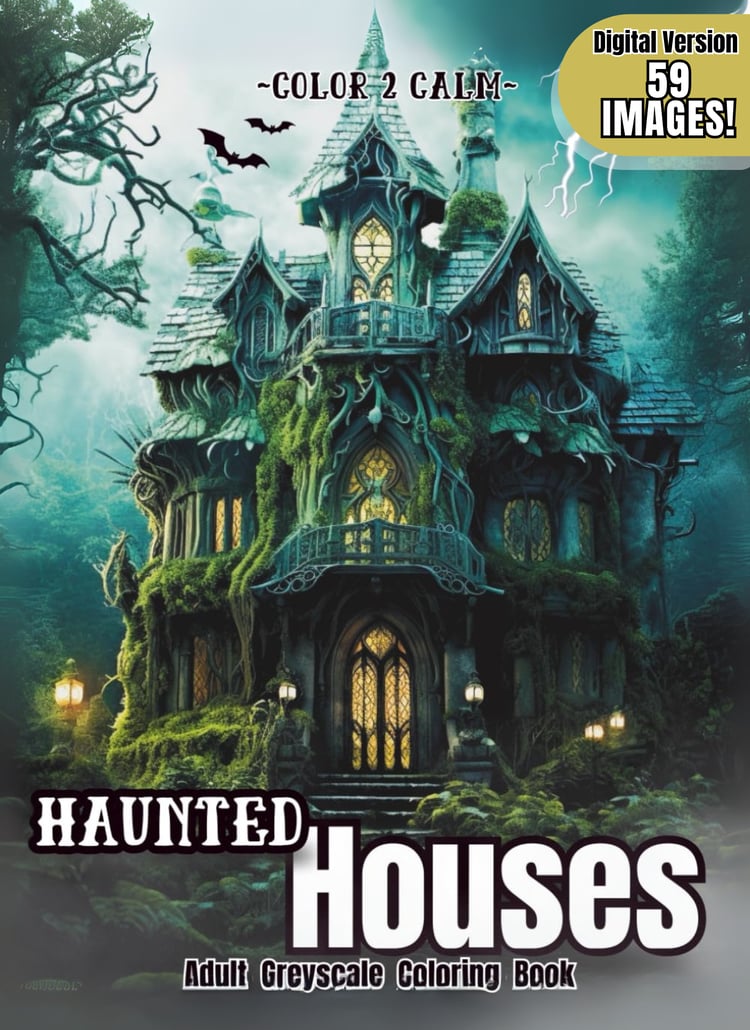

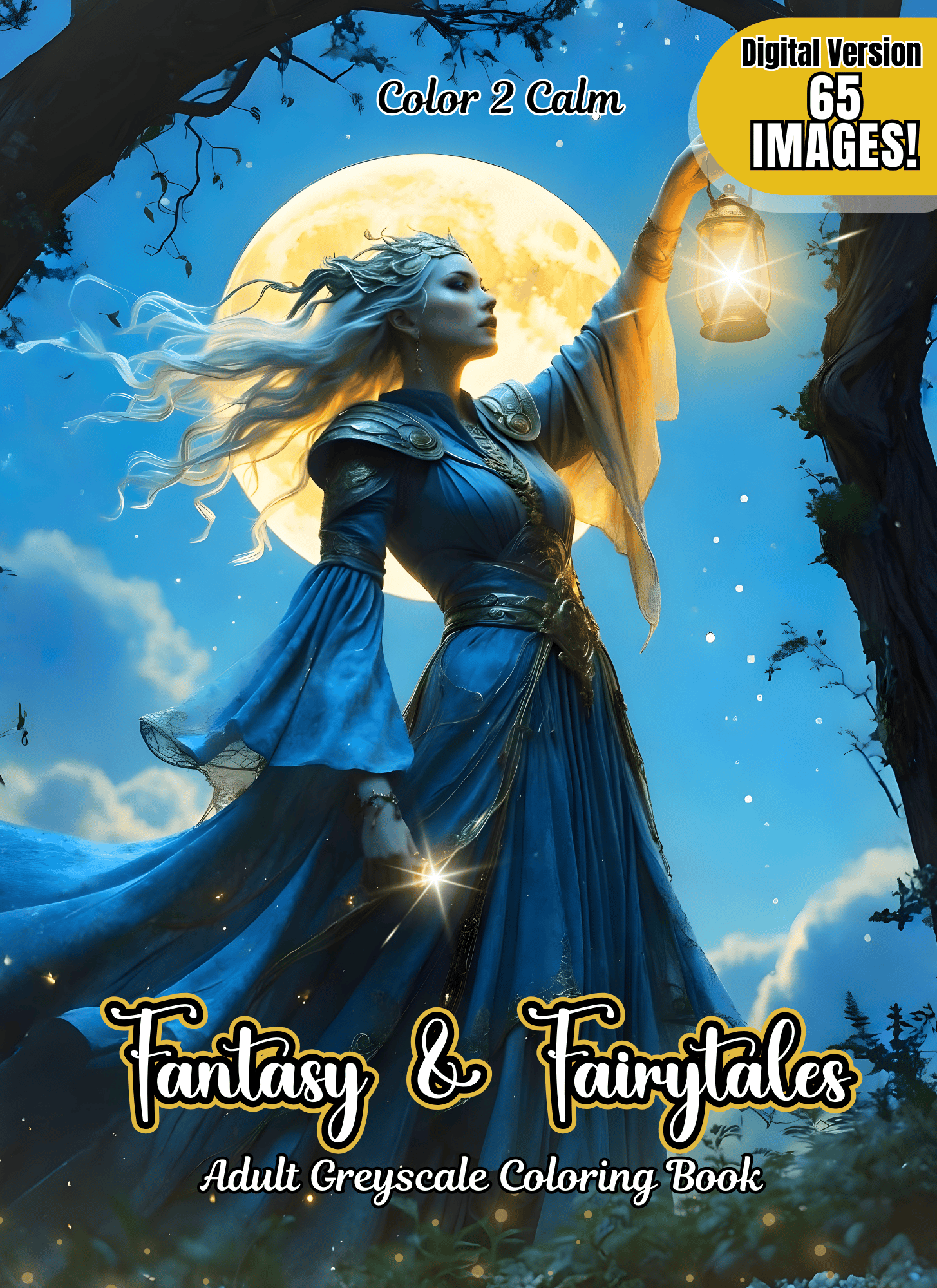
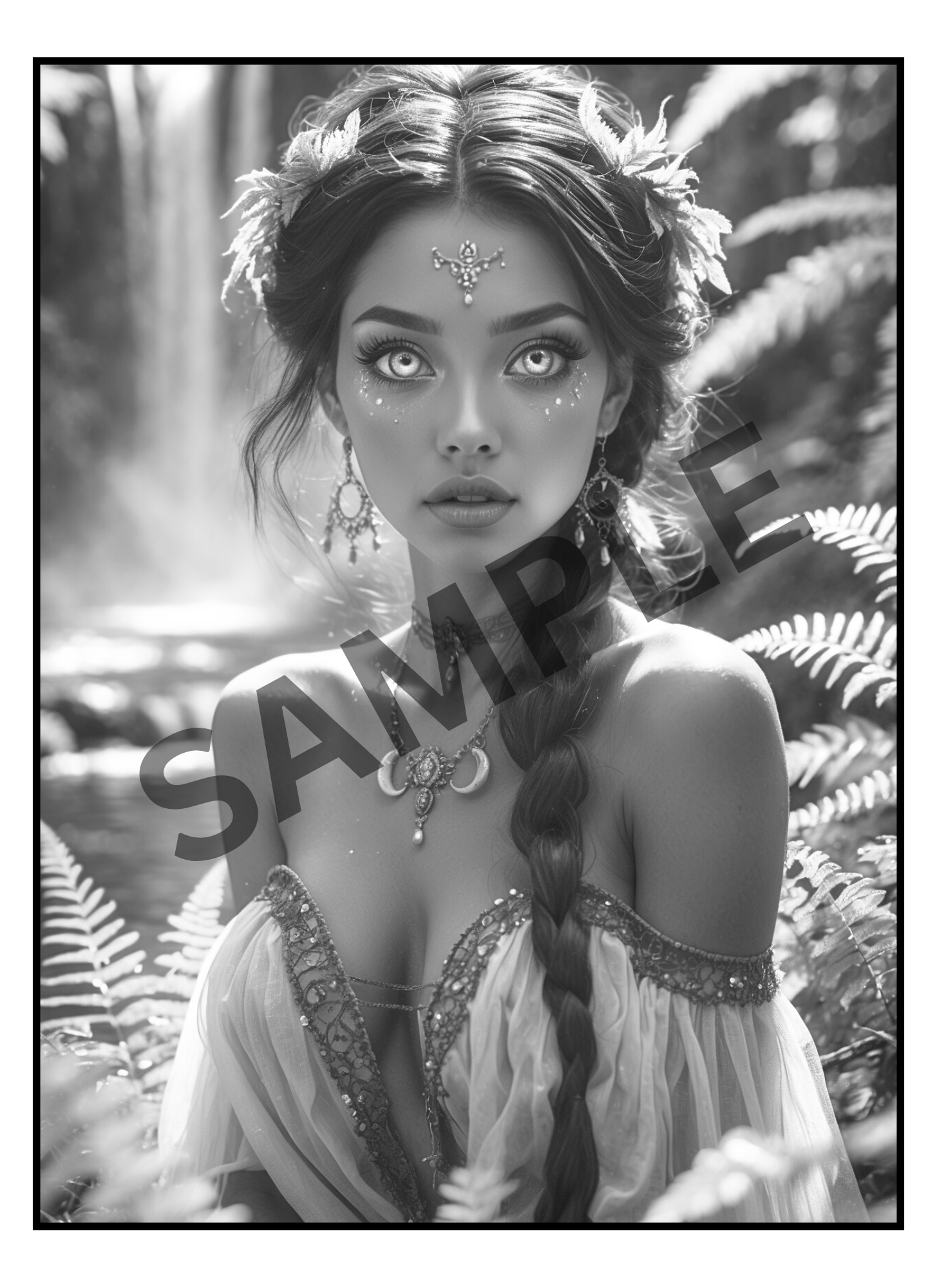
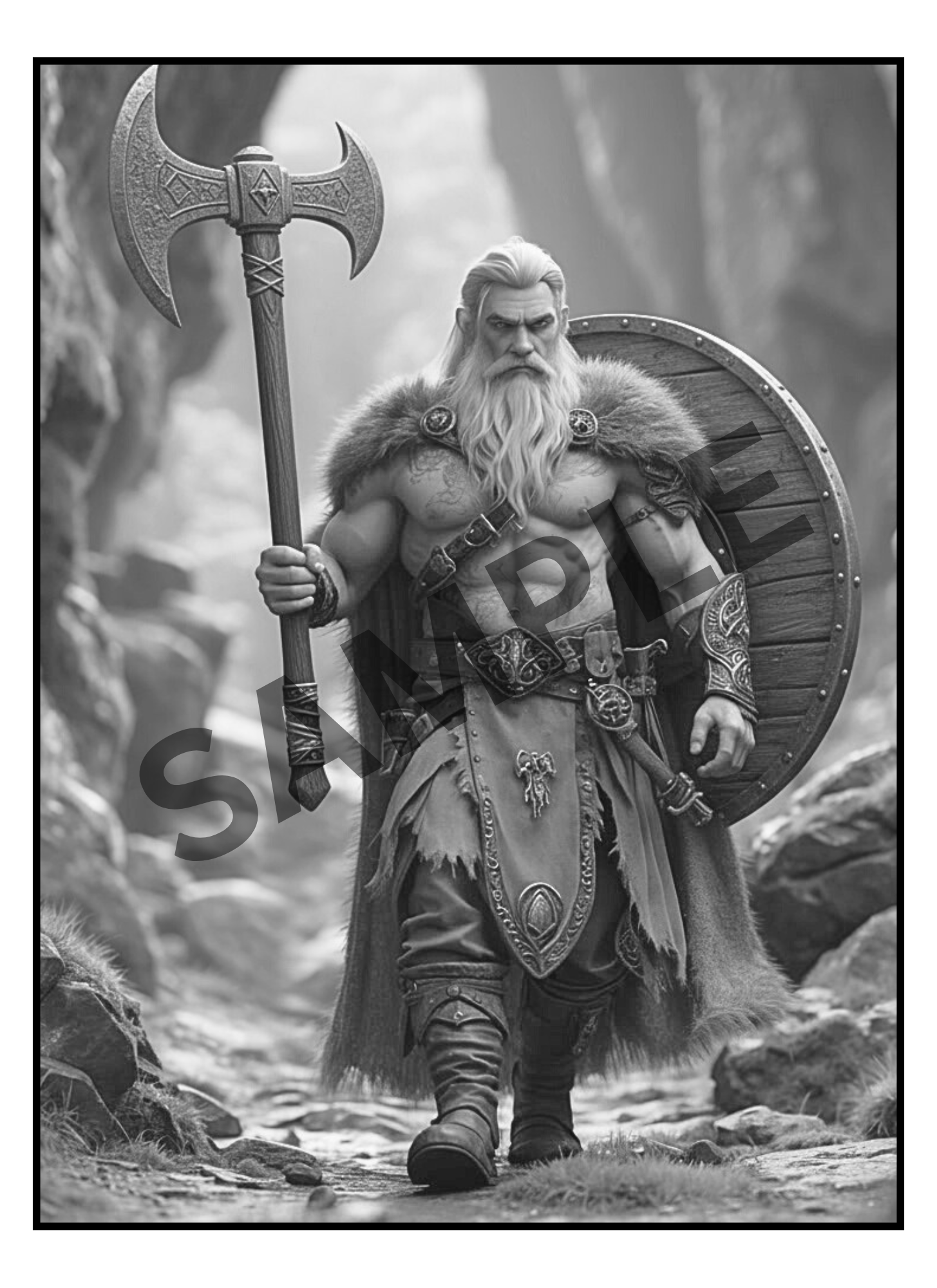
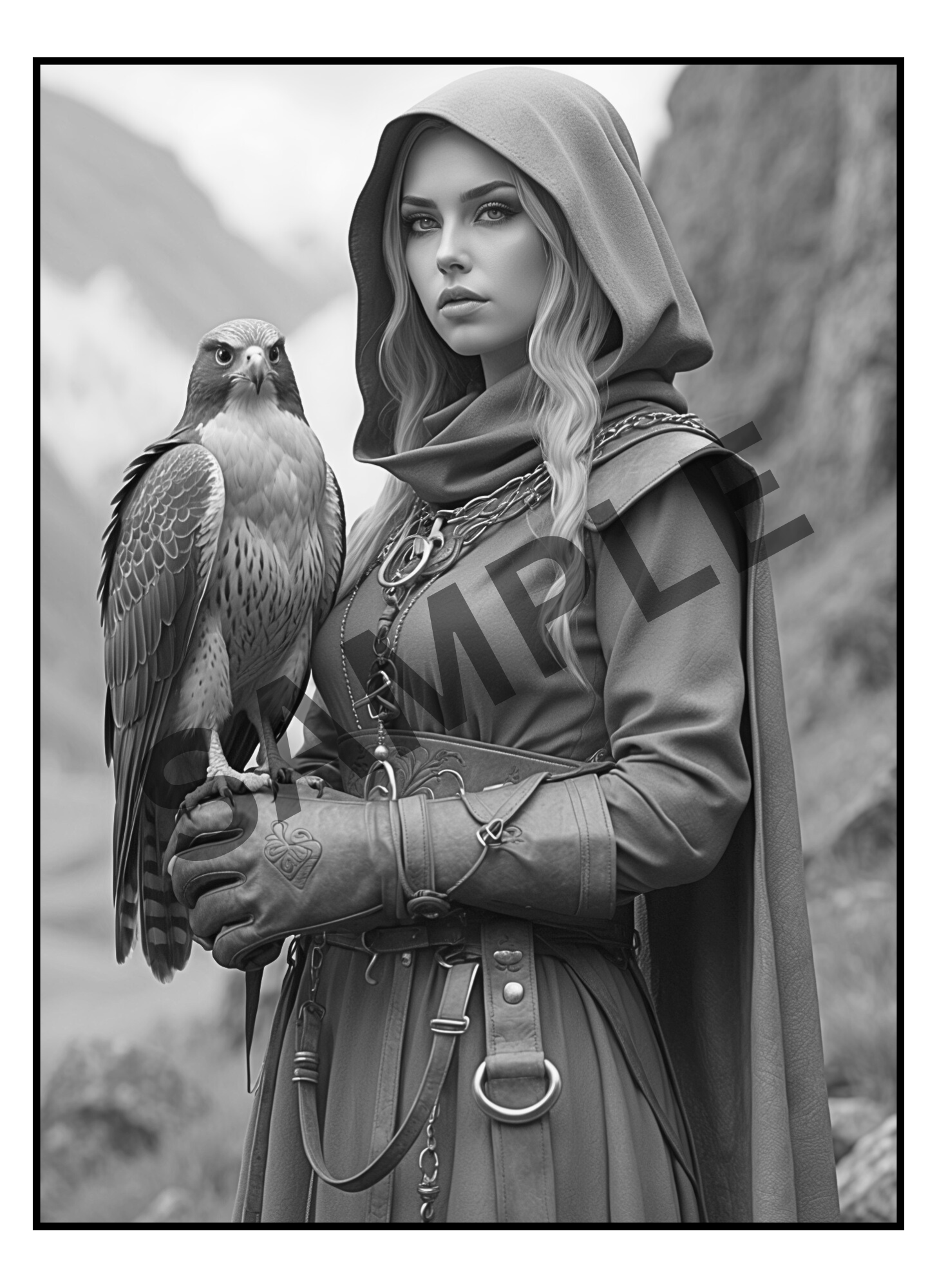
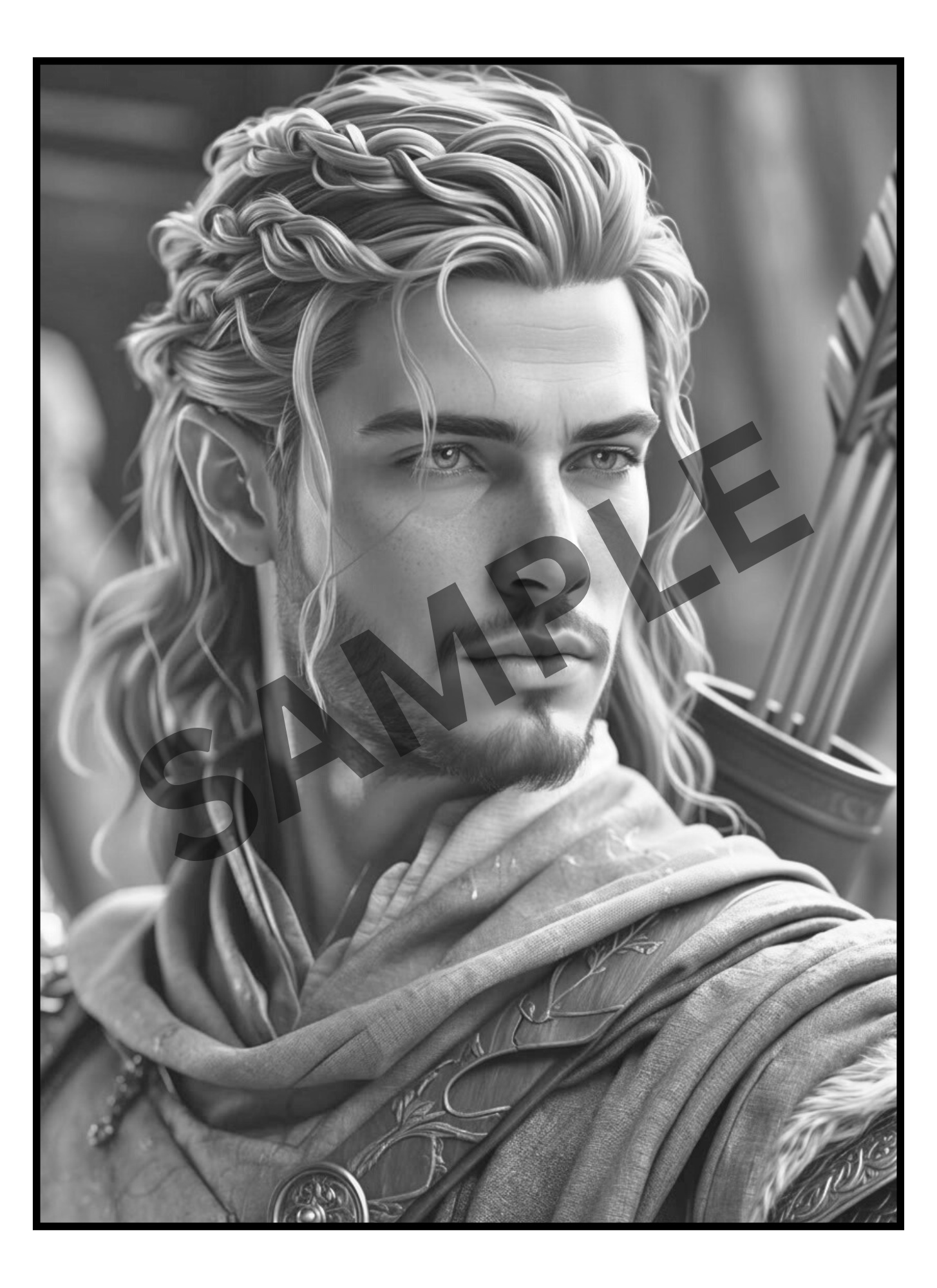



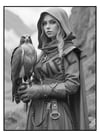

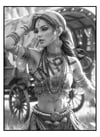
Fantasy & Fairytales Greyscale Coloring Pages (Digital Only)
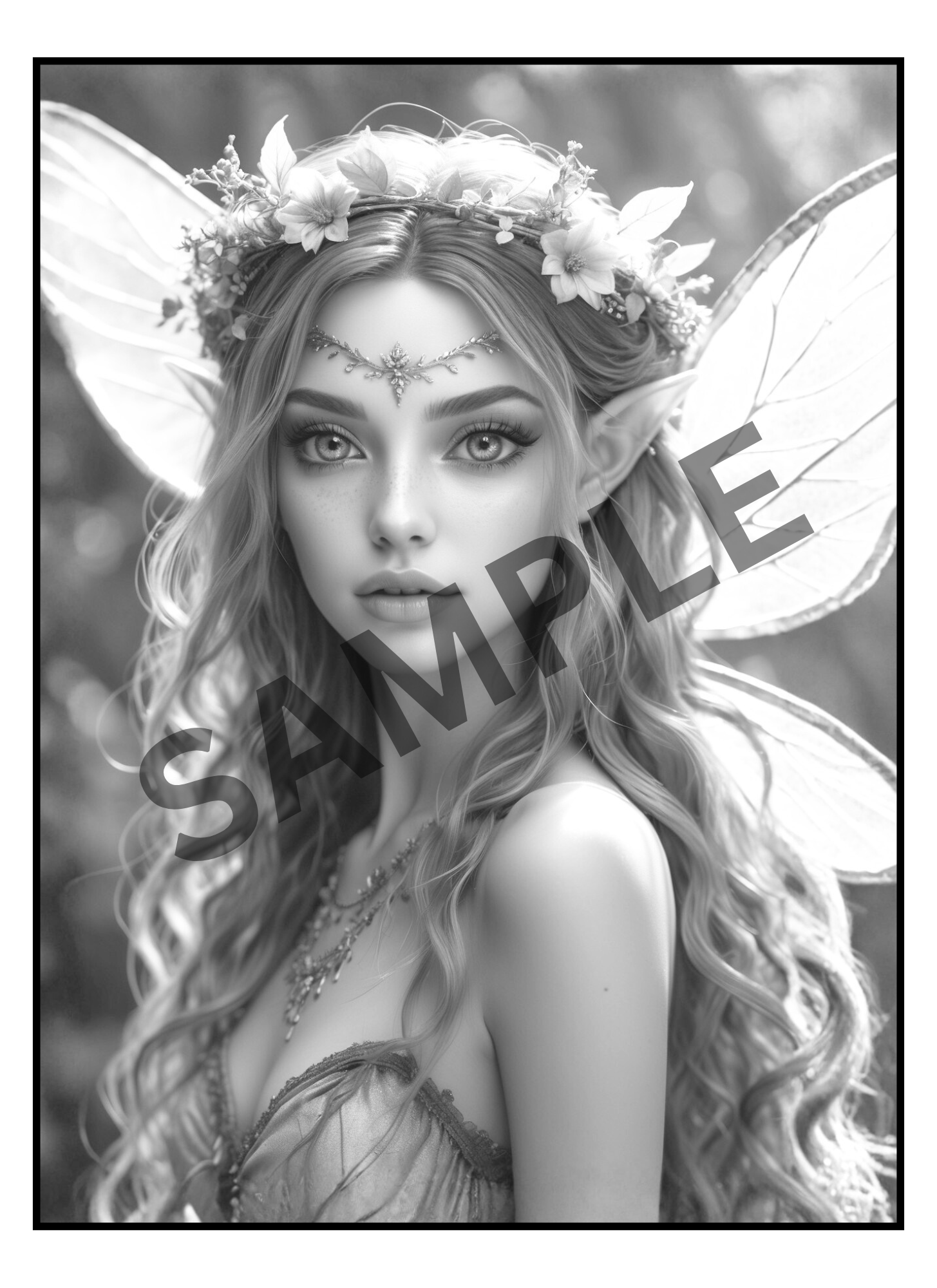
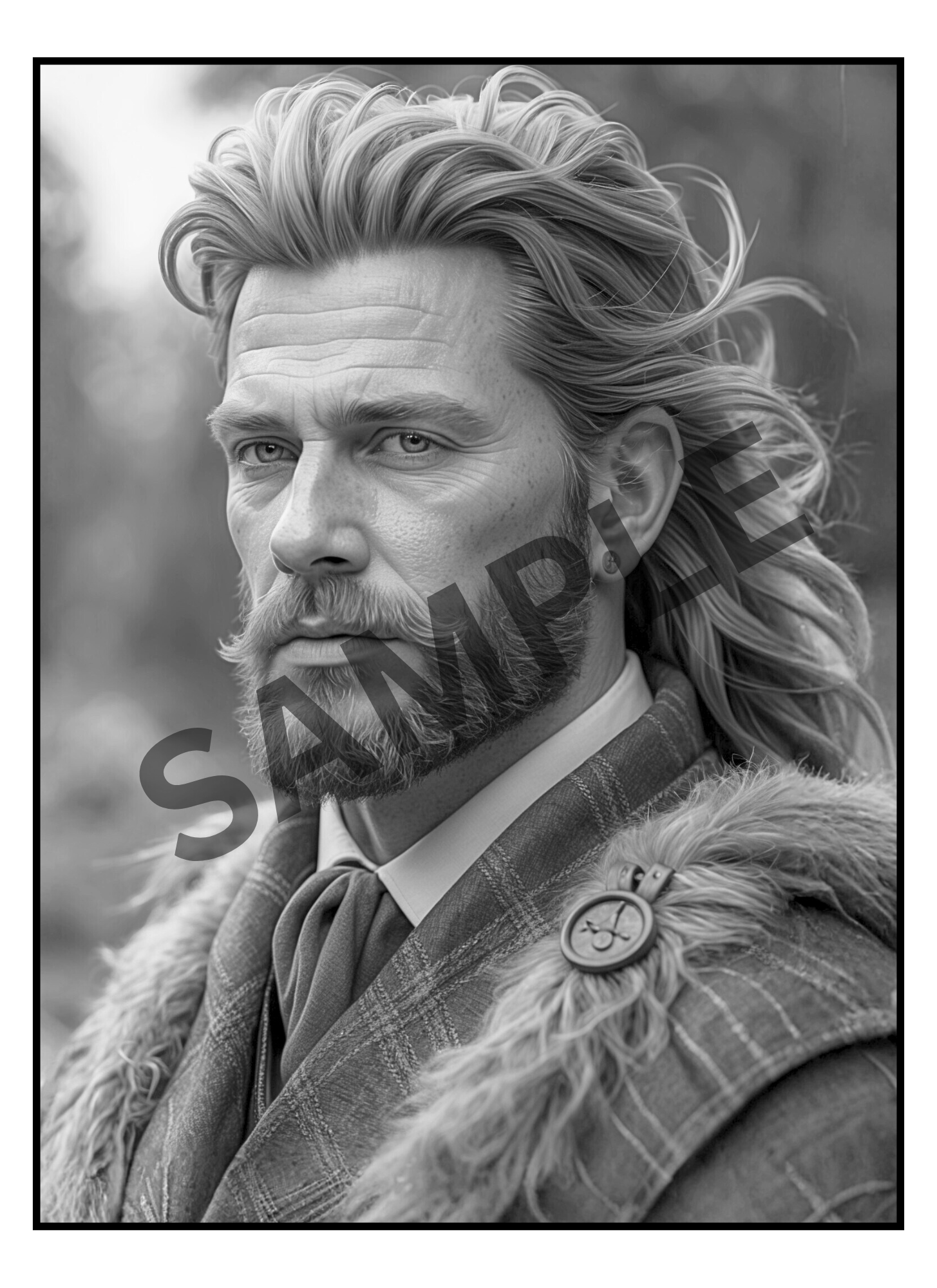
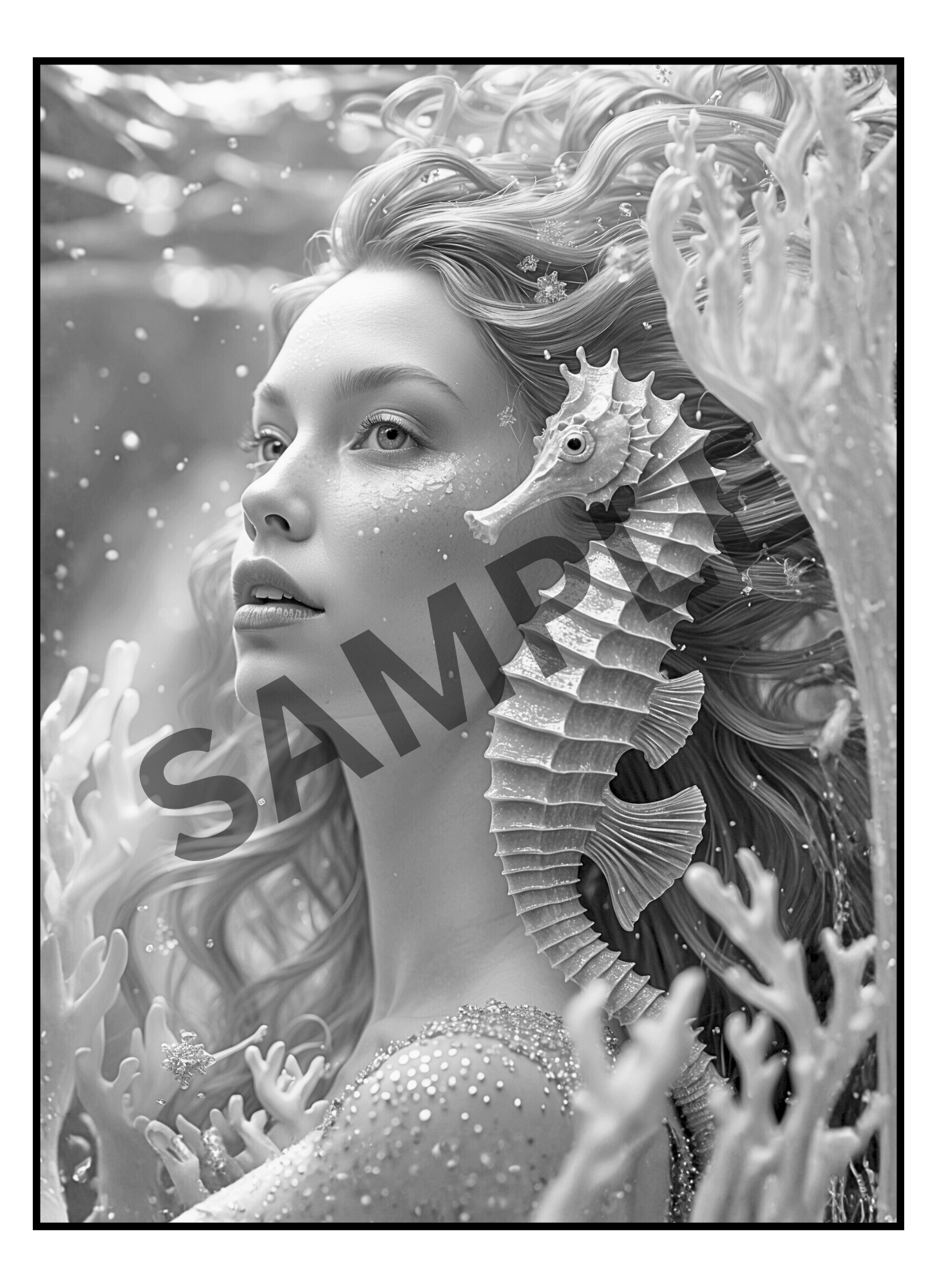
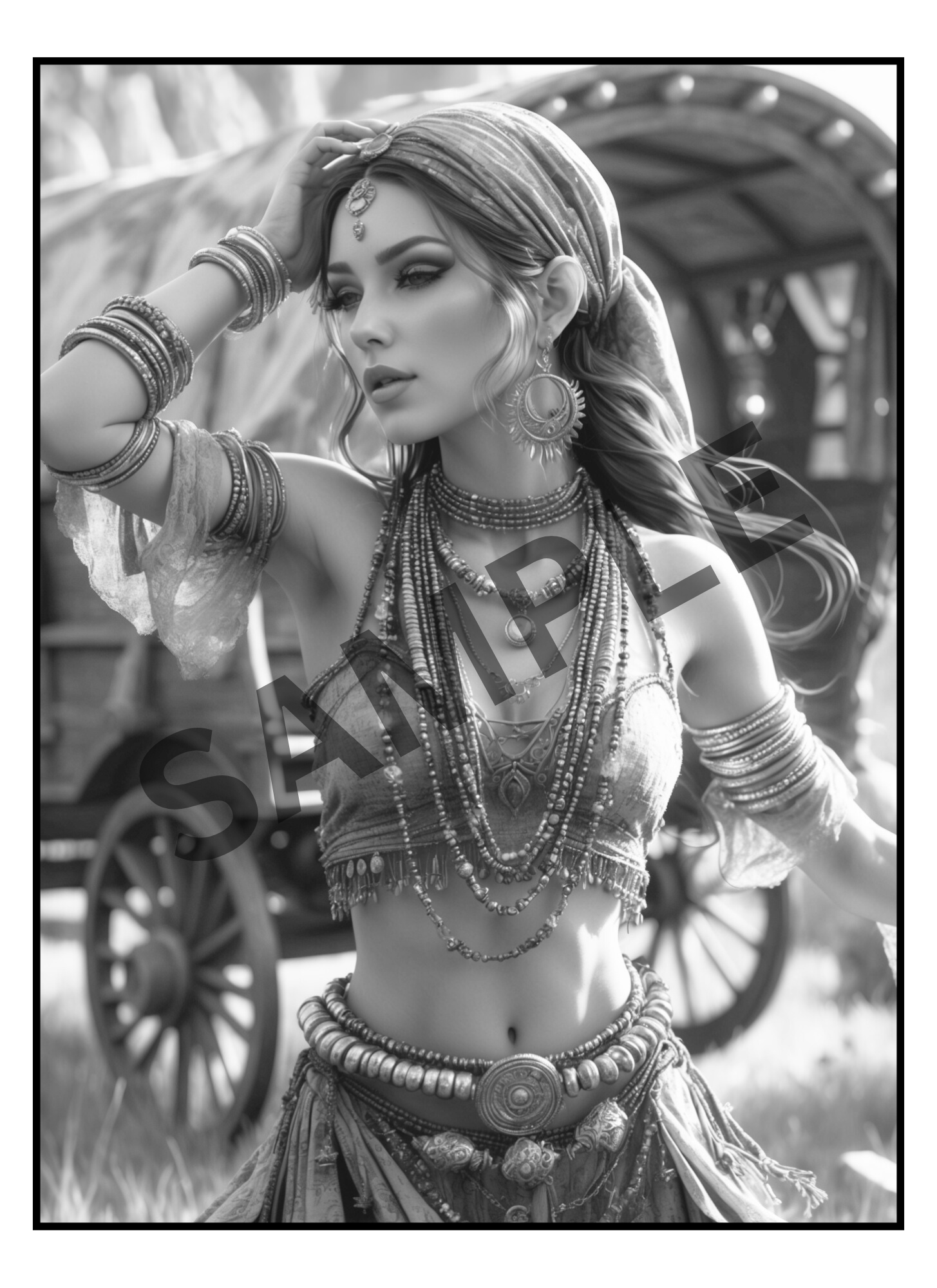
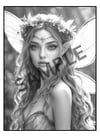
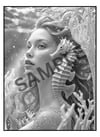
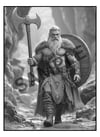
"Fantasy & Fairytales Adult Greyscale Coloring Book" is a collection of Highlanders & Maidens, Sirens & Mermaids, Warriors & Warlocks, Goddesses & Familiars. The adventure awaits of stories untold.
You’ll receive both PDF and Zipped PNG files so you can print at home as many times as you like, or import into Procreate/GoodNotes for digital coloring. Unlike a physical book, this version gives you unlimited reprints, instant access, and the freedom to experiment with endless color palettes & mediums. Your completed art is easily framed!
🛒 What you'll get:
- A 68 Page PDF File with 65 Detailed Greyscale images
- A Zip Folder Containing 68 PNG files
- PLUS Lighter versions of each!
🌟 Perfect For:
🏰Fans of Fantasy, Folklore and Magical Realms.
🍄Adults and teens seeking stress relief and mindful creativity
🖌️Colorists who love realistic greyscale shading and dramatic detail
🕰️Those looking for a creative and productive way to reduce screen time.
📥 How to Access Your Files:
After your payment is confirmed, an email will be sent to you with a link to download your files.
Simply click Download Files. We recommend saving the files to your desktop or cloud storage for safekeeping.
---------------------------------------
🌸 How to Use Your Digital Coloring Pages 🌸
📥 Step 1: Download Your Files
- After purchase, download the FILES to your device.
- On iPad/iPhone → the Files app will automatically unzip when you tap it.
- On computer → right-click and select “Extract” or “Unzip.”
🎨 Step 2: Import into Procreate
- Open the Procreate app.
- Tap the “+” button to create a new canvas (use 8.5x11 in. or A4 size).
- Tap the wrench icon (Actions) → Insert a file or Insert a photo.
- Select the PNG/JPEG page you want to color.
- (Optional) Add a new layer underneath the line art layer to keep your coloring separate and neat.
✨ Tip: If your PNG has a transparent background, you can color behind the lines without “going over” them!
📚 Step 3: Use in Other Apps
- GoodNotes / Notability → Import the PDF and use the highlighter/pen tools to color.
- Affinity / Photoshop / Clip Studio → Open PNGs just like normal image files.
- Recolor / Coloring Apps → Import JPEG/PNG pages into any app that allows photo coloring.
🖨️ Step 4: Printing (Optional)
- Open the PDF.
- Print on 8.5x11 (US Letter) or A4 paper.
- For best results:
- Use cardstock or thick paper.
- Print single-sided (blank page behind) to prevent bleed-through.
💖 Tips & Tricks
- Always color on a separate layer in Procreate.
- Duplicate pages if you want to try different color palettes.
---------------------------------------
🚫 Please Note:
This listing is for digital files only. No physical products, books or markers are included.
Due to the nature of digital downloads, returns and refunds are not available.
🔒 For Personal Use Only
All files are intended for personal, non-commercial use. Reproduction, resale, or distribution in any form (digital or printed) is not permitted.