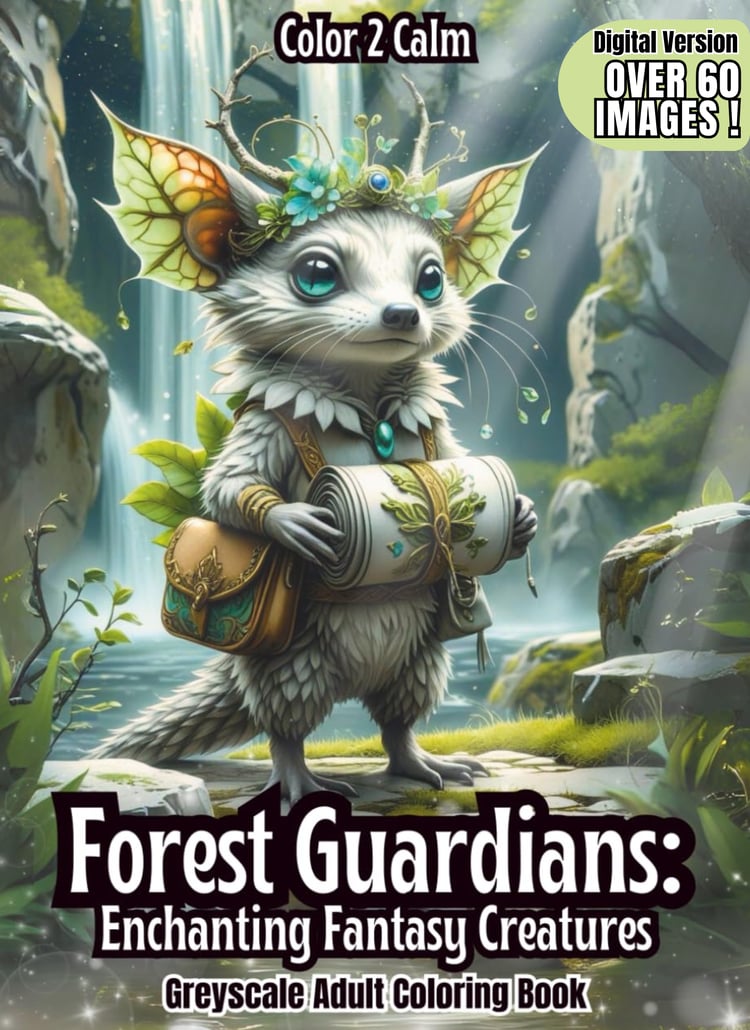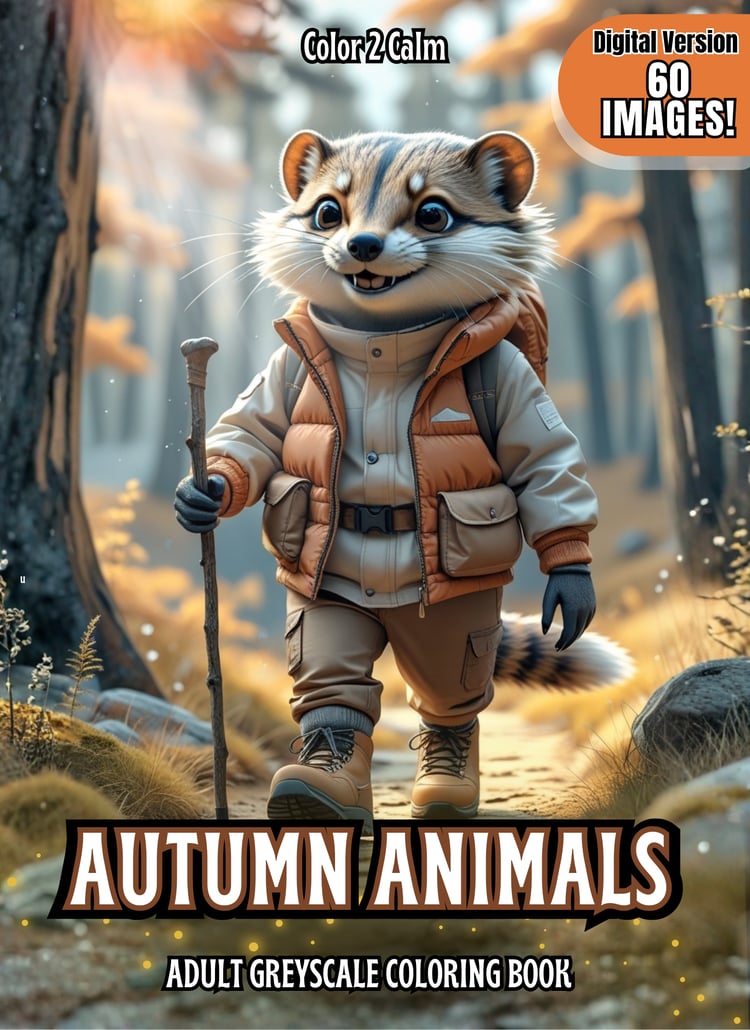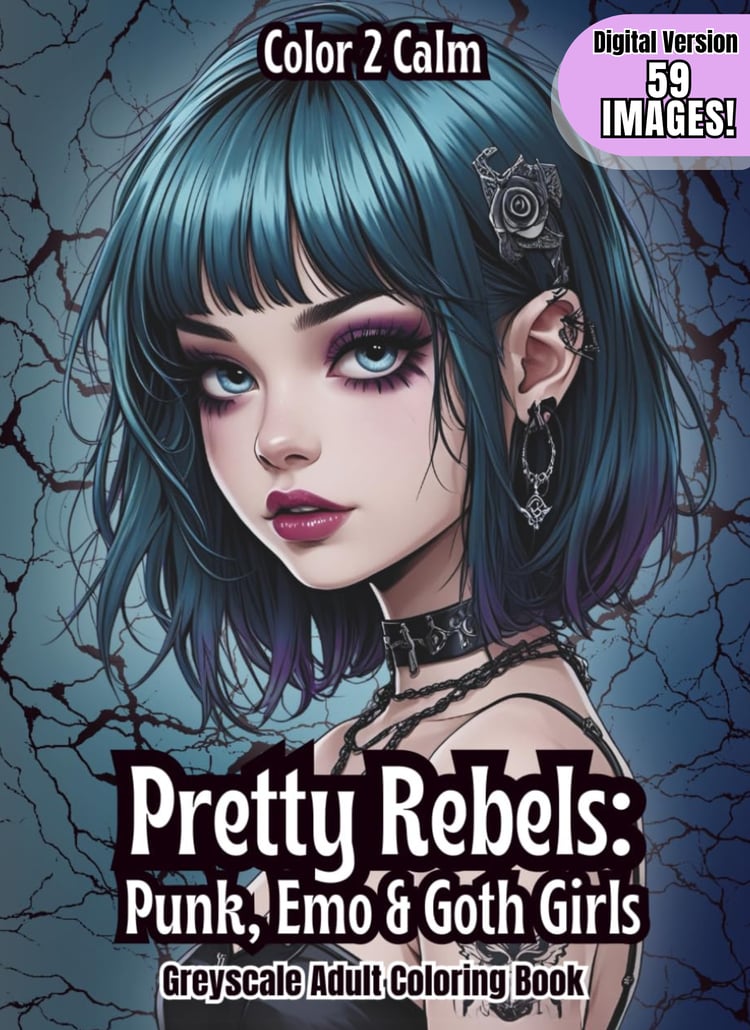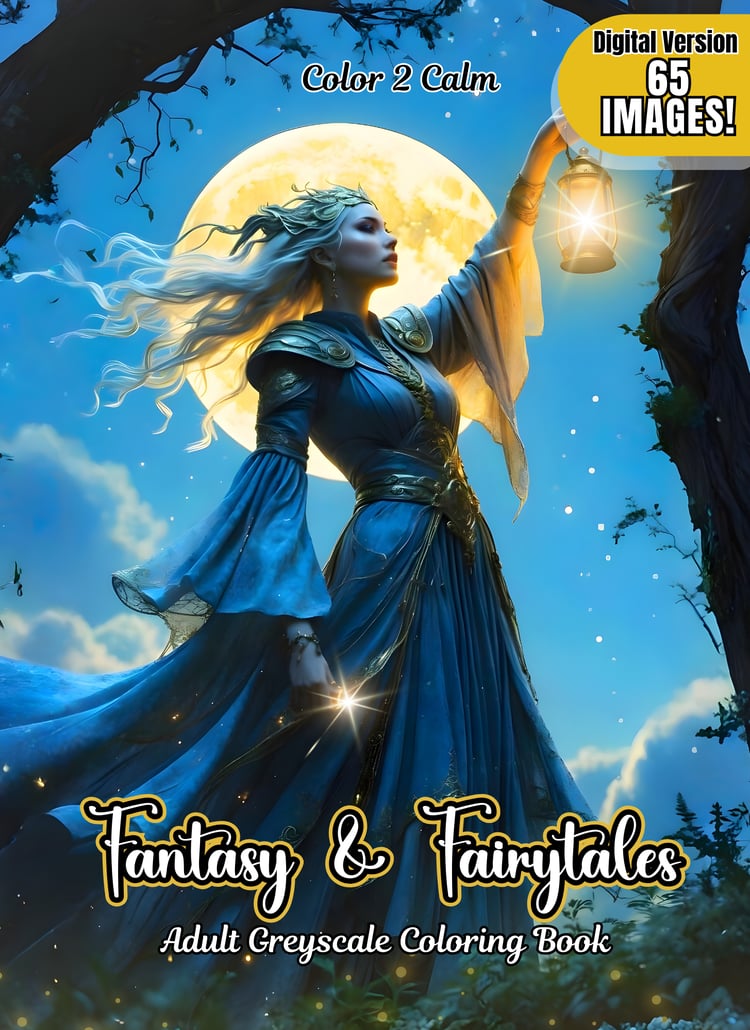












Autumn Awaits Coloring Pages (Digital Only!)
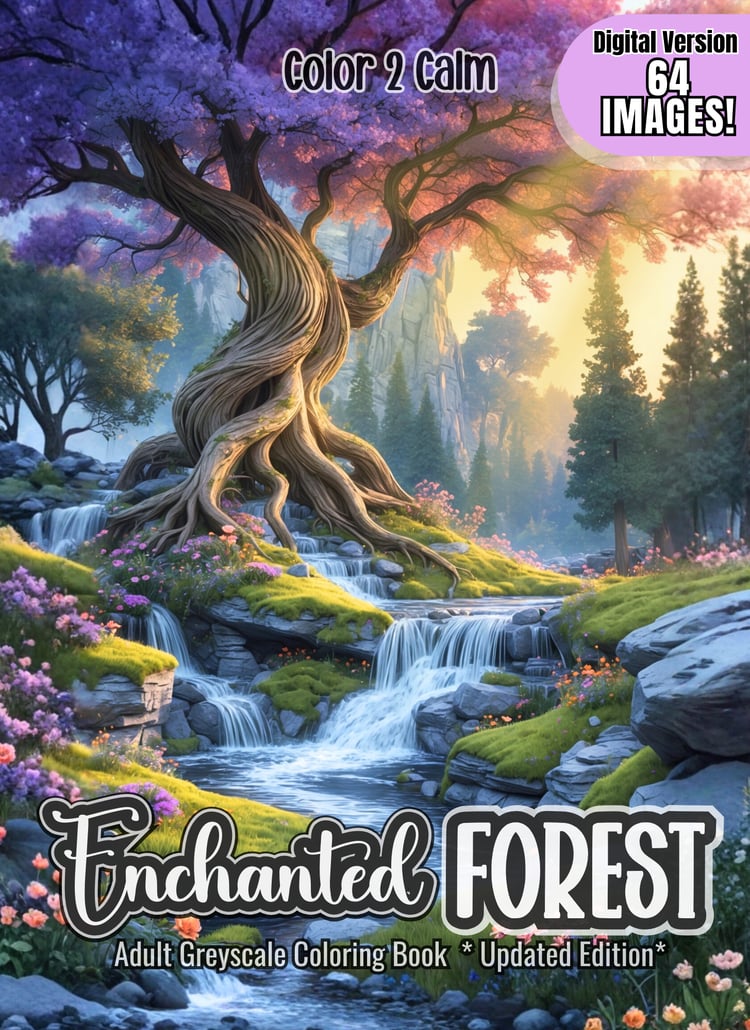
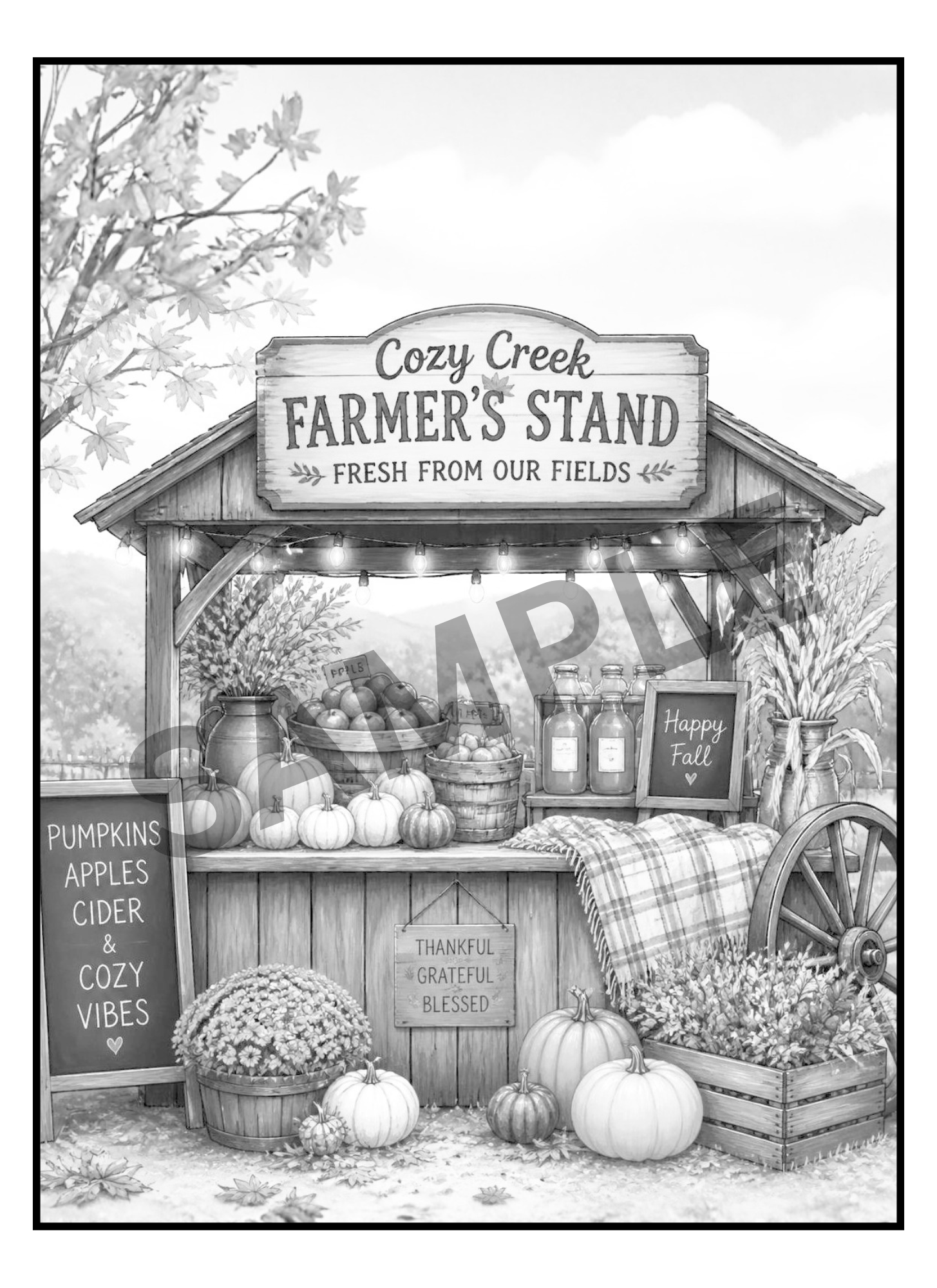
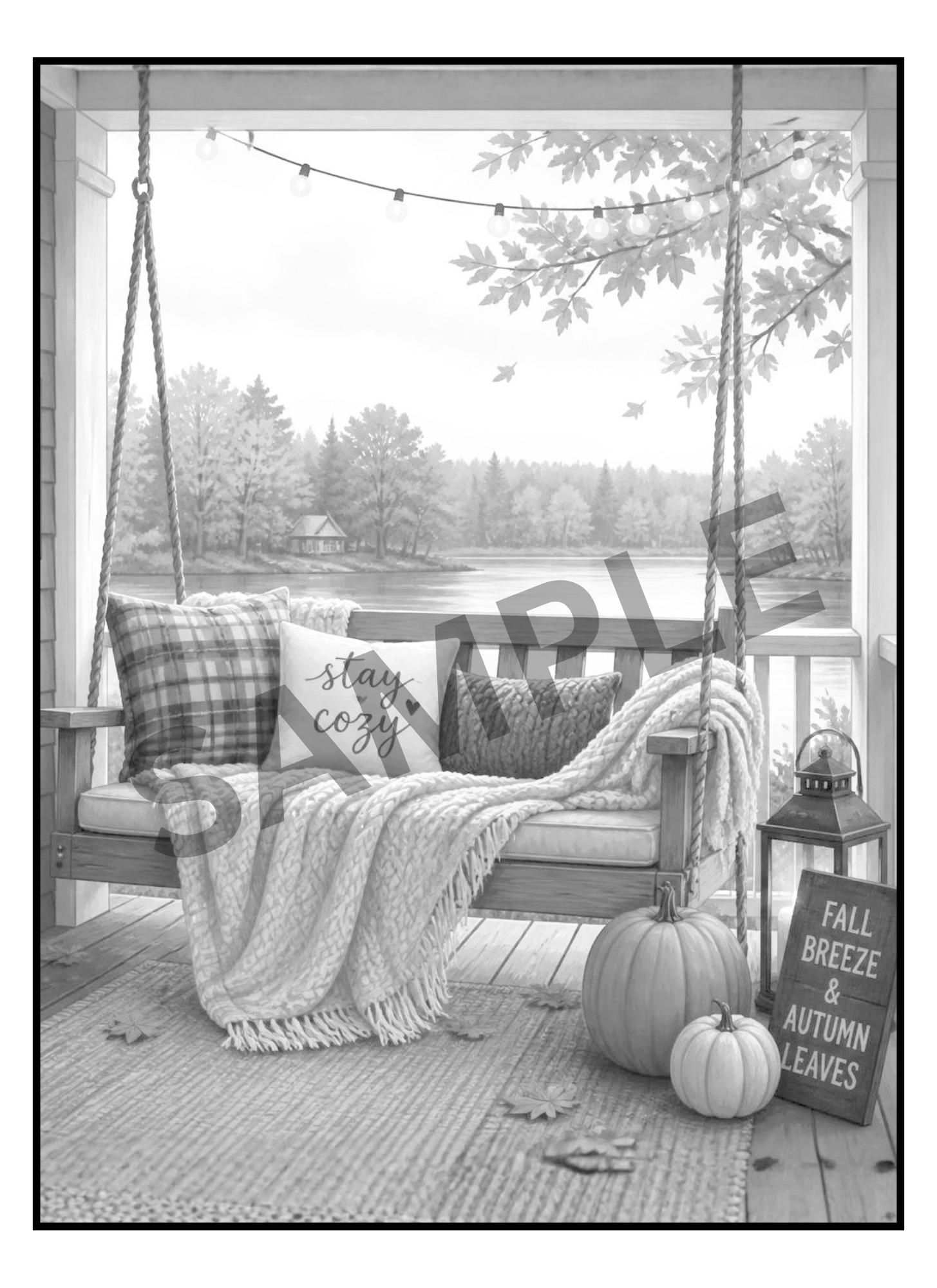
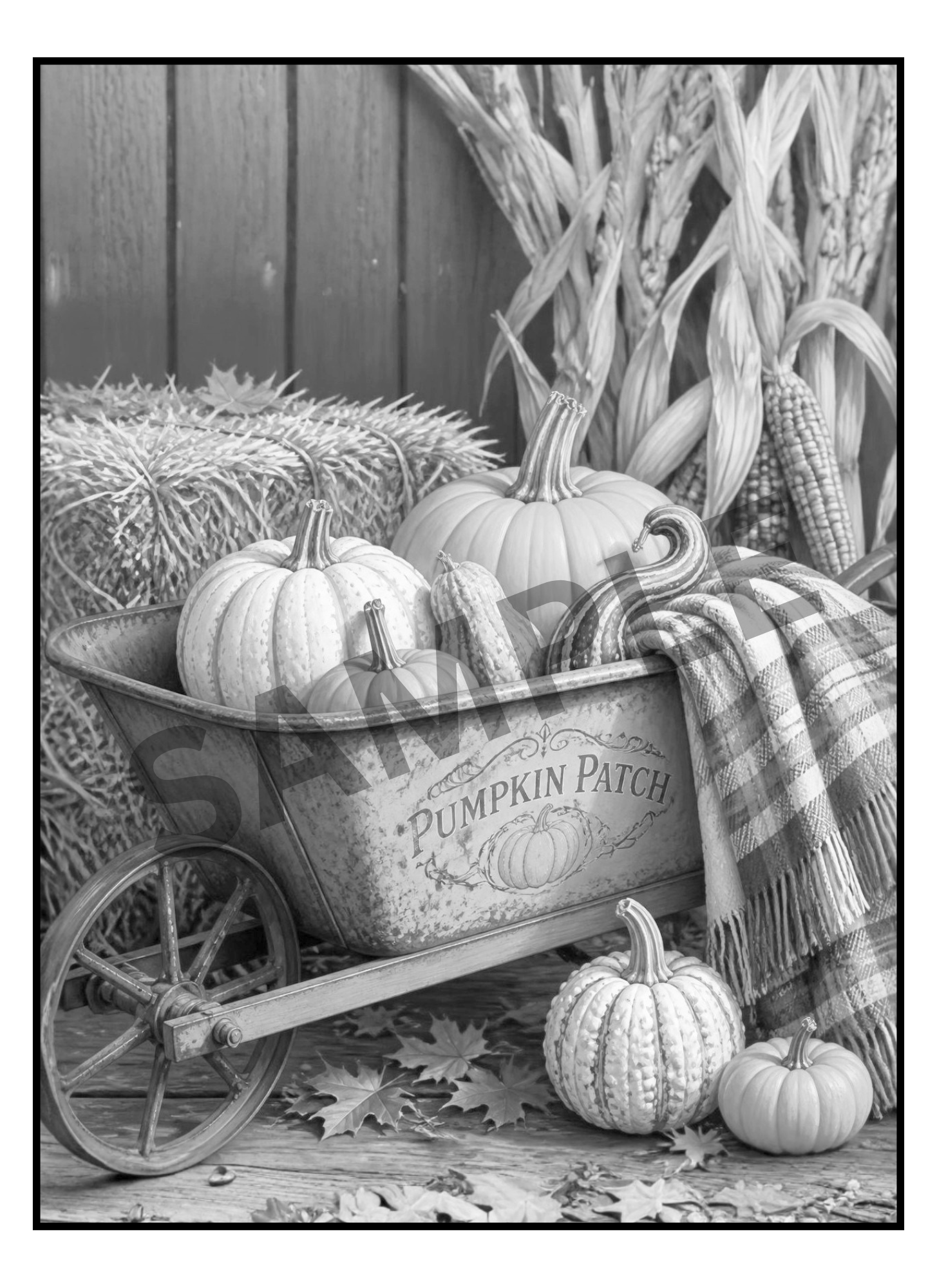
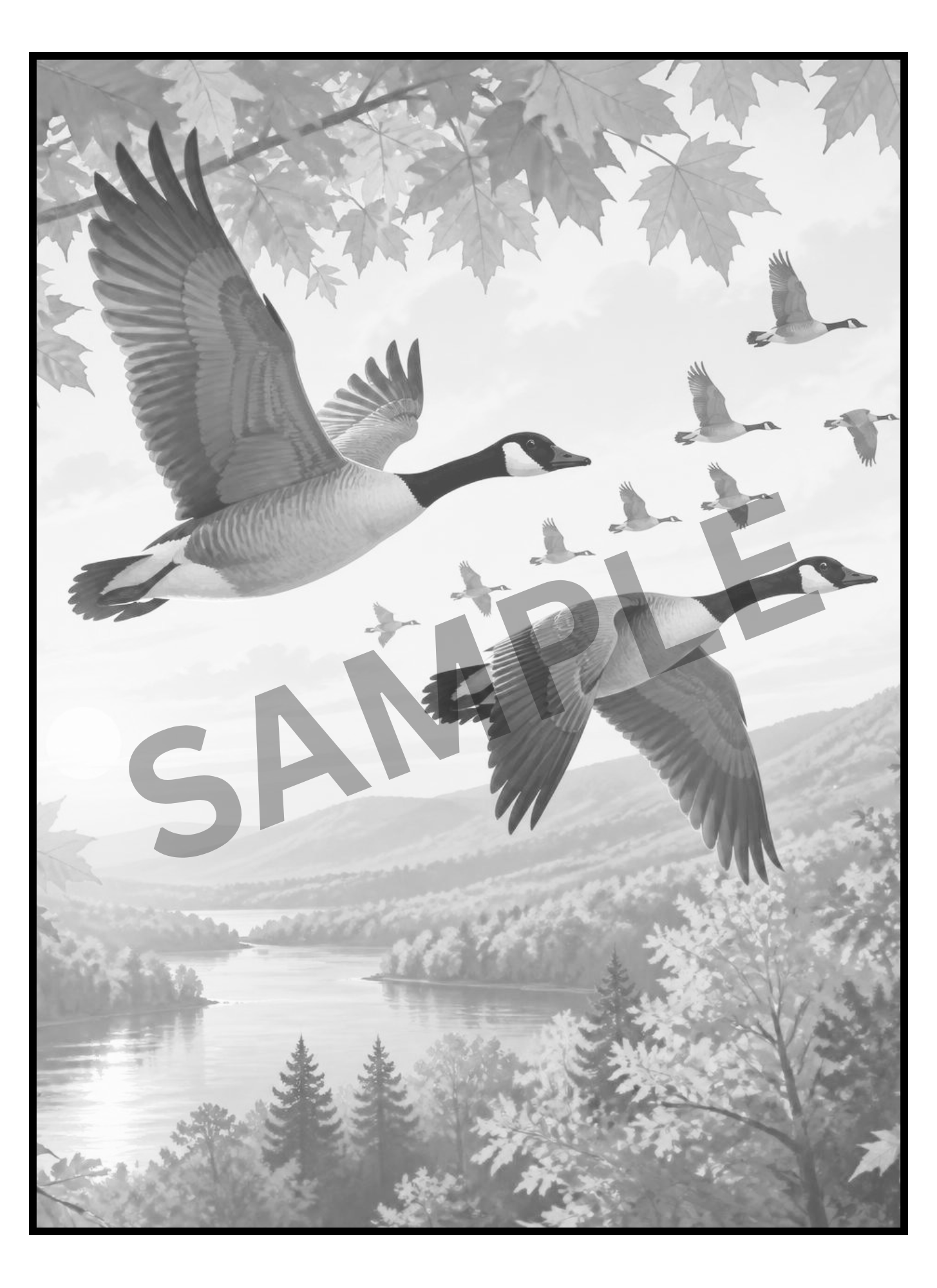
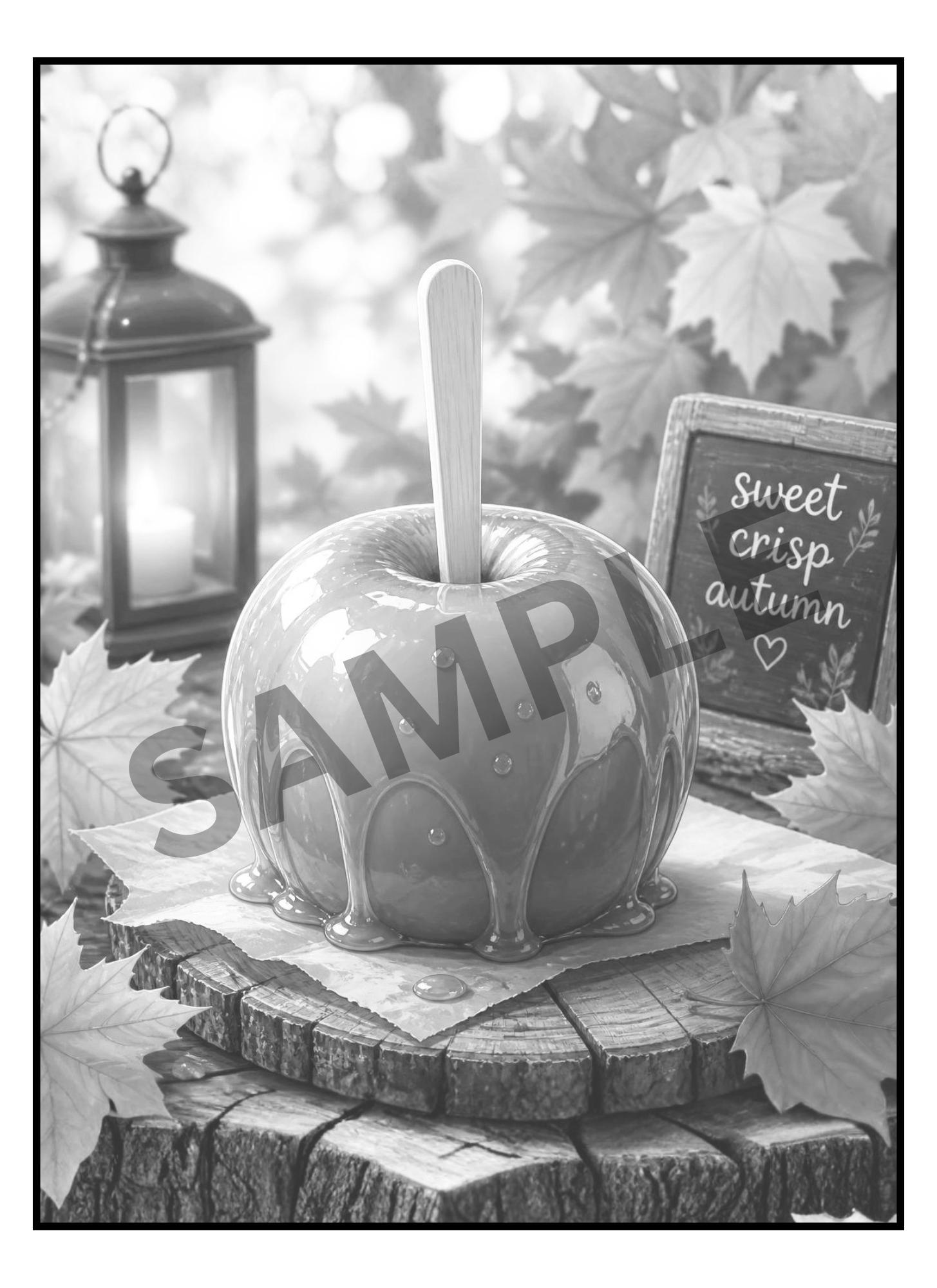
🍂 Autumn Awaits Adult Greyscale Coloring Book invites you to step into a slower, simpler season filled with rustic country charm and cozy autumn moments. There’s just something about autumn that makes you want to slow down. The crisp air, pumpkins on the porch, cozy little shops, homemade treats, woodland walks, and those simple everyday moments that somehow become the memories we treasure most. This just might be the coziest book you've seen all year! Grab your apple cider and coloring supplies....because Autumn awaits... and there's no need to rush.
🛒 What you'll get:
- A 63 Page PDF File with 60 Detailed Greyscale images
- A Zip Folder Containing 63 PNG files
- Files include Front & Back Cover and a Color Test Page
You’ll receive both PDF and Zipped PNG files so you can print at home as many times as you like, or import into Procreate/GoodNotes for digital coloring. Unlike a physical book, this version gives you unlimited reprints, instant access, and the freedom to experiment with endless color palettes & mediums. Your completed art is easily framed!
📥 How to Access Your Files:
After your payment is confirmed, an email will be sent to you with a link to download your files.
Simply click Download Files. We recommend saving the files to your desktop or cloud storage for safekeeping.
---------------------------------------
🌸 How to Use Your Digital Coloring Pages 🌸
📥 Step 1: Download Your Files
- After purchase, download the FILES to your device.
- On iPad/iPhone → the Files app will automatically unzip when you tap it.
- On computer → right-click and select “Extract” or “Unzip.”
🎨 Step 2: Import into Procreate
- Open the Procreate app.
- Tap the “+” button to create a new canvas (use 8.5x11 in. or A4 size).
- Tap the wrench icon (Actions) → Insert a file or Insert a photo.
- Select the PNG/JPEG page you want to color.
- (Optional) Add a new layer underneath the line art layer to keep your coloring separate and neat.
✨ Tip: If your PNG has a transparent background, you can color behind the lines without “going over” them!
📚 Step 3: Use in Other Apps
- GoodNotes / Notability → Import the PDF and use the highlighter/pen tools to color.
- Affinity / Photoshop / Clip Studio → Open PNGs just like normal image files.
- Recolor / Coloring Apps → Import JPEG/PNG pages into any app that allows photo coloring.
🖨️ Step 4: Printing (Optional)
- Open the PDF.
- Print on 8.5x11 (US Letter) or A4 paper.
For best results:
- Use cardstock or thick paper.
- Print single-sided (blank page behind) to prevent bleed-through.
💖 Tips & Tricks
- Always color on a separate layer in Procreate.
- Duplicate pages if you want to try different color palettes.
---------------------------------------
🚫 Please Note:
This listing is for digital files only. No physical products, books or markers are included.
Due to the nature of digital downloads, returns and refunds are not available.
🔒 For Personal Use Only
All files are intended for personal, non-commercial use. Reproduction, resale, or distribution in any form (digital or printed) is not permitted.