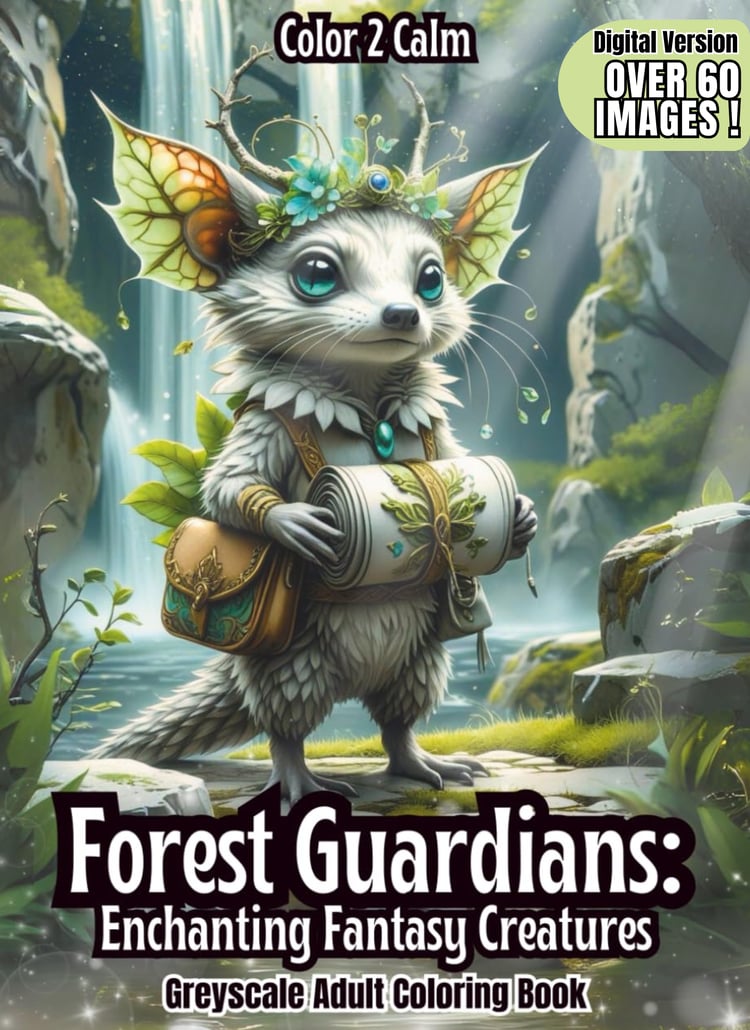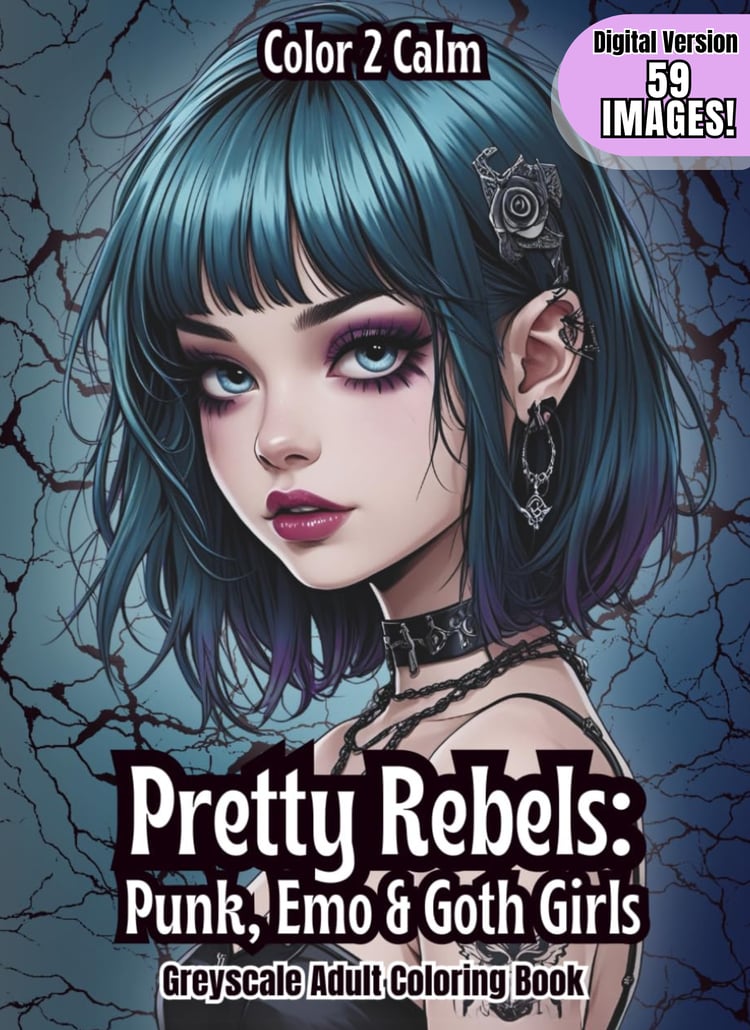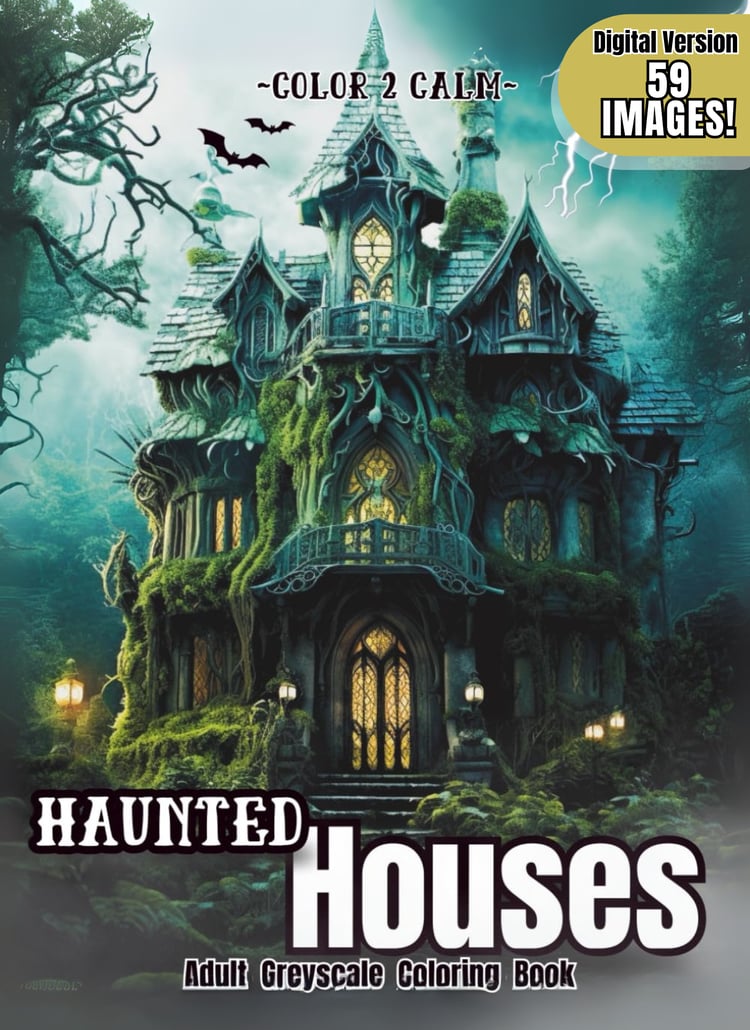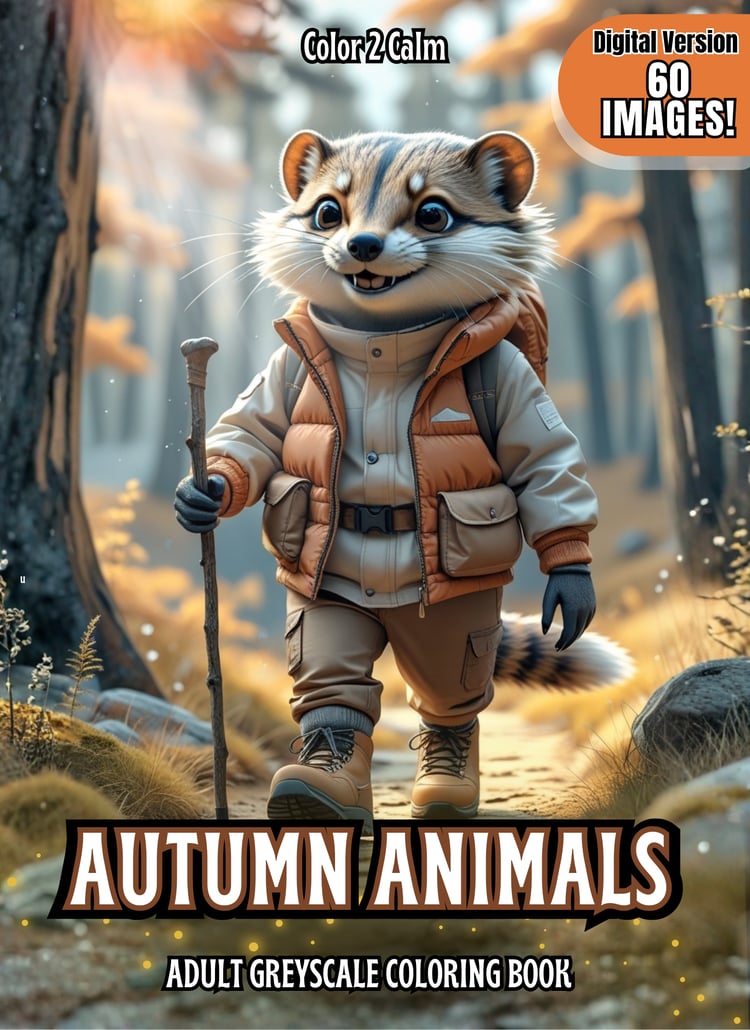

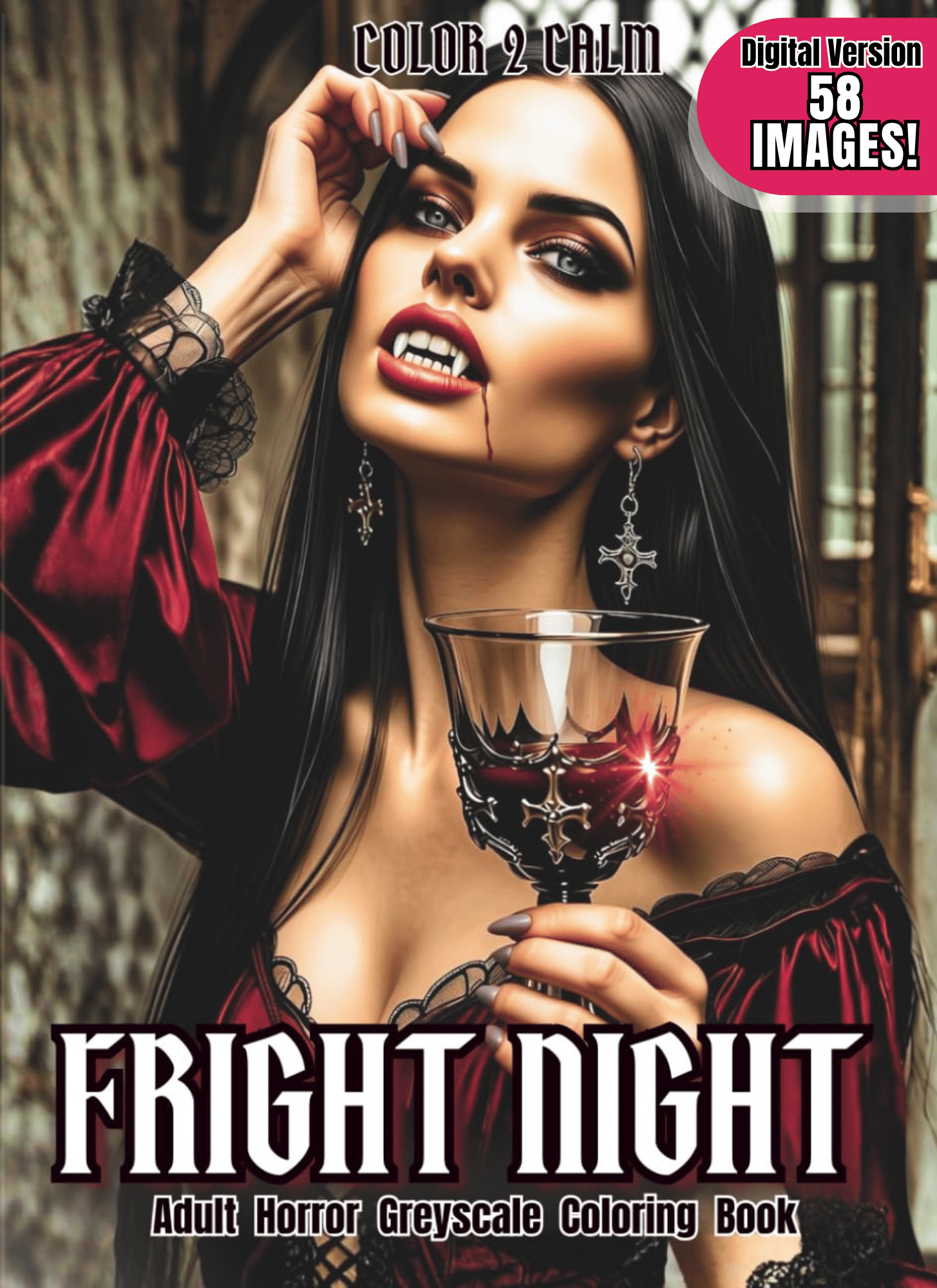

Fright Night Coloring Pages (Digital Only!)
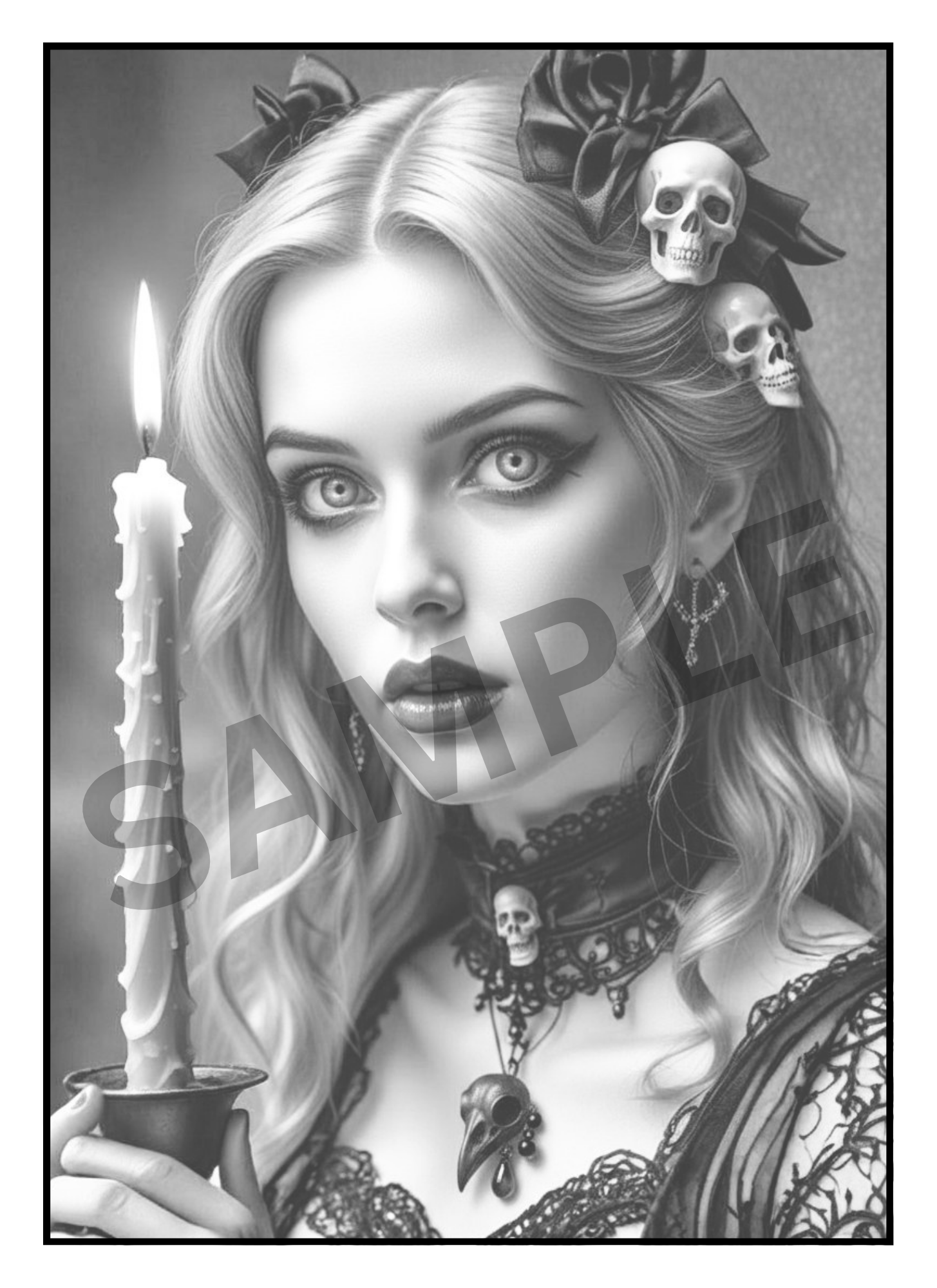
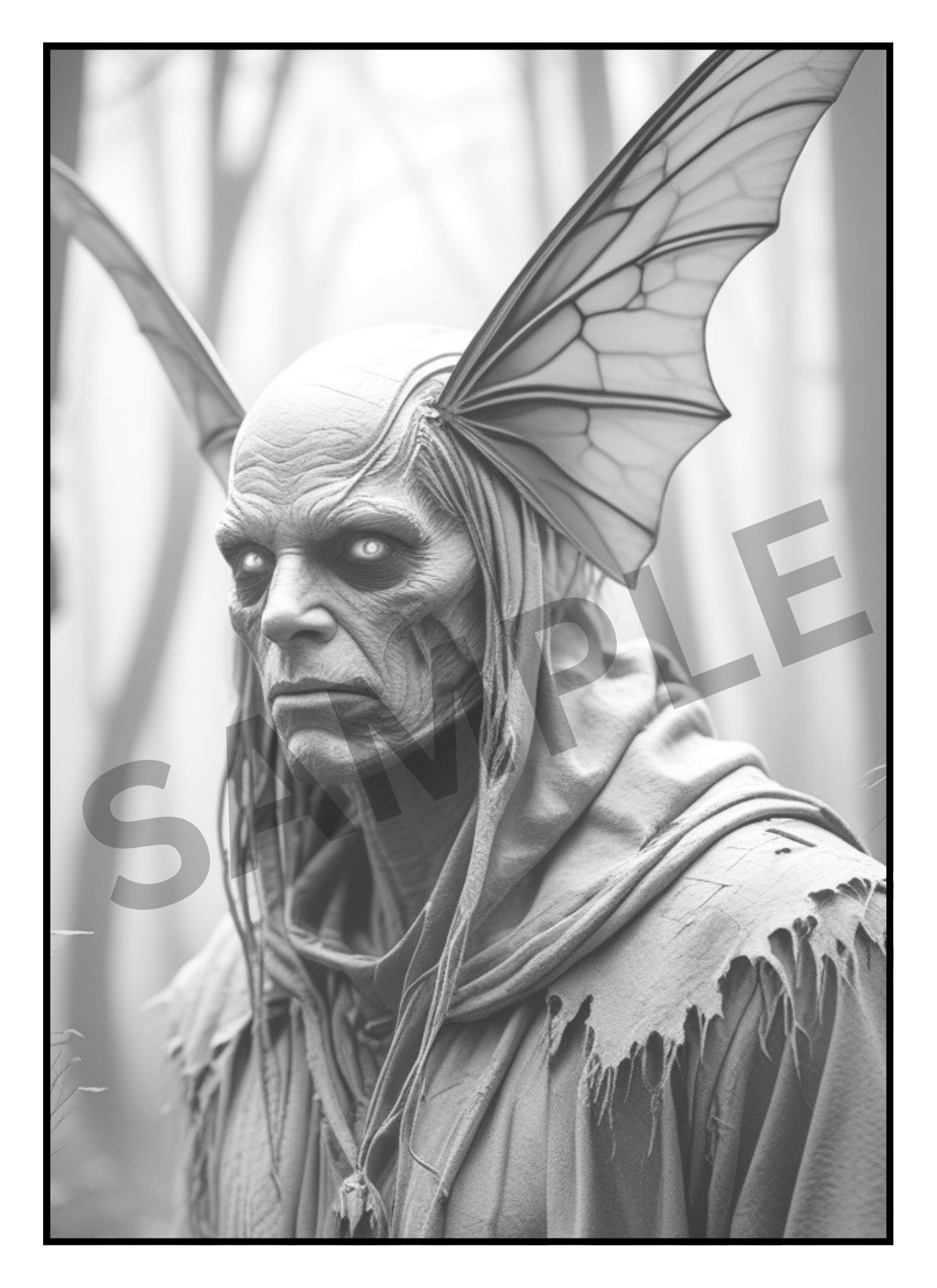
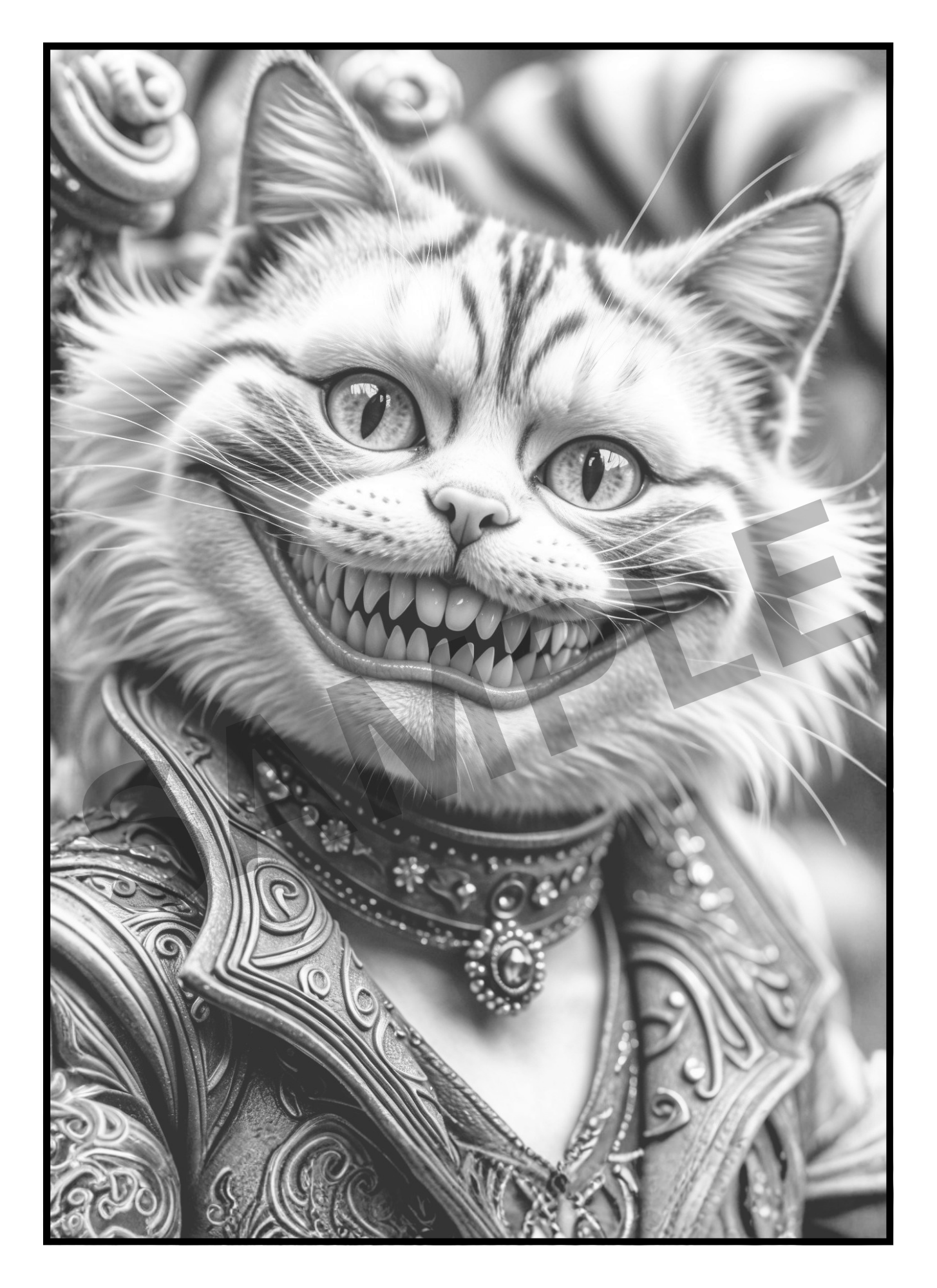
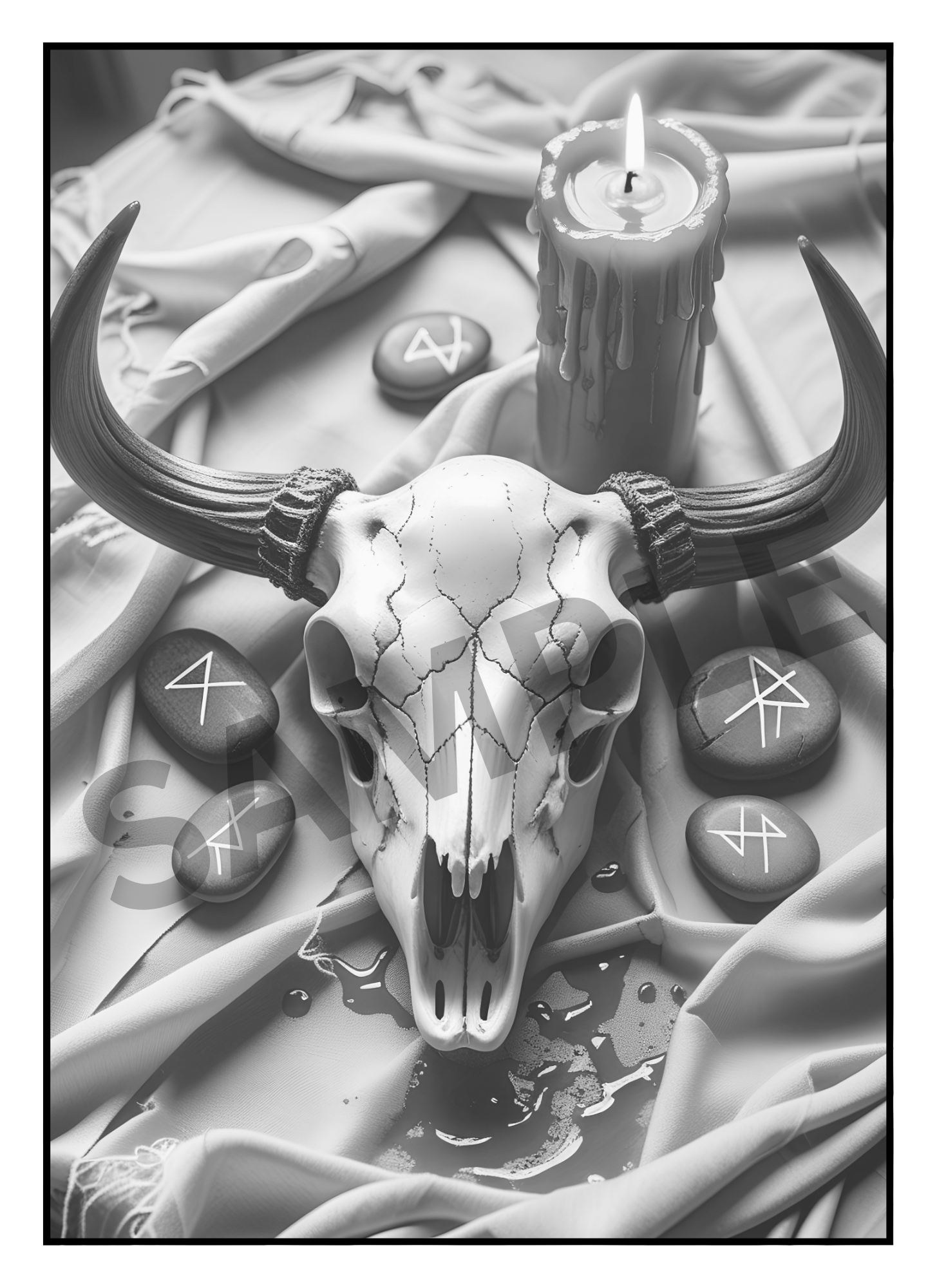
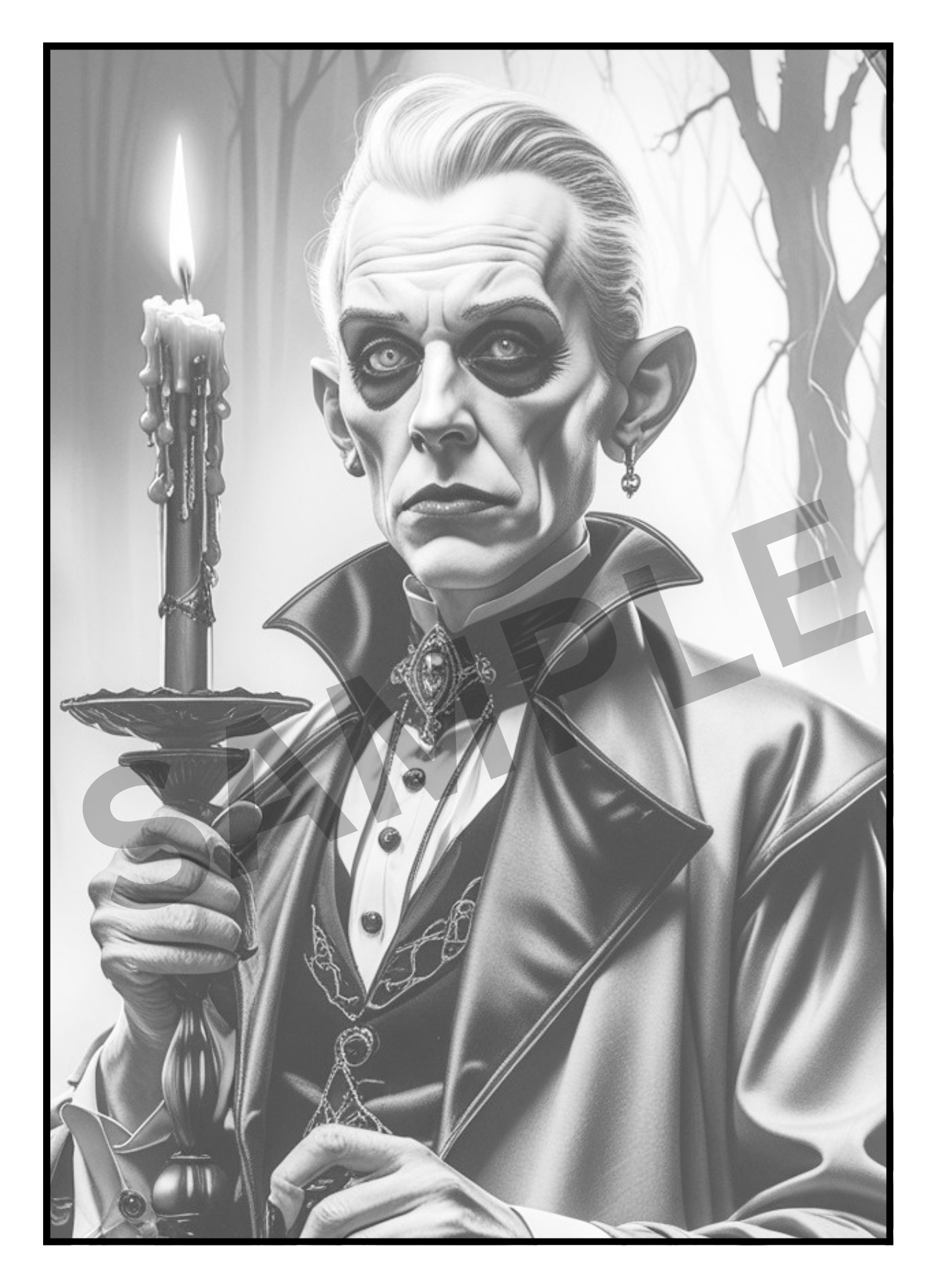
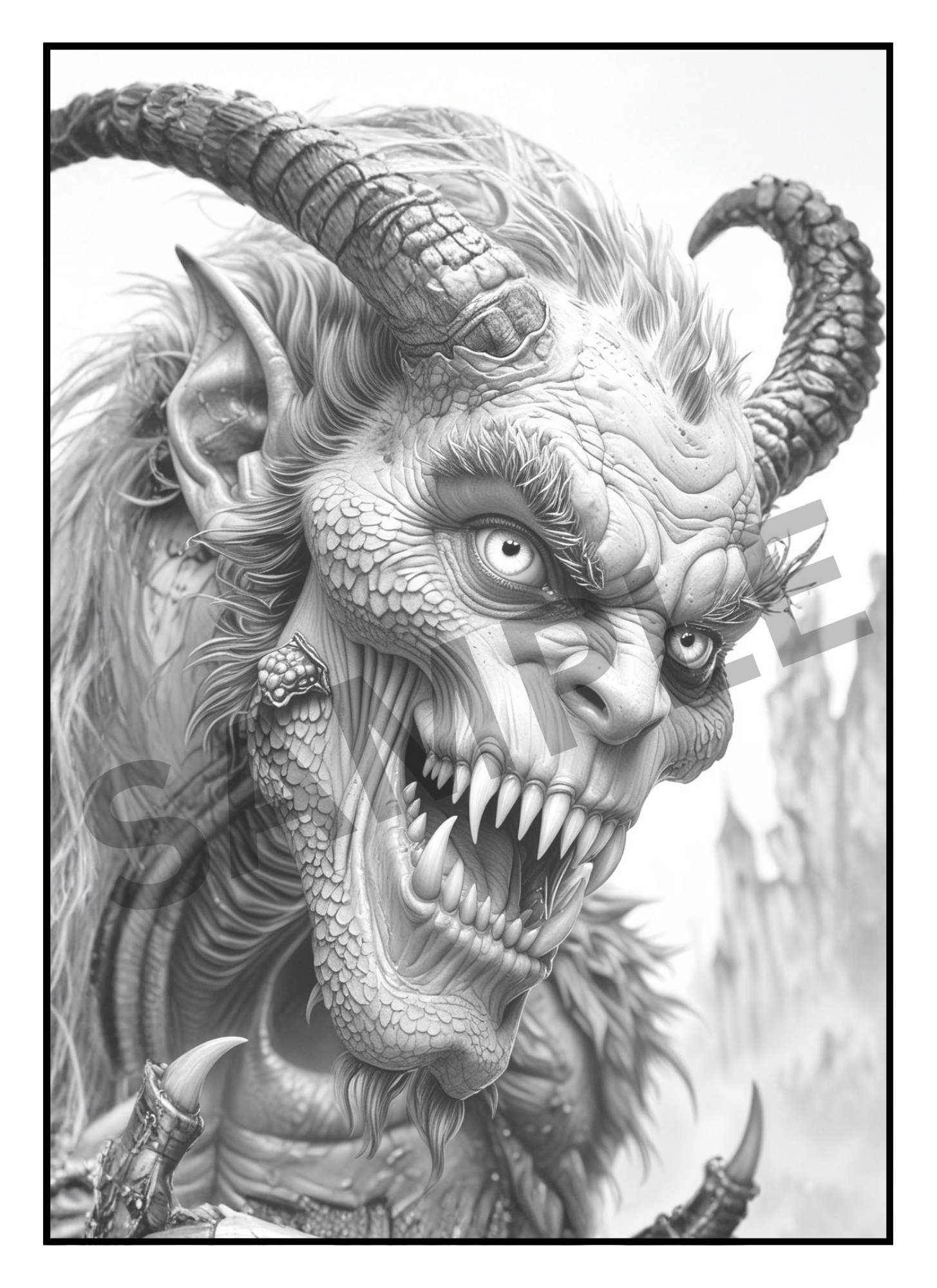
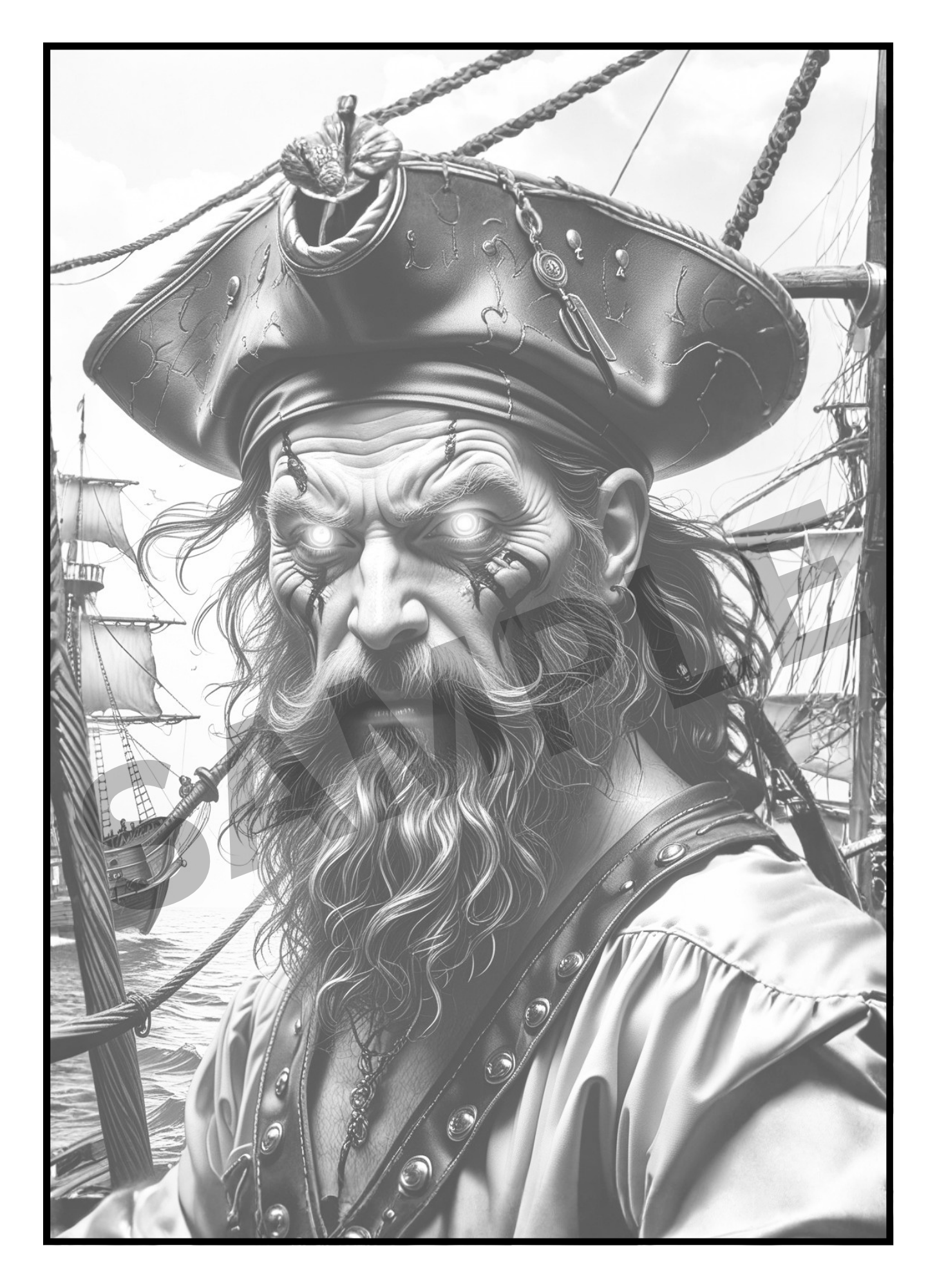
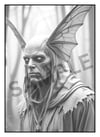
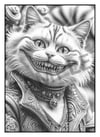
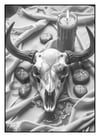
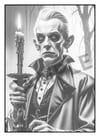
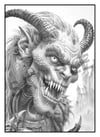
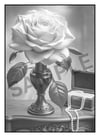
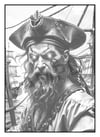
Fright Night Greyscale Coloring Book is packed with creepy characters, classic horror favorites, gothic charm, and just the right amount of macabre. From a heartbroken Ghost Bride and The Mad Hatter to mysterious and seductive Vampires. Urban Legends like Moth Man & The Kelpie Horse, haunted house Butlers, Undertakers, Frankenstein's Bride, eerie monsters, and so much more!
Inside you'll find:
- Classic horror-inspired characters
- Gothic, creepy, and mysterious illustrations
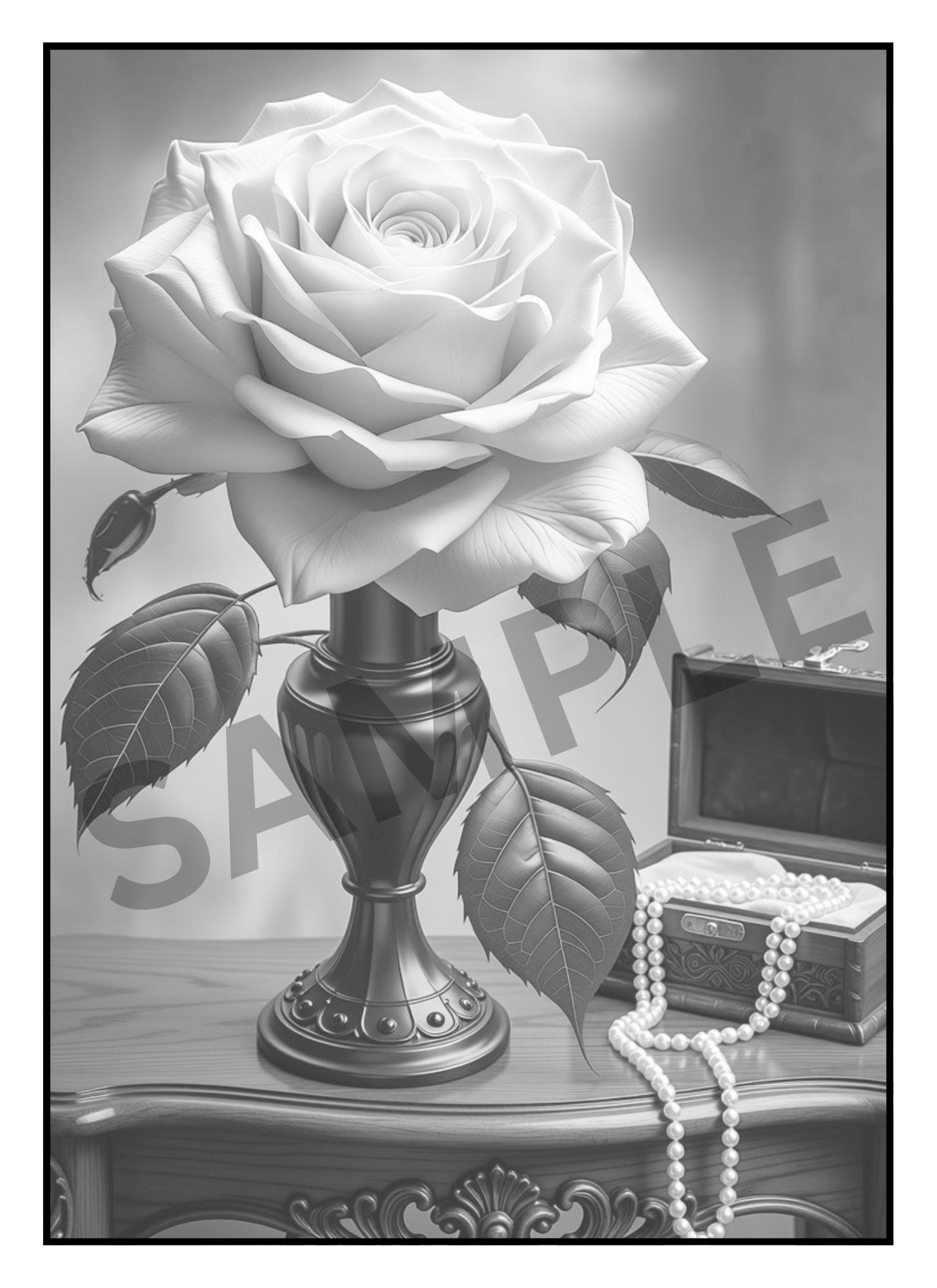
- Detailed greyscale artwork that's fun to color
- A mix of iconic favorites and original spooky characters
- Perfect pages for alcohol markers, colored pencils, pastels, and more
So grab your favorite coloring supplies, light a black candle, put on your favorite spooky playlist, and settle in for a relaxing and spooky coloring session - if you dare!
🛒 What you'll get:
- A 62 Page PDF File with 58 Detailed Greyscale images
- A Zip Folder Containing 62 PNG files
- Files include Front & Back Cover and a Color Test Page
You’ll receive both PDF and Zipped PNG files so you can print at home as many times as you like, or import into Procreate/GoodNotes for digital coloring. Unlike a physical book, this version gives you unlimited reprints, instant access, and the freedom to experiment with endless color palettes & mediums. Your completed art is easily framed!
📥 How to Access Your Files:
After your payment is confirmed, an email will be sent to you with a link to download your files.
Simply click Download Files. We recommend saving the files to your desktop or cloud storage for safekeeping.
---------------------------------------
🌸 How to Use Your Digital Coloring Pages 🌸
📥 Step 1: Download Your Files
- After purchase, download the FILES to your device.
- On iPad/iPhone → the Files app will automatically unzip when you tap it.
- On computer → right-click and select “Extract” or “Unzip.”
🎨 Step 2: Import into Procreate
- Open the Procreate app.
- Tap the “+” button to create a new canvas (use 8.5x11 in. or A4 size).
- Tap the wrench icon (Actions) → Insert a file or Insert a photo.
- Select the PNG/JPEG page you want to color.
- (Optional) Add a new layer underneath the line art layer to keep your coloring separate and neat.
✨ Tip: If your PNG has a transparent background, you can color behind the lines without “going over” them!
📚 Step 3: Use in Other Apps
- GoodNotes / Notability → Import the PDF and use the highlighter/pen tools to color.
- Affinity / Photoshop / Clip Studio → Open PNGs just like normal image files.
- Recolor / Coloring Apps → Import JPEG/PNG pages into any app that allows photo coloring.
🖨️ Step 4: Printing (Optional)
- Open the PDF.
- Print on 8.5x11 (US Letter) or A4 paper.
- For best results:
- Use cardstock or thick paper.
- Print single-sided (blank page behind) to prevent bleed-through.
💖 Tips & Tricks
- Always color on a separate layer in Procreate.
- Duplicate pages if you want to try different color palettes.
---------------------------------------
🚫 Please Note:
This listing is for digital files only. No physical products, books or markers are included.
Due to the nature of digital downloads, returns and refunds are not available.
🔒 For Personal Use Only
All files are intended for personal, non-commercial use. Reproduction, resale, or distribution in any form (digital or printed) is not permitted.