










ChatExport Studio
ChatExport Studio
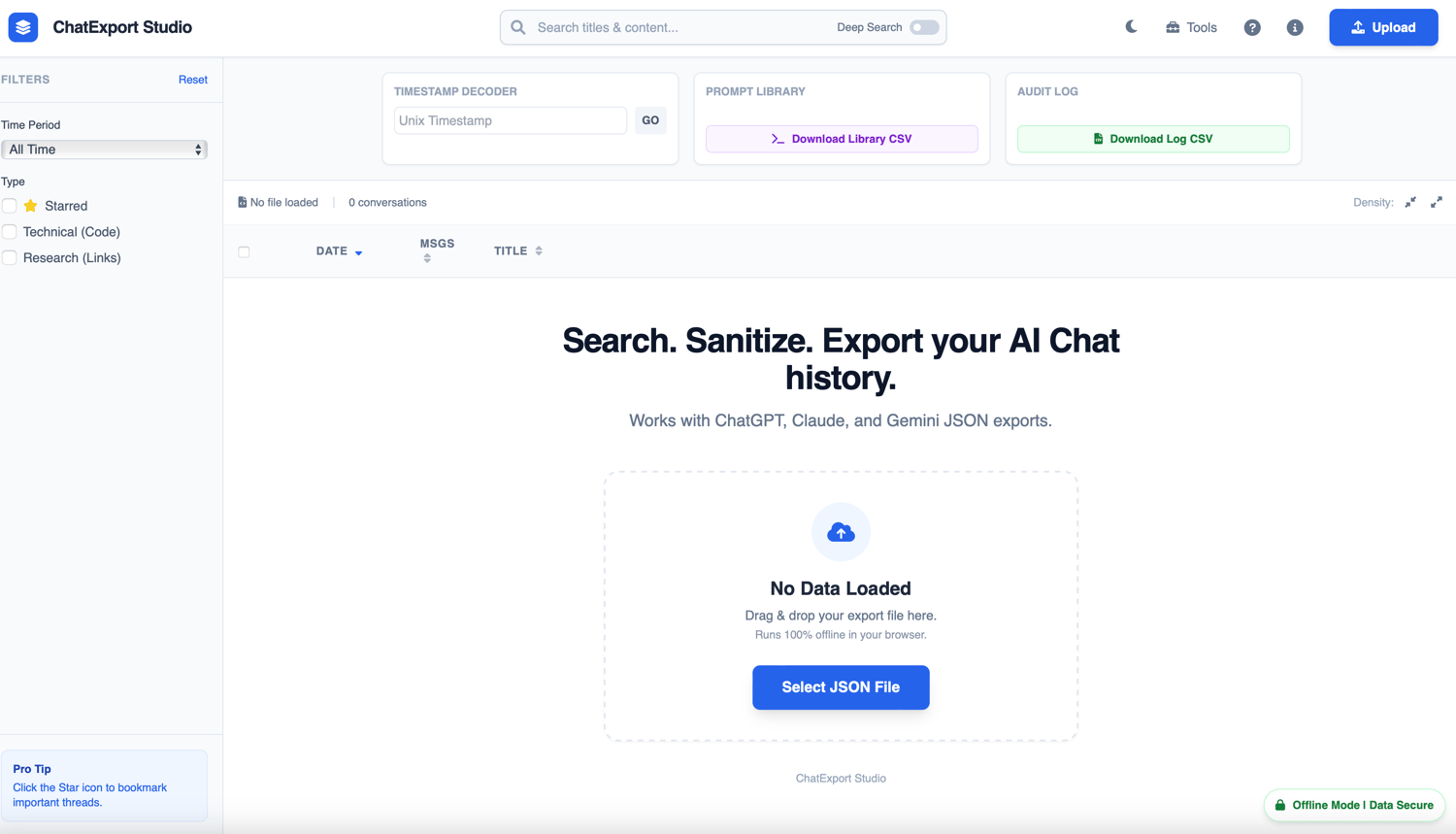
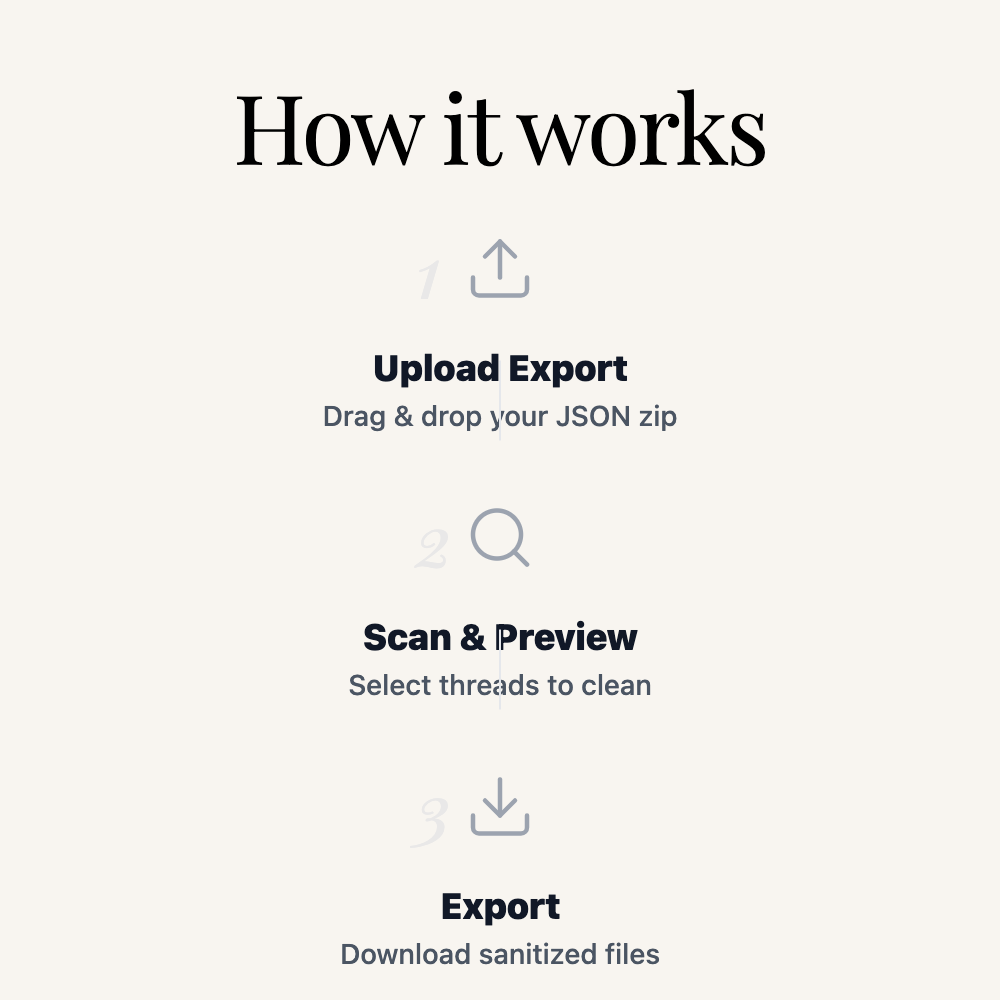
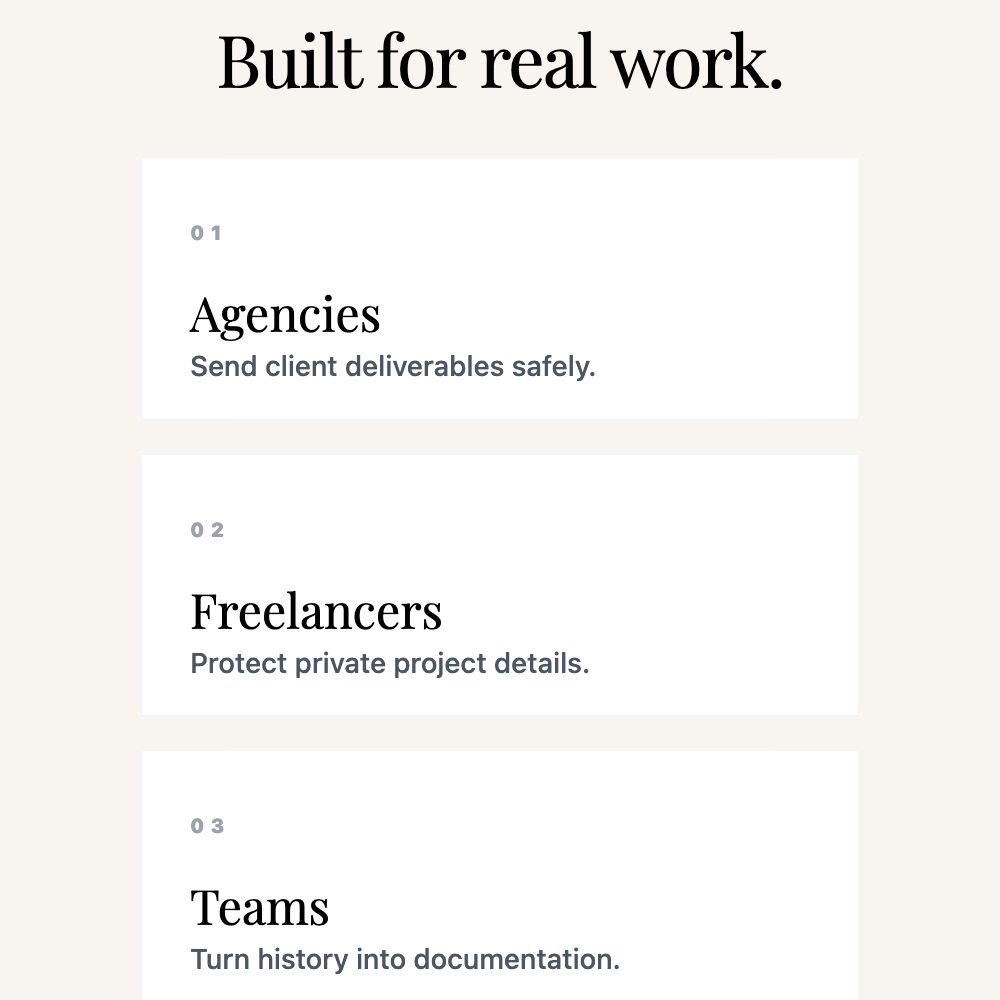
ChatExport Studio turns your ChatGPT, Claude, and Gemini exports into clean, organized, client-safe deliverables— fully offline in your browser.
Demo: https://jlsolutionsgroup.com/chatexport_demo
What it does
- View your full chat history in one place
- Export individual conversations (or bulk export multiple)
- Search your conversation history fast (Titles + Deep Content Search)
- Automatically tag threads (Technical / Research / Deep Dive)
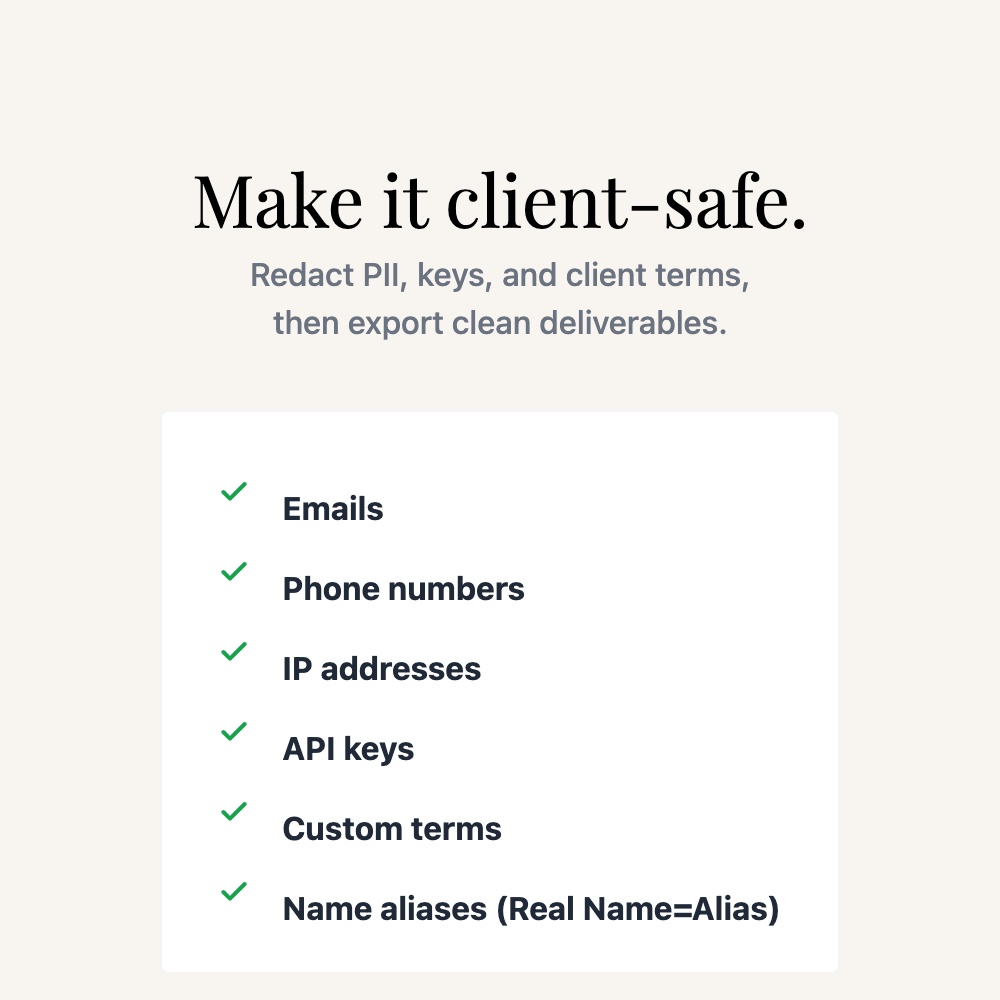
- Redact sensitive info (PII + keys + client names)
- Export clean docs you can actually share
Sanitization includes
- Emails
- Phone numbers
- IP addresses
- API key patterns
- Custom terms + client/project names
- Alias replacement (Real Name=Alias)
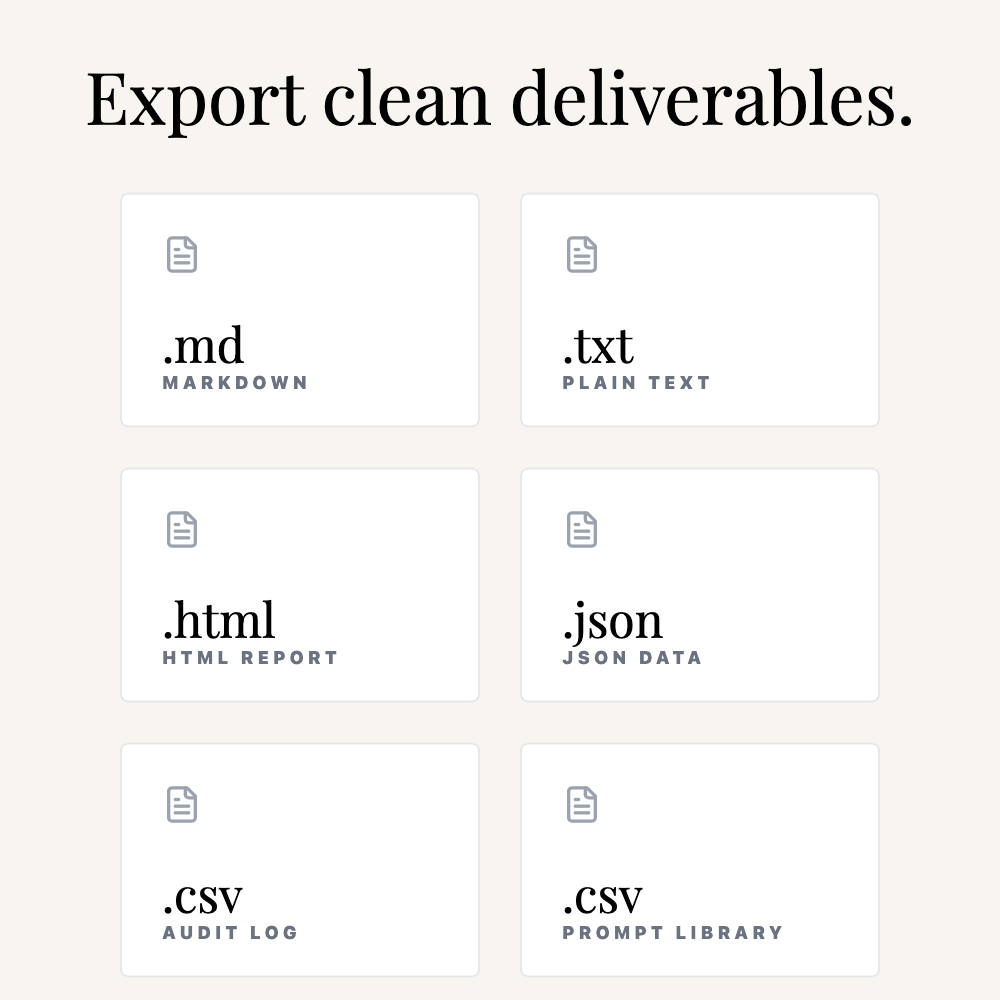
Export formats
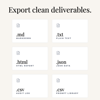
- Markdown (.md) — Notion-ready
- Text (.txt) — Google Docs friendly
- HTML (.html) — Clean report format
- JSON (.json) — Sanitized structured archive
- Audit Log (.csv) — Track what was processed
- Prompt Library (.csv) — Extract your prompts into a dataset
Privacy first
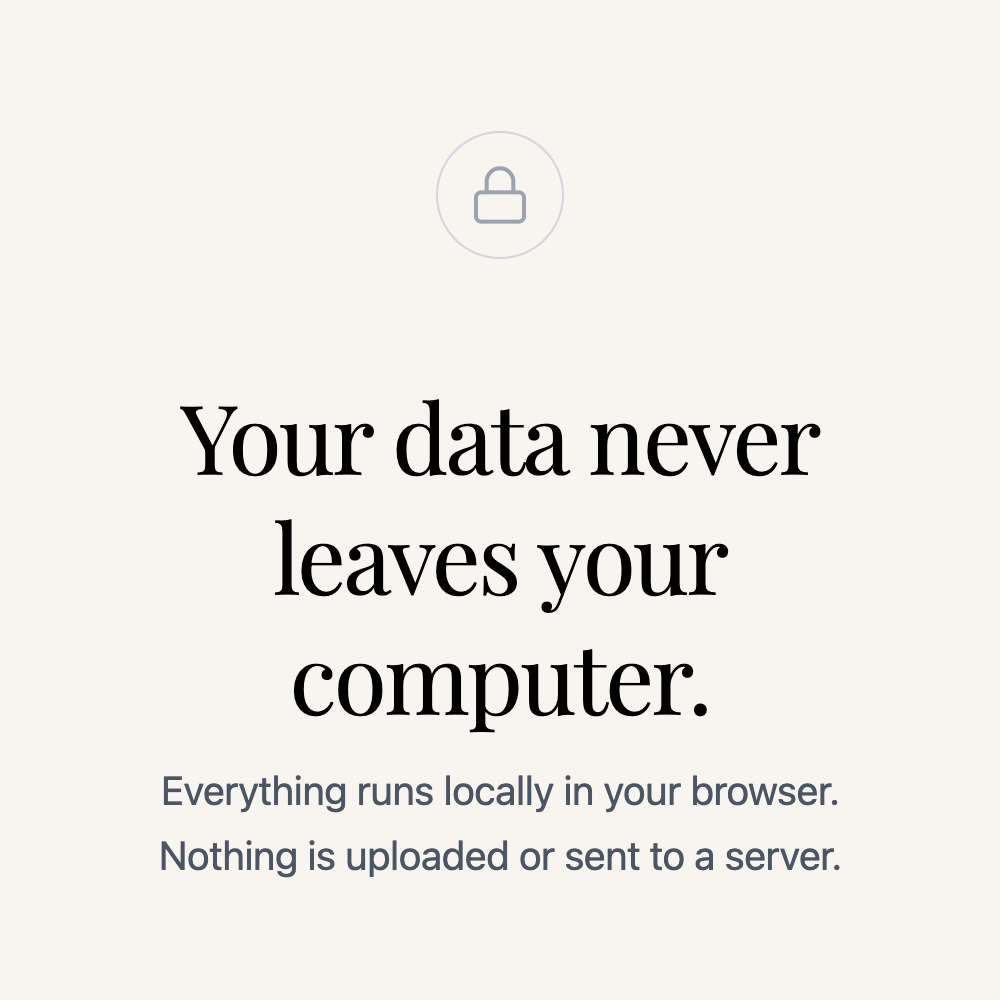
Everything runs locally inside your browser.
No accounts. No uploads. No servers. No installs.
Lifetime access — free updates included.
Best Value: $49 Bundle
If you want the complete system (organized exports + file splitting/merging), the bundle is the fastest way to work:
- ChatExport Studio (sanitize + export)
- Universal File Toolkit (split + merge + convert)
Get the Bundle: https://payhip.com/b/nsa8z
FAQ
What file types can I import?
ChatExport Studio supports .json, .txt, .md, and .html files.
JSON exports preview as full conversations, and text-based files are automatically wrapped for clean viewing + exporting.
Does this work with ChatGPT / Claude / Gemini exports?
Yes. ChatExport Studio supports ChatGPT JSON exports and Claude/Gemini JSON-style exports.
If a provider changes their structure, the tool may need a small parser update.
Will my file upload anywhere?
No. Everything runs fully offline in your browser — your data never leaves your computer.