About Me
You can describe who you are and what you're all about here. Share a brief overview of your story with people - don't be shy! Visit the store builder to edit photo & text.

You can describe who you are and what you're all about here. Share a brief overview of your story with people - don't be shy! Visit the store builder to edit photo & text.
Due to an incompatibility with Macs with new dedicated hardware/software (apple silicon, Metal...), I don't recommend by any means to acquire the addon as you may have drawing artifacts, install issues or unable to use the addon correctly.
Supported Blender versions: 2.93, 3.3, 4.0, 4.1


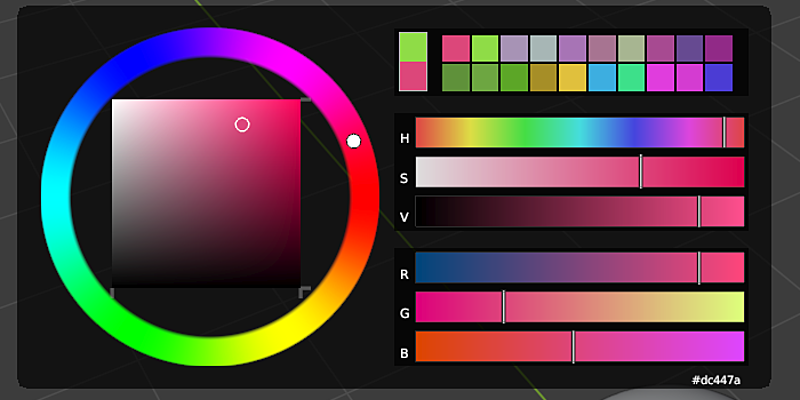
With the marked gizmos you can slice the picker so it will crop to the rectangular area you define within the cuts, as shown in the image.

Result of slicing. [Video]


 Widget to control weight value in weight paint mode.
 Addon preferences with its properties
Note: all those settings are also available in 3d viewport's sidebar at 'Paint' tab where they are contextual (showing the settings just for the active mode).
Versions are 3 digits within the format: X.X.X, however last digit is for development alpha/beta versions only, so you only will have to pay attention to first 2 digits, starting from first published version that is 1.0 (release versions will have 0 in its third digit).
Versions for fixes and little improvements will increment the second digit: 1.0...1.1...1.2...1.3... and so. And versions with mostly new features and changes will increment the first digit: 1.X...2.X...3.X... and so. Is made this way so it's more clear and easy to follow with less numbers as possible.