
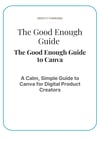
The Good Enough Guide to Canva
A calm, complete beginner's guide to Canva — covering PDF guides, Pinterest pins, YouTube thumbnails, product mockups, simple videos, and building a consistent brand identity.
Canva is the one tool that sits at the centre of almost everything a digital product creator does. This guide shows you how to actually use it — from opening it for the first time to having a full set of professional assets ready for your products, your Pinterest, and your YouTube channel.
The Good Enough Guide to Canva is written for complete beginners. It does not assume any design experience or prior knowledge of Canva. It starts at the very beginning and builds through every practical skill you need — calmly, clearly, and without overwhelming you with features you don't need yet.
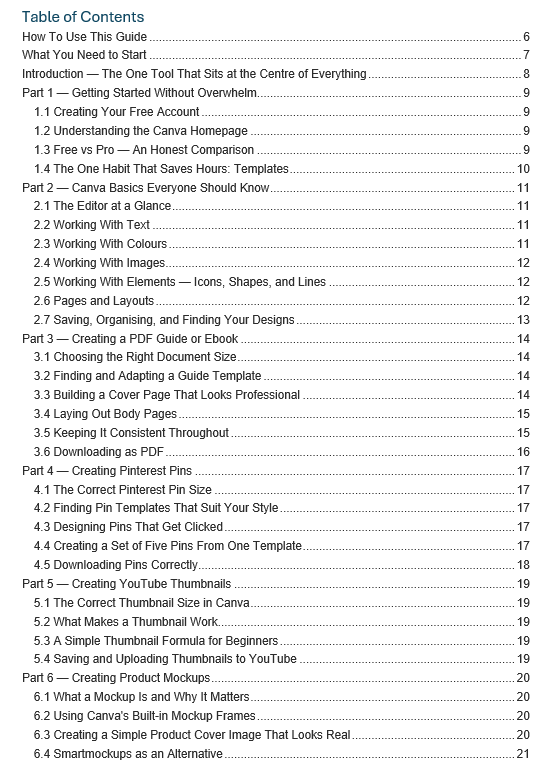
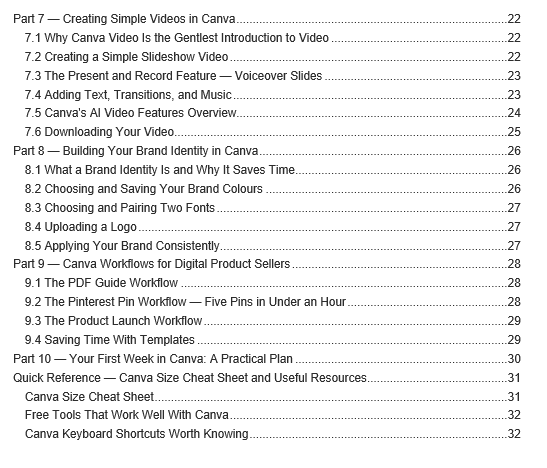
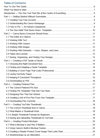
This guide covers:
- Getting started with Canva Free — everything you need to know about the editor, templates, text, colours, images, and elements
- An honest, clear comparison of Canva Free vs Canva Pro — so you always know exactly what requires an upgrade and what doesn't
- Creating a professional PDF guide or ebook from scratch — cover page, interior layout, consistent formatting, and downloading correctly
- Designing Pinterest pins that get clicked — the right size, the right layout, and how to create five variations in under an hour
- Making YouTube thumbnails that stand out — what works, what doesn't, and a simple formula for beginners
- Creating product mockups — making your digital products look real and desirable without specialist software
- Making simple videos in Canva — including voiceover slide videos using the Present and Record feature, with no camera required
- Canva's AI video features honestly explained — what's free, what requires Pro, and what's actually useful for small creators
- Building your brand identity — choosing and saving your colours and fonts so everything you make looks consistent
- Complete workflows for the tasks you'll do most — PDF guides, Pinterest pin sets, and full product launch asset creation
- Your first week in Canva — a practical day-by-day plan from opening Canva for the first time to having a working set of templates
Who this guide is for:
This guide is for anyone creating digital products, selling online, or building a presence on Pinterest or YouTube who wants to use Canva confidently rather than guessing their way through it. Canva Free is sufficient for everything in this guide — where Pro features are mentioned, this is clearly signposted.
What you receive:
A comprehensive PDF guide, instantly downloadable. Includes a full Canva size cheat sheet covering every format from Pinterest pins to YouTube thumbnails to email headers, a table of free companion tools, and a keyboard shortcuts reference.
Also included free: The Good Enough Canva Quick Start Checklist — a practical week-by-week action plan from opening Canva for the first time to having a complete set of reusable templates ready for your products, pins, and videos.
What you need to start:
A free Canva account (canva.com) and a laptop or desktop computer. No design experience, no paid subscriptions, no prior knowledge required.
Everything you need to make professional-looking content — without the overwhelm.