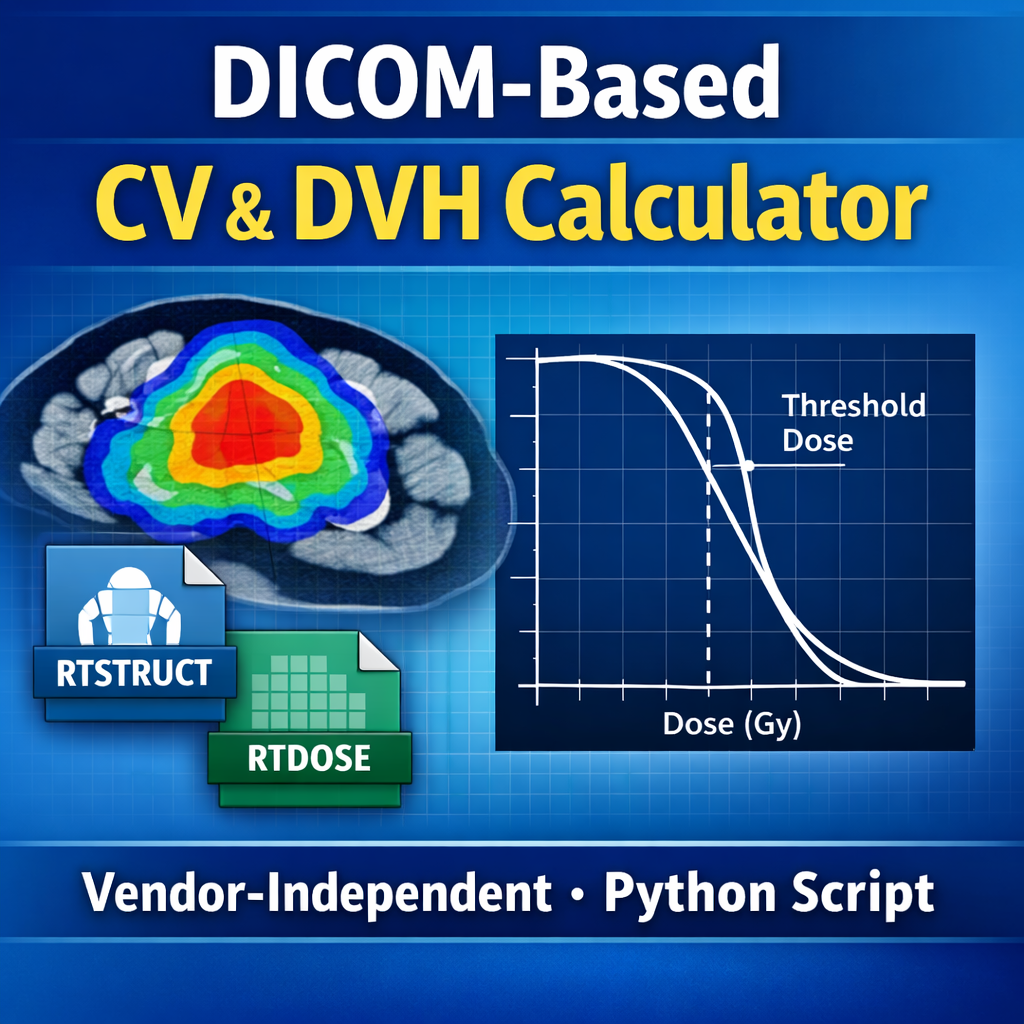
DICOM-Based Conservative Volume (CV) & DVH Calculator – Python Script
Vendor-Independent Conservative Volume and DVH Calculation from DICOM
This Python script demonstrates how to calculate Conservative Volume (CV) and generate a cumulative DVH directly from DICOM RTSTRUCT and RTDOSE, without relying on any treatment planning system APIs.
The Conservative Volume is defined as the portion of a structure receiving less than a specified dose threshold. While this metric is commonly evaluated inside a TPS, this script shows how the same calculation can be reproduced using DICOM-only data, making it fully vendor-neutral and transparent.
What This Script Does
- Loads RTDOSE and converts the dose grid to physical dose (Gy)
- Reads RTSTRUCT and reconstructs the ROI as a voxelized mask on the dose grid
- Computes:
- Total ROI volume
- Volume above a user-defined dose threshold
- Conservative Volume (volume below the threshold)
- Generates a cumulative DVH for the same ROI
- Displays the dose threshold visually on the DVH plot
- Outputs a structured CV report suitable for QA review or documentation
Why This Is Useful
- Works across any TPS vendor that exports RTSTRUCT and RTDOSE
- Ideal for independent QA, automation pipelines, and research workflows
- Ensures internal consistency by computing CV and DVH from the same voxelized DICOM data
- Transparent and auditable — no black-box TPS calculations
Intended Audience
- Medical physicists
- Dosimetrists
- Researchers working with DICOM RT data
- Developers building TPS-independent QA or analytics tools
Requirements
- Python
- pydicom
- numpy
- matplotlib
📌 Note:
This product includes the Python script only. It is intended for educational, research, and workflow-development purposes.
🛠️💡 Need customization? Contact me to adapt this tool to your workflow.