
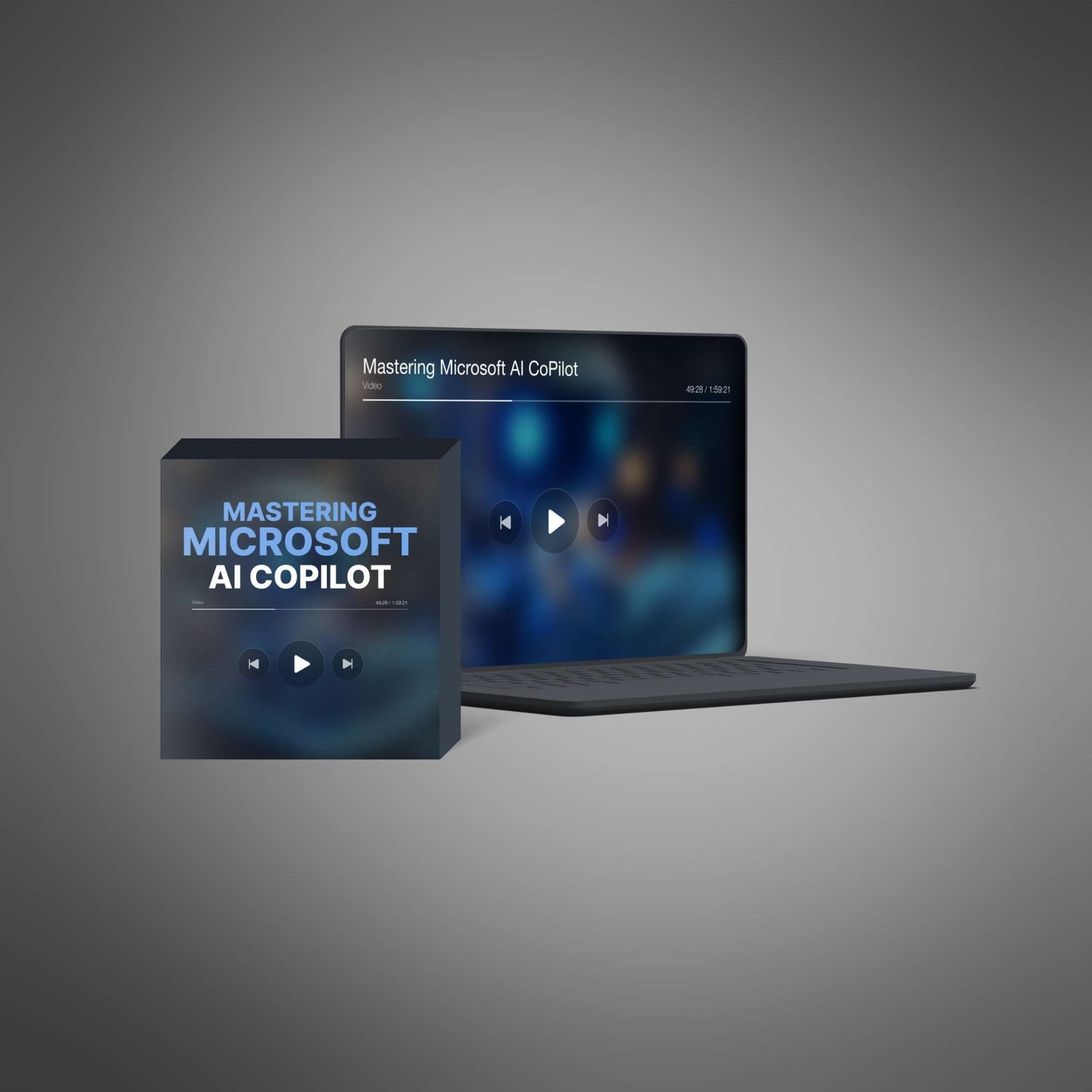
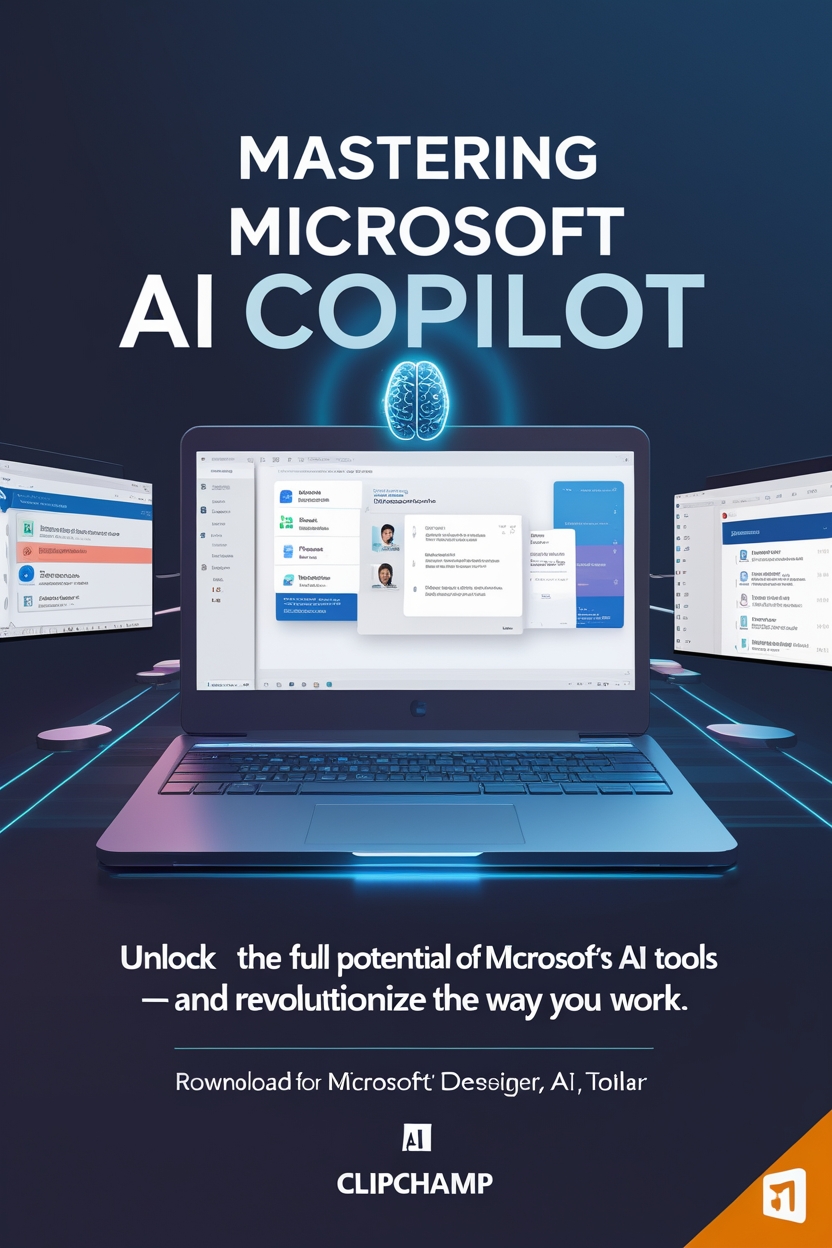
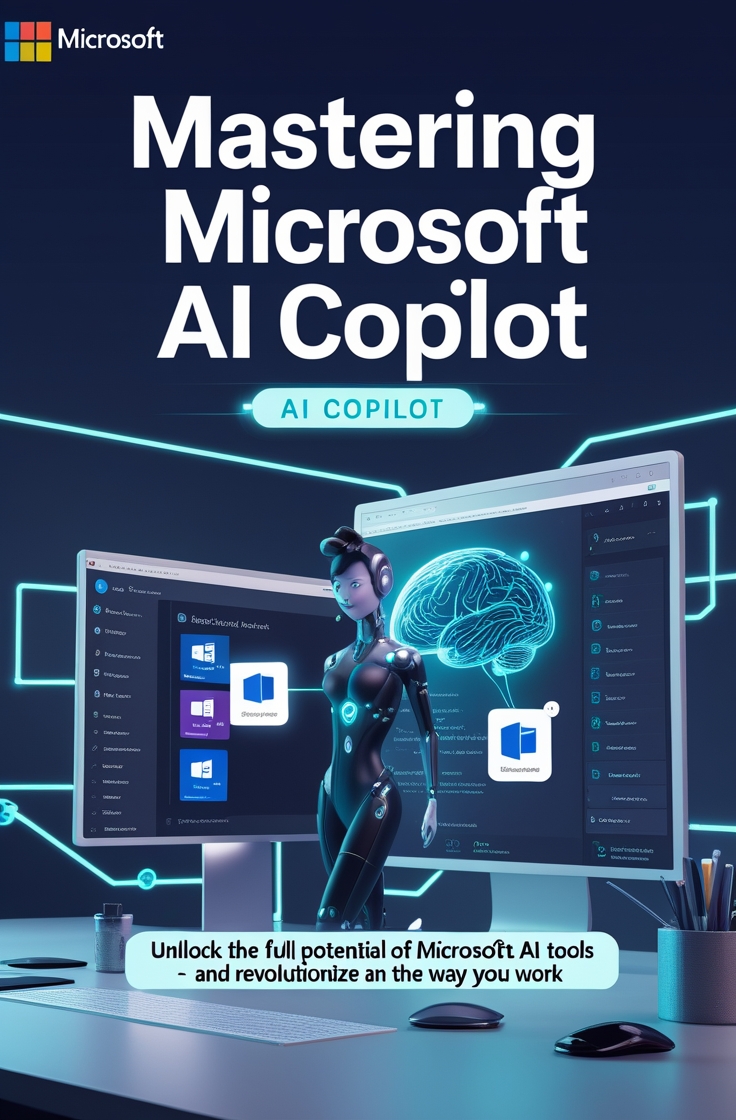

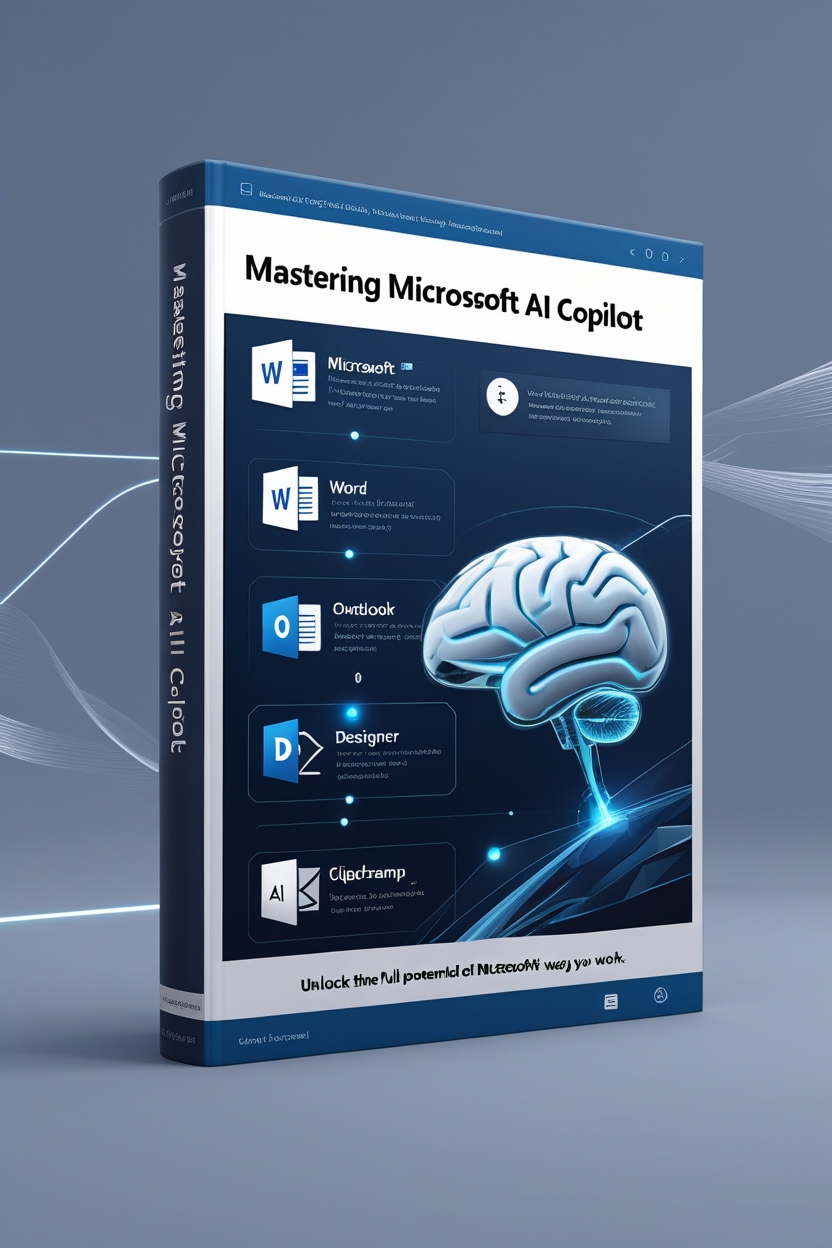

Mastering Microsoft AI CoPilot:Unlock the Full Potential of Microsoft’s AI Tools — and Revolutionize the Way You Work.
🚀 Mastering Microsoft AI CoPilot
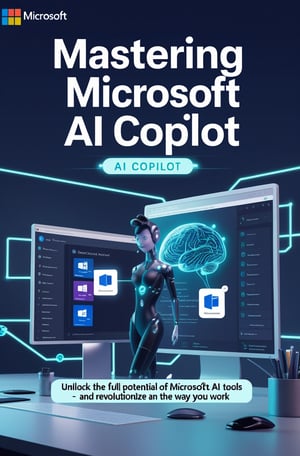
Unlock the Full Potential of Microsoft’s AI Tools — and Revolutionize the Way You Work.
Tired of juggling countless tasks, wasting hours creating content, or struggling to
stay productive?
Now imagine being able to delegate everything to a smart digital assistant that helps you
write faster, design better, and automate your business — all using tools you already
own.
Welcome to Mastering Microsoft AI CoPilot — your complete, hands-on training to
harness the power of Microsoft AI for content creation, automation, and productivity.
🎓 You’ll get instant access to 20 step-by-step training videos + audio files
you can watch or listen to anytime!
📦 What’s Included?
You’re getting the full 20-part Microsoft AI CoPilot video training, including high-quality
video tutorials and matching audio files.
Here’s the breakdown of what’s inside:
🎬 20 AI Training Videos:
1. 0001 - AI Video with MS Clipchamp.mp4
2. 0002 - AI Video Auto Compose in MS Clipchamp.mp4
3. 0003 - AI Text To Speech In MS Clipchamp.mp4
4. 0004 - AI Video - Transcriptions and Captions with MS
Clipchamp.mp4
5. 0005 - AI Speaker Coach with MS Clipchamp.mp4
6. 0006 - AI Speaker Coach in MS PowerPoint.mp4
7. 0007 - Use AI With MS Designer for Promotional Elements.mp4
8. 0008 - Generate AI Images Using Microsoft Designer.mp4
9. 0009 - MS Designer Brand Kit.mp4
10. 0010 - Terms of Service for MS Designer.mp4
11. 0011 - Use CoPilot to Summarize E-Mails in Outlook.mp4
12. 0012 - Drafting E-Mails in Outlook with CoPilot.mp4
13. 0013 - Live Example AI Editor.mp4
14. 0014 - Live Example CoPilot in Word.mp4
15. 0015 - Live Example - Summary and Designer.mp4
16. 0016 - Live Example - Turning Information Into Tables.mp4
17. 0017 - Live Example - Our Summary in PowerPoint.mp4
18. 0018 - Live Example and Limits.mp4
19. 0019 - Live Example - Transforming Transcripts.mp4
20. 0020 - Microsoft Create and Conclusion.mp4
🎧 Includes matching audio versions of each video so you can learn on the go.
Once you purchase, you’ll receive a downloadable ZIP file containing:
● All 20 video lessons
● All 20 audio files
● Easy folder structure for quick access
🔓 Simply unzip the file to start watching or listening immediately!
💡 What You’ll Learn:
✅ How to create AI-generated videos using Clipchamp
✅ Automatically generate captions, transcripts, and voiceovers
✅ Use AI to design logos, social posts, and promo material with Microsoft Designer
✅ Let CoPilot write, summarize, and edit emails, Word documents, and presentations
✅ Generate insights, convert data into tables, and build visuals with ease
✅ Learn from live CoPilot use-cases across PowerPoint, Outlook, and more
✅ Use Speaker Coach to practice and improve your delivery and presentation skills
Who Should Grab This?
This is perfect for:
● Coaches, creators, educators, and entrepreneurs looking to work smarter
● Busy professionals who want to automate and delegate repetitive content tasks● Digital resellers and PLR marketers who want a full training product they can offer
or rebrand
● Small businesses ready to scale operations using Microsoft AI
No tech skills? No problem. These videos are beginner-friendly, practical, and easy to
follow.
💰 Regular Price: $97
🔥 Today Only: $27
For a limited time, you can get the full 20-video + 20-audio course for just $27 — a massive
72% discount off the $97 retail price.
Instant digital delivery – No waiting. Start learning immediately.
🎁 BONUS: 30-Day Money Back Guarantee
We want you to feel 100% confident in your purchase. That’s why your order is backed by
our 30-day no-questions-asked money-back guarantee.
If you’re not completely satisfied, just email us within 30 days, and you’ll get a full refund.
No hassle.
🔓 Instant Access – Download & Learn Right Away
Your purchase includes:
● 📁 20 Video Tutorials (.mp4)
● 🎧 20 Audio Versions (.mp3)
● ✅ Easy folder layout
● ✅ Instant access link to download the ZIP file
● ✅ Rights to use personally or resell if you choose (PLR available separately)⚡ Just unzip the folder and start learning how to dominate your productivity
with Microsoft AI!
🎯 Take Control of Your Time and Output
The future of productivity is AI-powered — and Microsoft CoPilot is at the center of it.
With this course, you’re not just getting knowledge — you’re getting speed, automation,
and an edge over your competitors.
Click the button below to get 20 expert tutorials + audios for just $27 (today only).
👉 [Get Instant Access Now – Just $27]
📦 How to Access Your Files After Purchase
Once your payment is complete, you'll be redirected to a download page and also receive a confirmation email with your download link.
All files come in a ZIP format. Here's how to access them:
- Download the ZIP file to your computer or mobile device.
- Unzip the file:
- On Windows: Right-click the file and select “Extract All.”
- On Mac: Double-click the file to unzip.
- On Mobile: Use a free app like "WinZip" or "RAR" from your app store.
3.Once extracted, open the folder to access your videos, and Audio.
If you have any trouble accessing your files, contact our support team and we’ll help you out right away.
Privacy Policy | Disclaimer | Terms and Conditions | Support