
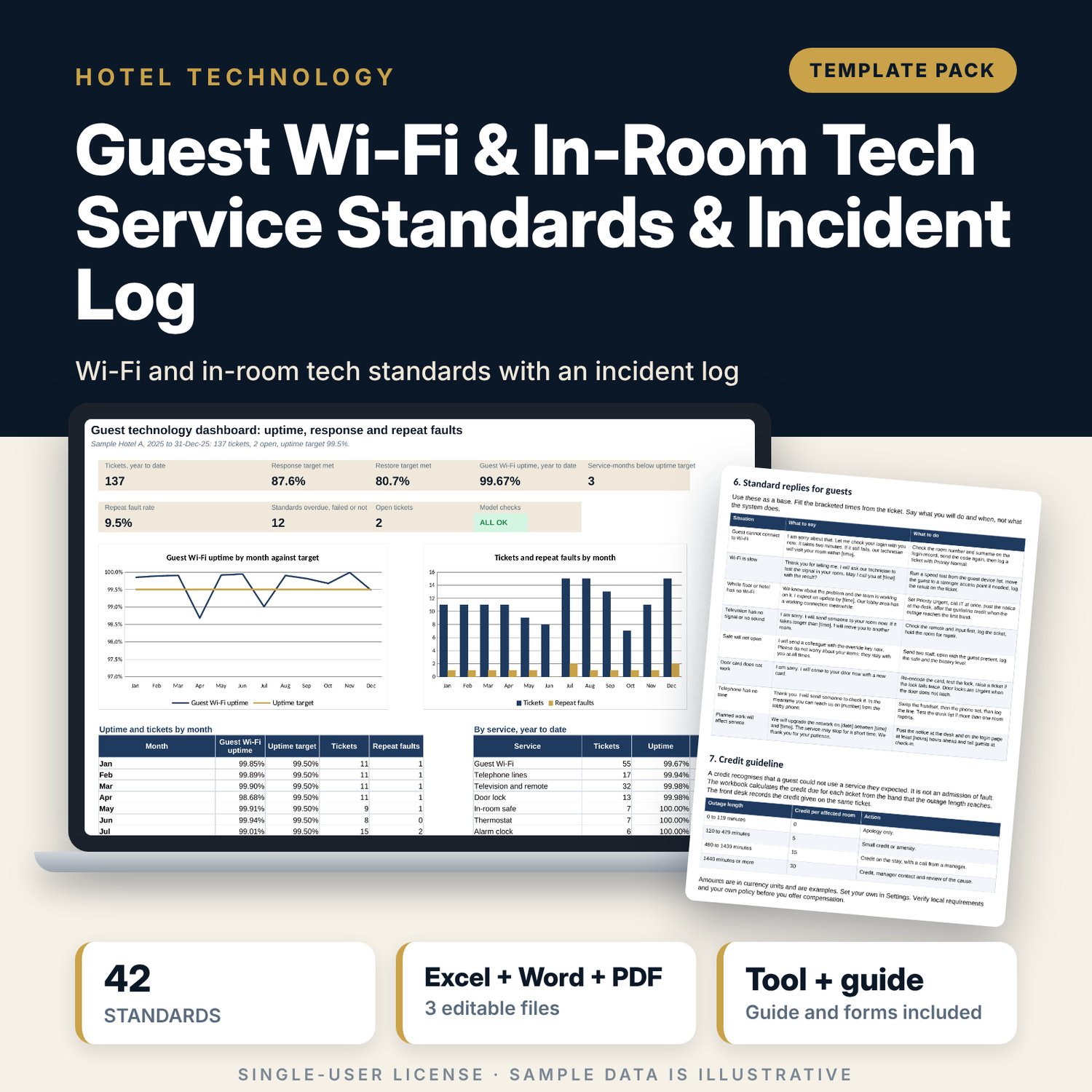
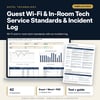
Guest Wi-Fi & In-Room Tech Service Standards & Incident Log: Guest Wi-Fi and In-Room Technology Standards and Incident Log
Full description
For hotel IT managers, front office managers and general managers who want one standard for guest Wi-Fi and in-room technology, and one log that shows how well the hotel responds. The workbook holds 42 service standards with owner, frequency, last check and status, and an incident log for 137 sample tickets. For each ticket it calculates response time, outage time, guest impact, credit due under your guideline, repeat faults and incomplete vendor records, then reports room-weighted uptime, response and restore compliance by month. A 9-page Word standards document gives the network and in-room standards, the response workflow, standard replies, a credit guideline, a vendor escalation tree and forms.
What is inside
- Guest_WiFi_Tech_Incident_Log.xlsx: 7 tabs, 3,188 formulas, 2 native charts, 17 drop-down and input rules
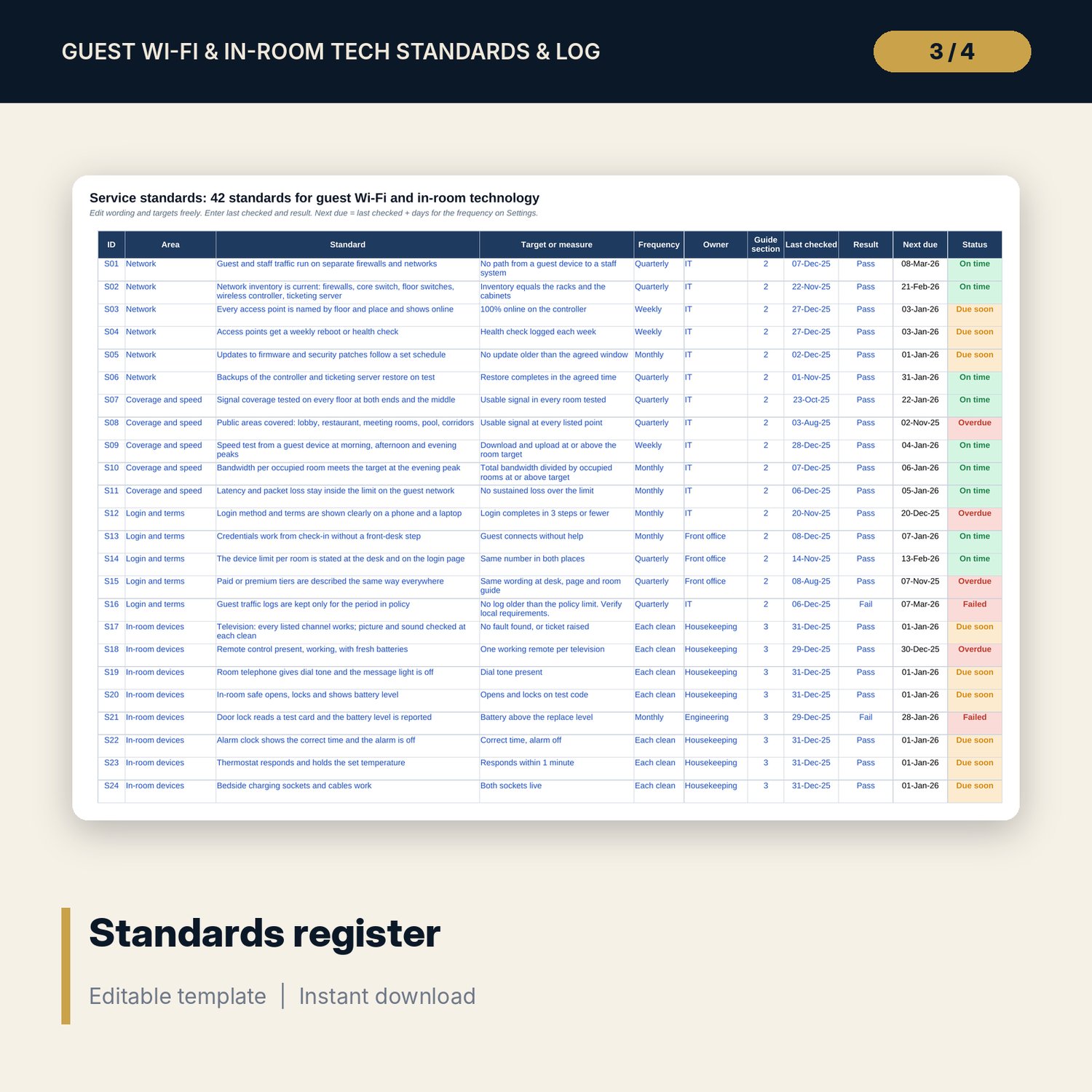
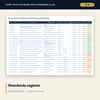
- Standards: 42 standards in 8 areas with target, frequency, owner, guide section, last checked, result, next due and status; 8 spare rows
- Incident Log: 137 sample tickets and 60 spare rows; 13 calculated columns for response, outage, targets, guest impact, credit due, repeat fault and vendor record
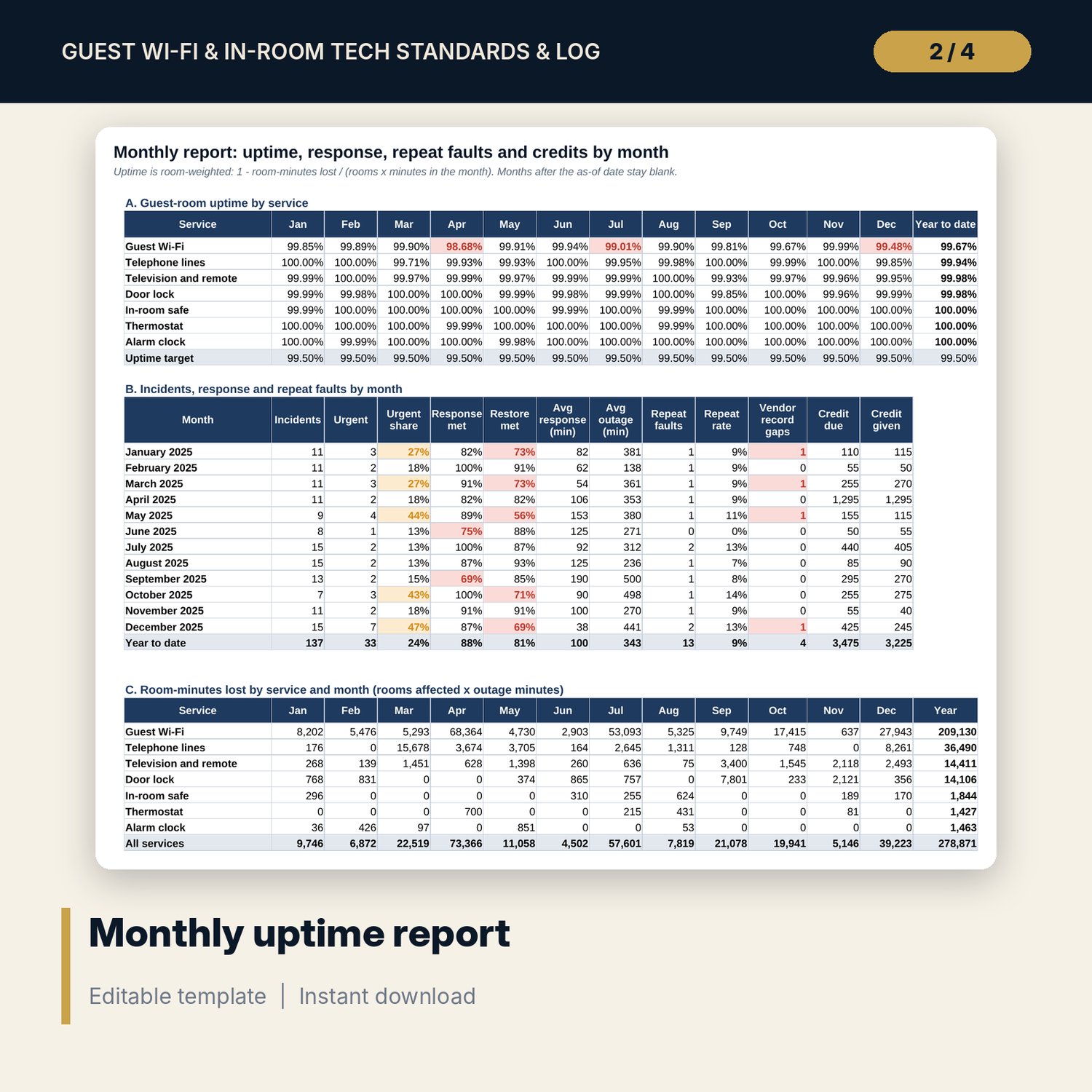
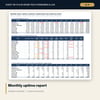
- Monthly Report: room-weighted uptime for 7 services by month, incidents, Urgent share, response and restore compliance, repeat faults, credits
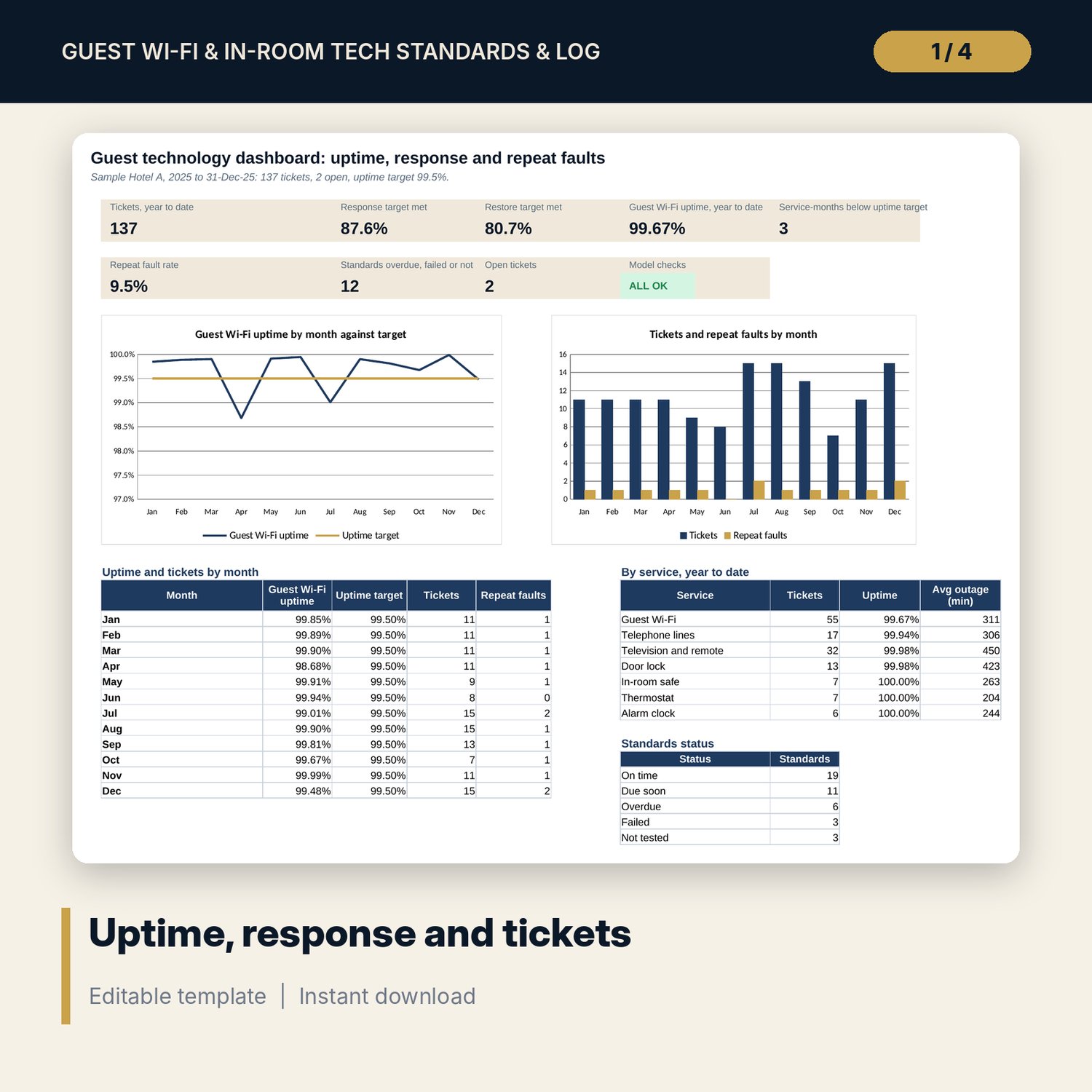
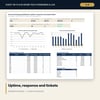
- Dashboard: 8 tiles, a check tile, 2 charts, a service table and standards status; 8 integrity checks
- Guest_WiFi_Tech_Service_Standards.docx and PDF: 9 pages with standards, workflow, 8 standard replies, credit guideline, vendor escalation tree, forms, routines and a worked example
- README.txt and LICENSE-and-Terms.txt
How it works
- Set rooms, targets, priority times and credit bands on Settings.
- Record the last check and the result for each standard.
- Log each ticket with its times, location, service, priority and vendor details.
- Read the flags for missed response, missed restore, repeat faults, unrecorded credits and incomplete vendor records.
- Send the monthly report and review open items weekly.
Details
- Formats: 1 Excel workbook (.xlsx), 1 standards document in Word (.docx) and PDF, English
- Software: Excel 2016 or later, or LibreOffice Calc 7 or later
- No macros, no external links, no data tables, no array formulas
- 3 files plus README and license; instant digital download
Good to know
- Sample data is illustrative. Tickets, times and counts are invented. Replace them with your own.
- Credit bands, targets and log retention are your policy. Verify local requirements before you promise compensation or keep guest data.
- The files are management tools, not legal or engineering advice, and they do not connect to any network.
- Single-user license. Do not redistribute.
FAQ
Does it read data from my network or ticketing system?
No. You type or paste tickets into the log. Every result is a standard worksheet formula.
How is uptime calculated?
Room-weighted: one minus room-minutes lost divided by rooms times minutes in the month. A single-room television fault and a hotel-wide Wi-Fi outage count in proportion to the rooms affected.
Can I change the targets and the credit bands?
Yes. Priority response and restore times, the uptime target, the repeat window and the credit bands are inputs on Settings.
What counts as a repeat fault?
A ticket for the same location and service within the repeat window before it. The window defaults to 30 days.
Do I need macros?
No. The workbook uses no macros and no external links.