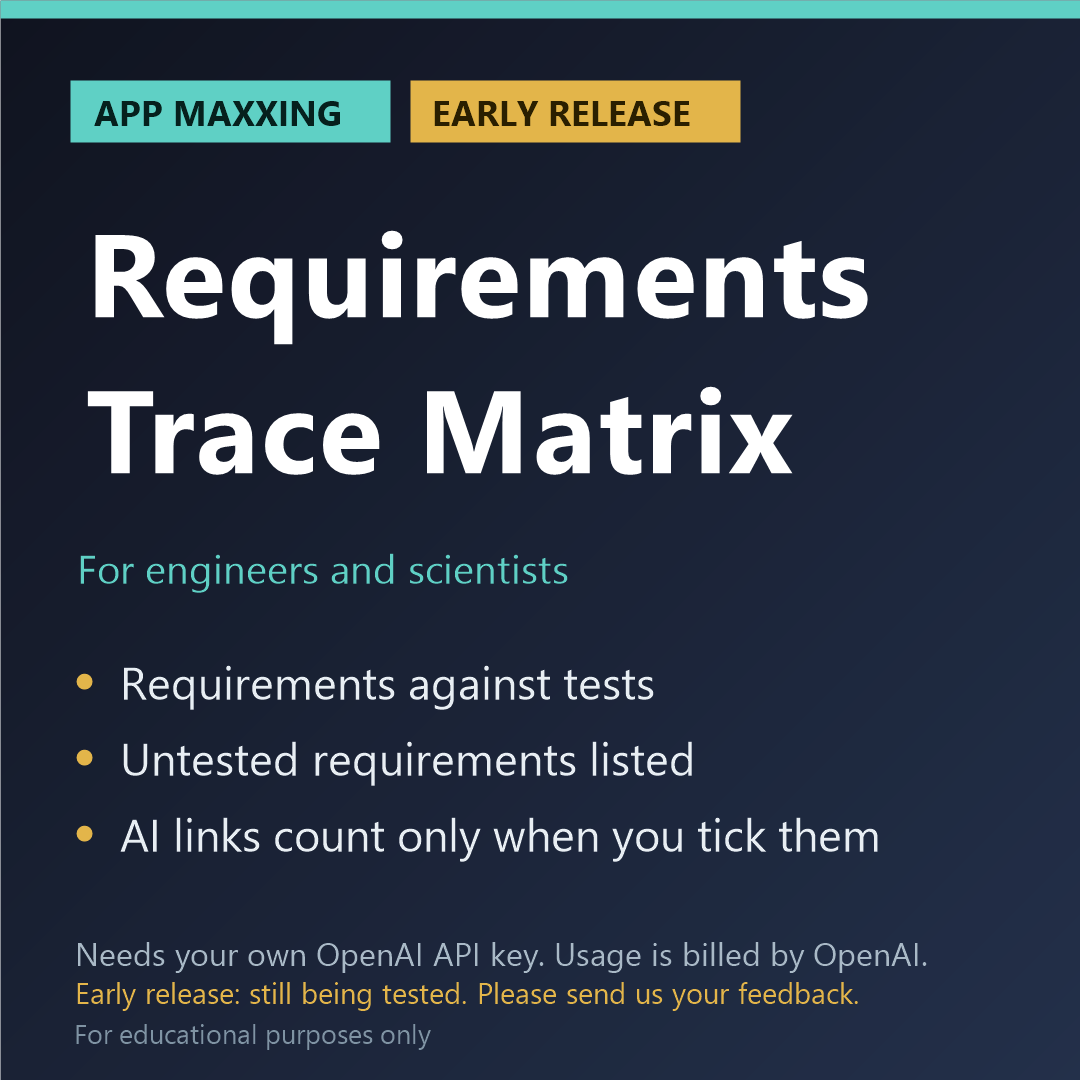
Requirements Trace Matrix (App Maxxing, early release)
EARLY RELEASE: PLEASE READ BEFORE BUYING
- This app needs your own OpenAI API key. It will not run without one, and a ChatGPT subscription does not include one.
- It is an early release that still needs further testing. So far each app has passed our own offline tests, and has been run on its built-in sample against the live service on both models (October 2026). It has not yet been tried on a wide range of real files of different kinds and sizes. You may meet faults.
- Please tell us what you find after you buy: email kit376351@gmail.com with the subject "Maxxing feedback". Every report is read, and fixes are sent to buyers free.
- If we cannot get it running for you, email us within 14 days for a refund of the app price.
Which of your requirements have a test pointing at them? The app finds the IDs and the references itself; the model only suggests links, and none counts until you tick it.
WHAT IT DOES
Add your own requirements specification and your own test plan, test procedure or test report. The app reads both on your computer and finds the requirements and the test cases by their IDs (REQ-012, R-3.4.1, TC-45, or numbered clauses with 'shall'). It shows the pattern it used and what it found, and you can change the pattern. From the IDs alone, in code, it builds the matrix: which test names which requirement, which requirements no test points at, which tests point at no requirement, which tests name an ID that does not exist, which IDs are used twice, and which requirements say 'shall' with no number or measurable word (marked 'worth a look'). Your two files are not uploaded, but the text of every requirement and every test case the app found is sent to OpenAI (for most specifications that is most of the document), and the button 'See exactly what will be sent' shows every word. The model does two things only. Where a test names no ID, it suggests which requirement the test appears to exercise, with the sentence from each that made it think so. And for every link it says, in careful words, whether the test as written appears to cover the whole requirement or only part. The app looks both sentences up in your files and drops a suggestion whose sentences it cannot find. You then see every link in one table: the ones the app found are ticked, the ones the model suggested are marked 'suggested by the model, not confirmed' and are not ticked. You tick, untick or add links by hand, and confirm. Nothing is shown before that. Every count, and the share of requirements that have at least one link you confirmed, are worked out by the app, and the Excel file says how many links were explicit, how many were suggested and confirmed by you, and how many suggestions were not accepted, with an empty 'Confirmed by' column for the person who checks each link. For educational purposes only.
HOW IT IS BUILT
- The app's own code does the finding, the arithmetic and the unit conversions. The AI is used only for what code cannot do, and what it says is checked against your file.
- Anything the app cannot find in your file is marked "not found in the file", not trusted.
- The cost is shown before each run and after it, with a limit you set for one run.
- No verdicts: the app never says pass, fail or compliant. It shows you what it found and where.
WHAT YOU NEED
- Windows, Mac or Linux, and free Node.js 18 or newer
- Your own OpenAI account with API access and a key (platform.openai.com). This is separate from a ChatGPT subscription.
- You pay OpenAI for what you use, on top of the price of the app. In our own tests on a short sample file, a run of this app cost about 21 cents. Longer files cost more.
- The app uses OpenAI's GPT-6 Astra model. In Settings you can switch to a cheaper model at about a fifth of the price.
- About ten minutes of setup. A step-by-step guide is included.
HONEST LIMITS
This app says which requirements have a test pointing at them, and nothing more. It never says that a requirement is met, that a test was run, or that a test is a good one. How much of a requirement a test covers is the model's reading of the wording, shown with both sentences: it can be wrong, and it is never counted. Documents without IDs are not supported: a requirement or a test case with no ID is not seen. A requirement is read from its ID to the next ID or heading, and so is a test case; an ID at the start of a line is taken as the start of a new one, so keep requirements and test cases in two separate files. A range such as 'REQ-001 to REQ-008' is read as the two IDs written, not the ones between. Text in pictures, scans, drawings, headers and footers is not read: a PDF needs a text layer (one whose text you can select and copy). One run takes up to 1,500 requirements and 1,500 test cases. Published standards are not an input: use your own documents. A matrix with no gaps does not mean the documents are right. The output is a draft, not a verification record, a design check or an approval.
For educational purposes only, and for your own research and your own documents. The app points things out for you to check: it does not certify, approve or sign off anything, what the AI writes can be wrong, and it is not a substitute for review by a qualified person. You are asked to accept this when you first open the app.
PRIVACY
The app runs on your computer. It says before each run exactly what will be sent to OpenAI, under OpenAI's terms, and what stays on your computer; nothing is sent to us. Use it only with documents you are allowed to send to an AI service: not an employer's or customer's confidential documents, not export-controlled material, and not someone else's unpublished work. Your key is stored only on your computer and is sent only to OpenAI.
WHAT IS INCLUDED
The app (a zip file), start files for Windows, Mac and Linux, a sample to try, a setup guide and a README. Kitson Workshop is not affiliated with or endorsed by OpenAI.
REFUNDS
Digital download. If we cannot get it running for you, email kit376351@gmail.com within 14 days for a refund of the app price. Credit you bought from OpenAI is theirs to refund or not.
FEEDBACK AND IDEAS
Email kit376351@gmail.com with the subject "Maxxing feedback" to report a fault or tell us what worked. For a new app idea, use the subject "Kitson idea".