


OnTrack Team — Staff Roster, Timesheet & Payroll Tracker App (No Excel · Works Offline)
Roster your team, track their hours and leave, and see what it all costs — in one simple file.
OnTrack Team is a complete staff scheduling, timesheet and payroll tracker that runs as an app right in your web browser. Download one file, double-click it, and it works. There's nothing to install, no Microsoft 365 licence, no monthly fee, and no internet connection needed once you have it.
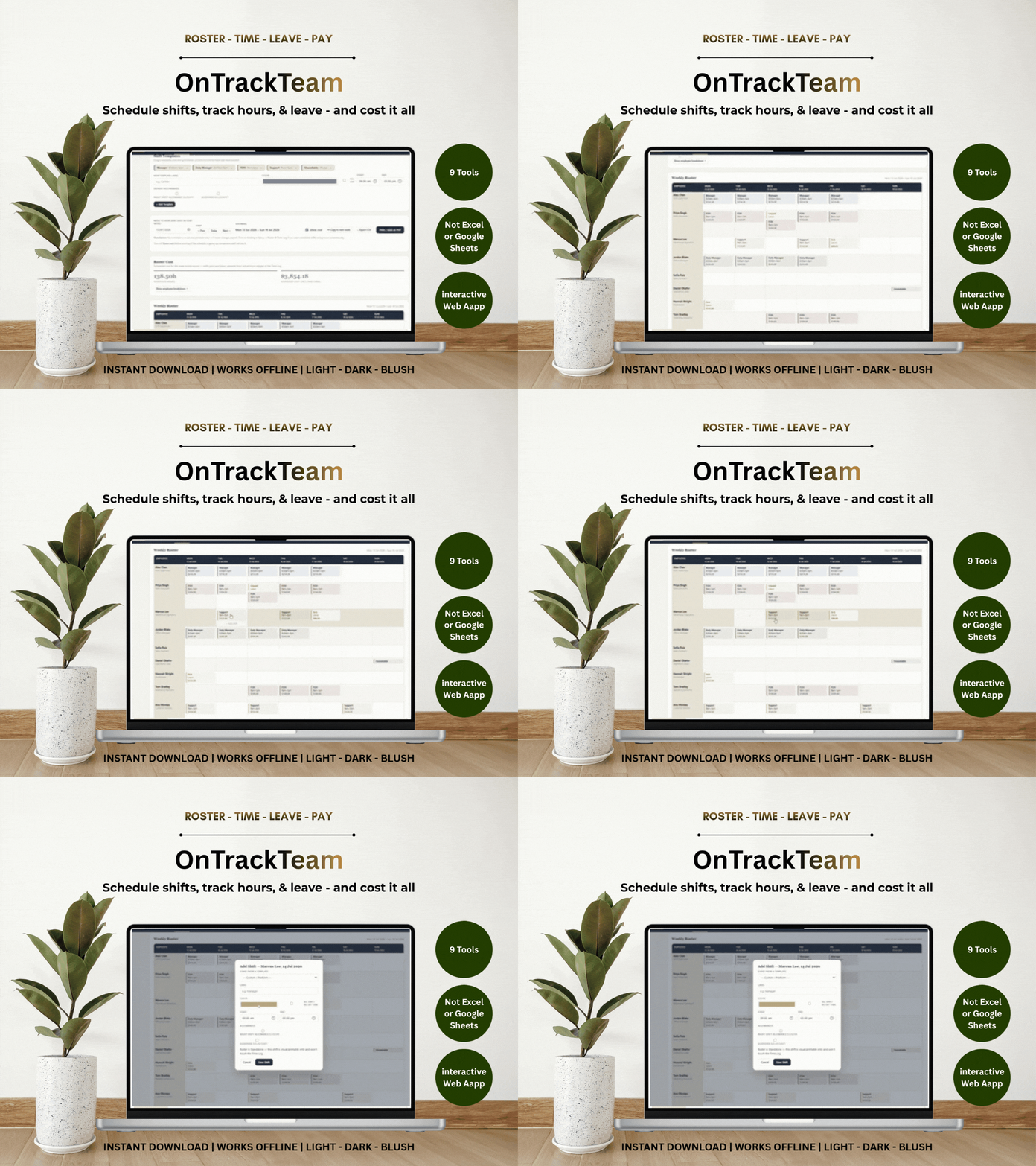
Build next week's roster by dragging shifts onto a grid. Log the hours actually worked and overtime, allowances and anomalies calculate themselves. Book leave and its cost is handled for you. Then open the dashboard and see your whole week — total hours, labour cost, cost by department and position, and a projected payroll figure — before the week has even closed.
Built for café, retail, hospitality and small-business owners, managers and bookkeepers who want their scheduling and their numbers in one place, without a spreadsheet to babysit or a subscription to pay.
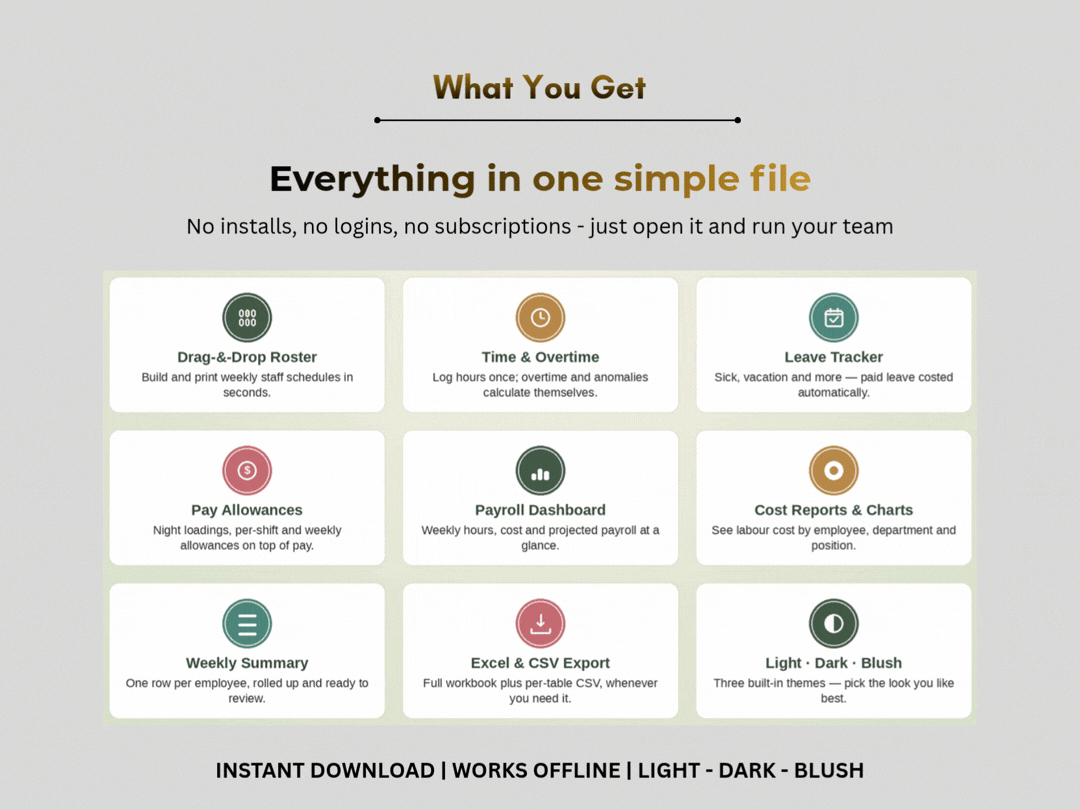
WHAT'S INSIDE
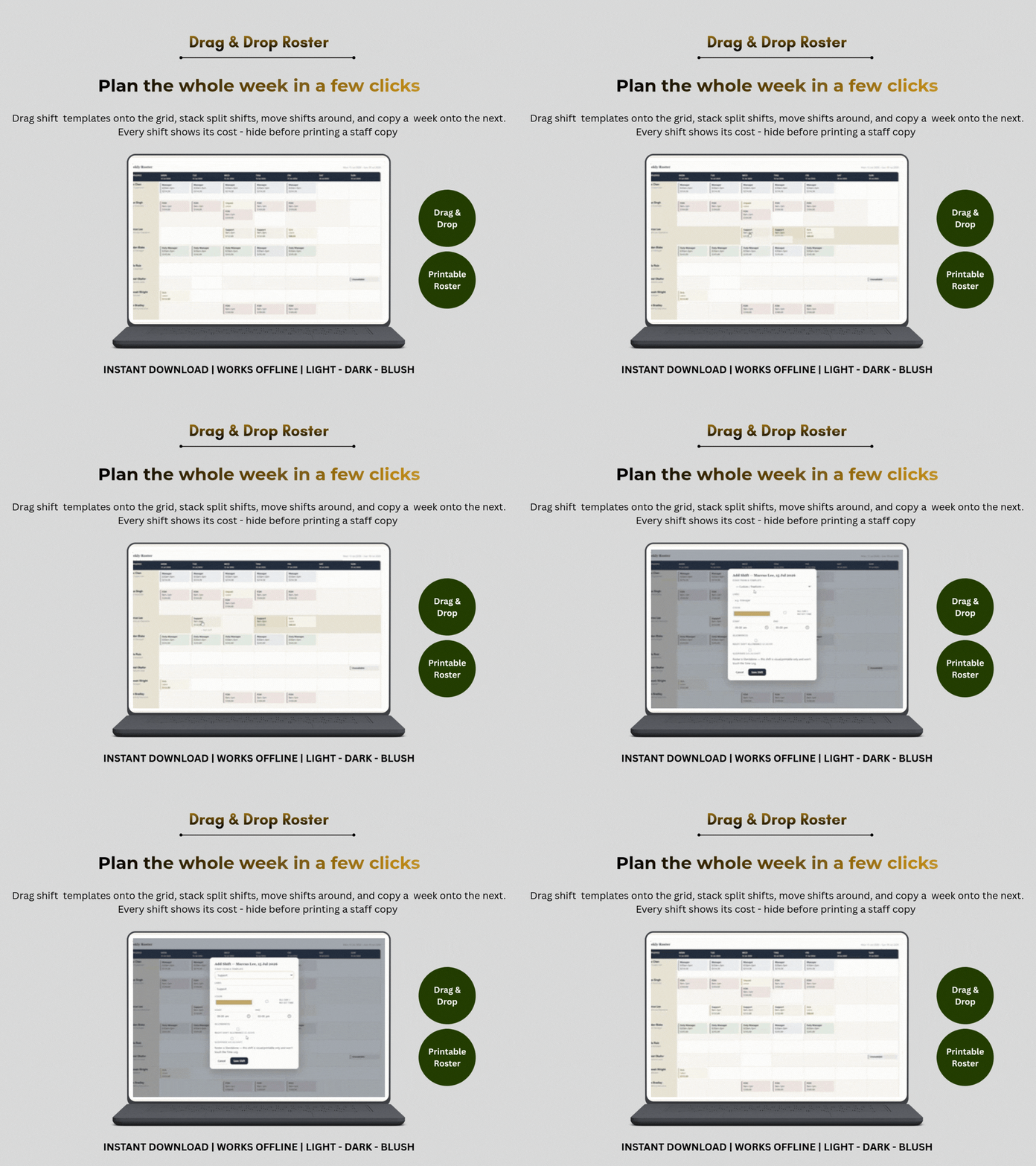
- Drag-&-Drop Roster — build a printable weekly schedule by dragging shift templates onto an employee/day grid, or click any cell to build one from scratch. Stack multiple shifts a day, drag shifts to move them, and copy a whole week onto the next in one click. Every shift shows its cost, and you can hide costs before printing a staff copy.
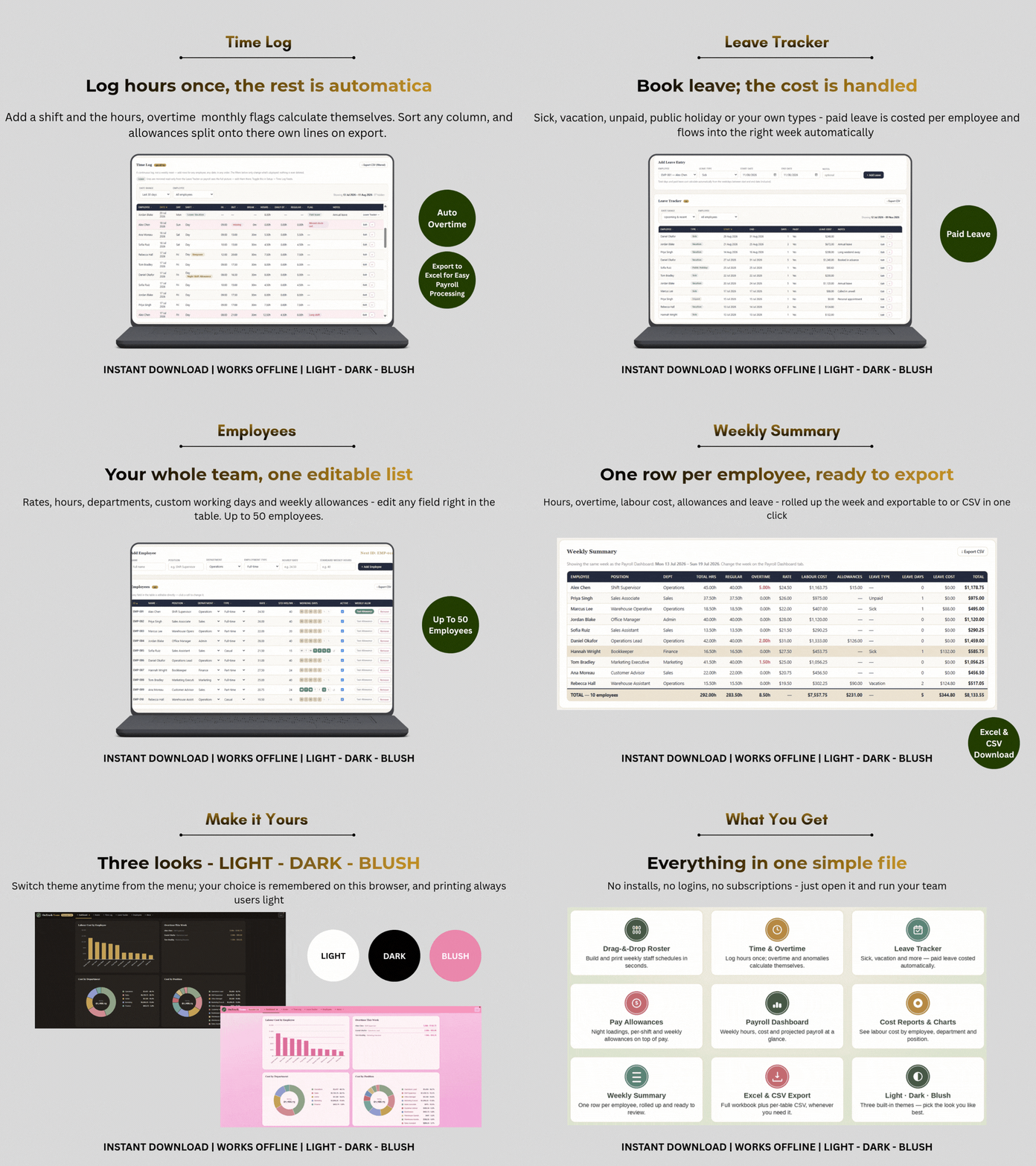
- Time Log — a continuous record of hours worked. Add shifts for anyone, any date, in any order; hours, overtime and anomaly flags calculate per row. Sort any column, and edit entries without deleting and retyping.
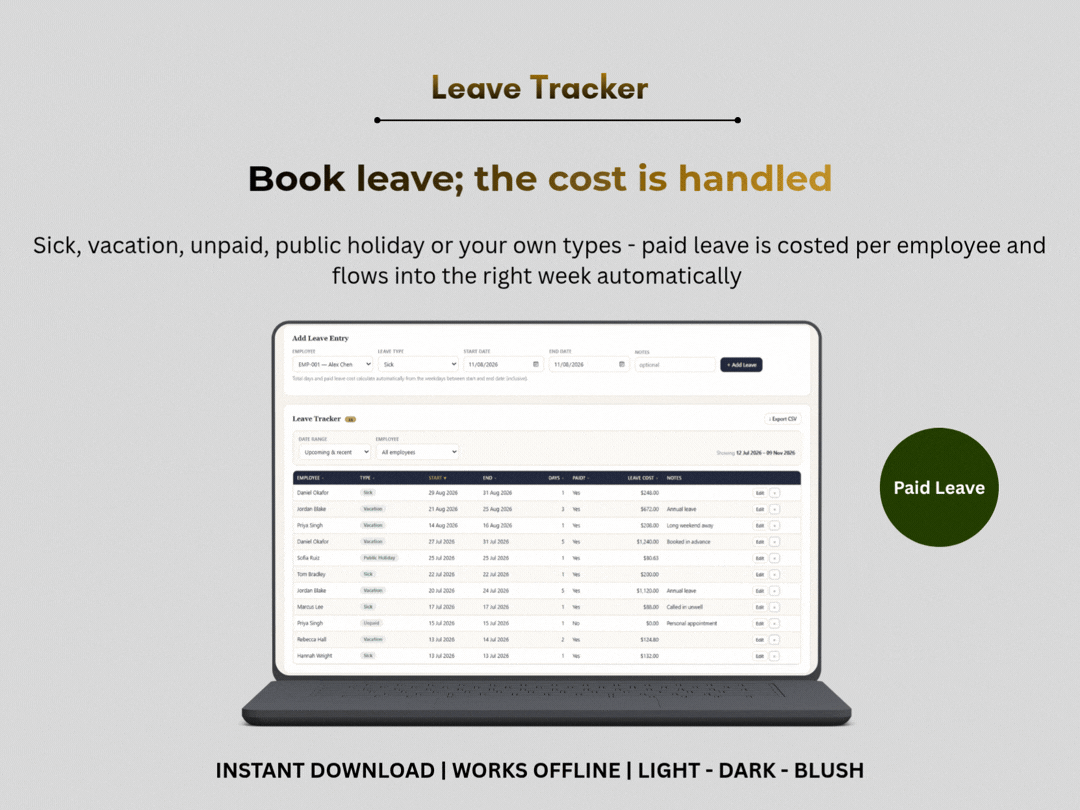
- Leave Tracker — sick, vacation, unpaid, public holiday or your own types. Paid leave costs itself automatically from each person's rate, hours and working days, and can appear right inside the Time Log so payroll sees the full picture.
- Pay Allowances — add extras on top of base pay: per-hour loadings (like a night shift allowance), flat per-shift amounts, or weekly allowances. Applied on a time entry or a roster shift, and rolled into every total.
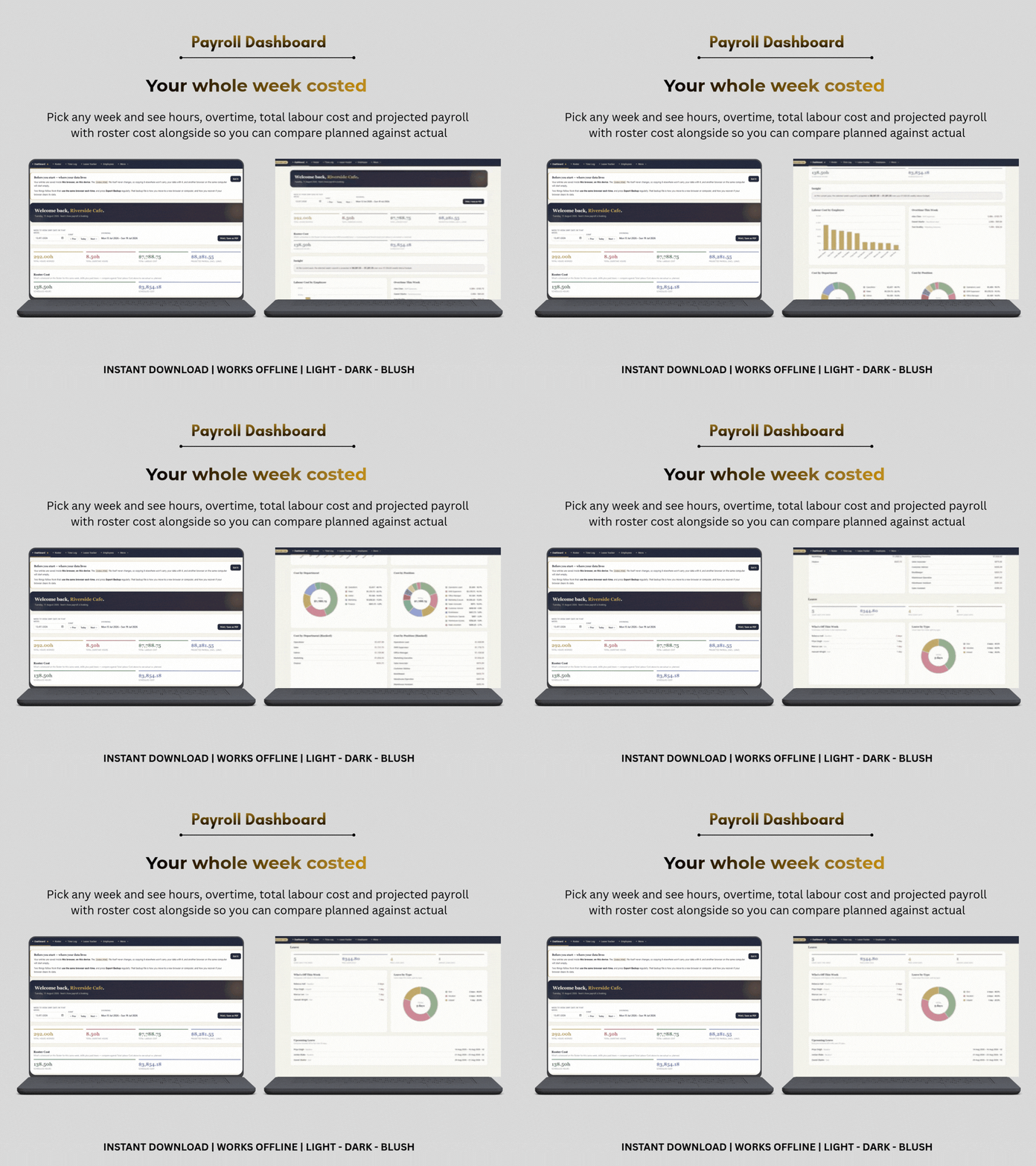
- Payroll Dashboard — pick any week and see total hours, overtime, labour cost (including allowances) and projected payroll against your budget, plus a "Roster Cost" figure so you can compare what you planned against what you paid.
- Reports & Charts — labour cost broken down by employee, by department and by position as clean donut charts and ranked lists, plus a full Leave section: who's off this week, leave by type, paid vs unpaid, and everyone booked off in the next 30 days.
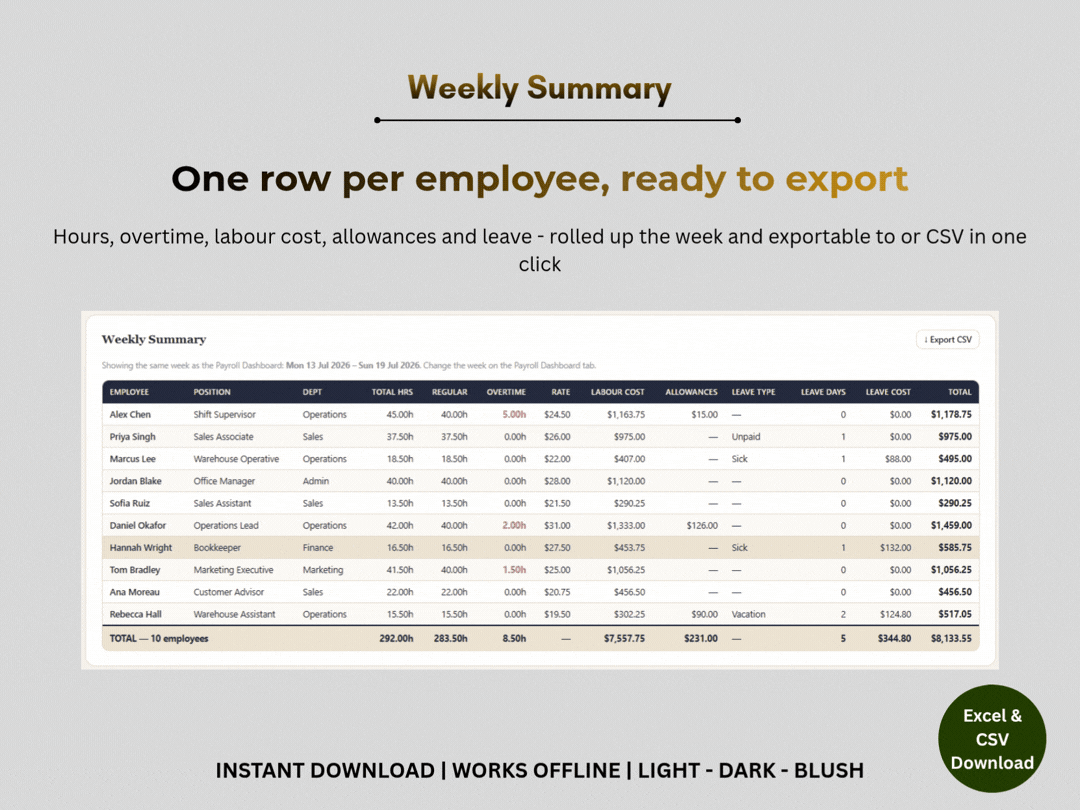
- Weekly Summary — one row per employee: hours, overtime, rate, labour cost, allowances, leave and total, with column totals.
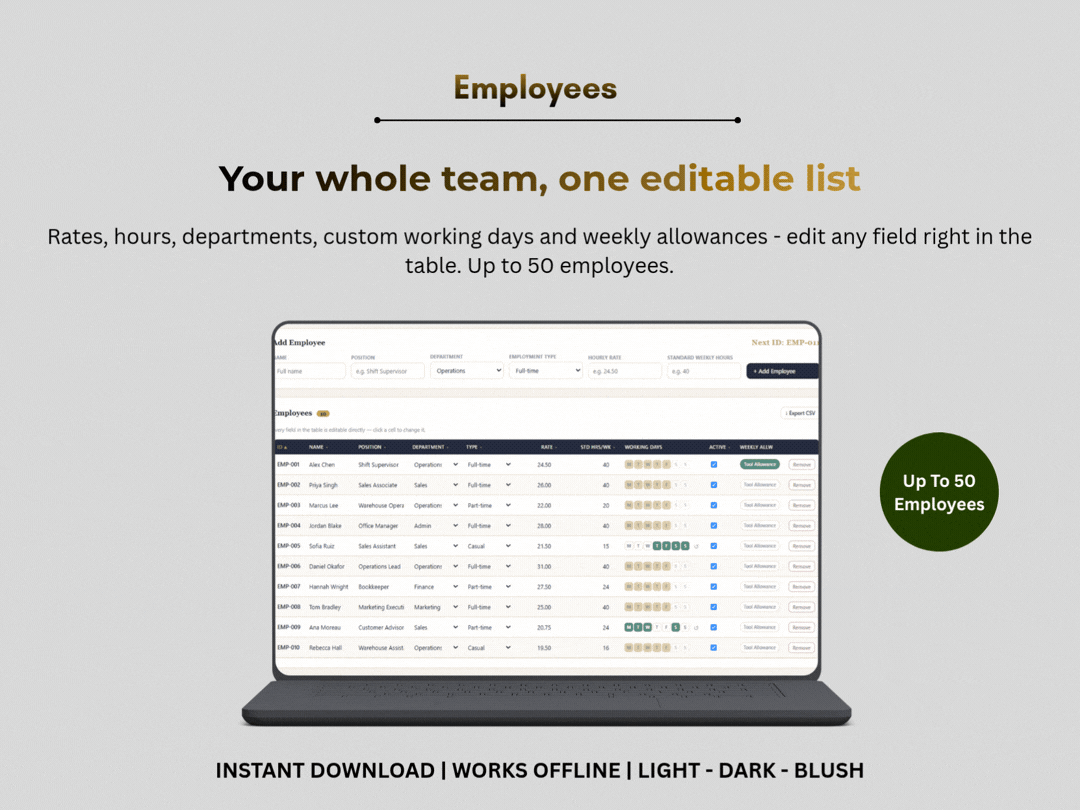
- Employees — your whole team in one editable list: rate, standard hours, department, custom working days and weekly allowances. Up to 50 employees.
- Anomaly Log — automatically surfaces missed clock-outs, no-break shifts and unusually long shifts across your whole history, with a jump-to-fix button.
- Setup — currency, overtime thresholds and multiplier, weekly budget, working days, shift and leave types, departments, pay allowances and your business name. Every dropdown pulls from here.
- Three themes — Light, Dark and Blush; pick the look you like. Your choice is remembered.
WHY THIS RATHER THAN A SPREADSHEET
- Nothing to break. No formula cells to overwrite by accident — it's a real app.
- Nothing to install. It runs in the browser you already have. No Excel licence, no Google account.
- Works offline & private. Nothing is uploaded anywhere; your data never leaves your computer.
- Per-employee working days. A weekend barista and a Mon–Fri bookkeeper can share one roster and both cost correctly.
- It tells you when something's wrong. Missing an hourly rate? The row is flagged with the reason, rather than quietly showing zero.
GET YOUR DATA OUT ANY TIME
- Full workbook export to .xlsx — every tab, opens in Excel, Google Sheets, LibreOffice or Numbers.
- CSV export on every table, matching whatever filter you've applied.
- Print / Save as PDF of the Dashboard and the Roster.
- JSON backup of everything, to move to another browser or computer.
PLEASE READ BEFORE BUYING
- Desktop or laptop only. OnTrack Team is designed for a full-size screen — the drag-and-drop roster and wide tables need the room. It is not built for mobile phones or tablets.
- Your data saves inside the browser you open the file in, on that device. The file itself never carries your data — so pick one browser and stick with it, and use Export Backup regularly (it's how you move to a new browser or computer, and how you recover if a browser clears its data). The app reminds you when a backup is due.
I'd rather you know both of these before you buy than discover them afterwards.
WHAT YOU GET AT CHECKOUT
- OnTrack Team — one file, pre-loaded with a sample business so you can see every screen working. One button clears it when you're ready for your own numbers; another puts the sample back.
- An illustrated Quick-Start Guide (PDF) — opening it, setup, backups, and the questions people ask most.
- Licence & terms.
- Instant download. Nothing physical ships.
HOW TO OPEN IT
Download, unzip, then double-click index.html — it opens in your web browser like an ordinary page. No installer, no setup wizard, no account.
A single-business licence, so you can use it commercially to run your own business.