Your Cart
Loading

A closer look at OnTrack Team

No Subscriptions - No Installs - No Logins


OnTrack Team is built around six simple tabs that all talk to each other. Set up your team once, log the hours they work, and everything else — overtime, leave, allowances, costs and reports — falls into place on its own. No formulas to babysit, no double-entry. Here's a quick tour of what each tab does for you.
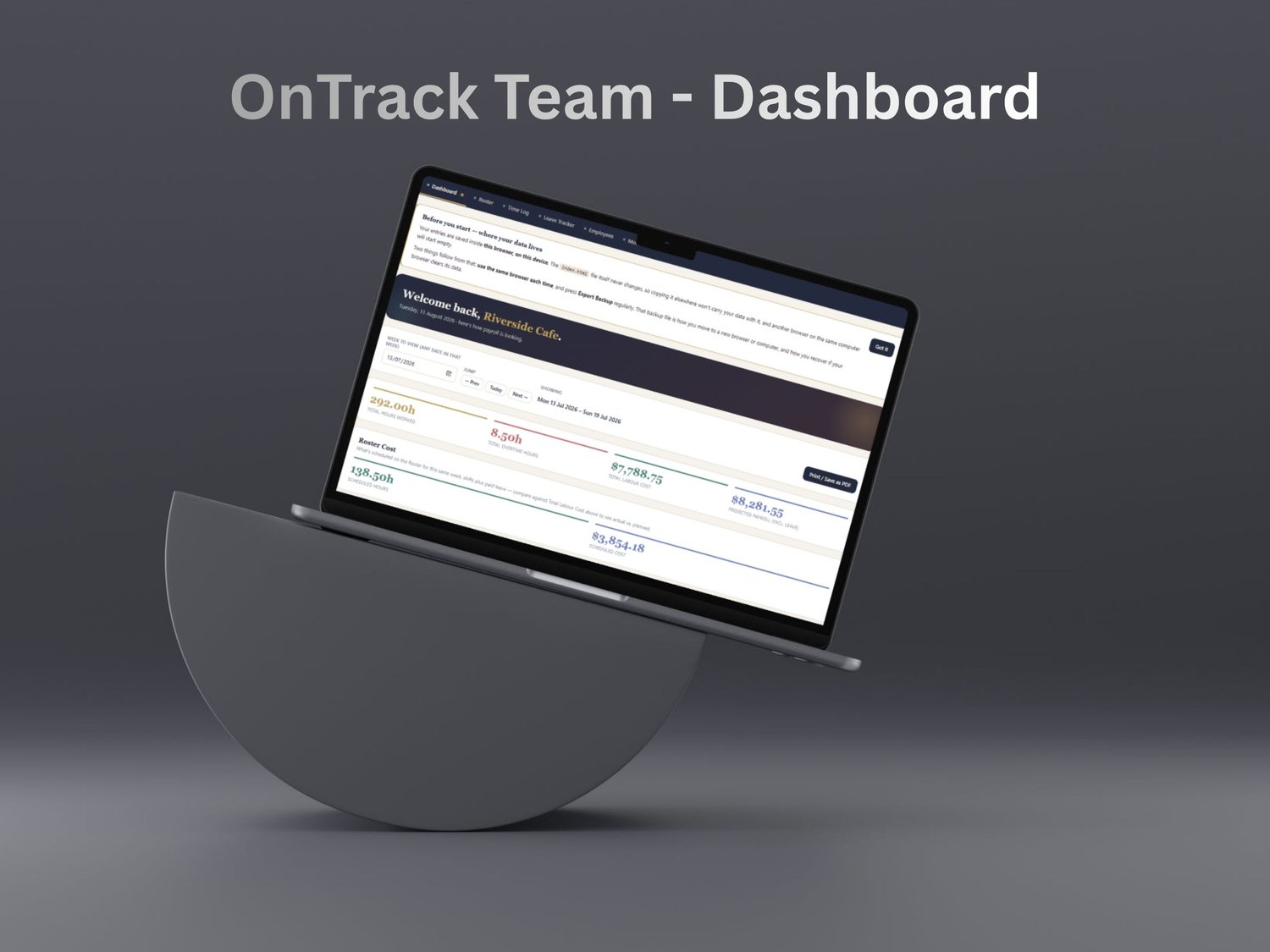
📊 Dashboard

Your whole week, costed — before it's even closed.


Pick any week and OnTrack Team shows total hours, overtime, labour cost (including allowances) and a projected payroll figure checked against your budget. A Roster Cost panel sits right alongside, so you can compare what you planned against what you actually paid. Underneath, clean donut charts break your cost down by employee, by department and by position, and a full Leave section shows who's off this week, leave by type, paid vs unpaid, and everyone booked off in the next 30 days.


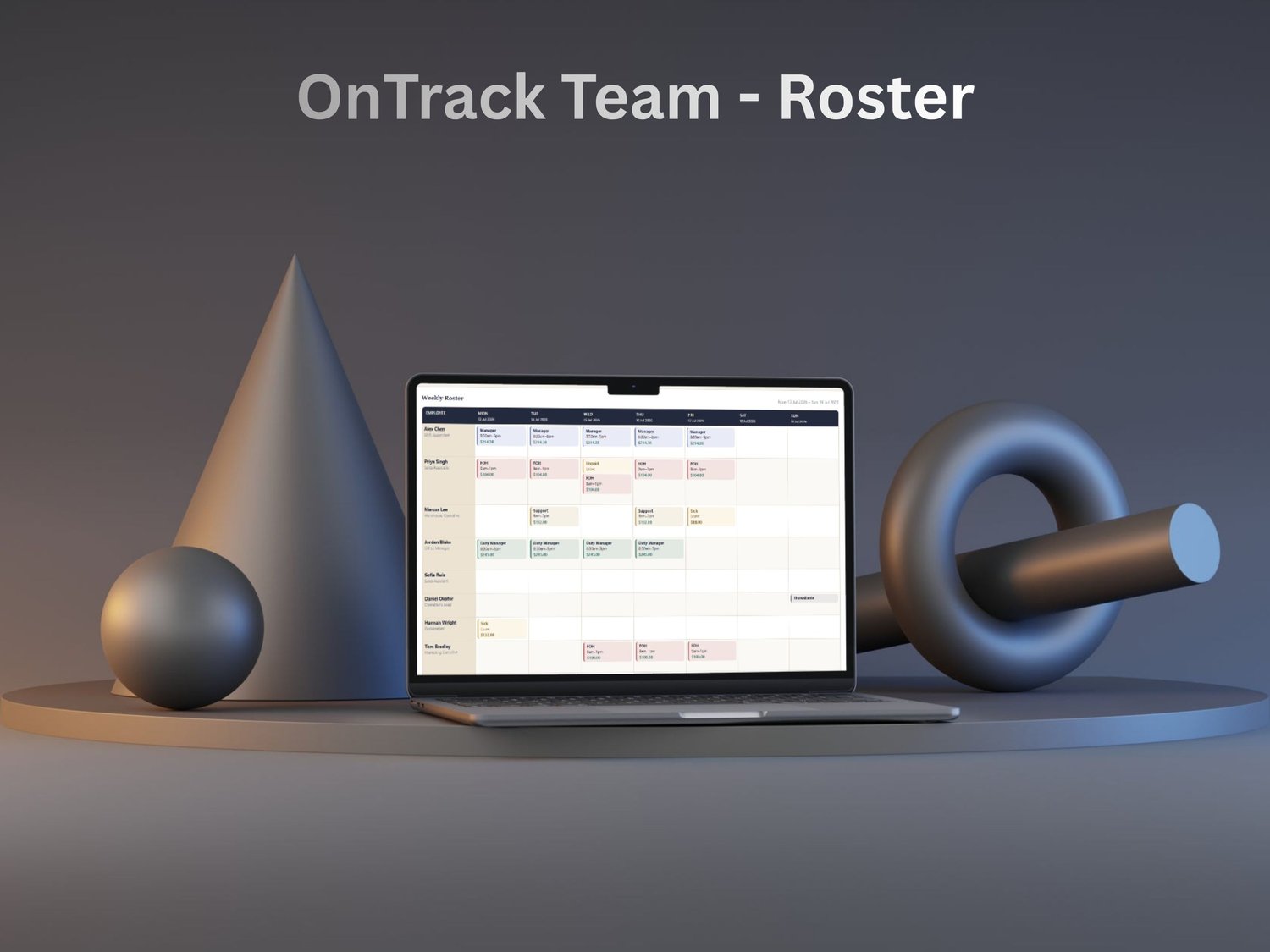
🗓️ Roster

Plan the whole week in a few clicks.


Build next week's schedule by dragging shift templates onto an employee-by-day grid, or click any cell to create a one-off shift. Stack split shifts on the same day, drag a shift to move it, and copy a whole week onto the next in one click. Every shift shows its cost as you go, approved leave appears automatically, and a Show Cost toggle lets you hide wages before you print a clean copy for the team.

⏱️ Time Log

Log hours once — the rest is automatic.


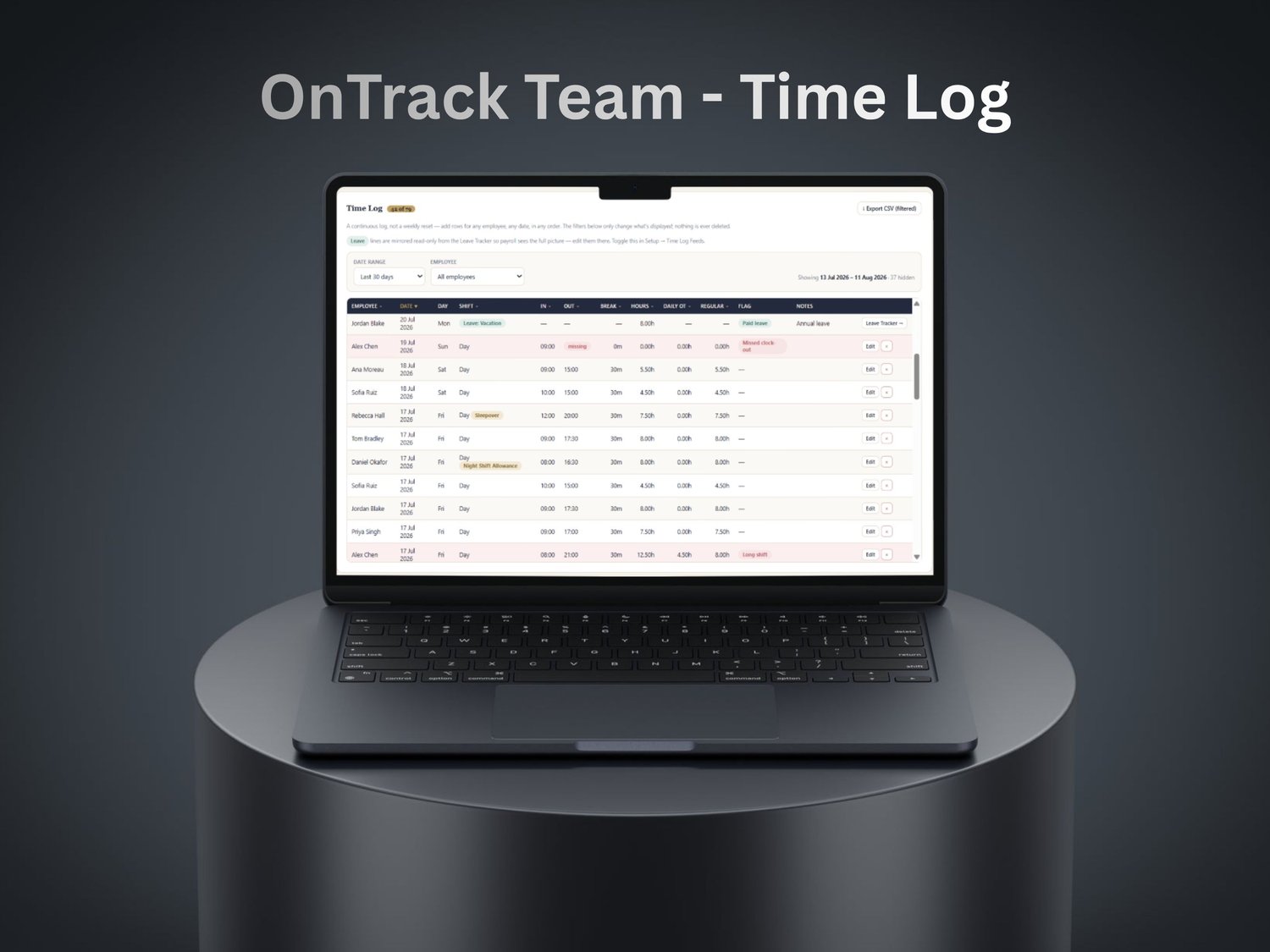
Add a shift for anyone, any date, in any order. Hours, overtime and anomaly flags calculate themselves per row, and you can sort any column to find what you need. Tick per-hour or per-shift allowances right on the entry, edit anything without deleting and retyping, and (optionally) see booked leave appear as read-only lines so the log is your complete payroll picture.

🌴 Leave Tracker

Book leave; the cost is handled for you.


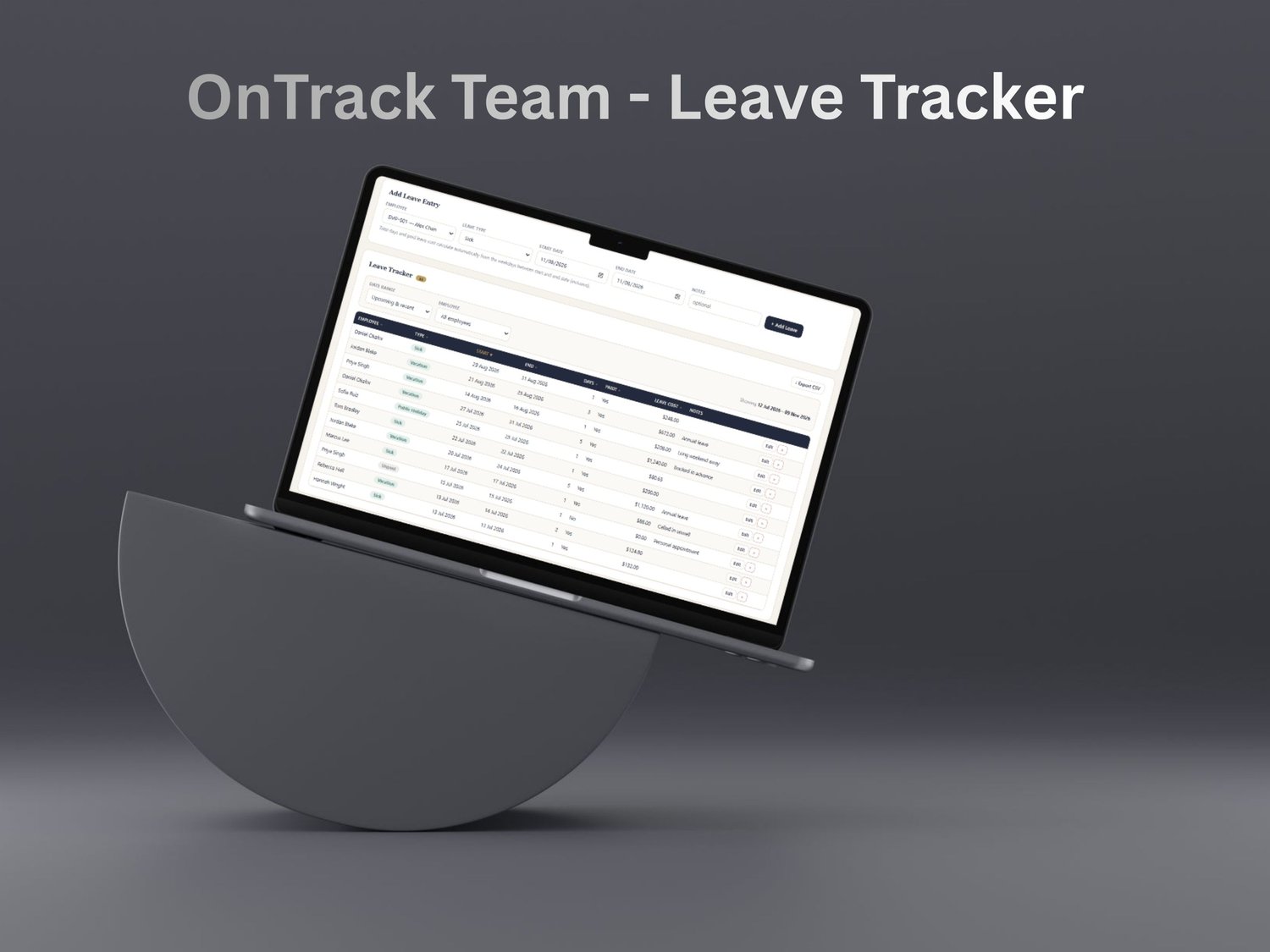
Record sick, vacation, unpaid, public holiday or your own leave types. Paid leave is costed automatically from each person's rate, standard hours and working days — so a weekend worker and a Mon–Fri employee both cost correctly — and it flows into whichever week it falls in. Turn on the feed and leave even shows inside the Time Log, ready for payroll.

👥 Employees

Your whole team, one editable list.


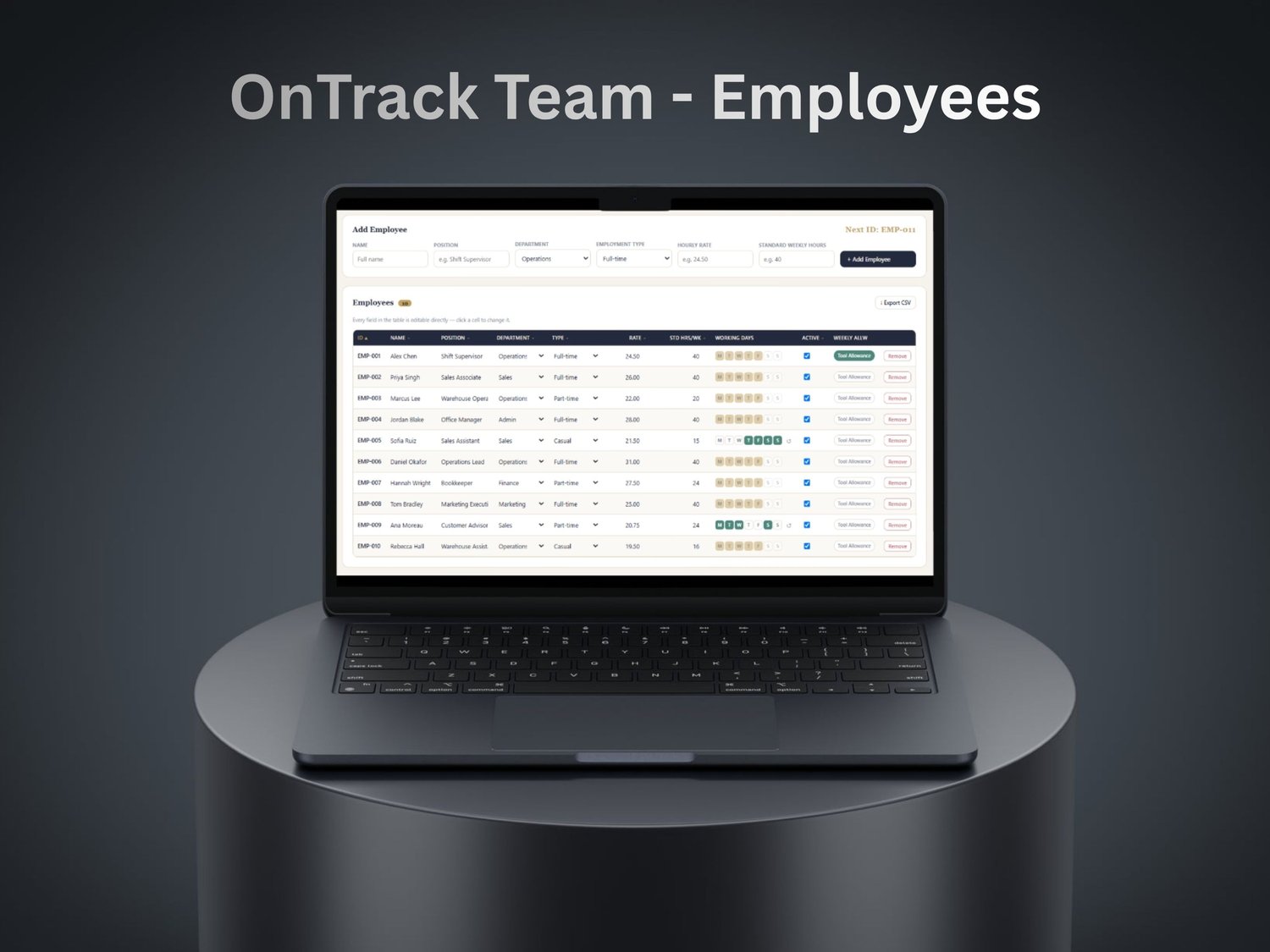
Keep everyone in one place: position, department, employment type, hourly rate and standard weekly hours — all editable right in the table. Give anyone their own working-day pattern, assign weekly allowances, and mark people active or inactive without losing their history. Holds up to 50 employees.

📋 Weekly Summary

One row per employee, ready to hand off.


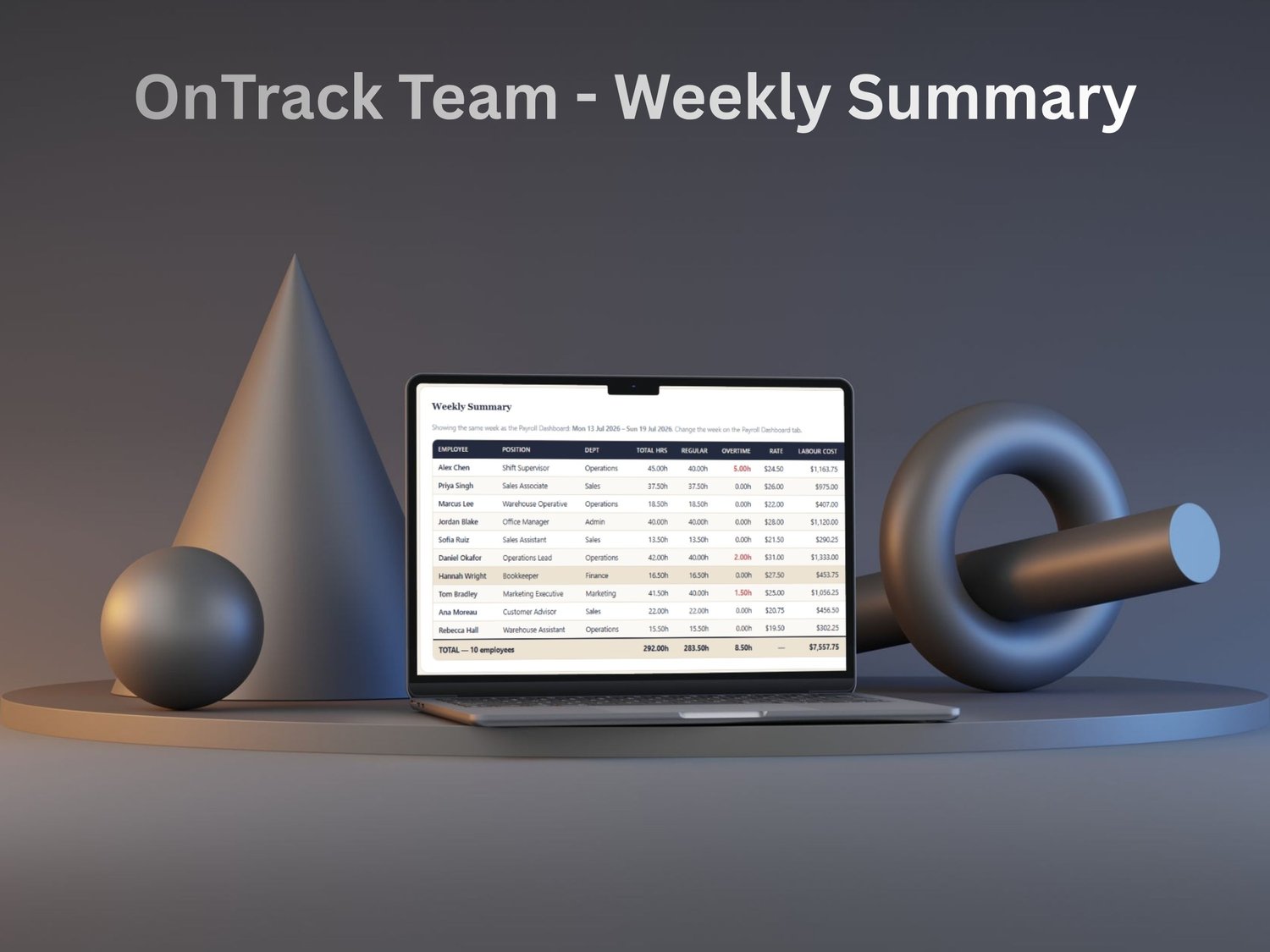
For the week you're reviewing, OnTrack Team rolls everything into a single clean table: hours, overtime, rate, labour cost, allowances, leave and total — with column totals along the bottom. Export the whole thing to Excel or CSV in a click when it's time to run pay.