
A11y Publisher
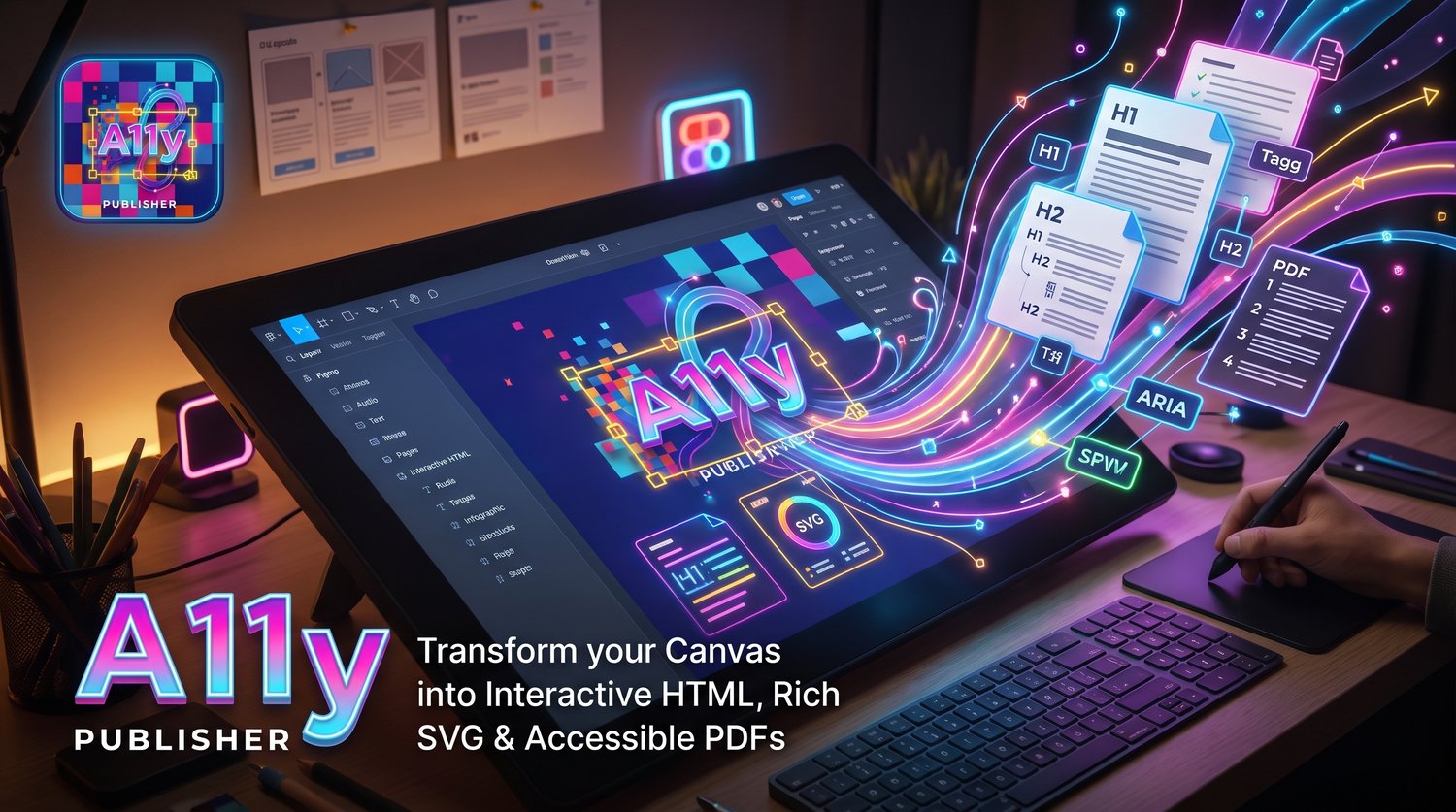
Transform static images and mockups into fully accessible SVG vector graphics with WAI-ARIA semantic structure and PDF/UA (ISO 14289) / iText 7.2.x compatibility.
A11y SVG Builder Pro bridges the gap between visual designs (screenshots, scans, charts, Figma boards) and digital documents that are fully accessible to screen readers. Using a "Human-in-the-Loop" (HITL) methodology, it lets you structure, tag, and verify reading order directly in your browser with zero privacy trade-offs.
KEY FEATURES
• 100% Local & Private OCR (Tesseract.js WASM): Extract text in your browser without uploading any image data to external servers. Zero-CDN and completely private.
• Targeted Zone OCR: Draw a box around any specific area to refine or re-run OCR on that section alone.
• Comprehensive PDF/UA Semantic Tagging: Tag headings (H1, H2, H3), paragraphs, lists, list items (Lbl / LBody), and complex tables (Table, THead, TR, TH, TD).
• Figure Alt Text & Artifacts: Mark decorative elements as "Artifact" to be ignored by assistive technology, or define "Figure" elements with rich descriptive alt text (aria-label).
• Interactivity & Keyboard Navigation: Enable keyboard focus (tabindex="0"), hyperlinks, and internal bookmarks for table-of-contents navigation.
• Drag-and-Drop Reading Order: Organize the logical reading order visually in the side panel to ensure a seamless experience for screen reader users.
• "iText Safe" Vector Export: Produces clean SVG code with strict absolute dimensions, preventing clipping or 0x0 errors in backend PDF engines like iText.
• Figma API Integration: Connect your Figma Personal Access Token to import artboard geometry and text layers directly into the workspace.
• Interactive HTML & PDF Preview: Export interactive HTML files navigable via Tab key, or generate a quick PDF preview.
HOW TO USE
1. Click the extension icon in the toolbar to launch the Canvas and Side Panel.
2. Load an image (PNG/JPG) or import an existing SVG template.
3. Use auto-OCR or hold CTRL to draw bounding boxes over content regions.
4. Select each element in the side panel and set its semantic role and alt text.
5. Drag items in the structural list to fix reading order.
6. Click "Export SVG" to save your production-ready, accessible vector file.
PRIVACY & DATA PROTECTION
• Zero data transmission: All optical character recognition and image parsing occur locally on your device via WebAssembly.
• No external tracking, no telemetry, and no third-party CDNs.
PERMISSIONS
• sidePanel: Displays the semantic hierarchy inspector side-by-side with your canvas.
• tabs & activeTab: Synchronizes state between the canvas workspace and side panel.
• storage: Persists user preferences and license verification tokens locally.
• api.figma.com: Only used when importing design files via user-provided Figma tokens.
SUPPORT & FEEDBACK
Questions, feature requests, or enterprise support:
• Contact: otratarea.a11y@gmail.com
• Website: https://otratarea.com
• Version: 2.0.0 (Manifest V3)