
ScreenVox PRO
NVDA & JAWS screen reader emulator with WCAG testing. Free with PRO upgrade. © otratarea.com 2026
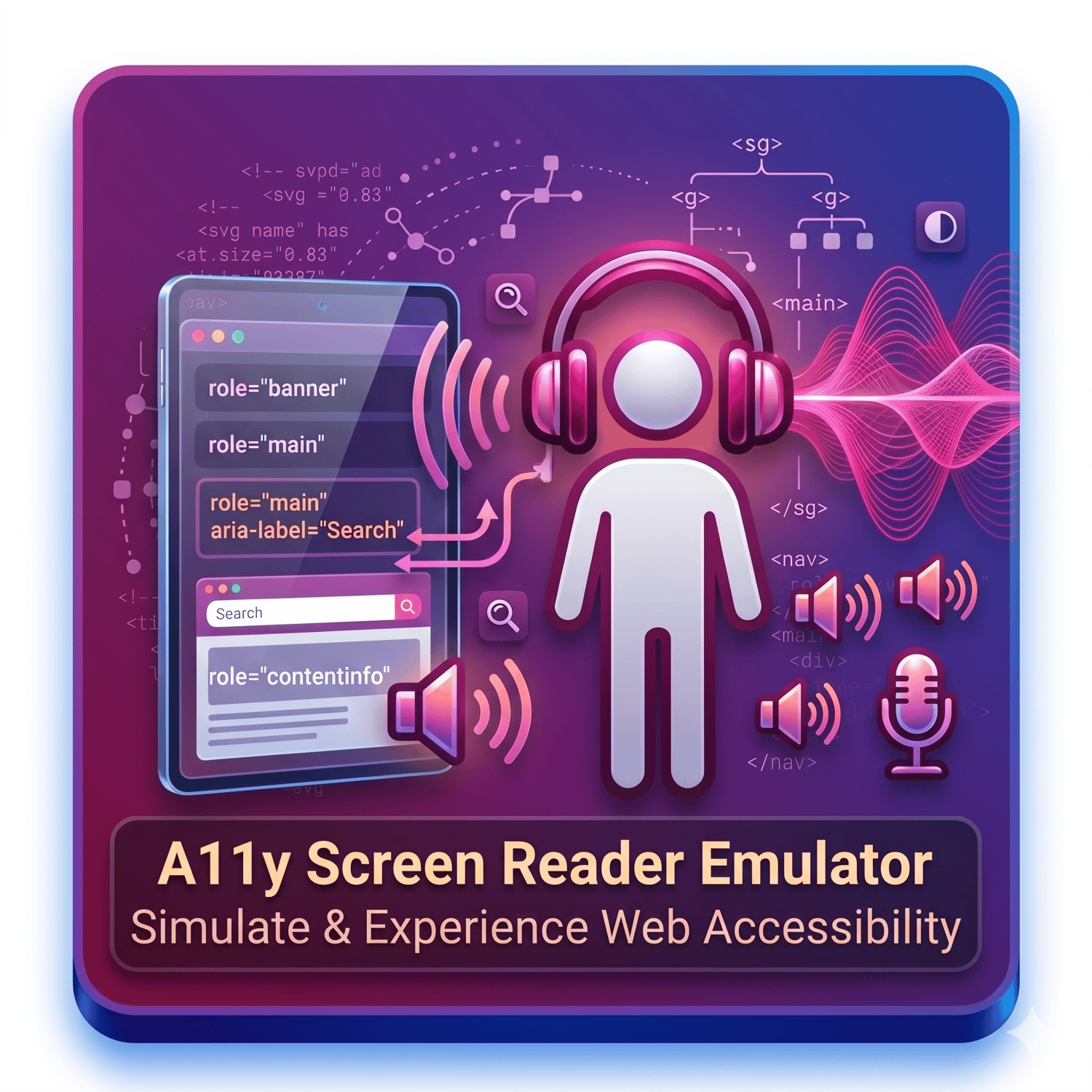
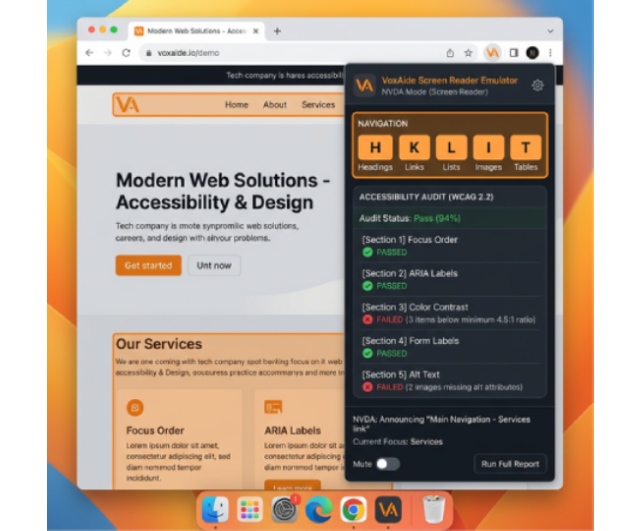
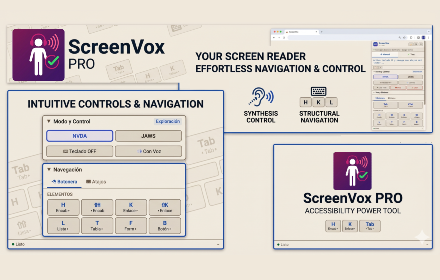
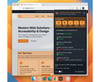
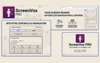
Screenvox PRO brings screen reader testing directly to your browser. Navigate any webpage exactly as NVDA and JAWS users do—with voice announcements, element highlighting, and keyboard-equivalent navigation—all from a compact panel that opens over your active tab.
Beyond Emulation: In addition to manual scanning, the extension includes an automated WCAG 2.2 audit engine that checks 14 categories of accessibility criteria at A, AA, and AAA conformance levels, and allows exporting a detailed CSV report.
Web Developers: Detect accessibility issues before they reach production.
Accessibility Consultants: Quickly triage websites with exportable CSV evidence.
QA Engineers: Add screen reader testing to your workflow without installing NVDA or JAWS. Students and Educators: Learn how screen readers interpret HTML structure.
Switch between two reader modes. Each mode presents a clickable button panel matching the exact keyboard shortcuts of that screen reader.
🔊 Configurable Voice
Select from 8 voice languages. Adjust speech speed (0.5×–3×) and pitch in real time. Compatible with Kokoro TTS voices.
📑 Structured Navigation
Navigation tab (headings, links, lists, images, landmarks), Tables (cell-by-cell), and Forms (fields, buttons, combos).
🧪 Automated WCAG 2.2 Testing
One click runs a full audit covering 14 test categories across A, AA, and AAA criteria.
📥 CSV Export
Download a structured report with columns: Test, Affected Elements, Issues, WCAG Criterion, Status (PASS/FAIL).
🌓 Light & Dark Themes
Both themes verified to meet WCAG AA contrast (≥ 4.5:1 for all text).
Free Features:
• NVDA emulation with visual button navigation
• Voice synthesis in English and Spanish
• Read All — reads every element sequentially
• Virtual cursor — type buttons sync position, arrows continue from there
• Floating window and tab capture for multi-tab testing
• Light and dark themes (WCAG 2.2 AA compliant)
PRO Features (license key required):
• Full JAWS emulation with dedicated keymap
• Keyboard capture mode (NVDA + JAWS shortcuts on the page)
• 16 automated WCAG 2.2 tests (headings, links, tables, forms, images, modals, tabs, menus, accordions, carousels, skip links, focus traps, tab order)
• CSV export of test results
• Automatic viewport screenshots
• 8 voice languages
NGO/Education: Free PRO licenses available for qualified organizations. Contact soporte@otratarea.com.
No data collection. No analytics. No tracking. All processing happens locally in your browser.
© otratarea.com 2026