
Practical Project Pilot
Run your whole project from one workbook.
Most projects are run from a dozen disconnected spreadsheets: a plan here, a RAID log there, and a budget someone emails around on Friday afternoon. Nobody trusts the numbers, and the status report takes half a day.
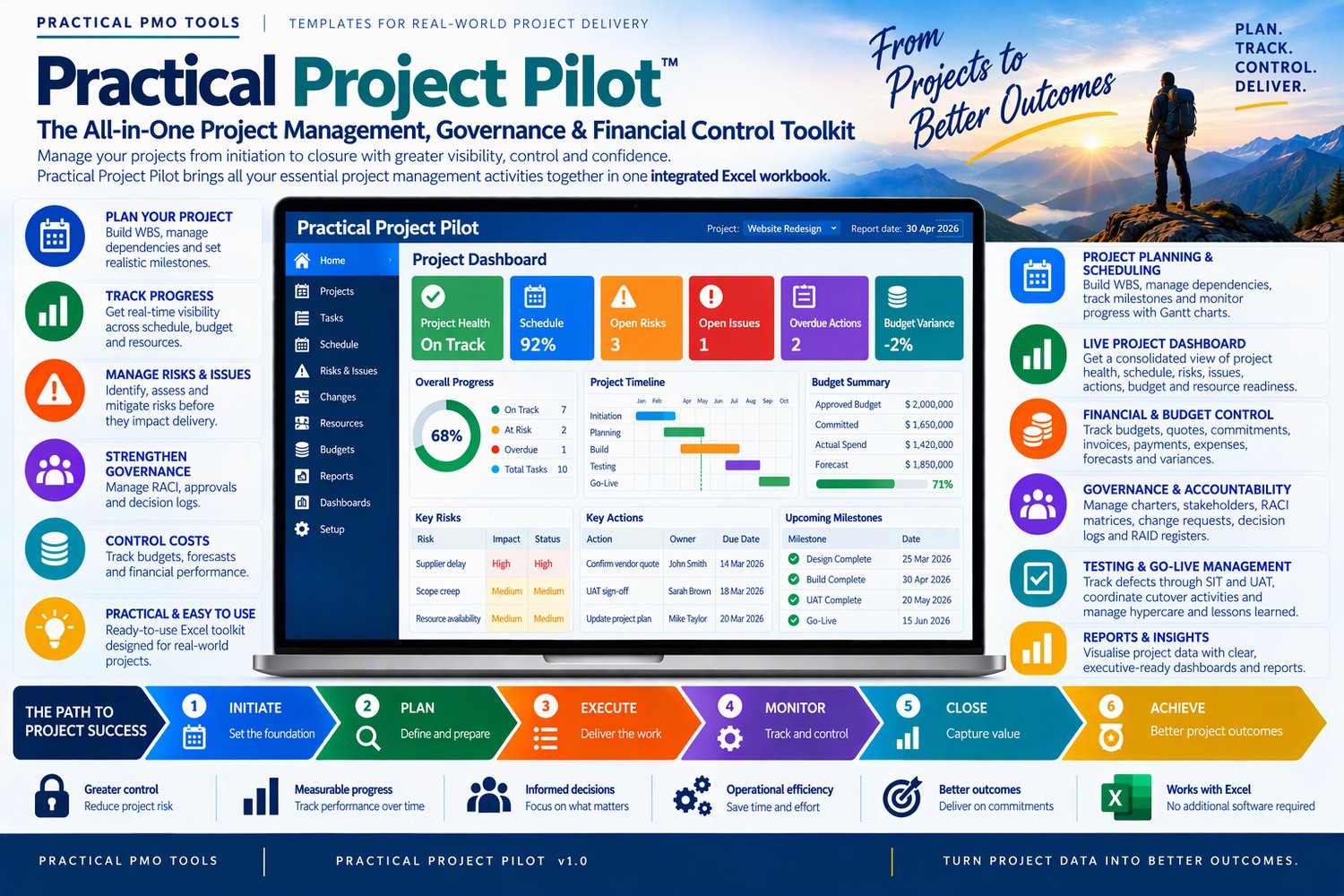
The Project Manager Suite replaces them with one integrated Excel workbook that takes a project from business case to hypercare. You update it as you work, and the executive dashboard and weekly status report build themselves.
Who it's for
• Project managers running medium to large projects who need control without extra admin
• PMO analysts who want every project reported the same way
• Consultants who need a professional toolkit from day one of an engagement
• Sponsors and business leads who want one honest view of project health
What it does for you
• Plan and schedule with confidence. Work breakdown structure, dependencies, milestones, baselines and a Gantt chart, with progress tracked against the baseline.
• Report in minutes, not hours. A weekly status report with suggested RAG ratings, achievements, risks, overdue actions, milestones and an executive summary.
• See the whole project on one page. An executive dashboard covering schedule, budget, resources, risks, issues, actions and go-live readiness.
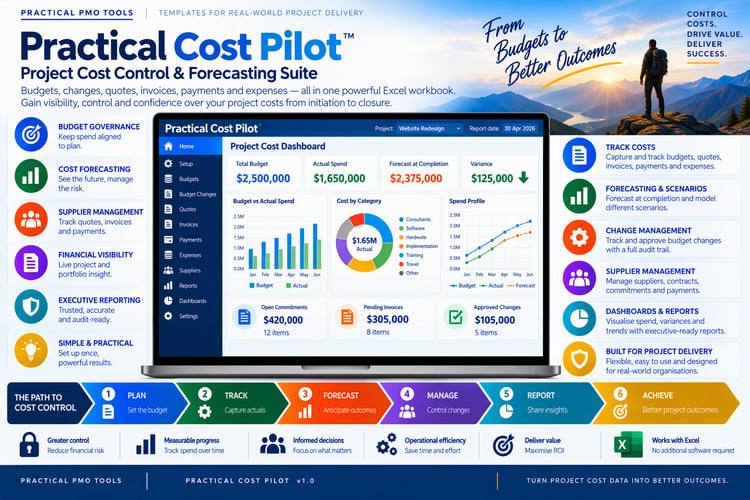
• Control the money. Budgets, change requests, quotes, commitments, invoices, payments, expenses, forecasts and variances.
• Make the investment case. Cost-benefit analysis with ROI, NPV, IRR, benefit-cost ratio and payback period.
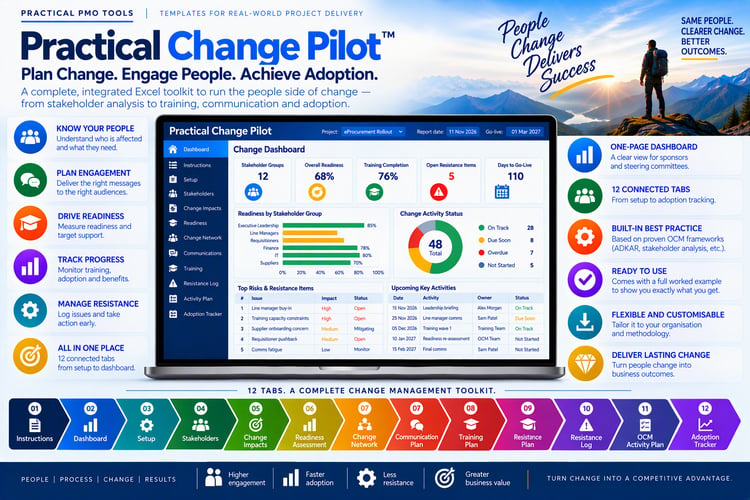
• Govern with confidence. Project charter, stakeholder register, RACI, change control, decision log, communication plan and RAID log.
• Balance your people. Resource allocation, capacity, utilisation, resource cost and over-allocation alerts.
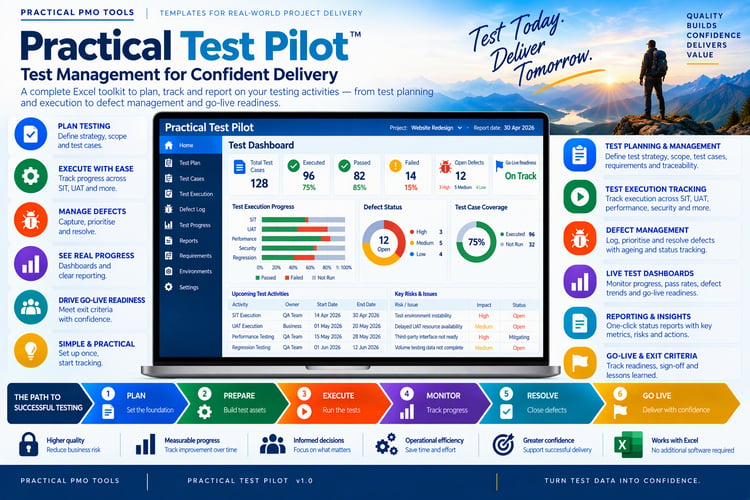
• Land the go-live. Defect tracking, SIT and UAT oversight, cutover planning, hypercare and lessons learned.
What's included
• Project Manager Suite workbook (Excel, .xlsx), Illustrated user manual (Word, .docx)
Spend your week managing the project, not maintaining spreadsheets. Download it today and have your plan, RAID log and first status report ready this week
Compatibility
• Works in Microsoft Excel 2016 or later / Microsoft 365 on Windows and Mac
• Word and PowerPoint files open in Microsoft Office 2016 or later / Microsoft 365
• Not designed for Google Sheets or Apple Numbers: protected formulas and some features may not work there
Licence
One purchase licenses one named user / one organisation to use and adapt the files for internal use. Consultants may use the files to deliver work for their clients / with one client per licence. You may not resell, share or redistribute the files, in original or modified form.
Refunds
Because these are instant digital downloads, all sales are final / refunds are available within 14 days if a file is faulty and we can't fix it. If anything doesn't work as described, contact us through the Contact page and we'll help.
Frequently asked questions
Can I edit the files? Yes. Excel formulas are protected so they can't break by accident; you fill in the white input cells. Word and PowerPoint files are fully editable, so you can add your own logo and terminology.
Will it work in my currency? Yes. All templates are currency-neutral and work anywhere in the world.
Do I get updates? Yes, free updates to this version are sent to your download link / Updates are released as new versions.
How do I get my files? You get a download link by email straight after purchase.
Can I see it before I buy? Yes. Download the free preview from the link above to see what's inside.