PTO Treasurer Spreadsheet and PTA Treasurer Report
Took over the books mid-year with a shoebox and a bank login? This school and club treasurer spreadsheet is for PTO-style parent groups, booster clubs, youth sports leagues, youth troops and packs, and school and community clubs. One workbook for the whole year: transaction ledger, bank reconciliation, two-counter cash count, fundraiser profit and loss, reimbursements, teacher and team allotments, dues and fees, budget vs actual, a one-page treasurer report, 990-N / 990-EZ prep and an audit tie-out. Excel & Google Sheets, plus a Word guide and handover checklist.
Most templates in this space are checklists, Word forms and simple sheets. These workbooks do the math and flag errors.
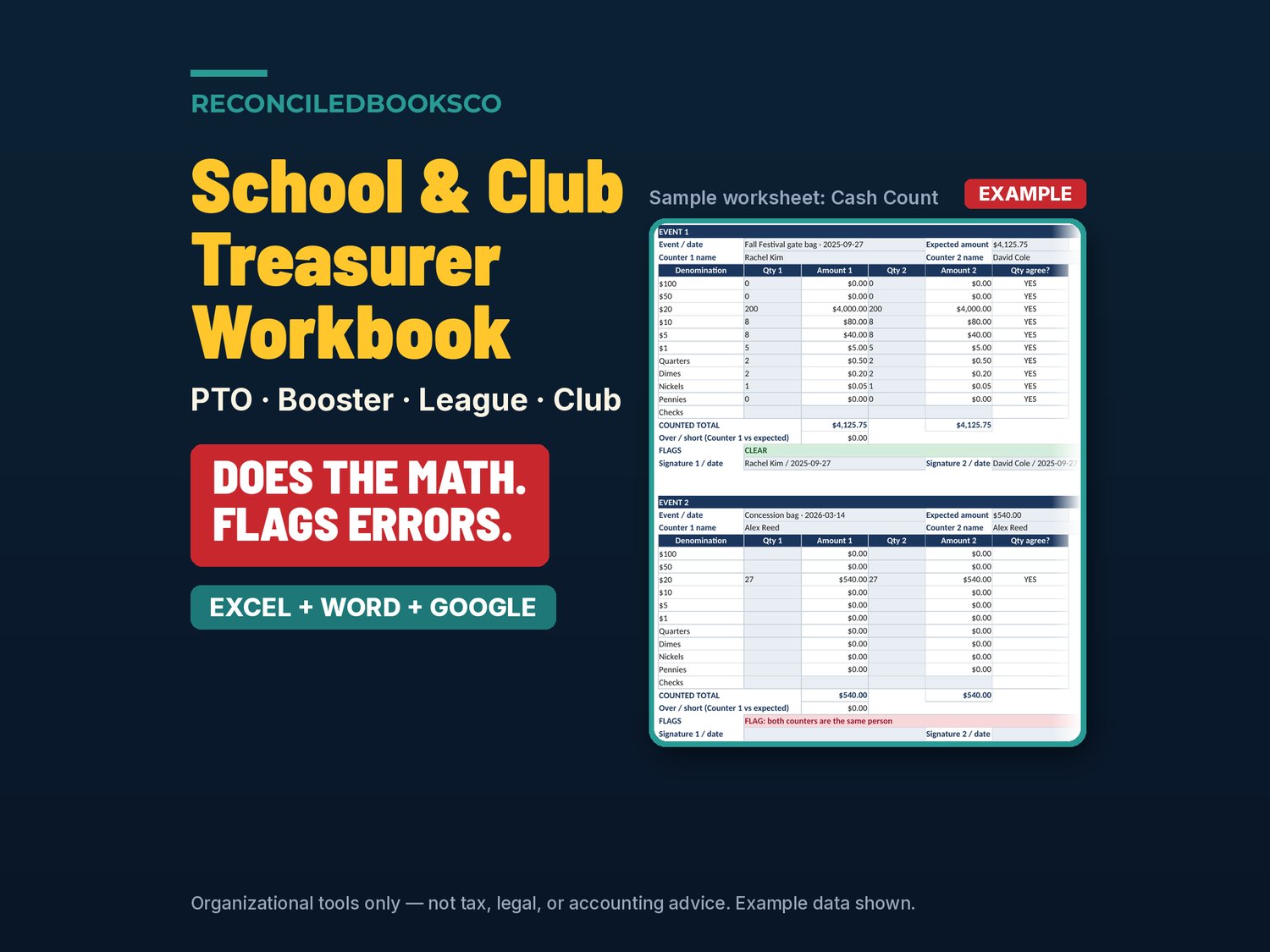
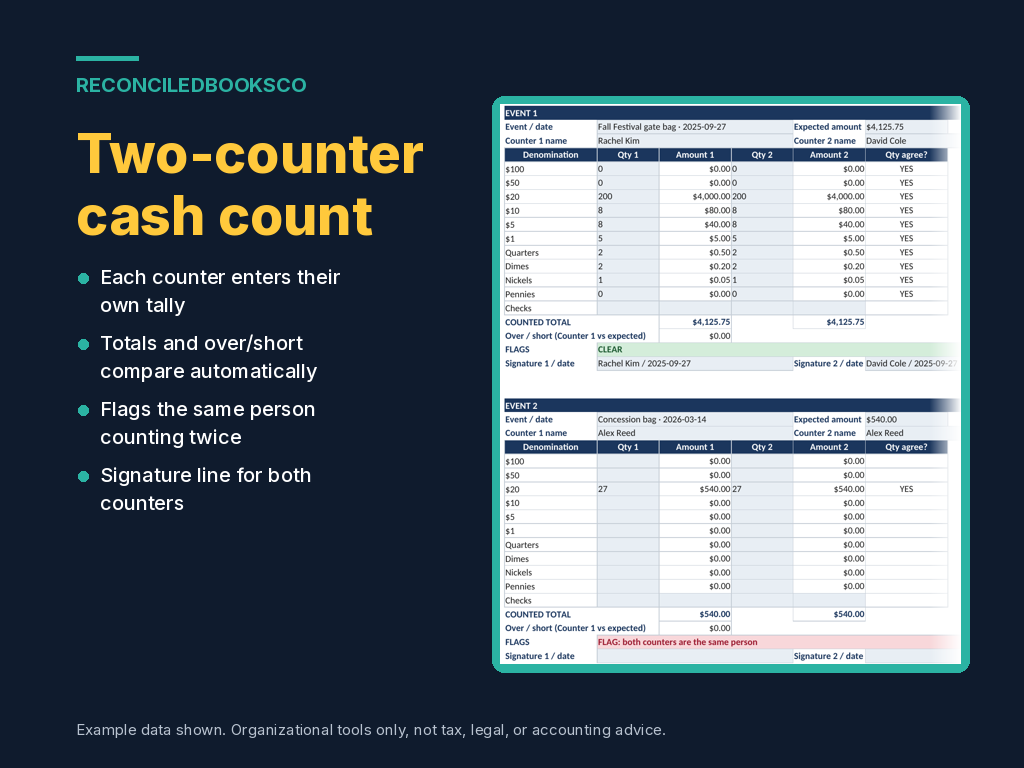
Every tab tells you what to fix before it reaches your board meeting, your principal or your year-end review: ledger rows dated outside the fiscal year, a category that isn't on your list or doesn't match the type, expenses with no receipt, a bank rec that isn't at a $0.00 difference, a cash count with a blank counter or the same person counting twice, counters whose quantities disagree, cash over or short, a fundraiser that lost money, a reimbursement with no receipt, no approver or a self-approval, a teacher or team allotment that is overspent, dues that are unpaid or overpaid, and budget lines more than 10% off.
WHAT'S INCLUDED (5 files: 2 Excel + 2 Word + START_HERE)
• School_Club_Treasurer_Workbook.xlsx: the blank 13-tab workbook you work in
• School_Club_Treasurer_Workbook_EXAMPLE.xlsx: a finished sample year for a parent group, so you can see every tab filled in
• School_Club_Treasurer_Guide.docx (Word): setup, the monthly routine and year end, in plain English
• Handover_Checklist.docx (Word): printable checklist for passing the books to the next treasurer: people and access, the books, bank and cash, compliance and records, with sign-off by both treasurers and a witness
• START_HERE.txt: what to open first and the recommended order
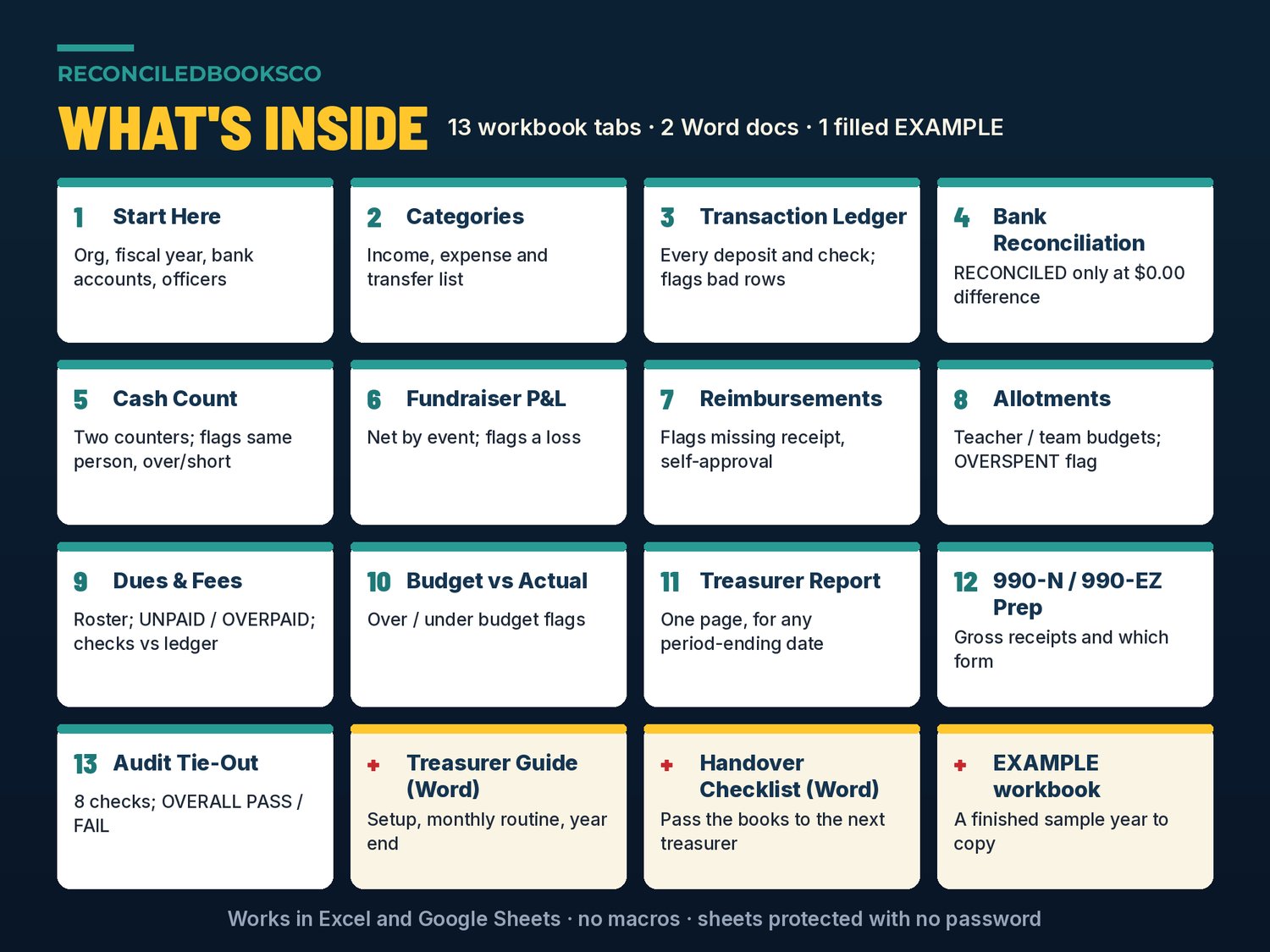
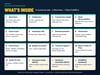
THE 13 TABS
• Start Here: organization name, fiscal-year start month, bank accounts with opening balances, officers
• Categories: your income, expense and transfer categories in one list that feeds the ledger category dropdown
• Transaction Ledger: every deposit, check, payment and transfer, with a status column that flags bad rows
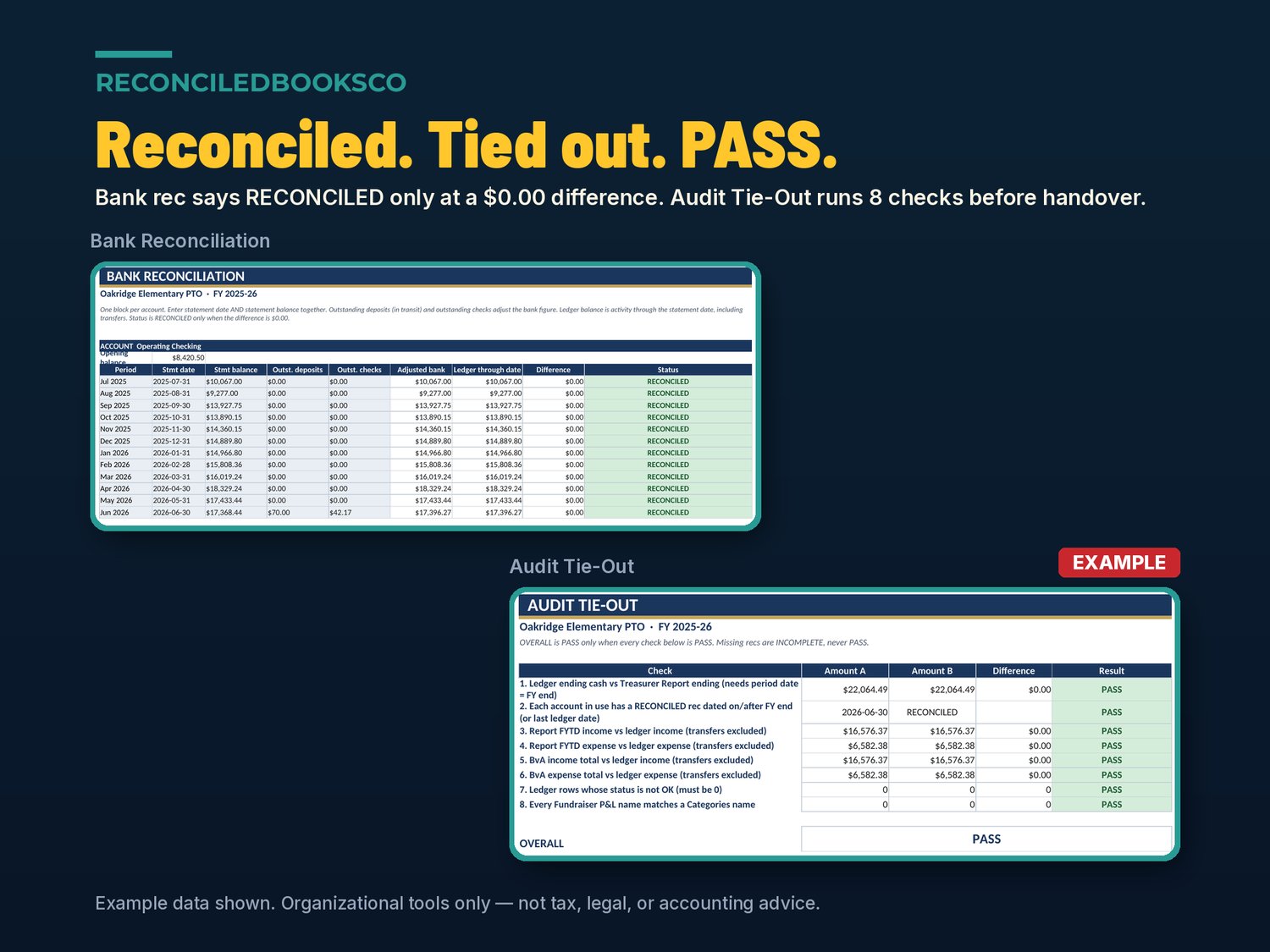
• Bank Reconciliation: 12 months per account; says RECONCILED only when the difference is $0.00
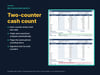
• Cash Count: printable two-counter sheet by denomination; flags a blank counter, the same person twice, quantities that disagree and over / short
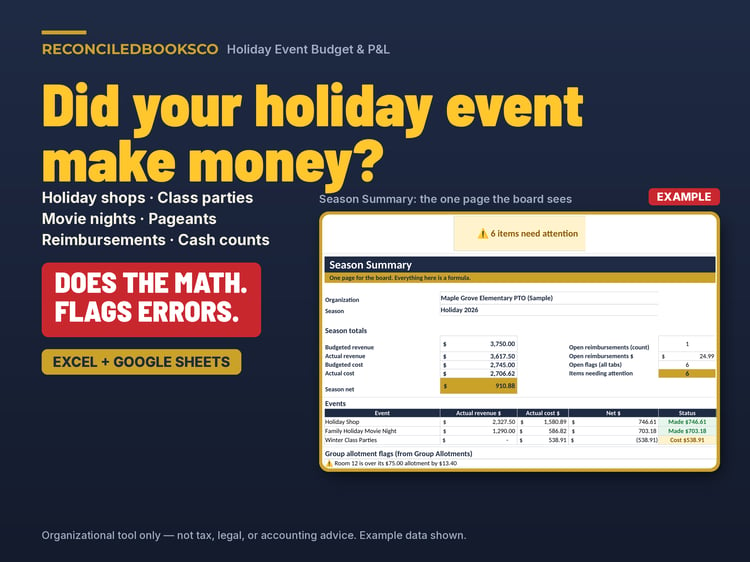
• Fundraiser P&L: revenue, costs, net and margin by event, pulled from the ledger; flags a loss or a name with no ledger rows
• Reimbursement Register: requests before you pay them; flags missing receipt, blank requester or approver, and self-approval
• Allotments: teacher, classroom, team or committee budgets; spent pulls from the ledger; OVERSPENT flag
• Dues & Fees: member, player or family roster with balance and UNPAID / OVERPAID status, checked against ledger dues
• Budget vs Actual: your approved budget vs the ledger; flags expenses over budget and income under budget by more than 10%
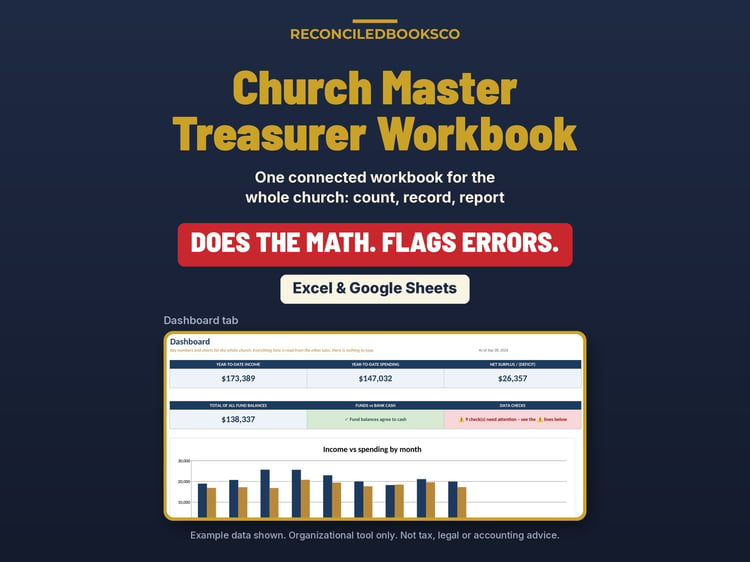
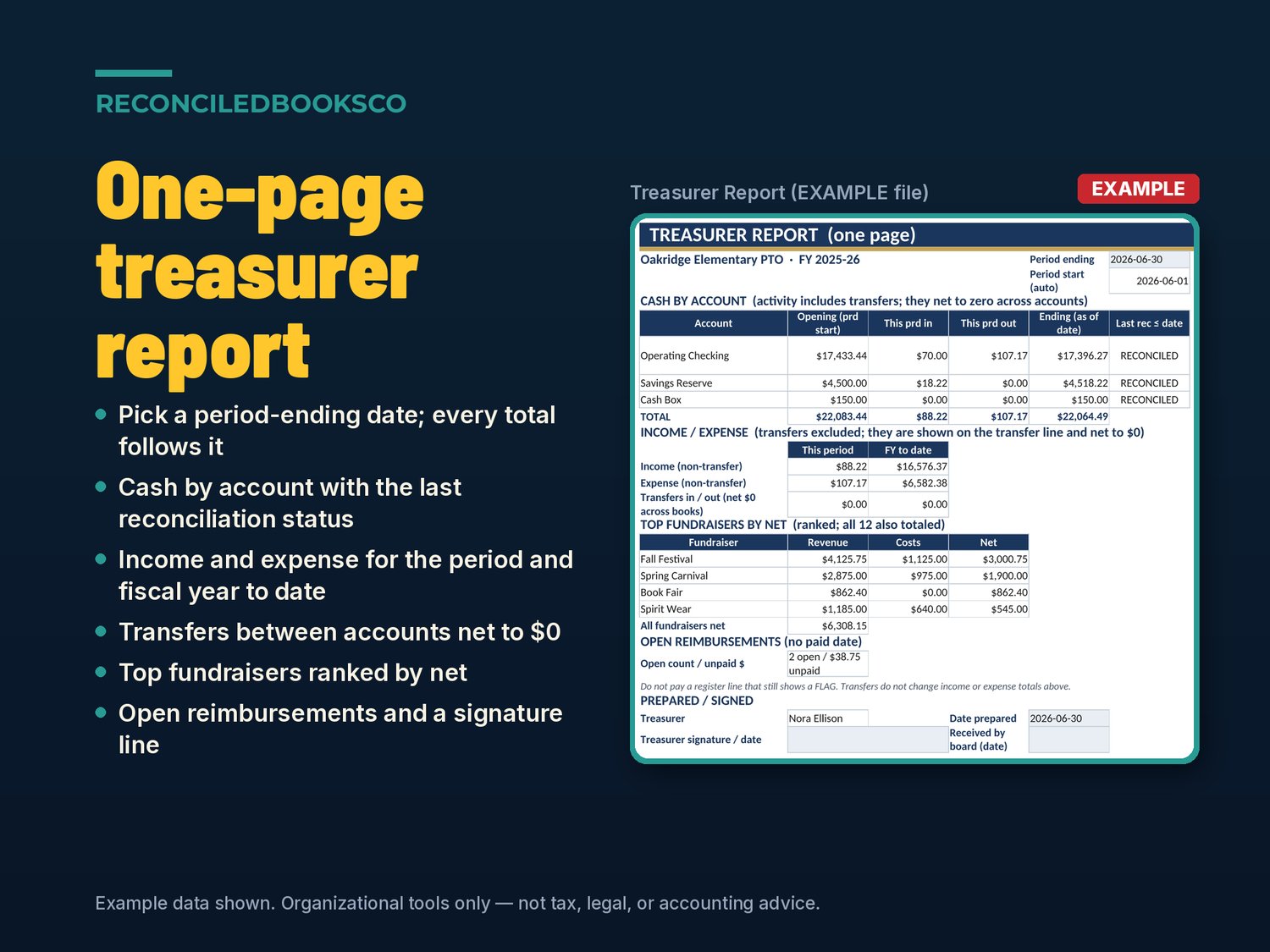
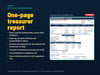
• Treasurer Report: one printable page for any period-ending date: cash by account with last reconciliation status, income and expense for the period and year to date, top fundraisers, open reimbursements and a signature line
• 990-N / 990-EZ Prep: gross receipts with transfers excluded, a 3-year average and the form thresholds to discuss with your tax preparer
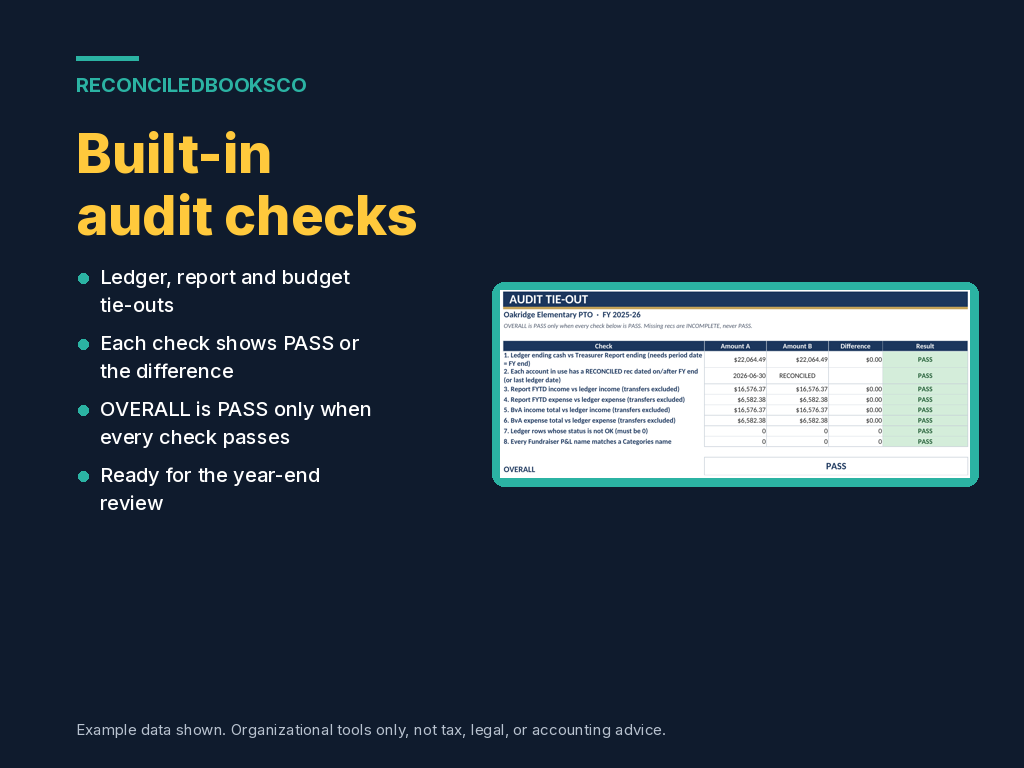
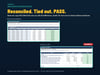
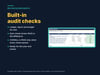
• Audit Tie-Out: 8 checks that tie the ledger, report, budget and bank recs together, with an OVERALL PASS / FAIL for handover or a review committee
HOW IT WORKS
1. Open the EXAMPLE workbook to see a finished year.
2. Enter your organization once on Start Here: name, fiscal year, bank accounts, officers.
3. Set up Categories, your budget, and Allotments and Dues if you use them.
4. Each month, log every deposit, check and transfer on the ledger, record reimbursements before you pay them, reconcile each bank statement and print the one-page Treasurer Report for your meeting.
5. After every cash event, two different people fill in the Cash Count.
6. At year end, finish the bank recs, aim for OVERALL PASS on the Audit Tie-Out, review 990-N / 990-EZ Prep and hand over with the checklist.
13 tabs · 1,786 formulas · no macros · sheets protected with no password, so you can unlock and adjust.
WORKS IN EXCEL AND GOOGLE SHEETS
Excel: download the ZIP, open the .xlsx and start on the Start Here tab (Excel 2016 or later, including Microsoft 365).
Google Sheets: File → Import → Upload → choose the .xlsx → create new spreadsheet. We tested the EXAMPLE in both and the results match. (Sheets does not carry over Excel's sheet protection, so formula cells are unlocked there.)
Word documents open in Microsoft Word, or upload them to Google Drive and open with Google Docs.
Keep the EXAMPLE file as a filled reference; work in the blank file.
WHO THIS IS FOR
Treasurers at PTO-style parent-teacher groups, booster clubs, youth sports leagues, youth troops and packs, and school and community clubs, especially if you just inherited the books and want one place to track the money, keep two people on every cash count, report at each meeting and hand over a clean year.
INSTANT DOWNLOAD · DIGITAL ONLY · FINAL SALE
This is a digital product. No physical item will be shipped. Files are available immediately after purchase. Because of the nature of digital downloads, all sales are final (see shop policies for detail).
DISCLAIMER
Organizational tools only for parent groups, booster clubs, leagues and clubs. Not tax, legal, or accounting advice. Not approved or endorsed by the IRS, any school district, national organization or regulator. Does not guarantee compliance or a clean audit. The 990-N / 990-EZ Prep tab is general information; filing requirements and thresholds depend on your organization's status and can change, so check the current-year IRS instructions and your parent organization's or district's rules, and have a qualified CPA or tax preparer confirm how they apply to you.
Built by ReconciledBooksCo, a small shop run by an experienced accountant.
Shop: ReconciledBooksCo