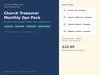

Church Treasurer Report Template, Budget vs Actual
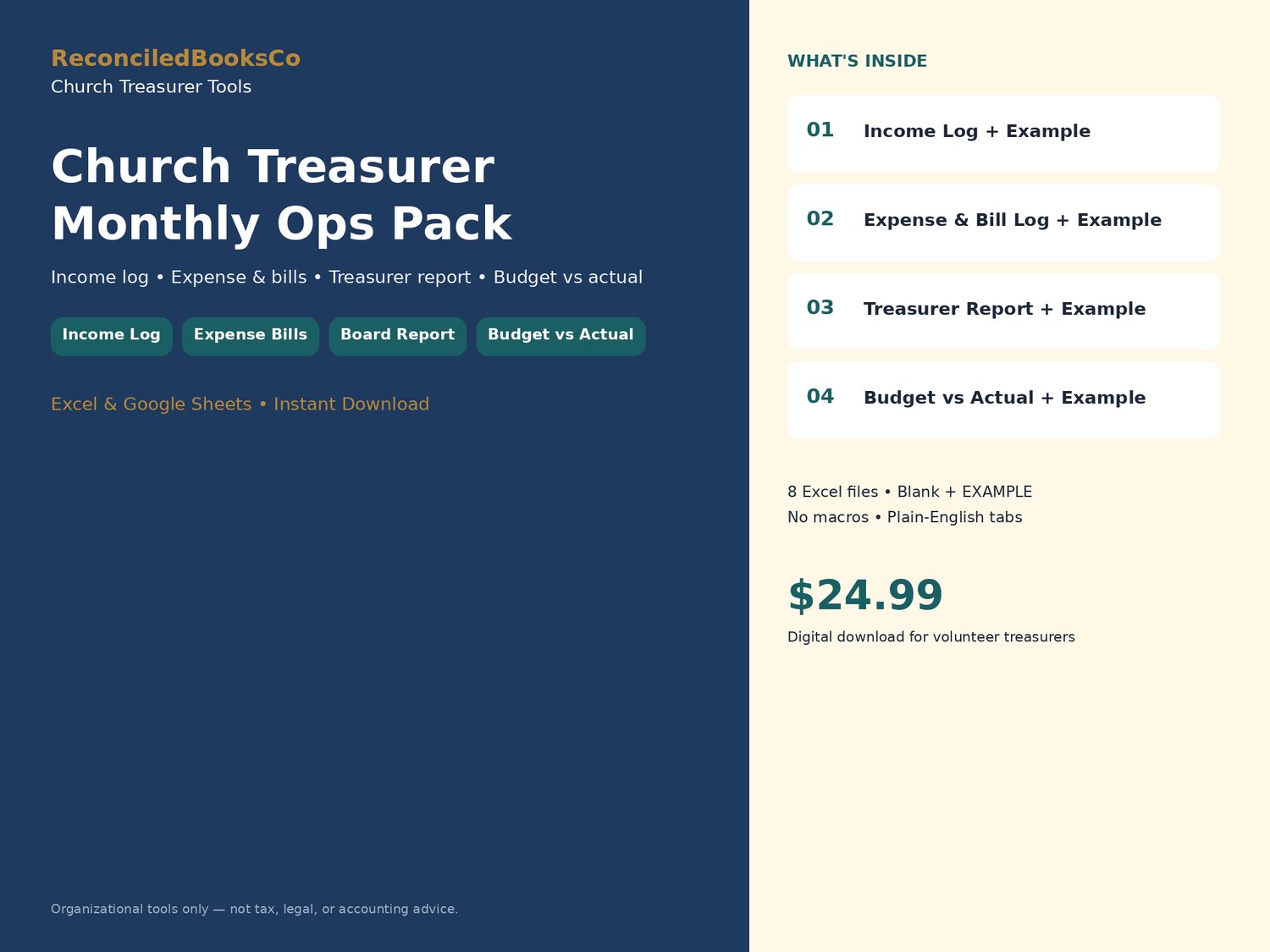
Built for part-time church treasurers who need a monthly income log, expense & bill controls, a one-page treasurer report, and budget vs actual, without a monthly software fee.
WHY MONTHLY OPS ARE DIFFERENT FROM CONTROLS
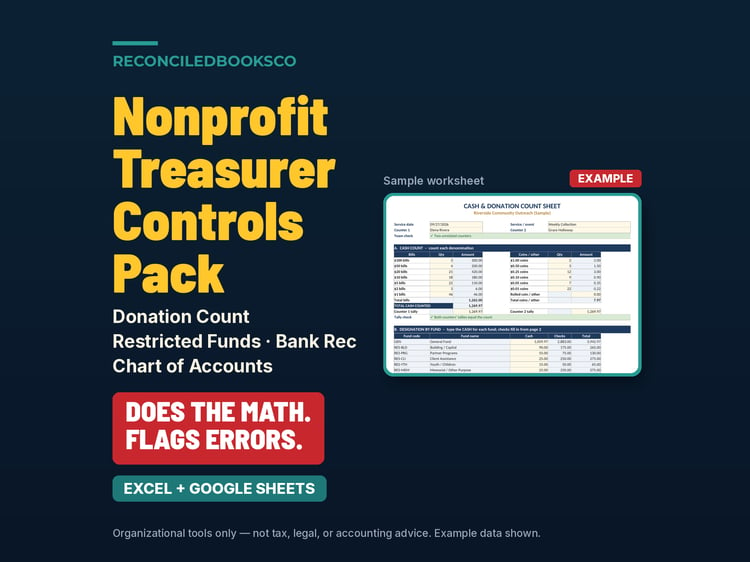
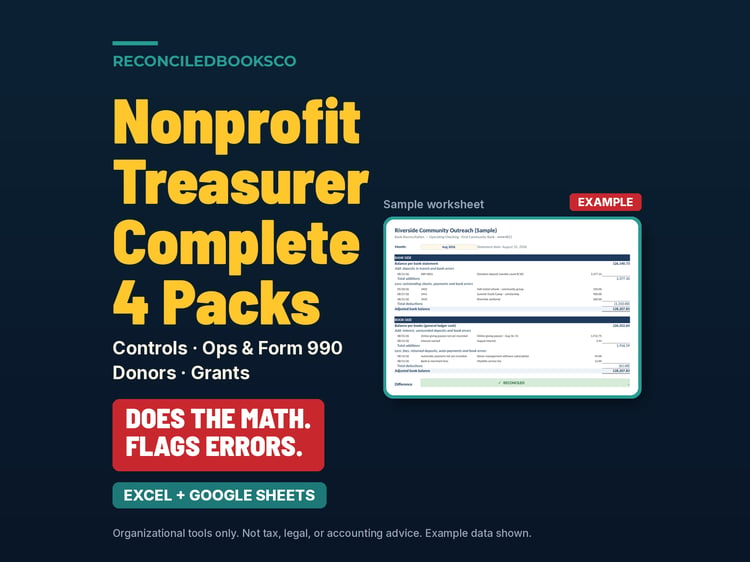
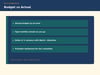
The Controls Pack covers dual-custody offering counts, restricted funds, and bank reconciliation. This Monthly Ops Pack is the next layer: post every gift to the right fund, track bills with approver flags, hand the board a clear treasurer report, and watch budget vs actual by month.
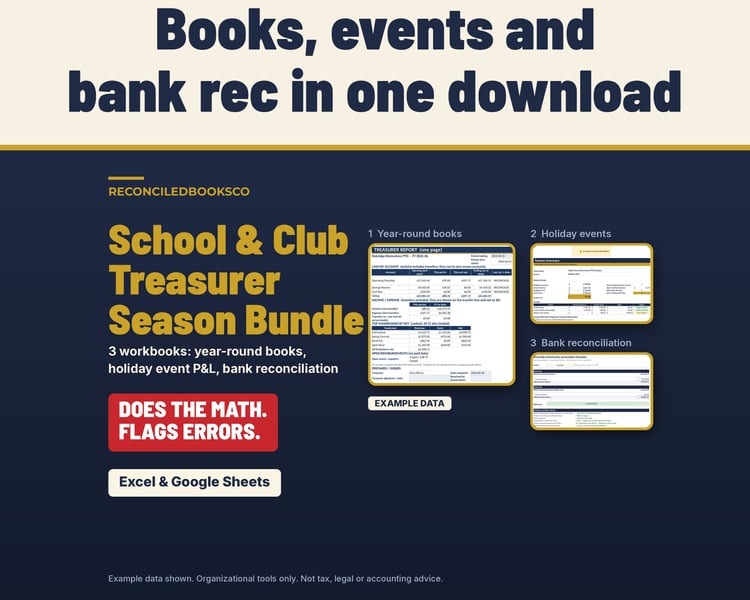
WHAT’S INCLUDED (8 Excel files)
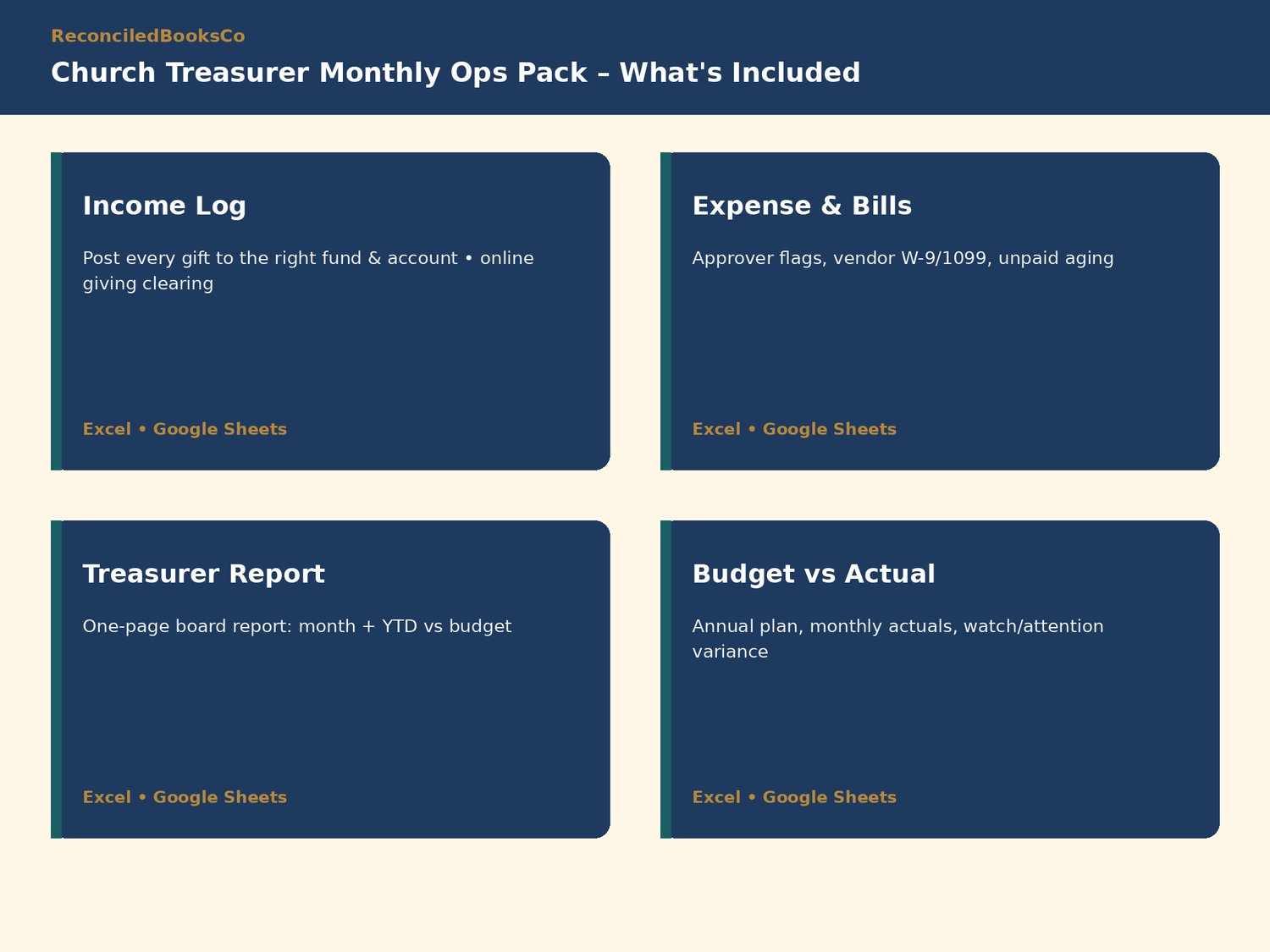
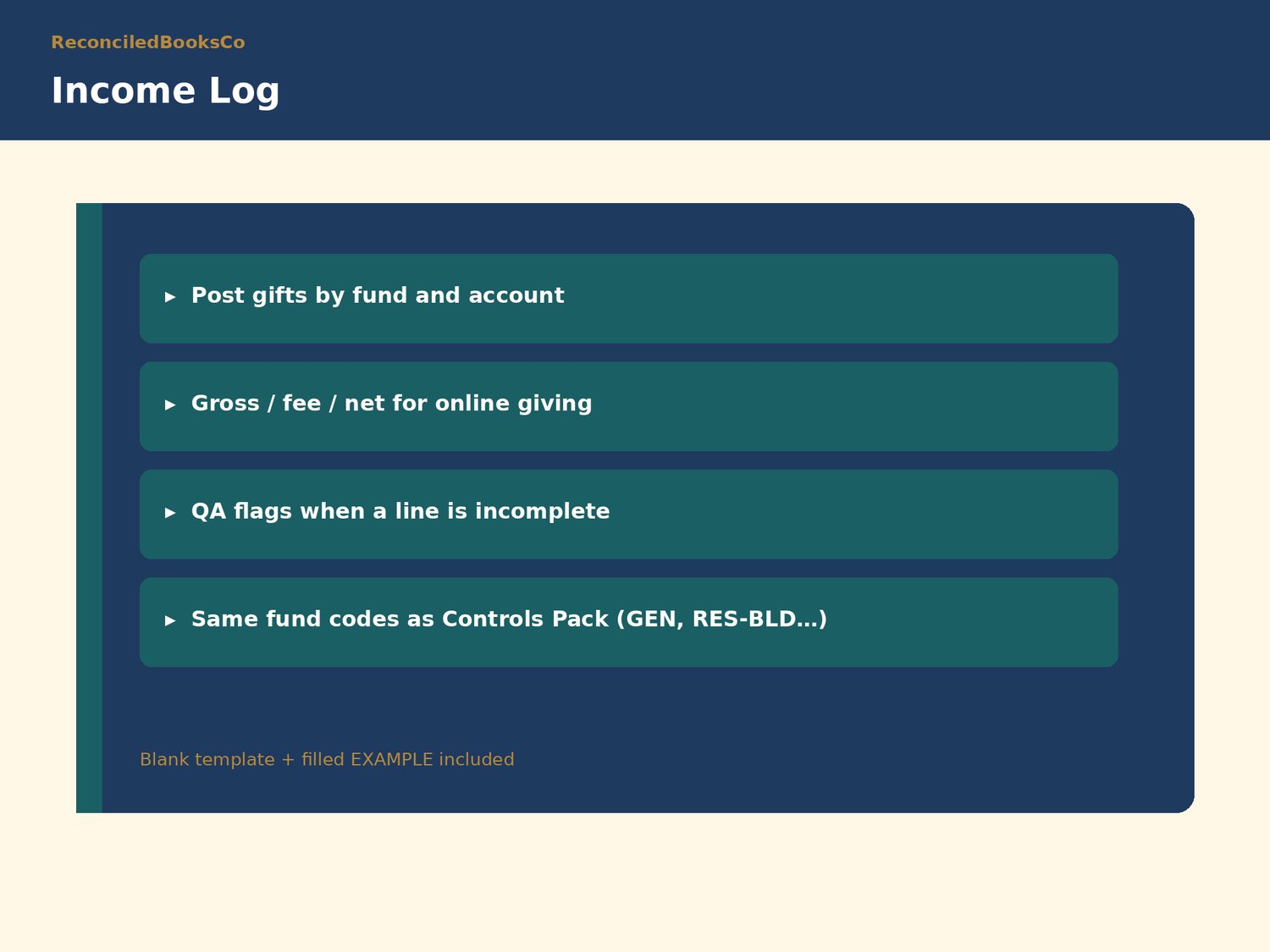
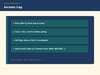
• Church_Income_Log.xlsx + EXAMPLE: post gifts by fund/account; online giving clearing for processor fees
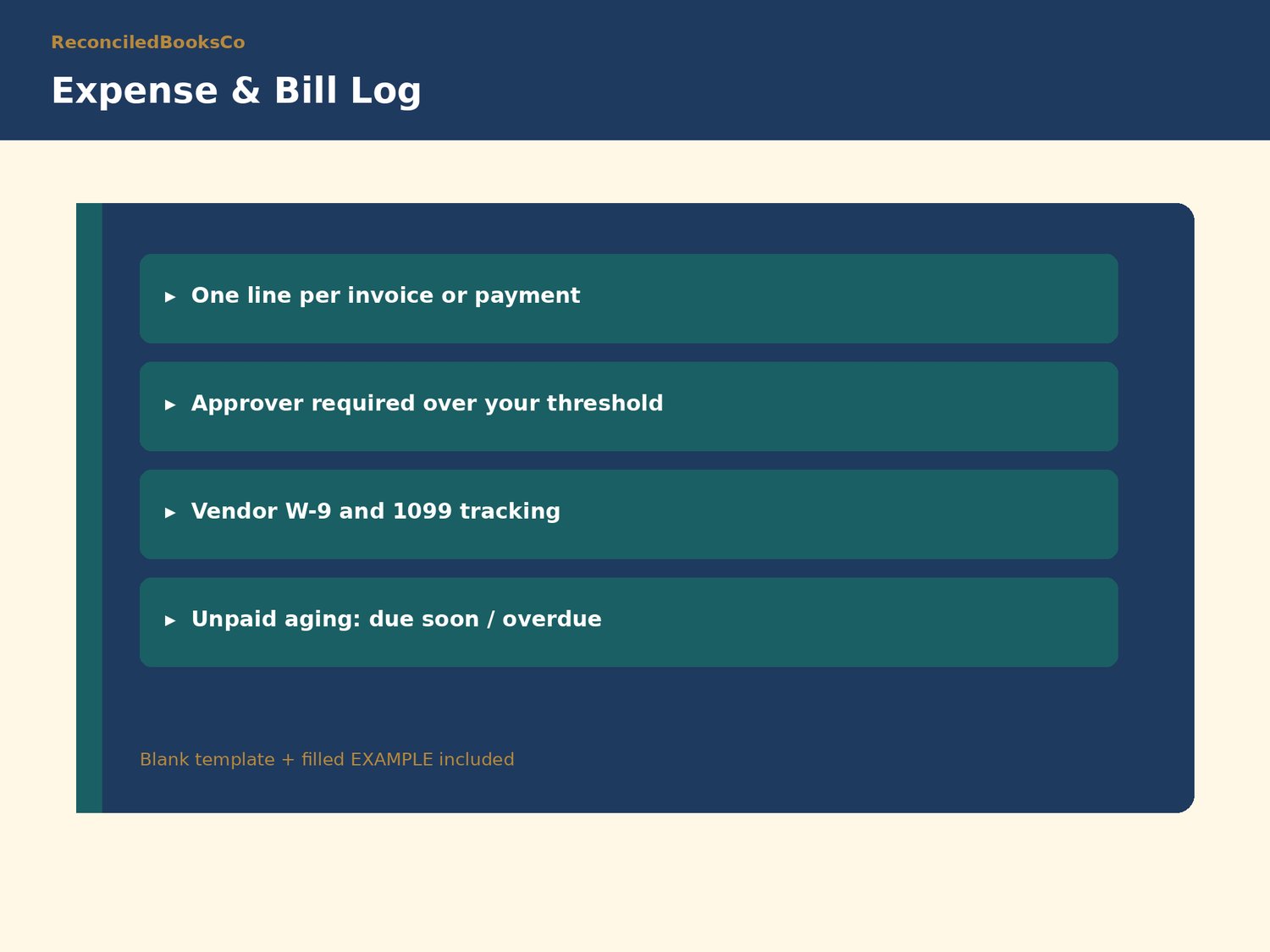
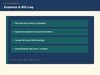
• Church_Expense_Bill_Log.xlsx + EXAMPLE: bills with approval thresholds, vendor W-9/1099 tracking, aging
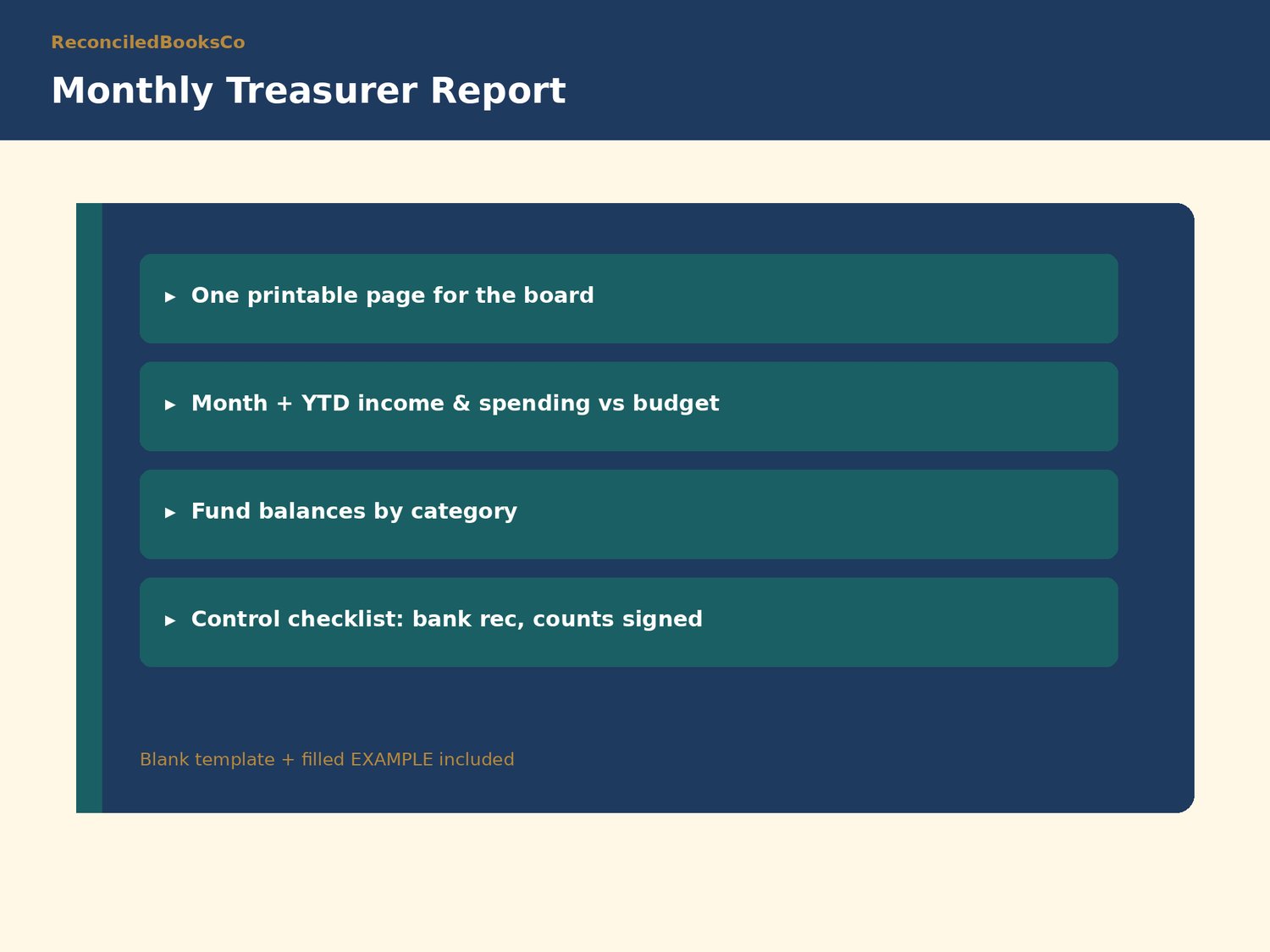
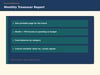
• Church_Treasurer_Report.xlsx + EXAMPLE: one-page monthly report for the finance committee
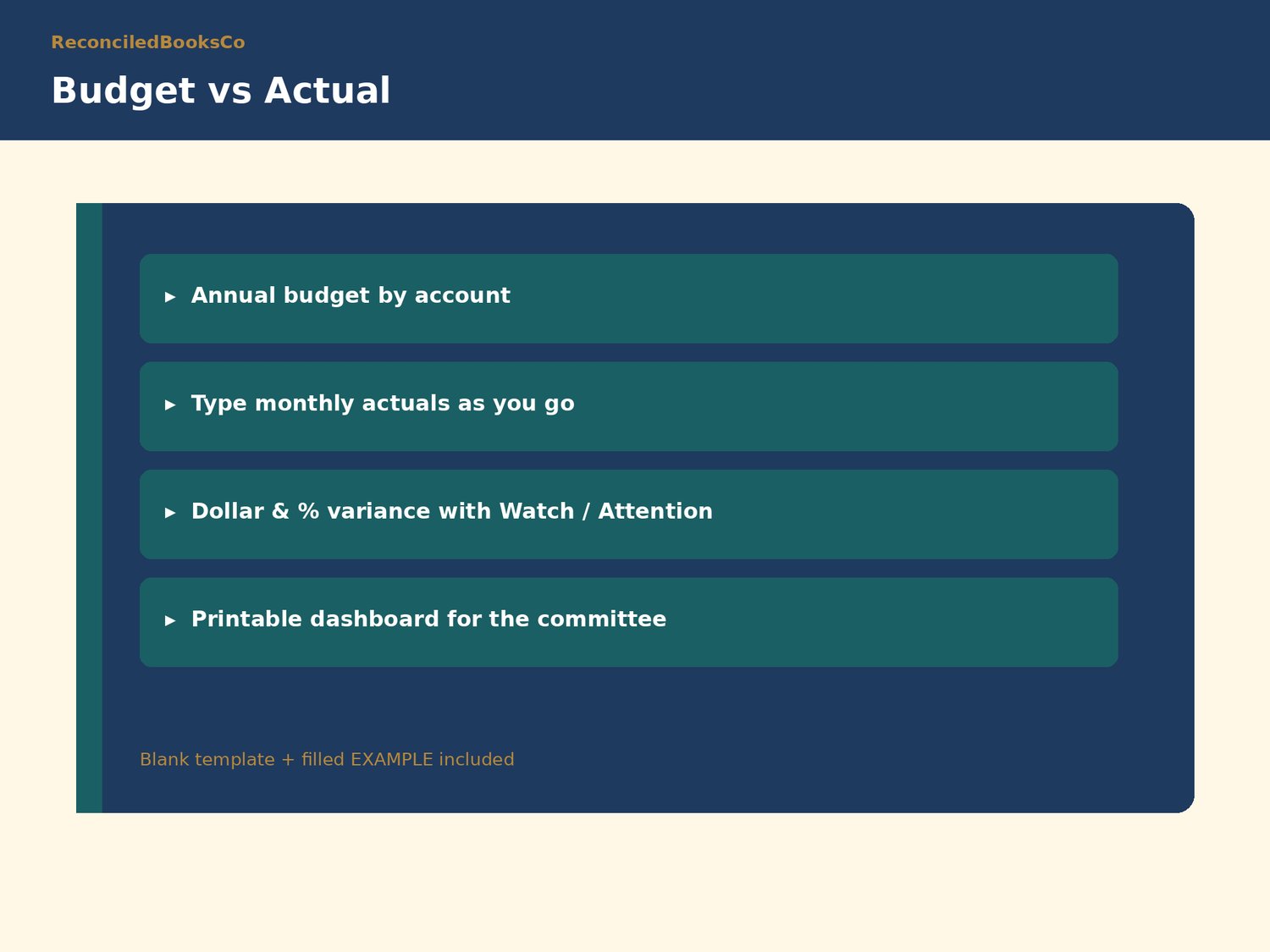
• Church_Budget_vs_Actual.xlsx + EXAMPLE: annual budget, monthly actuals, variance status
FEATURE HIGHLIGHTS
• Income Log: fund codes (GEN, DES-OPR, RES-BLD…), gross/fee/net, online-giving clearing, line QA flags
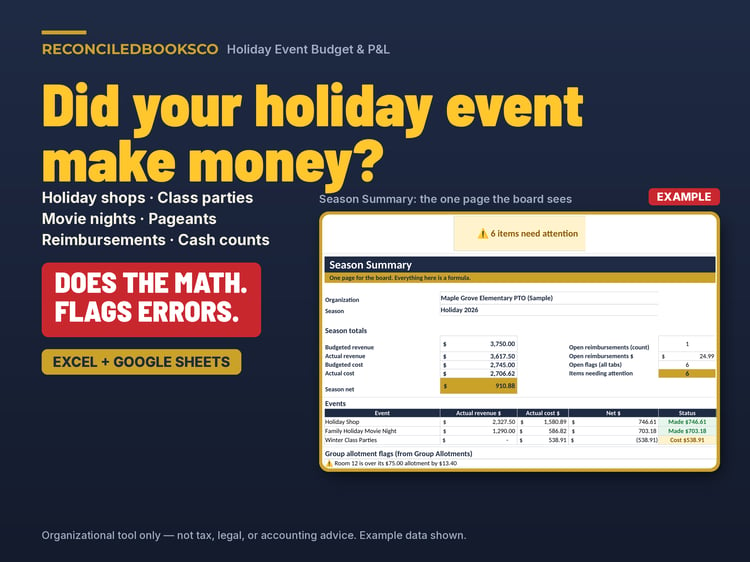
• Expense & Bill Log: approver required over threshold, unpaid aging, spending by fund and account
• Treasurer Report: month + YTD vs budget, fund balances by category, control checklist for the board
• Budget vs Actual: Revenue/Expense lines, watch/attention variance thresholds, printable dashboard
• Same fund discipline as the Controls Pack: Unrestricted (General), Board-designated, Donor-restricted
• Plain-English Start Here tabs · no macros · blank + EXAMPLE for every template
• Works in Microsoft Excel and Google Sheets
WHO THIS IS FOR
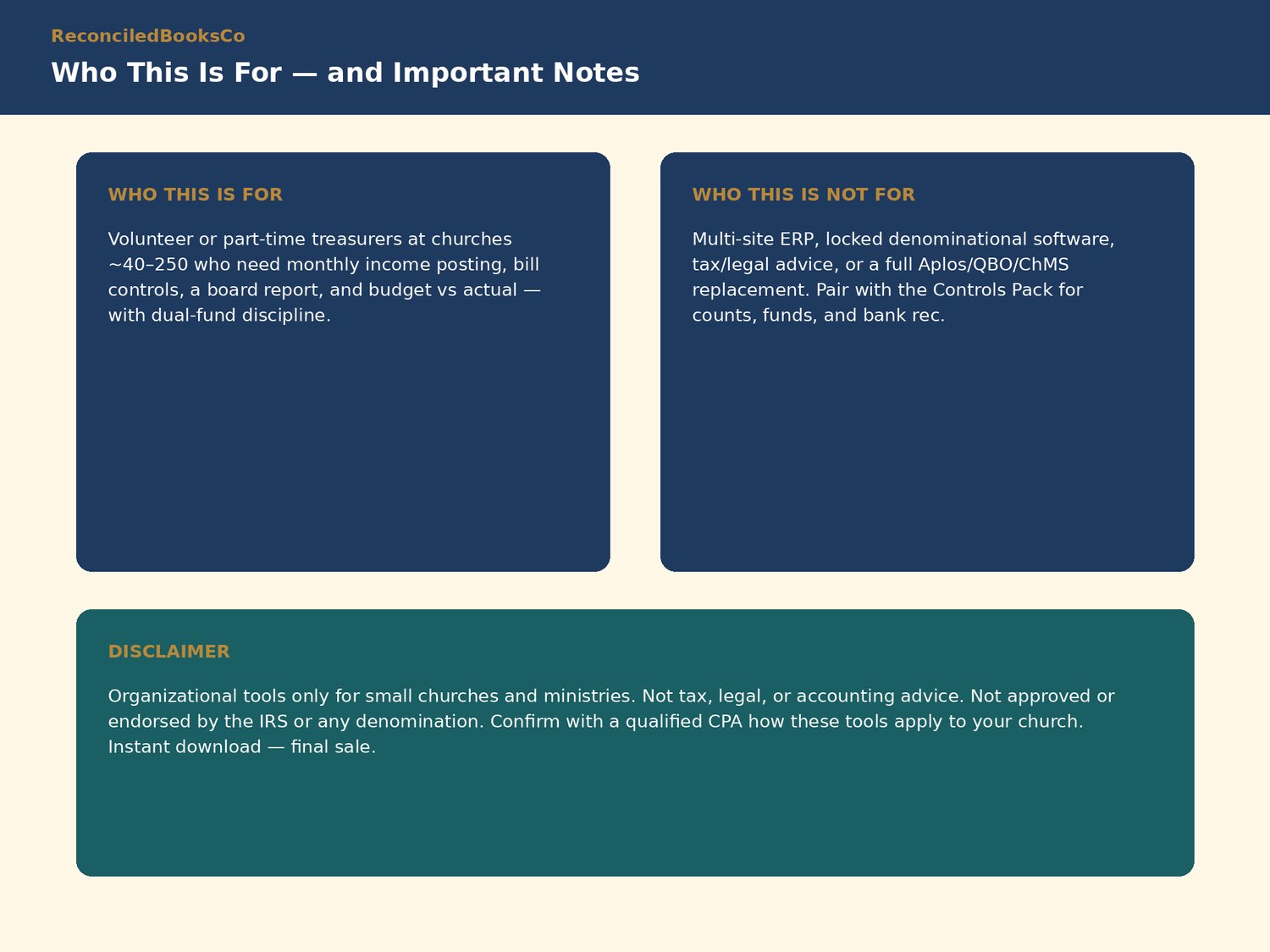
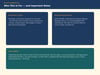
Part-time treasurers at churches roughly 40 to 250 in attendance who already count offerings and reconcile the bank, and need monthly posting, bills and board reporting that keep restricted and unrestricted money apart.
WHO THIS IS NOT FOR
Multi-site ERP setups, denominations that mandate locked software, tax or legal advice, or a full replacement for Aplos, QuickBooks Online, or a church-management system. Pair with the Church Treasurer Controls Pack for offering count, funds tracker, and bank rec.
HOW TO USE IN EXCEL AND GOOGLE SHEETS
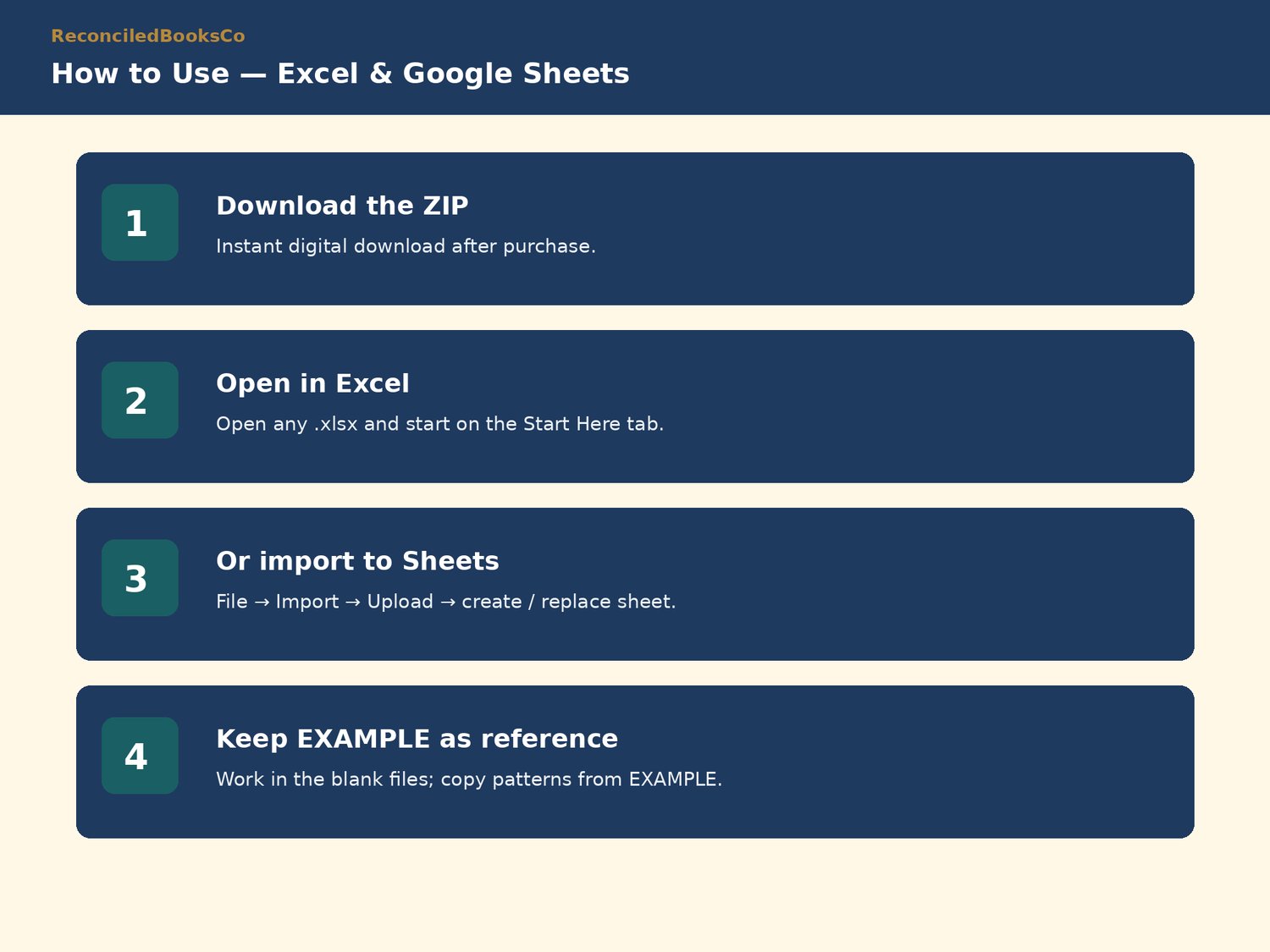
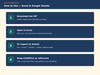
Excel: download the ZIP, open any .xlsx file, and start on the Start Here tab.
Google Sheets: File → Import → Upload → choose the .xlsx → Import data (create new spreadsheet or replace sheet). Repeat for each file you need.
Keep the EXAMPLE files as a filled reference; work in the blank files.
DISCLAIMER
Organizational tools only for small churches and ministries. Not tax, legal, or accounting advice. Not approved or endorsed by the IRS or any denomination. Does not guarantee compliance or a clean audit. Confirm with a qualified CPA or attorney how these tools apply to your church.
INSTANT DOWNLOAD · FINAL SALE
This is a digital product. Files are available immediately after purchase. Because of the nature of digital downloads, all sales are final (see shop policies for detail).
Shop: ReconciledBooksCo