

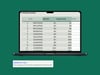



Savings Challenge Builder
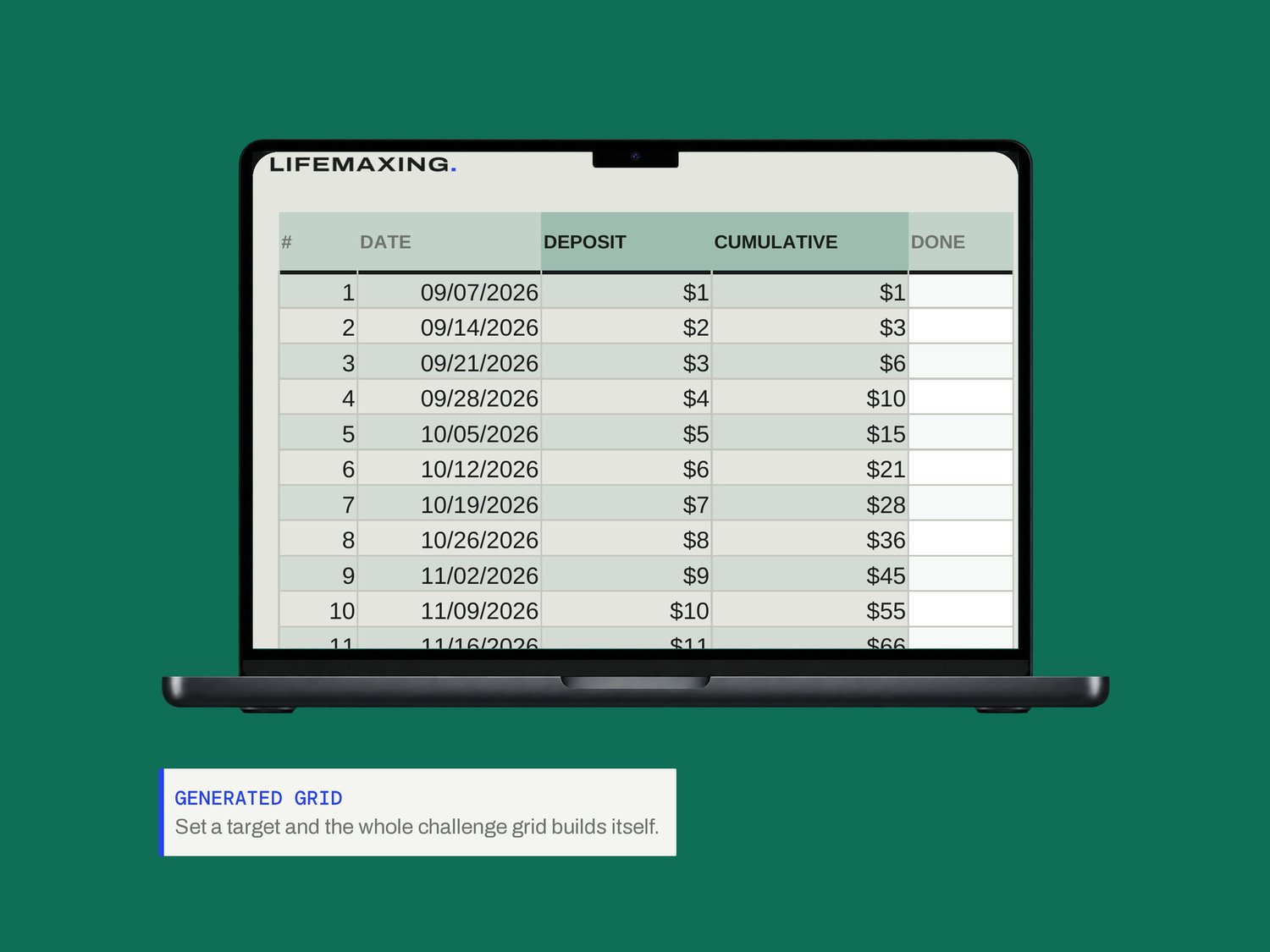
Most savings challenges are a fixed printable grid someone drew once. This one is generated: give it a target, a timeframe and a shape, and every row derives from those three.
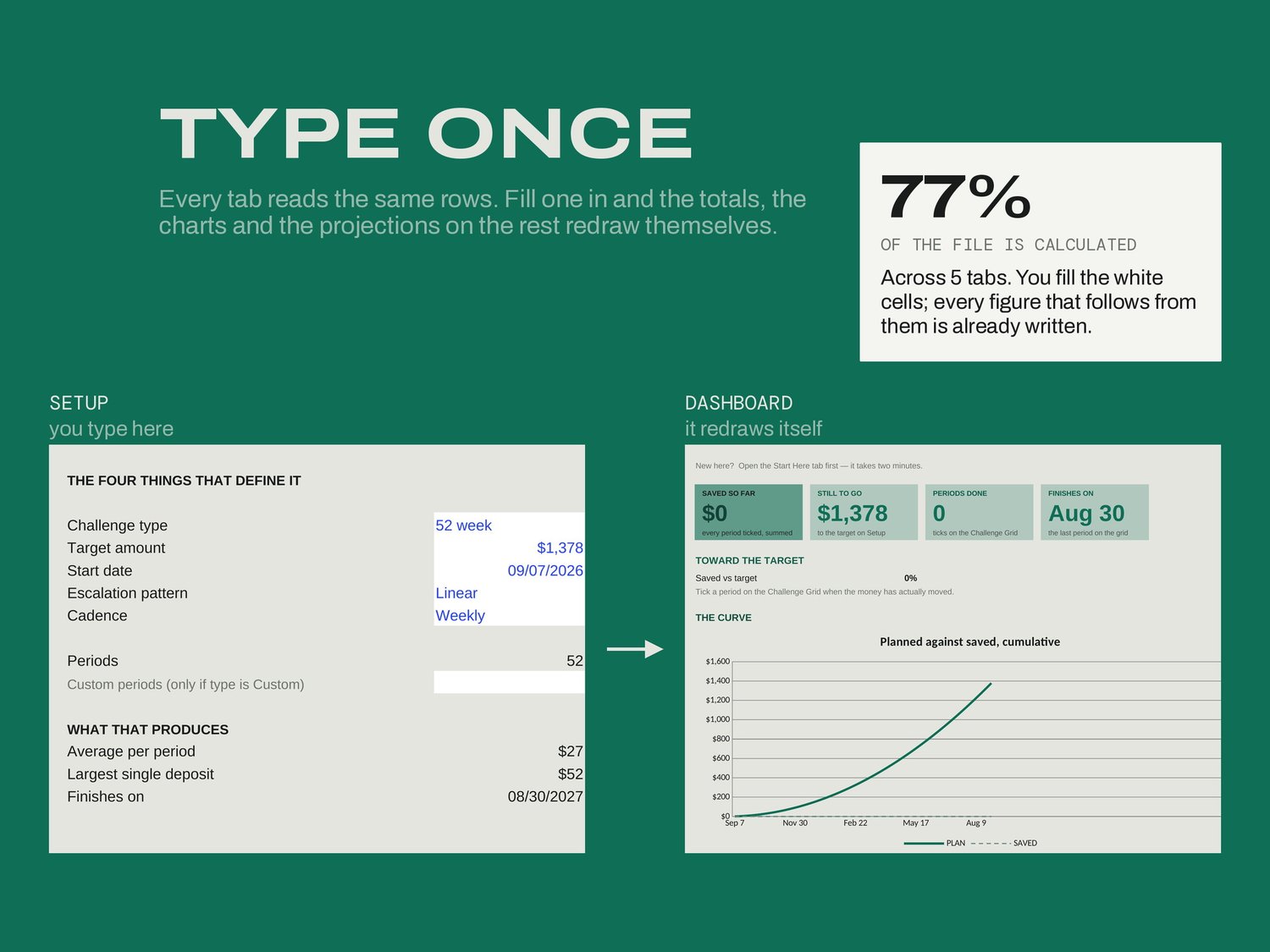
Pick the challenge type, the amount you are aiming at, the start date and how the amounts should escalate. The grid rebuilds itself and there is nothing to edit in it. Tick Done as you pay each period in, and Progress projects your finish date from the pace you have actually kept rather than the one you planned.
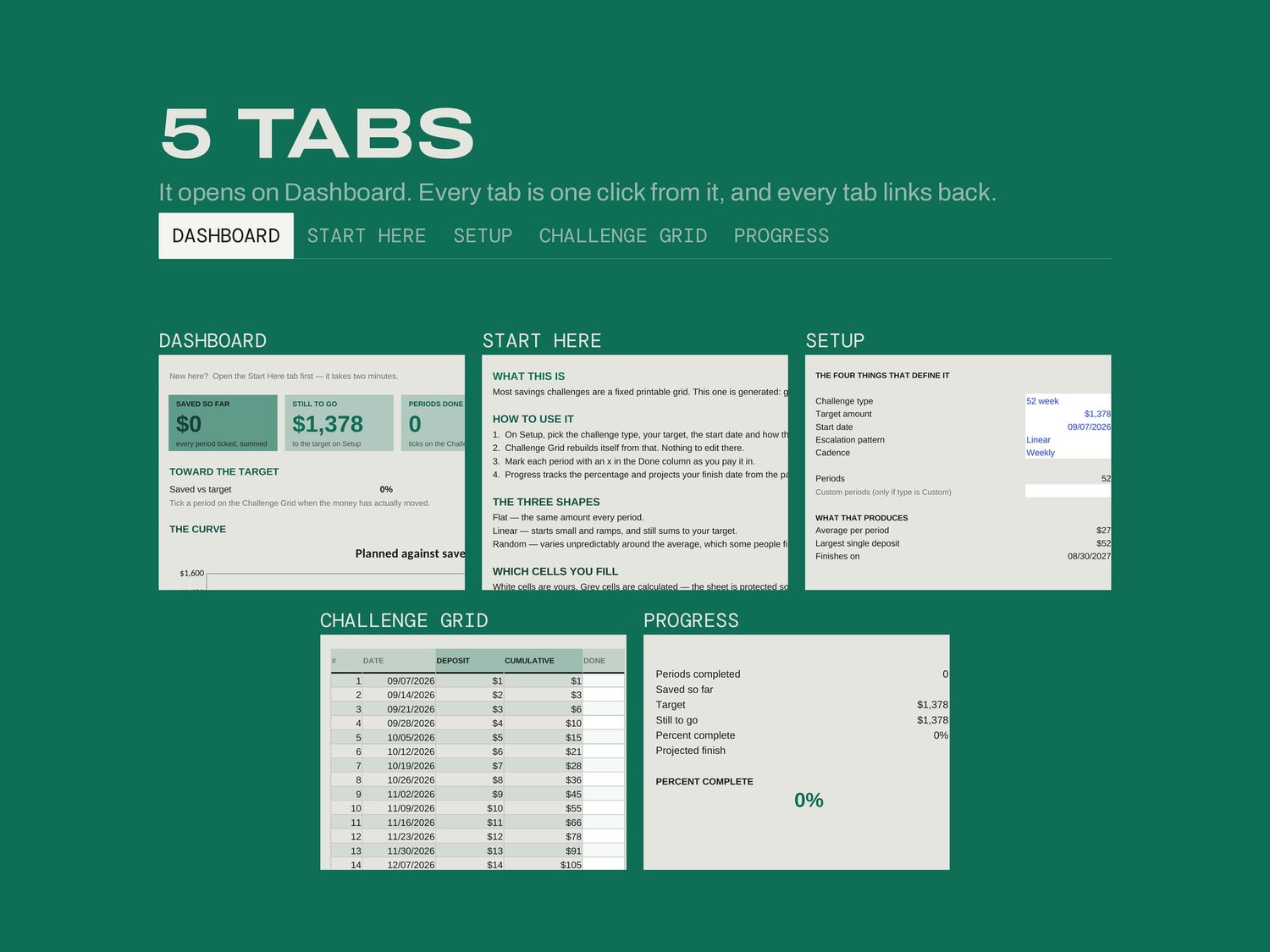
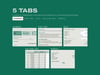
WHAT'S INSIDE
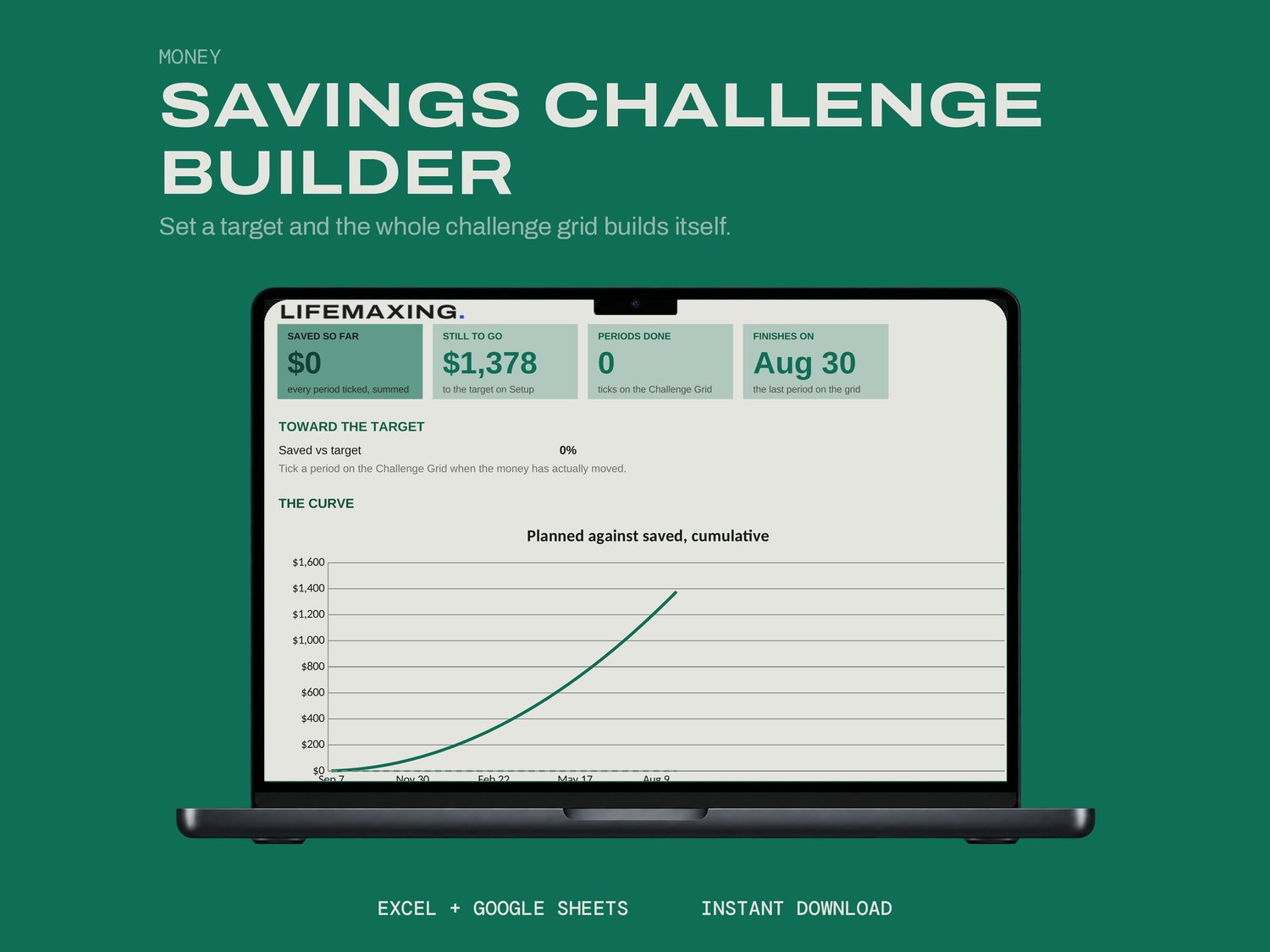
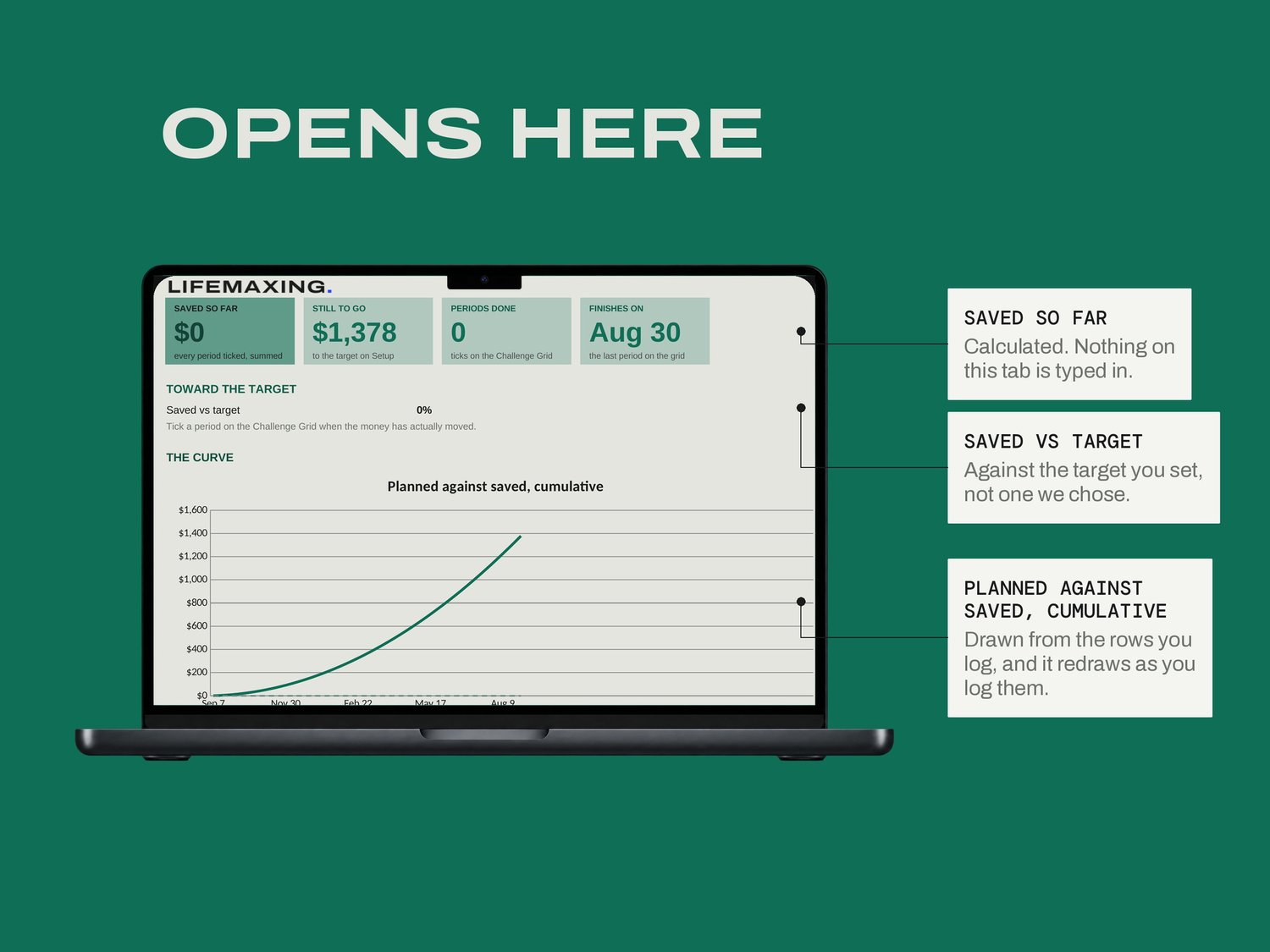
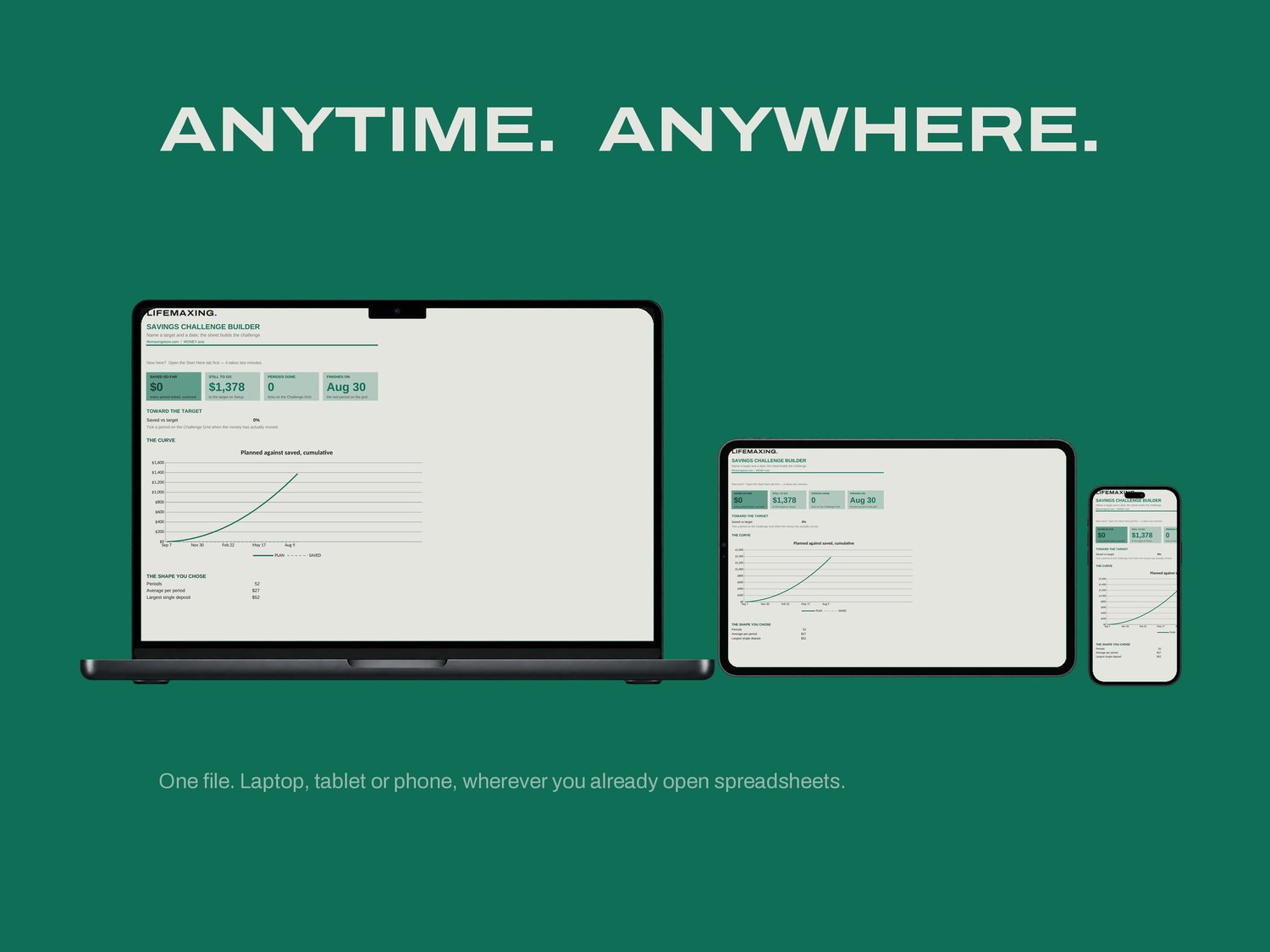
Dashboard - saved so far, still to go, and the curve against the plan
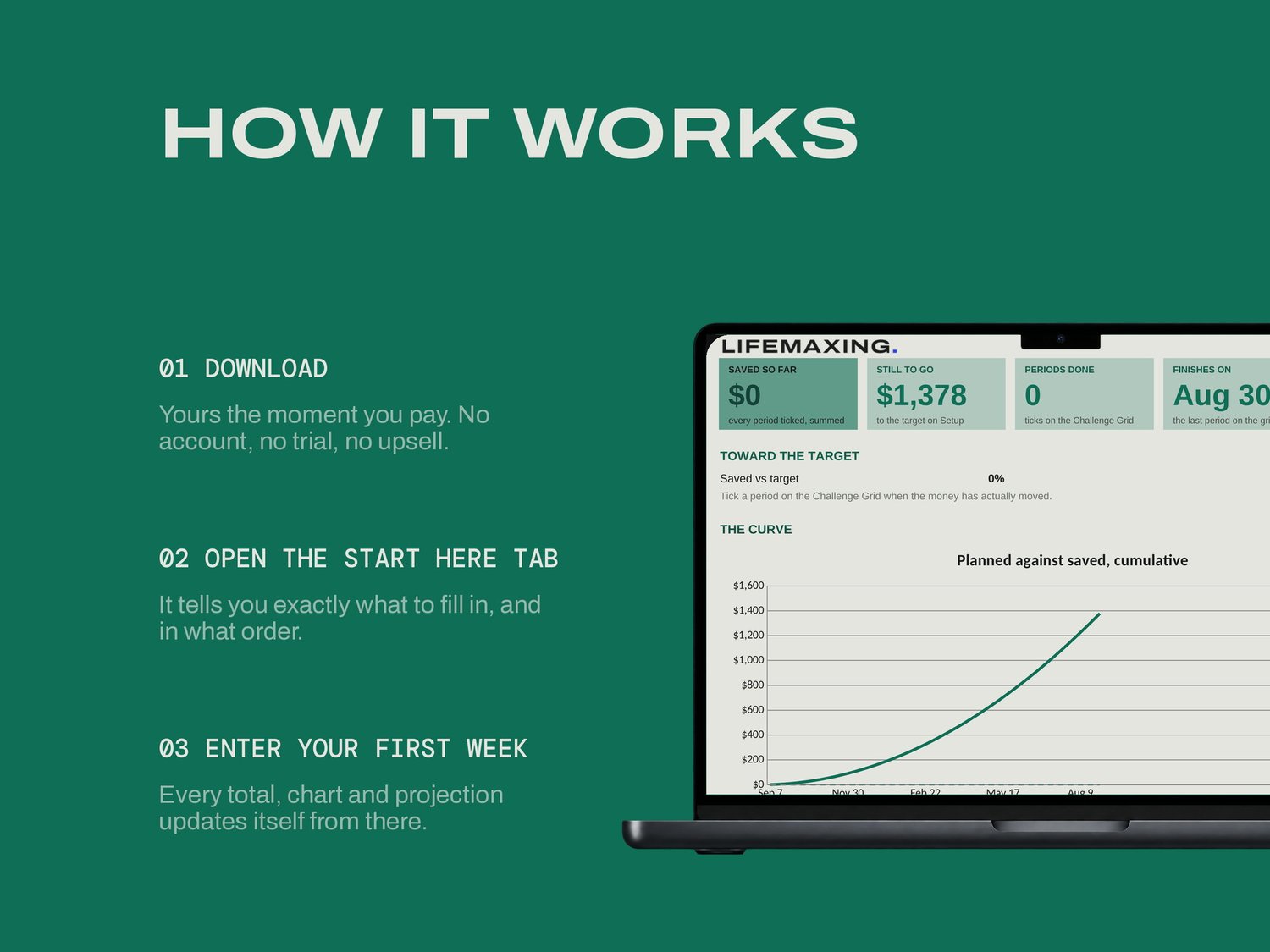
Start Here - how the file works and which cells are yours
Setup - the target, the date and the shape, the four things that define it
Challenge Grid - every period, generated; tick Done as you pay in
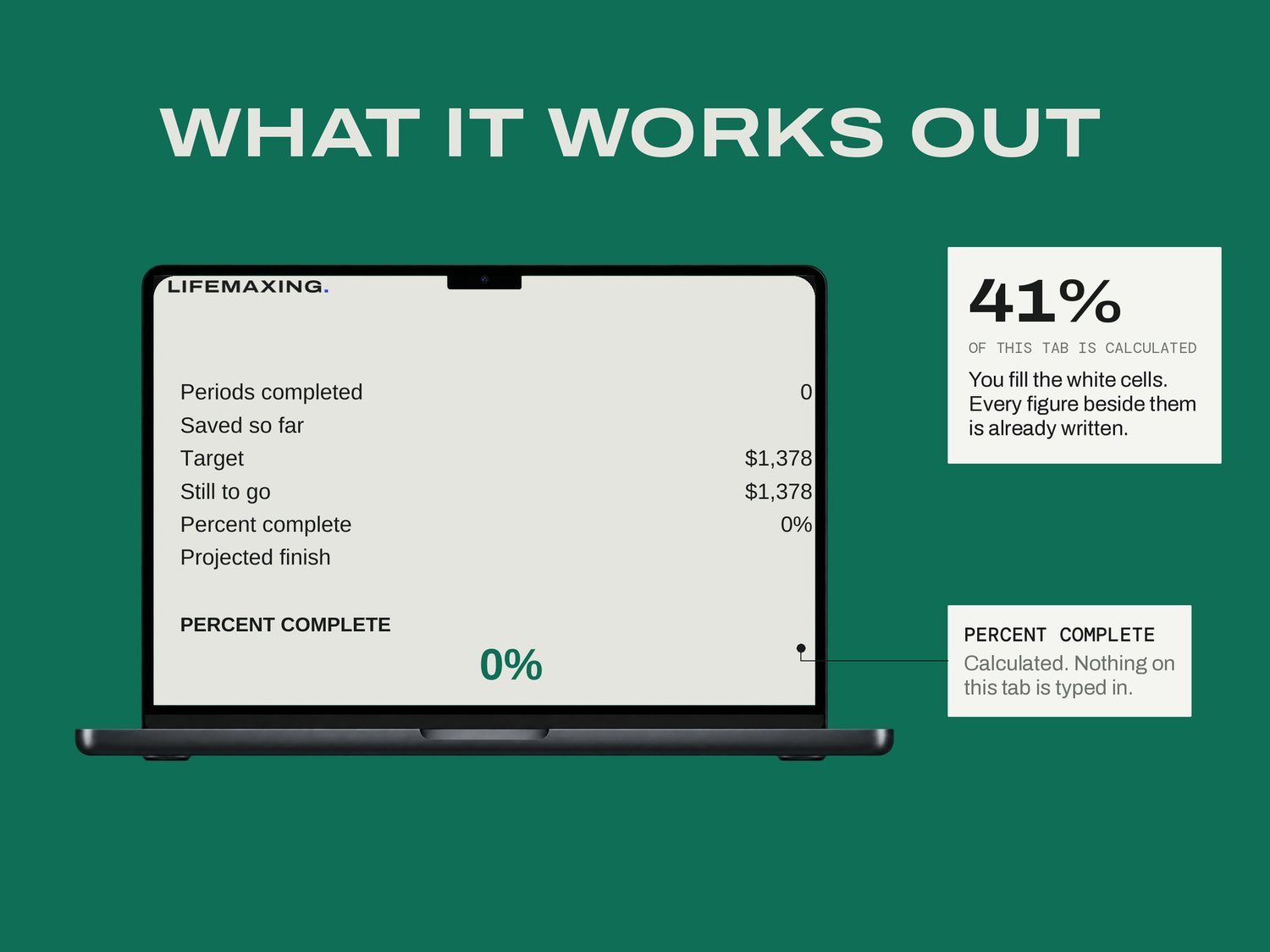
Progress - where you actually are, and when you finish at this pace
THE PART NOBODY ELSE BUILDS
Three shapes, and the third one is the interesting one. Flat is the same amount every period. Linear starts small and ramps, and still sums to your target rather than to a number the ramp happens to reach. Random varies unpredictably around the average, which some people find easier to stick to, and the variation is fixed per period rather than re-rolled every time you open the file. A challenge that quietly changes its own numbers behind you is not a challenge.
WHAT YOU GET
Excel workbook (.xlsx)
Google Sheets template - one click to copy
Setup instructions (PDF)
Free updates for life
BEFORE YOU BUY
Works in Microsoft Excel 2016 and later, and in Google Sheets. No app, no subscription, no account. It says nothing about interest, returns, or where the money is held; it tracks what you put in. Amounts in USD. Digital download, all sales final.