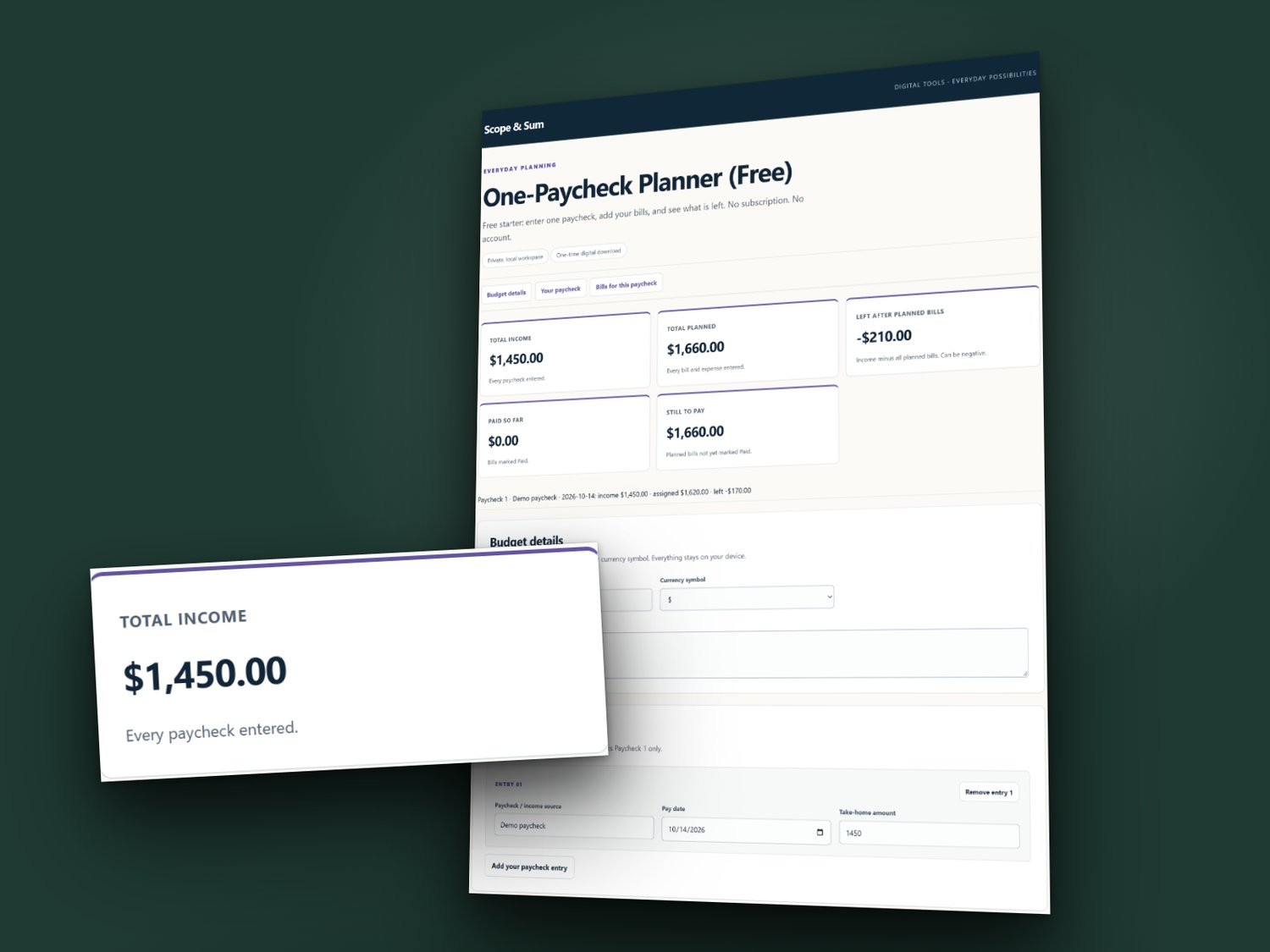
One-Paycheck Planner (Free)
See what one paycheck covers before you spend it. Free.
PAY ONCE. NO SUBSCRIPTION. NO ACCOUNT.
Nothing to pay, nothing to install, no bank login.
HOW IT WORKS
- Enter one paycheck.
- List the bills it will pay.
- Read what is left, or how short the paycheck is.
WHAT YOU GET (one ZIP download)
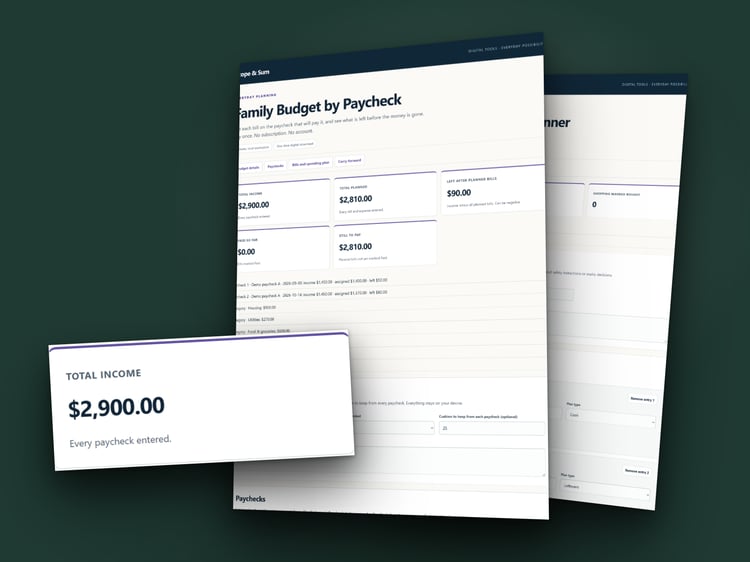
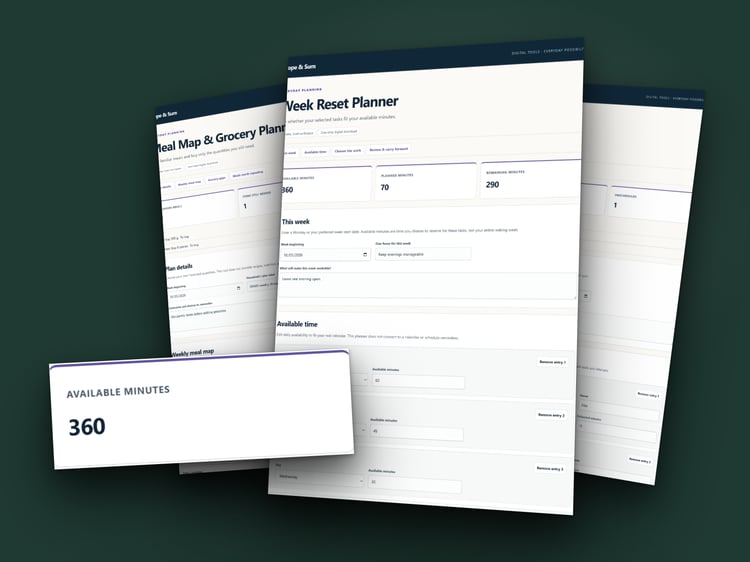
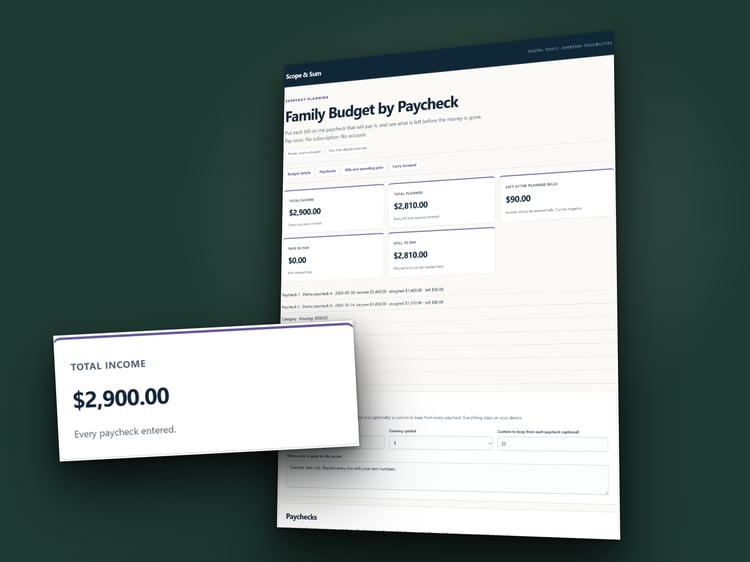
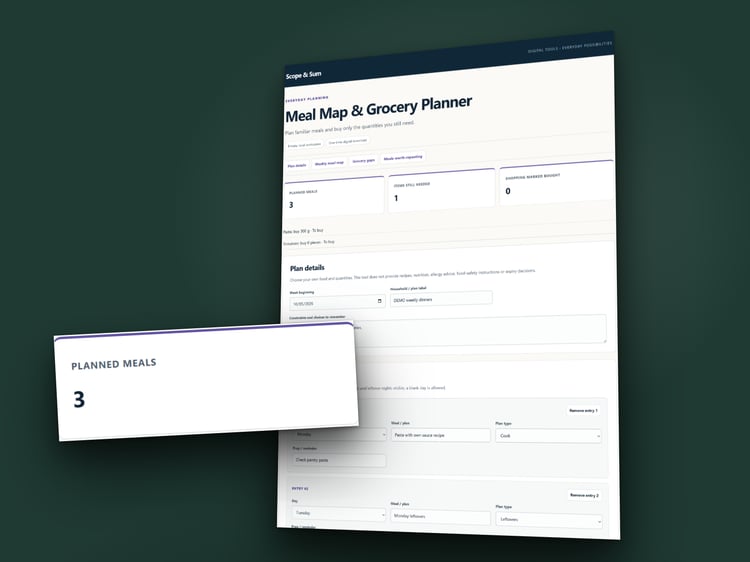
- A designed dashboard spreadsheet for Excel and Google Sheets, plus a filled-in example copy (1 paycheck, 12 bills)
- Browser workspace (HTML) for a computer
- Printable pages in US Letter and A4
WORKS WITH
Excel. Google Sheets: upload the file to Google Drive and open it with Google Sheets. The browser workspace needs desktop Chrome or Edge.
HOW TO OPEN IT AFTER YOU DOWNLOAD
- Download the ZIP from the confirmation page or your receipt email, then unzip it.
- Excel: open One-Paycheck-Planner.xlsx.
- Google Sheets: go to drive.google.com, choose New, then File upload, and pick the same .xlsx file. Right-click it in Drive, choose Open with, then Google Sheets. It then opens in the Google Sheets app on your phone too.
- Browser: extract all the files to a folder, right-click WORKSPACE.html, and open it with Chrome or Edge.
- Paper: print PRINTABLE-LETTER.pdf or PRINTABLE-A4.pdf at 100% size.
Open the filled-in example first if you want to see how it works. A START-HERE.txt file in the download repeats these steps. It runs on your own computer or in your own Google Drive; nothing is sent to us.
WANT MORE?
The full Family Budget by Paycheck plans up to six paychecks with 60 bills and adds a carry-forward page. Find it in the Scope & Sum store.
GOOD TO KNOW
You enter every number yourself. A planning tool, not financial, tax or legal advice. For one household. Digital download, no physical item.