
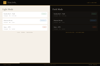

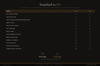
Content Planner Standard — 30-Day Calendar, Multi-Platform (Works Offline)
Content chaos ends here. One place for all your posts.
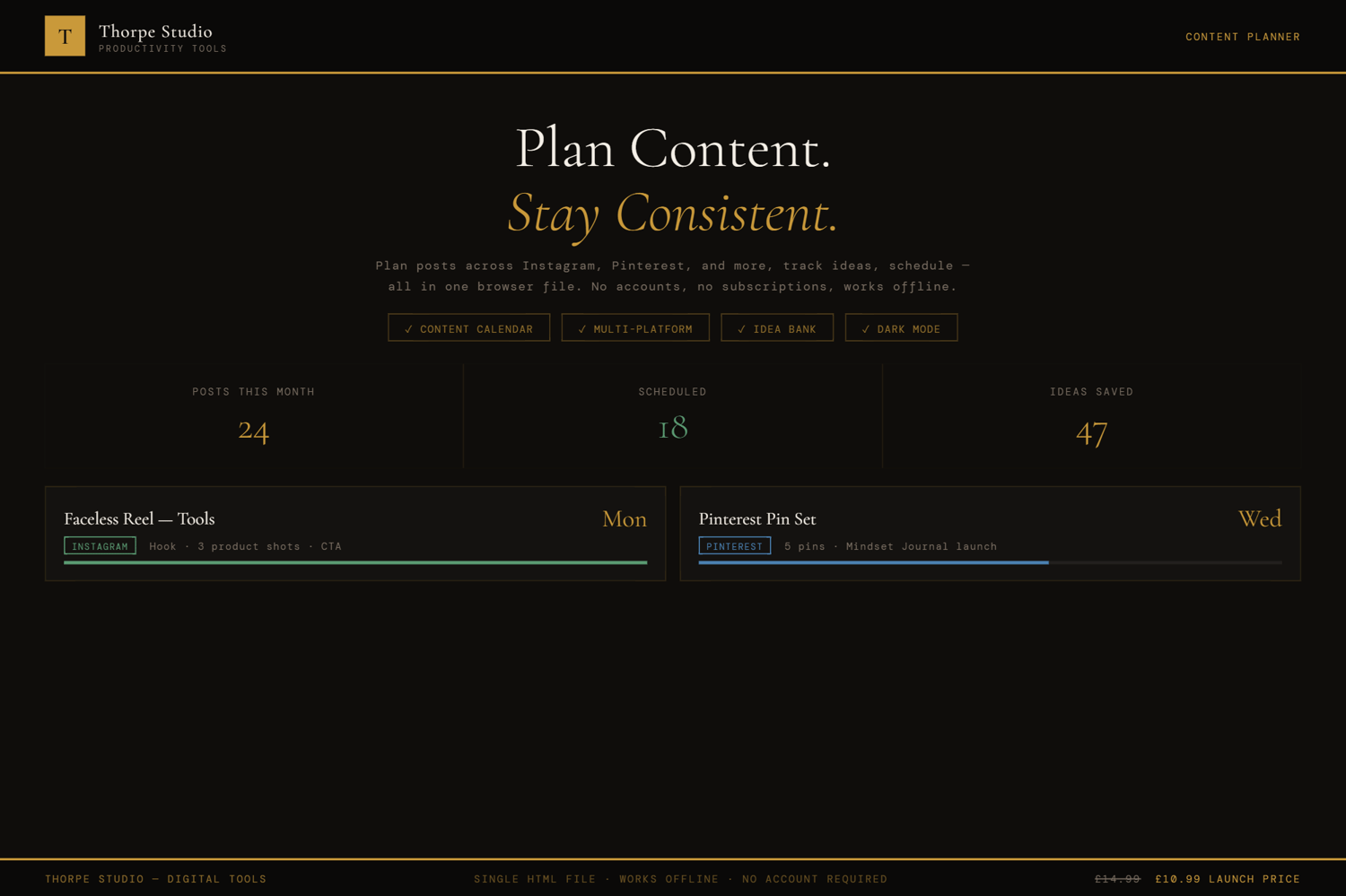
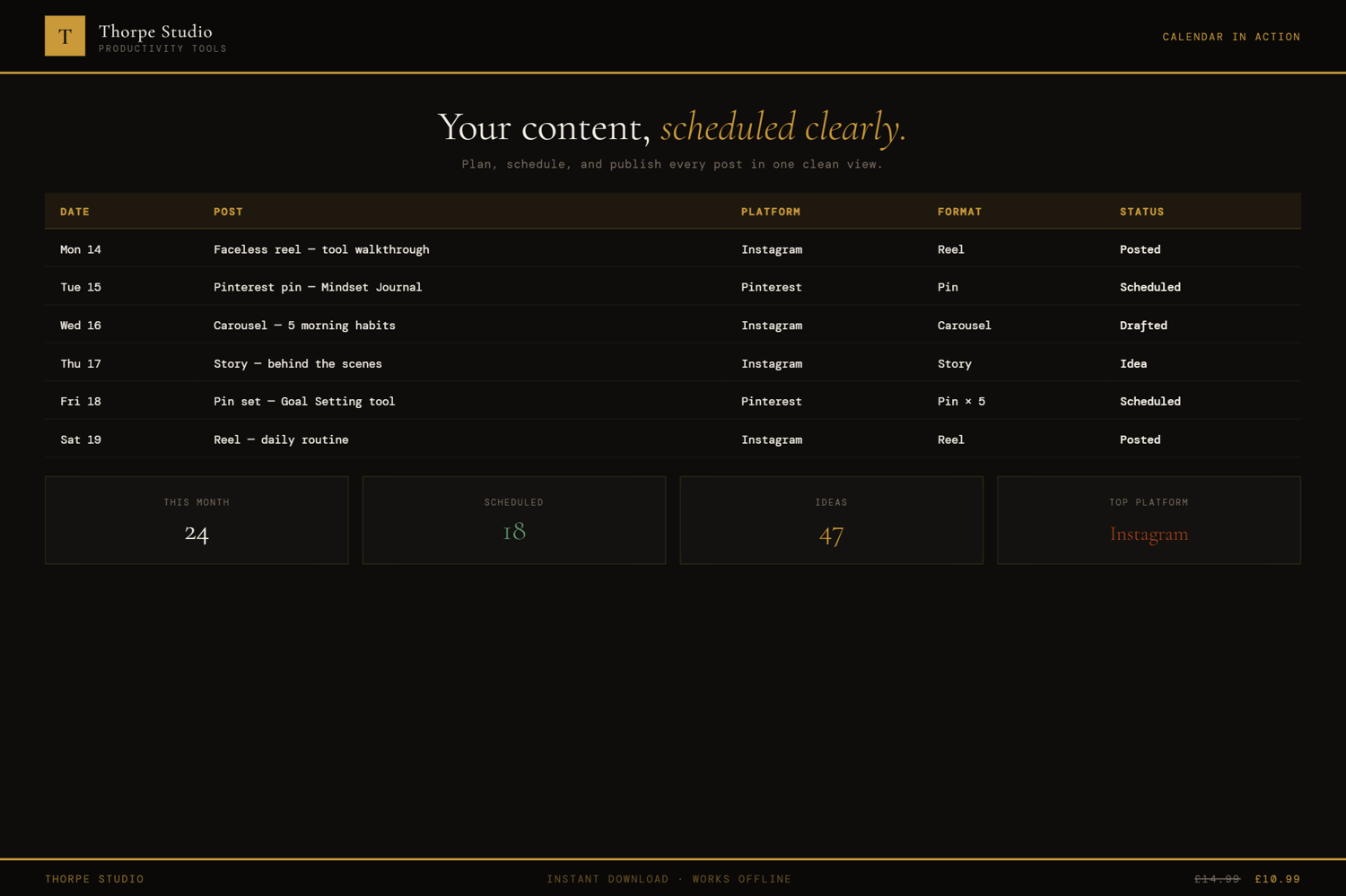
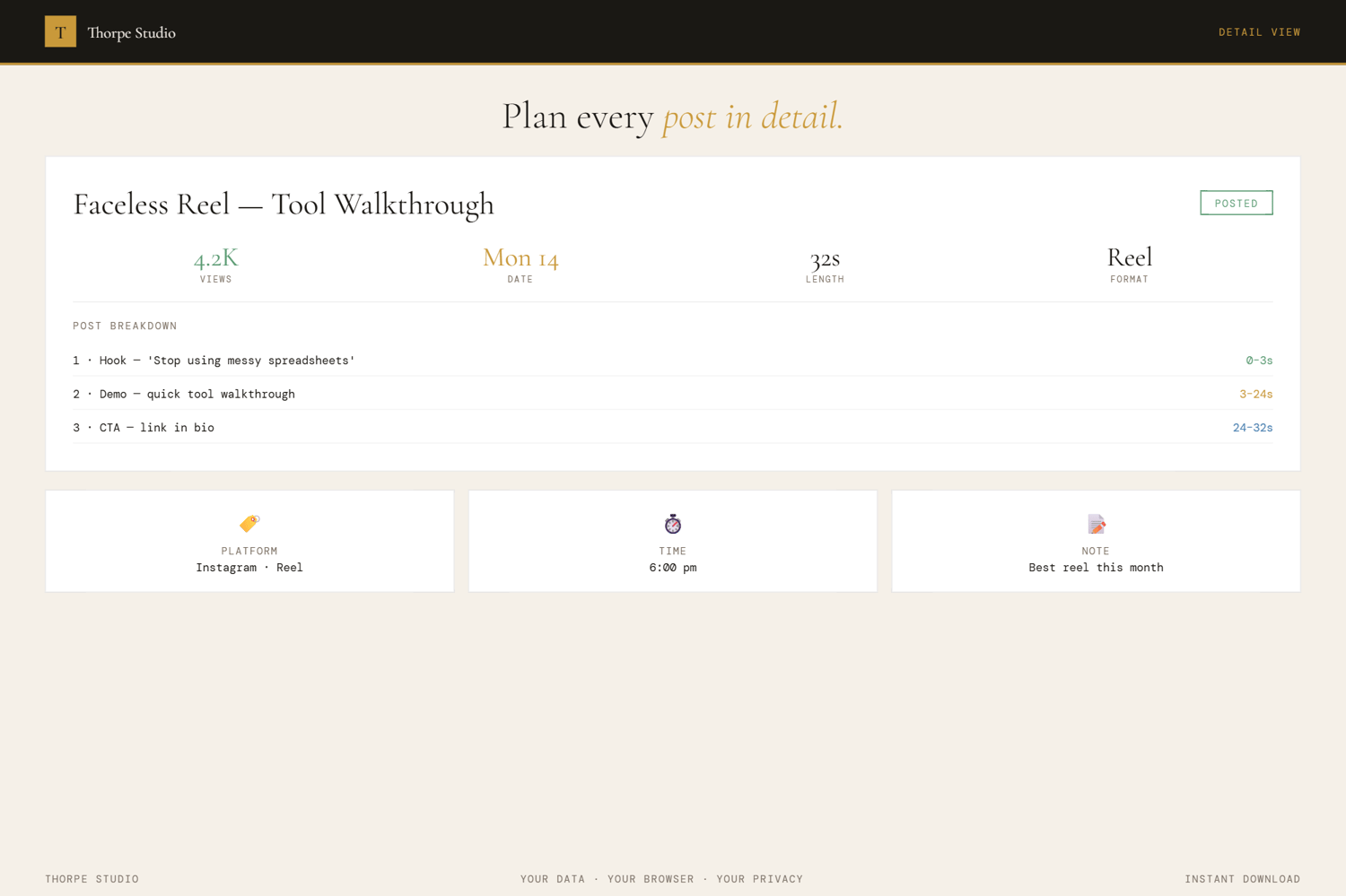
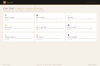
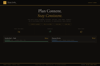
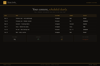
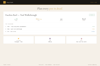
The Content Planner gives you a calendar view and a list view for your entire content strategy. Plan across five platforms (Instagram, TikTok, LinkedIn, Twitter, YouTube) in one space. Assign each post to a platform, add content pillars (categories for your topics), monitor character counts—because each platform has different limits—and watch your posts move through three statuses: Draft, Scheduled, Published. The calendar shows colour-coded status pills so you can see at a glance what's ready and what still needs work. Pull up your content statistics anytime: total posts, how many per platform, what's published vs. still drafting. No Google account. No Notion subscription. No app. Your data saves automatically to your device.
Plot out a week. Plot out a month. See your content strategy take shape. Spot gaps. Notice patterns. Move from random posting to intentional publishing.
◈ KEY FEATURES
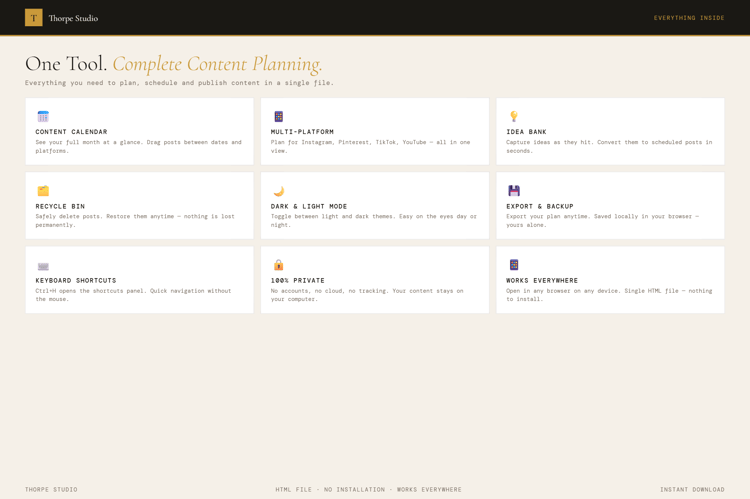
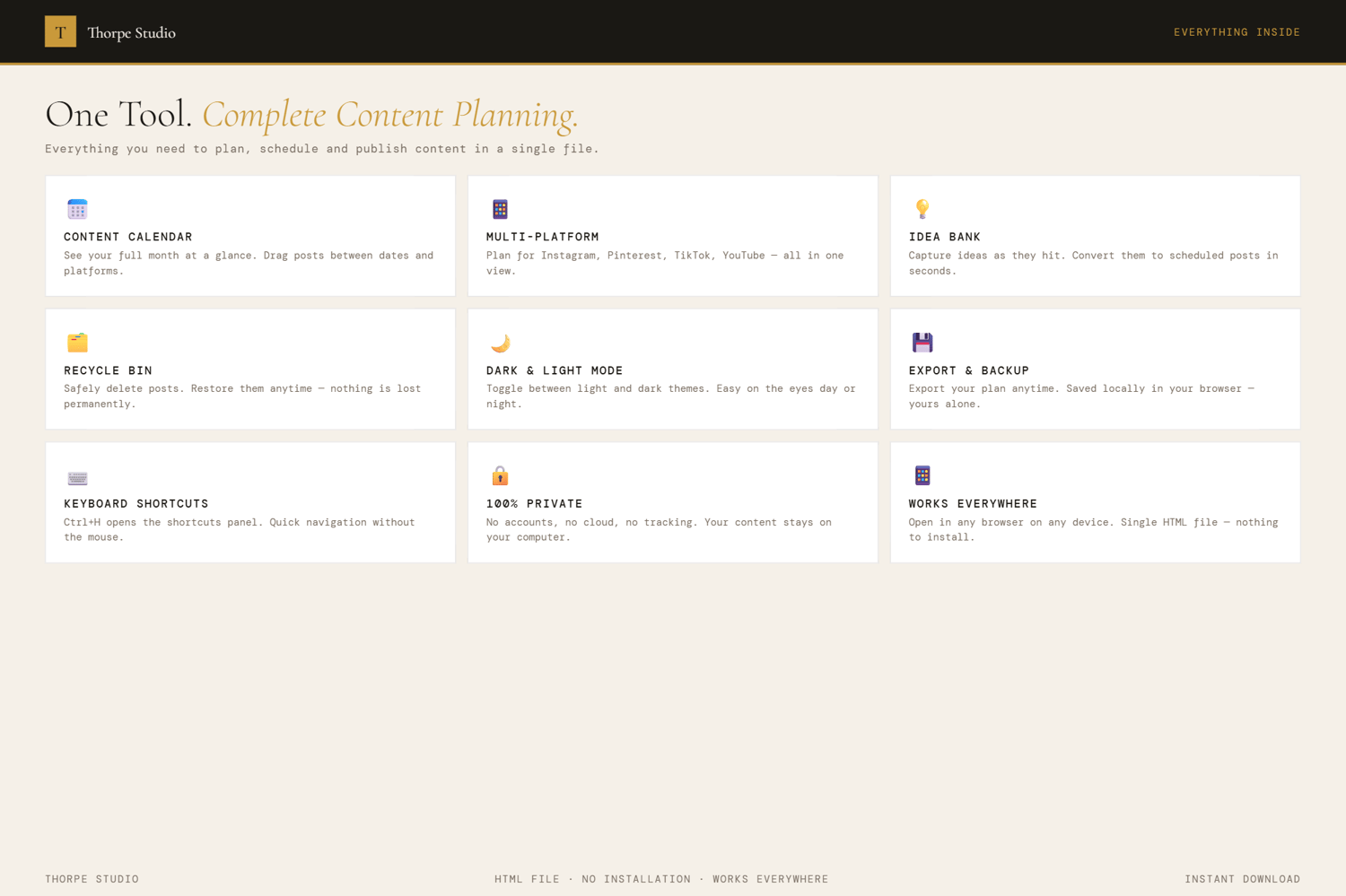
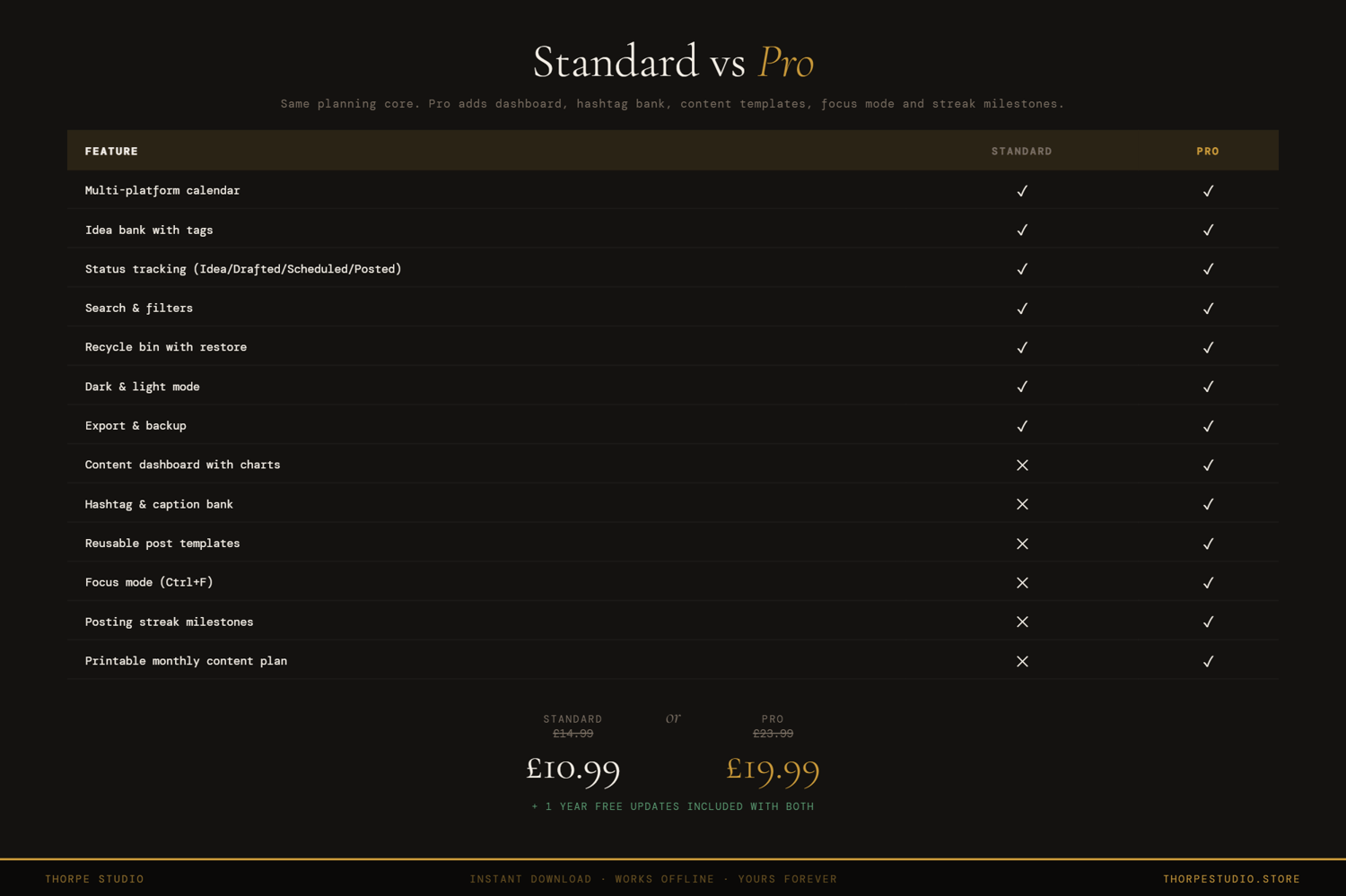
★ Multi-Platform Calendar View See all your posts across five platforms in one calendar. Colour-coded by status (Draft, Scheduled, Published) so you spot at a glance what's ready.
★ List View Alternative Prefer a list? Switch to list view instantly. Same posts, different angle. Choose what works for your brain.
★ Post Status Tracking Every post moves through three stages: Draft (still thinking), Scheduled (ready to go), Published (live). Tracks your content pipeline visually.
★ Content Pillar Categorisation Tag each post with a content pillar (your main topics). Filter by pillar to see your content balance. Are you over-talking about one thing?
★ Character Count Monitoring Platform-specific limits built in. Twitter: 280 chars. LinkedIn: different rules. The tool watches and warns if you're over.
★ Five-Platform Support Instagram, TikTok, LinkedIn, Twitter, YouTube. One posting home for all of it.
★ Content Statistics Dashboard Total posts at a glance. Posts per platform. Posts by status. Breakdown by pillar. Numbers tell the story of your content strategy.
★ Post Bin with Recovery Delete a post by accident? No problem. It goes to a trash bin for 30 days before permanent deletion.
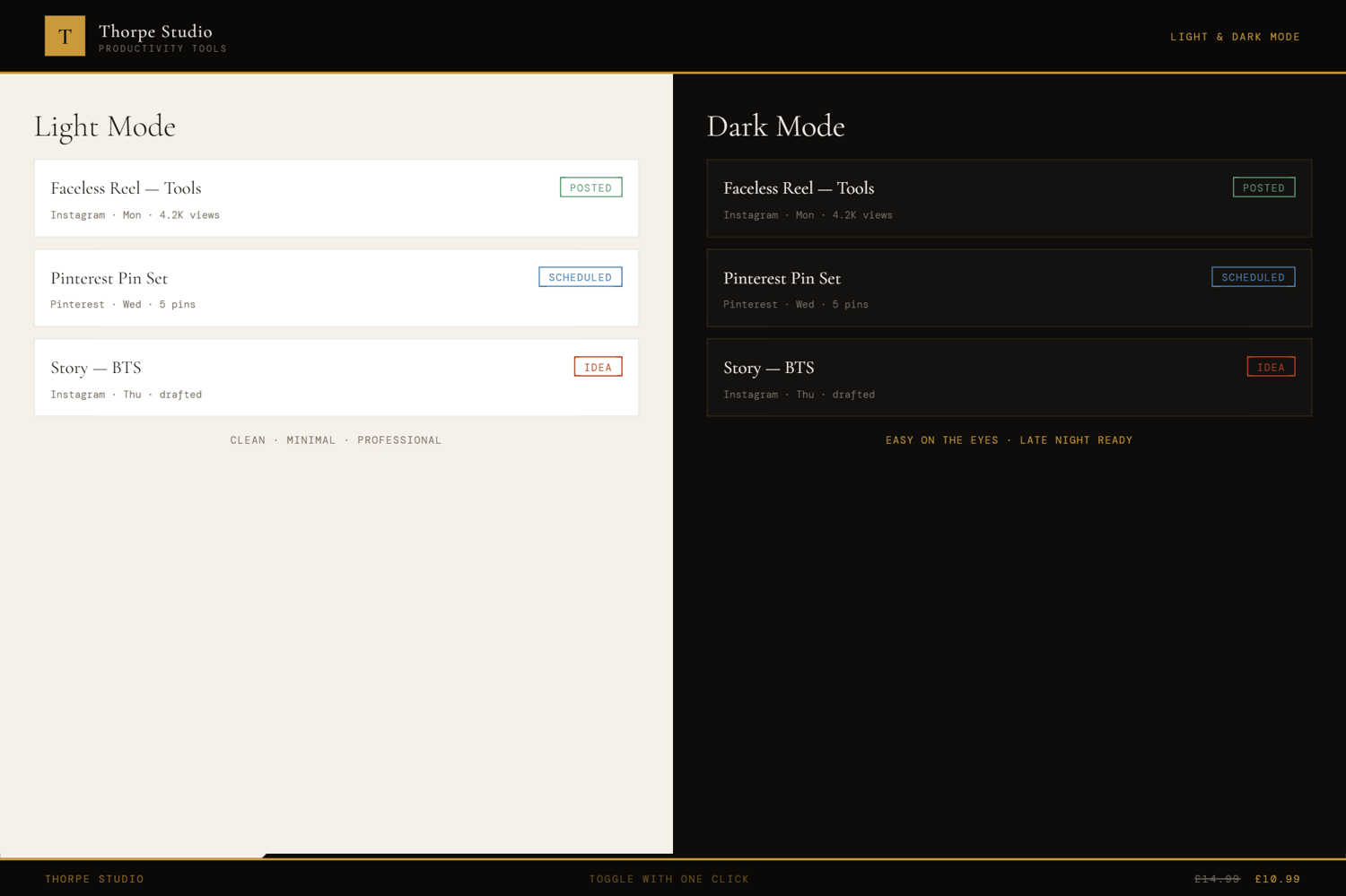
★ Dark & Light Mode Switch reading modes instantly.
★ Complete Export & Import Back up your entire content calendar as JSON. Import it anywhere, anytime. Your content is always portable.
◈ YOUR DATA — HOW IT WORKS
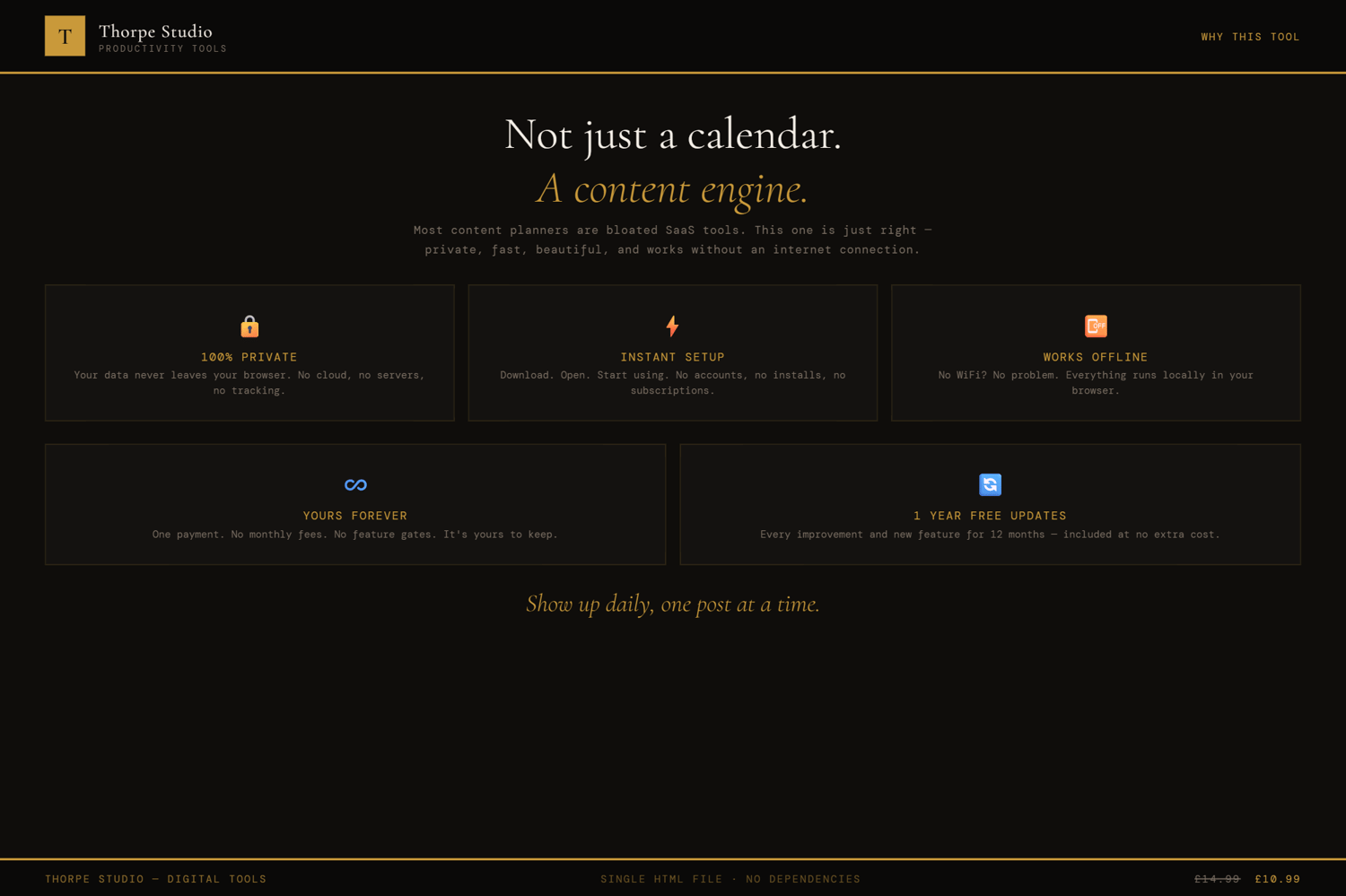
Your content calendar lives locally on your device using browser storage (localStorage). Nothing syncs to servers. Nothing is shared. When you close the tool, your posts stay exactly where they are. When you open it tomorrow, next week, next month—it's all there. Want a backup before switching devices? Export your complete content calendar as a JSON file and import it anywhere.
◈ WHO IS THIS FOR
→ Content creators and solopreneurs managing multiple platforms → Instagram and TikTok creators planning their feed strategy → Small business owners coordinating social media across accounts → Freelancers building their personal brand across platforms → Podcasters, YouTubers, and bloggers planning content releases
◈ WHAT YOU RECEIVE
- 1 × HTML file — Content Planner
- Works in any modern browser: Chrome, Edge, Firefox, Safari
- No installation. No account. No internet connection required after download
- Built-in welcome guide on first open
- Lifetime use. No subscription. No expiry
- Designed for desktop use — best experienced on a laptop or computer
◈ HOW TO USE IT
- Download the file and place it on your Desktop
- Double-click to open in your browser
- The welcome guide appears on first open
- Click "New Post" to start planning content
- Write your post copy and assign it a platform (Instagram, TikTok, etc.)
- Add a content pillar (category/topic)
- Check the character count—the tool shows platform limits
- Set the post status: Draft, Scheduled, or Published
- Repeat for the week or month ahead
- Switch to calendar view to see your strategy visually
- Check statistics to spot gaps in your content pillars
◈ IMPORTANT — PLEASE READ BEFORE PURCHASING
This is a digital HTML file—not a Google Sheet, not a PDF, not a Notion template. You download it once and it lives on your device forever. Your content calendar is stored locally using browser storage (localStorage)—completely private, on your computer only. This tool does not post to your platforms automatically; it's a planning and tracking tool only. If you clear your browser storage, your calendar is lost—use the export function to back up regularly. There are no refunds on digital products. If you have technical questions, contact us and we'll help troubleshoot.
◈ ABOUT THORPE STUDIO
Thorpe Studio builds premium browser-based productivity tools for freelancers and solopreneurs. Every tool opens instantly in your browser, works offline, requires no account, and keeps your data private on your device. No subscriptions. No cloud. No friction. Just you, your ideas, and the tools you need to move forward.
£0.99