

Content Planner Pro — 30-Day Plans, Analytics, Multi-Platform (Works Offline)
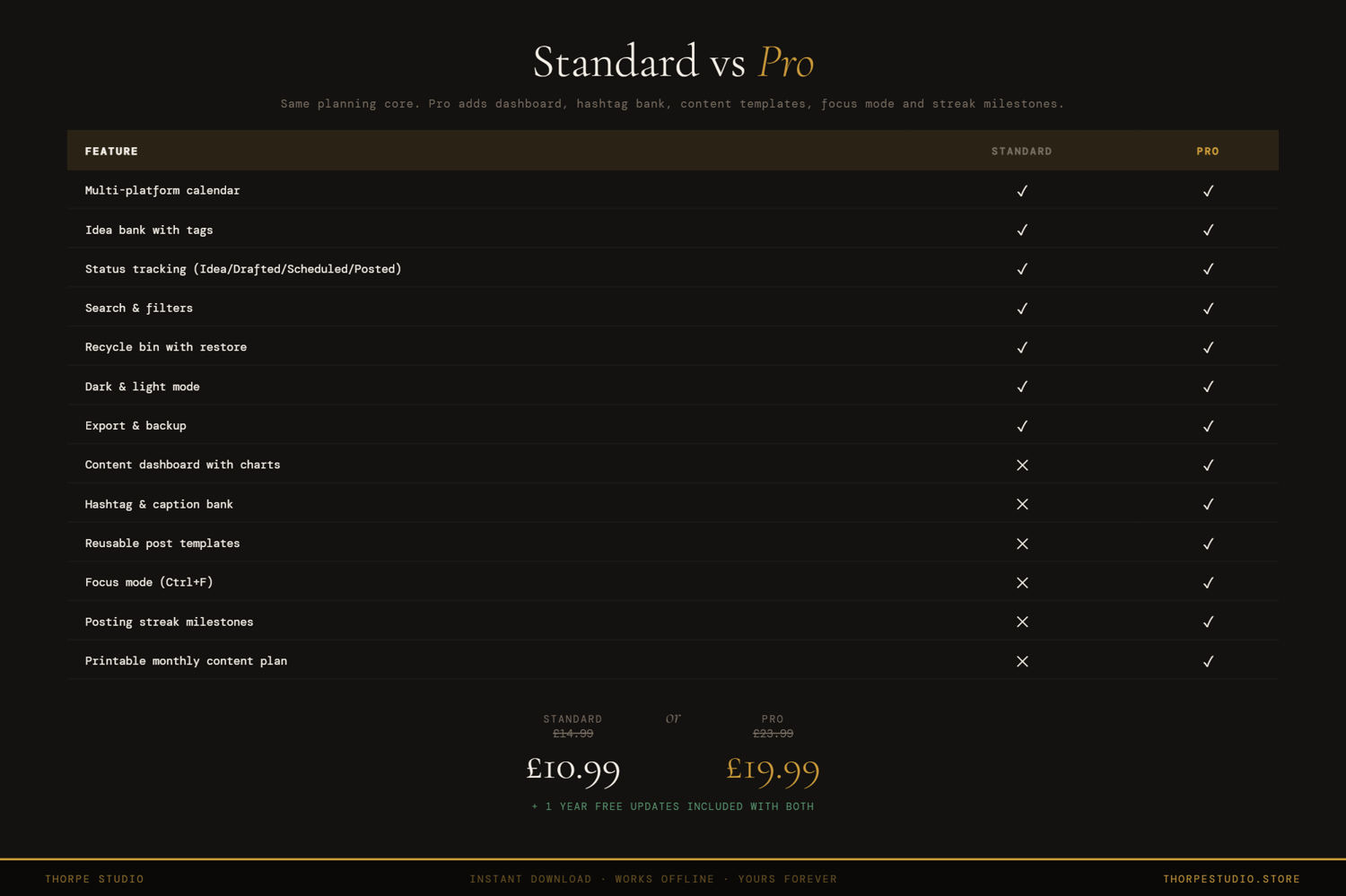
The Standard Content Planner holds your multi-platform calendar, status tracking, character counts, and statistics. The Pro version adds advanced analytics, performance tracking, and printable content strategy reports.
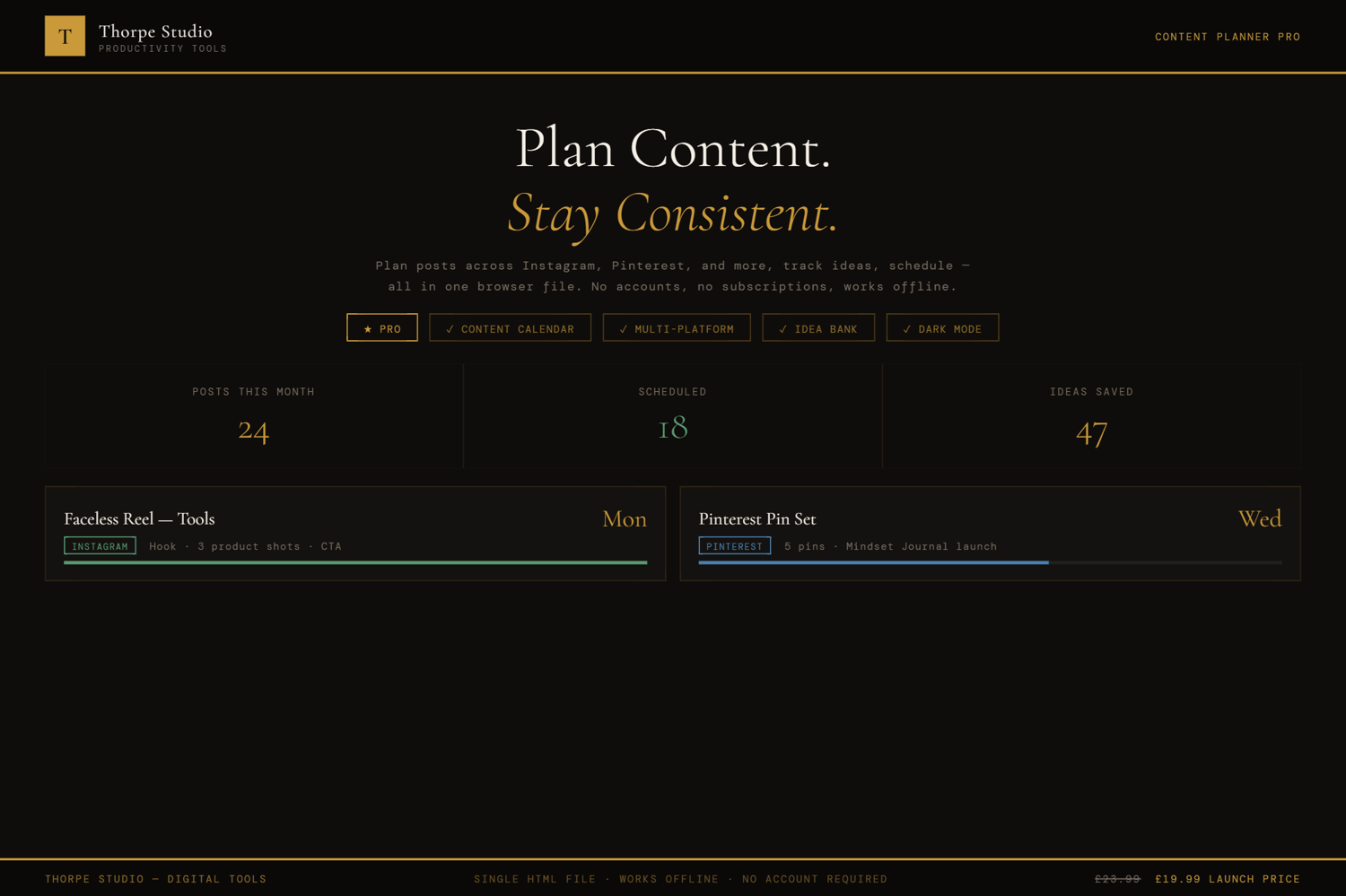
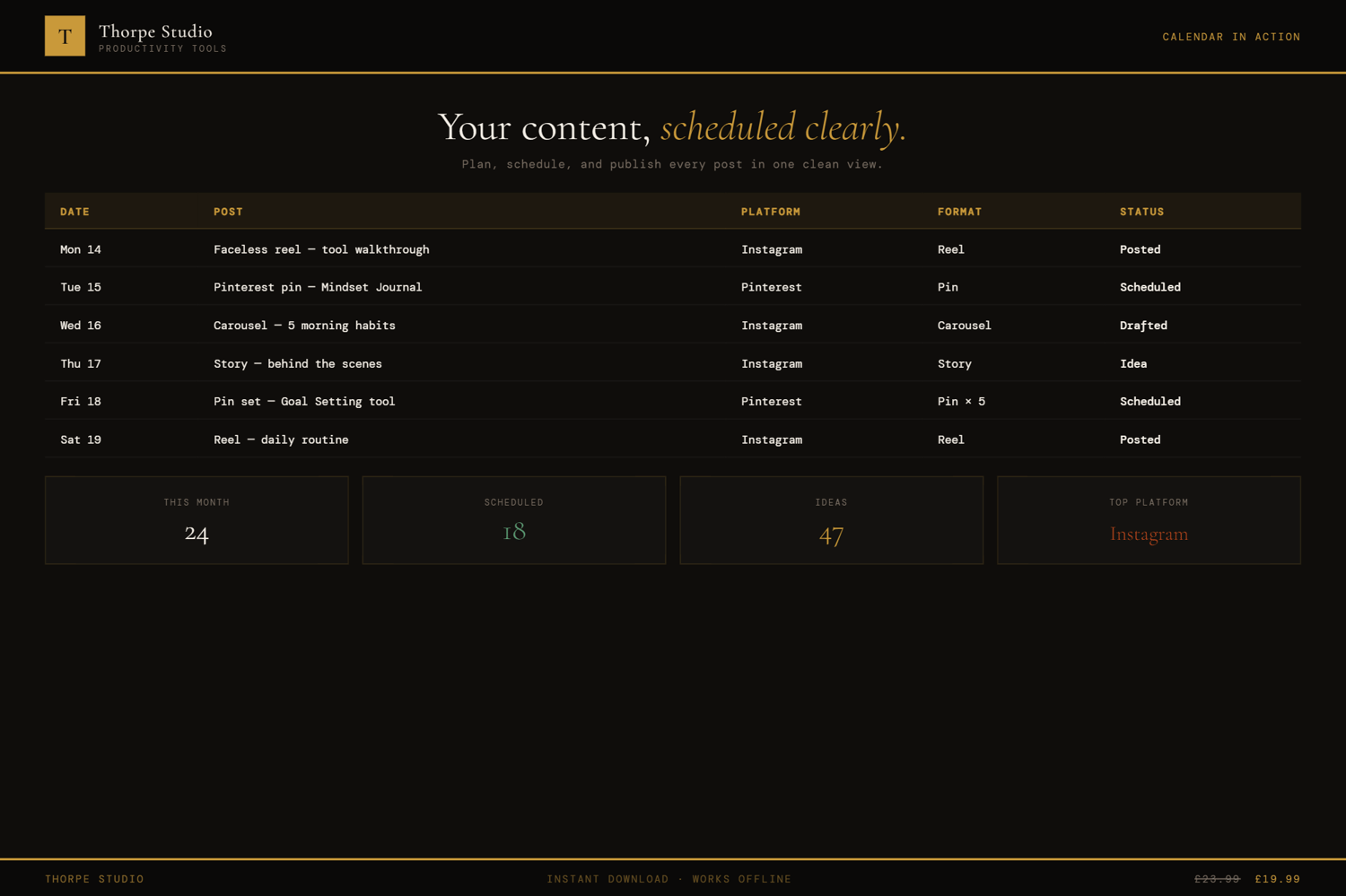
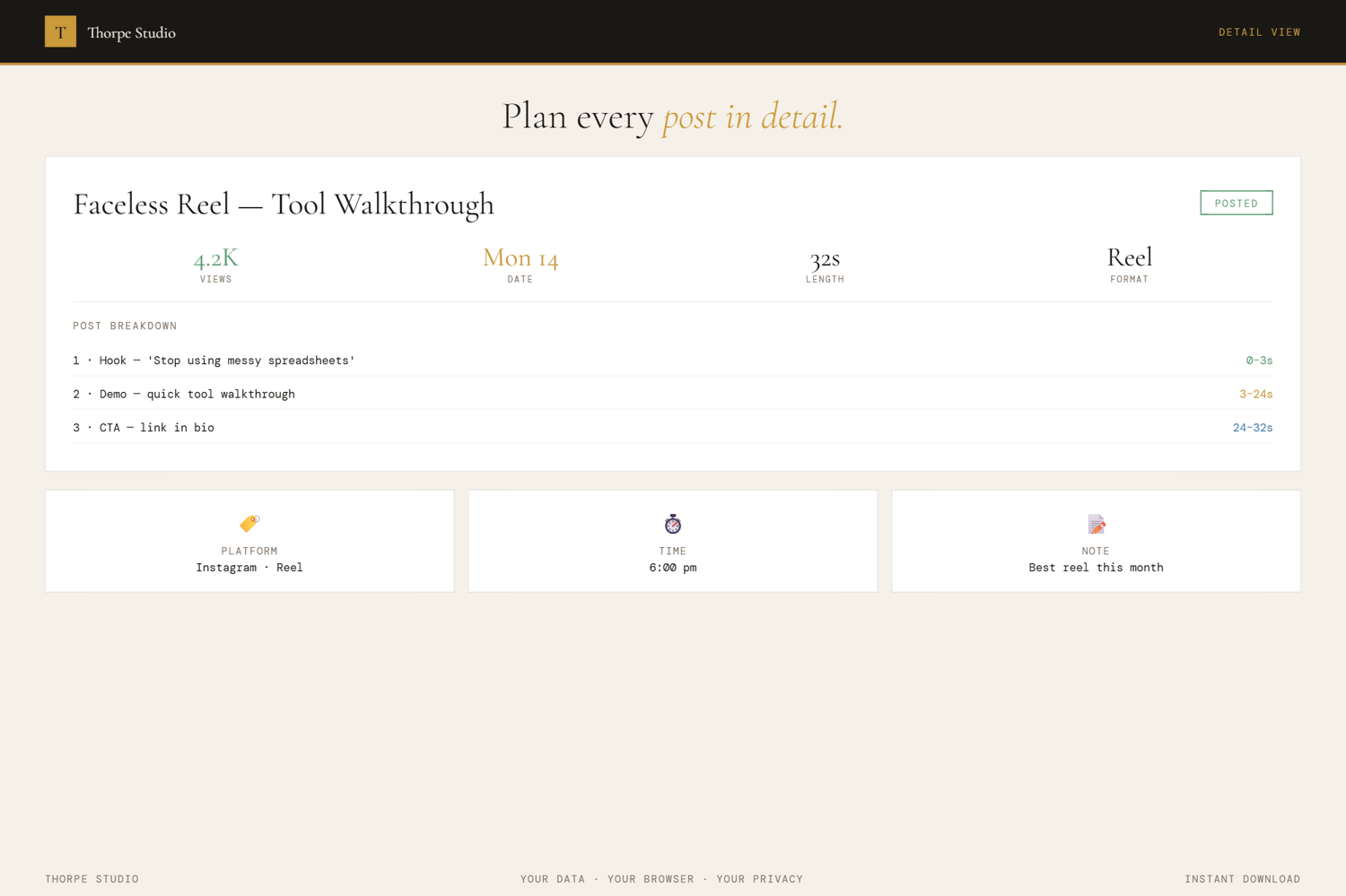
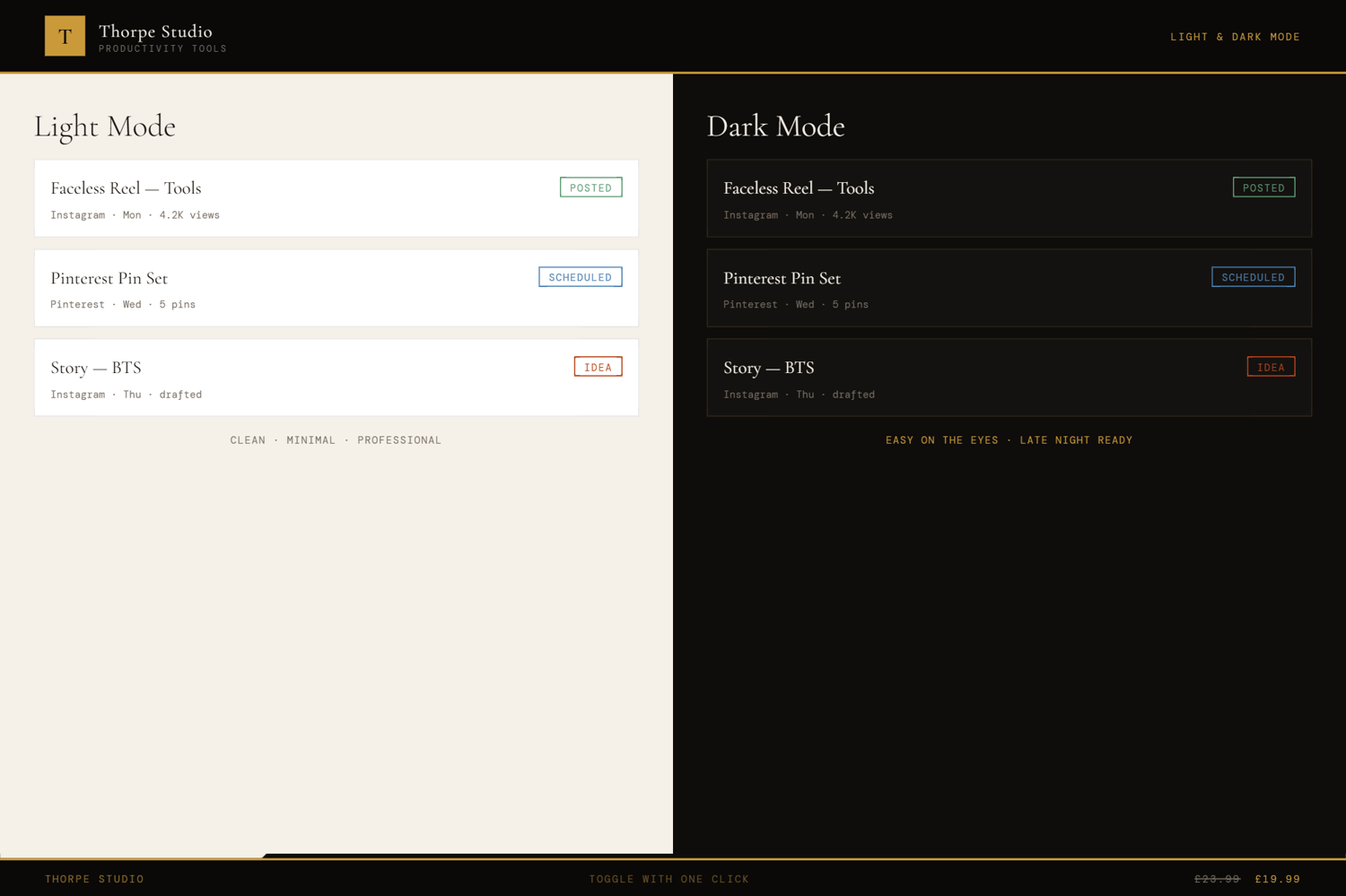
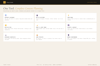
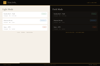
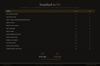
Start with the complete Standard edition—multi-platform calendar view, list view, post status tracking (Draft, Scheduled, Published), content pillar categorisation, character count monitoring, five-platform support (Instagram, TikTok, LinkedIn, Twitter, YouTube), content statistics, post bin, dark/light mode, export/import. Then unlock Pro: advanced analytics dashboard shows you what works—which platforms drive engagement? Which content pillars perform best? When do you post? Are your posts getting shorter or longer over time? Content performance tracking integrates with your planning (track what's published and watch its performance evolve). Enhanced pillar management lets you analyse pillar effectiveness and spot gaps. Focus Mode (Ctrl+F) strips everything except your published posts and their performance. Printable content calendar exports your strategy cleanly. Session quotes on load. Keyboard shortcuts (Ctrl+H). Premium visuals—subtle animations, frosted glass, textured background—make content planning feel premium.
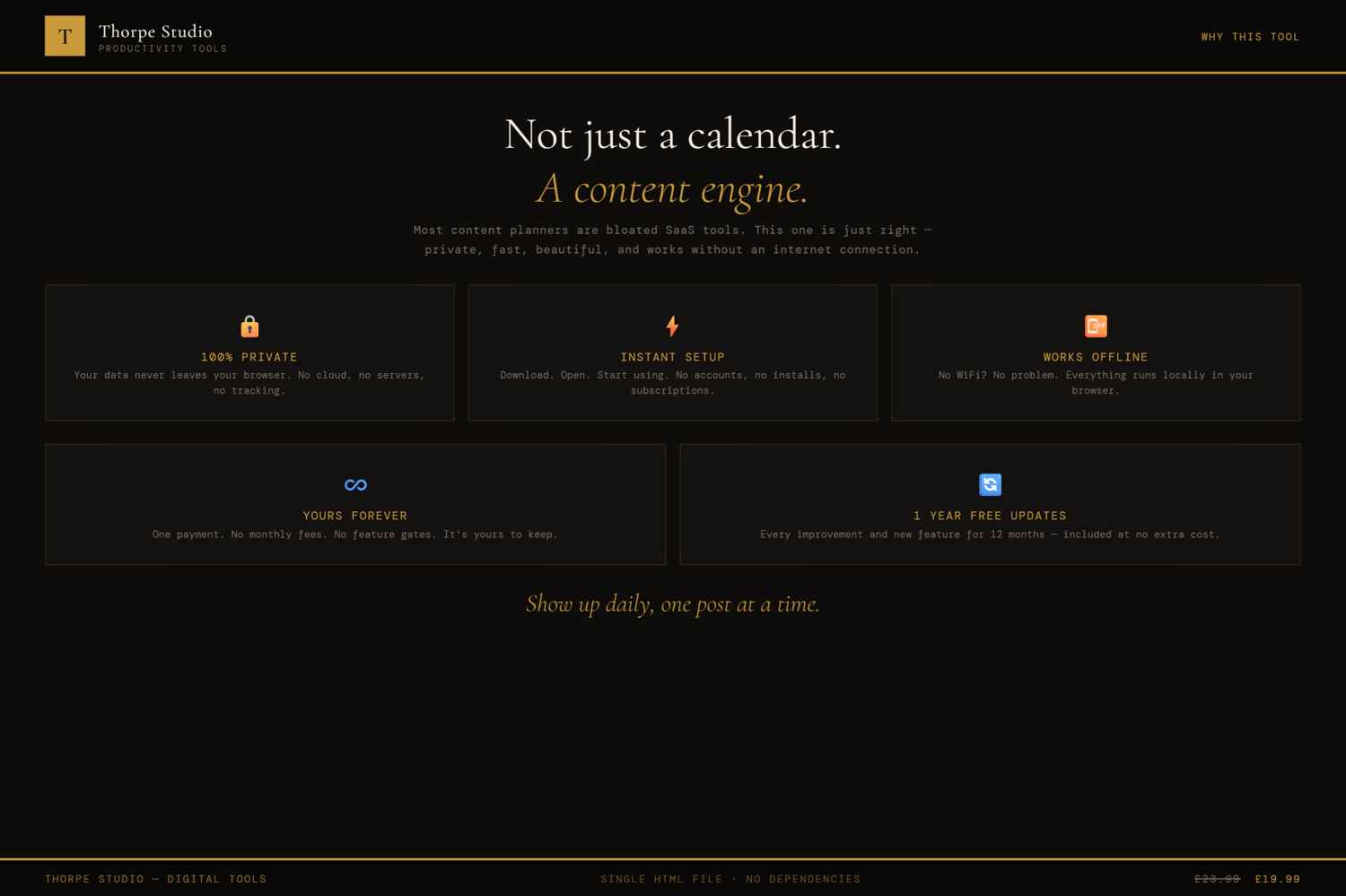
Everything saves locally to your device. No Google account. No app. Your content strategy is entirely yours.
◈ KEY FEATURES
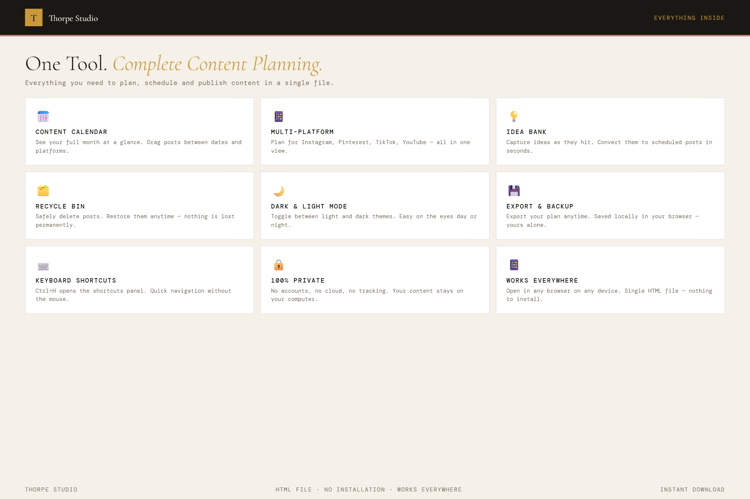
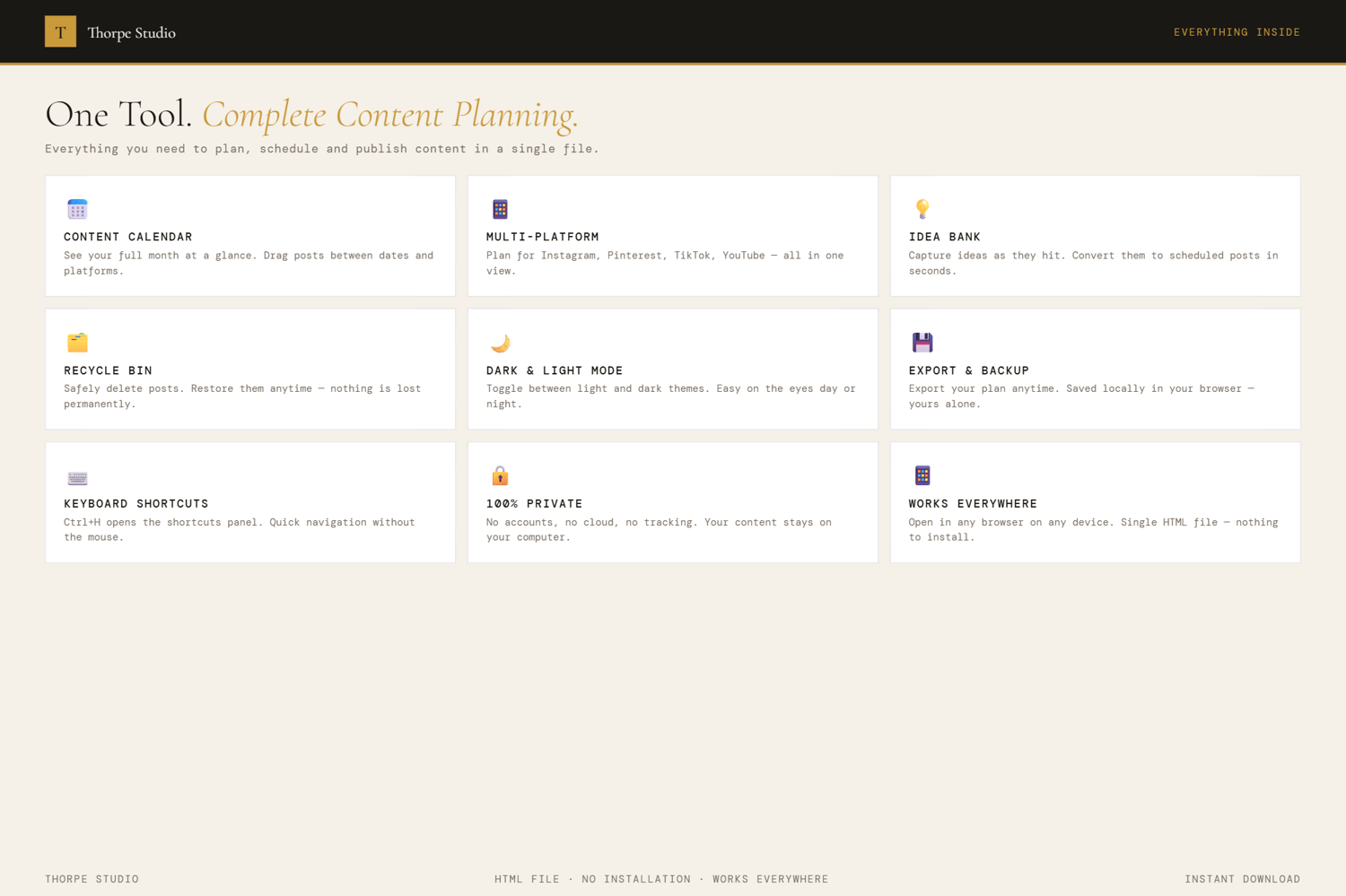
★ Everything from Standard Edition Multi-platform calendar (Instagram, TikTok, LinkedIn, Twitter, YouTube), list view, post status tracking (Draft, Scheduled, Published), content pillar categorisation, character count monitoring, content statistics, post bin, dark/light mode, export/import.
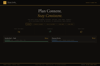
★ Advanced Analytics Dashboard See what's working. Which platforms drive the most engagement? Which content pillars perform best? When do you post? What's your average post length? Analytics reveal patterns in your content strategy.
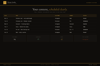
★ Content Performance Tracking Posts aren't published and forgotten. Track performance metrics over time. Engagement trends. Click-through rates. Which content types consistently outperform?
★ Enhanced Pillar Management Deep-dive into each content pillar. How much are you posting in each pillar? Are you neglecting one? Which pillar drives engagement? Shift your strategy accordingly.
★ Focus Mode Ctrl+F strips everything except your published posts and their performance. No calendar, no drafts, no distractions. Just content that's live. Exit anytime.
★ Printable Content Calendar Export a clean, printable summary of your content strategy for the month or quarter. Share with team members. Print and pin to your wall. Offline reference.
★ Session Motivational Quotes Each time you open the tool, a fresh quote appears. Subtle encouragement for content creators.
★ Keyboard Shortcuts Ctrl+H opens the shortcuts panel. Navigate between platforms and views faster. Power users appreciate this.
★ Premium Visual Layer Subtle animations when posts publish. Frosted glass effects on cards. Textured background. Content planning feels premium because it is.
★ Pro Badge Your content planner shows a Pro badge. Proof you take your content strategy seriously.
◈ YOUR DATA — HOW IT WORKS
Your content calendar, posts, performance data, and pillar analysis live locally on your device using browser storage (localStorage). Nothing is sent to servers. Nothing is shared. When you close the tool, it's all there. When you open it next week, next month—your complete content history and performance data are intact. Want a backup before switching devices? Export your entire content planner as a JSON file. Your strategy, your posts, your performance insights—completely portable and yours.
◈ WHO IS THIS FOR
→ Content creators and social media managers across multiple platforms → Solopreneurs building their personal brand with consistent, strategic content → Small business owners planning social media quarterly → Instagram and TikTok creators who want to understand what resonates → Podcasters, YouTubers, and bloggers coordinating content releases
◈ WHAT YOU RECEIVE
- 1 × HTML file — Content Planner Pro
- Works in any modern browser: Chrome, Edge, Firefox, Safari
- No installation. No account. No internet connection required after download
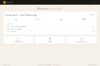
- Built-in welcome guide on first open
- Lifetime use. No subscription. No expiry
- Designed for desktop use — best experienced on a laptop or computer
◈ HOW TO USE IT
- Download the file and save it on your Desktop
- Double-click to open in your browser
- The welcome guide introduces Standard features first
- Plan your content: calendar view for overview, list view for detail
- Add content pillars that represent your main topics
- Fill your calendar with posts across your platforms
- Watch character counts stay within platform limits
- Check advanced analytics to see what platforms and pillars perform best
- Review performance trends for published content
- Use Ctrl+F to focus on just your live content and performance
- Export a printable calendar for quarterly planning or sharing
◈ IMPORTANT — PLEASE READ BEFORE PURCHASING
This is a digital HTML file—not a social media management platform, not a scheduling app, not a Notion template. You download it once and it lives on your device forever. Your content calendar, posts, and performance data are stored locally using browser storage (localStorage)—completely private on your computer. This tool does not connect to your social accounts and does not automatically post. If you clear your browser storage, data is lost—use the export function to back up regularly. There are no refunds on digital products. For technical help, contact us and we'll assist. This tool works offline; no internet required after download.
◈ ABOUT THORPE STUDIO
Thorpe Studio builds premium browser-based productivity tools for freelancers and solopreneurs. Every tool opens instantly in your browser, works offline, requires no account, and keeps your data private on your device. No subscriptions. No cloud. No friction. Just you, your ideas, and the tools you need to move forward.
£1.99